
Warm Tone Filter: Warm Up Your Photo with Amber and Honey Tones
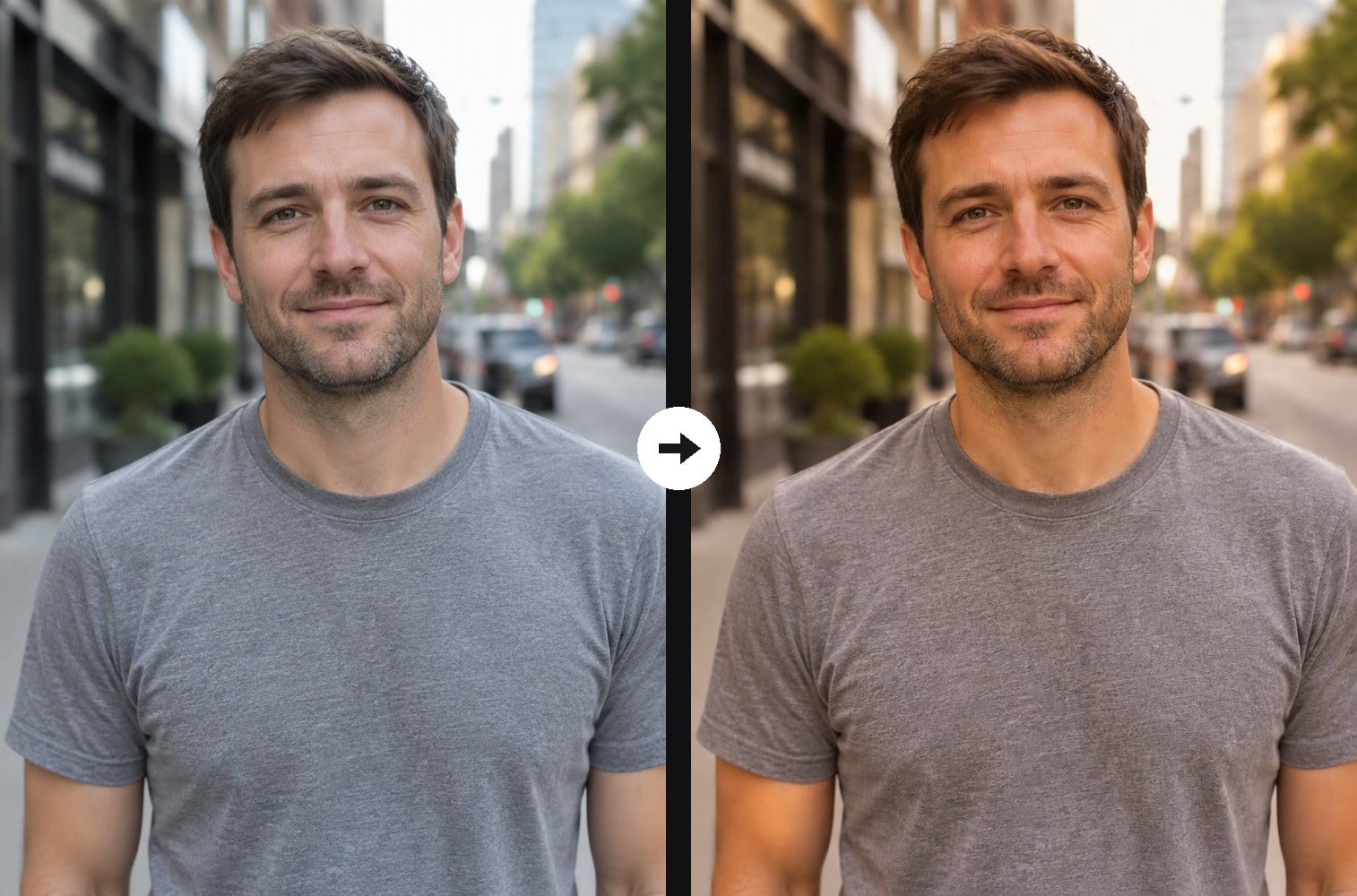
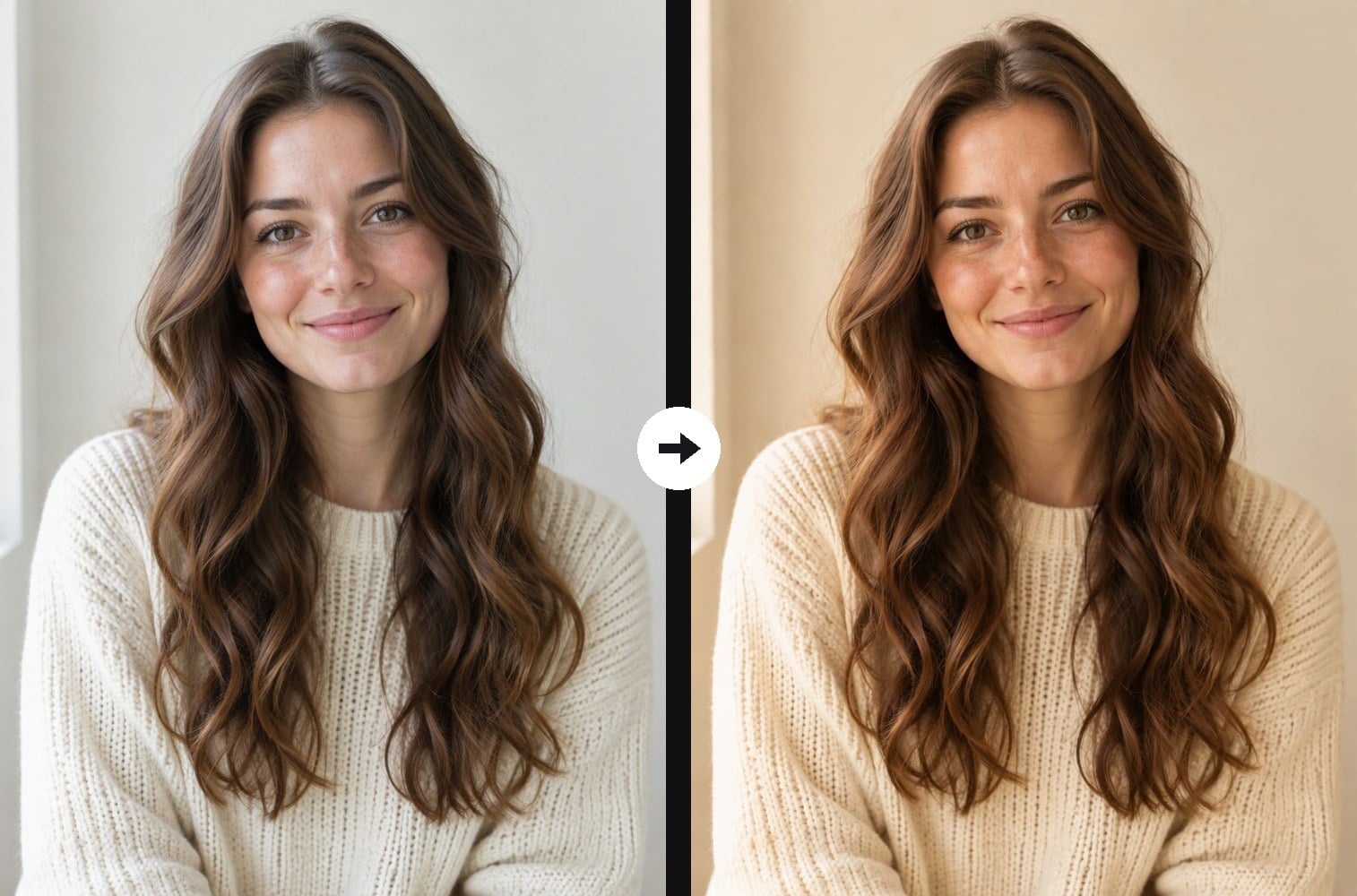
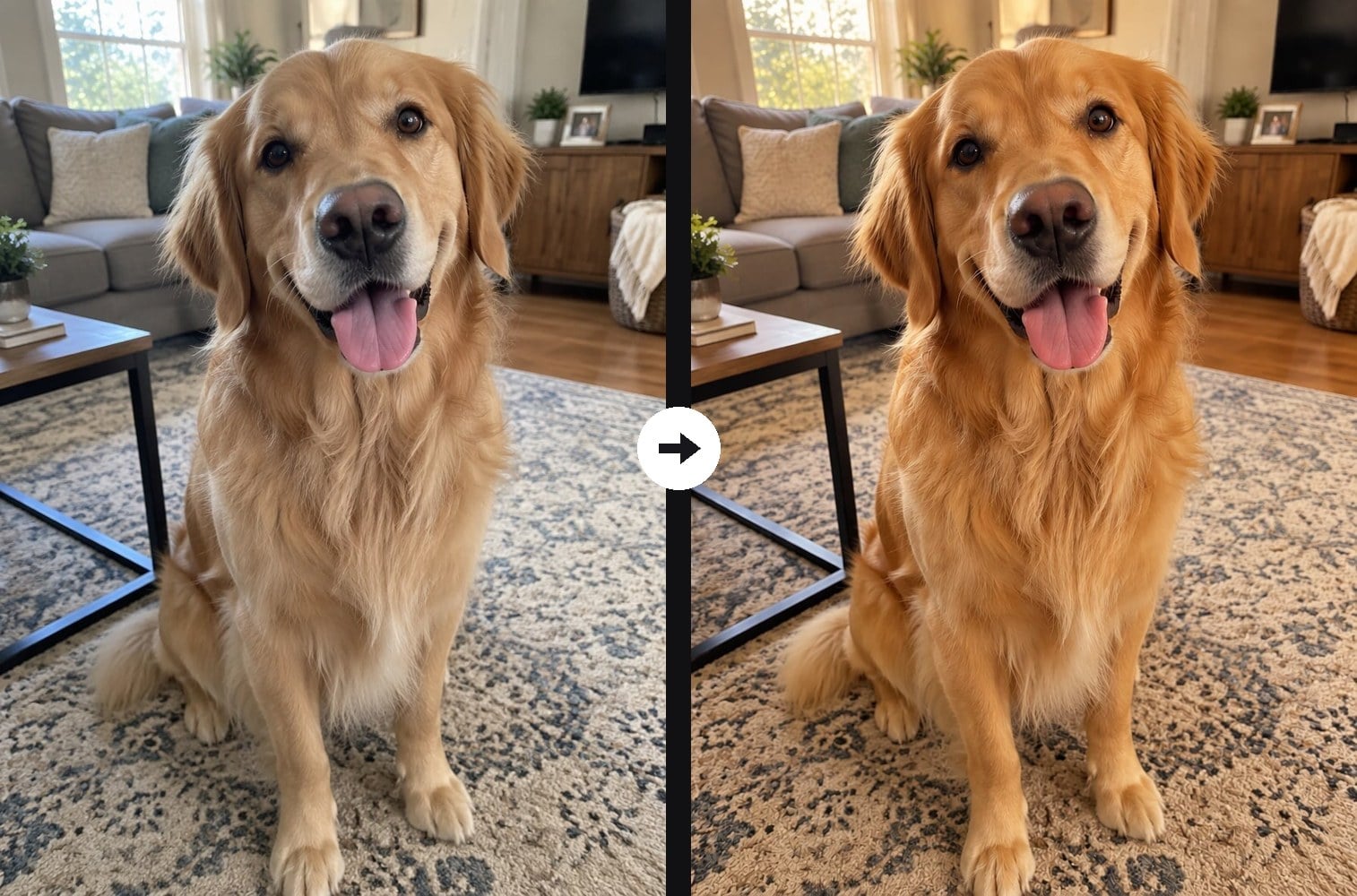
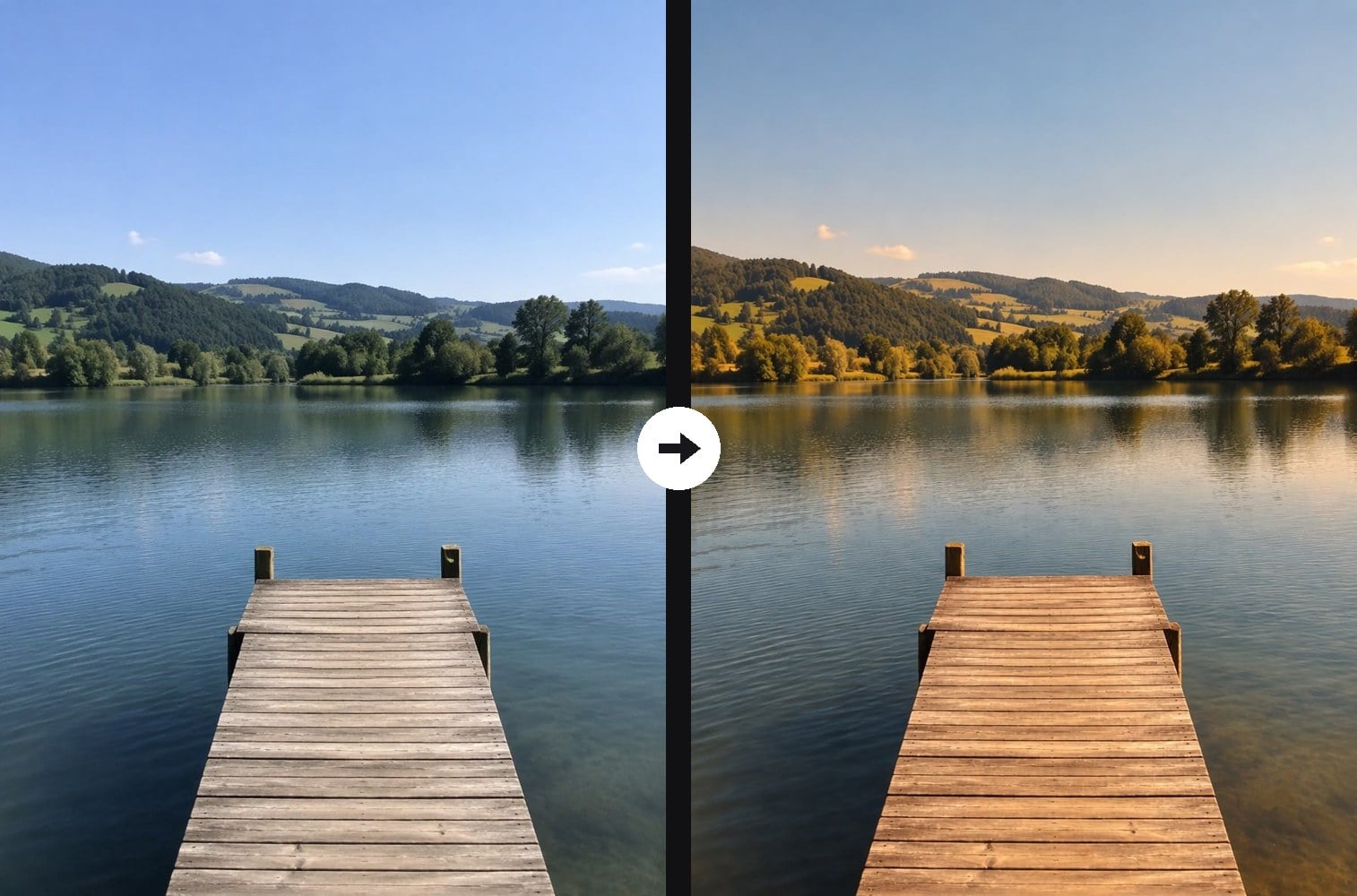
Photos from a phone often come out cold, gray or blue. Upload one and the AI warm tone filter re-grades it like a professional color edit: the white balance shifts toward amber and honey, highlights turn golden, midtones get soft and creamy, shadows pick up a hint of warm brown and the whole image feels cozy. Nothing else changes: same people, same pets, same background, same time of day, and skin stays natural instead of orange. If you want a real golden-hour sky and sunset light, use the sunset filter instead; this one only changes the colors. The console below runs on GPT Image 2.5.



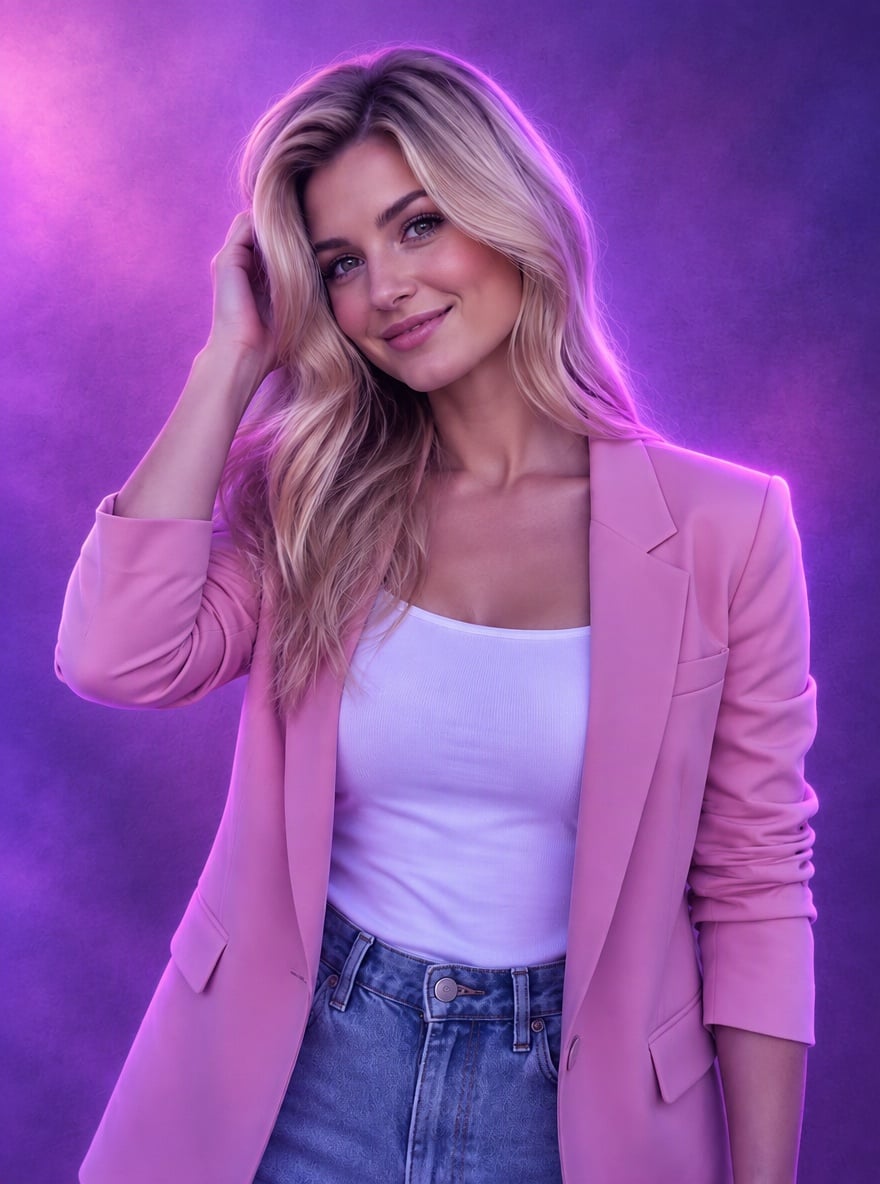
Warm Street Portrait
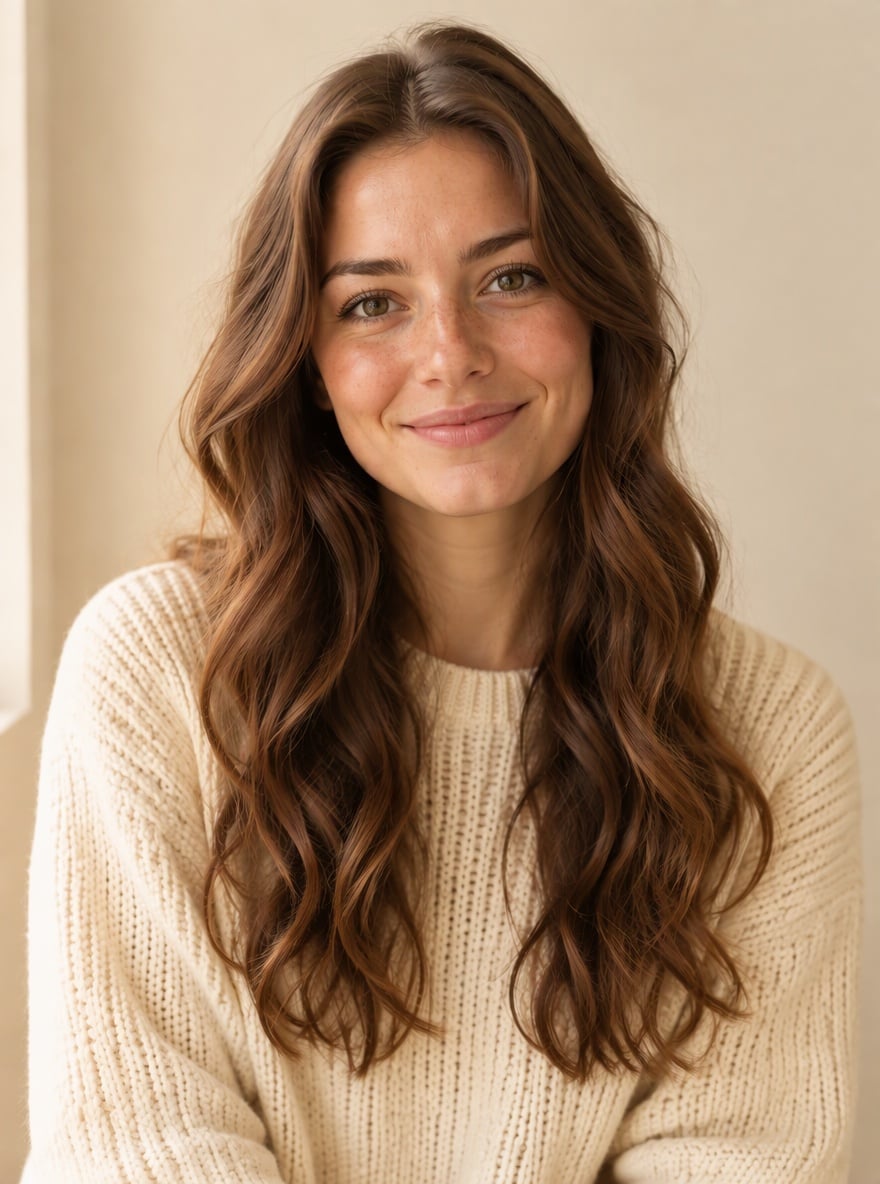
Cozy Cream Portrait

Golden Retriever, Warmer
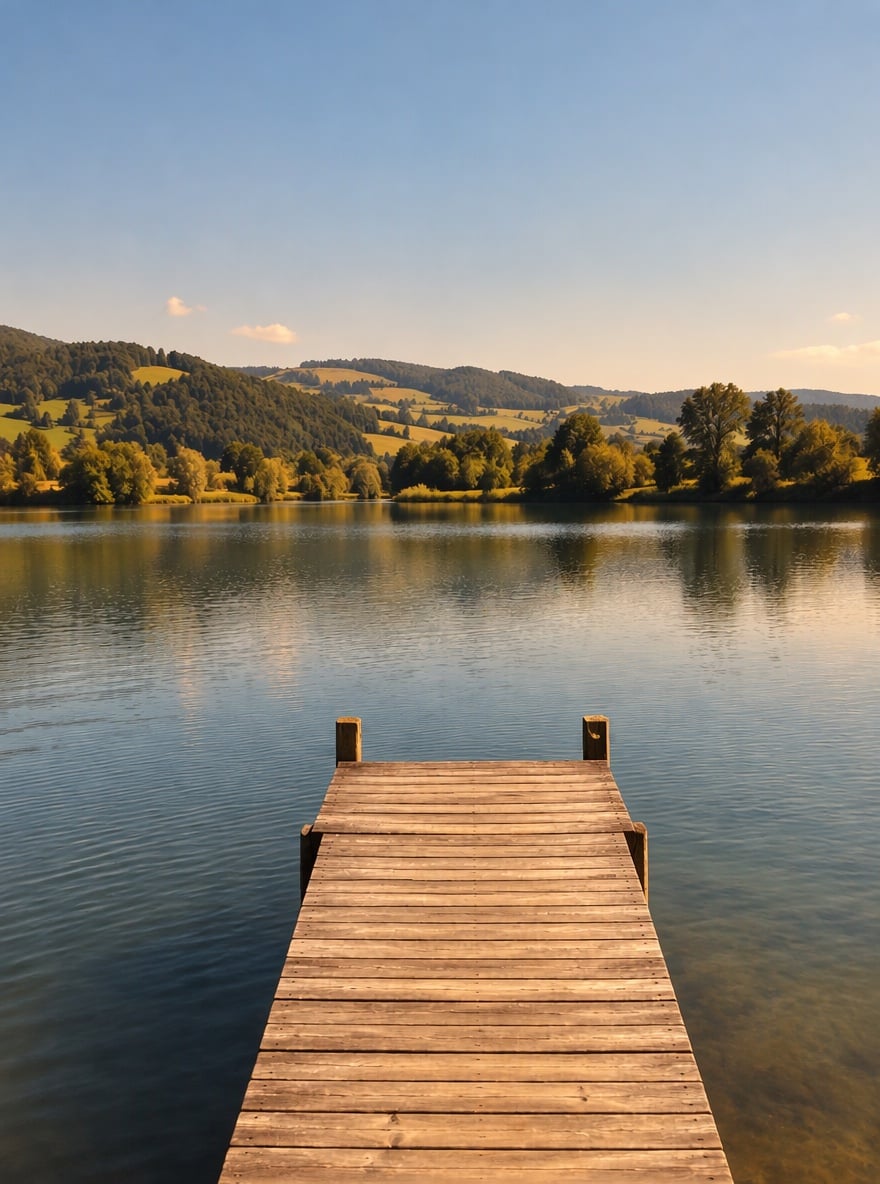
Warm Lake View
Upload files
Upload a photo to warm up
Effect prompt
By uploading a file, you agree to GoEnhance's Terms of Use and Privacy Policy
Warm Tone Results from the Console
Each image is one upload with the prompt above. Only the colors are re-graded; people, pets and scenery stay the same.
Warm Street Portrait
Cozy Cream Portrait
Golden Retriever, Warmer
Warm Lake View
How to Use the Warm Tone Filter
01
Upload a photo
Selfies, portraits, pet photos, food, interiors and landscapes all work, especially if they look cold or gray.
02
Generate
The warm tone prompt is already filled in. Press the button and the AI re-grades the colors.
03
Download and share
Post the warmer version, keep your feed in one cozy palette or compare it with the original.
Why Use This Warm Tone Filter
More Color and Light Effects


Warm Tone Filter FAQ
What does the warm tone filter do?
Will it change my face or the background?
Will my skin look orange?
How is it different from the sunset filter?
Can I make it warmer or softer?
Does it work on food and interior photos?
Ready to Warm Up Your Photos?
Upload a photo and get a warm, cozy color grade in under a minute.
Apply Warm Tone