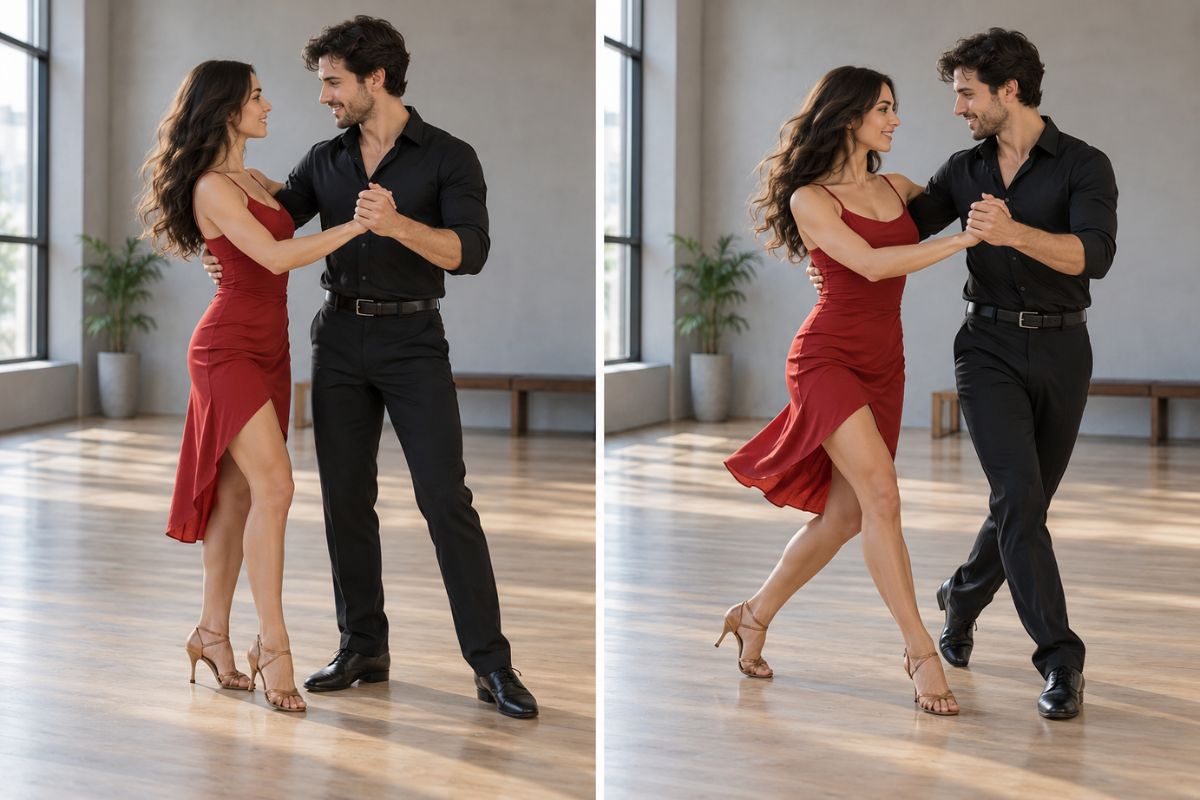
Free AI Couple Dance Video Generator

Turn a photo of two people into a couple dance video in three ways: describe your own choreography, upload a reference dance video for the couple to imitate, or pick a ready-made template. Choose a slow waltz, salsa, romantic sway, or another style, then preview the result.

Choose How They Dance

Three Ways to Create a Couple Dance Video

Describe Your Own Dance

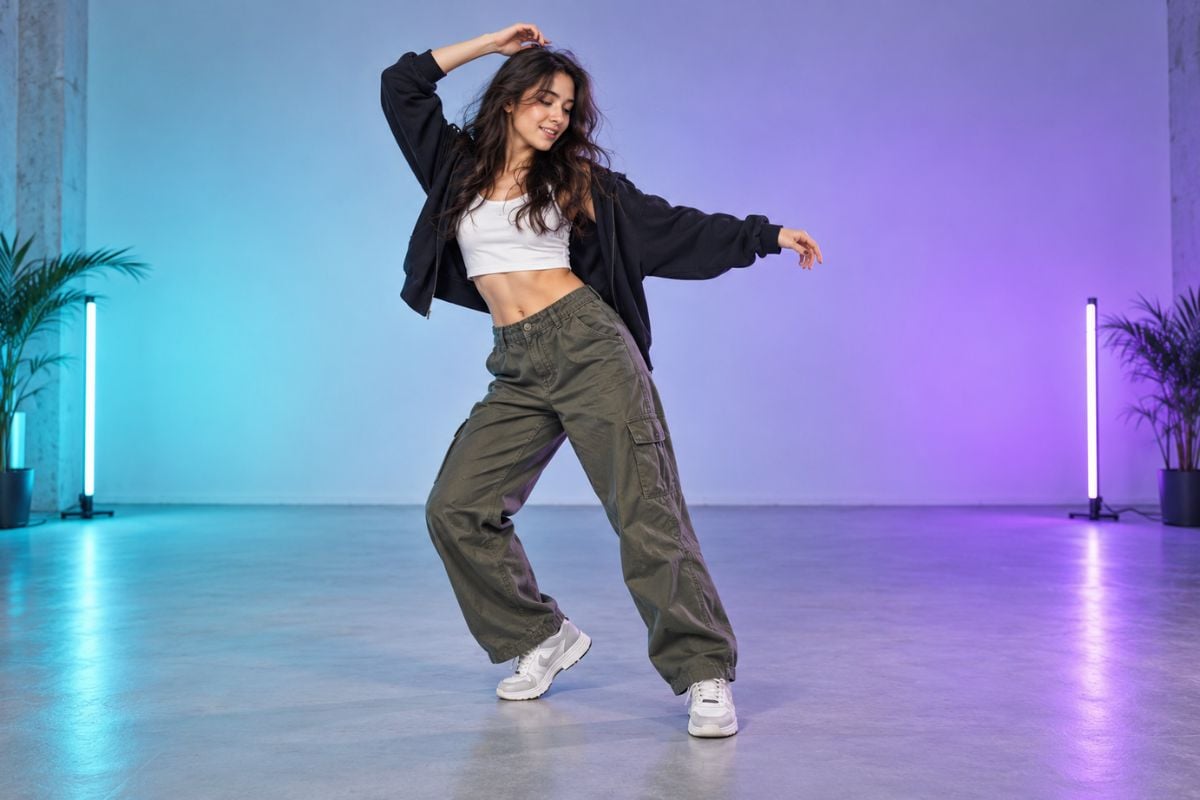
Write the choreography and mood you have in mind, from a gentle waltz to a playful date-night groove. Add details such as a handhold, side step, or turn to guide a custom couple dance. The image to video workflow turns your photo and prompt into a short moving scene.
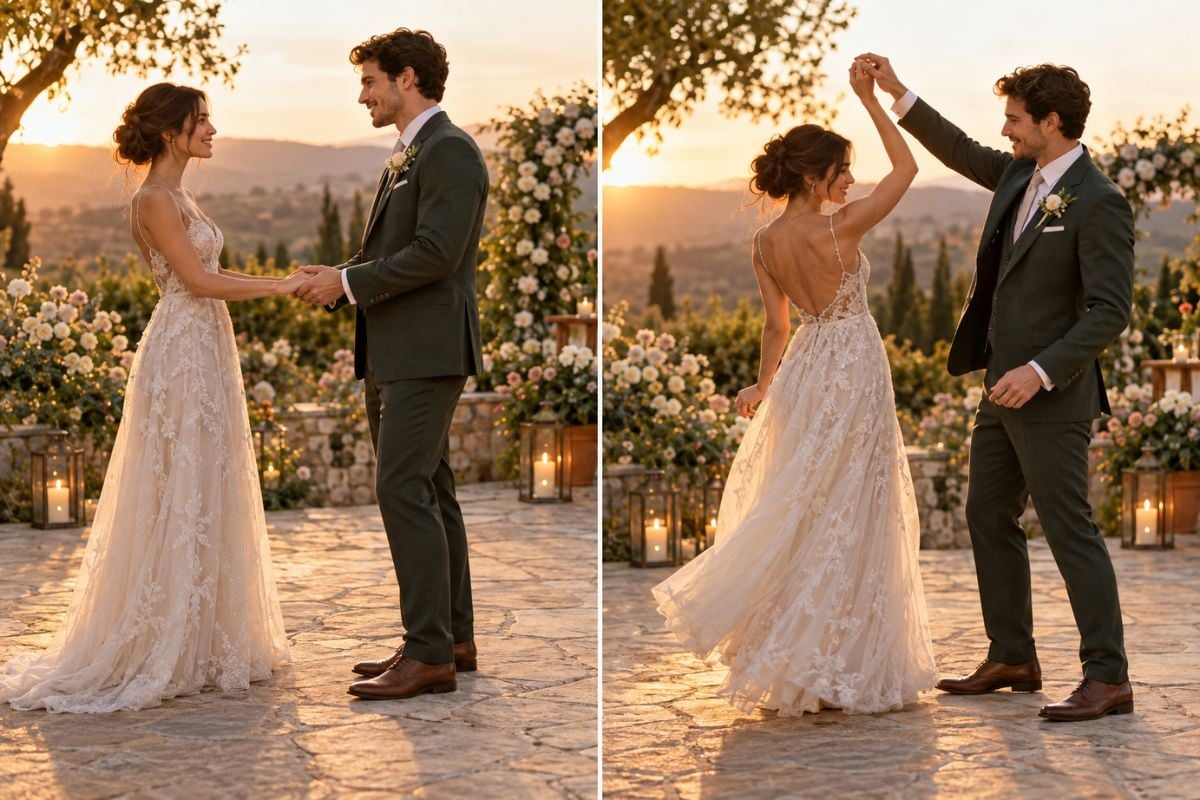
AI couple dance video generator illustrating a custom slow-dance prompt for an adult couple.

Mimic a Reference Dance Video

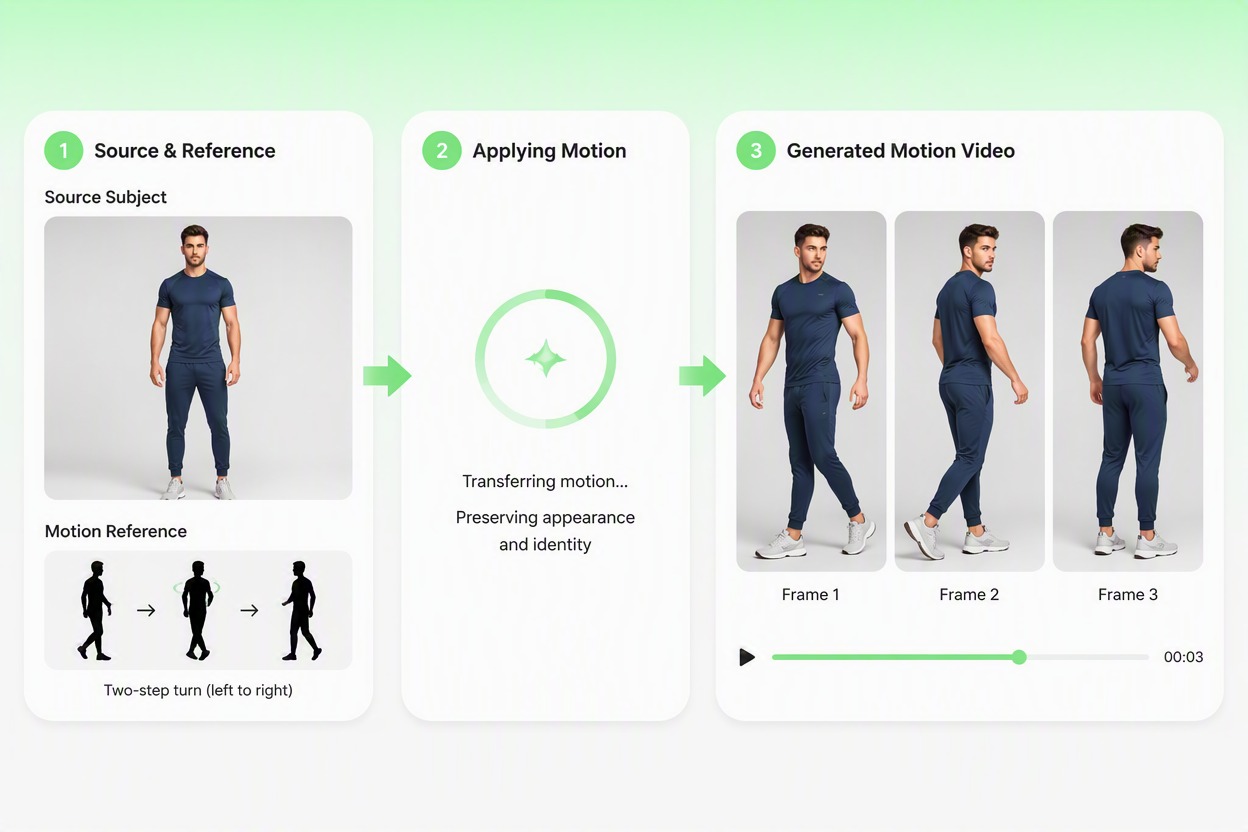
Upload a dance clip whose movement you want to follow, along with a clear photo of the couple. Use the reference to guide their choreography with AI dance, then review the generated clip to make sure both people remain recognizable and the motion fits the source image.
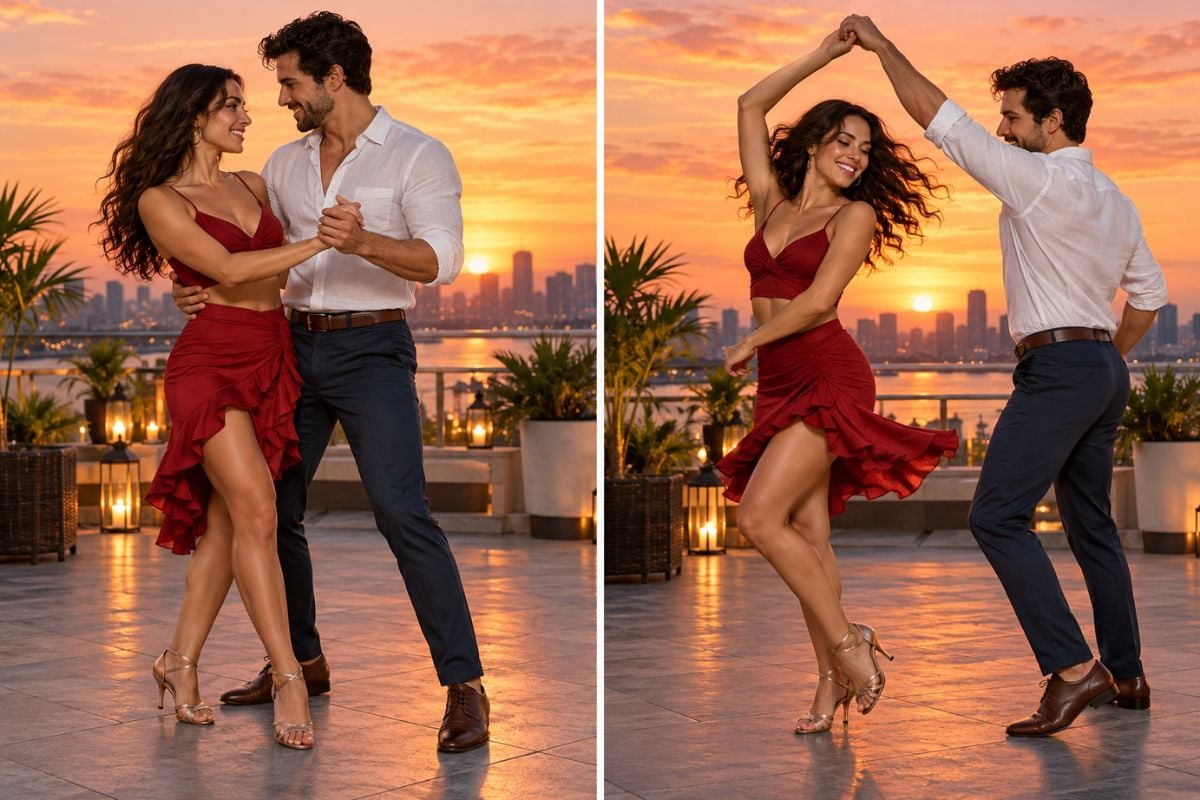
AI couple dance video maker showing a couple following movement inspired by a dance reference video.

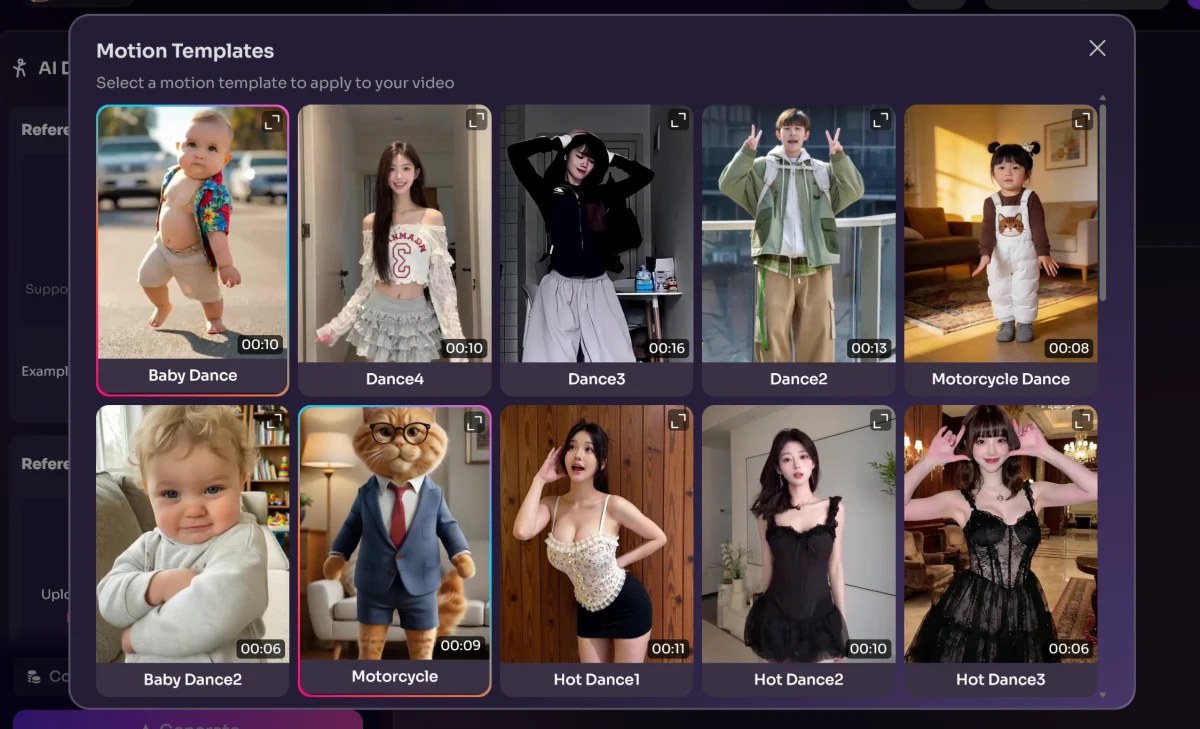
Start With a Dance Template

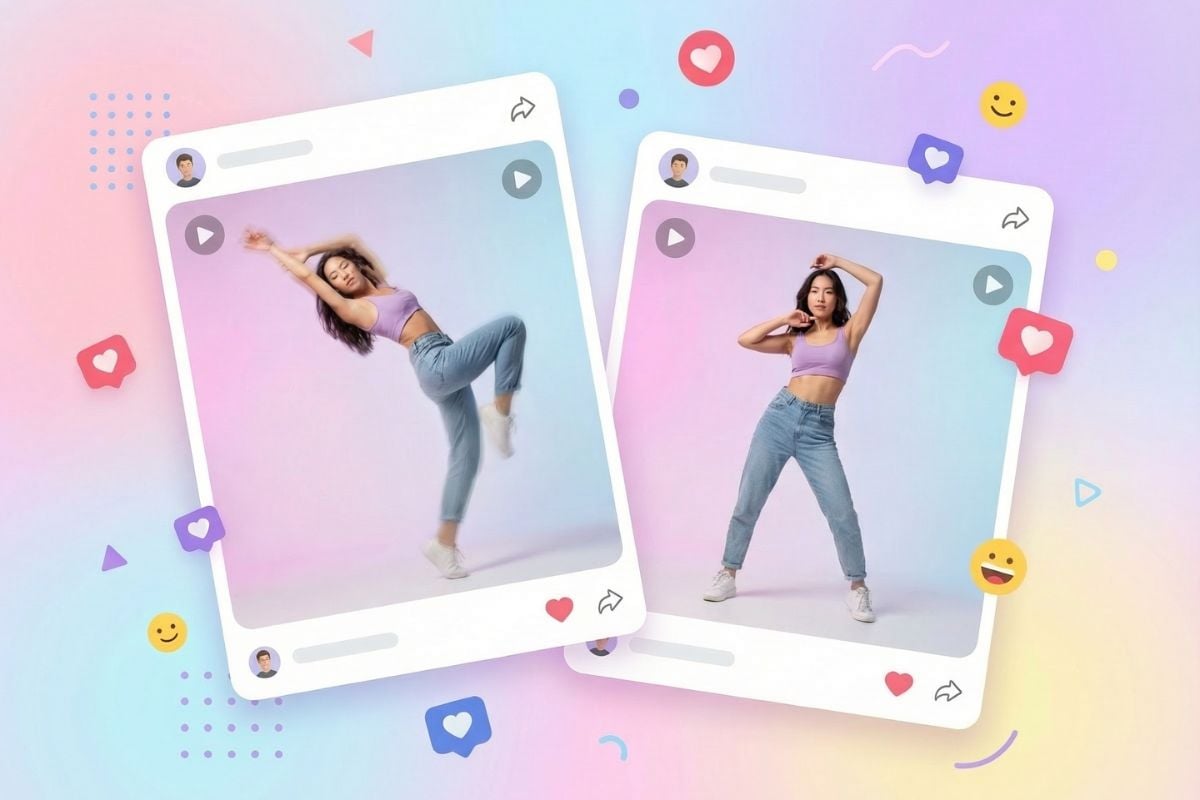
Choose a ready-made dance template when you want a faster starting point. Templates help set the choreography and overall feel; use your couple photo to personalize the result, then preview the clip before sharing.

AI couple dance video generator illustrating a ready-made dance template applied to a couple photo.

Animate Both Partners Together

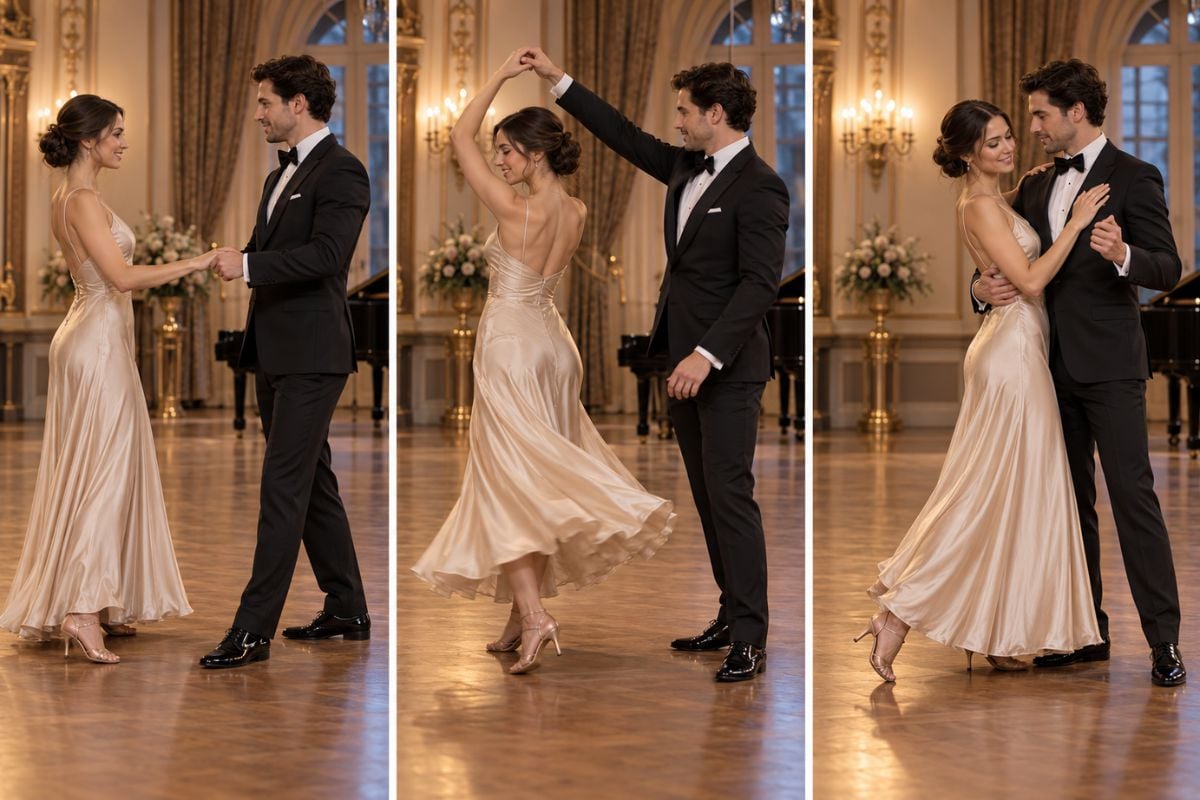
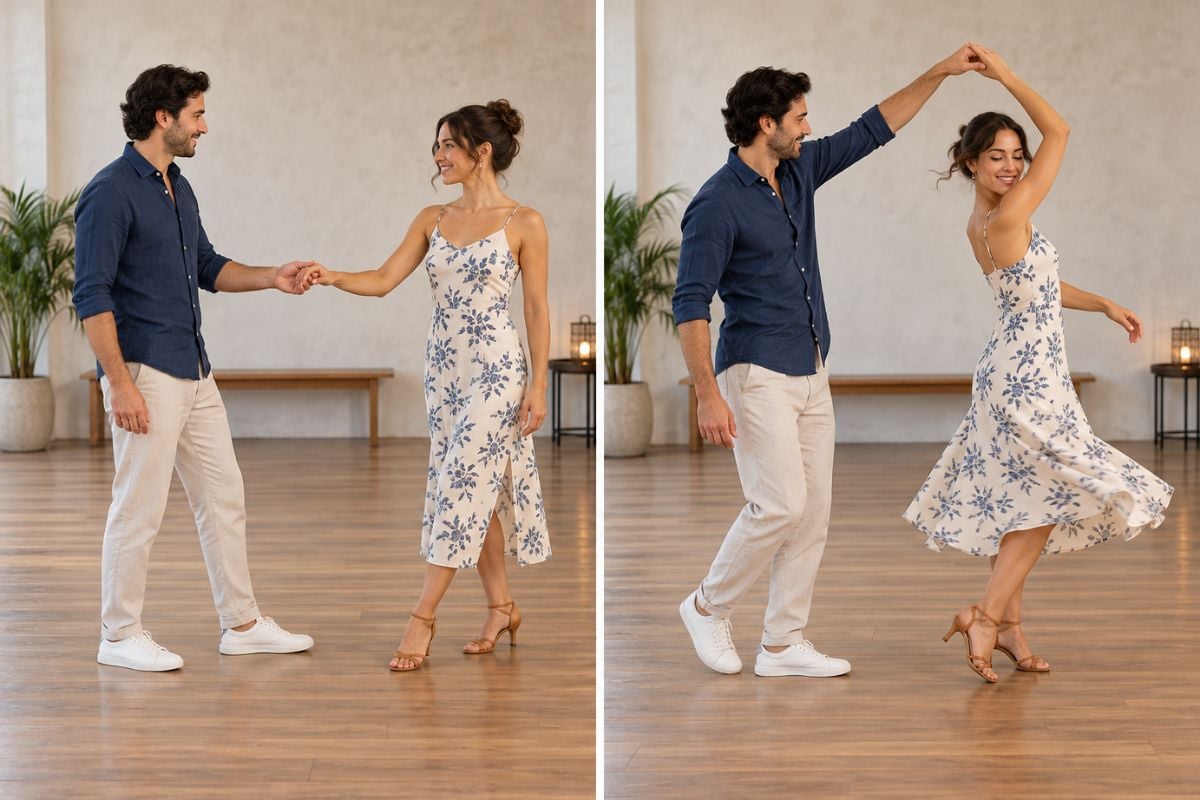
Turn one photo of two people into a shared dance video. GoEnhance brings both partners into the same moving scene, making it easy to create a romantic wedding moment, anniversary clip, or playful dance post.

AI couple dance video featuring two adult partners dancing together in a ballroom.

Choose the Dance Creation Style That Fits Your Idea

Write Custom Choreography

Describe the steps, pace, interaction, and mood you want, from a simple slow dance to a playful partner turn.

Guide Movement With a Reference Video

Upload a dance video to guide the couple’s movement while using your own couple photo as the visual starting point.

Use a Ready-Made Template

Pick a prepared dance style when you want a quick starting point without writing choreography from scratch.

Choose a Dance Mood

Create a romantic waltz, a lively salsa-inspired moment, a wedding dance, or a casual social clip.

Keep Both Partners in Frame

Start with a clear, well-composed couple photo that leaves room for their arms and steps.

Review the Finished Clip

Check faces, outfits, handholds, foot placement, and movement continuity before saving or sharing the video.

How to Make an AI Couple Dance Video
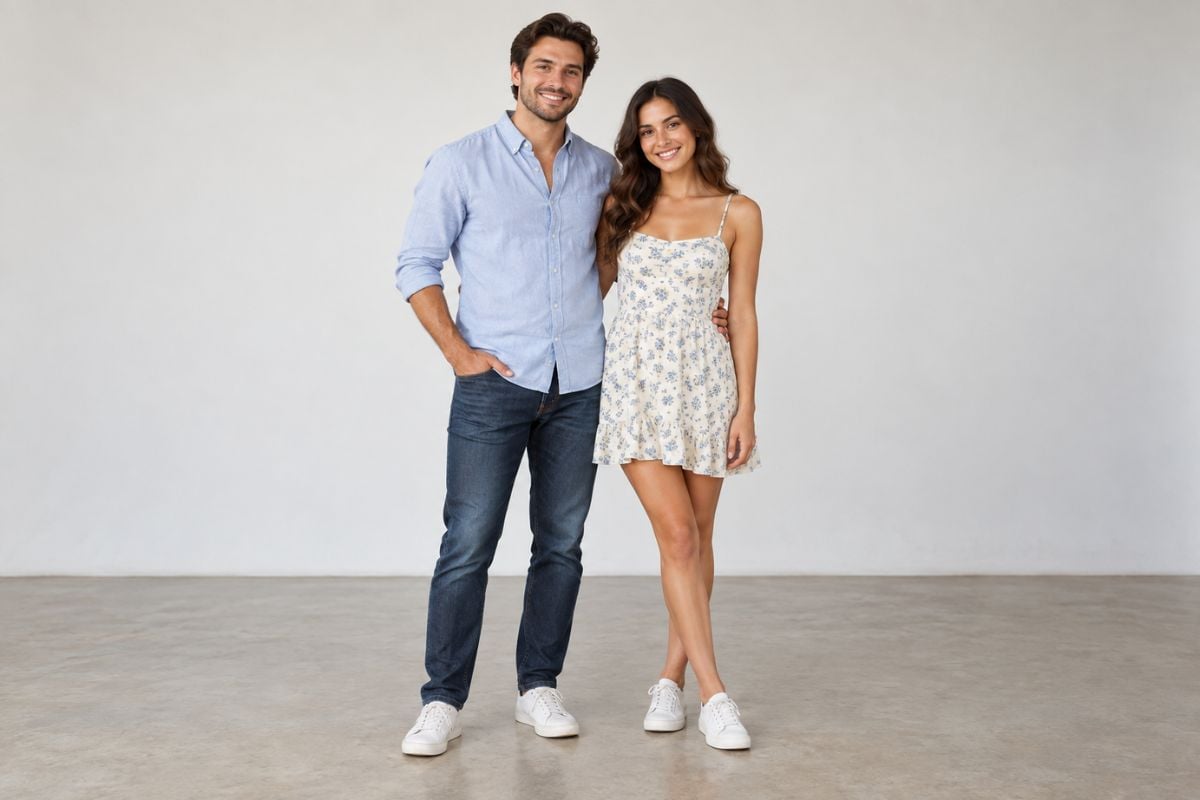
Upload a Photo of the Couple
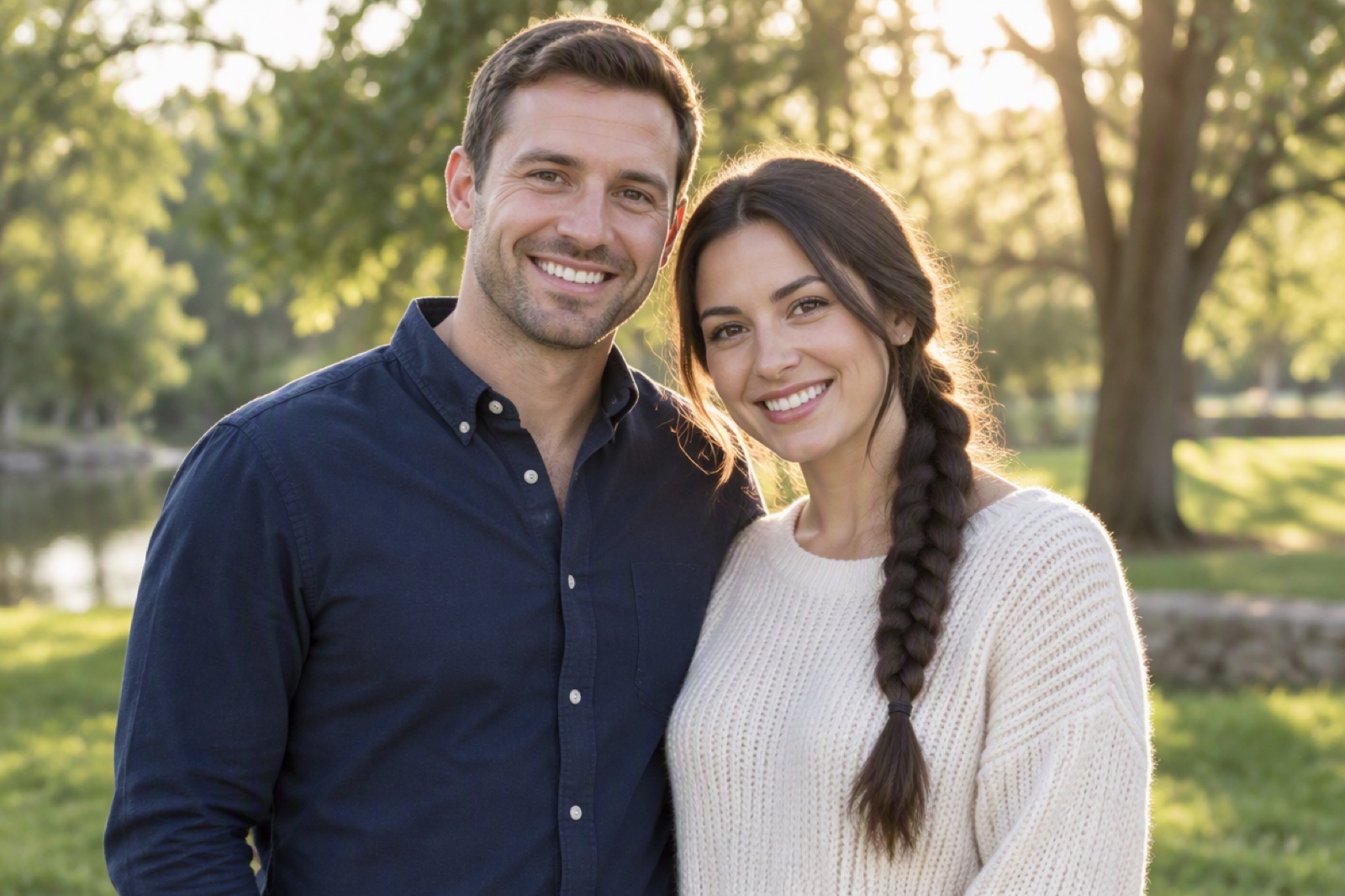
Choose a clear image with both people visible and enough space around them for movement. If you have separate portraits, first combine them into one couple image.

Choose How to Guide the Dance

Describe your own choreography in text, upload a reference dance video for the couple to imitate, or select a ready-made template. You can also specify the dance style and mood.

Generate and Review the Video

Preview the full clip and check that both people stay recognizable and the movement looks coherent. Adjust the prompt, reference, or template choice if you want to try another version.

AI Couple Dance Video Generator FAQ

What is an AI couple dance video generator?

It is a video creation tool that animates two people dancing from a couple photo. You can guide the result with your own choreography, a reference dance video, or a ready-made template.

What are the ways to create a couple dance video?

You can describe a custom dance in text, upload a reference video for the couple to imitate, or choose a dance template. Each option gives you a different way to guide the choreography.

Can I customize the dance with my own prompt?

Yes. Describe the dance style, steps, pace, interaction, and mood. Specific actions such as a handhold, side step, or gentle turn give the prompt a clear direction.

Can I upload a dance video for the couple to imitate?

Yes. Upload a reference dance video to guide the movement, along with a clear image of the couple. The reference guides the choreography, while the couple photo provides the people and their appearance.

Can I use a ready-made dance template?

Yes. Choose a template to start with prepared choreography and a dance style, then use your couple photo to personalize the video.

What kind of couple photo should I use?

Use a clear, well-lit image with both people visible and enough room around them for movement. If you have separate portraits, combine them into one image before creating the dance video.

Will both faces and outfits stay the same?

Results can vary with the source photo, movement, and selected generation settings. Review the full clip for changes to faces or clothing, merged hands, extra limbs, or inconsistent motion.

Is the AI couple dance video generator free?

Access, generation costs, and export conditions depend on the current GoEnhance AI app settings and plan. Check the app for the latest details before creating a video.

Can I share or use the generated video commercially?

Review your current plan terms and make sure you have permission to use the people’s likenesses and any source photo or music. Check the final clip before sharing or using it commercially.

Pick Your Dance Style and Bring the Couple to Life

Write your own choreography, upload a dance reference, or choose a template. Start with a couple photo and create a dance video that fits your idea.

Create Their Dance Video