
Kling AI Dance
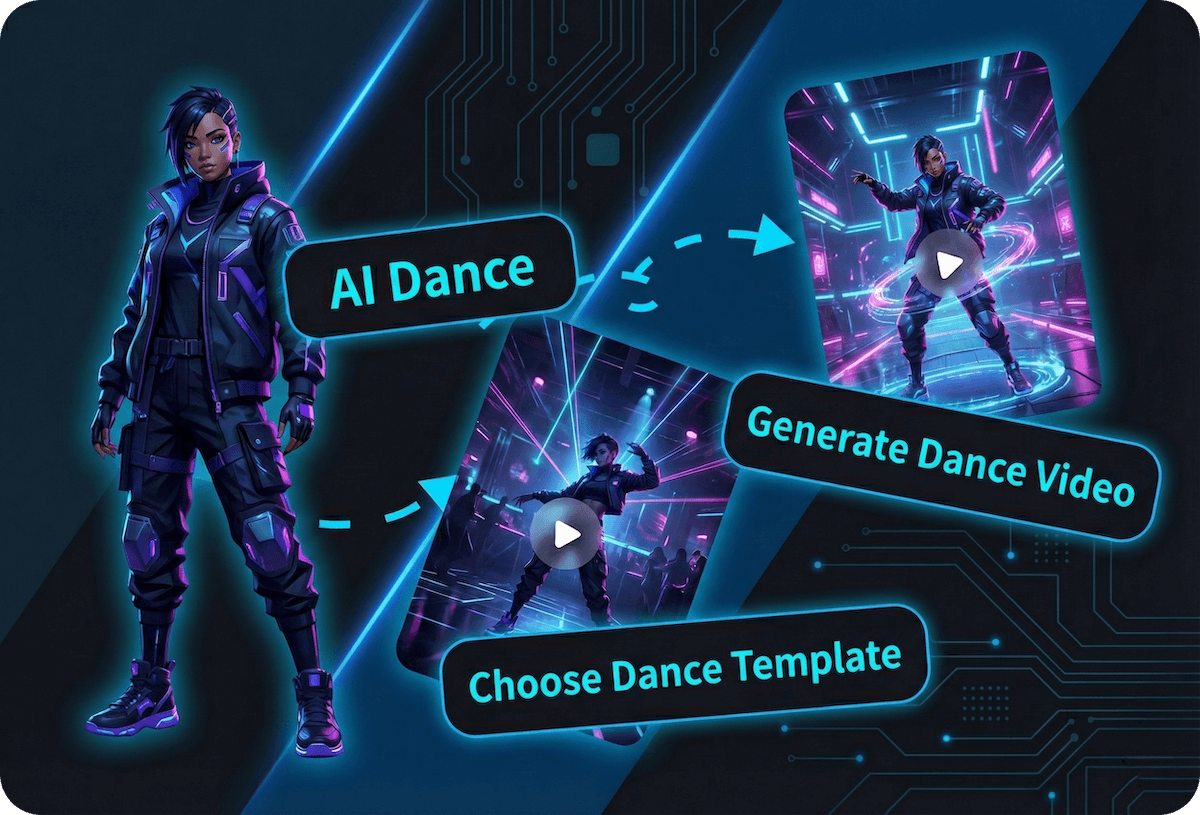
How to Make a Kling AI Dance Video
Upload a Clear Subject Photo
Choose a sharp front-facing or three-quarter image. Keep the full body visible when the dance includes legwork, and leave space around hands, feet, paws, ears, or a tail.
Choose a Dance Motion
Pick a movement that suits the subject's body shape and starting pose. Simple, readable choreography is usually easier to transfer than fast turns or heavily overlapping limbs.
Generate, Review, and Download
Create the clip, then inspect the face, clothing, hands, feet, paws, tail, and background across the full motion. Download the result when the subject stays recognizable and the movement reads clearly.
Create More Reliable AI Dance Videos
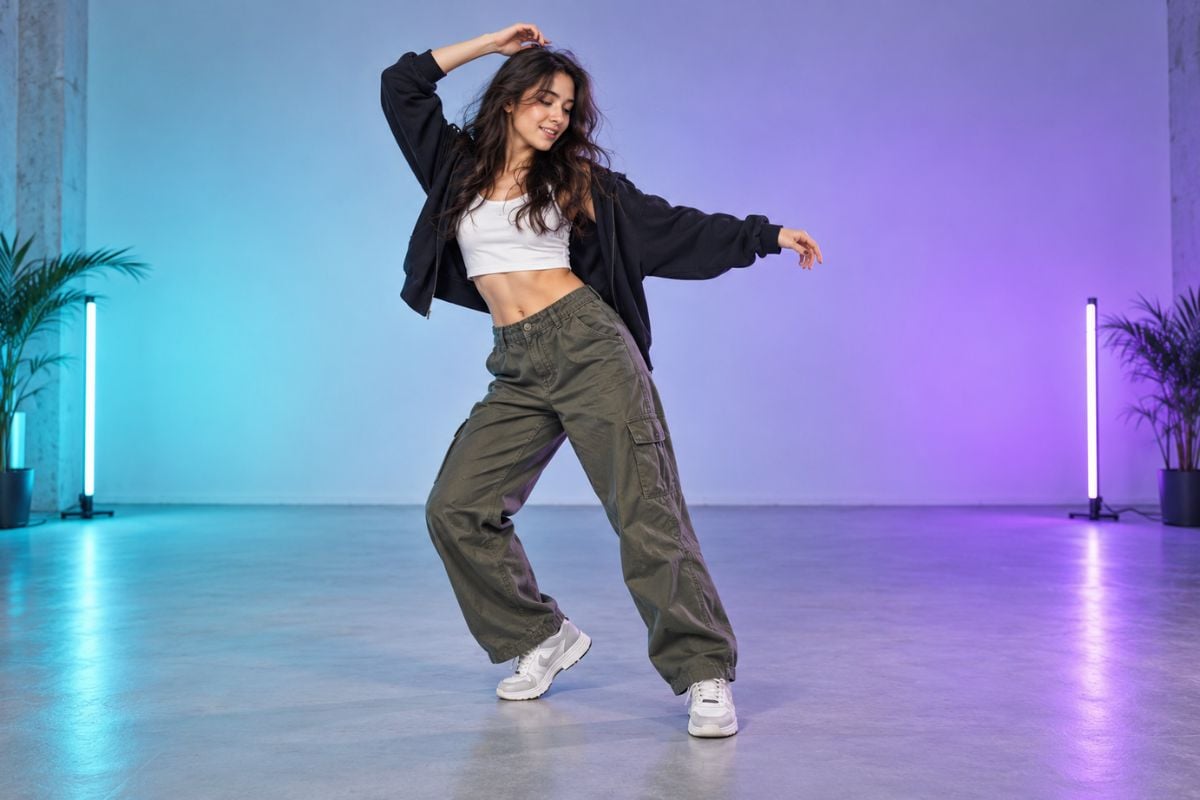
Turn One Photo Into a Full Dance Performance
Start with a portrait, full-body photo, or original character and apply a coordinated dance motion without filming new footage. This focused workflow complements broader image to video creation when you want the movement to center on choreography rather than camera action.
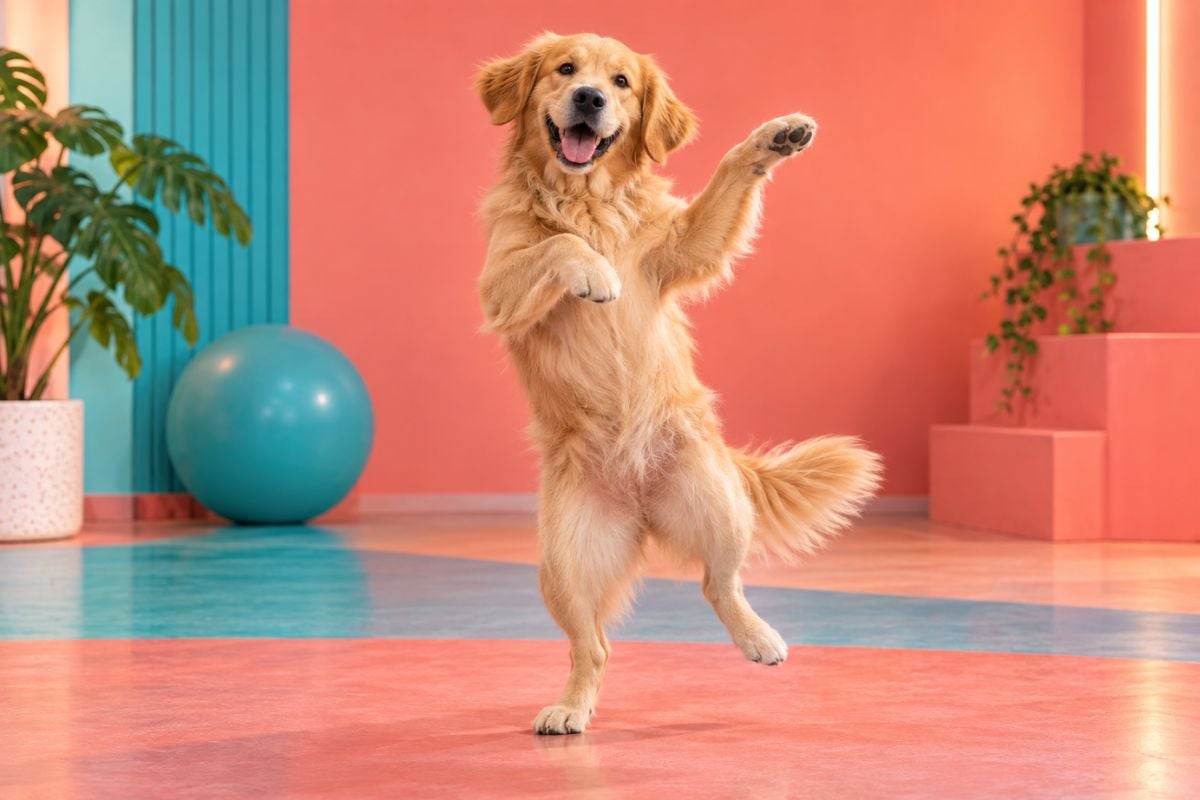
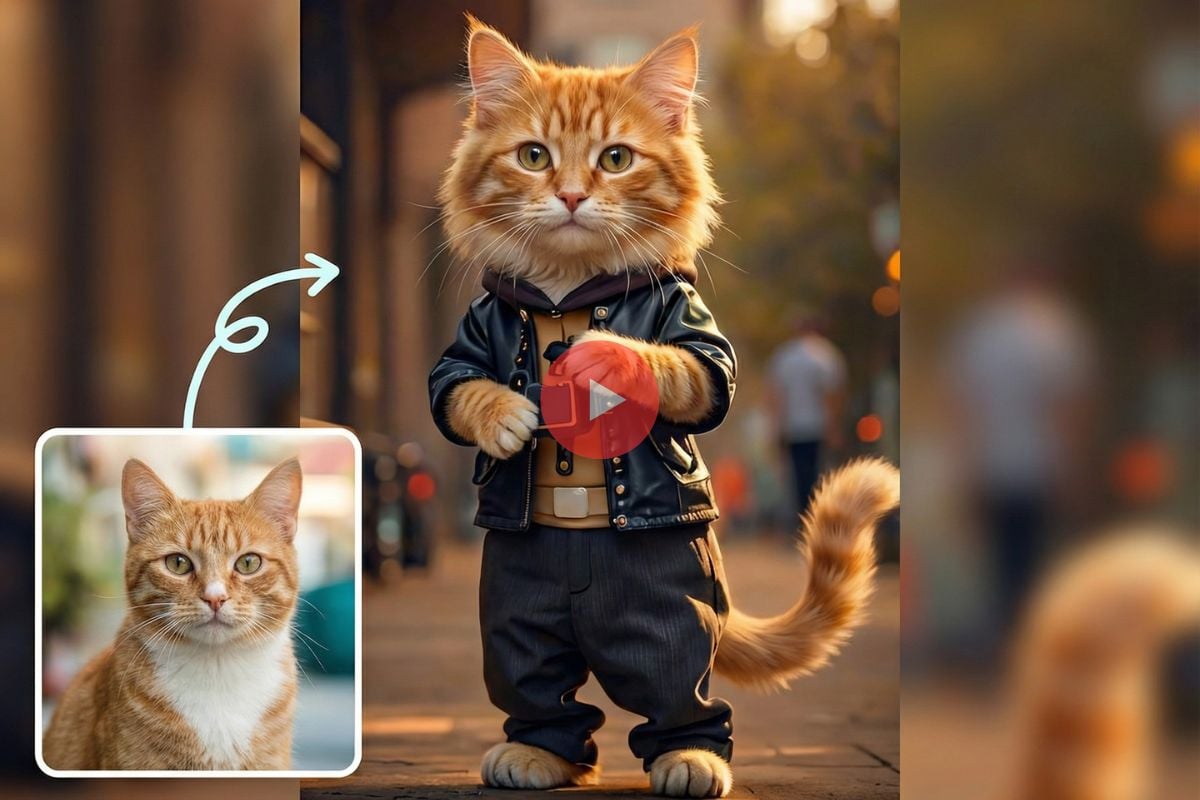
Create a Playful Kling AI Dog Dance
Animate a clearly framed dog photo into a funny dance clip for pet accounts, reaction posts, and meme edits. Choose motions with readable balance and moderate speed because a four-legged body does not map perfectly to every human routine. Explore more character and pet formats in the AI dance generator.
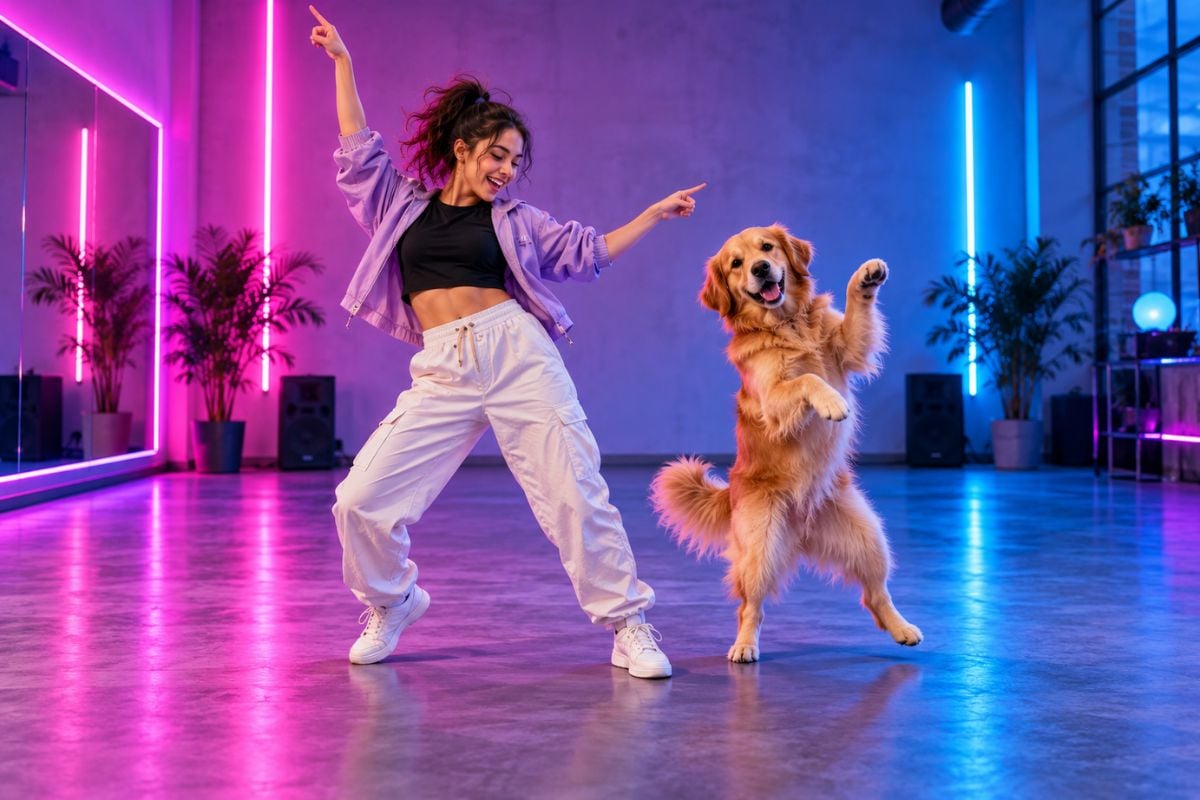
Reduce Face Drift, Limb Warping, and Background Wobble
Give the model a clean silhouette, visible joints, and enough room for the motion. For more precise movement control, try Kling motion control. After generation, check fast turns and crossed-limb frames for changing facial features, duplicated fingers or paws, stretched clothing, sliding feet, and bending background lines before publishing.
Explore More AI Dance Tools

Kling AI Dance FAQ
What is a Kling AI dance video generator?
What photo works best for Kling AI dance?
Can I make a Kling AI dog dance video?
Can I animate characters, babies, or illustrated subjects?
How can I reduce face drift and warped limbs?
Do I need a reference dance video?
Can I post the generated dance video on social media?
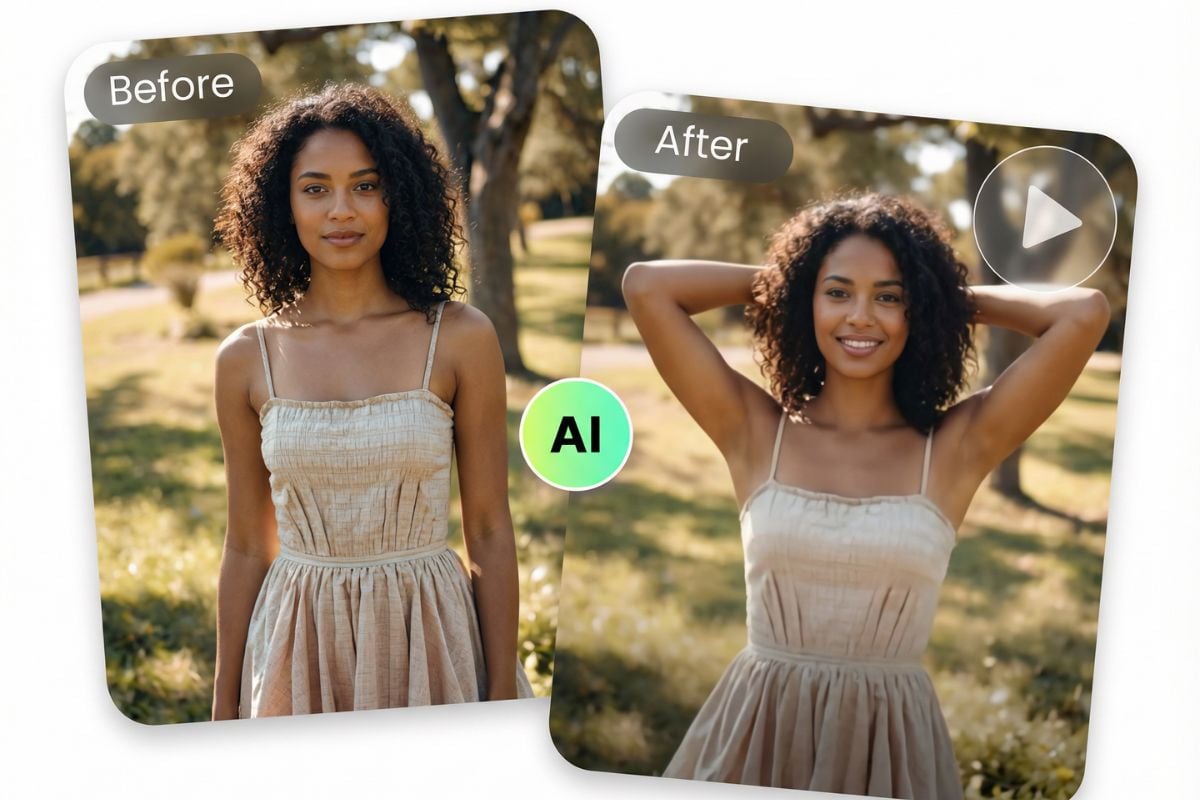
Make a Kling AI Dance From One Photo
Upload a person, original character, baby, or pet photo, choose a movement, and turn the still image into a shareable AI dance clip.
Create Your Dance Video