
goenhance logo

DeepSwap AI

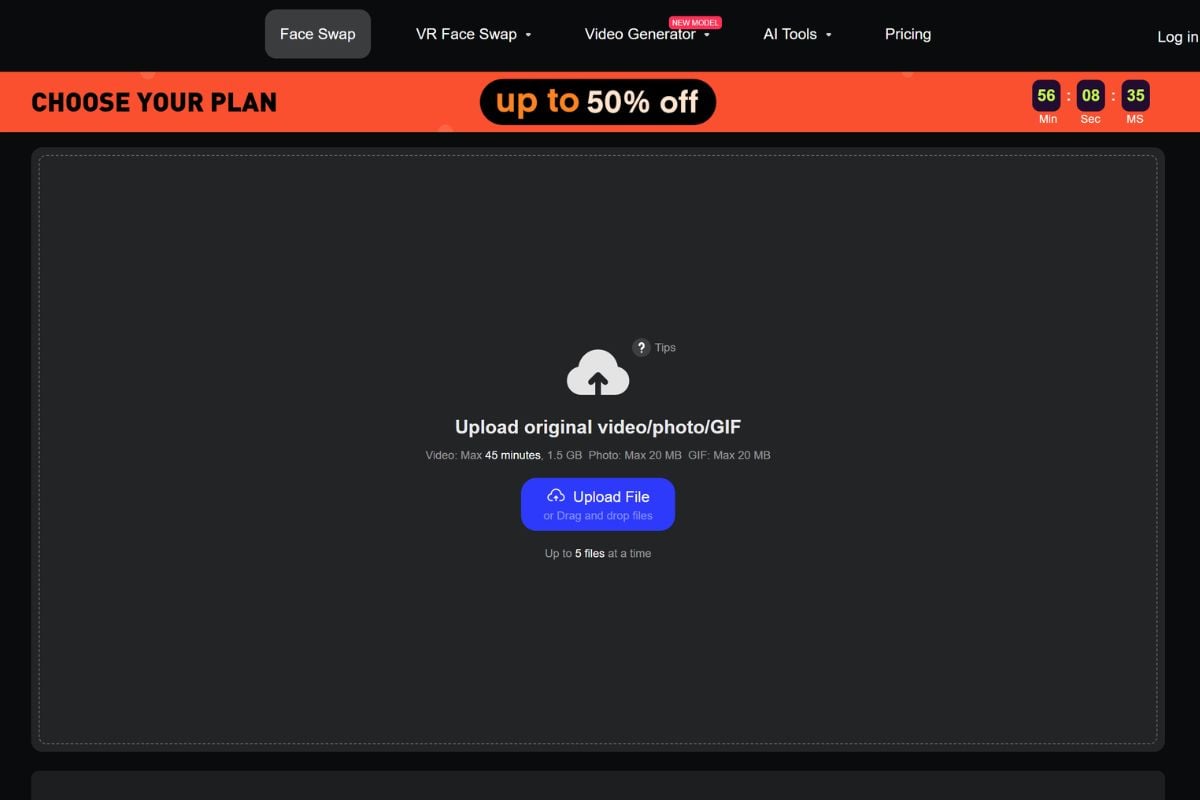
DeepSwap is an AI face swap platform built for turning videos, photos, and GIFs into realistic face swap edits. It helps users create social clips, meme edits, role-play videos, profile visuals, and creative face morph content with a simple online workflow.

Create Face Swap Videos, Photos, and GIFs With Simple Inputs

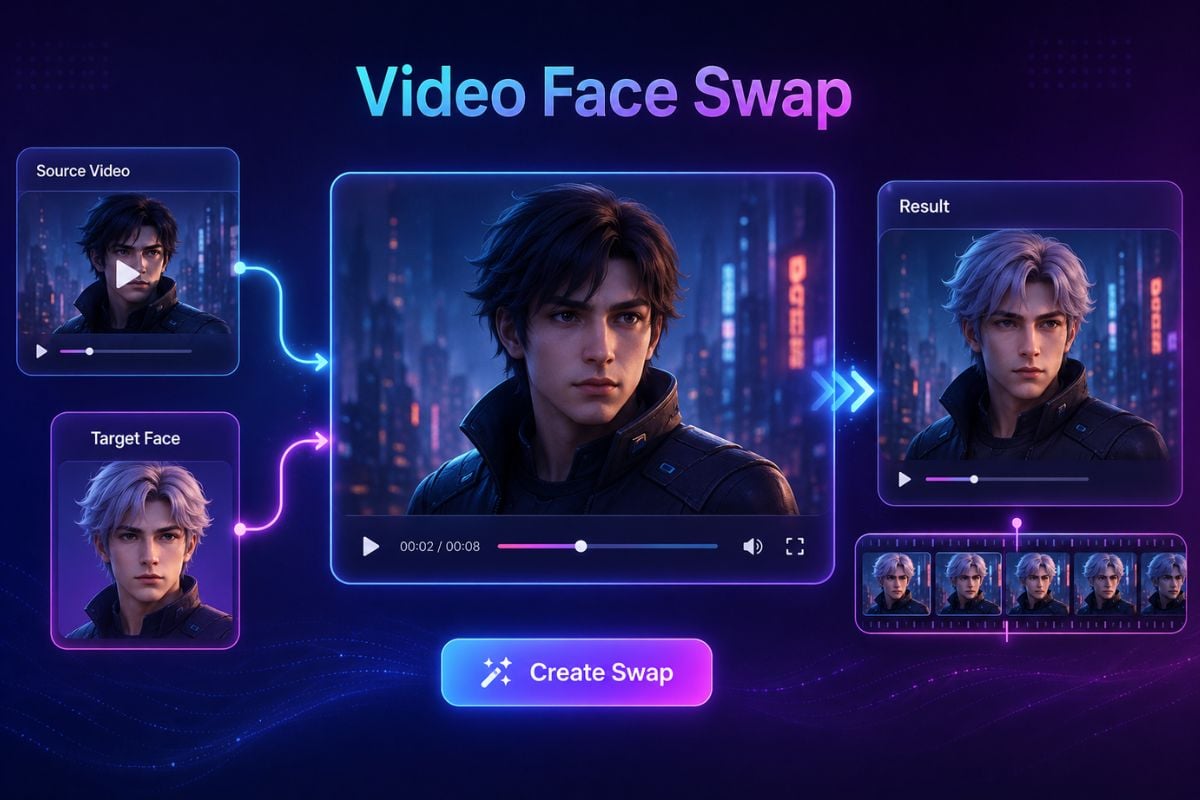
Turn Source Faces Into Video Face Swaps

DeepSwap AI can help users replace faces in video clips while keeping the output suitable for social edits, role-play ideas, short campaigns, or entertainment content. It is useful when creators want a quick face swap workflow without complex desktop software.
Swap Faces in Photos and Profile Visuals

DeepSwap supports photo face swap workflows for headshots, profile images, group photos, beauty-style try-ons, and personal creative edits. If you need to prepare stronger source visuals first, an AI image generator can help create clearer image material before face swap editing.
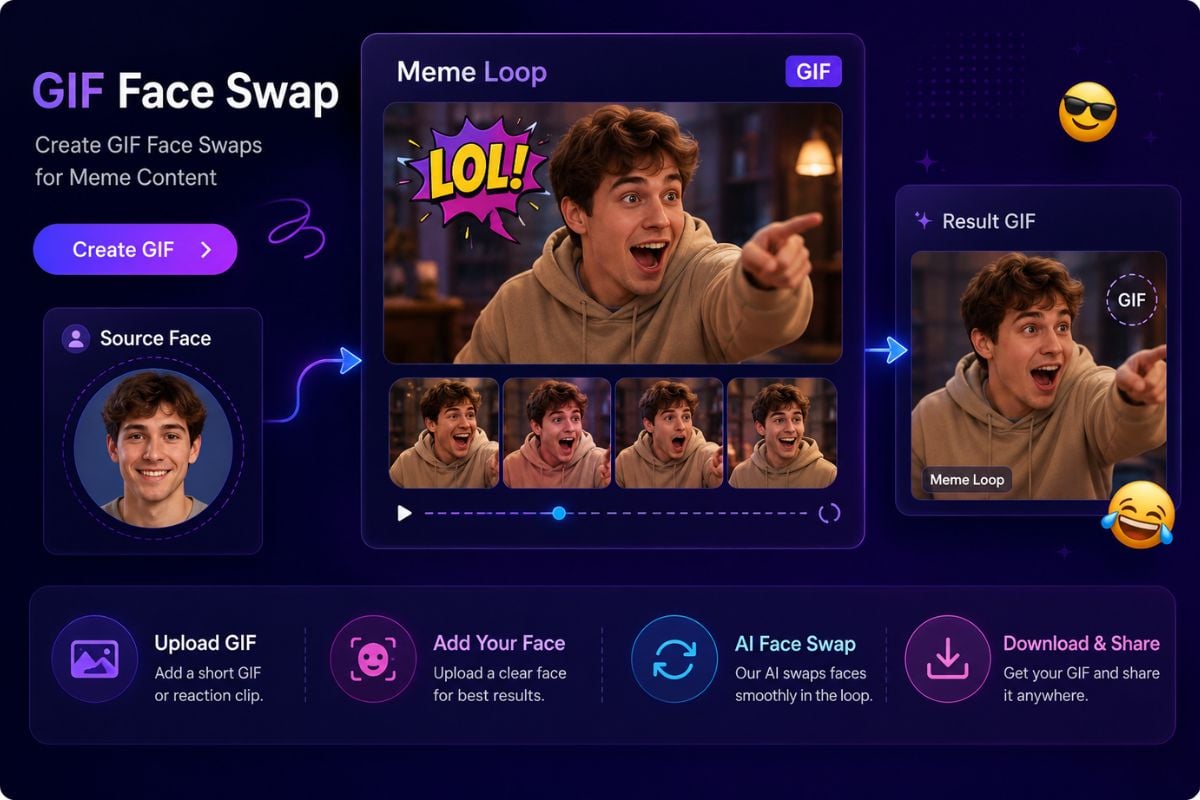
Create GIF Face Swaps for Meme Content

DeepSwaper-style GIF face swap workflows are useful for funny reactions, meme edits, short looping content, and lightweight entertainment posts. Users can start with a GIF or short visual idea and create a more personalized result.

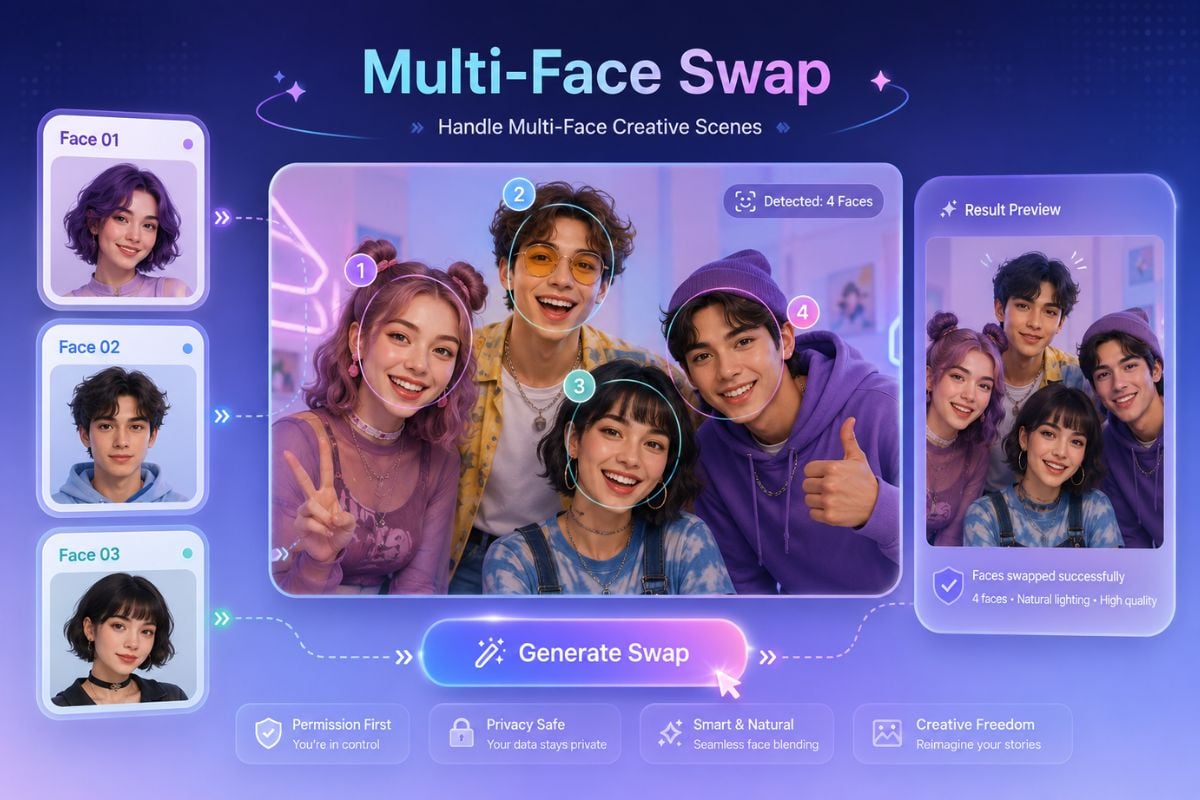
Handle Multi-Face Creative Scenes

DeepSwap can be useful for group photos, group videos, friend edits, family scenes, or multiple face swap creative content where more than one face needs attention. The best results usually come from clear faces, stable lighting, and source materials users have permission to edit.
How To Use DeepSwap on GoEnhance AI?

01

Upload a Video, Photo, or GIF

Start with the media you want to edit. A clear face, good lighting, and stable source material usually help DeepSwap create a cleaner face swap result.

02

Add the Face You Want to Use

Choose the target face for the swap. For responsible use, only upload faces and source materials you own or have permission to use.

03

Generate and Review the Result

Preview the face swap output, check identity accuracy, lighting, expression, and frame consistency, then export or refine your input before sharing.

A focused AI face swap workspace for video, photo, and GIF edits

Why Creators Use DeepSwap

Video, Photo, and GIF Face Swap

DeepSwap is useful because it supports several common face swap formats in one online workflow, including videos, still images, and GIF-style creative edits.

Fast Creative Edits Without Complex Setup

Users can work in a browser-based flow instead of setting up technical face swap software, making Deepswap AI easier for creators who want quick results.

Useful for Social and Entertainment Content

DeepSwap fits meme clips, role-play videos, group edits, profile visuals, reaction GIFs, and short-form creative content where face replacement is the main goal.

Multi-Face Editing for Group Scenes

The workflow can support group photos or multi-person scenes, which helps when creators need to work with more than one detected face in the same piece of media.

Clearer Results With Better Source Faces

DeepSwap works best when the uploaded face is clear, front-facing, well-lit, and matched to a suitable source video or image, so users can improve output quality by preparing better inputs.

Beginner-Friendly Face Swap Workflow

DeepSwaper users do not need advanced editing skills to start. The main workflow is simple: upload media, add a face, generate the result, and review before publishing.

DeepSwap Discussions on Reddit

DeepSwap vs Reface AI vs GoEnhance AI

Comparison PointDeepSwapReface AIGoEnhance AI
Main FocusAI face swap for videos, photos, GIFs, multi-face edits, memes, and role-play contentAI face swap and avatar-style entertainment edits for selfies, short clips, social content, and character-based mediaAI creative workflow platform for image generation, image-to-video, video transformation, face swap, and creator-friendly visual content
Best ForCreators who want a focused Deepswap AI workflow for realistic face replacement in existing mediaUsers who want quick face swap edits, selfie-based transformations, avatar content, and playful social media visualsCreators and marketers who want to create AI visuals, animate images, transform videos, and build social-ready AI content in one workflow
Input TypesVideos, photos, GIFs, and face images depending on the selected face swap workflowSelfies, portraits, videos, images, and selected templates depending on the chosen creative workflowText prompts, images, source videos, portraits, and creative references depending on the selected AI workflow
Output TypesFace swap videos, edited photos, GIF face swaps, group face edits, and meme-style visual resultsFace swap clips, avatar-style edits, selfie transformations, short entertainment videos, and social-ready visual resultsAI images, animated image videos, transformed videos, face swap outputs, character-style clips, and social media visuals
Creative StrengthStrong for focused face replacement tasks where the user already has source media and a target faceStrong for fast, playful, mobile-friendly face edits and entertainment-style social contentStrong for connected AI visual workflows where users move from image generation to animation, face swap, and video transformation
Workflow StyleUpload media, add a face, generate a face swap result, then review the outputChoose or upload content, apply a face or avatar-style effect, preview the result, then share or exportAI creation suite focused on visual generation, video effects, and creator-facing content production
User Skill LevelBeginner-friendly for users who understand source media quality and permission requirementsBeginner-friendly for casual users who want quick face-based edits without a complex editing processBeginner-friendly for creators who want AI image, video, and transformation workflows without complex editing software
Commercial Use NotesReview DeepSwap's terms and make sure all uploaded faces, source media, likenesses, and final outputs are authorized before commercial useReview Reface AI's terms and make sure selfies, likenesses, templates, source media, and final outputs are cleared before public or commercial useReview GoEnhance AI's terms and make sure source materials, faces, characters, and final outputs are cleared before public or commercial use
Frequently Asked Questions About DeepSwap

You May Want To Know

What is DeepSwap?

DeepSwap is an online AI face swap platform for editing faces in videos, photos, and GIFs. It is designed for users who want to create face swap clips, profile visuals, memes, role-play edits, and other face morph content.

What can I create with DeepSwap AI?

You can use Deepswap AI to create video face swaps, photo face swaps, GIF face swaps, group face edits, meme-style reactions, profile visuals, and creative role-play clips depending on your source media.

Is DeepSwap mainly a video tool or photo tool?

DeepSwap supports video, photo, and GIF face swap workflows. Its video workflow is useful for short social clips and role-play edits, while its photo and GIF workflows fit profile images, group photos, memes, and lightweight creative content.

Is DeepSwap AI free?

DeepSwap may offer limited free access, trial credits, or paid plans depending on the current product policy. Free access and credit rules can change, so users should check DeepSwap's official pricing page before starting a larger face swap project.

Who should use DeepSwap?

DeepSwap is useful for content creators, meme makers, social media editors, marketers, casual users, and anyone who wants a simple online workflow for face swap videos, photos, or GIFs.

What does DeepSwaper mean?

DeepSwaper is often used as a long-tail search variation for users looking for DeepSwap-style AI face swap tools. In this page, it refers to the same general workflow of swapping faces in videos, photos, or GIFs with AI.

How can I get better results with DeepSwap?

Use clear source media, visible faces, good lighting, and face images that match the angle and expression of the target scene. Results usually look better when the face is not heavily blocked, blurred, or distorted.

Can I use DeepSwap for marketing or commercial work?

DeepSwap can be useful for creative drafts, brand-safe parody concepts, profile visuals, and campaign ideas. Before using any output commercially, review DeepSwap's terms and make sure you have permission to use every face, source clip, image, brand element, and final result.

Is DeepSwap safe to use?

DeepSwap can be safe when used responsibly. Use source materials you own or have permission to use, review the platform's terms, and check each output before public or commercial use. Avoid misleading identity edits, unauthorized likeness use, impersonation, copyrighted assets, and content that could confuse viewers.

What should I avoid when using DeepSwap?

Avoid uploading private images, using another person's face without permission, creating misleading impersonations, editing minors, copying protected brand or celebrity content too closely, or publishing face swap results that could harm, deceive, or confuse viewers.

Create Face Swap Videos and AI Visuals With GoEnhance AI

Start with a portrait, image, or source clip and create visual content with GoEnhance AI. Try face swap, AI image generation, image-to-video creation, and video transformation in one simple creative workflow.

Start Creating