goenhance logo

Beautify Photos for Free

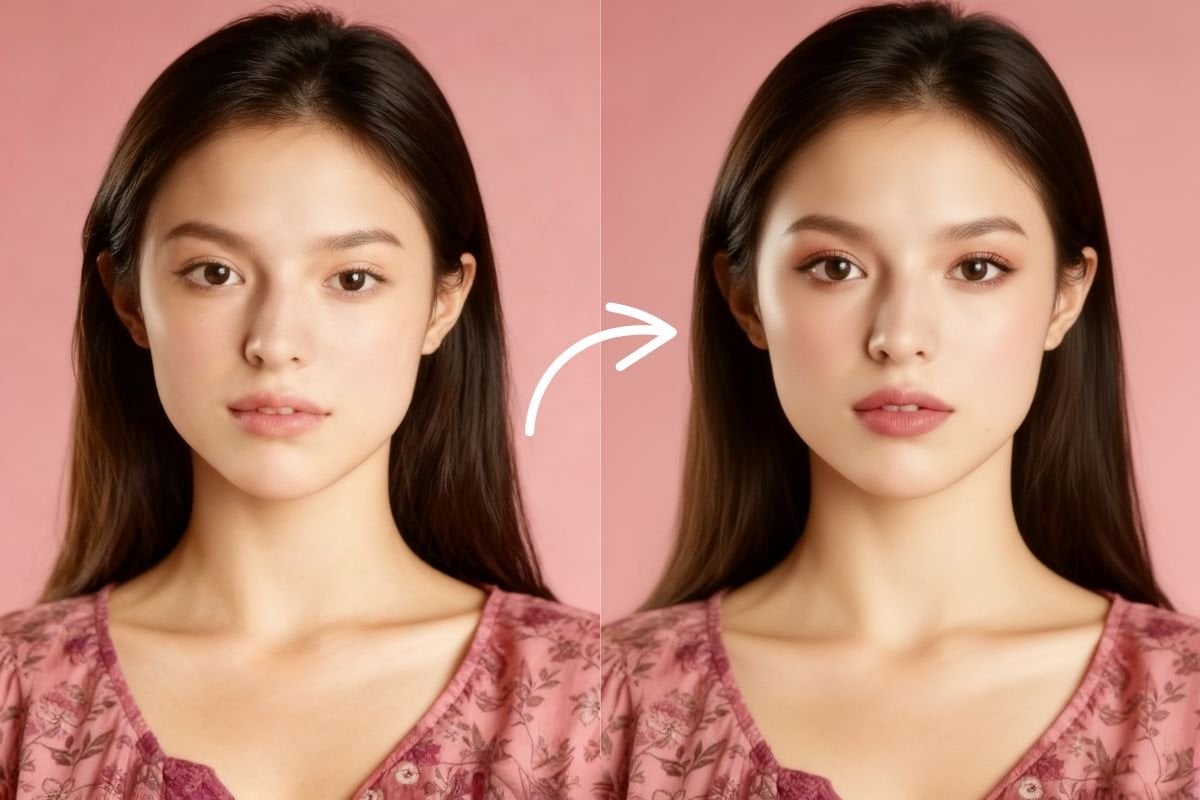
Upload a selfie, portrait, or profile photo and apply our AI beauty filter in one click. It gently improves light, skin tone, clarity, and smile detail for a more polished result while preserving your natural facial features.
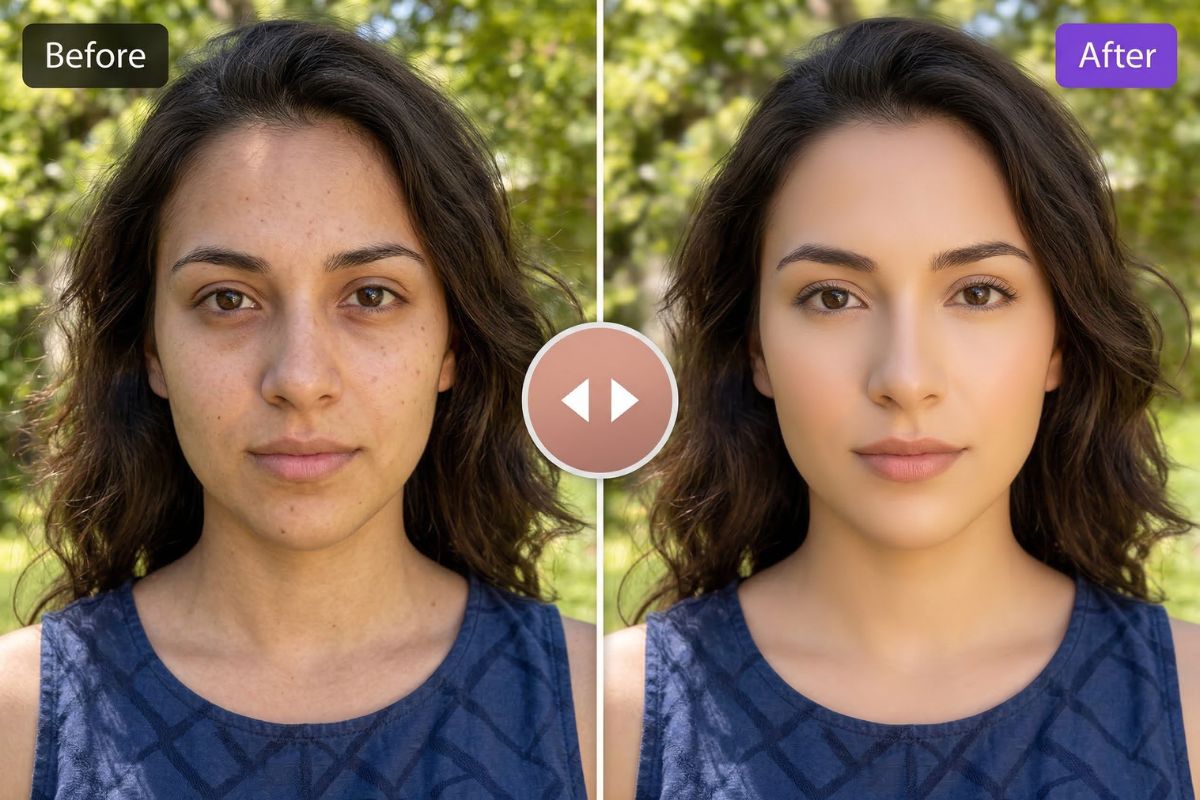
Beautify Photos Free

Examples of AI Beauty Generator

How To Use AI Beauty Filter Online?

01

Upload Your Photo

Start with a selfie, headshot, or portrait photo. Clear front-facing images usually give the most natural beauty result.

02

Apply the Beauty Effect

Let the tool automatically beauty your image by improving light, smoothing small skin distractions, and refining facial clarity in one click.

03

Download the Enhanced Portrait

Preview the result and save your updated photo. You get a cleaner, brighter, more flattering image that still keeps your original look.

More Tools for Better Portrait Results

Natural AI Beauty Generator for Everyday Photos

This AI beauty generator is built for selfies, portraits, and profile pictures that need a light polish rather than a dramatic rewrite. It can brighten the frame, smooth minor skin texture, improve facial balance, and deliver subtle face enhancement while keeping the person recognizable.

If you want to create fresh visuals from scratch before editing, pair it with our AI image generator.
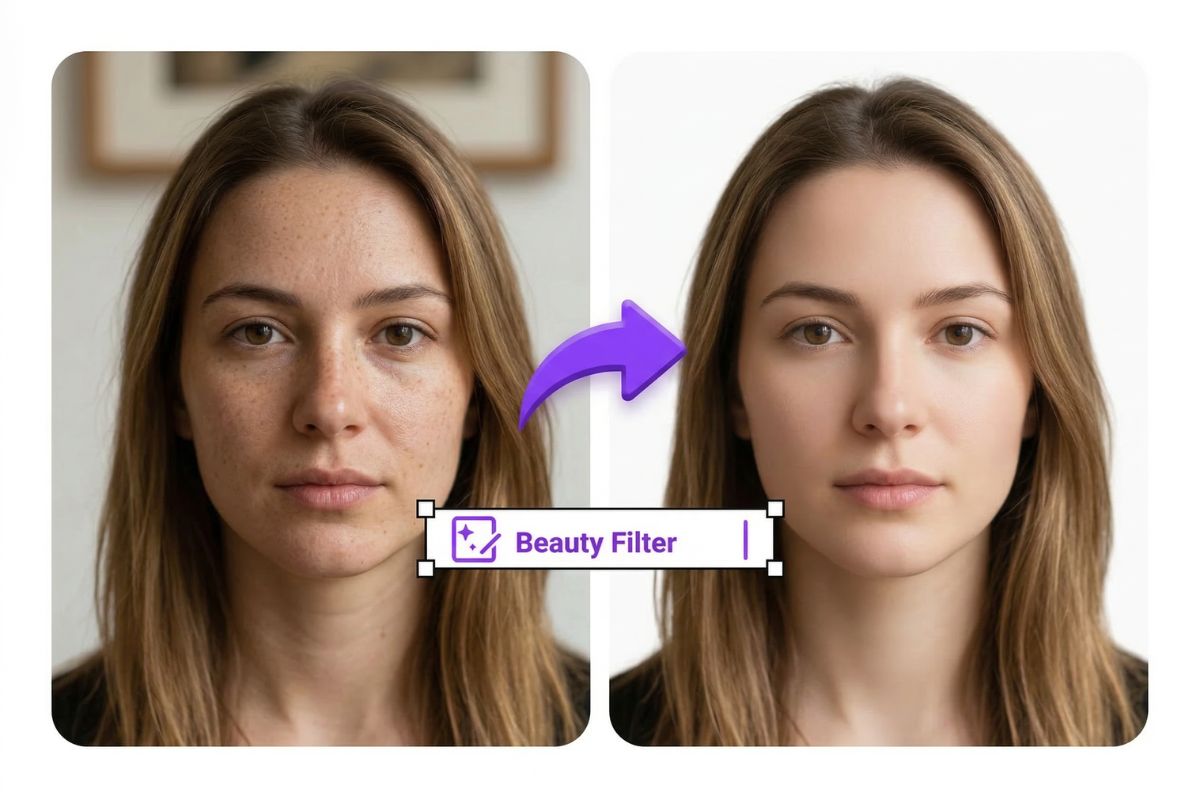
Beauty Filter Plus Makeup-Ready Finishing

For photos that need a bit more polish, start with the free AI beauty filter to clean up the portrait first, then continue with our AI makeup generator for lipstick, blush, eye detail, or a more styled final look. This workflow works especially well for avatars, social photos, and creator profile images.
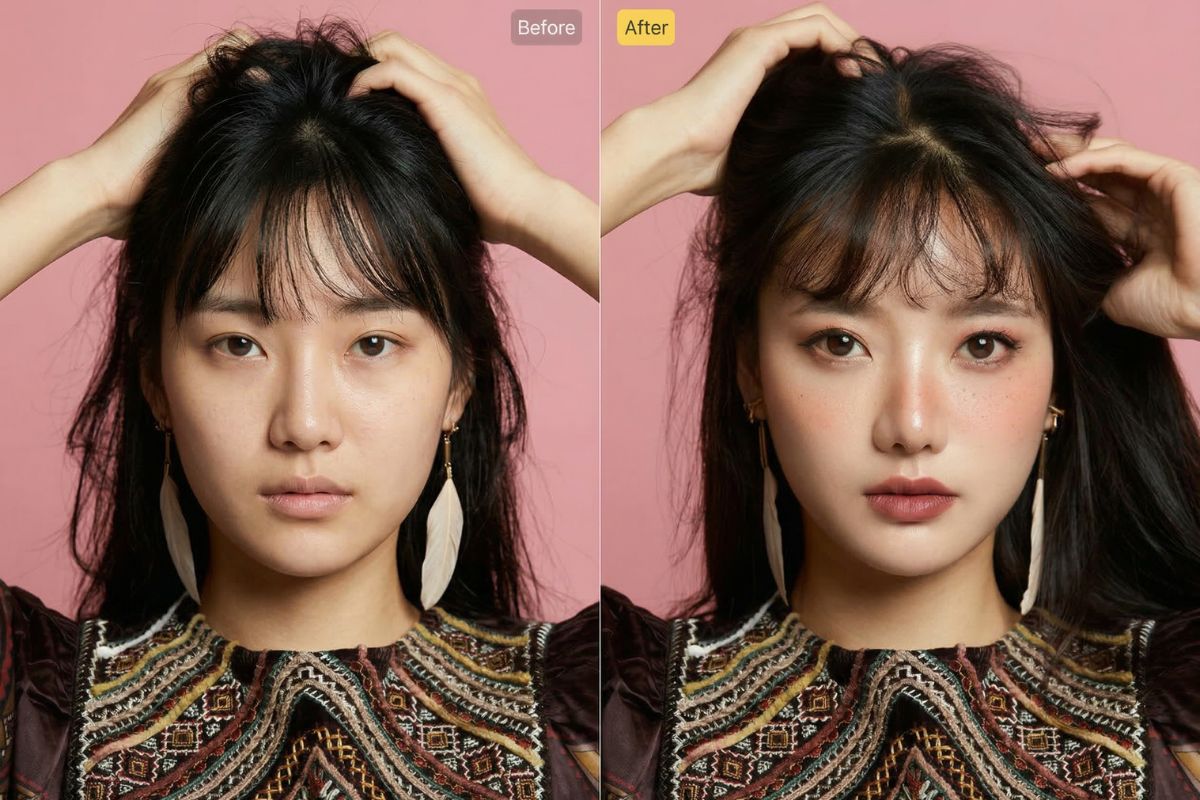
Natural portrait touch-ups made simple

Why People Use This AI Beauty Filter

Natural Beauty, Not an Overedited Look

This tool is designed to make portraits look cleaner and more flattering without pushing the face too far from the original. Skin can look smoother, the overall photo can feel brighter, and small distractions can fade, while the person still looks like themselves.

Better Light and Skin Tone in One Click

Flat or dull selfies often look better with balanced brightness and a fresher complexion. The filter helps lift the overall light, refine skin tone, and make the face appear more awake and camera-ready without needing manual edits.

Subtle Skin Smoothing and Blemish Reduction

Instead of making skin look waxy or fake, the effect gently softens rough texture and reduces the visibility of small blemishes. It keeps natural detail where it matters, so the final portrait still feels believable.

Cleaner Facial Detail

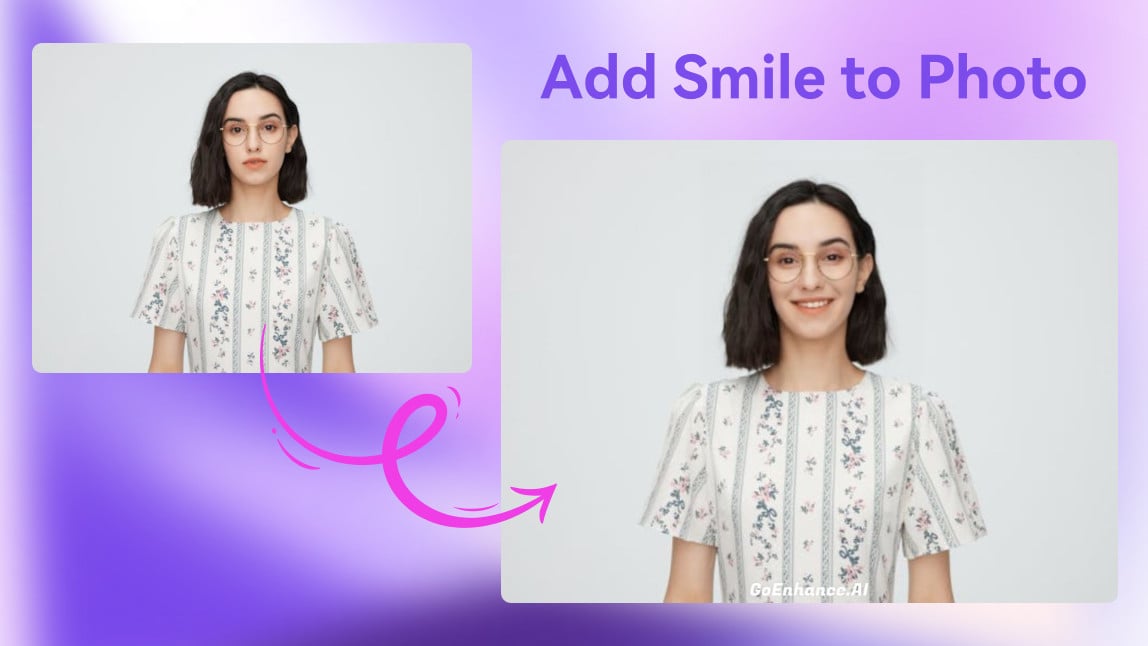
A good portrait is not only about skin. This feature also helps improve facial clarity, making the eyes, smile, and overall expression look more polished.

Works Well for Selfies, Avatars, and Profile Photos

It is especially useful for photos people actually use every day, such as social profile pictures, creator headshots, casual portraits, and personal avatars. A small amount of cleanup can make these images feel more confident and presentable.

Fast Results Without Manual Retouching Skills

You do not need to learn complex editing software to get a polished result. It is a practical option for anyone who wants a better-looking portrait in less time.
Frequently Asked Questions

You may want to know

What does an AI beauty filter actually do?

An AI beauty filter improves portrait photos with light, natural edits such as brighter exposure, more even skin tone, softer blemish visibility, clearer facial detail, and a cleaner smile. The goal is to make the photo look more polished without changing who the person is.

Will the tool change my face shape or make me look like someone else?

It should not dramatically change your identity when used as intended. A well-designed beauty effect is meant to preserve core facial features while making the image look cleaner, brighter, and more camera-friendly.

Is this tool suitable for selfies and profile pictures?

Yes. It is especially useful for selfies, headshots, avatars, and profile photos where small improvements in skin tone, sharpness, and smile detail can make the image feel more presentable.

What kind of photos work best for face enhancement?

Clear portrait photos with visible facial details usually produce the best face enhancement results. Front-facing images with decent lighting are easier to refine naturally than blurry, heavily shadowed, or very low-resolution photos.

Can I use it as a free AI beauty filter?

If the platform offers a trial or free entry option, you can use it as a free AI beauty filter for quick testing before deciding whether you need more advanced editing features.

What is the difference between a beauty filter and manual retouching?

A beauty filter is faster and better for quick, consistent cleanup. Manual retouching gives more control but takes more time and editing skill. For everyday portrait improvement, many users prefer the speed of one-click enhancement.

Does automatically beauty editing always look natural?

Not always. Natural results depend on the source photo quality and how strongly the effect is applied. The best outcome comes from subtle enhancement that improves light, texture, and balance without over-smoothing skin or over-shaping facial details.

Can I use a beauty-edited photo for professional needs?

That depends on the context. For social profiles, creator photos, and casual branding, lightly enhanced portraits are usually fine. For official documents, ID photos, or regulated submissions, you should always check the image requirements before using any edited file.

Ready to Refresh Your Portraits?

Give selfies, profile pictures, and everyday portraits a cleaner, brighter finish with one-click beauty enhancement. Improve lighting, soften small flaws, and keep your real facial features looking natural.

Explore All Video Tools