goenhance logo

Wan 2.7-Image

Wan 2.7-Image is built for creators who want more control, not more guesswork. Use it to shape more lifelike faces, guide color with a clearer palette, handle dense layouts, and turn rough ideas into visuals that feel ready for real work.

Try Wan 2.7-Image

Wan 2.7-Image Examples

From lifelike portraits to layout-heavy visuals, Wan 2.7-Image is useful when you need style, structure, and color to stay under control.

Lifelike Portrait with Distinct Facial Details

Multi-shot Image Storyboards

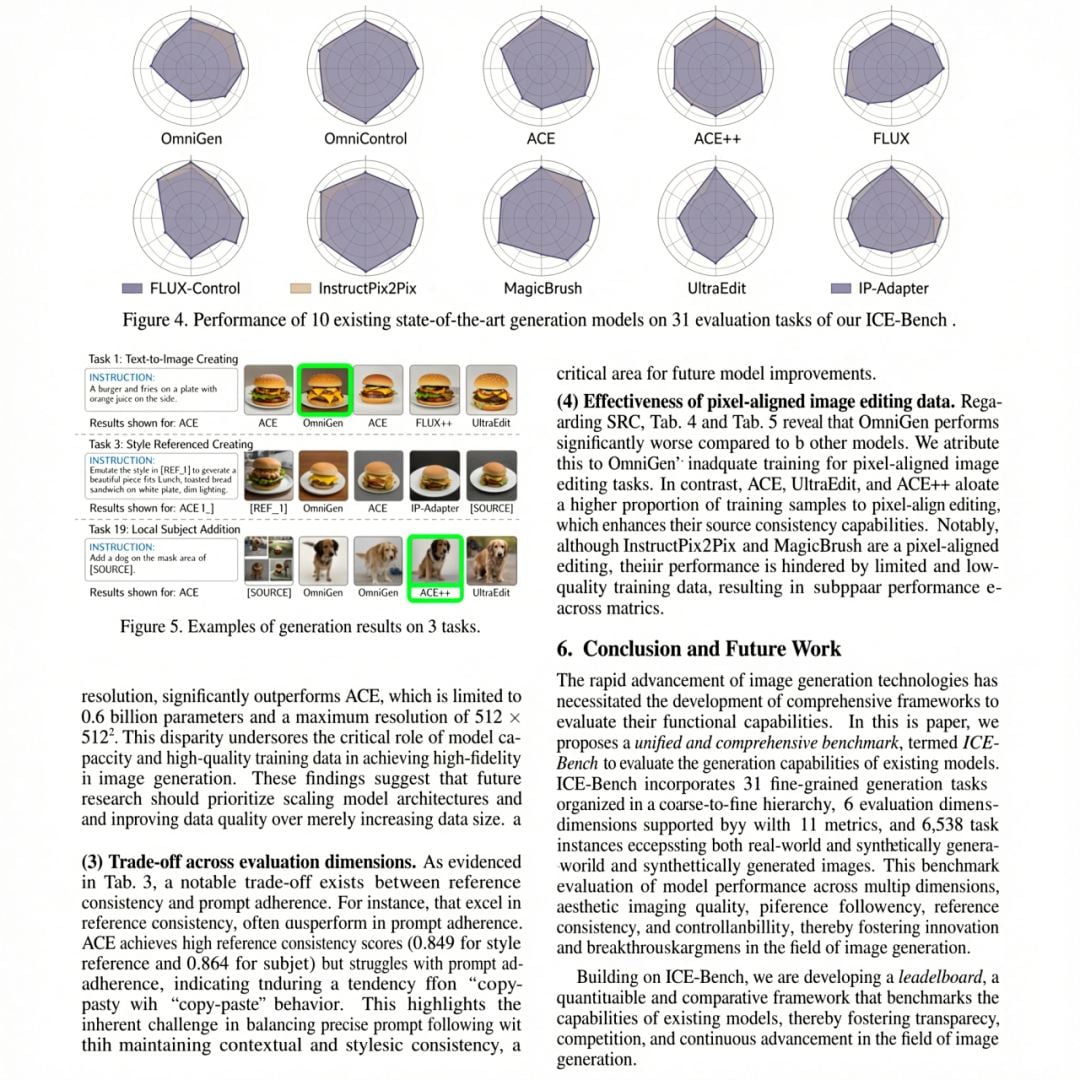
Complex Text within Images

Why Wan 2.7-Image Stands Out

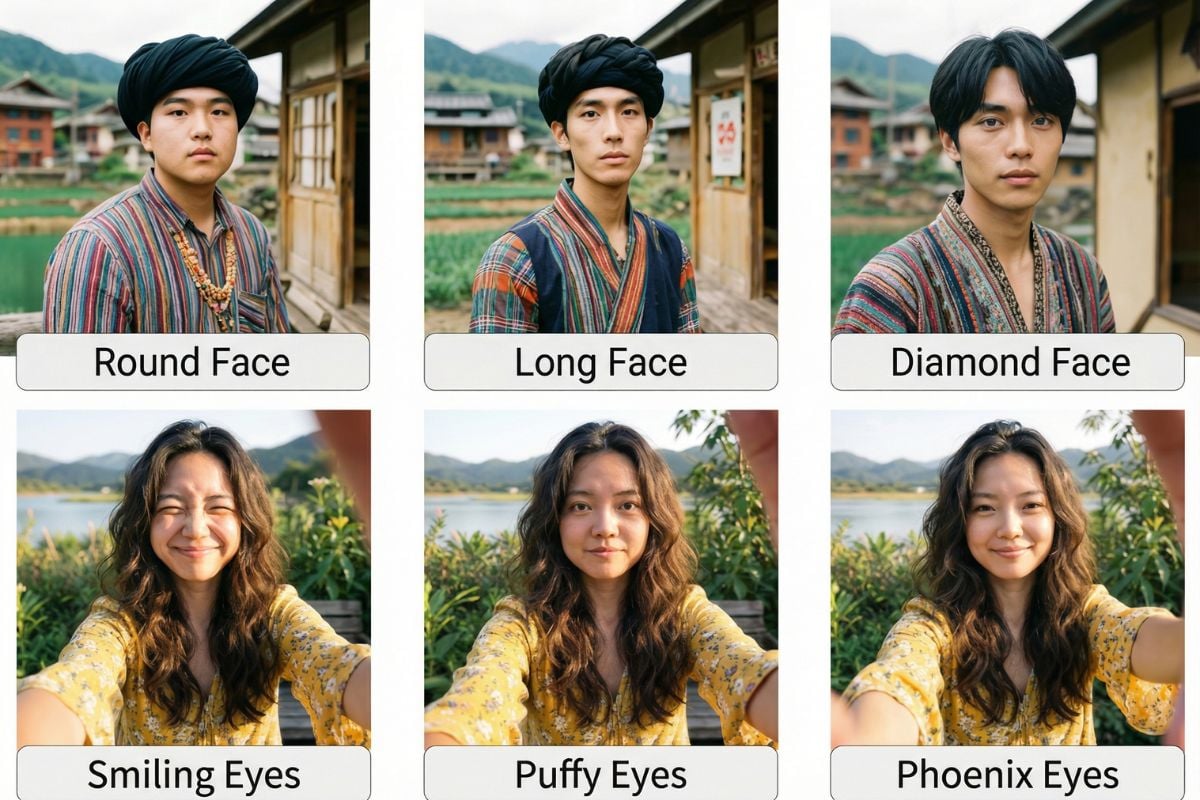
More Lifelike Faces, Less Template Feel

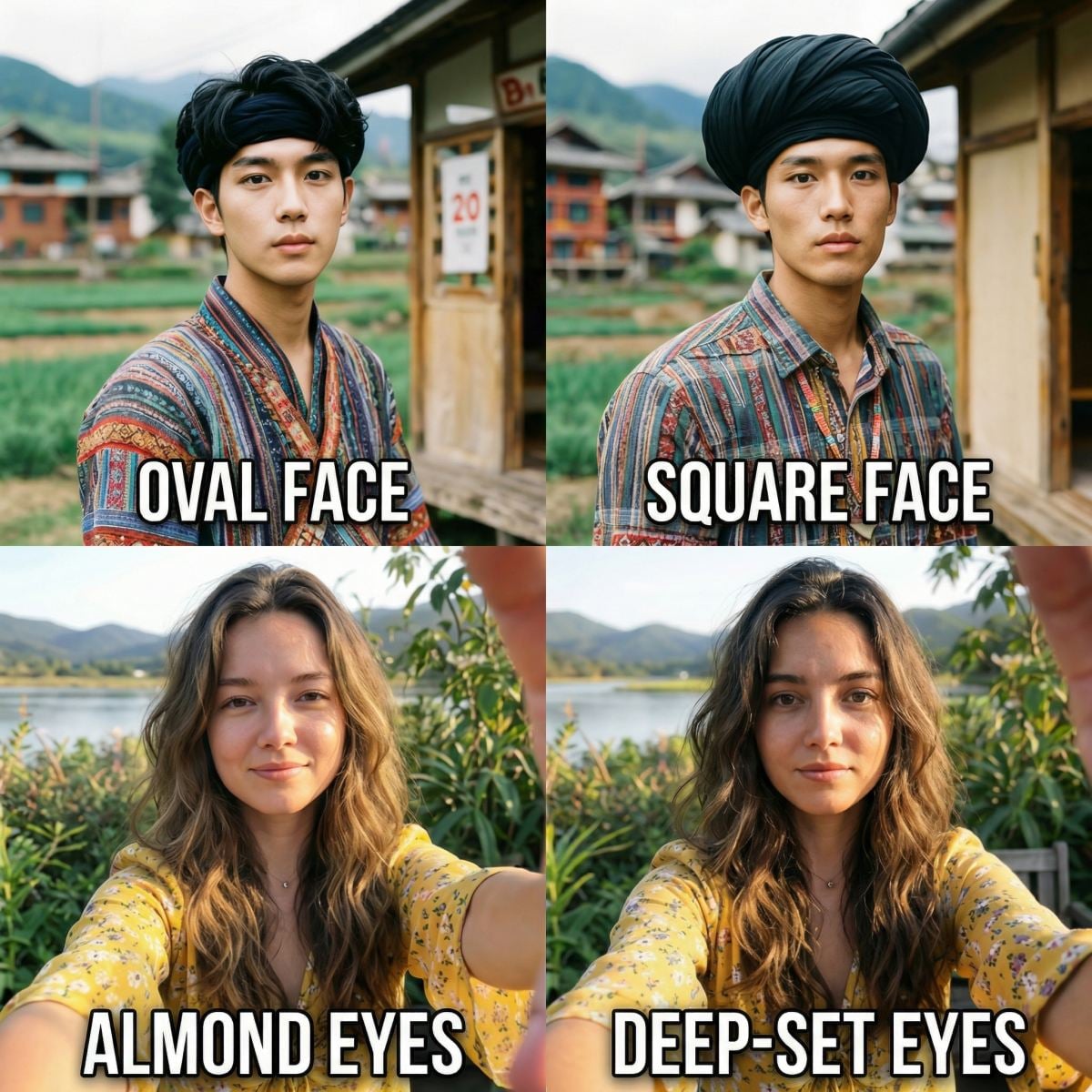
Wan 2.7-Image makes character creation feel less generic by giving you more room to describe face shape, eye shape, bone structure, and skin texture. If you want a flexible AI image generator for portraits, character sheets, or social visuals, this is the kind of control that saves retries.

More Lifelike Faces, Less Template Feel of Wan 2.7-Image

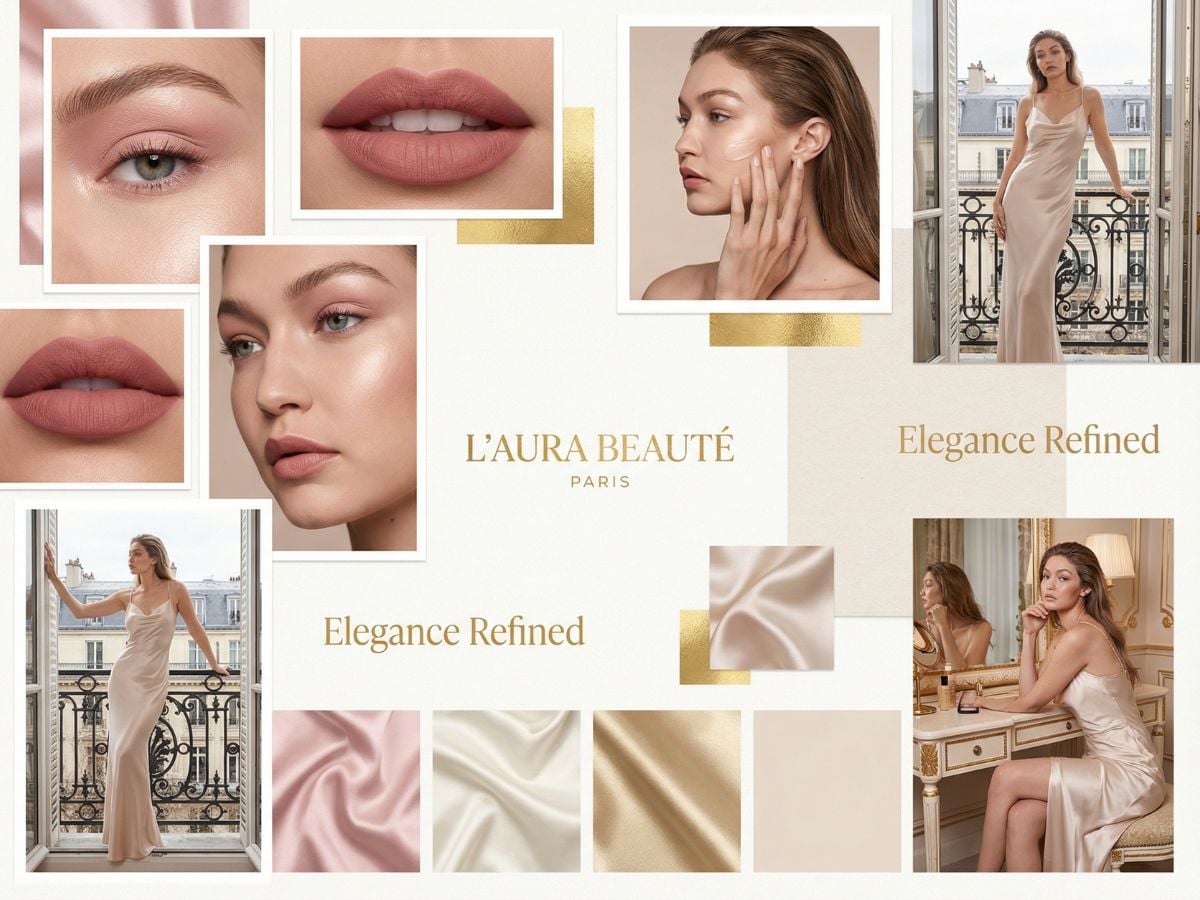
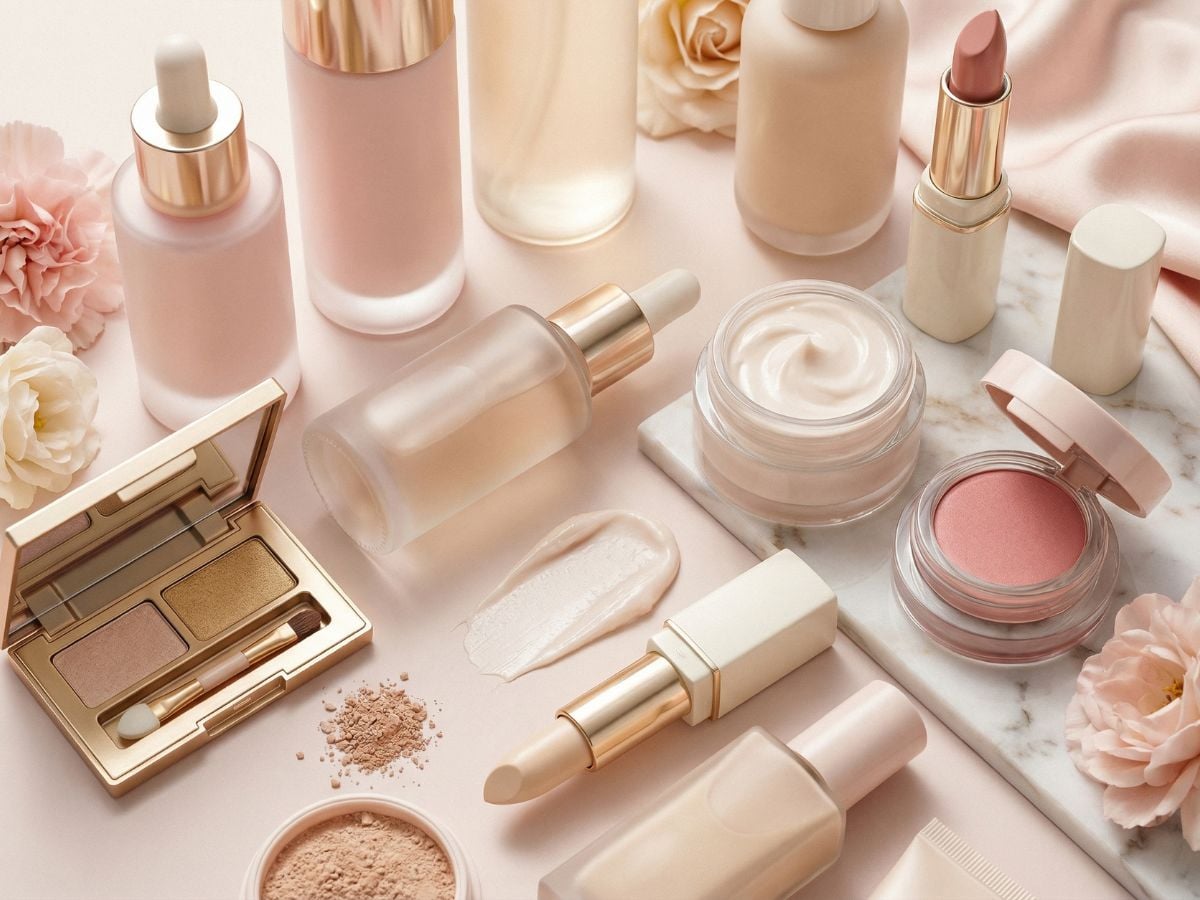
Palette-Level Color Control for Real Brand Work

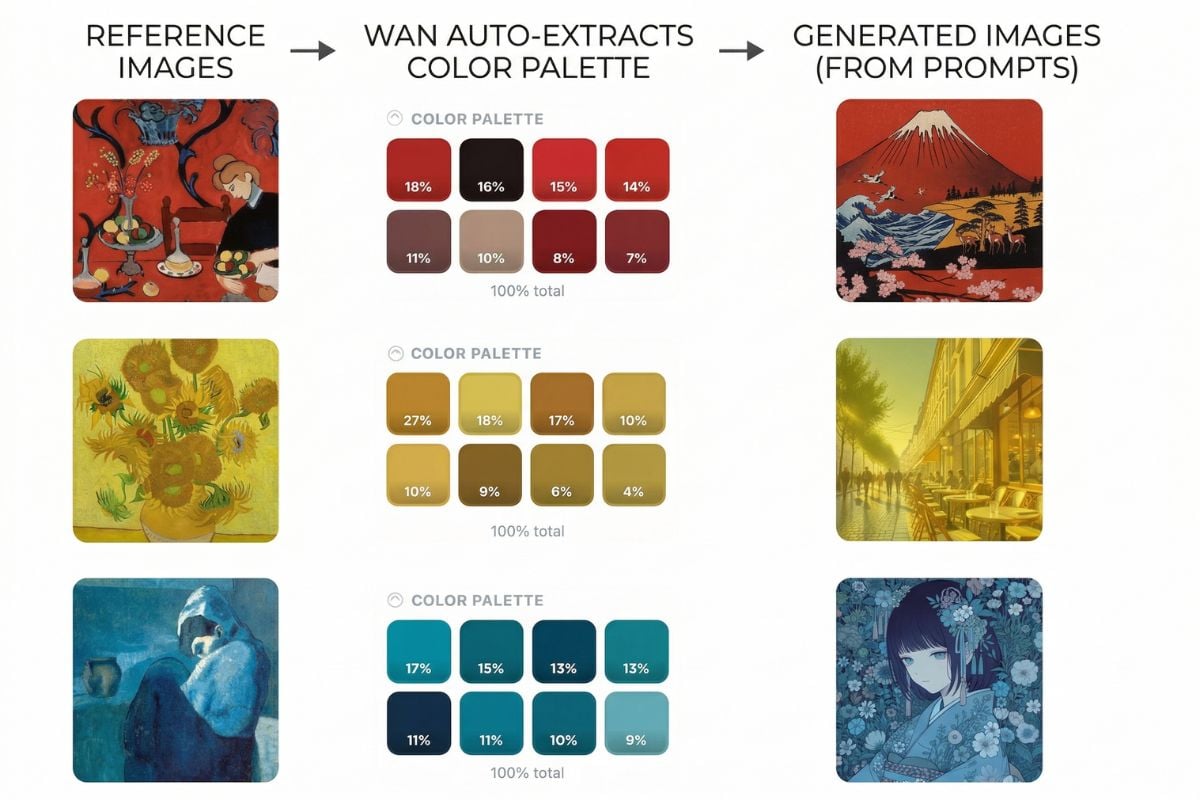
One of the strongest Wan 2.7-Image features is color precision. You can align a new image to the mood or color balance of a reference, which is helpful for product campaigns, visual systems, and repeated creative batches. It also works naturally with an image to image workflow when you want to preserve composition while refining tone.

Palette-Level Color Control with Wan 2.7-Image

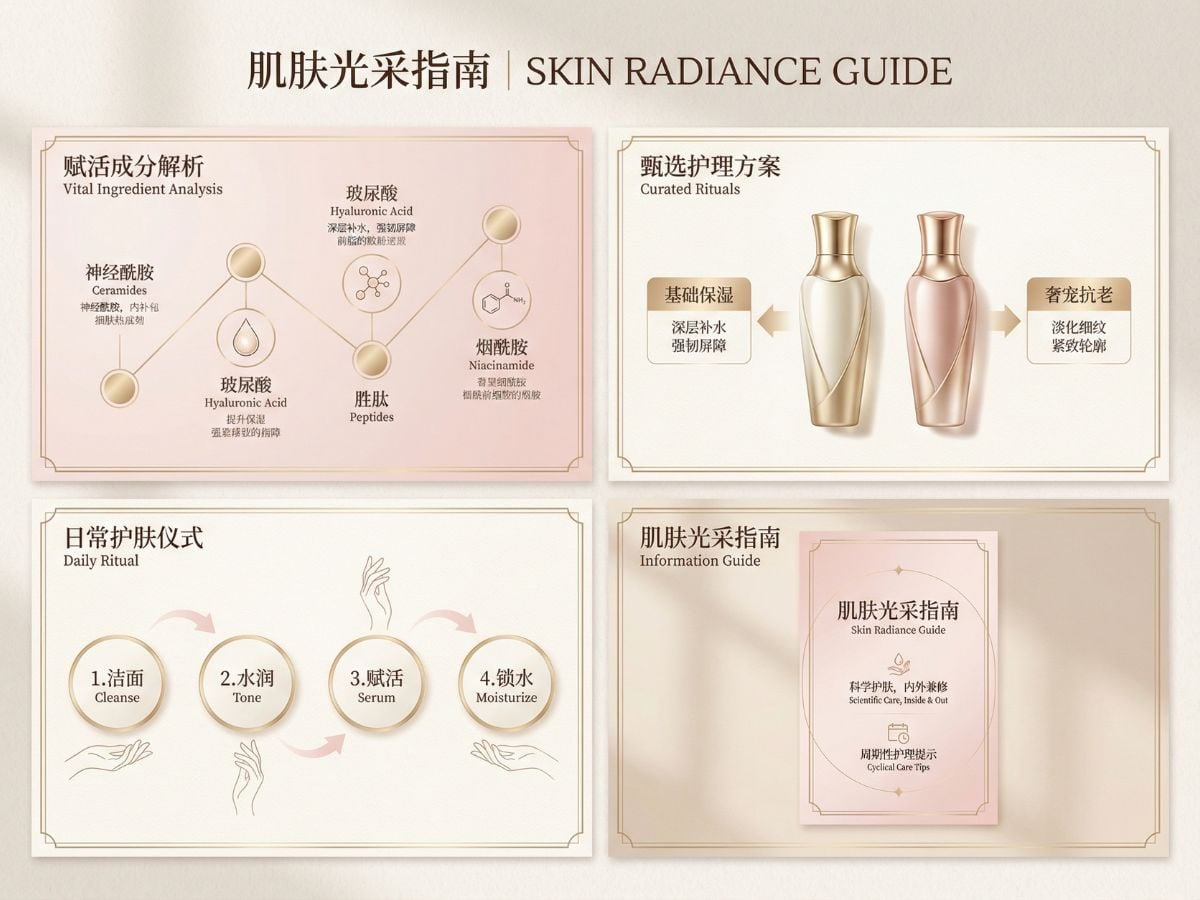
Long Text, Dense Layouts, and Better Editing Control

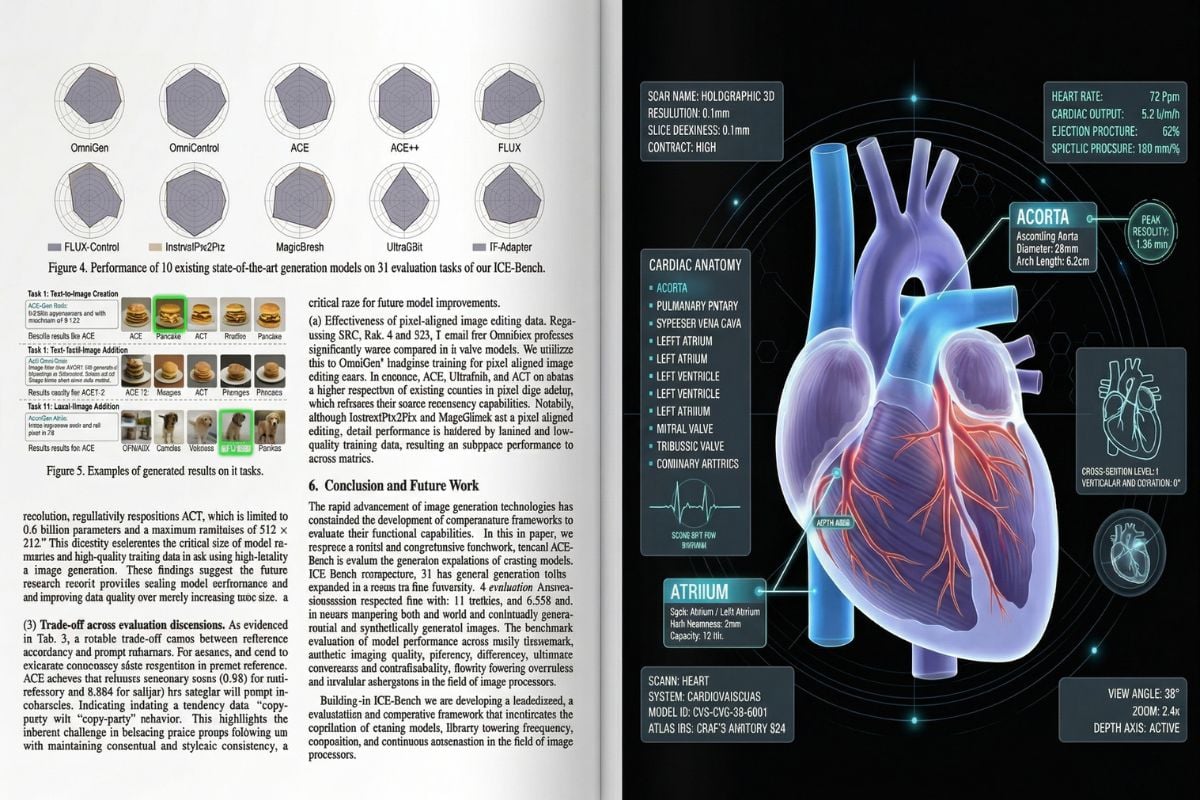
Wan 2.7-Image long text rendering is especially useful for infographic drafts, poster concepts, report-style pages, and educational visuals. Add interactive editing on top of that, and you get a workflow that is easier to adjust after generation instead of starting from zero every time.

Long Text, Dense Layouts

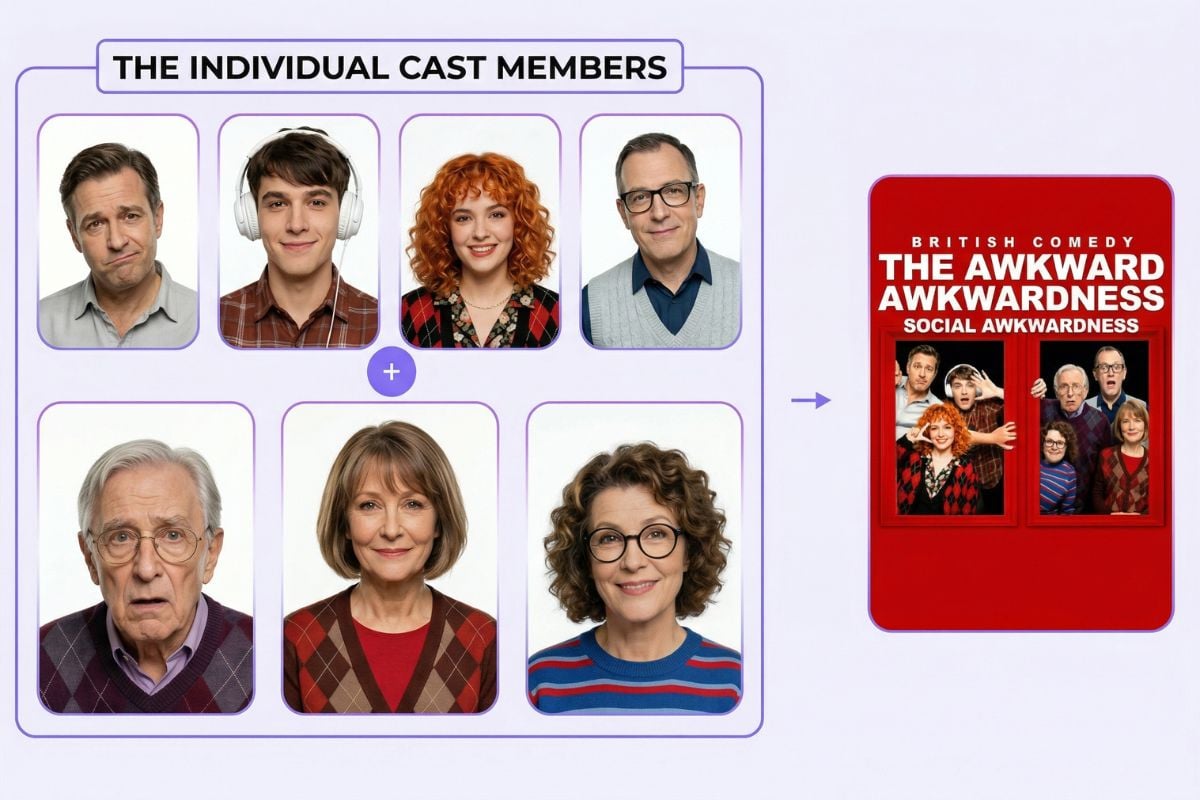
Multi-Subject Consistency for Series and Storytelling

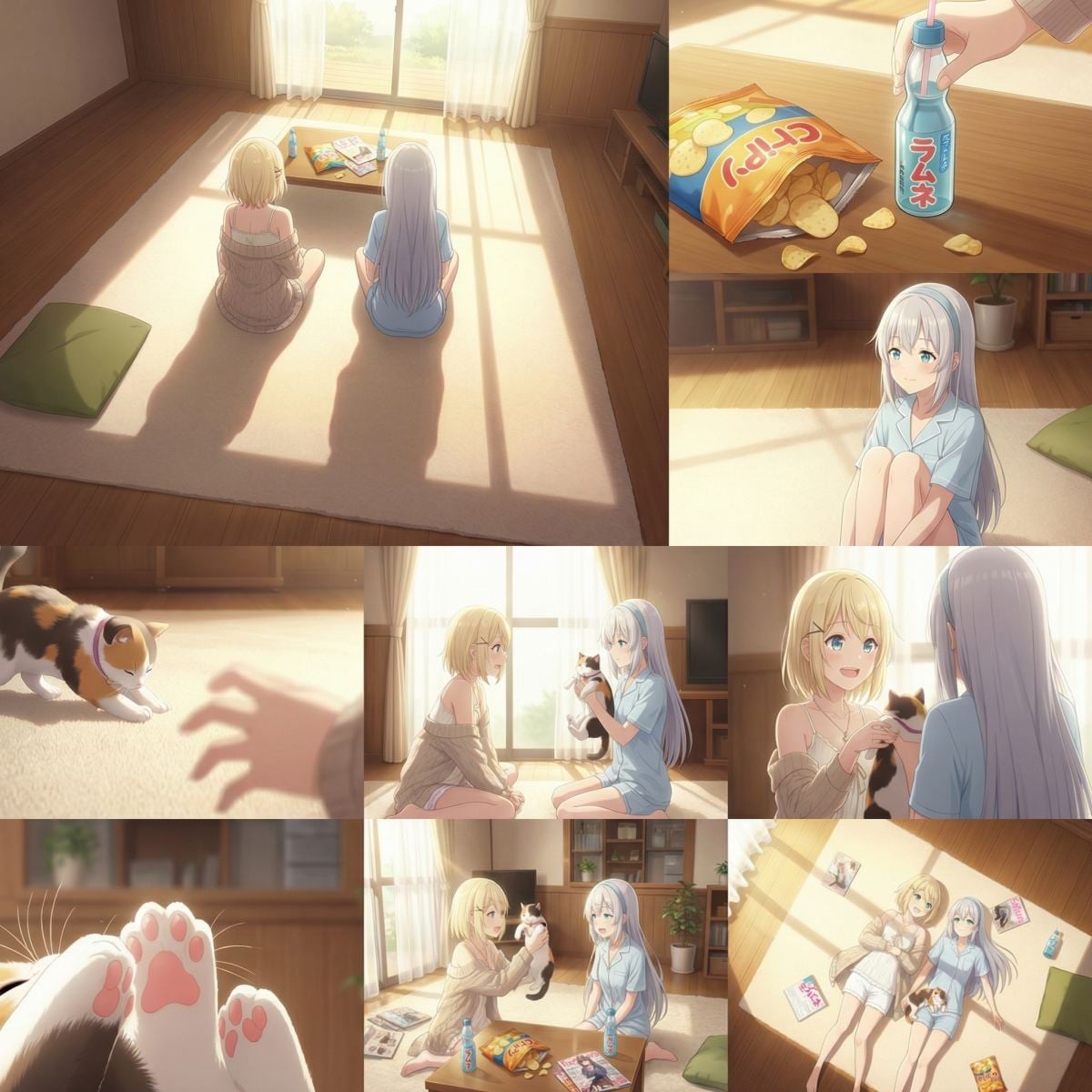
Wan 2.7-Image is especially useful when you need multiple subjects, angles, or scenes to stay visually coherent across a set. By using reference images, you can keep characters, products, styling, and overall visual identity more stable from one image to the next, which is helpful for storyboards, e-commerce series, campaign sets, and presentation visuals.

Multi-Subject Consistency of Wan 2.7-Image

Where Wan 2.7-Image Fits Best

Wan 2.7-Image works best in workflows that need both creative range and tighter control. These are some of the most practical use cases.
Brand Visuals

Brand Visuals

Use Wan 2.7-Image for campaign key visuals, product posters, seasonal promos, and ad concepts when color consistency matters and you want fewer off-brief generations.

Try For Free

Wan 2.7-Image Key Parameters

ParameterSpecWhy It MattersTypical Use
Long text renderingUp to 3K token input, supports complex text-heavy layoutsHelps the model handle dense posters, long copy, tables, and formula-style visuals with stronger readabilityInfographics, reports, educational visuals, poster design
Language supportSupports Chinese, English, and 12 languages in the official descriptionUseful for multilingual layouts and content-heavy visuals without relying only on short headlinesGlobal marketing materials, multilingual posters, learning content
Face and feature controlSupports finer control over face shape, eye shape, bone structure, and facial detailsMakes portraits feel less generic and more distinct when character realism mattersPortraits, avatars, character sheets, social visuals
Color palette controlCan extract color distribution from a reference image for palette transferKeeps visuals closer to brand color systems, campaign tone, or art directionBrand campaigns, product marketing, creative direction
Interactive editingSupports local editing through selection-based changes such as adding, aligning, or moving elementsMakes revisions more practical without rerunning the whole image from scratchLayout fixes, visual cleanup, targeted design edits
Multi-subject consistencySupports up to 9 reference images for stronger subject and style consistencyUseful when you need recurring characters, products, or visual identity to stay stable across a seriesStoryboards, e-commerce sets, campaign series, concept decks
Grouped image generationCan generate up to 12 images in one batchSpeeds up workflows that need multiple related visuals instead of one-off imagesStoryboard frames, PPT visuals, campaign sets, product collections
Unified generation and editing workflowBuilt as a unified image generation and editing modelReduces the gap between creating a first draft and refining it into a usable assetCreative iteration, commercial design, repeat production work
Frequently Asked Questions

FAQs of Wan 2.7-Image

Is Wan 2.7-Image free to use?

Yes. GoEnhance AI offers free access to try Wan 2.7-Image, so you can test the workflow before committing. Once your free credits are used up, you may need to recharge or upgrade your plan to continue generating more images.

What is Wan 2.7-Image?

According to official website, Wan 2.7-Image is part of a creative workflow built for image generation and editing. In practice, it is especially useful when you need more control over facial detail, color palette, layout-heavy visuals, and consistency across multiple outputs, such as portraits, brand images, storyboard frames, infographic-style designs, and series-based creative work.

What makes Wan 2.7-Image different from a basic image model?

The biggest difference is control. Wan 2.7-Image focuses on areas that often break in ordinary workflows, such as lifelike facial detail, palette alignment, long text rendering, and editability after generation. In practice, that means fewer random surprises and less time spent rerunning similar prompts.

Is Wan 2.7-Image good for commercial design work?

It can be a strong fit for early-stage commercial design, especially for concept visuals, campaign exploration, product imagery, and layout drafts. That said, teams should still review output quality, text accuracy, brand compliance, and usage rights before publishing final assets.

Can Wan 2.7-Image really handle long text and structured layouts?

It is positioned to do better than many general-purpose image models when the image includes heavier text, more structured layouts, or formula-like content. Even so, dense layouts still benefit from human review, especially when accuracy matters in education, research, or client-facing materials.

How do I get better results with Wan 2.7-Image?

Start with a clear goal, then describe subject, composition, style, and use case in plain language. If color matters, use a strong reference. If consistency matters, use multiple references. If the output is close but not finished, use editing instead of rerolling everything from scratch.

Can Wan 2.7-Image help with consistent series images?

Yes, Wan 2.7-Image character consistency and style consistency are useful when you are building a set of related visuals. This matters for character turnarounds, storyboard frames, branded campaigns, and product collections where the look should stay coherent from one image to the next.

Where can I check official information about Wan 2.7-Image?

For official platform-level information, release context, and broader ecosystem updates, it is reasonable to start with Alibaba Cloud. Always verify model availability, pricing, and access rules on the platform you plan to use, because those details can change.

Try Wan 2.7-Image for Free Now

Wan 2.7-Image is a practical choice when you want more than pretty outputs. It gives you a better shot at lifelike faces, steadier color direction, cleaner layout-heavy visuals, and a workflow that is easier to revise. If your work needs control as much as style, this is a strong place to start.

Start Creating Now