
AI Height Increase: Make Yourself Look Taller in Any Photo
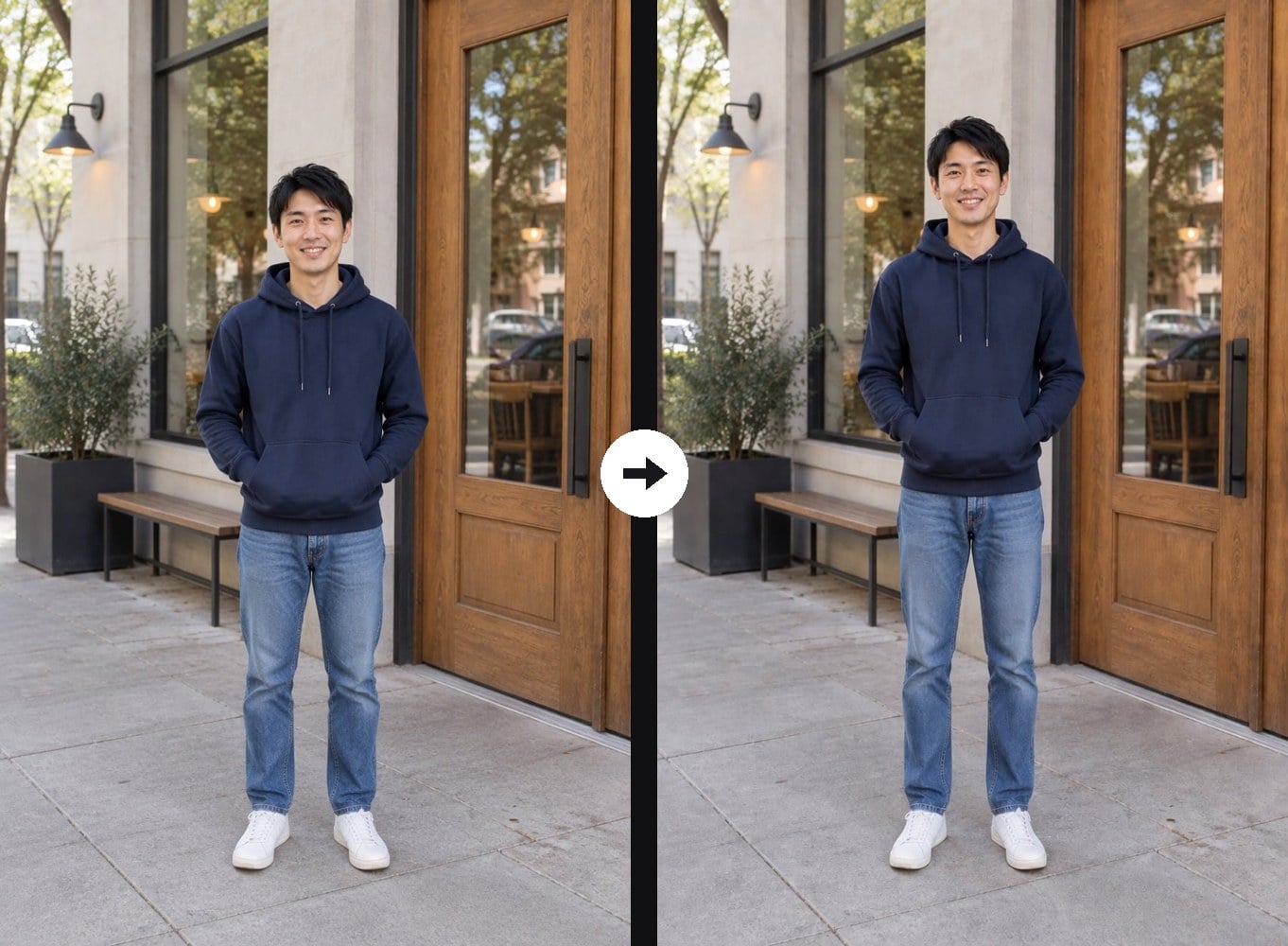
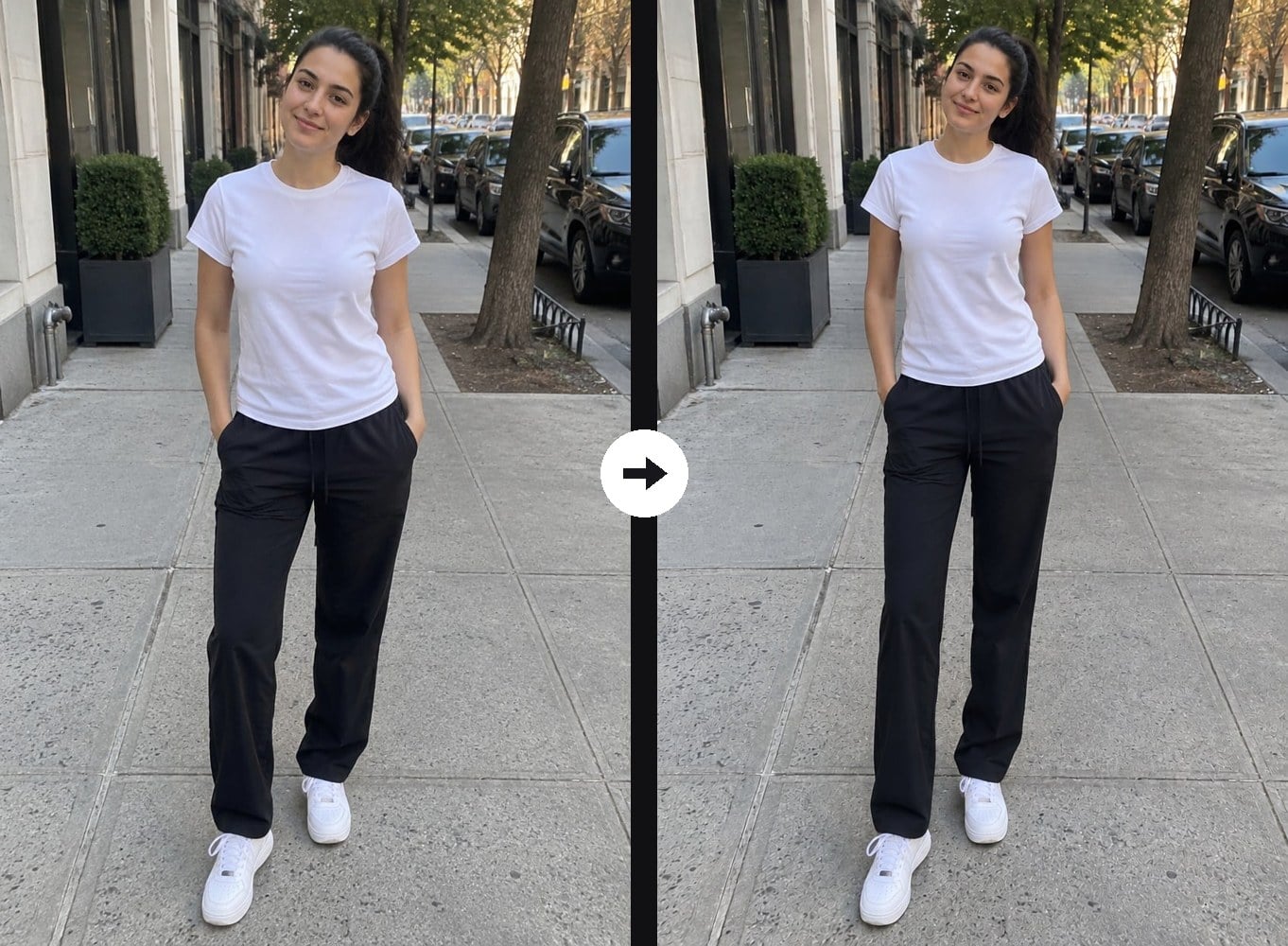
Upload a full-body or half-body photo and the AI adds about 10 to 15 cm (4 to 6 inches) of height. It lengthens the legs and torso in balanced proportions and lifts the top of your head against the background, while your face, hairstyle, outfit, pose and background stay as they were, without the stretched look of a manual edit. The console below runs on GPT Image 2.5, and you can edit the prompt for a smaller or bigger change.
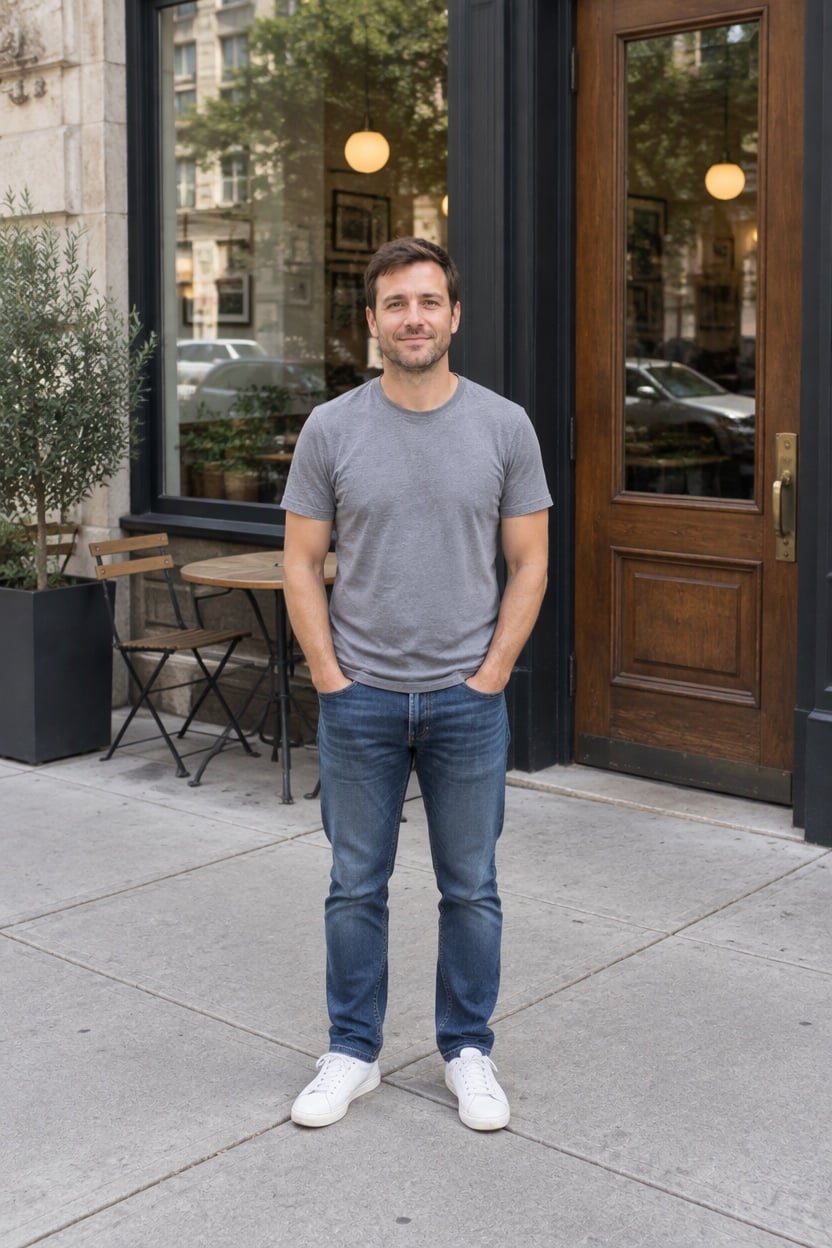
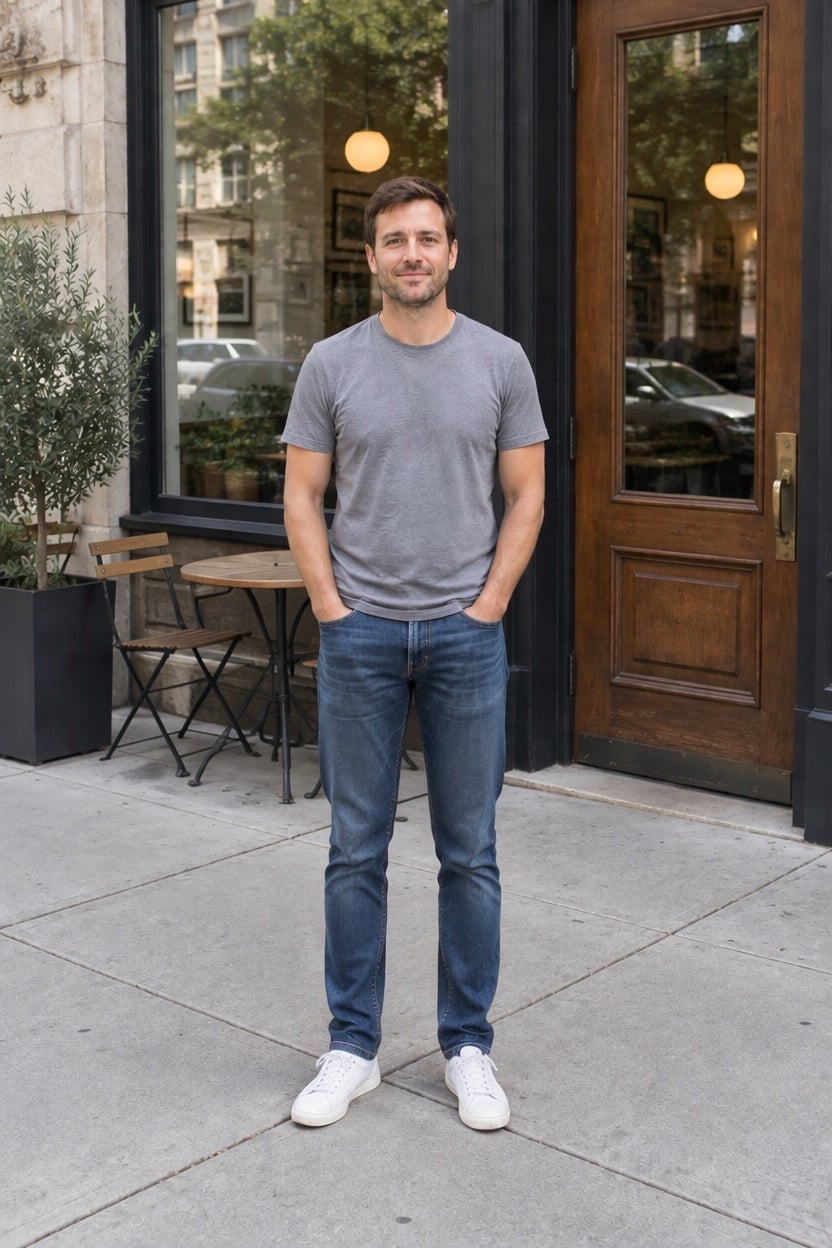
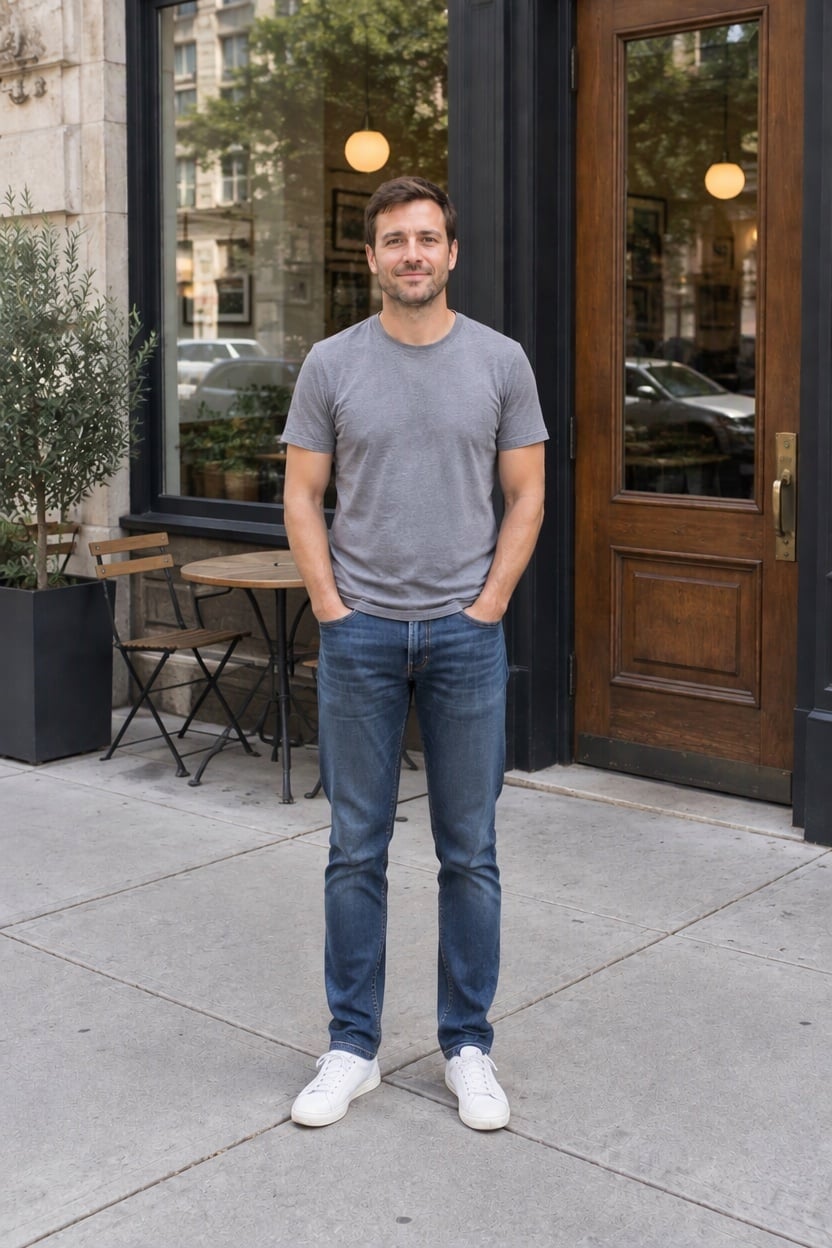
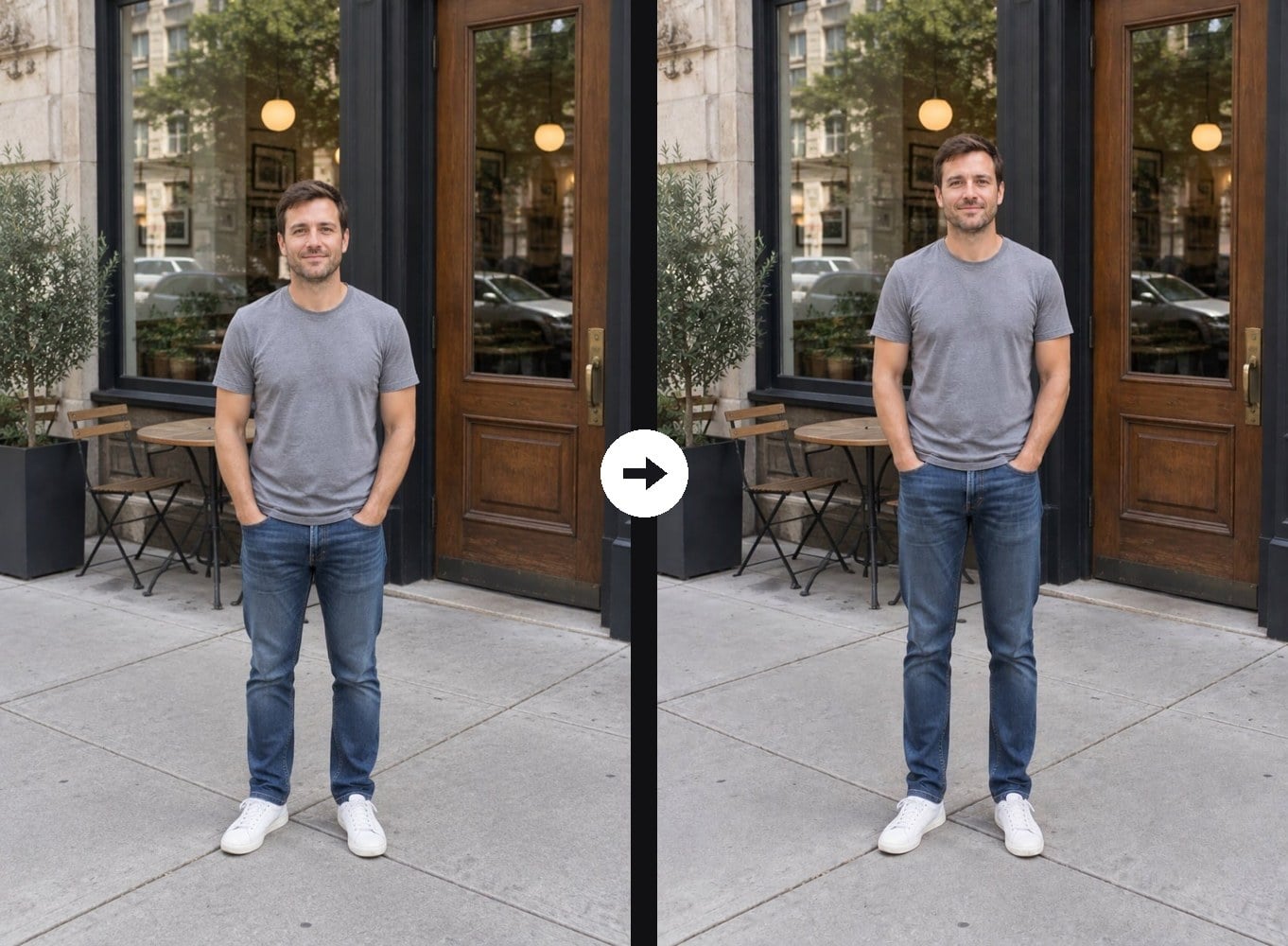
Cafe Doorway, Taller
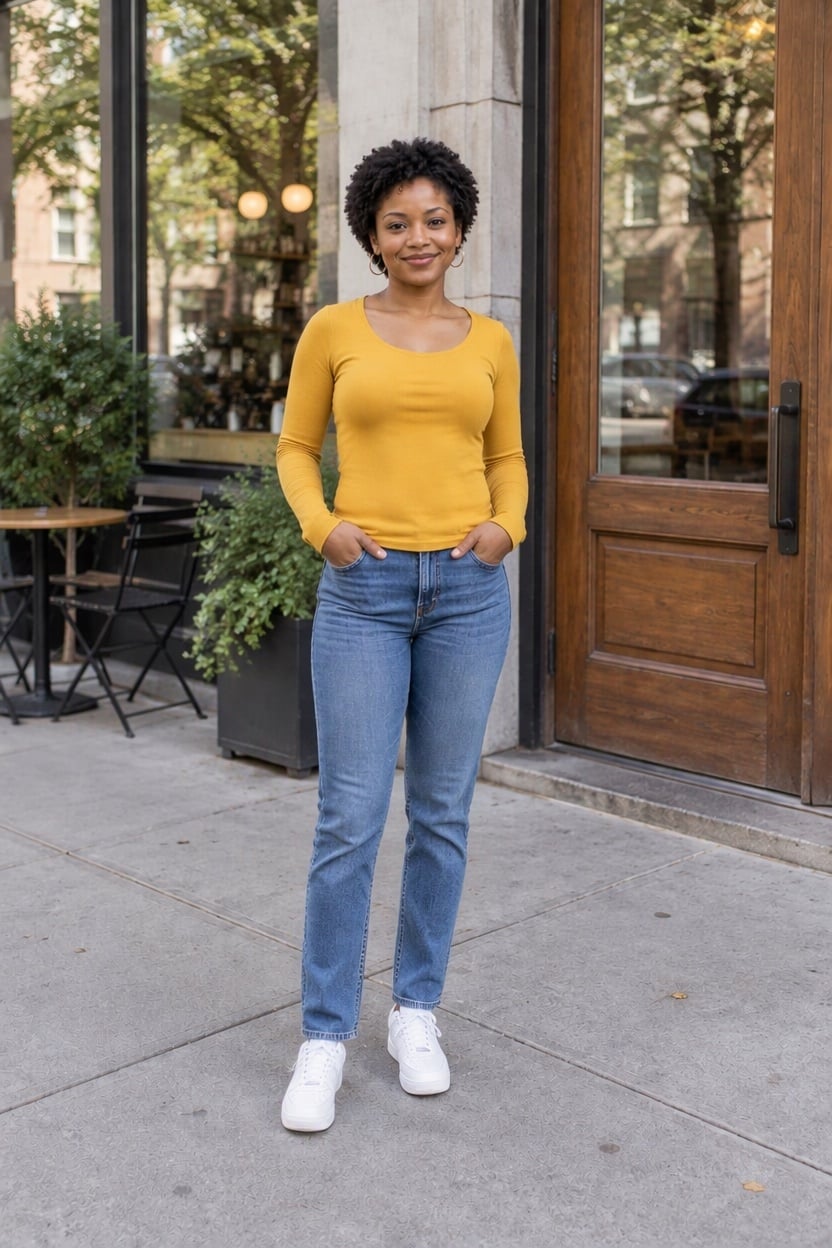
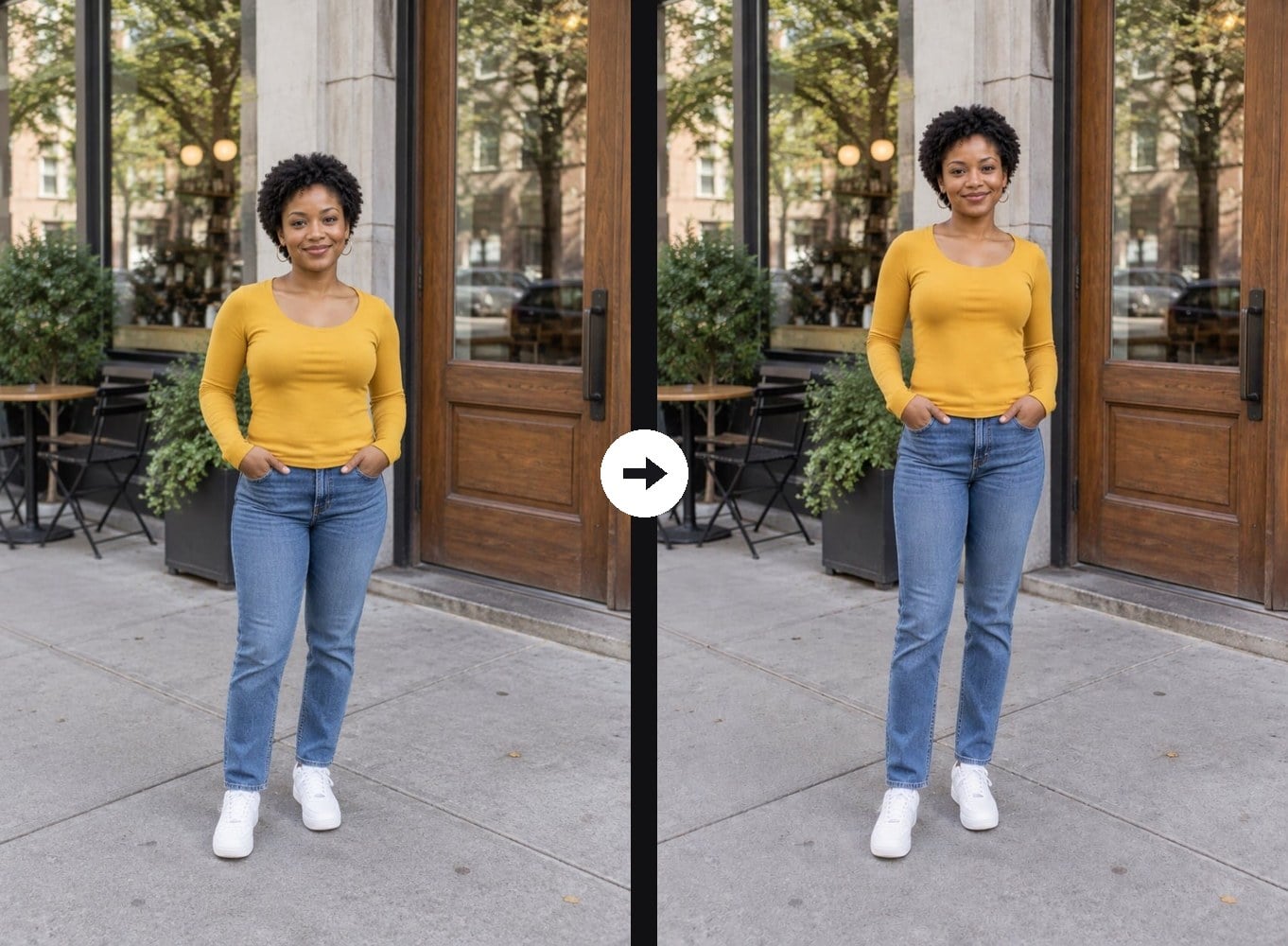
Yellow Top, Longer Legs
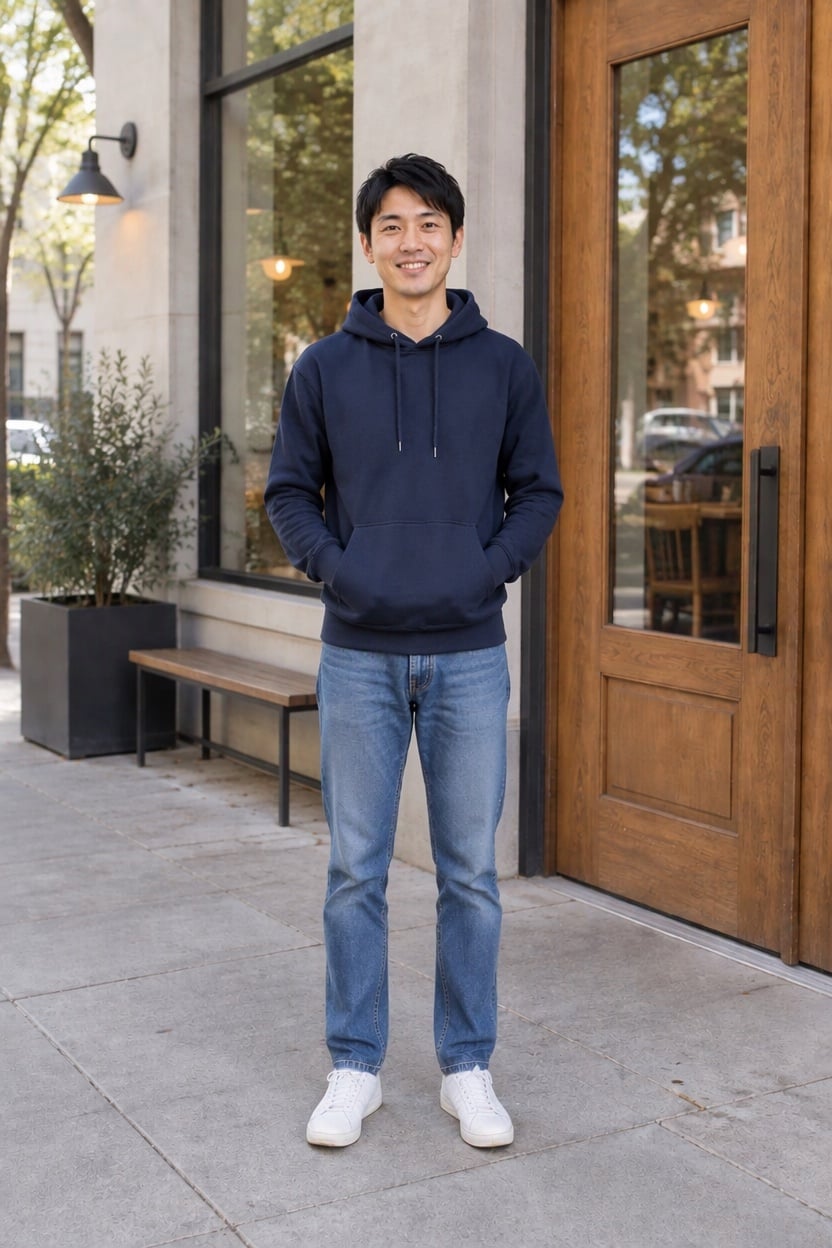
Hoodie Look, Extra Height
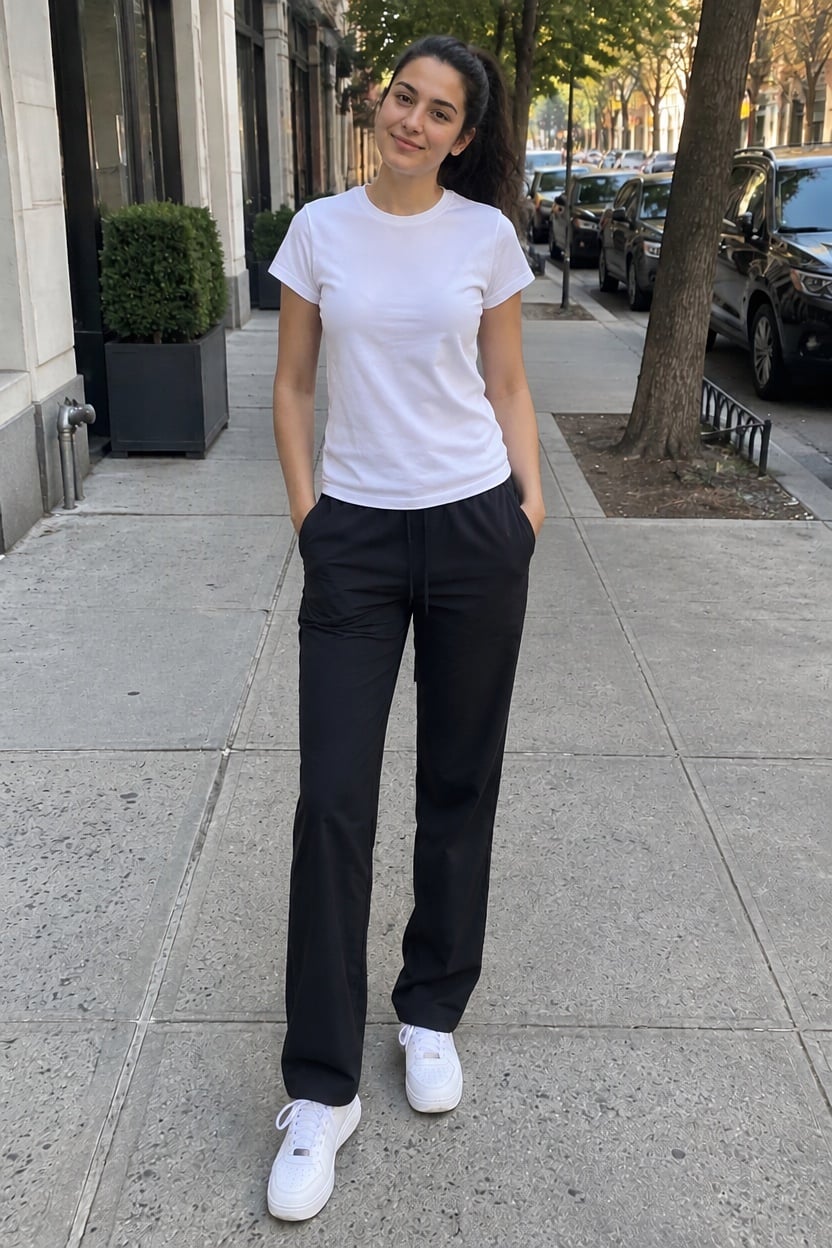
Street Style, Taller
Upload files
Upload a full-body or half-body photo
Effect prompt
By uploading a file, you agree to GoEnhance's Terms of Use and Privacy Policy
Taller Photos from the Console
Each result is one upload with the prompt above. Compare the head with the door frame or the background: the person is taller, the scene is unchanged.
Cafe Doorway, Taller
Yellow Top, Longer Legs
Hoodie Look, Extra Height
Street Style, Taller
How to Look Taller in a Photo
01
Upload a photo
A full-body photo of you standing upright works best. Half-body photos work too; the AI extends the torso and proportions.
02
Generate
The height increase prompt is already filled in. Press the button, or edit the prompt to say how much taller you want to look.
03
Download and share
Use the taller photo for a profile picture, a dating app, a fashion post or just for fun.
Why Use This AI Height Editor
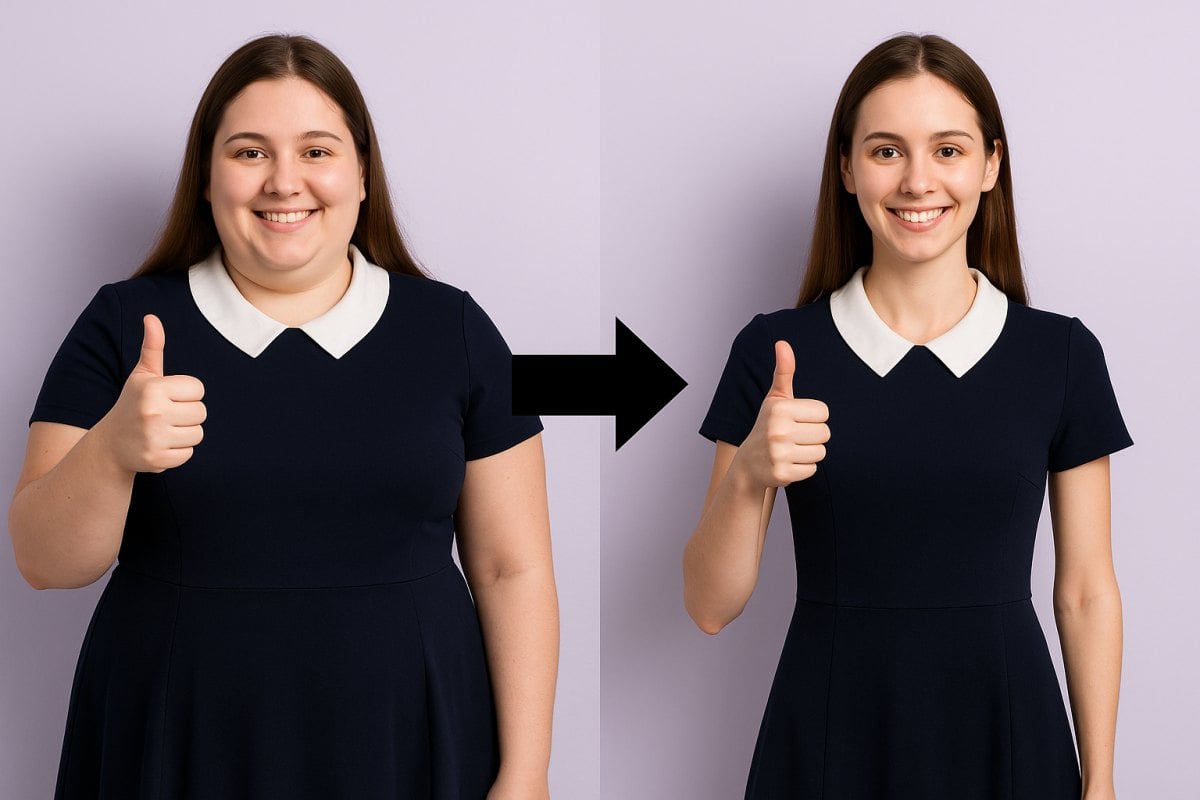
More Body Photo Effects

AI Height Increase FAQ
What does AI height increase do?
Will the photo look stretched or distorted?
Which photos work best?
Can I choose how much taller I look?
Will it change my face?
What else can I try?
Ready to Stand a Little Taller?
Upload a full-body photo and see yourself taller in under a minute.
Make Me Taller