goenhance logo

AI Six Pack Abs Photo Editor

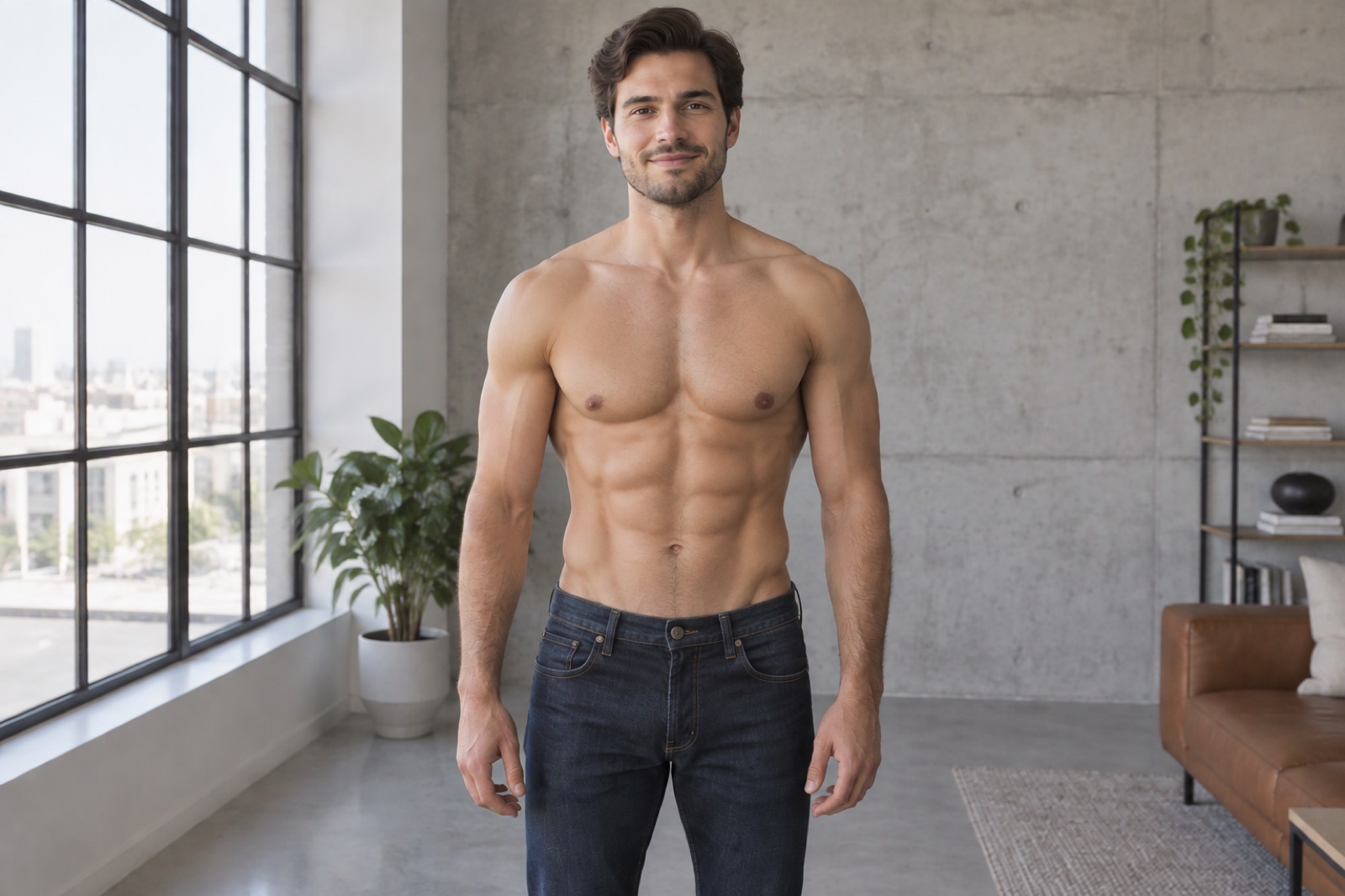
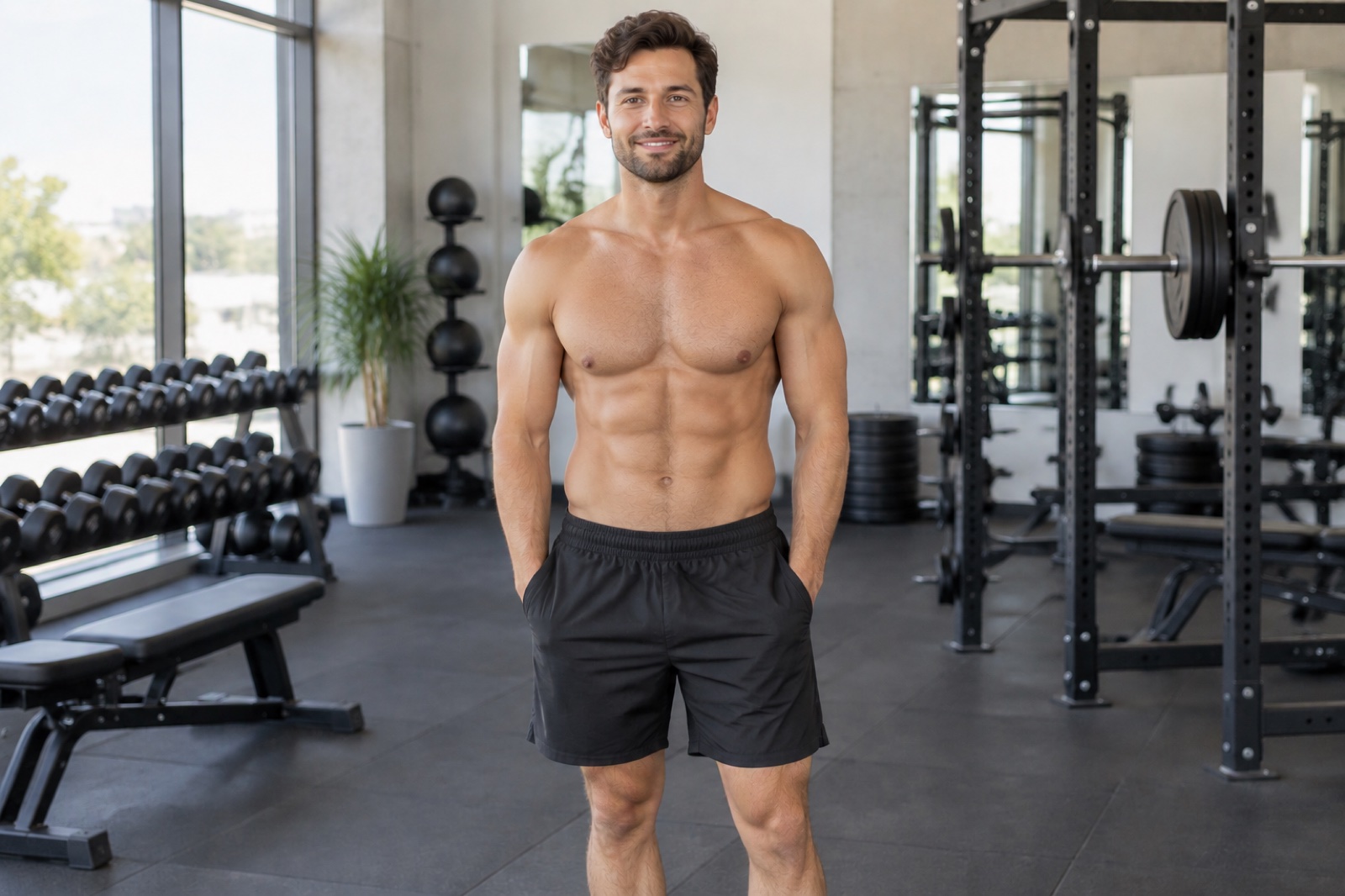
Add realistic six pack abs to any photo with one click. Lighting-aware, skin-tone matched, and ultra-natural. Try the Six Pack Abs Generator now.
Generate Your Abs

Skin-Tone Matched, Lighting-Aware Abs

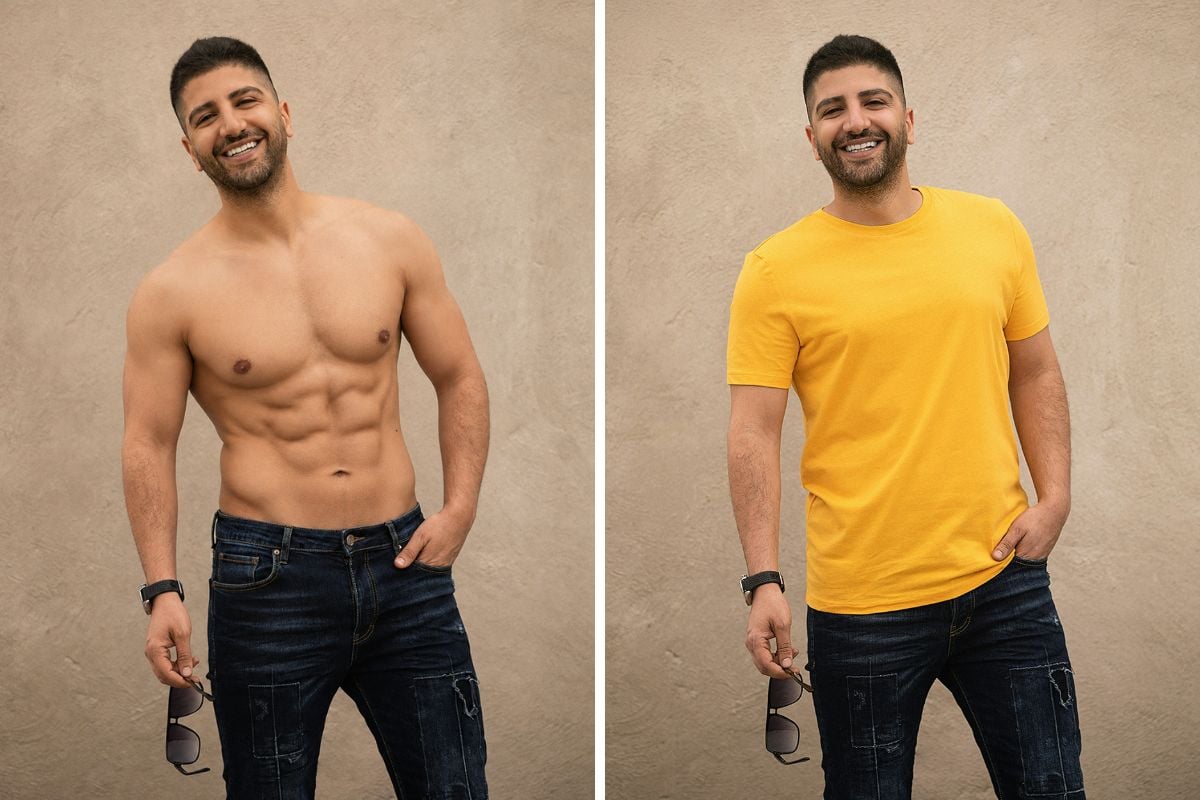
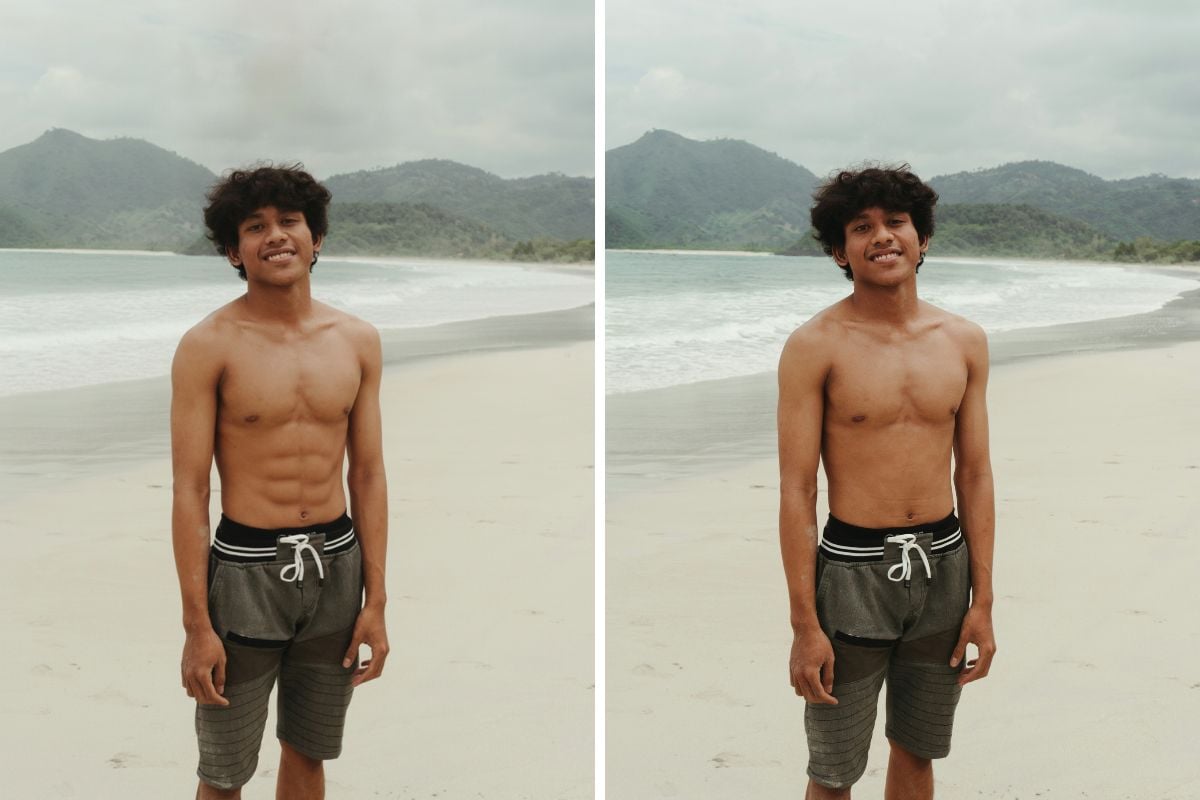
Our model analyzes local illumination and color so highlights and shadows follow your photo’s real light direction. No grey cutouts—just seamless definition.

Presets for Everyone

Select male or female anatomy presets and customize 4-pack, 6-pack, or 8-pack looks. Dial in subtle tone or competition-level definition.

Edge-Aware Smart Masking

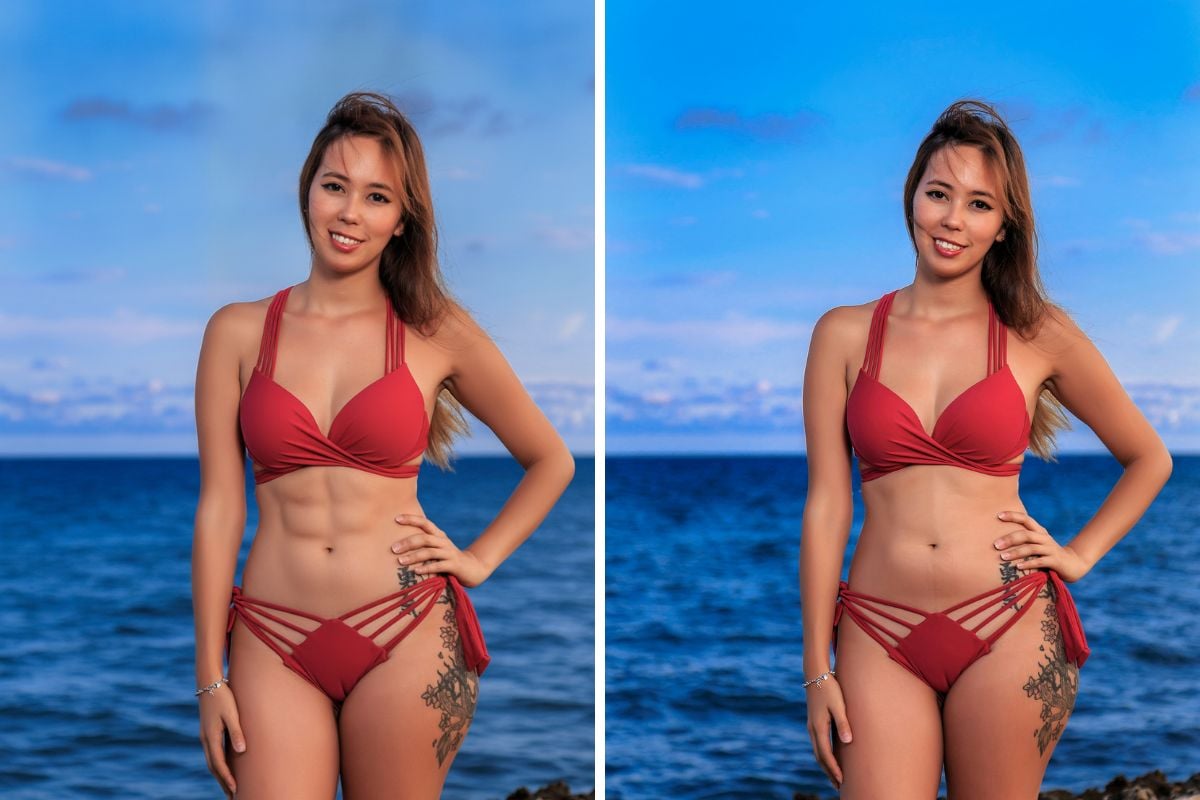
Automatic belly segmentation hugs natural contours (obliques, serratus, waist) while protecting clothing edges and tattoos for a clean, realistic blend.

Before/After Compare & History

Instant A/B slider, multi-step Undo/Redo, and snapshots help you land the exact look you want—without re-uploads.

Batch Editing for Shoots

Process multiple fitness shots in one flow—consistent settings for campaigns, portfolios, and e-commerce lookbooks.

Privacy First

Your uploads are encrypted in transit. Remove results anytime from your dashboard. We never sell your images. Discover more creative tools in our AI image generator.

How to Add Six Pack Abs to a Photo

01

Upload a Clear Torso Photo

Front-facing or slight angle; good lighting; avoid heavy clothing over the abdomen for best masking.

02

Choose “Six Pack Abs” & Set Intensity

Pick male/female presets, define ab style (4/6/8-pack), and adjust depth, shine, and contrast.

03

Generate & Refine

Click “Generate.” Use Compare/Undo to fine-tune edges, tan level, and shade realism. Download in HD.

What Our Users Say?

Everything About the Six Pack Abs Editor

Frequently Asked Questions

1. What photos work best?

Front-facing or 3/4 angle shots with the abdomen visible, even lighting, and minimal occlusion (no crossed arms or thick jackets). Higher resolution produces cleaner edges.

2. Can I choose different ab types?

Yes. Select 4-pack, 6-pack, or 8-pack and adjust intensity, shine, and shadow depth. Male/female presets keep anatomy realistic.

3. Will the abs match my skin tone?

GoEnhance analyzes local color and light to blend highlights and shadows with your natural skin tone for a seamless result.

4. Can I keep it subtle?

Absolutely. Use low intensity for gentle definition or increase depth for a gym-ready look. You can switch styles anytime.

5. Is it free to try?

You can preview edits online. HD exports and batch processing may require credits or a plan depending on your usage.

6. Does it work on group photos?

It’s optimized for single-person frames. For groups, crop to each subject or use batch mode to process individuals separately.

7. How is my data protected?

Images are encrypted in transit. You control deletion from your account at any time. We do not share or sell your content.

8. Tips for ultra-realistic results

Shoot with directional light, avoid heavy filters, and keep the abdomen area uncovered. Use the Compare slider to fine-tune edges and shine.

Ready to Sculpt Your Photo?

Upload a torso photo, choose your ab style, and download realistic results in seconds.

Add Six Pack Now