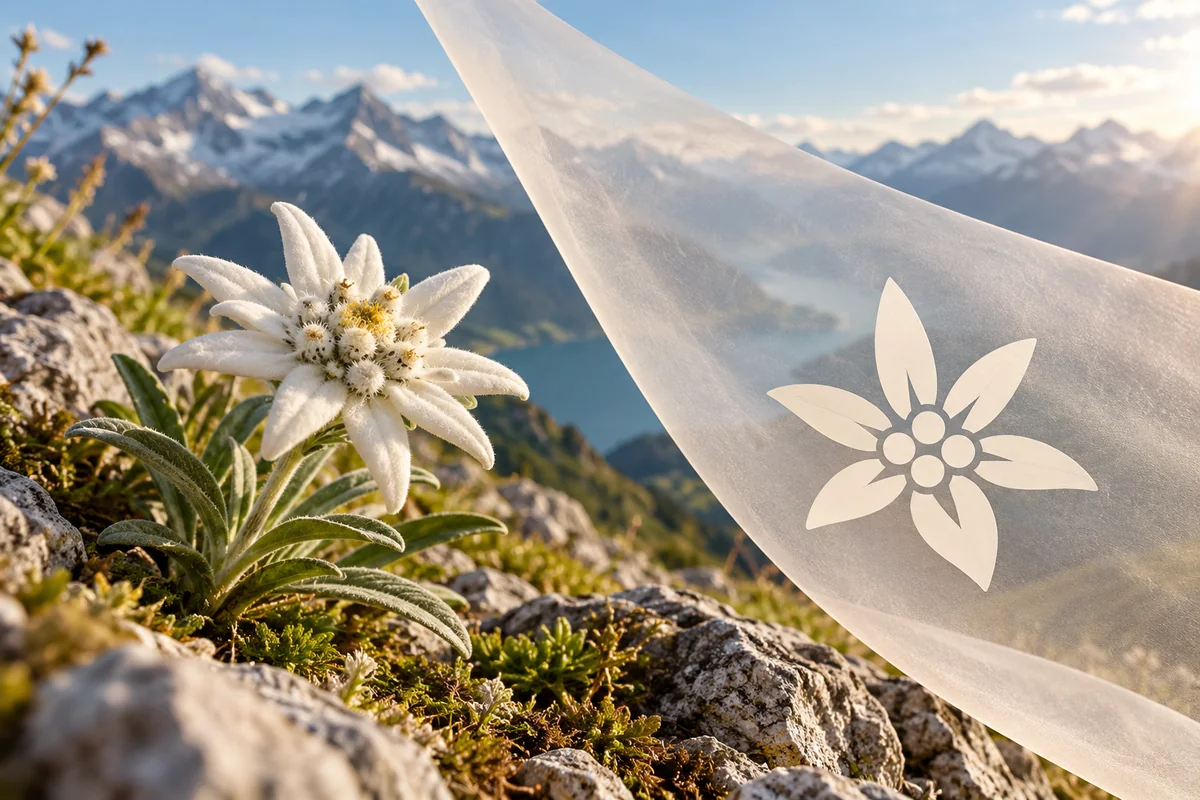
Turn an Image Reference into a Logo Concept
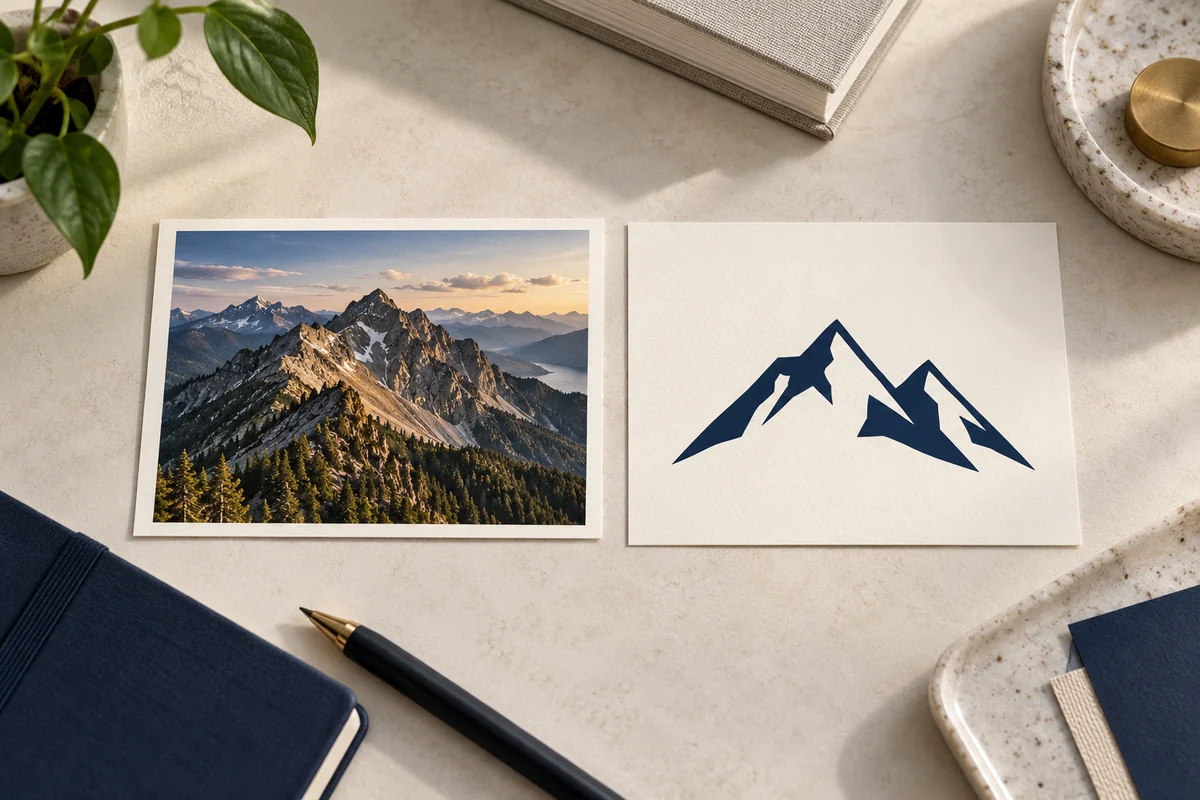
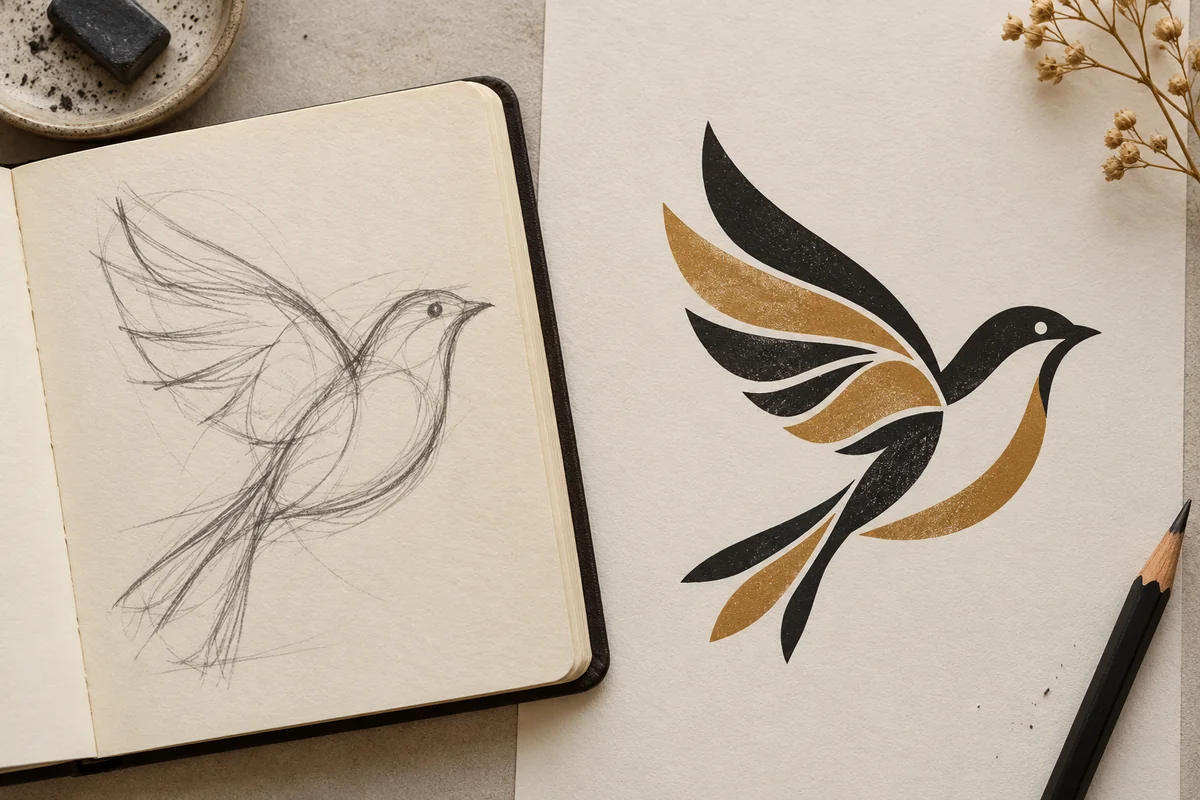
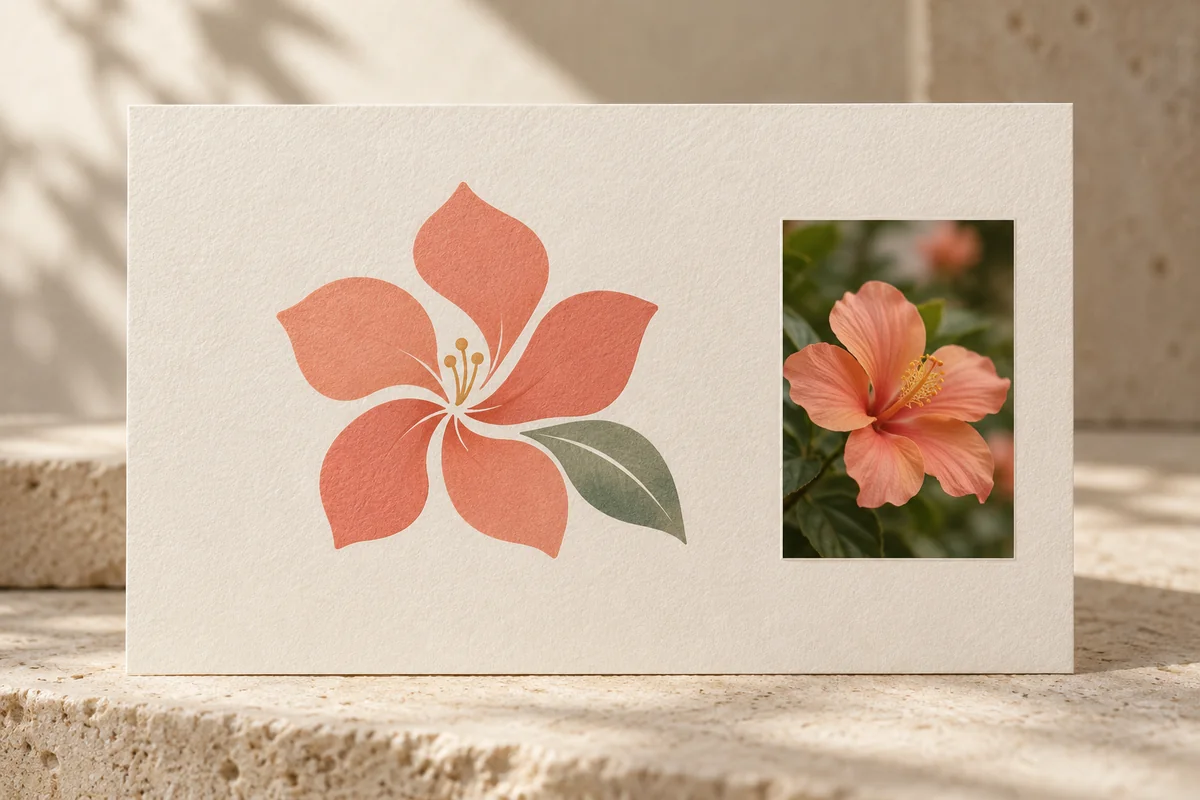
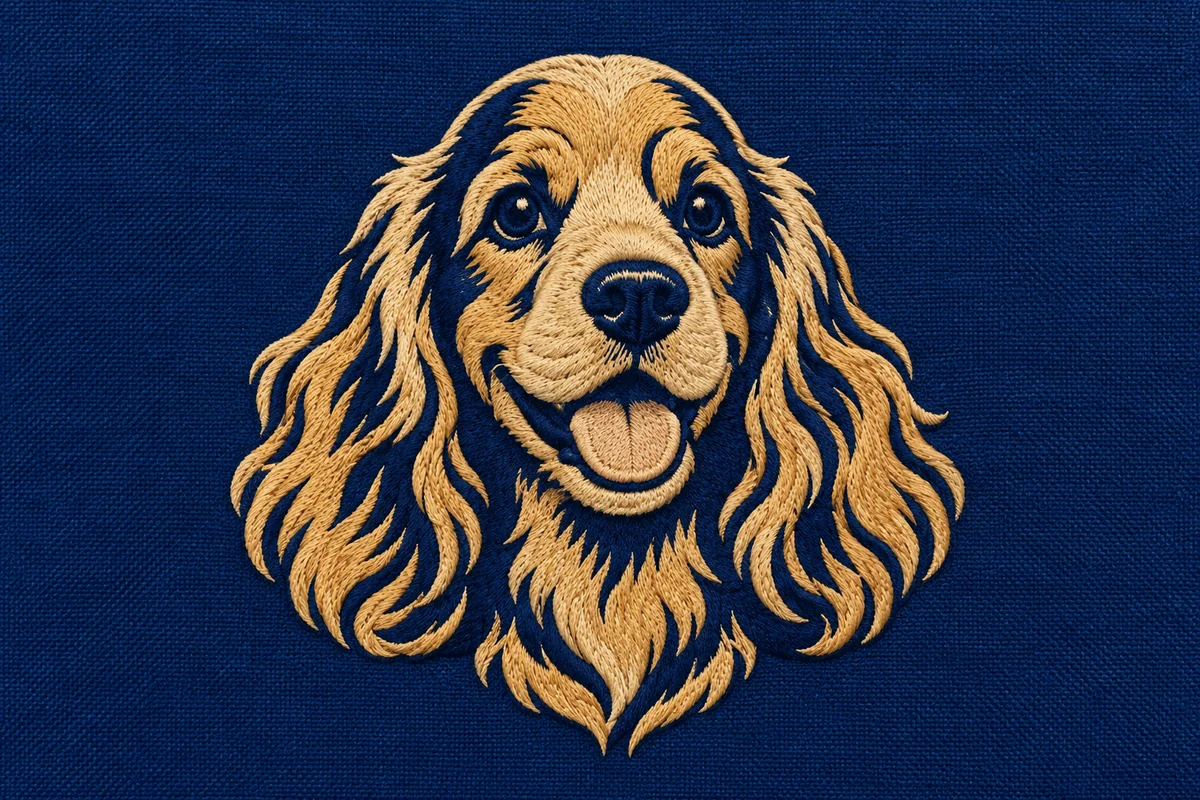
Image-Inspired Logo Concept Examples
Flower Photo to Floral Icon
Pet Portrait to Friendly Mark
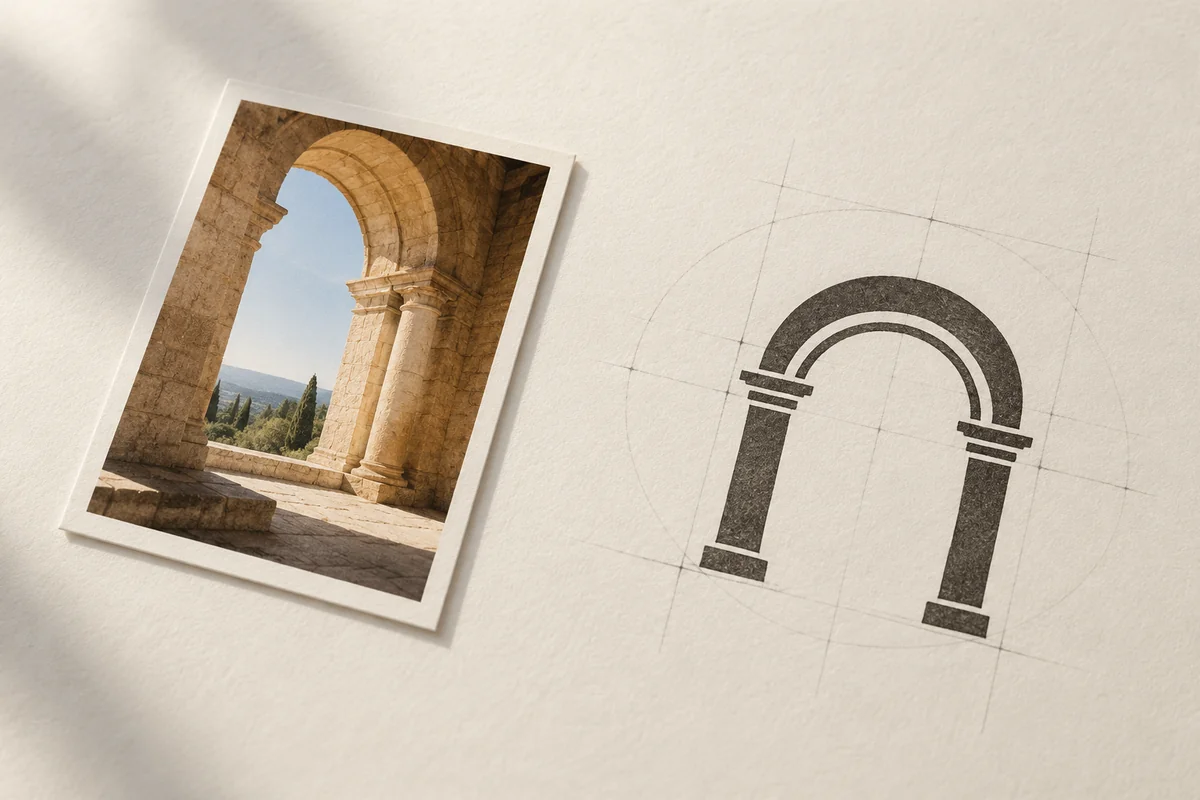
Building Reference to Architecture Logo
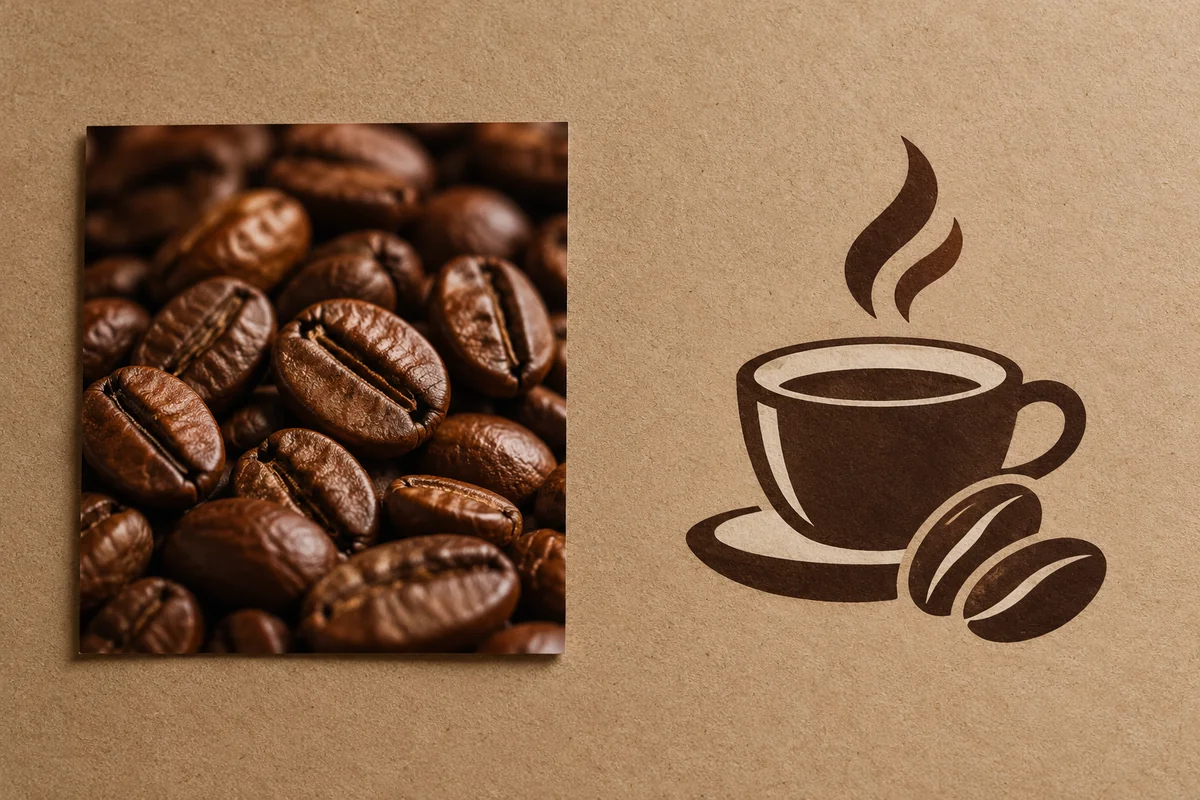
Coffee Image to Cafe Mark
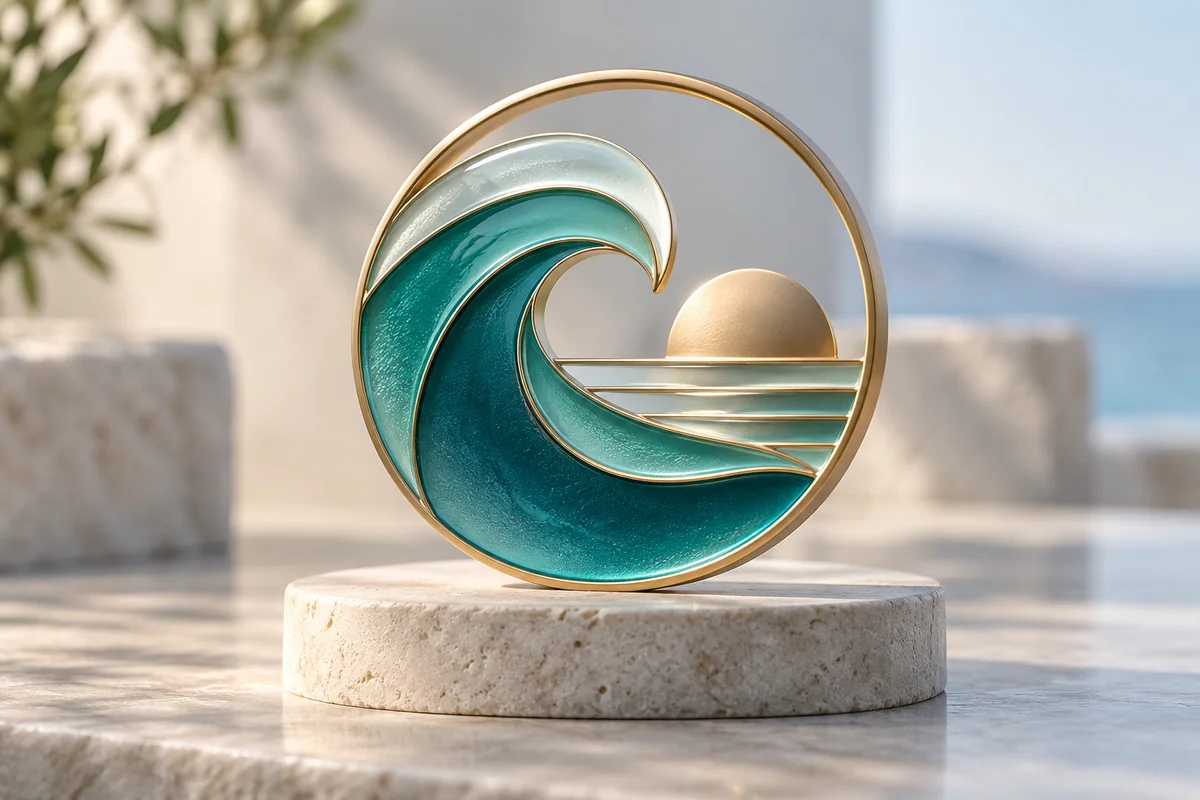
Wave Reference to Travel Emblem
Hand Sketch to Abstract Symbol
Guide an Image Toward a Logo Direction
Choose a Useful Reference
Select a photo or sketch with a clear main subject and a composition that can be simplified.
Describe the Logo Treatment
Say what the subject should become, such as a flat icon, emblem, or one-color silhouette, and note what should remain.
Review and Refine the Concept
Compare the result with the reference and refine the prompt if it is too detailed or changes the core idea. Each output is a generated variation.
Explore Logo Directions from Visual References
Start from a Subject You Already Have
Use a meaningful photo, sketch, or object as the visual starting point for a logo-style concept, preserving what makes the source recognizable while exploring simpler shapes and emblem treatments. GoEnhance's Image to Image workflow pairs a reference with a text prompt, so an existing idea can guide the generated direction instead of beginning from a blank description. This is useful for turning a hand-drawn mark, landscape, or product detail into a design brief. Treat results as reinterpretations, not exact tracing or guaranteed vector output.
Simplify the Shape Through Prompted Edits
Create cleaner logo-like variations by focusing a prompt on the parts of a reference that matter most, such as a bird's outline, a mountain peak, or a product shape. The image-to-image workflow can explore a flatter emblem, simpler silhouette, or limited palette while keeping the core subject as a visual anchor. For a fresh prompt-only starting point, the AI Image Generator hub connects to related creation tools. This helps compare directions when a source feels too detailed, but generated results may reinterpret rather than preserve every feature.
Compare the Reference with New Variations
Create several logo-style concept directions from a sketch or photograph when the source contains more than one useful visual cue. Image-to-image generation can reinterpret the reference through prompt details such as a simplified silhouette, flatter colors, geometric styling, or a badge layout, helping compare ways to carry the original idea forward. Rather than promising an exact conversion, it provides visual exploration that can clarify which features should remain central. This is useful when the source has excess detail or an unclear focal point; review each result for fidelity and readability before adopting it.
Why Explore Image to Logo Generator Concepts with GoEnhance AI
Image-Guided Editing
Prompt-Led Style Changes
Text-to-Image from Scratch
Explore More Band Lettering and Logo Styles
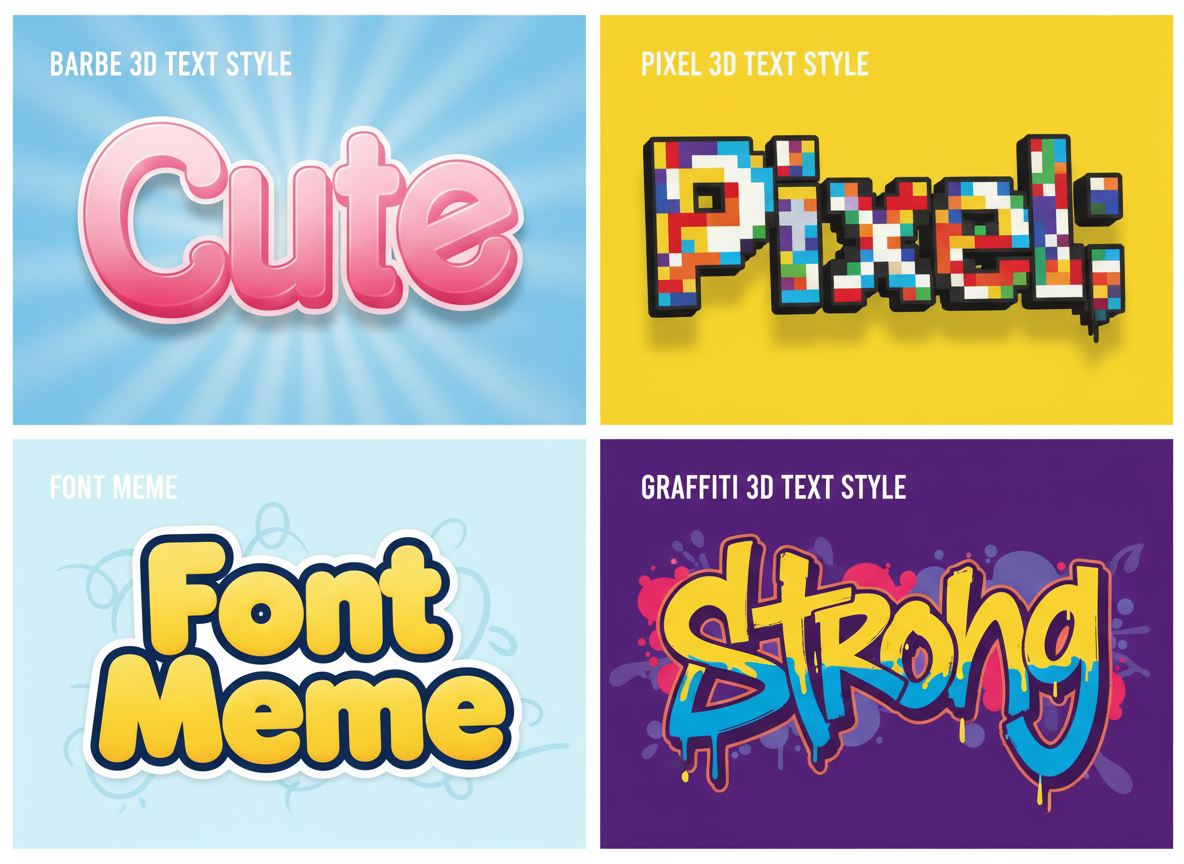
Free 3D Text Generator
Give a band name dimensional lettering for a release announcement or promotional graphic.
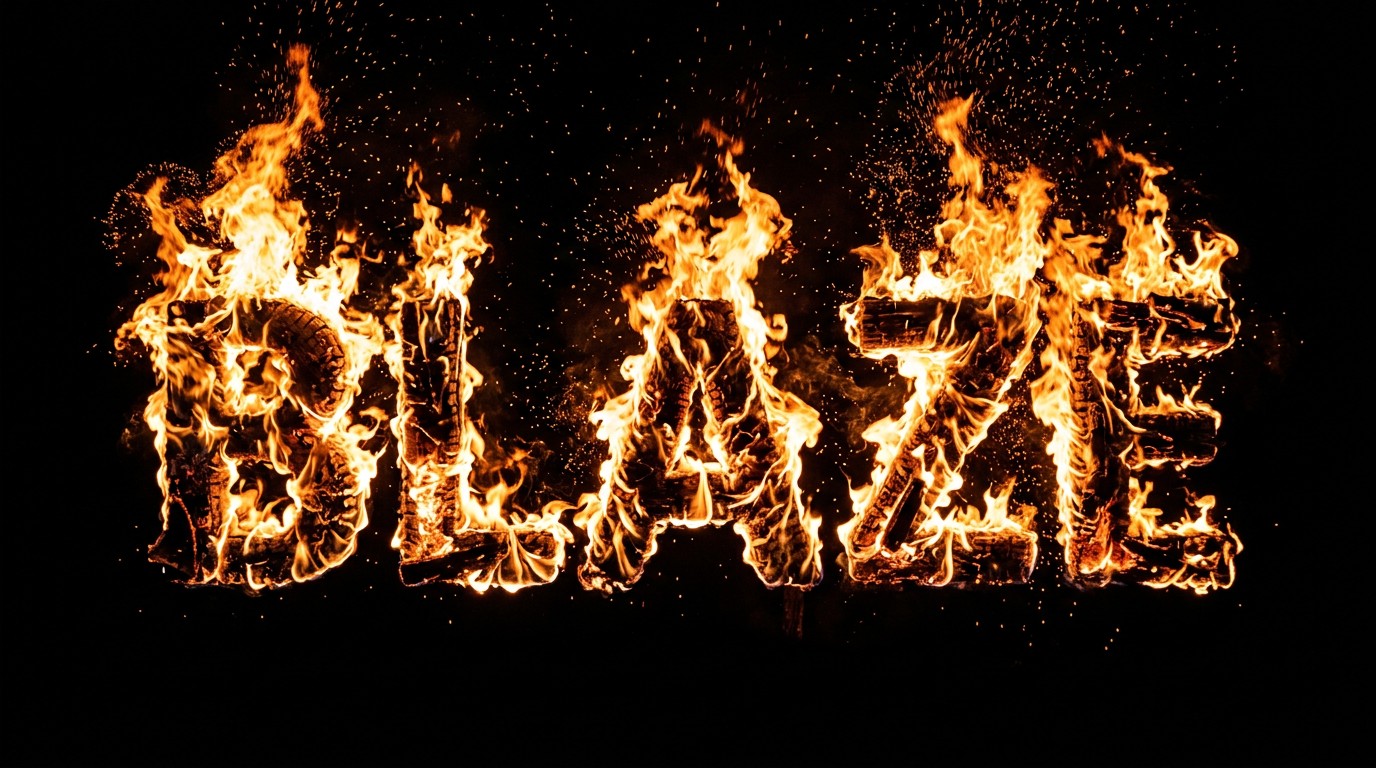
Fire Text Generator
Explore flame-style text for a heavy rock campaign or dramatic show poster.
AI Font Generator
Try different letter styles before settling on the visual tone of your band's name.
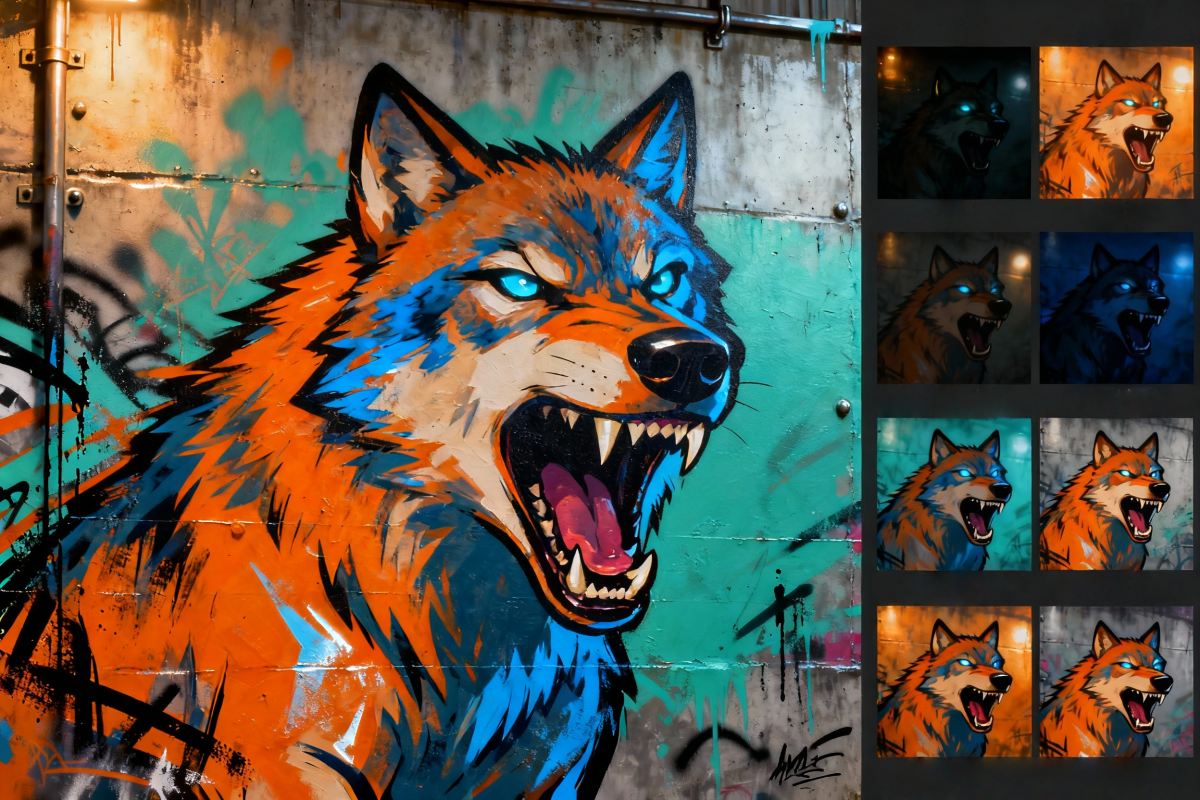
Online Graffiti Generator
Explore expressive graffiti lettering for punk, hip-hop, and crossover music projects.
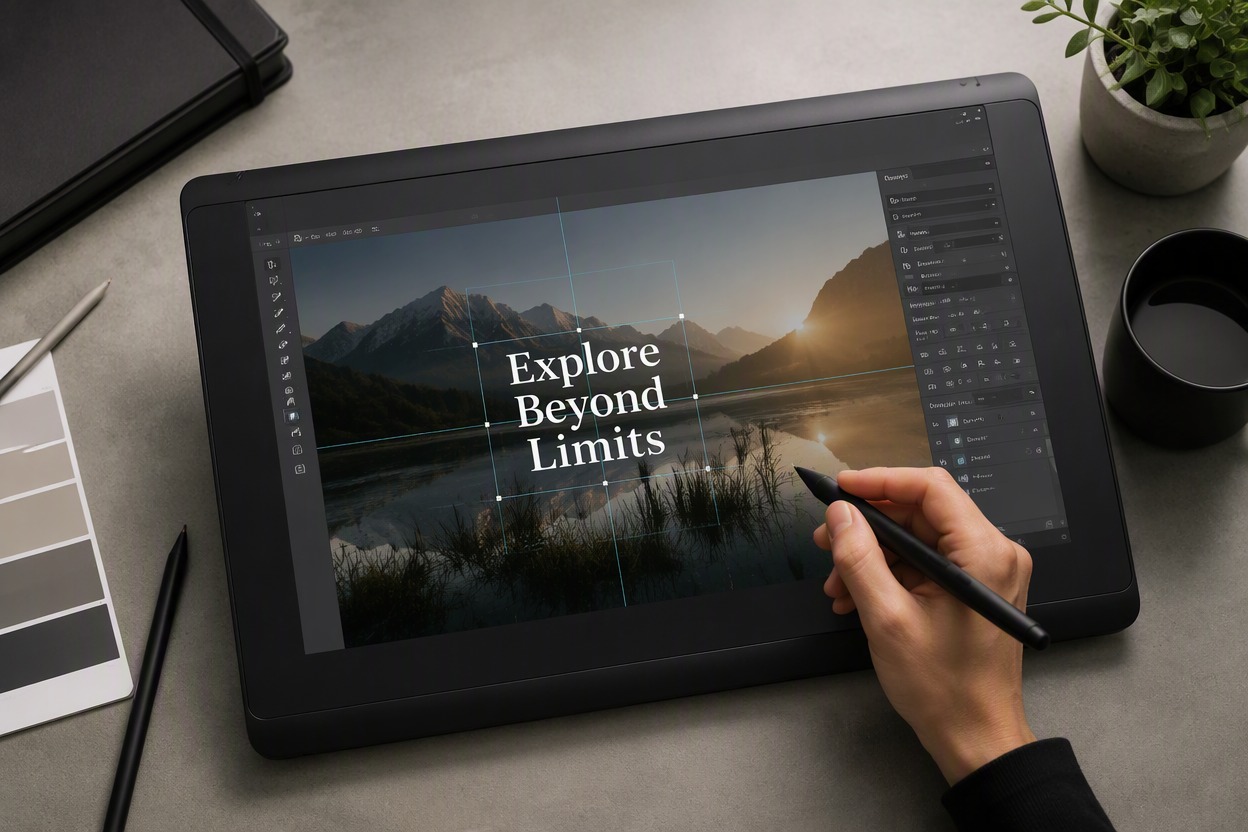
Add Text To Image
Add show dates or release information to an existing band promotional image.
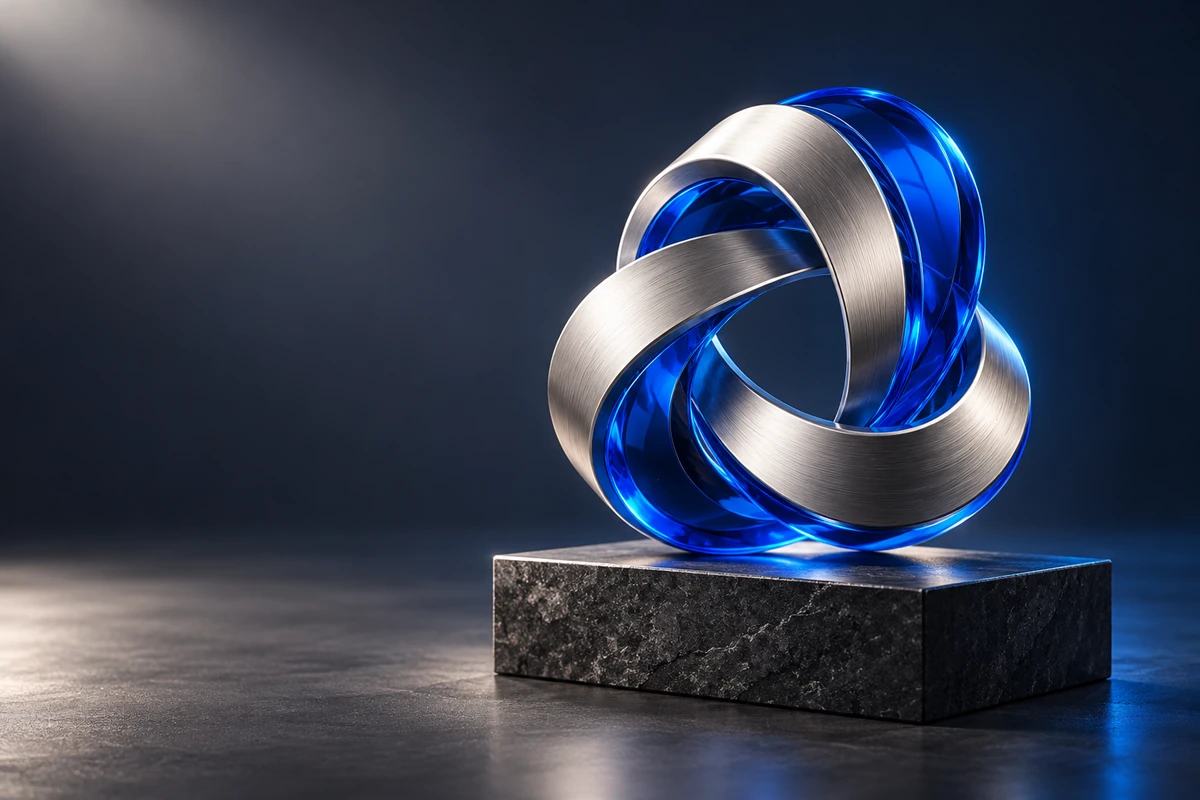
3D Logo Generator
Explore chrome, glass, and sculpted logo images for a dimensional version of your band identity.
Business Company Logo Generator
Try a cleaner company-style identity for a label, studio, or music business.
Frequently Asked Questions
What is an image to logo generator?
Can I turn a photo into a logo with GoEnhance?
Can I use a hand-drawn logo sketch as a reference?
Does image-to-logo mean exact image tracing?
Can I create a logo from a photo without a prompt?
Can I make a logo from text only?
Will the generated logo be transparent or editable?
How do I get a cleaner logo concept?
Explore a Logo Concept from Your Image
Start with your band name, genre, and one visual idea. Explore a logo direction that fits your next release, show, or music project.
Create a Logo from Image