3D Logo Generator

Give your brand name or symbol a dimensional look with GoEnhance AI. Describe the lettering, material, colors, and lighting to create a 3D logo image, from polished chrome wordmarks to soft clay emblems.
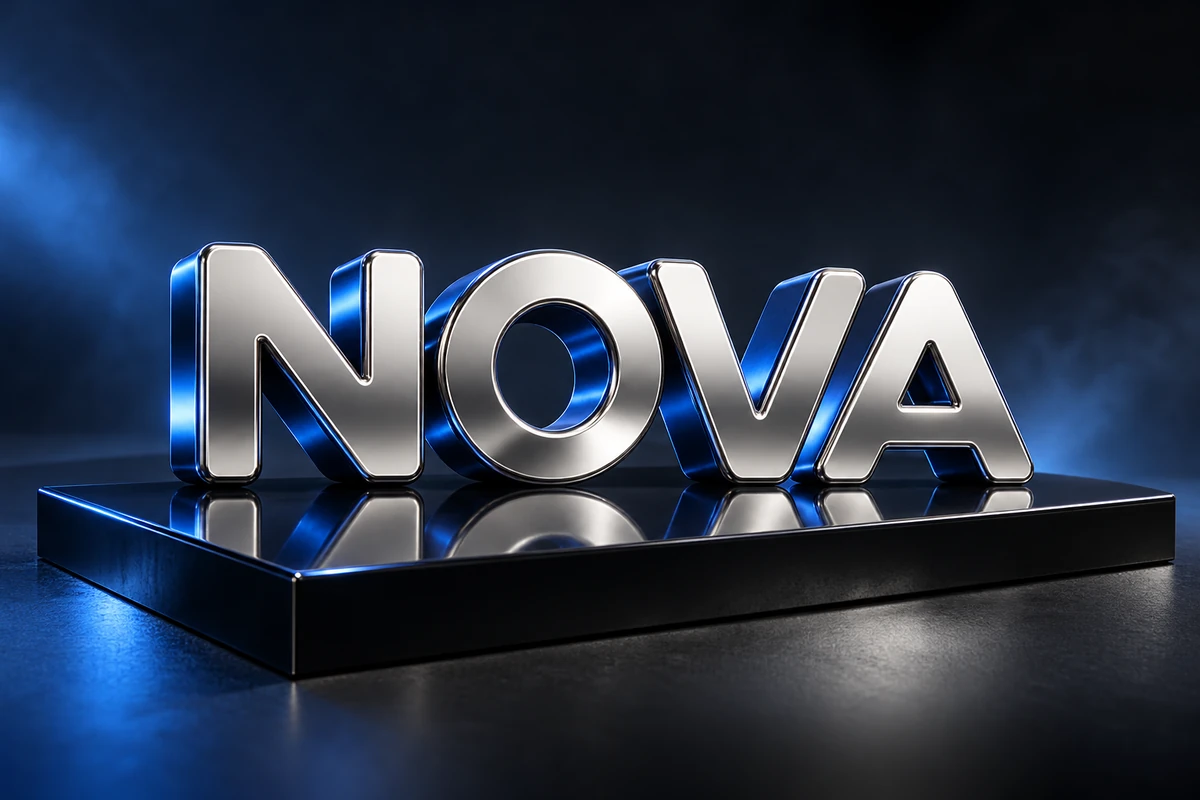
Chrome Wordmark
Chrome Wordmark
Chrome Wordmark
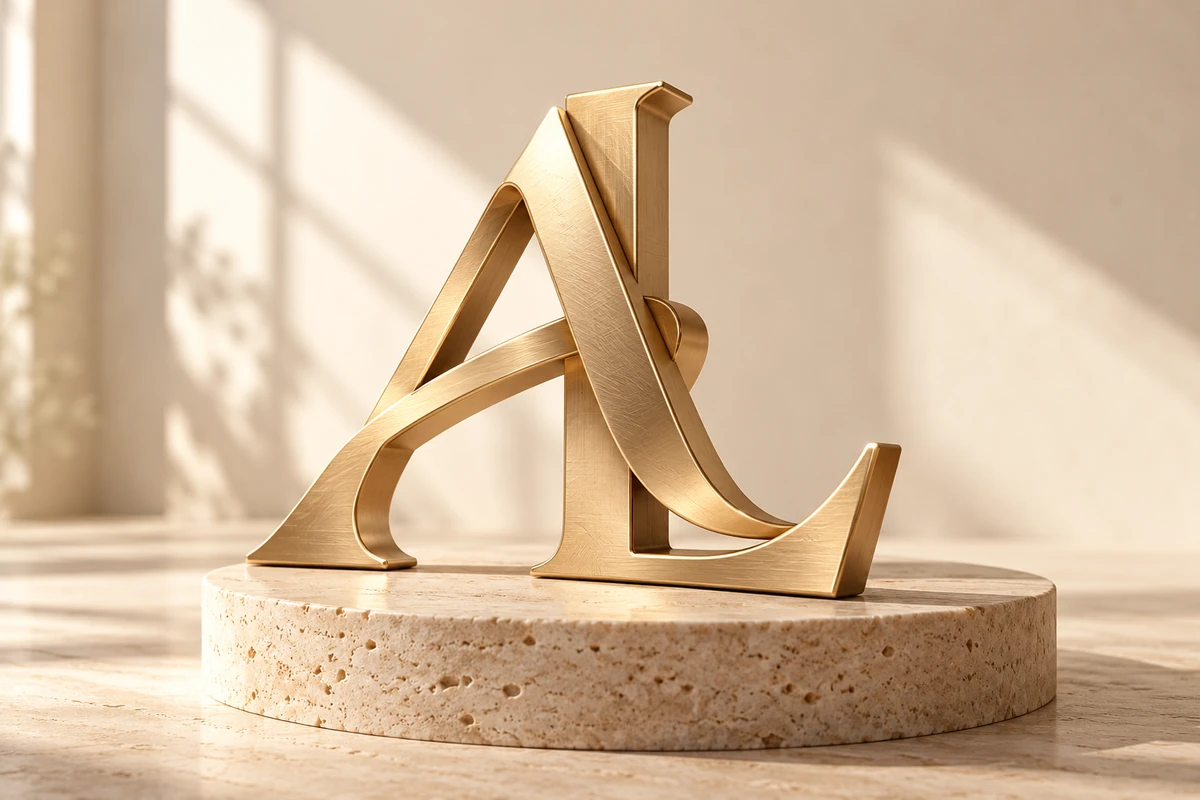
Gold Monogram
Gold Monogram
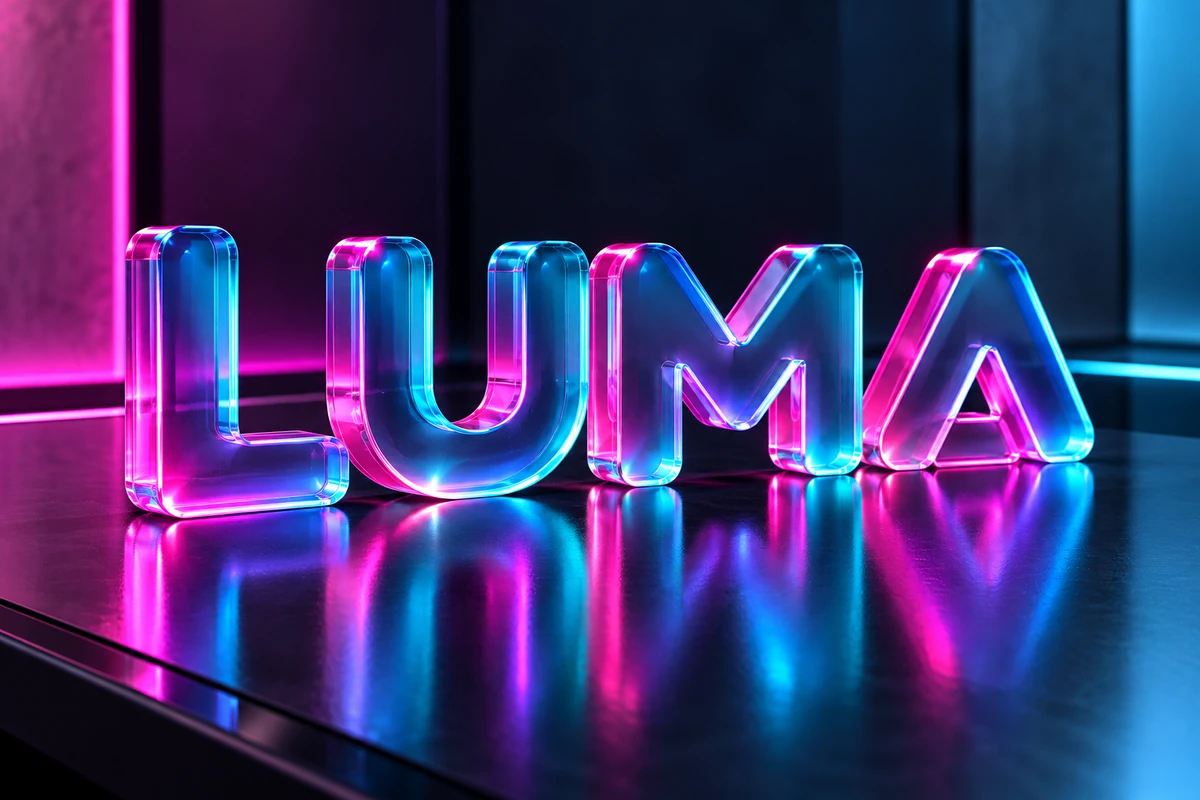
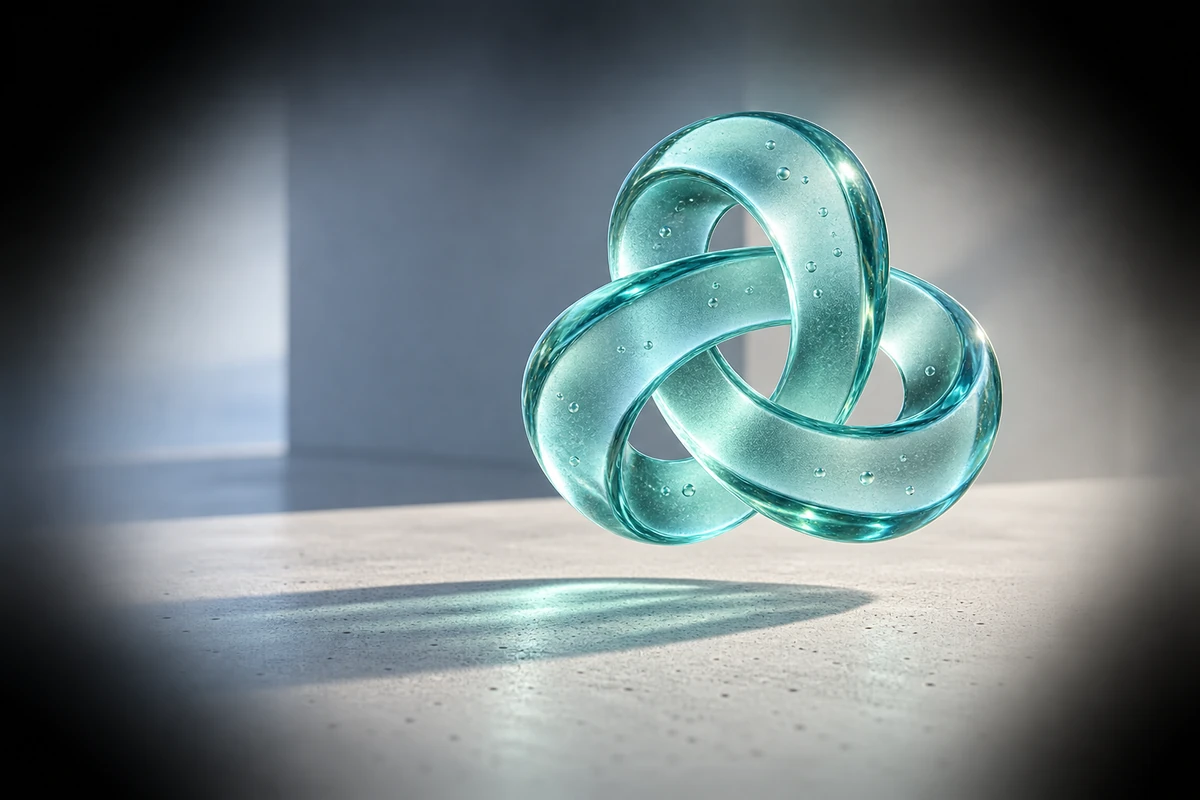
Frosted Glass Symbol
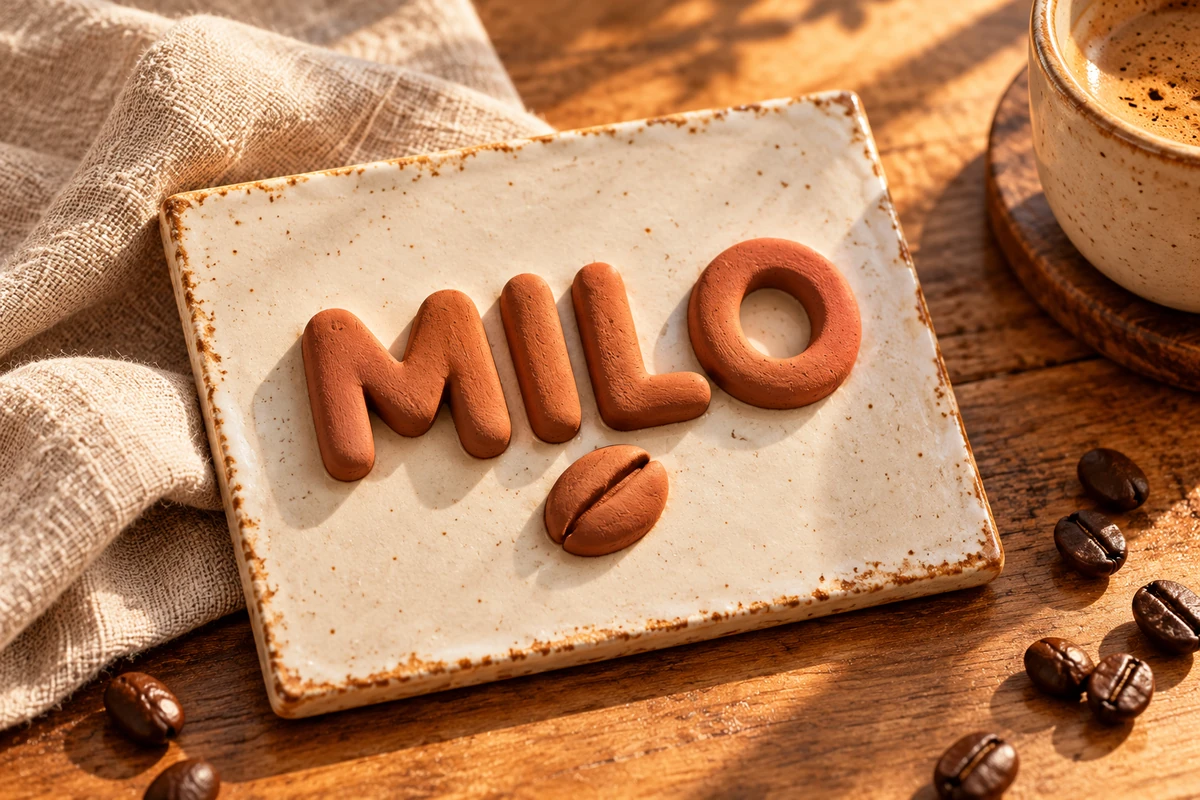
Clay Coffee Badge
Clay Coffee Badge
GoEnhance 2.0 Lite
Describe your logo
Opens the GoEnhance editor with this model and prompt ready.

Explore 3D Logo Styles

Explore a material and lighting direction, from reflective metal lettering to soft, tactile emblems. Start with a matching prompt above, then describe your own brand name or symbol.
3D chrome NOVA wordmark with blue rim lighting on charcoal

Chrome Wordmark

Brushed gold AL monogram with beveled 3D edges

Gold Monogram

Teal frosted glass loop logo on a pale gray background

Frosted Glass Symbol

Terracotta clay MILO coffee logo with a raised bean symbol

Clay Coffee Badge

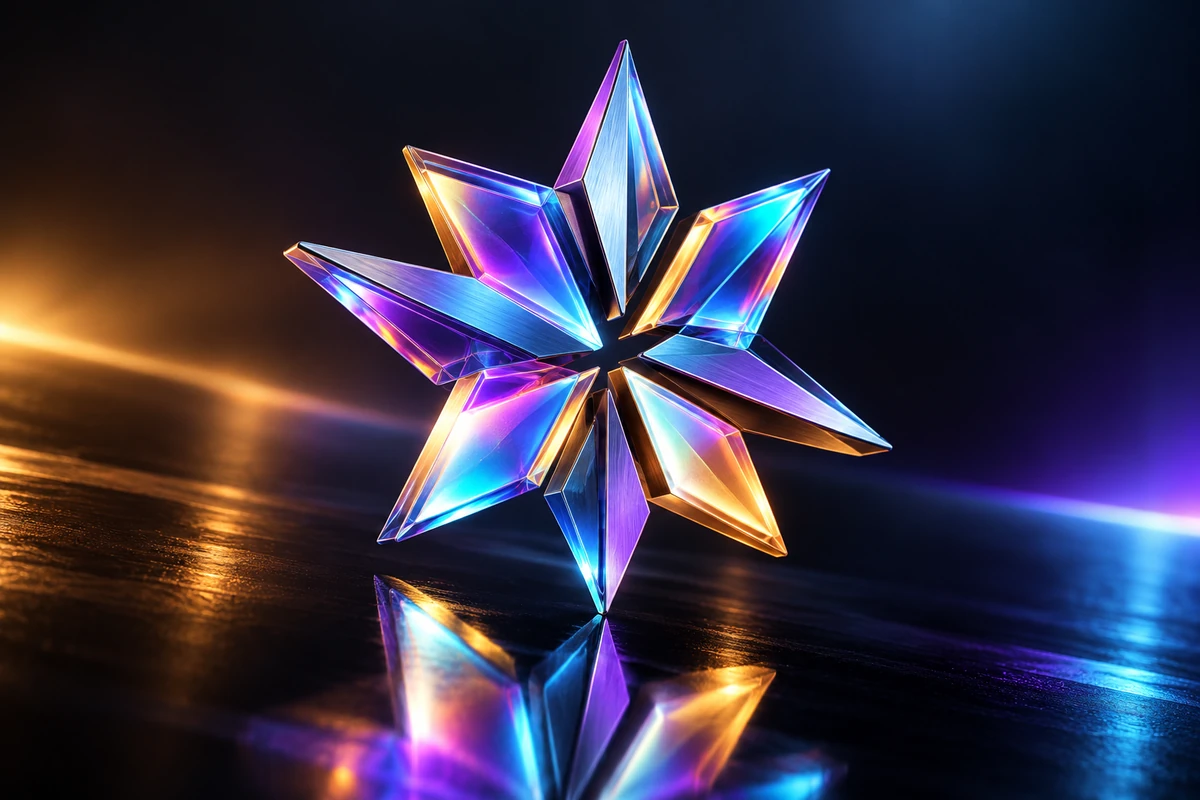
Iridescent geometric 3D technology logo

Holographic Tech Mark

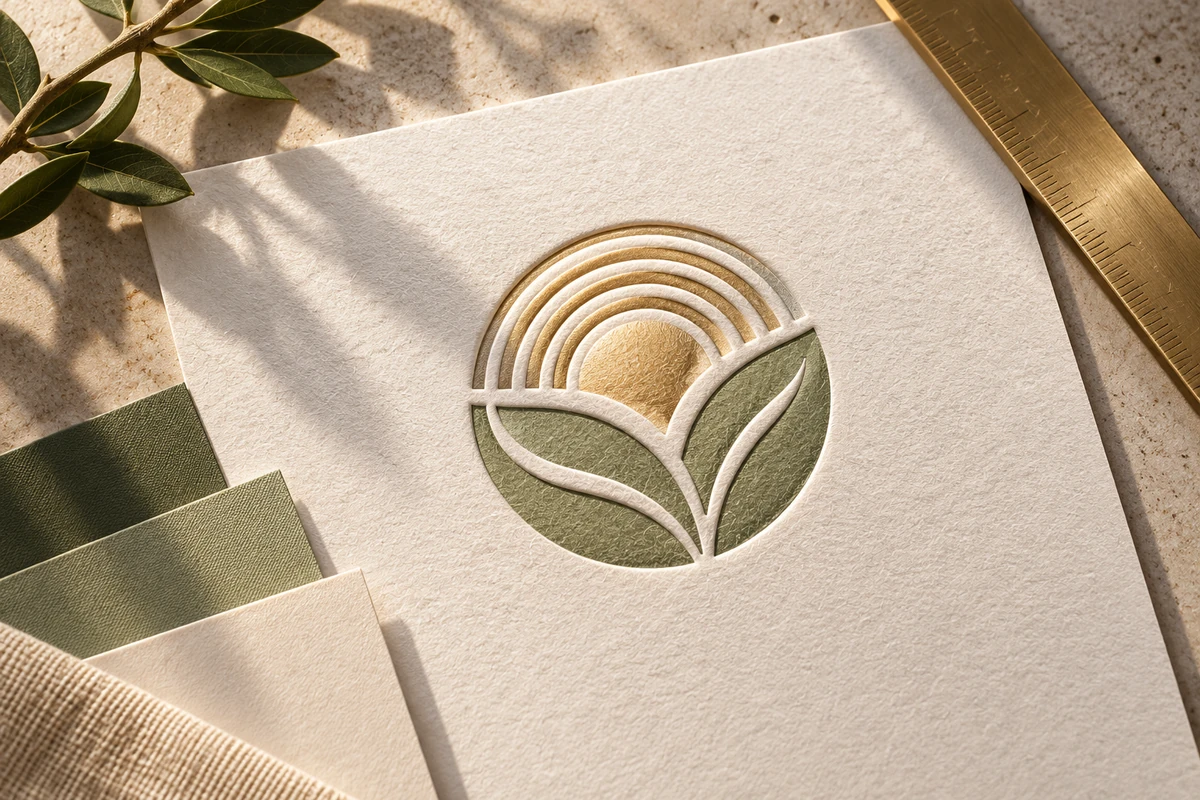
Subtle white embossed emblem on textured paper

Embossed Paper Emblem

How to Make a 3D Logo with AI

01

Describe the Name or Symbol

Enter the exact brand name in quotes, or describe a simple emblem. Add the shape and letter style, such as a rounded wordmark or angular monogram.

02

Choose Material and Depth

Specify chrome, glass, gold, clay, or plastic, then describe the extrusion, light direction, and background. Keep these choices focused so the logo remains recognizable.

03

Generate and Refine

Inspect the generated spelling, silhouette, and edges. Adjust the prompt and generate another version if needed, then download your preferred image.

Give Your Logo a Distinct 3D Look

Materials That Set the Mood

Materials That Set the Mood

Describe mirror chrome for a technology concept, brushed gold for a premium look, or matte clay for a warmer identity. Material prompts help explore how the same logo idea could feel across different brand directions.
Depth and Studio Lighting

Depth and Studio Lighting

Ask for shallow extrusion, rounded bevels, or a raised emblem, then add soft side lighting or a colored rim light. These details create the appearance of depth within a still logo image.
Wordmarks, Monograms, and Symbols

Wordmarks, Monograms, and Symbols

Explore a full brand name, compact initials, or a text-free icon. Short lettering and simple silhouettes give you a clearer starting point for comparing dimensional logo concepts.

Frequently Asked Questions

What is a 3D logo generator?

It helps create logos with the appearance of depth, volume, and realistic materials. This GoEnhance workflow turns a text description into a logo image with details such as beveled letters, metallic reflections, or embossed surfaces.

How do I create a 3D logo from a brand name?

Put the exact name in quotes, describe the lettering, and add a material and lighting direction. For example: 3D logo reading "NOVA", rounded chrome letters, shallow extrusion, soft blue rim light, charcoal background.

Can I use this 3D logo maker for metal or glass effects?

Yes. Describe brushed gold, polished chrome, frosted glass, or matte plastic in your prompt. A plain background and clear lighting direction help the material effect support the logo rather than hide it.

Does this create an editable 3D model or a rotating logo?

This page generates still images with a 3D appearance. The text-to-image workflow does not produce a mesh, a GLB or STL model, or an interactive rotating logo.

Can I make a 3D logo without text?

Yes. Describe a simple icon or abstract emblem, then specify its material and depth. For a symbol-only design, include 'no letters, no words' to reduce unwanted text.

How can I fix misspelled or hard-to-read logo text?

Use a short name in quotes, remove extra taglines, and simplify the lettering. Reduce heavy reflections and extreme camera angles if they obscure the name, then generate another version and check every letter.

Can I use the image in a website banner or presentation?

Download your chosen image and place it in your digital layout. For supporting copy on an existing graphic, try add text to image. Check the logo at its final display size so the lettering remains readable.

Is the 3D logo creator free to try?

GoEnhance offers a limited free trial for image generation. Available credits and generation costs depend on your account and selected model; check the amount shown in the editor before generating.

Create Your 3D Logo Image

Turn a brand name or simple emblem into a dimensional logo concept. Start with a material, a color palette, and a clear visual direction.

Make a 3D Logo