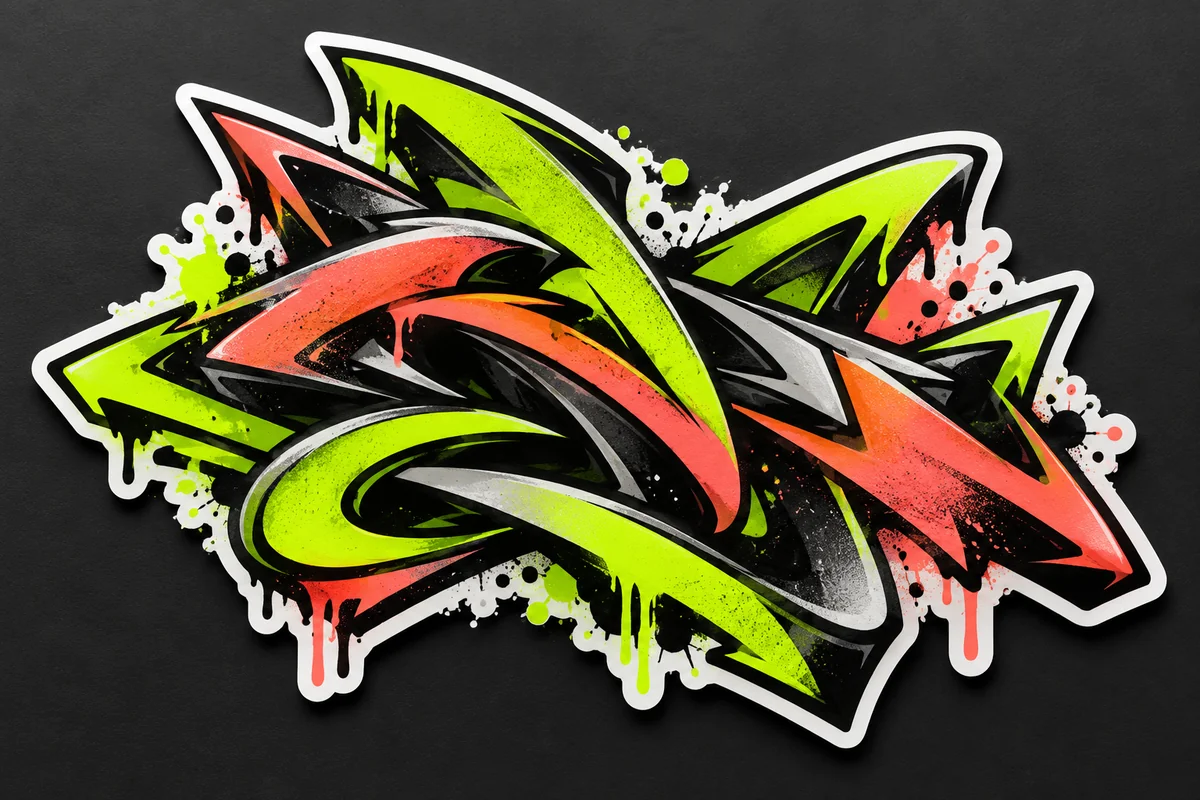
Create a Graffiti-Style Logo Concept
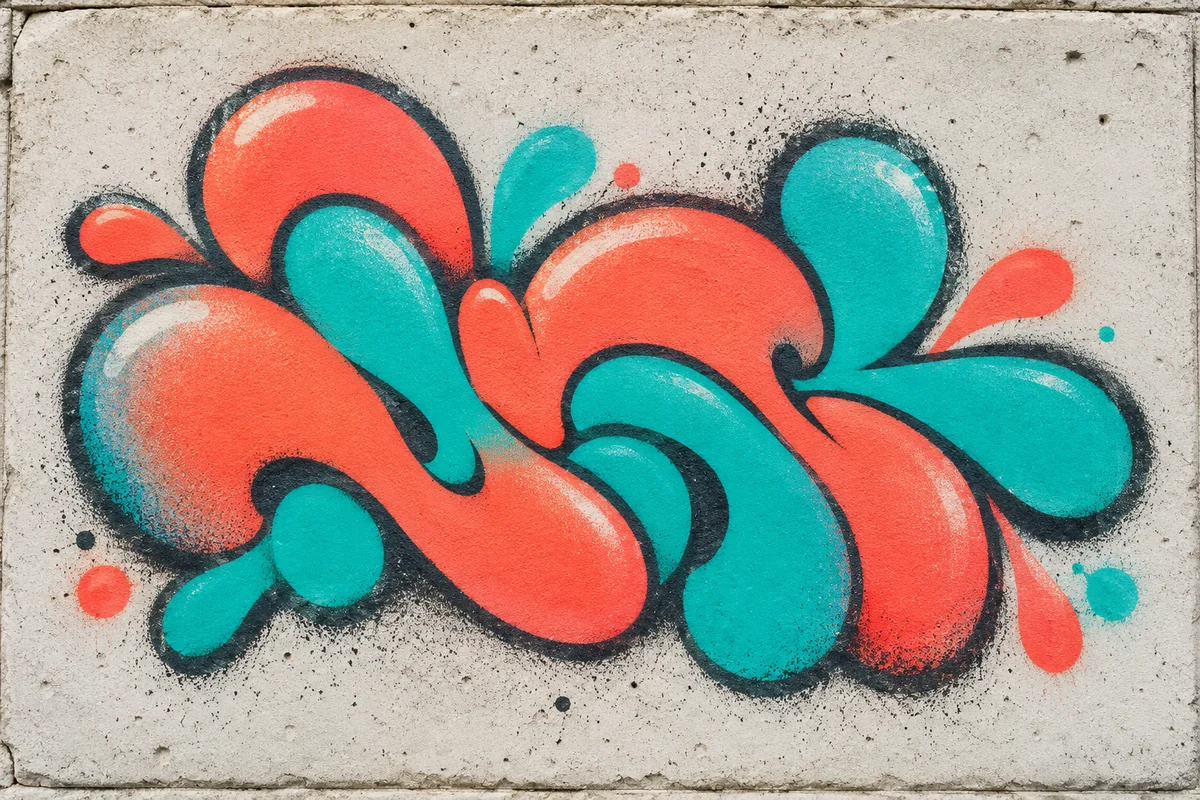
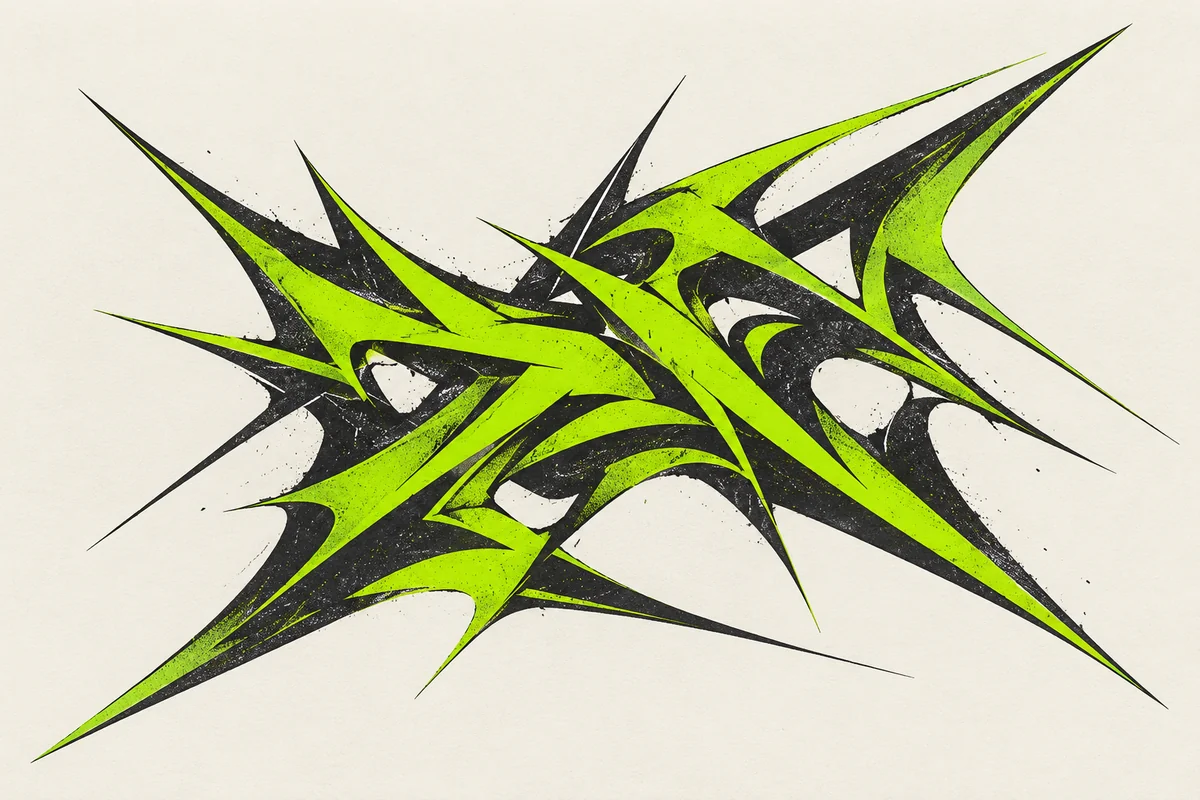
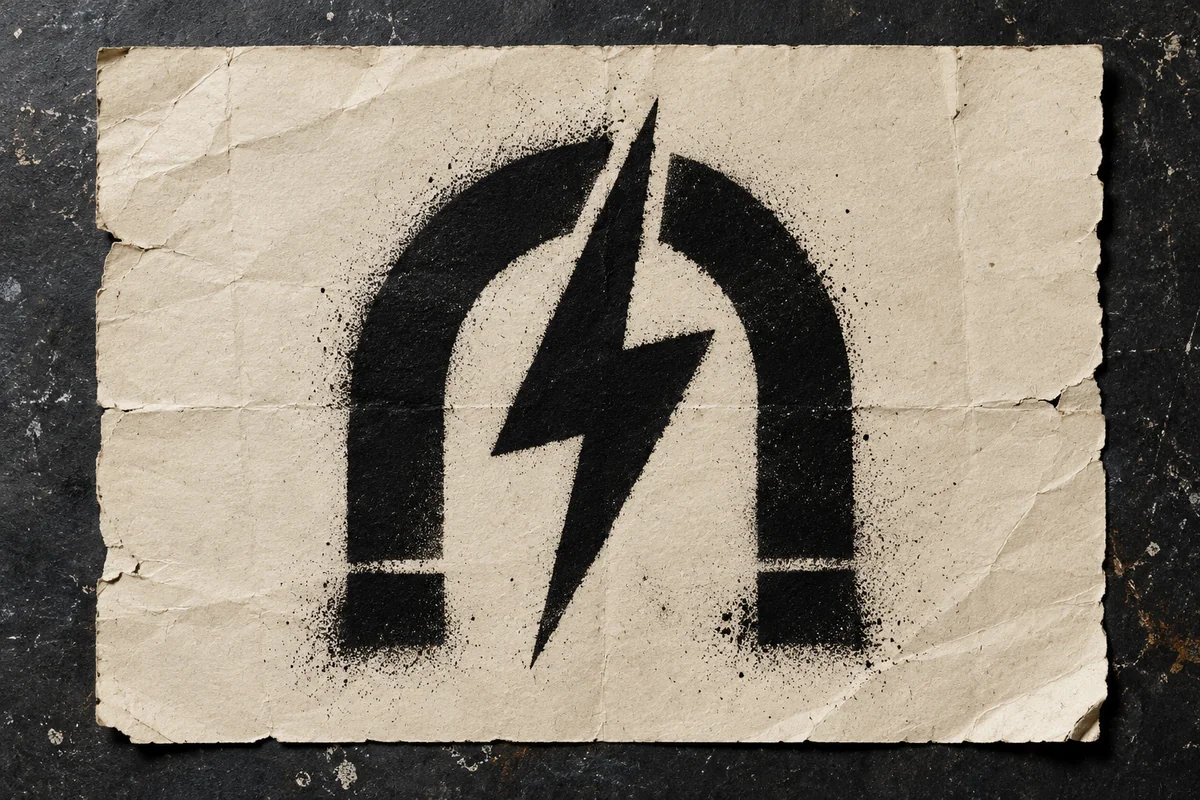
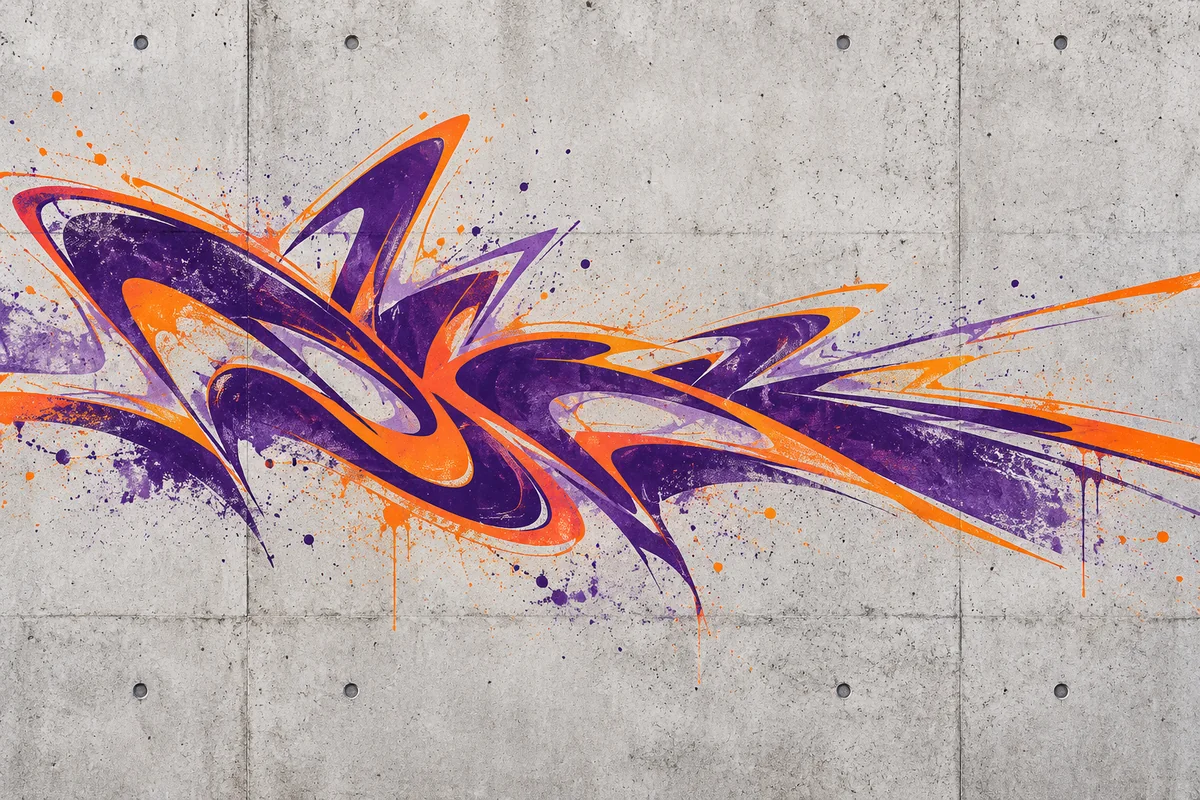
Graffiti Lettering and Urban Logo Ideas
Stencil Streetwear Logo
Spray-Paint Wordmark
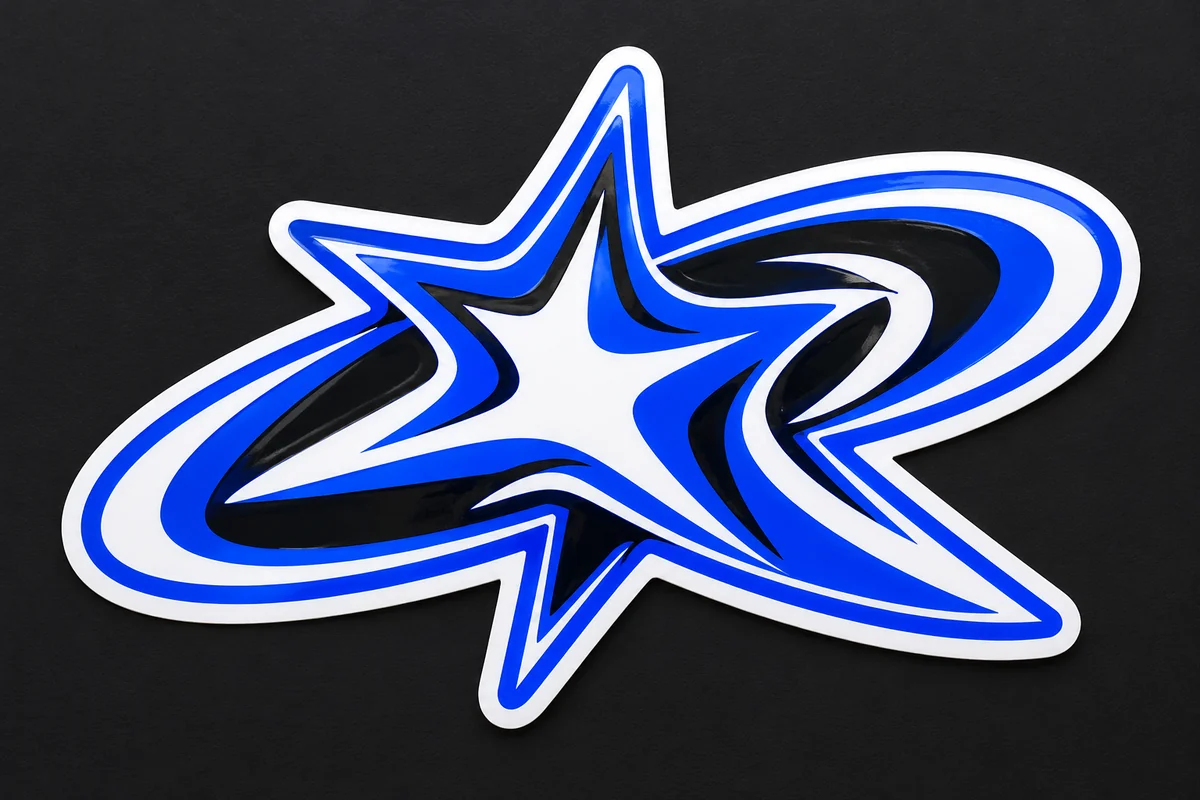
Sticker-Style Graffiti Badge
Monochrome Tag Symbol
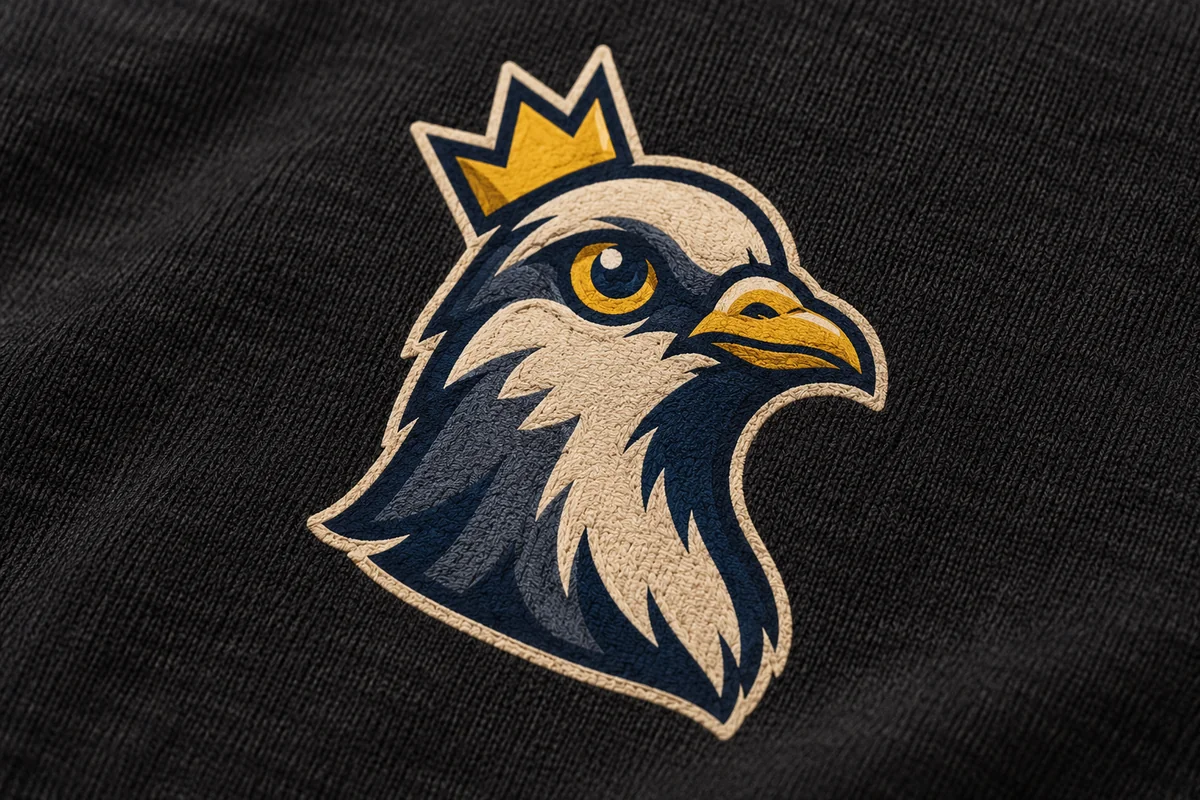
Urban Mascot Emblem
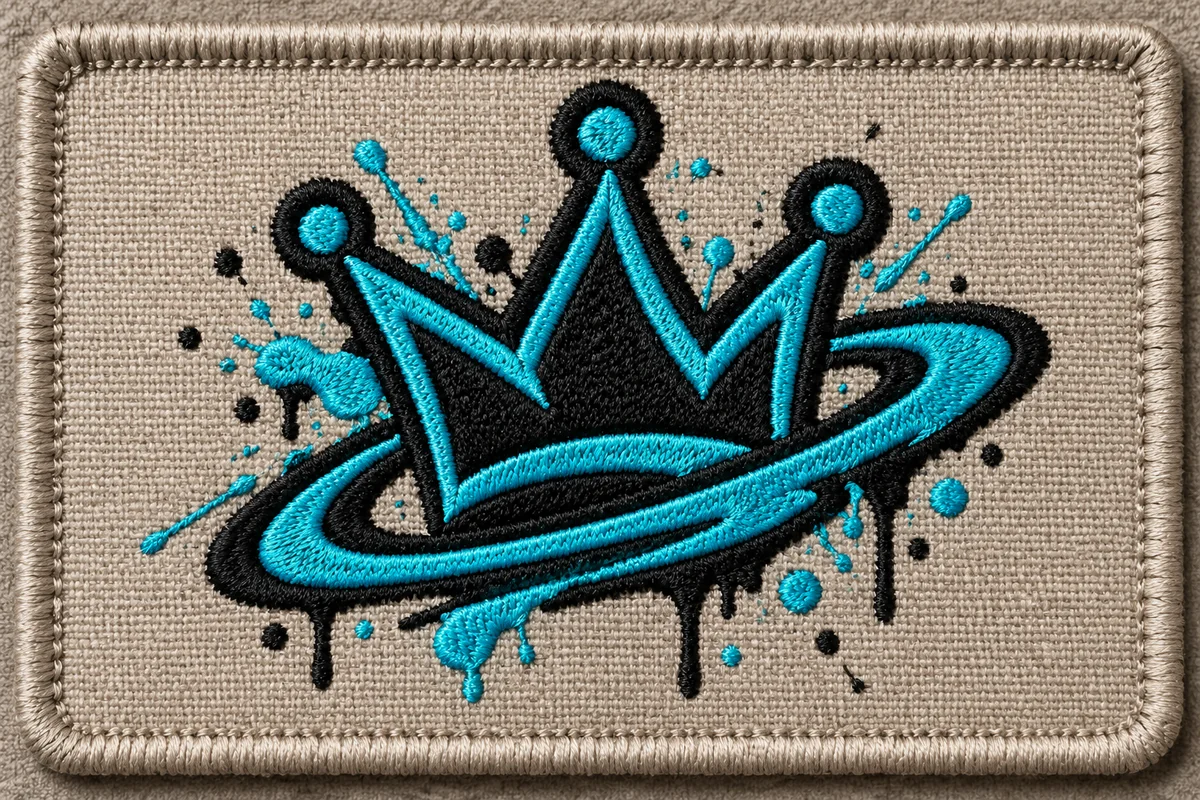
Paint-Splatter Crew Patch
Direct the Lettering and Urban Mood
Set the Name and Audience
Add the exact crew, event, or project name and note whether the concept is for streetwear, music, or a community group.
Describe the Letter Style
Choose traits such as bubble forms, sharp strokes, stencil shapes, layered outlines, or a limited spray-paint palette.
Compare the Overall Silhouette
Check readability, outlines, and color balance. Adjust the prompt to test a cleaner badge or more expressive lettering.
Explore Original Graffiti Logo Directions
Lettering with a Strong Silhouette
Create original graffiti-style wordmark concepts from descriptions of bubble letters, angular wildstyle, stencil cuts, layered outlines, or spray-paint color. GoEnhance's prompt-based image generator turns these cues into a composition, helping compare lettering rhythm and overall silhouette for a streetwear label, event crew, music project, or creator brand. When the goal is a standalone graffiti text effect, the Online Graffiti Generator is a more focused related page. These concepts explore direction only; inspect spelling closely and avoid copying a real artist's tag or signature.
Urban Marks for Apparel and Events
Create a streetwear- or event-ready emblem by combining a stencil-inspired wordmark with an original badge, icon, or border. Prompt-led generation can bring these elements together into one urban concept, so the result communicates more than lettering alone. A strong silhouette helps the mark remain recognizable across posters, clothing graphics, and social posts. The AI Image Generator hub links to related image workflows if you want to build a broader campaign around the identity. Treat mockup scenes as visual concepts rather than print templates, and check that every generated letter remains readable.
Color and Outline Variations
Create contrasting graffiti logo directions by describing paint colors, outline weight, background tone, and the amount of visual layering. Prompt-based generation can turn the same core wordmark idea into high-contrast, monochrome, or brighter color treatments, helping you judge which version reads clearly at a glance. That comparison is useful for choosing an identity mood for an event poster, clothing graphic, or online profile. Keep the symbol and lettering original, review generated text for misspellings, and treat each result as concept art rather than a finished print file.
Why Explore Graffiti Logo Generator Concepts with GoEnhance AI
Graffiti-Inspired Lettering
Distinct Urban Symbols
Color and Surface Mood
Explore More Band Lettering and Logo Styles
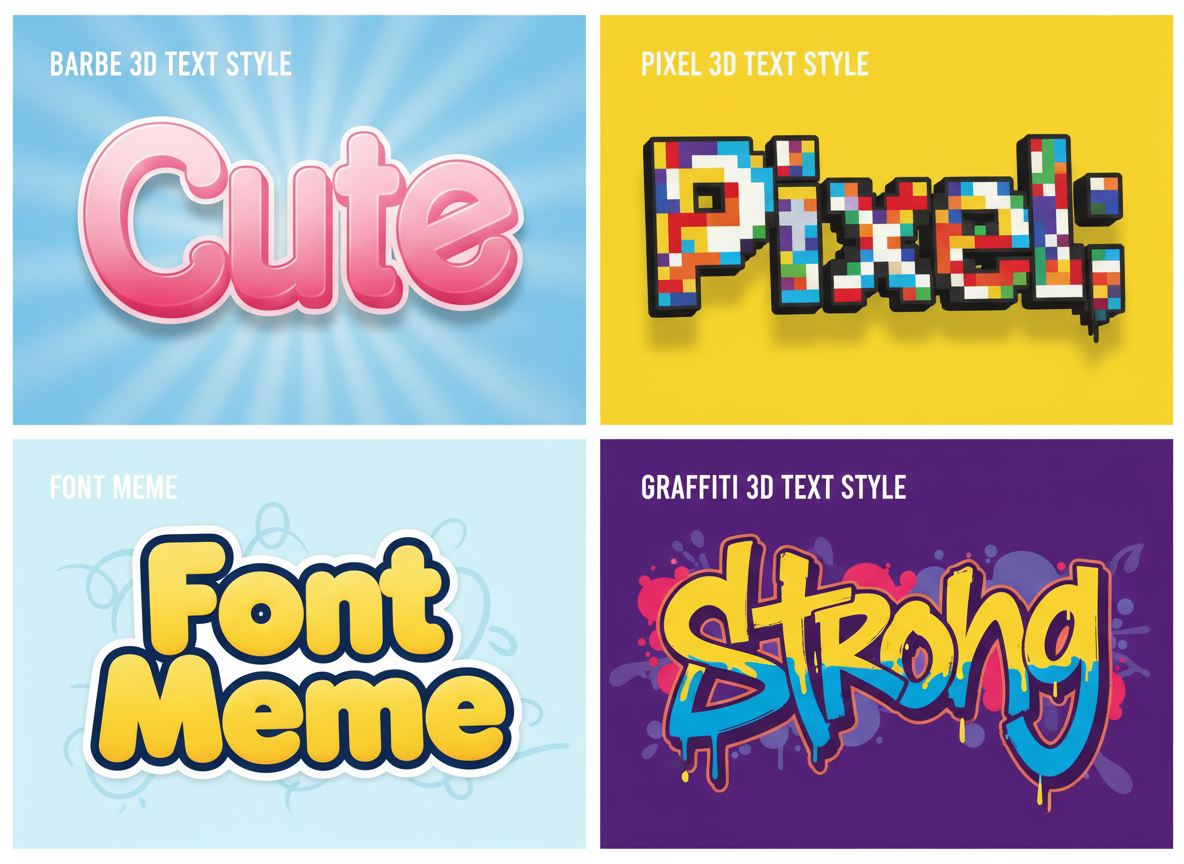
Free 3D Text Generator
Give a band name dimensional lettering for a release announcement or promotional graphic.
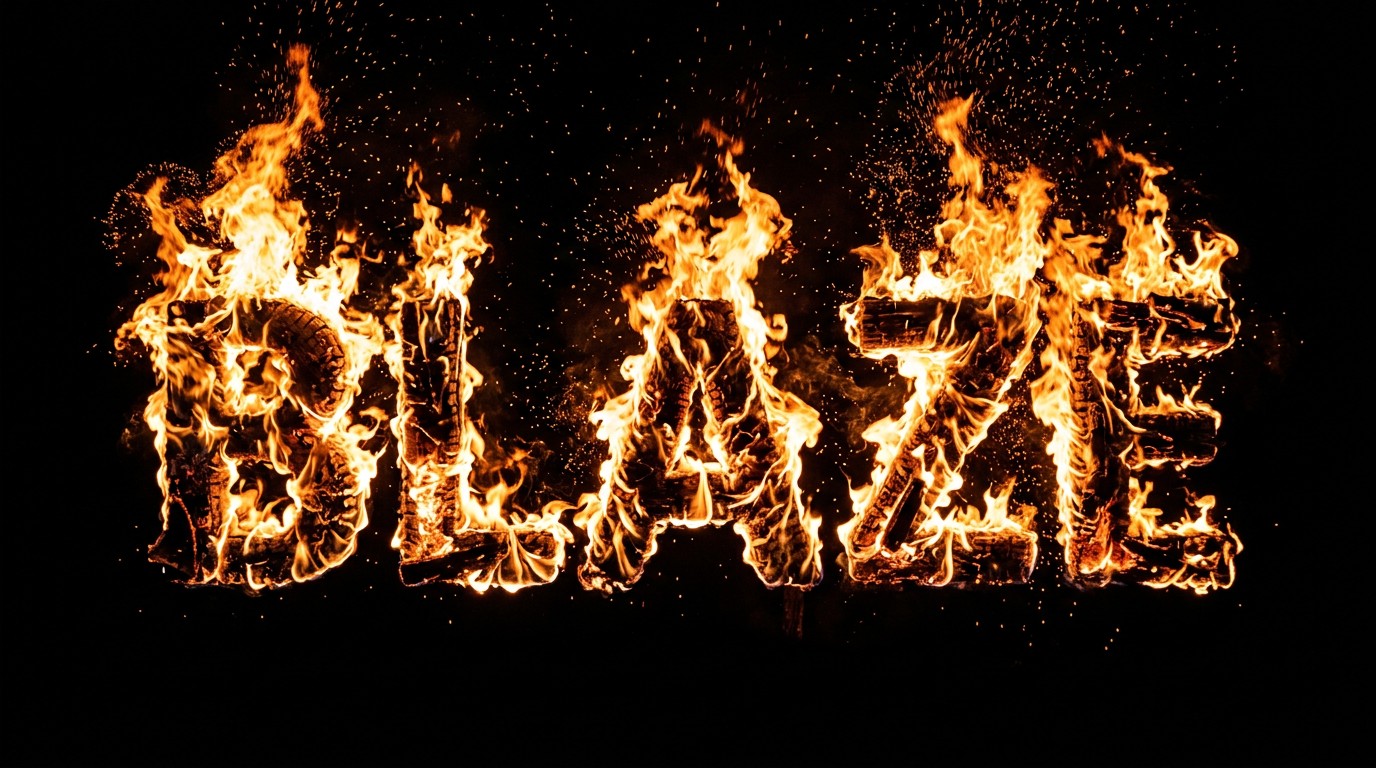
Fire Text Generator
Explore flame-style text for a heavy rock campaign or dramatic show poster.
AI Font Generator
Try different letter styles before settling on the visual tone of your band's name.
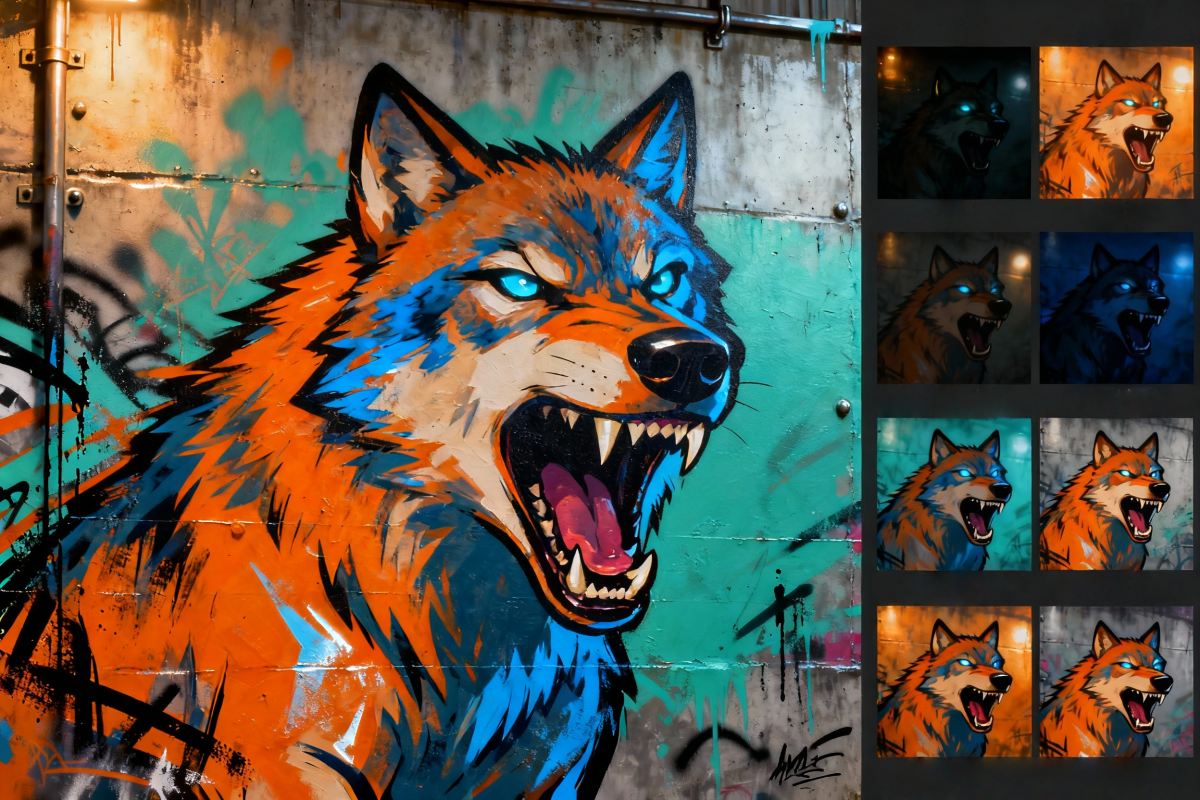
Online Graffiti Generator
Explore expressive graffiti lettering for punk, hip-hop, and crossover music projects.
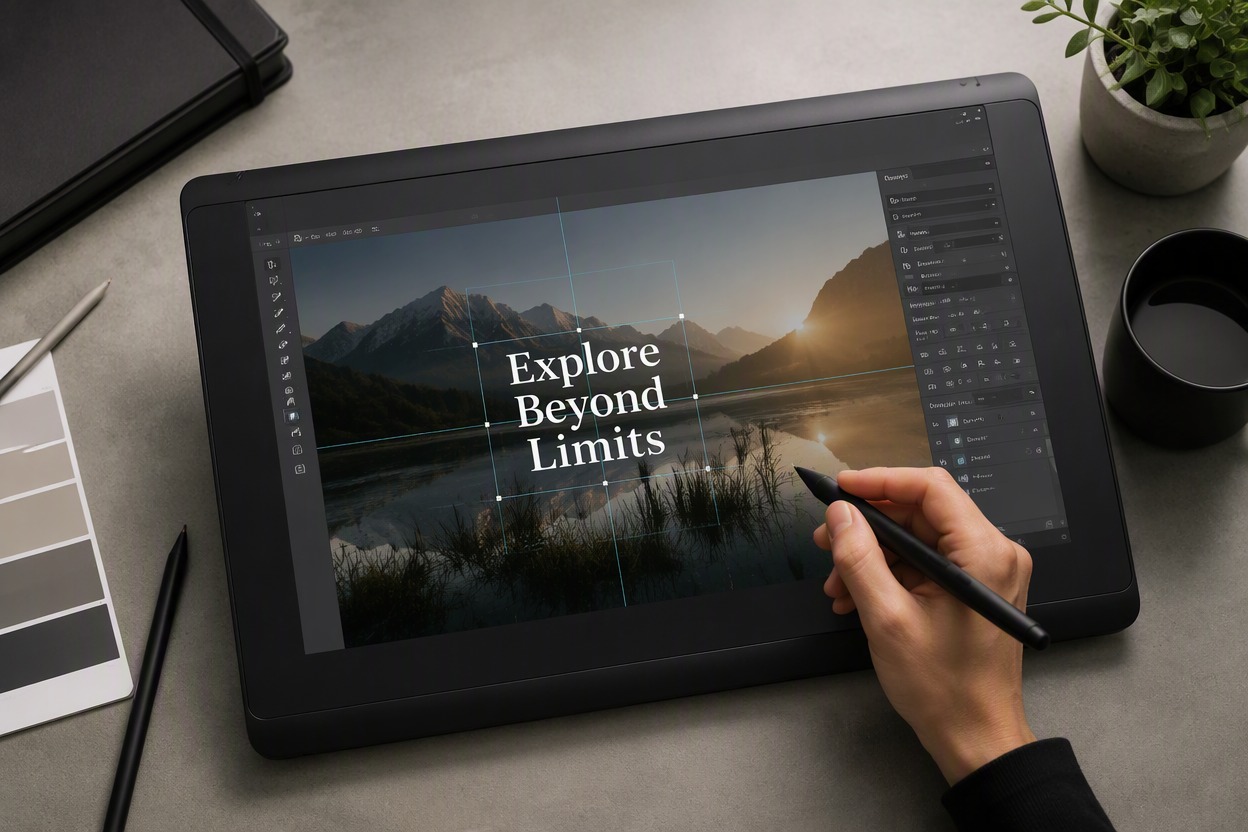
Add Text To Image
Add show dates or release information to an existing band promotional image.

3D Logo Generator
Explore chrome, glass, and sculpted logo images for a dimensional version of your band identity.
Business Company Logo Generator
Try a cleaner company-style identity for a label, studio, or music business.
Frequently Asked Questions
What is a graffiti logo generator?
Can I use it as a graffiti logo creator for streetwear?
How do I make graffiti lettering easier to read?
Can I create a graffiti logo without a wall background?
Can I explore bubble letters, stencils, or wildstyle concepts?
Can I upload a sketch as a graffiti reference?
Is the graffiti logo generator free?
Can I use the output as a production-ready logo?
Generate an Original Urban Mark
Start with your band name, genre, and one visual idea. Explore a logo direction that fits your next release, show, or music project.
Create a Graffiti Logo