
Image to Anime
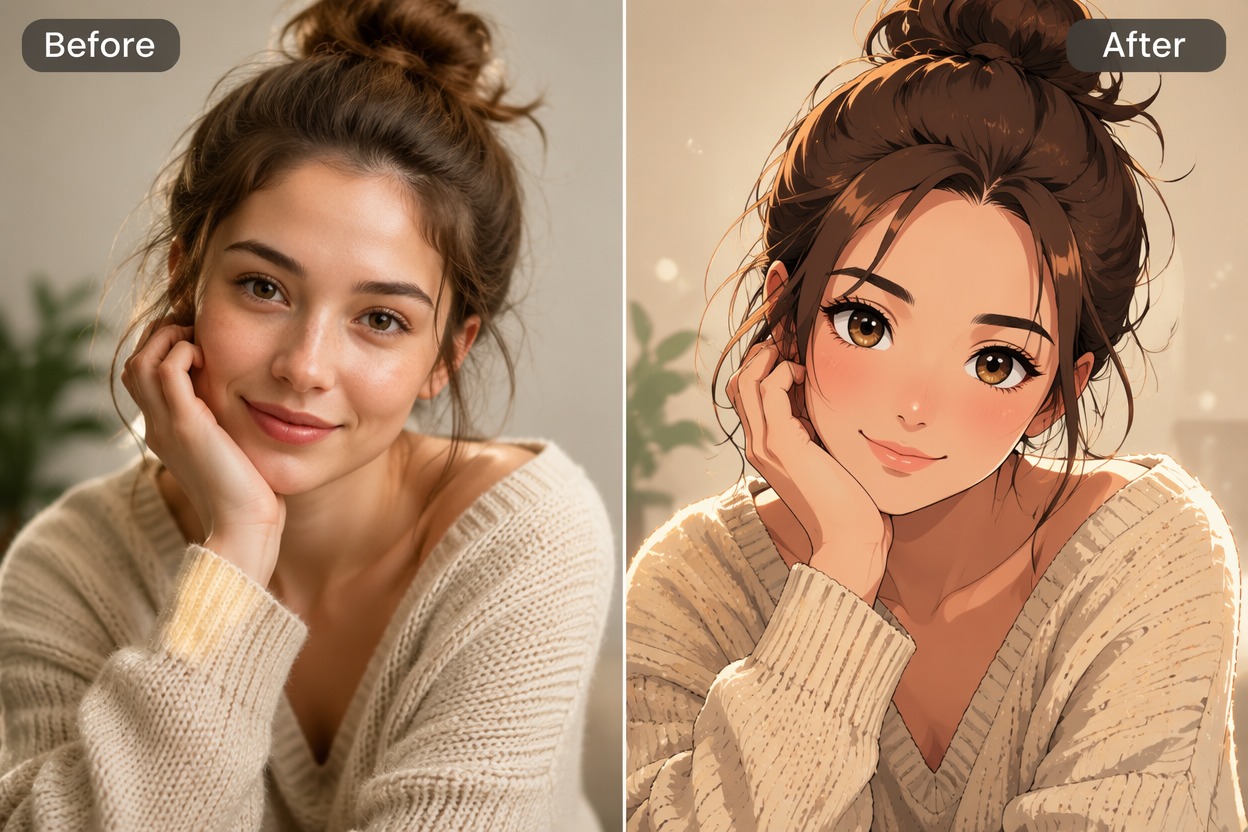
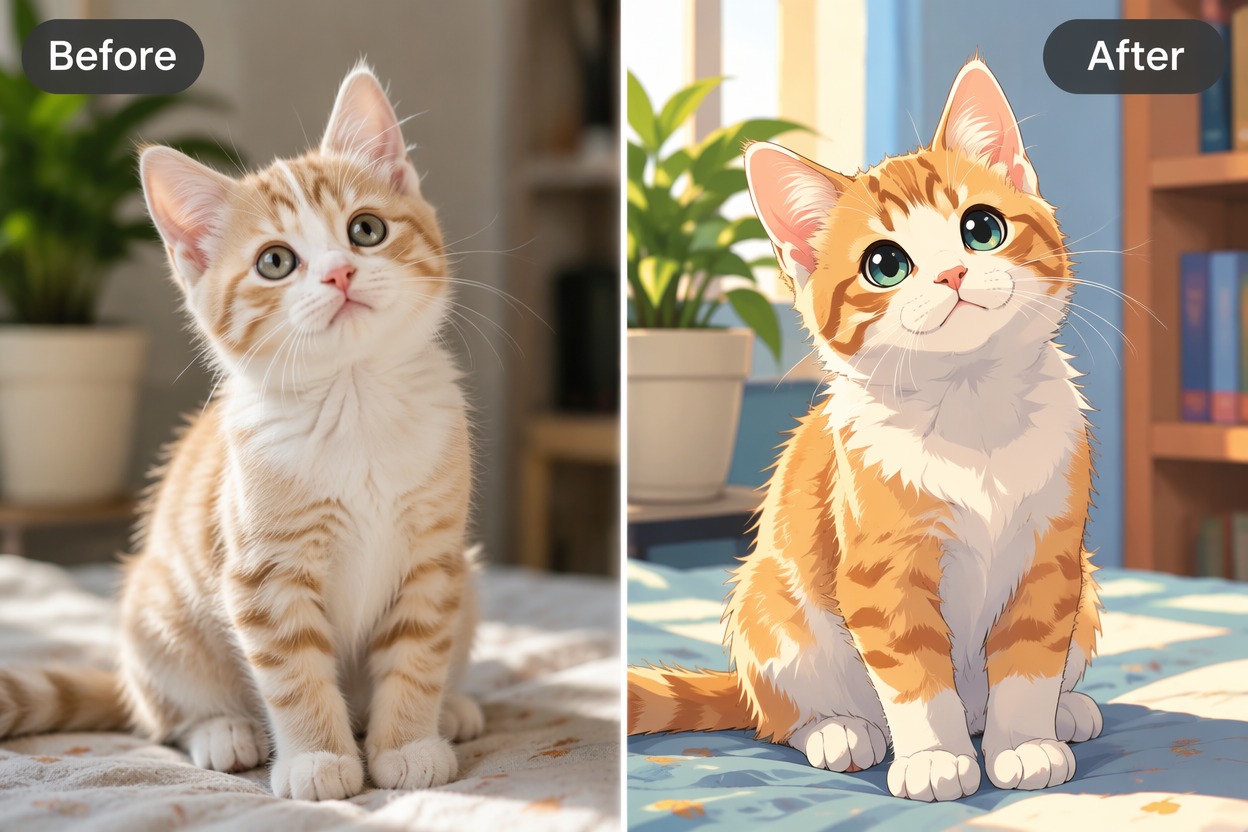
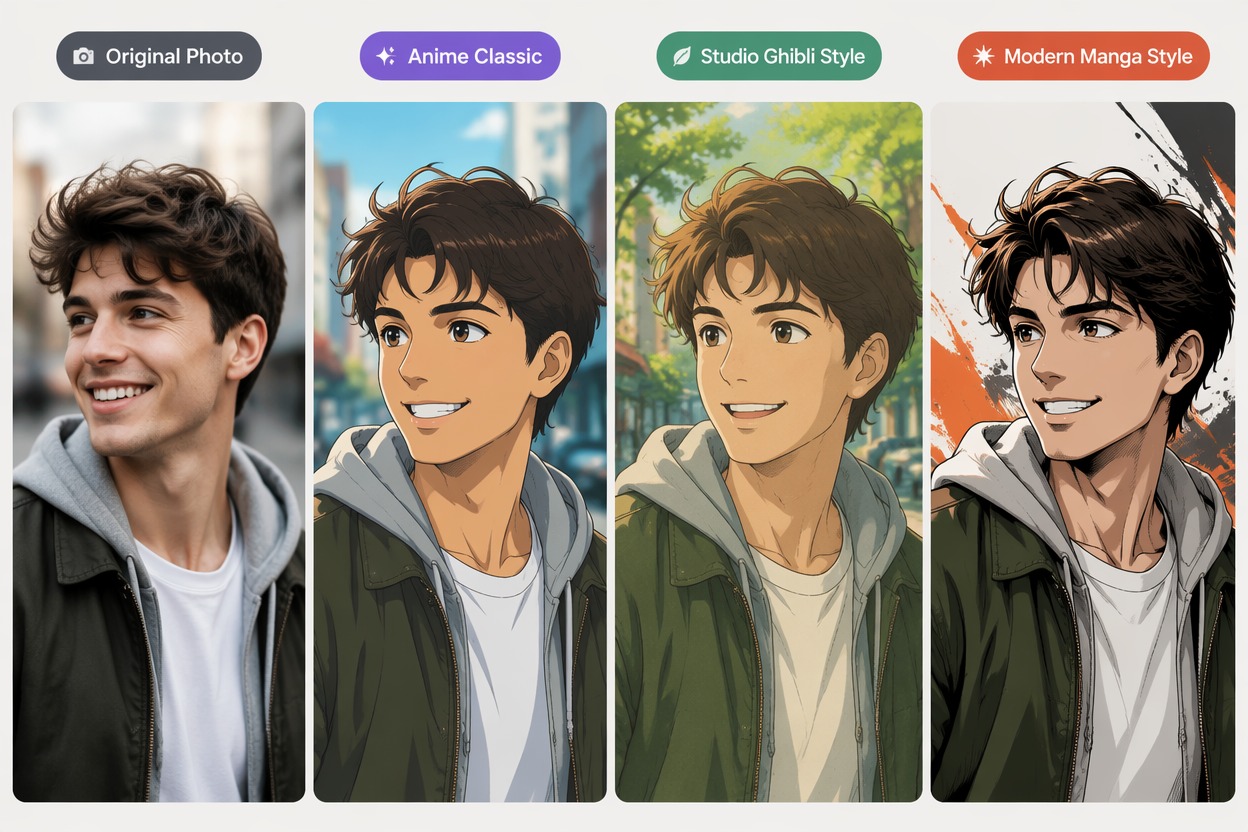
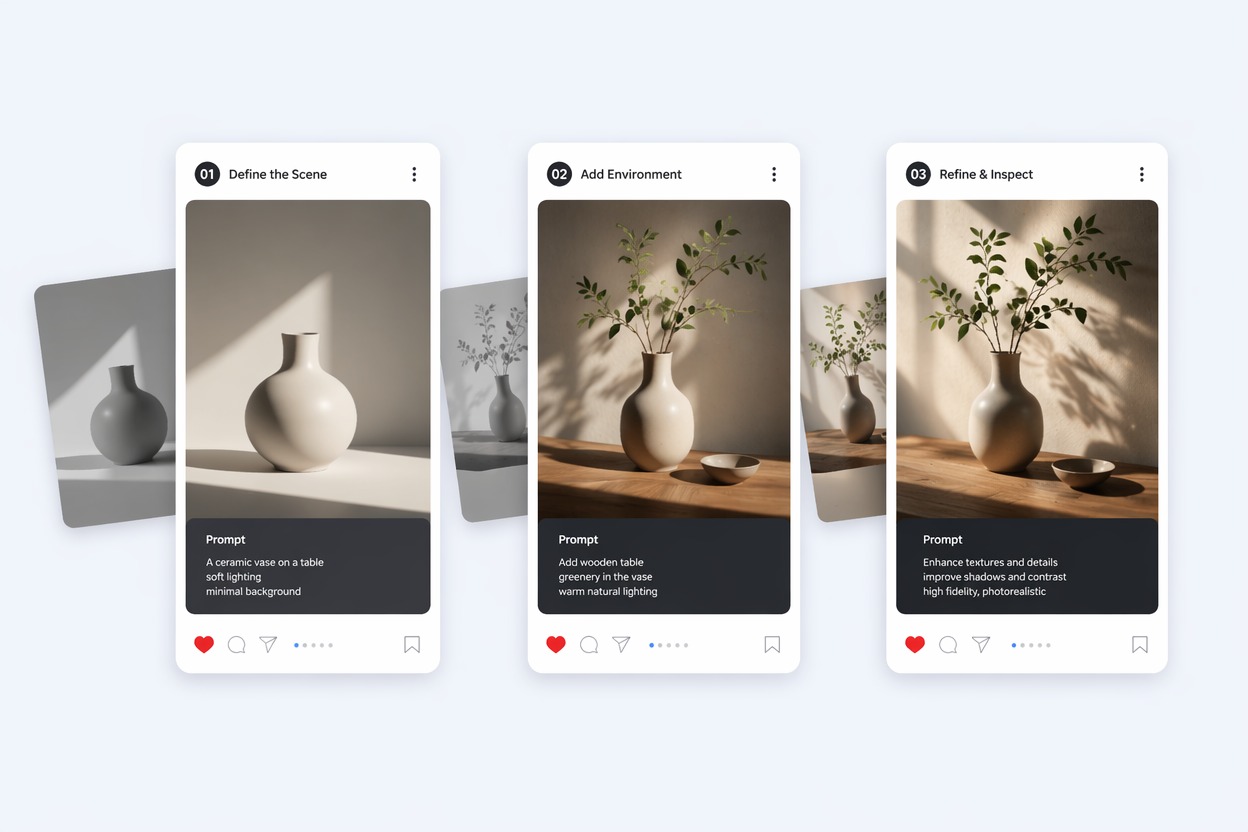
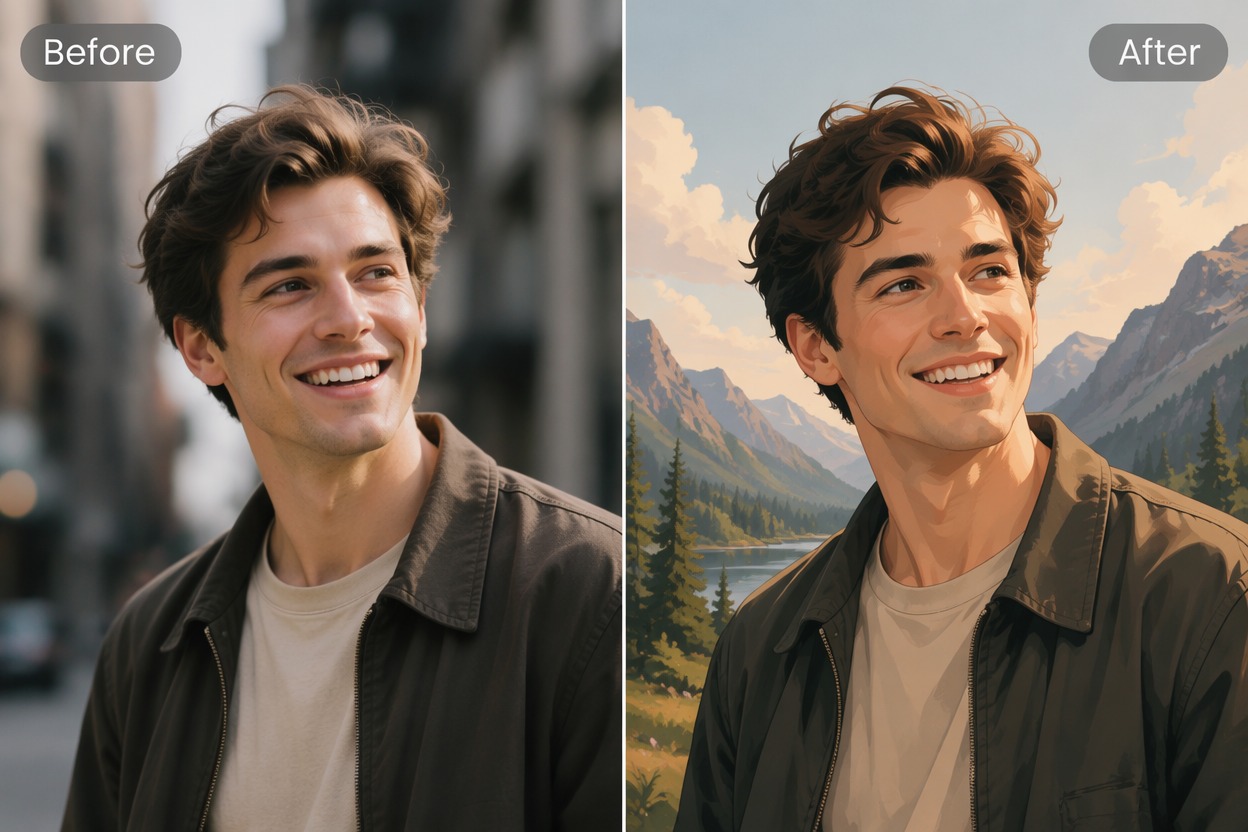
Upload a portrait, pet photo, or everyday image and apply an anime-style photo effect in one click. Use the preset manga filter for a fast result, or add your own text instructions to customize the colors, mood, background, and visual details.
Try It Free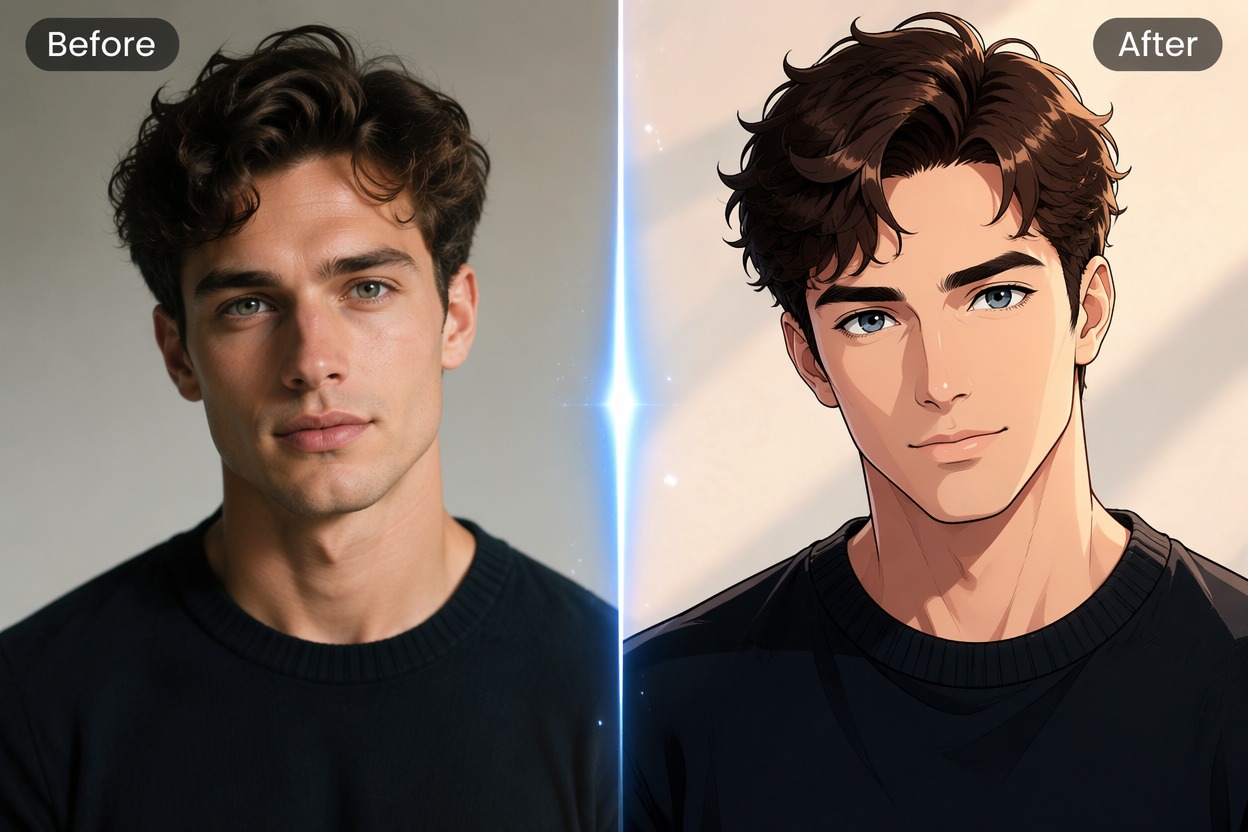
How to Use the Image to Anime Photo Effect
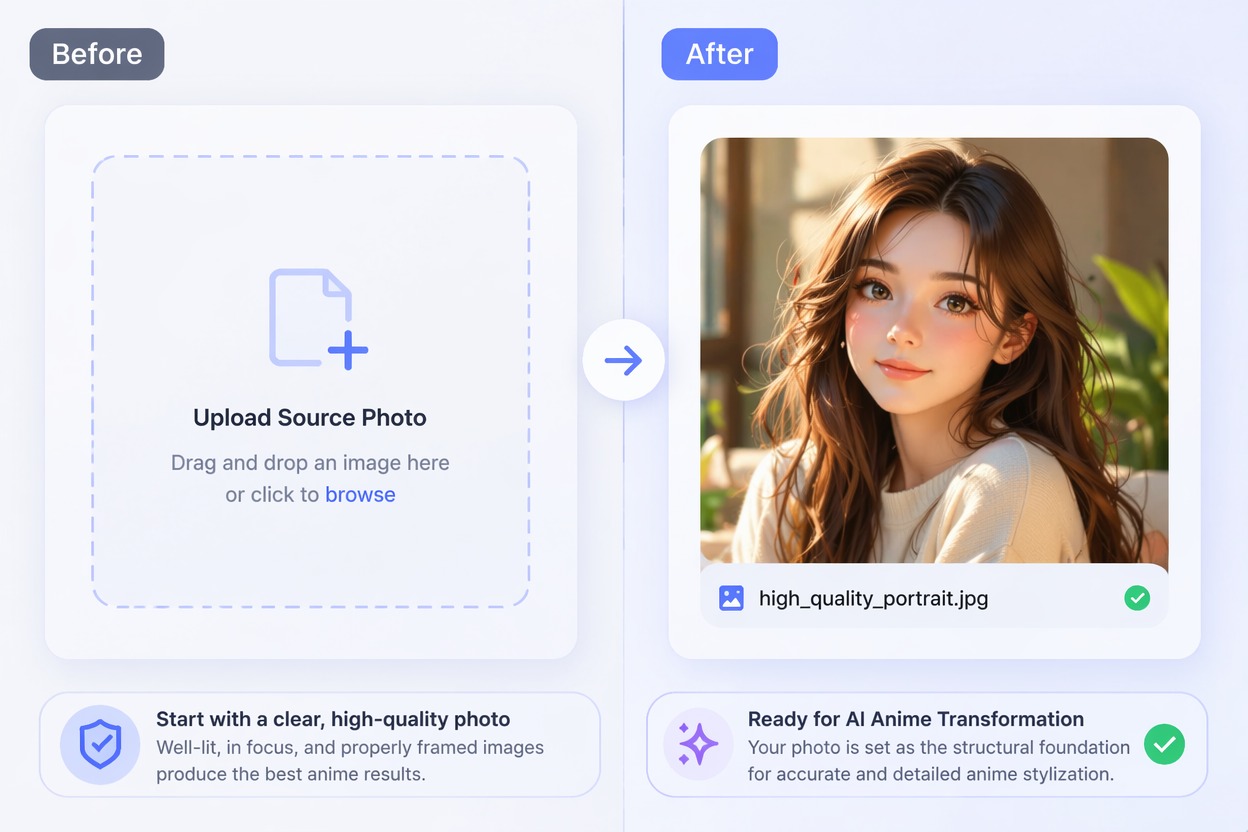
Step 1 1
Upload Your Photo
Choose a clear portrait, pet photo, or everyday image. For better results, use a well-lit photo with a visible subject and limited blur or obstruction.
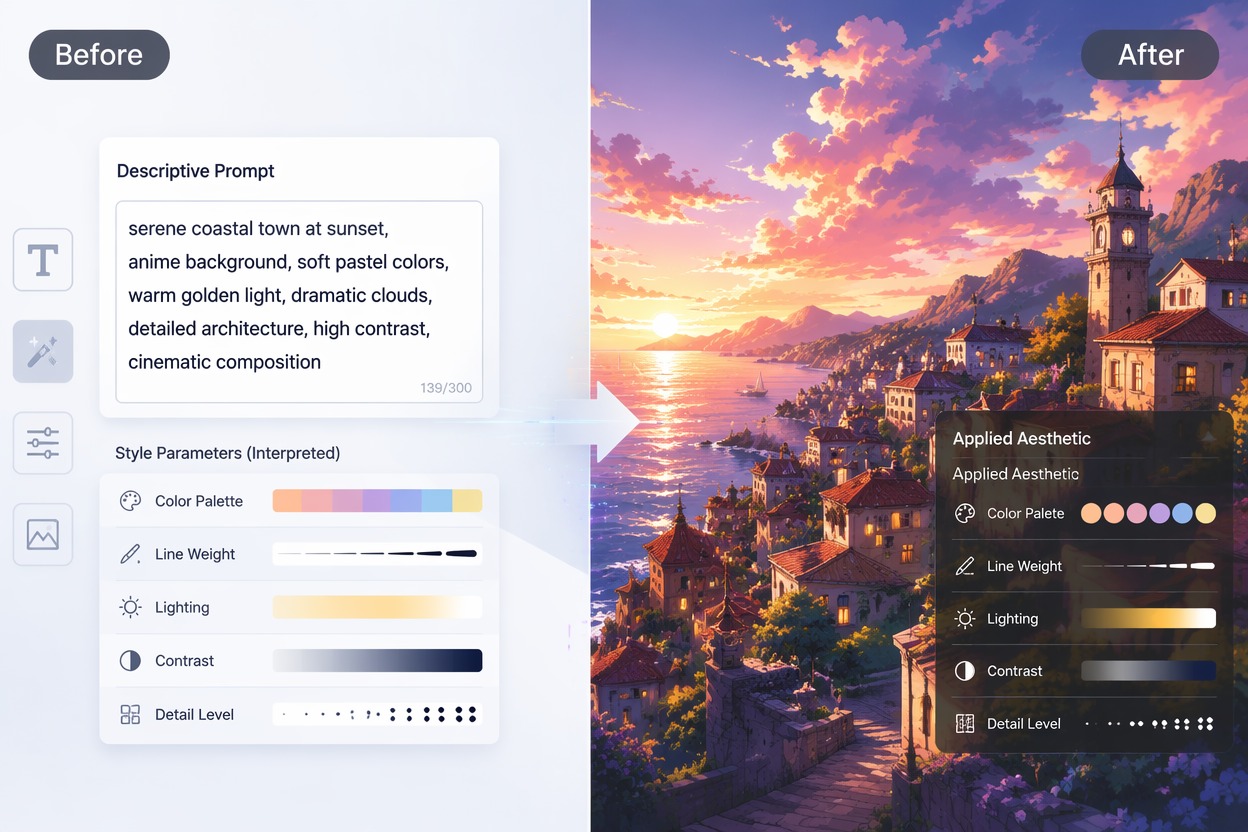
Step 2 2
Apply the Effect or Add Text
Use the preset manga filter and click to apply the effect immediately. You can also enter custom text instructions to control the colors, mood, background, clothing, or other visual details.
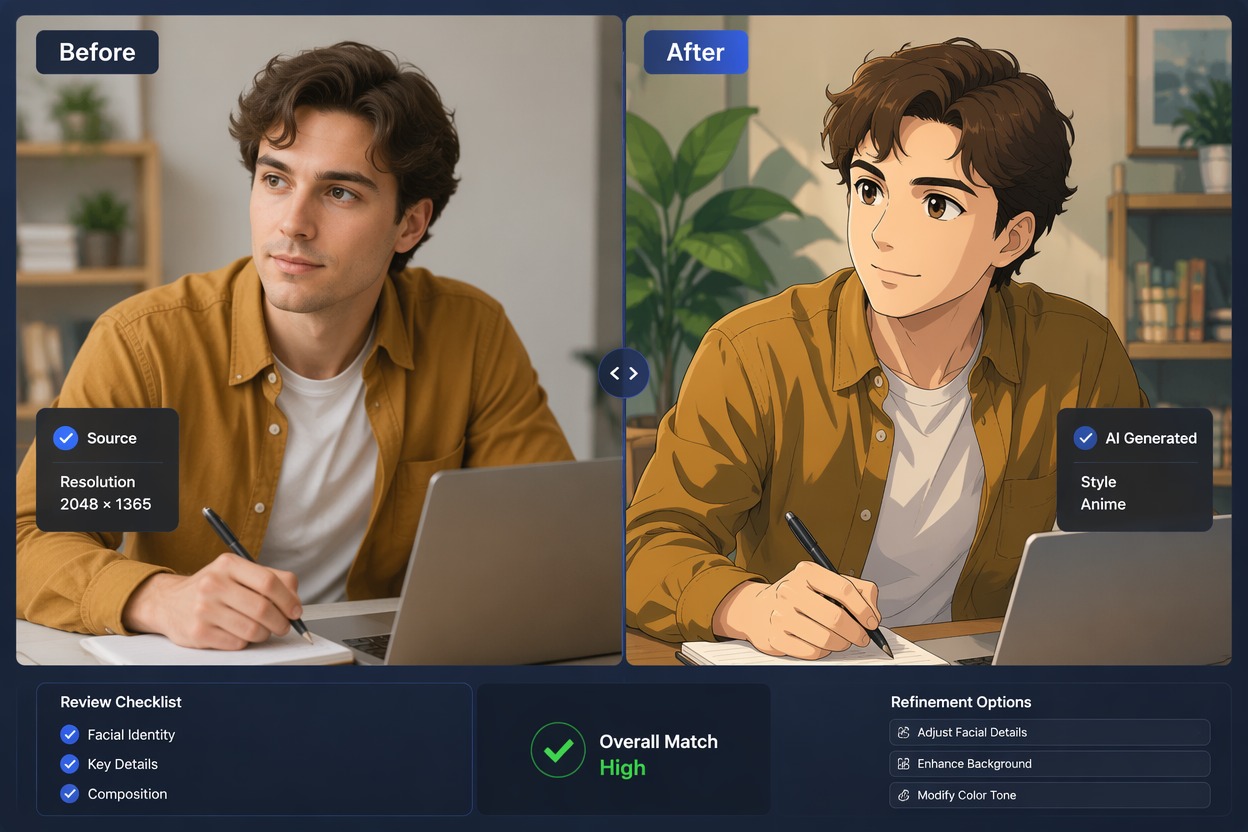
Step 3 3
Generate and Review the Image
Generate the result, review the face, hands, accessories, background, and unwanted text, then adjust your custom instructions and try again if needed.
Apply an Anime Photo Effect in a Few Clicks
Create Shareable Anime Visuals
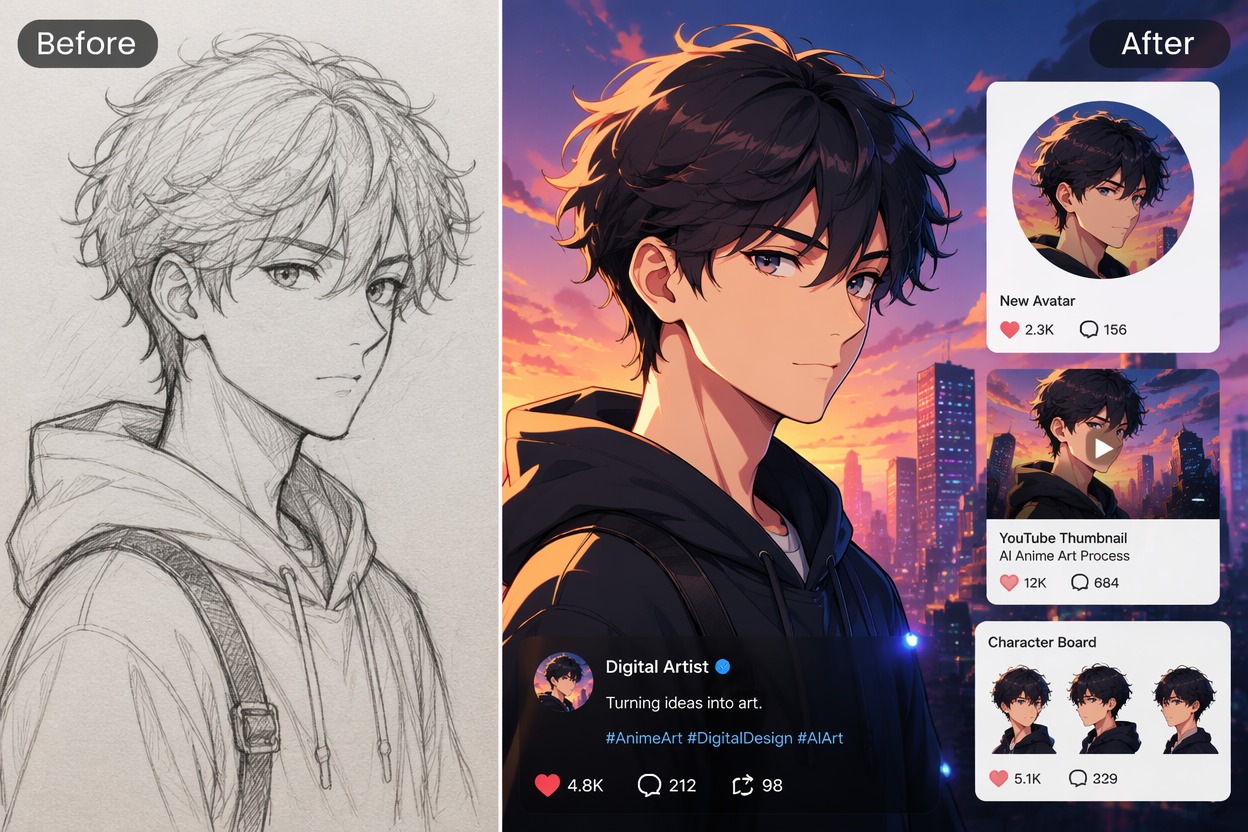
Use the finished image for avatars, social posts, thumbnails, character references, or personal creative projects. For images created entirely from a written idea, use the AI image generator instead.
Explore More AI Image Tools
Why Use the Image to Anime Photo Effect?
One-Click Preset Effect
Upload a photo and apply the manga filter without writing a prompt from scratch.
Optional Text Customization
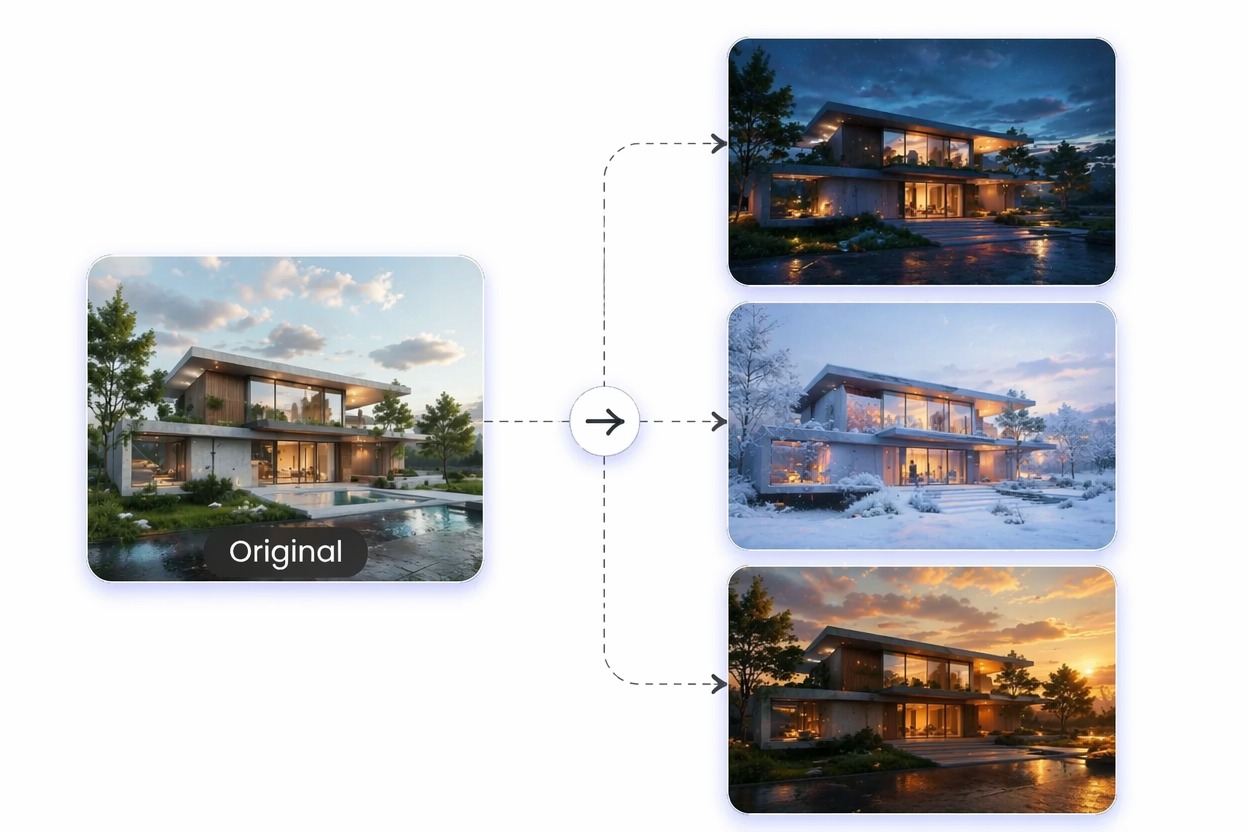
Add your own instructions when you want to change the mood, colors, background, outfit, or visual details.
Uses Your Photo as the Base
The uploaded image guides the subject, pose, framing, expression, and overall composition.
Works With Different Subjects
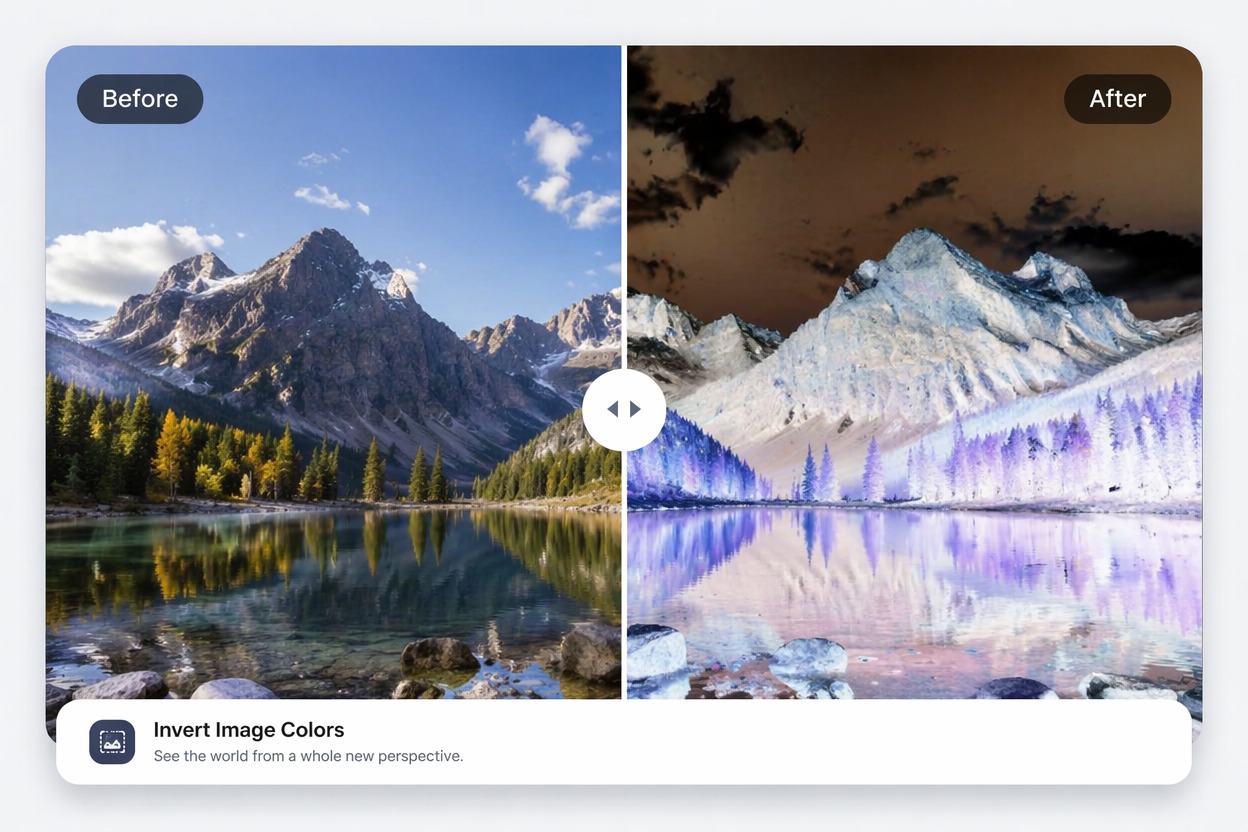
Apply the effect to portraits, pets, couples, outfits, travel scenes, food, and everyday objects.
No Drawing Skills Required
Create an anime-style interpretation without manually illustrating every line and color.
Easy to Refine
Try the preset first, then adjust your text instructions and generate another version when needed.
Image to Anime Photo Effect FAQ
What is Image to Anime?
How does the Image to Anime effect work?
Do I need to write a prompt?
What photos work best?
Can I use pet and everyday photos?
Will the result keep the same face and pose?
Is Image to Anime free to try?
Can I use the result commercially?
Apply the Image to Anime Effect
Upload your photo, apply the preset manga effect, and optionally add text instructions to create a more personalized anime-style result.
Try the Anime Effect