Dzine AI for Connected Image and Video Creation

Dzine AI combines image design and editing with video generation in a connected creative workspace. Use references to refine artwork, develop character scenes, and add video or lip-sync steps. Its canvas approach helps organize related creative tasks in one project.

Key Features of Dzine AI

Creative Steps on a Canvas

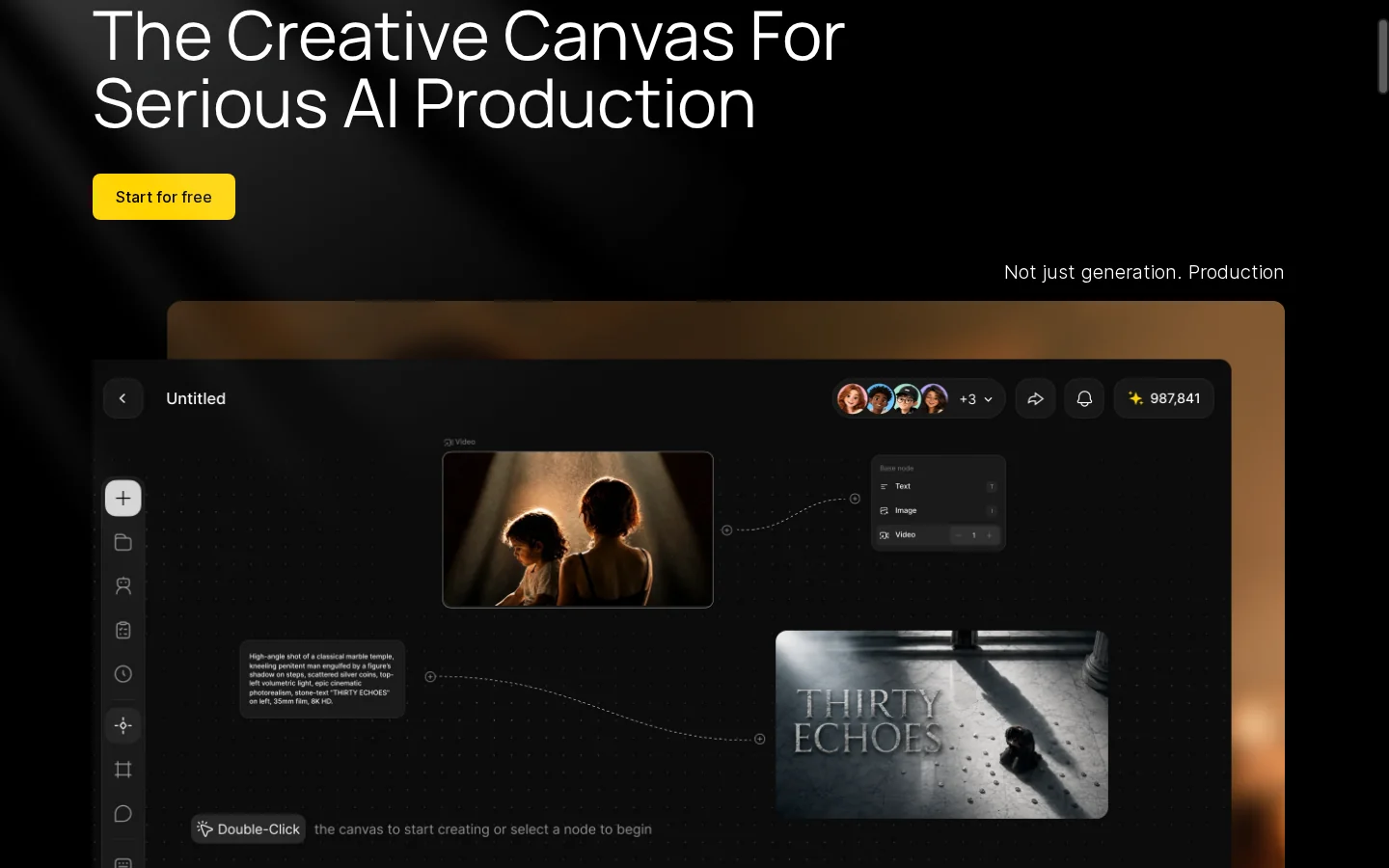
Dzine presents a node-based canvas for connecting image and video tasks in a visual workflow. This can help creators see how a reference, edit, or generated asset relates to a later step, rather than treating every result as an isolated file. The available nodes and connections depend on the tools currently offered in the workspace, so inspect the canvas before planning a production.

Dzine AI creative canvas connecting image and video workflow nodes

Visual References

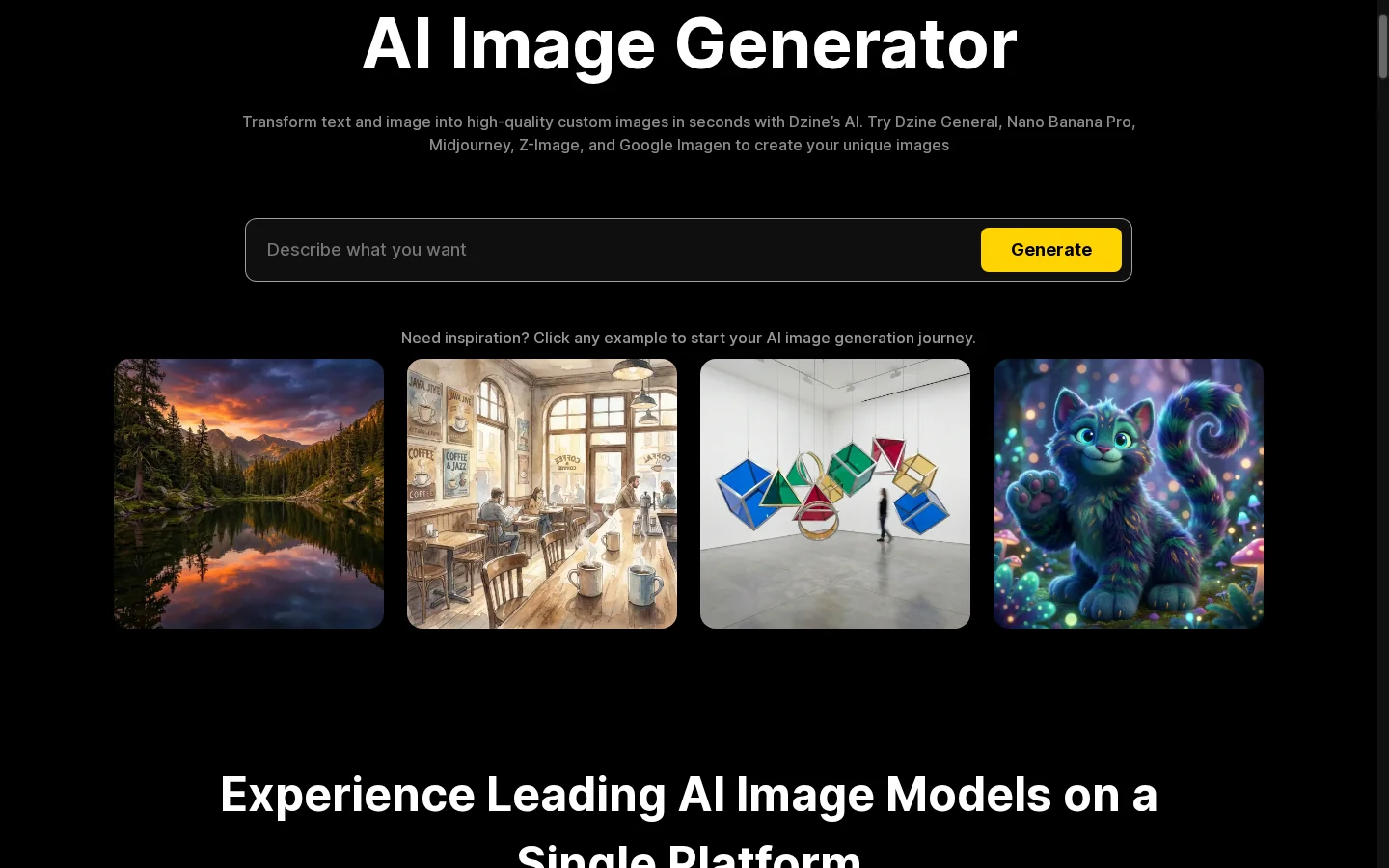
Image-to-image generation starts from an existing photo or artwork and uses visual references to guide a new interpretation. This is useful when a creator wants to explore a different style or composition while keeping selected ideas from the source; a related image to image AI workflow can also start with a reference. Compare the output with the reference and check identity, layout, and important details before using it in a larger design.

Dzine AI image-to-image workflow guided by reference artwork

Revise Selected Image Details

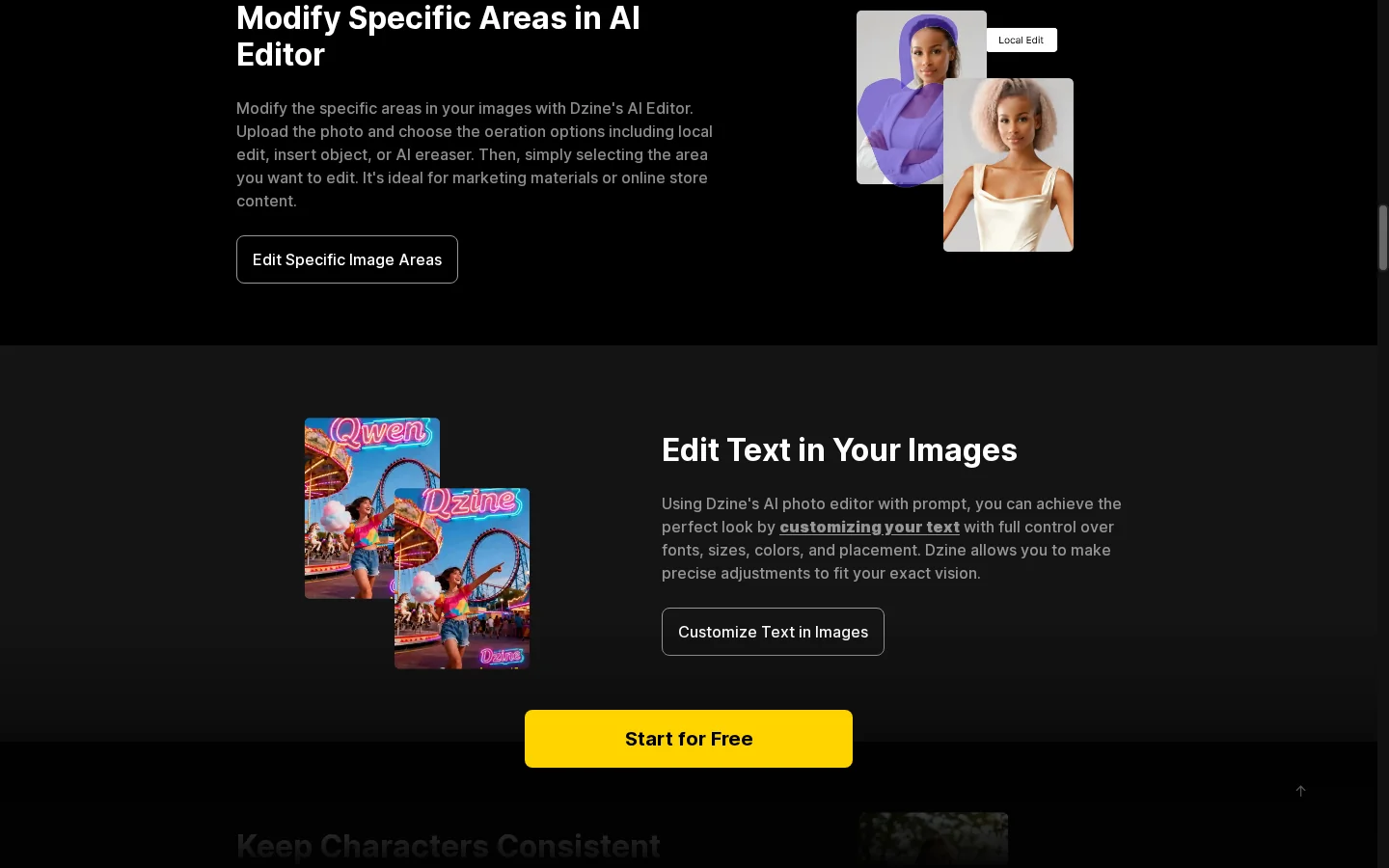
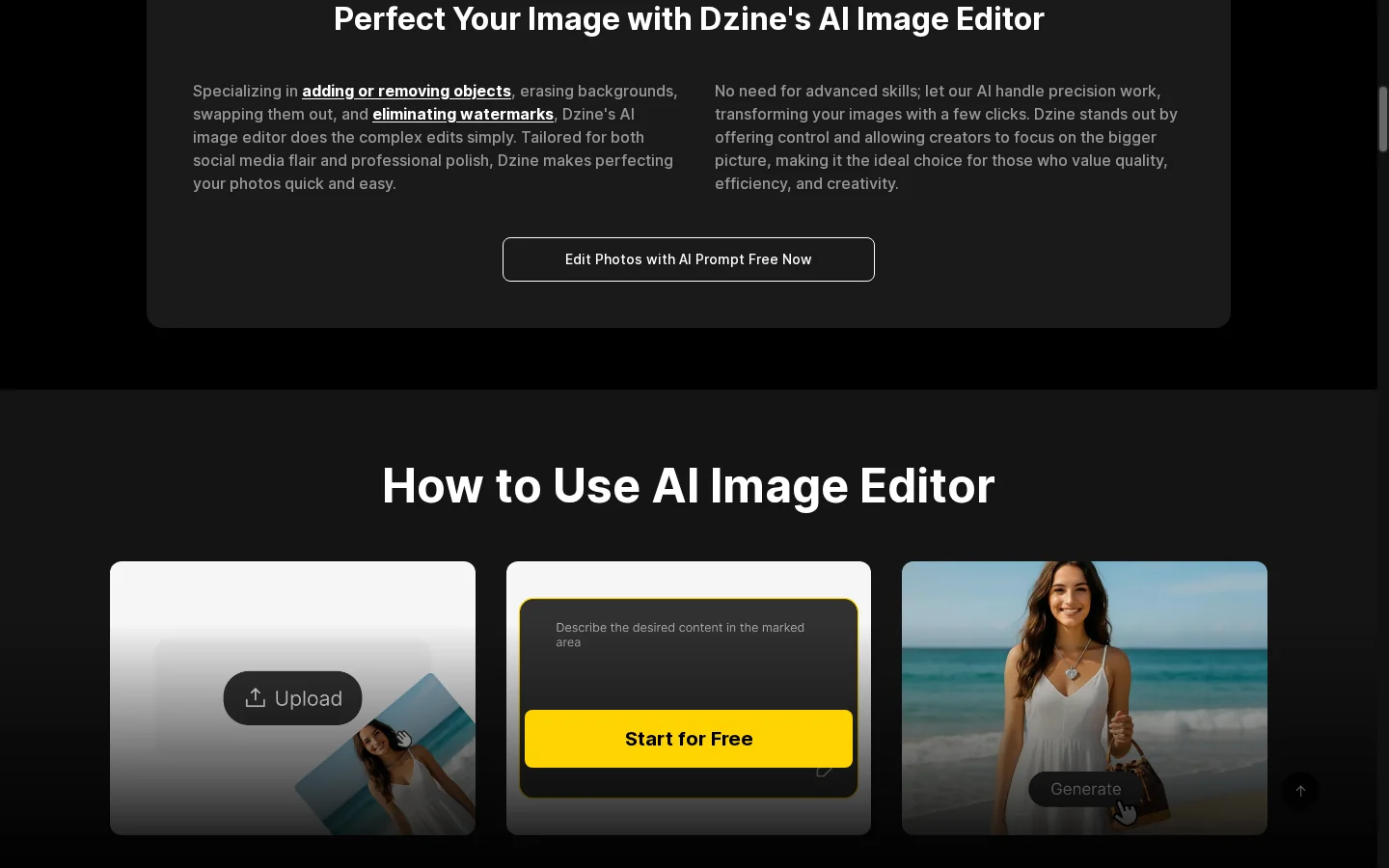
Dzine image editing can add or remove selected objects, which helps when a design needs a focused correction rather than a complete restart. Describe the change clearly, then inspect both the edited area and the nearby background for mismatched lighting, edges, or textures. Small details may need another pass, especially around overlapping objects.

Dzine AI image edit focused on adding or removing an object

Develop Character-Based Scenes

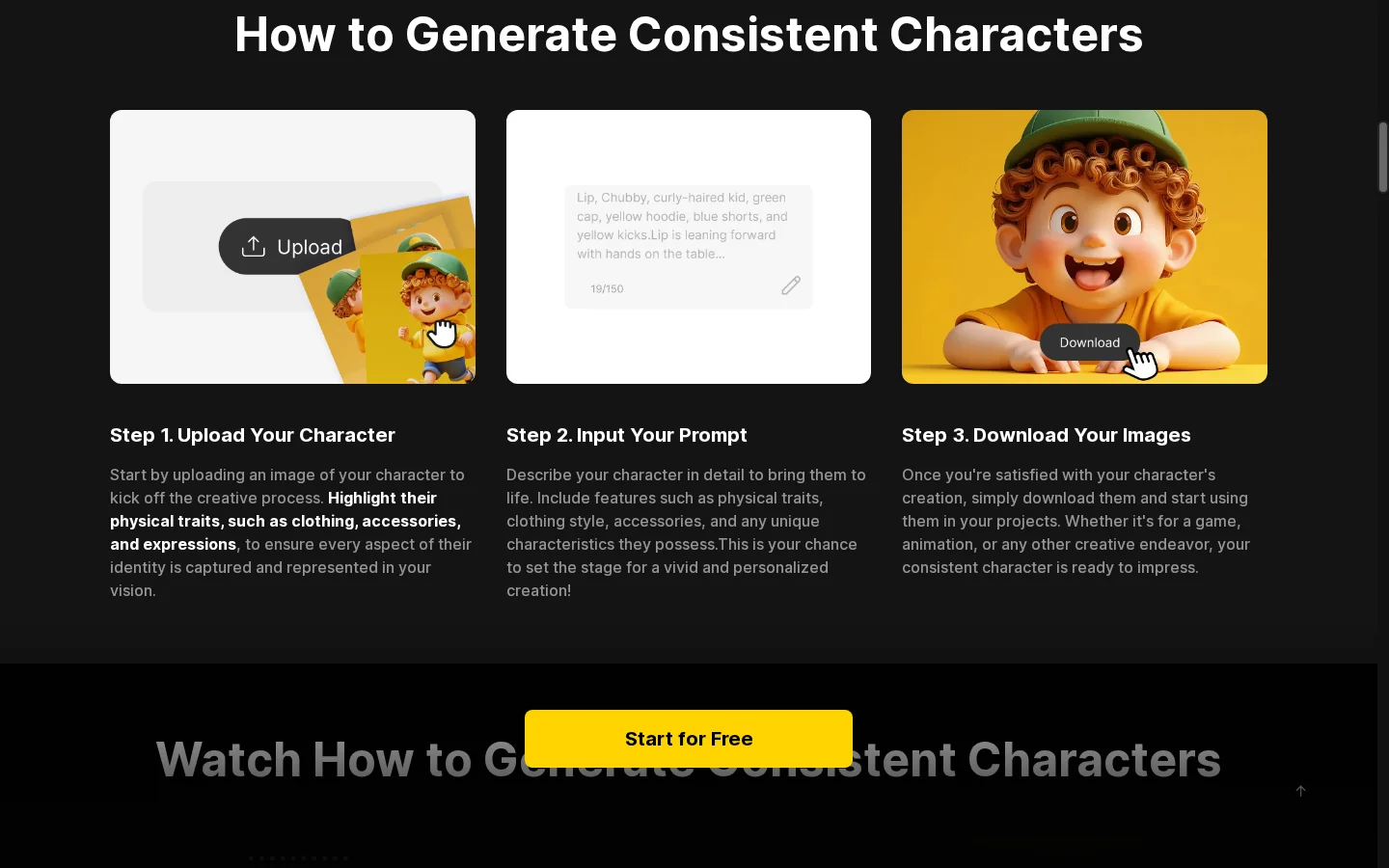
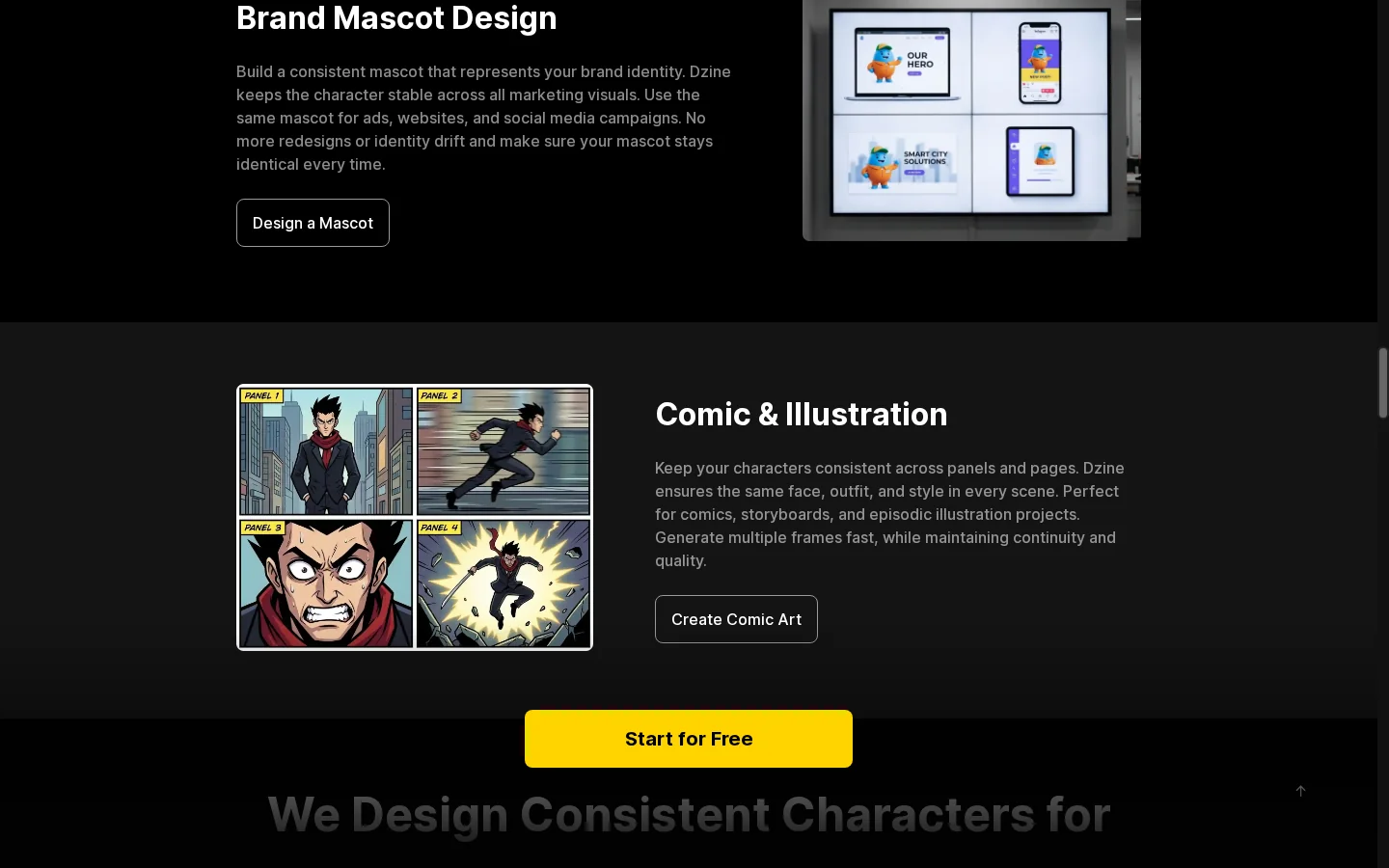
Dzine offers character-focused tools for building scene variations from a defined visual reference. Start with a clear character image, then compare generated scenes for recognizable features such as face, clothing, colors, and proportions. If one of those still images is ready for motion, an image to video workflow is a relevant next step. Treat each result as a variation that needs review rather than assuming every detail will remain identical.

Dzine AI character reference used across different generated scenes

Generate Video From Text or an Image

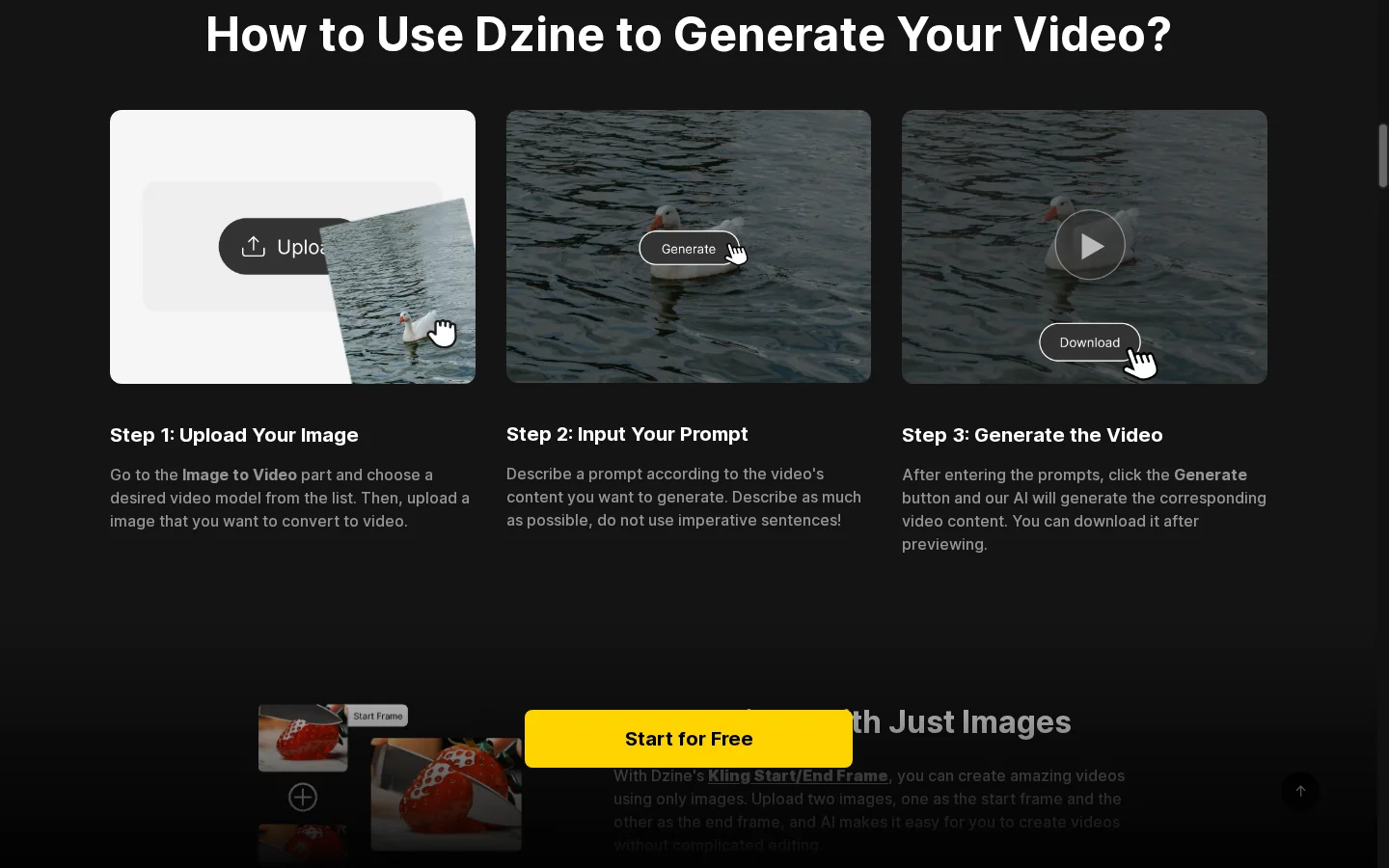
Dzine offers both text-to-video and image-to-video paths, so creators can begin with a written scene idea or an existing design. The selected model determines which inputs, motion controls, duration options, and output settings are available. Review those settings before generating, then judge whether the result follows the brief or preserves the important parts of the reference. For a prompt-led starting point, compare this with text to video creation; check the destination's available controls for the exact workflow.

Dzine AI video workflow with text and image input options

Create Lip-Synced Video

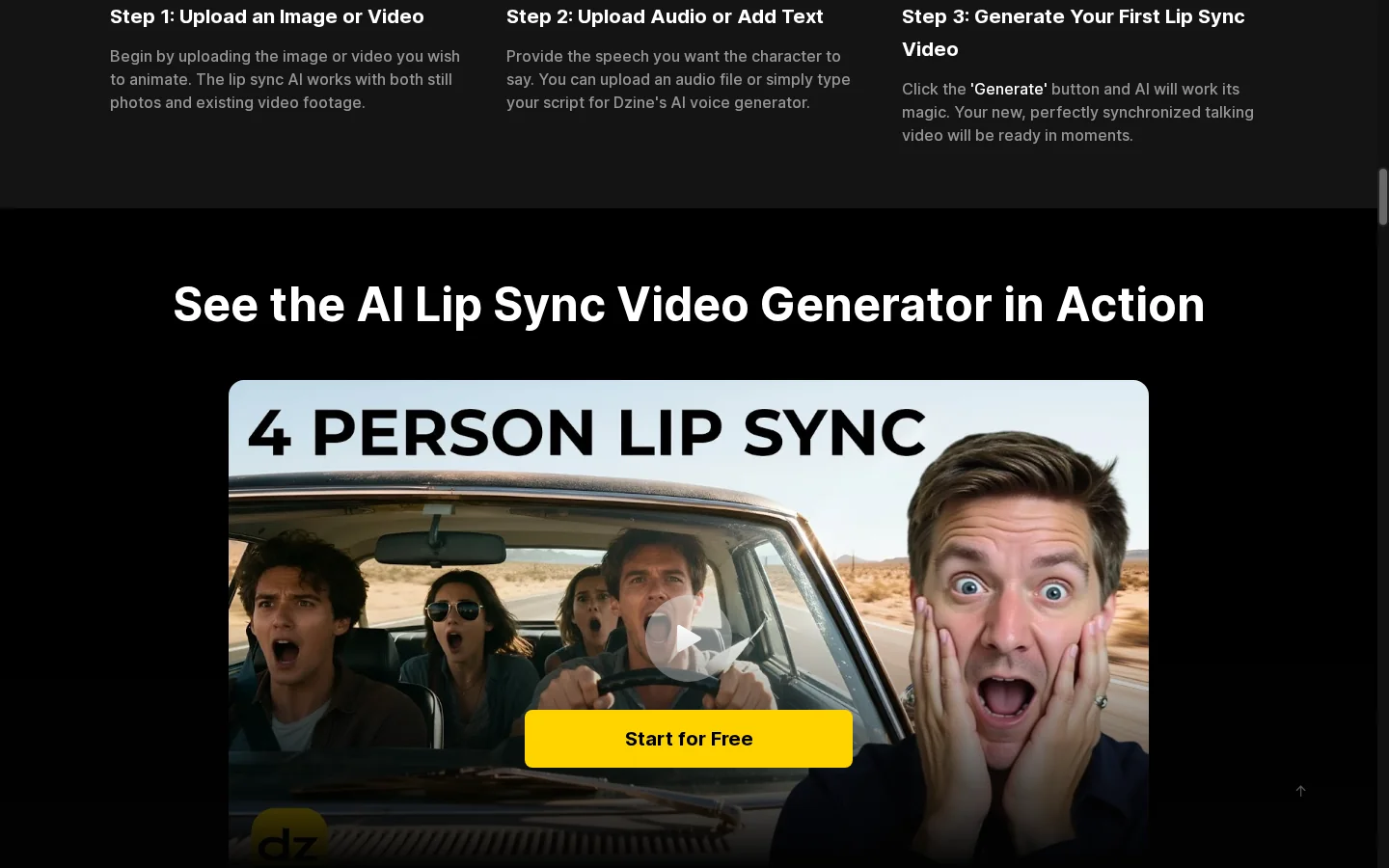
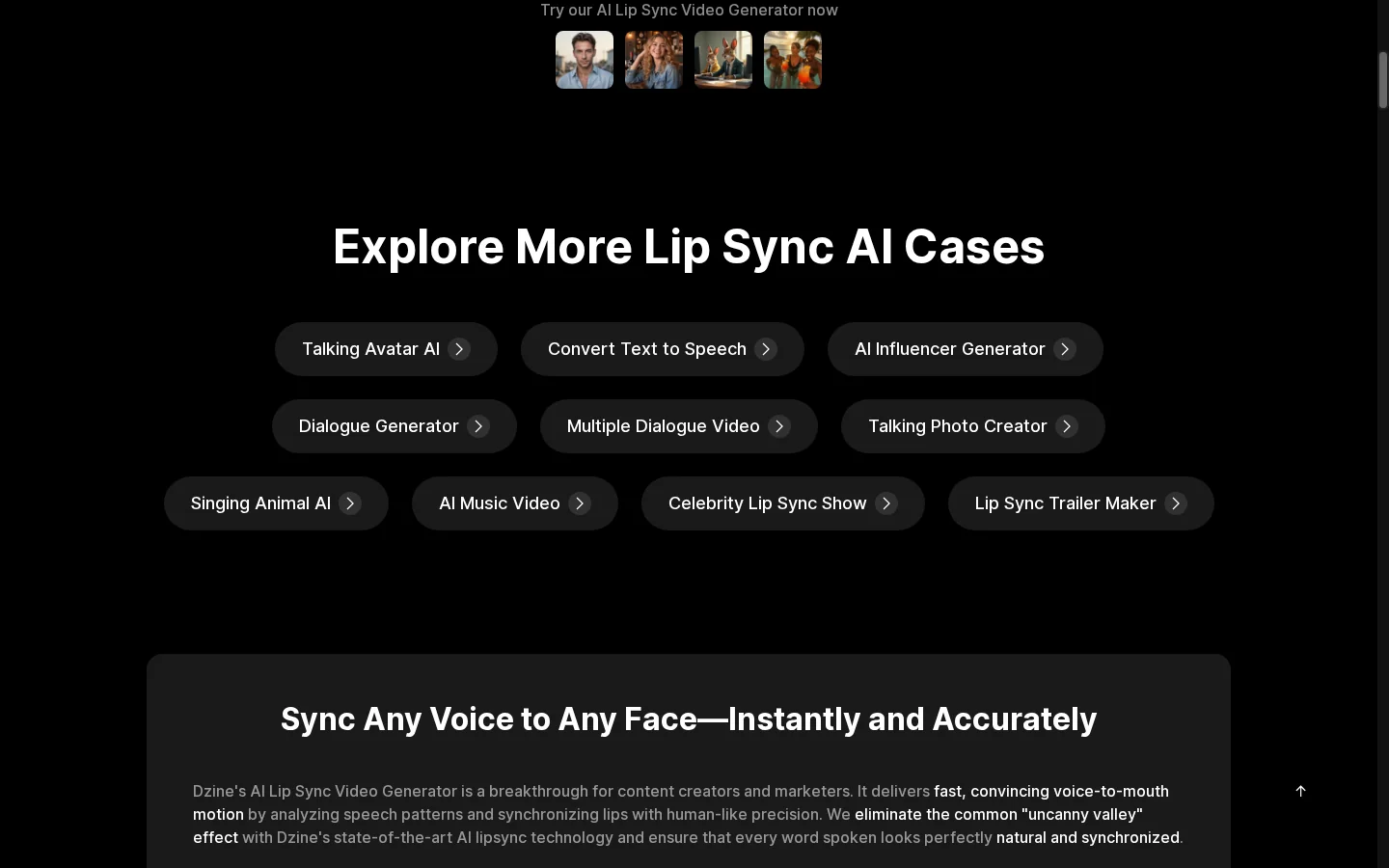
Dzine lip-sync combines a compatible character or portrait visual with speech or audio to create a talking-video performance. After generation, check that the mouth movement follows the spoken words and that timing stays aligned through pauses and longer phrases. The quality depends on the supplied media and available settings, so review the output before adding it to a finished edit.

Dzine AI lip-sync workflow combining a character visual with speech

What Can You Create With Dzine AI?

Use Dzine for campaign artwork, character scenes, and dialogue-led content.
Branded Campaign Artwork

Branded Campaign Artwork

Create an image and refine selected details for a campaign. Use references and editing tools to develop variations before exporting.

Animate a Reference in GoEnhance

How to Use Dzine AI

01

Choose the Creative Task

Start with the image, editing, video, or lip-sync workflow that matches the output you need.

02

Add References and Directions

Provide the prompt, image, or audio required by the tool. Select the available model and settings; connect steps on the canvas where appropriate.

03

Generate, Inspect, and Refine

Review the result and revise the relevant inputs or editing step. Export when the output meets your requirements and plan limits.

Dzine AI vs GoEnhance AI and Alternatives

PlatformCore StrengthCreative RangeBest Fit
Dzine AIConnected visual creation with image editing and videoCreative canvas, reference-based images, character scenes, video, and lip syncDesigners organizing related image and video tasks
GoEnhance AIVideo generation, animation, and visual transformationImage animation, character animation, restyling, and image toolsCreators choosing a task-based workflow for motion and visual assets
KreaVisual generation and enhancement workspaceImage and video generation, real-time creation, and enhancementCreators iterating on visual concepts across media
RunwayGenerative video production and editing workflowsText- and image-guided video with supporting production toolsFilmmakers and teams developing generated video scenes
Dzine AI connects image design and video creation on a canvas. Both platforms cover several visual tasks; compare the controls and output on your reference before choosing a workflow.

Why Consider GoEnhance AI for Video and Animation Work?

Test Motion From an Approved Design

Use image-to-video to evaluate how a chosen character or product reference behaves in motion.

Explore a Scene Without a Reference

Start in text-to-video when the brief is ready but the opening image has not been designed.

Transform Recorded Footage

Try video-to-video when you already have a clip and want another artistic style.

Focus on Character Animation

Explore character animation for a project centered on moving an existing character design.

Prepare and Revise Source Artwork

Generate or edit the reference before using it in the next animation or video task.

Finish a Still With Upscaling

Enhance a chosen image when it needs enlargement for a layout or presentation.

Dzine AI Discussions on Reddit

Frequently Asked Questions

Dzine AI FAQ

What is Dzine AI?

Dzine AI is a visual creation platform combining image generation and editing with video, character, and lip-sync workflows. Its current site emphasizes a connected creative canvas.

Are dzine.ai and dzineai the same product?

dzine.ai is the official domain. Dzine AI and dzineai are name variations used to search for the platform.

Is Dzine AI free?

The current pricing page describes 100 sign-up credits for new users, with trial eligibility potentially varying by region. It says the former daily reset of 32 free credits has been removed. Check the active account offer.

How does Dzine AI pricing work?

Dzine lists credit-based paid plans and different billing periods. Compare the credit allowance, available models, export conditions, and commercial licensing for the plan you need.

Can Dzine AI generate and edit images?

Yes. Tools include image generation, image-to-image, and object editing. Start with text or a reference and refine the relevant parts of the result.

What is the Dzine creative canvas?

It is a node-based workspace for connecting creative steps. Use it to organize related image and video tasks rather than handling every generation in isolation.

What can the Dzine AI video generator do?

Dzine offers text-to-video and image-to-video routes. The selected model determines supported inputs, settings, generation cost, and output behavior.

Can Dzine AI help with character consistency?

It offers character-focused tools for developing scenes from a defined reference. Inspect identity, clothing, and other details across outputs; consistency still requires review.

Does Dzine AI support lip sync?

Yes. Its lip-sync workflow uses compatible visual and audio inputs to create a talking video. Inspect mouth movement and audio timing in the output.

Can I use Dzine AI output commercially?

The pricing page lists commercial licensing among eligible paid-plan benefits. Check your plan and the terms, including rights to any uploaded images, voices, or other material.

How does Dzine AI compare with GoEnhance AI?

Dzine connects image design, video, and lip sync in a creative workspace. GoEnhance AI offers image tools alongside image animation, video generation, character animation, and video restyling. Test them with the same brief and reference.

Your Reference Is Ready. Explore Its Next Move.

Bring the image into GoEnhance AI and test a motion idea for your next scene.

Animate My Reference in GoEnhance