goenhance logo

Domo AI Video Generator

Domo AI is an AI animation and video creation platform built for turning prompts, images, and source videos into anime clips, stylized videos, talking avatars, and creative visual content.

Core Domo AI Creation Features

Animate Still Images Into Short Videos

Domo AI helps creators turn portraits, artwork, product shots, and visual concepts into short animated clips. This image to video workflow is useful when you already have a strong source image and want to add motion for social posts, music visuals, character previews, or campaign drafts.
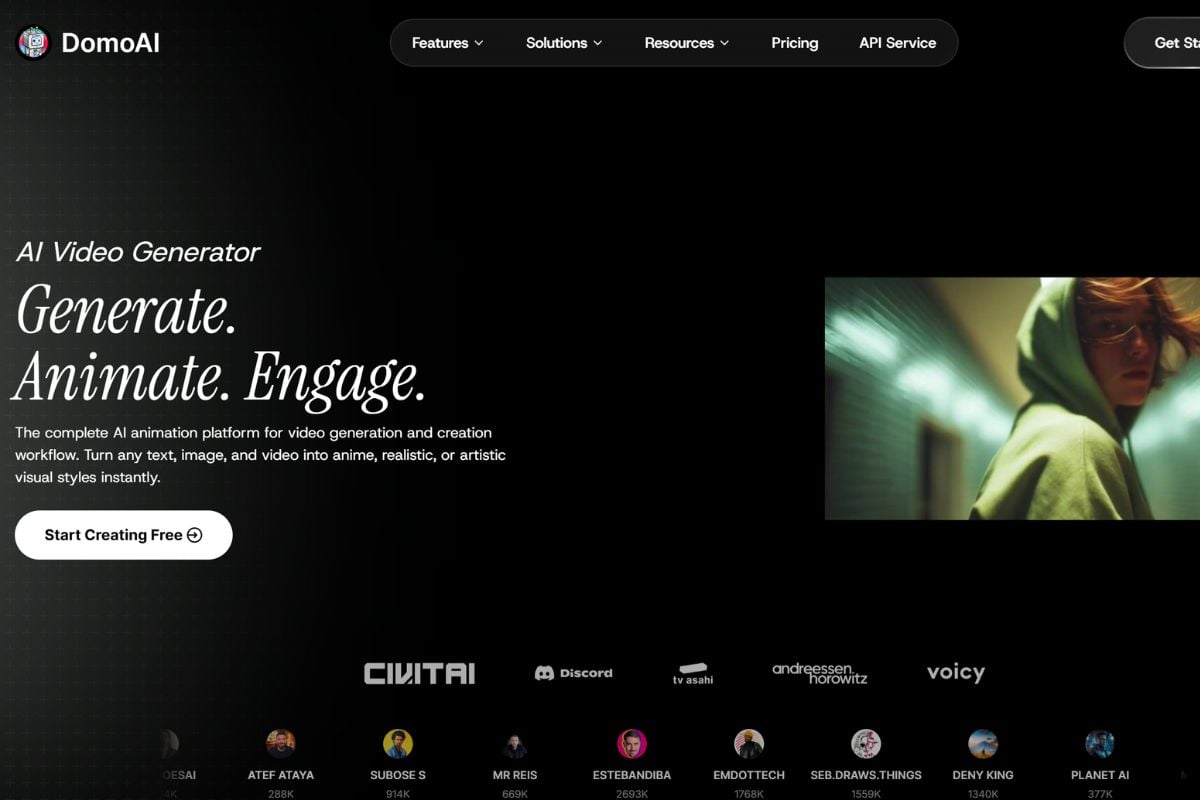
Domo AI image to video screenshot

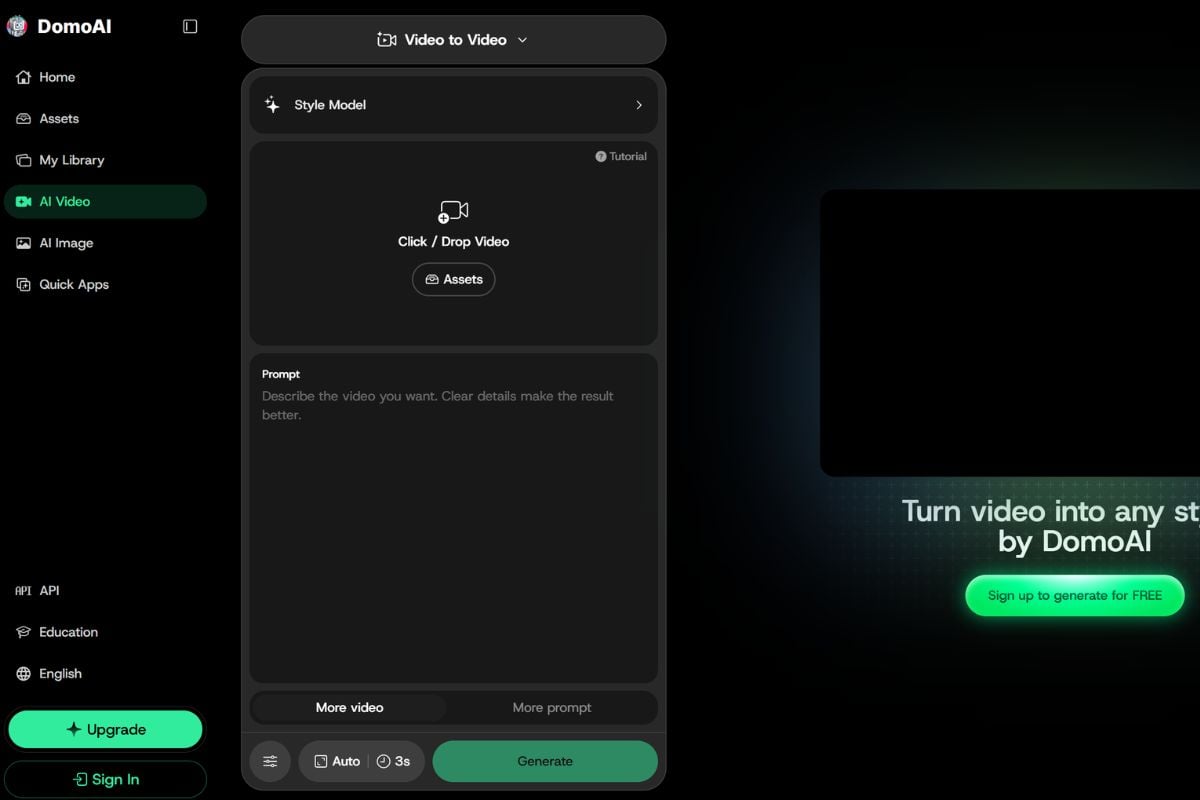
Turn Real Footage Into Anime-Style Clips

Domo AI can restyle source videos into anime-inspired clips while keeping the original movement as the creative base. It works well for creator edits, fan-style videos, character moments, dance clips, and short-form visual experiments.

Domo AI video to anime screenshot

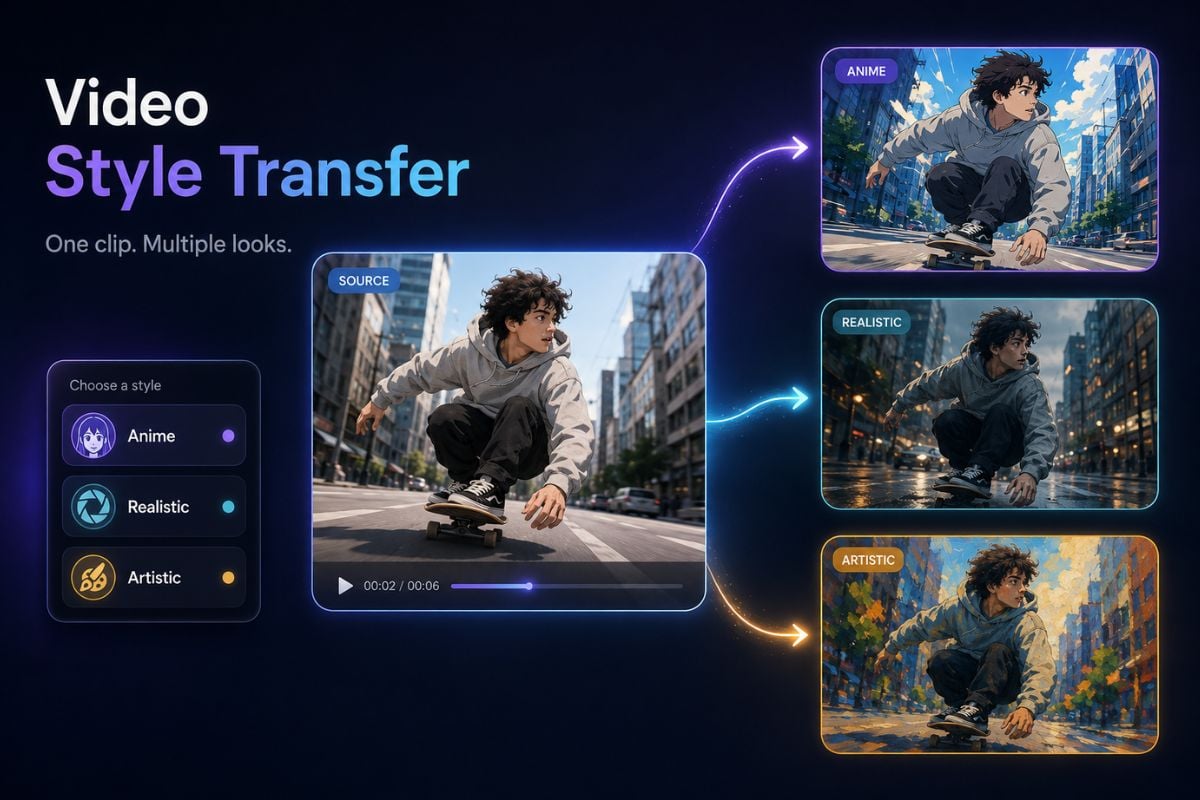
Restyle Videos With Different Visual Looks

Domo AI supports video style transfer for users who want to test anime, realistic, artistic, or reference-inspired looks on the same source clip. This is helpful for comparing creative directions before choosing one final visual style.

Domo AI video style transfer

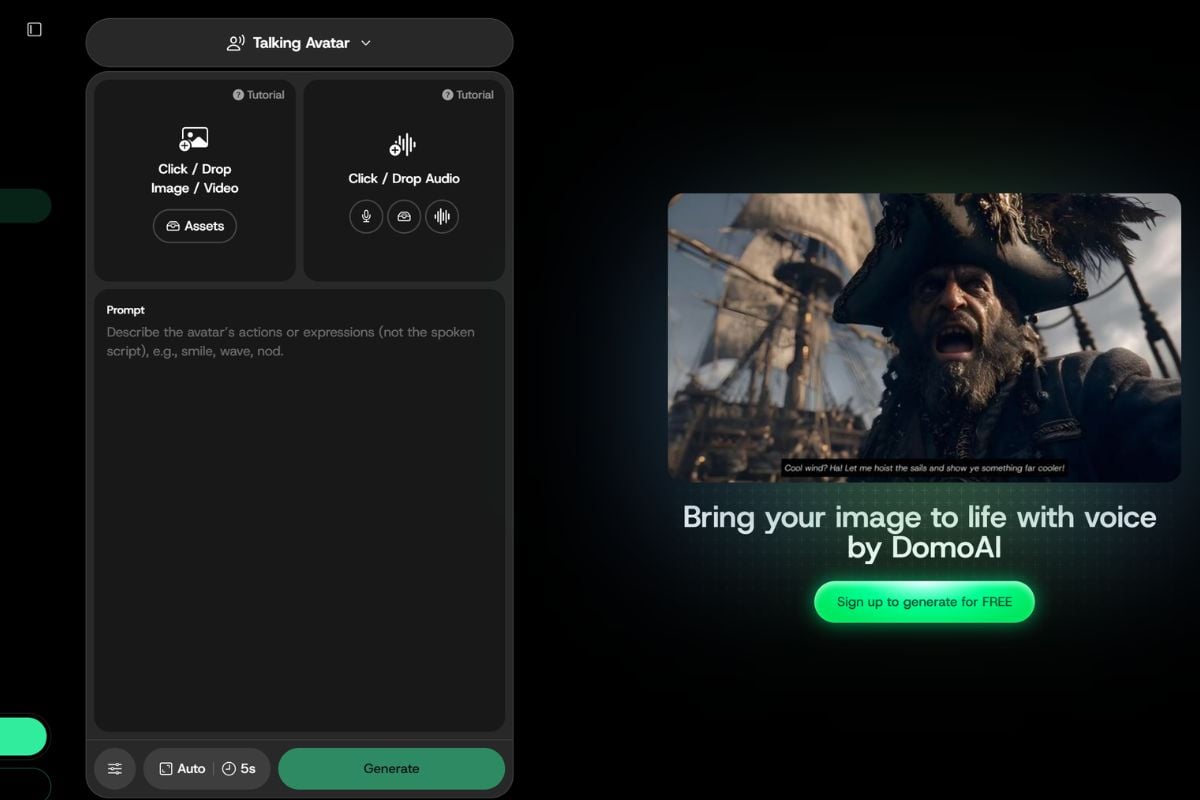
Create Character-Led Talking Videos

Domo AI also fits avatar and character video workflows, including talking characters, VTuber-style content, mascot clips, and expressive short videos. It gives creators a faster way to test character performance without building a full animation pipeline.

Domo AI talking avatar workflow

Domo AI Vs GoEnhance AI

WorkflowDomo AIGoEnhance AI
Image to videoCreates animated clips from still images, artwork, portraits, or product visuals.Supports image-to-video workflows for turning source visuals into short creative videos.
Video to animeKnown for restyling existing footage into anime-inspired video while keeping the original movement.Useful when creators want anime-style effects, visual transformation, and broader video creation options.
Video style transferApplies artistic, anime, realistic, or reference-inspired styles to source videos.Helps creators test stylized video directions and continue refining the result in a creative workflow.
Talking avatarFits character-led videos, avatar content, and expressive short clips.Can support character-style creative workflows when users need video generation and effect-based outputs.
Best fitStrong choice for anime transformation, animation, and quick visual restyling.Strong fit for creators who want AI video generation, effects, enhancement, and repeatable production workflows.

How To Use Domo AI on GoEnhance AI?

A simple three-step workflow for creating AI video and animation content
01

Add Your Input

Start with a text prompt, image, source video, or character asset depending on the Domo AI tool you want to use. Clearer source material usually gives the model a stronger direction.

02

Describe the Result You Want

Write what the final video or image should look like. You can describe the scene, character, mood, animation direction, visual style, or intended use case.

03

Generate and Review

Preview the result, check motion, faces, hands, style consistency, and overall clarity. Refine the prompt or input if the first version does not match your creative goal.

AI Animation and Visual Creation

Why Creators Use Domo AI

Fast Visual Transformation

Domo AI helps creators move quickly from a source image, prompt, or video clip to an animated or stylized result.

Strong Anime Direction

Its anime-style video and animation workflows make it especially useful for creators who want expressive, stylized visual content.

Flexible Input Options

Users can work from text, images, videos, or character assets depending on the type of output they want to create.

Useful for Social Content

Domo AI fits short-form video, character clips, music visuals, fan-style edits, creator posts, and fast campaign concepts.

Beginner-Friendly Workflow

The platform is designed for creators who want visual results without advanced animation, editing, or compositing experience.

Generation Plus Enhancement

Domo AI combines creation, stylization, and enhancement workflows so users can generate a draft and improve it before sharing.
FAQ

Common Questions About Domo AI

What is Domo AI?

Domo AI is an AI animation and video creation platform. It helps users generate, animate, restyle, and enhance visual content from prompts, images, videos, and character assets.

What can I create with Domo AI?

You can use Domo AI to create image-to-video clips, anime-style videos, stylized edits, talking avatar content, AI images, character visuals, and enhanced media drafts.

What is Domo AI best for?

Domo AI is especially useful for anime-style video transformation, image-to-video animation, video restyling, character-led clips, and short-form creative content.

Who should use Domo AI?

Domo AI is suitable for social media creators, digital artists, anime fans, marketers, video editors, character creators, and teams that need fast visual drafts.

Does Domo AI support image to video?

Yes. Domo AI provides image-to-video workflows that can turn photos, artwork, portraits, and other still images into animated video clips.

Can Domo AI turn videos into anime?

Yes. Domo AI includes video-to-anime and video style transfer workflows that can restyle existing footage into anime-inspired or artistic looks.

Do I need editing or animation experience to use Domo AI?

No advanced editing or animation experience is required for basic use. Better source images, clearer prompts, and careful review will still help improve the final result.

Is Domo AI safe?

Domo AI can be safe when used responsibly. Use source materials you own or have permission to use, review the platform's terms, and check each output before public or commercial use. Avoid unauthorized likeness use, misleading identity edits, copyrighted assets, and content that could confuse viewers.

Can I use Domo AI for marketing or commercial work?

Domo AI can support marketing drafts, product visuals, social clips, and campaign concepts, but you should review the platform's license terms and confirm that your input media, people, music, logos, and references are cleared for commercial use.

How do I get better results with Domo AI?

Start with clear source material, write a specific prompt, keep early tests short, and review the result for motion quality, face stability, hand details, text accuracy, and style consistency before publishing.

Create Domo-Style AI Videos With GoEnhance AI