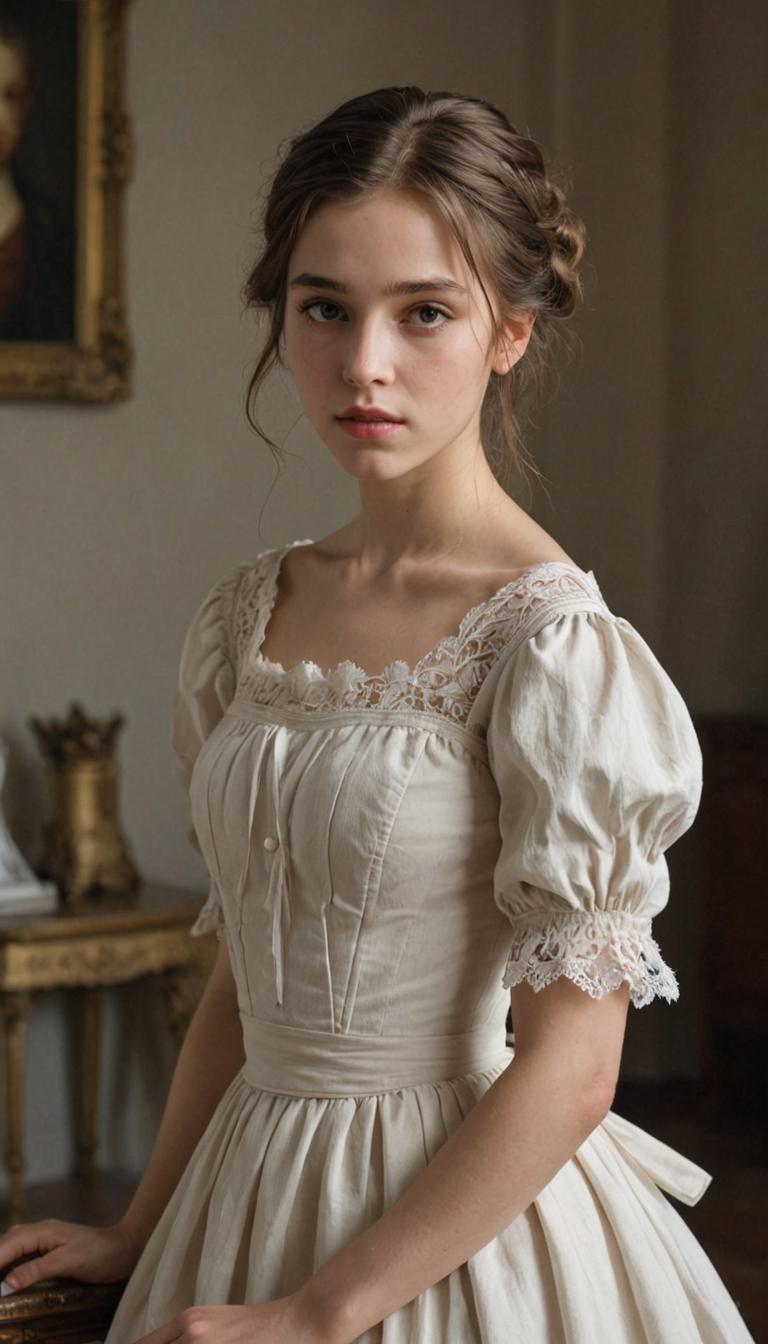
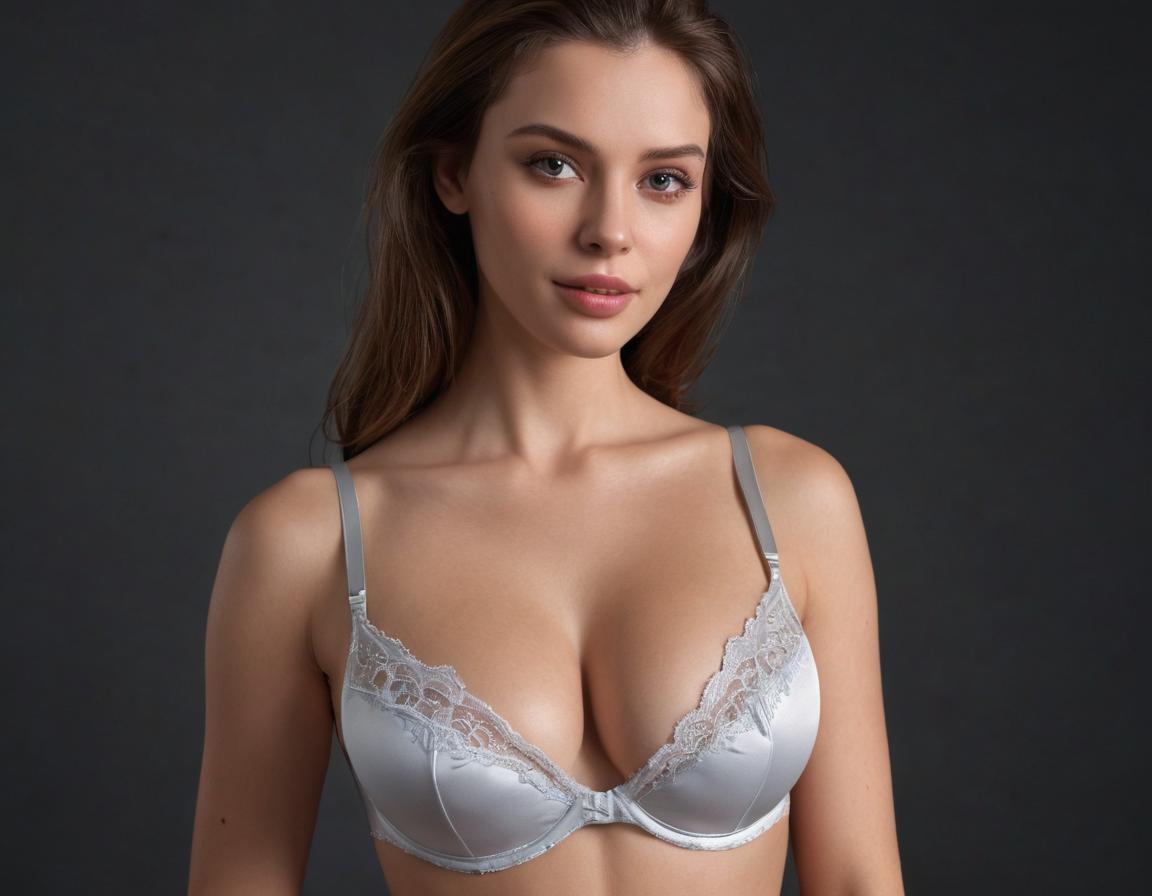
Discover free Sexy AI Art Generator! Create stunning AI art from prompts effortlessly. Explore powerful tools for amazing image and video creations.


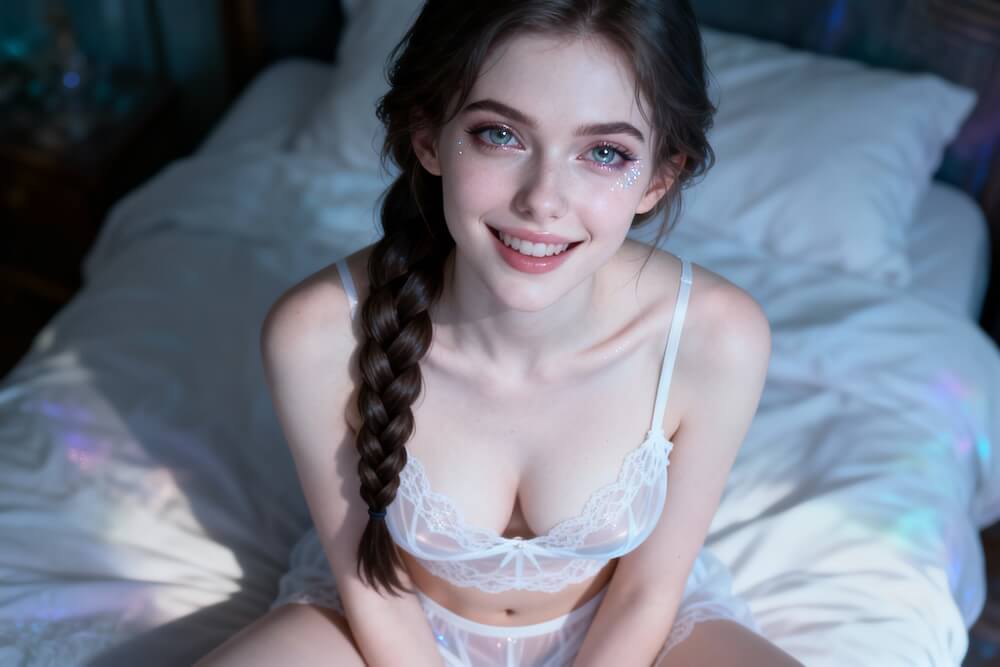
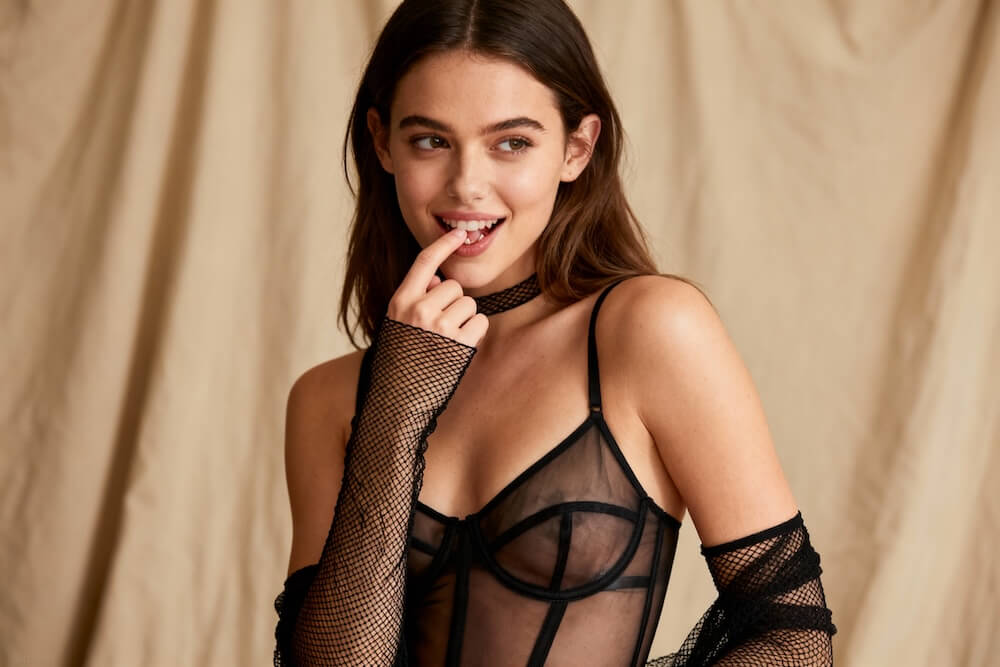
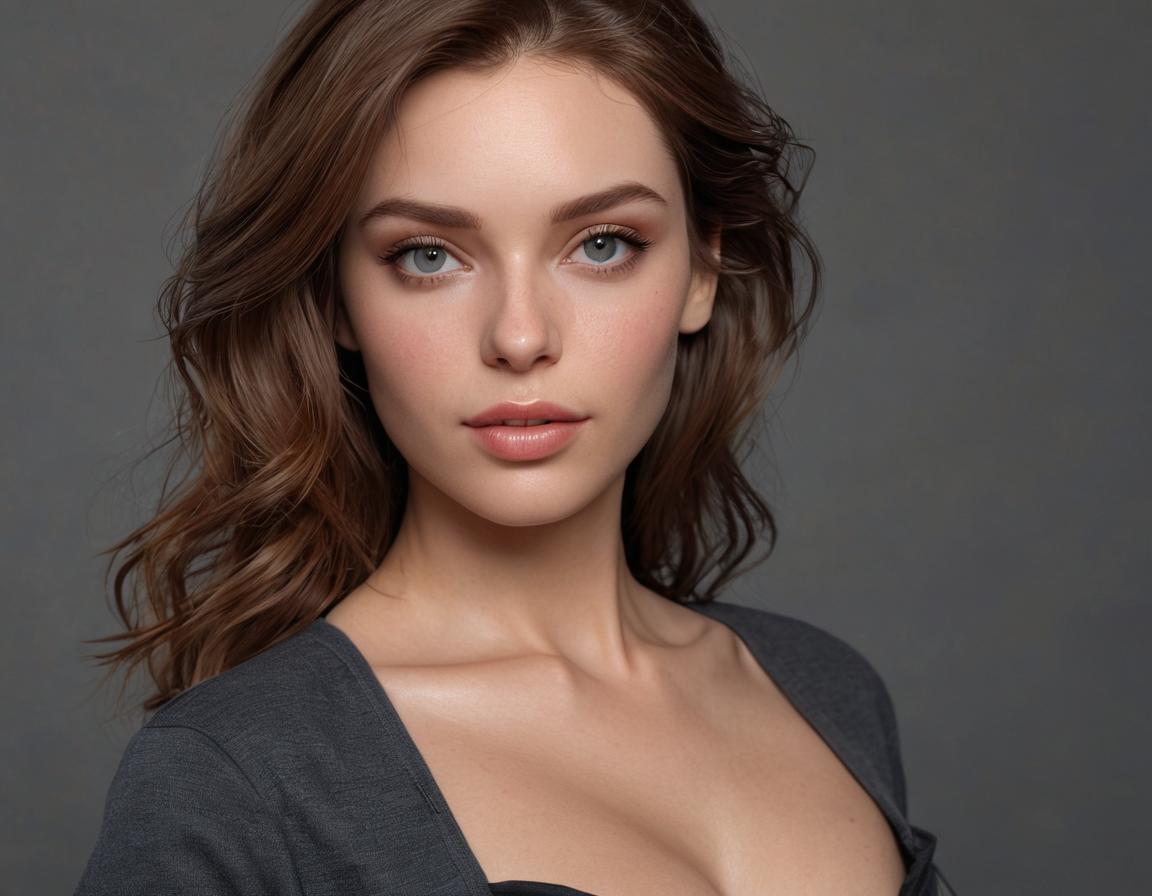
Get camera-ready glamour portraits with natural skin texture, crisp eyes, and clean studio lighting. The result feels polished—ideal for fashion editorials, profile images, and lookbook-style concepts. Pair it with our AI sexy video generator to keep the same visual identity across images and short clips.

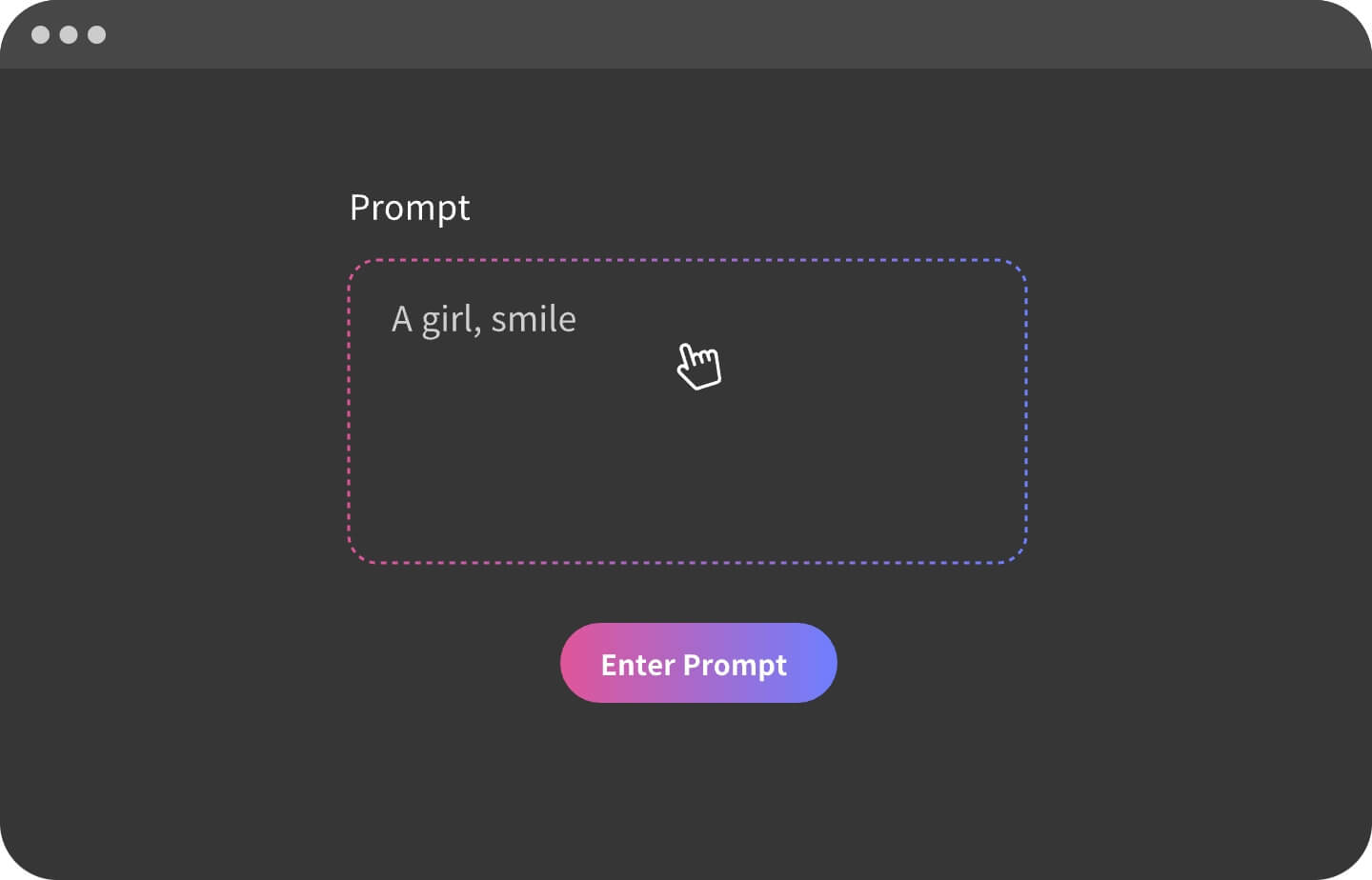
Shape the shot with prompt control: outfit materials, pose direction, mood, and lighting. Add anchors like “fashion editorial,” “softbox lighting,” or “cinematic rim light” to steer toward premium magazine aesthetics instead of random outcomes.

Seconds to create, minutes to perfect. Make 2–4 variations, then tweak one variable at a time—lighting, camera distance, wardrobe, or background—to quickly land a clean final pick for moodboards and editorial portrait sets.

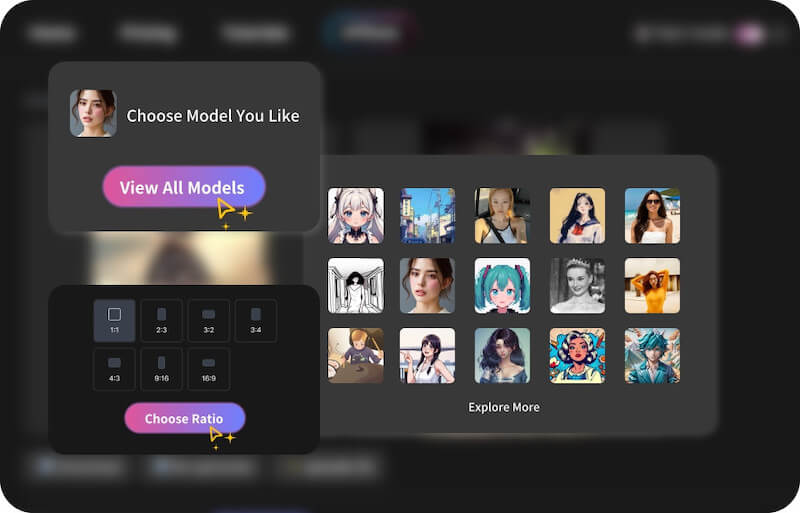
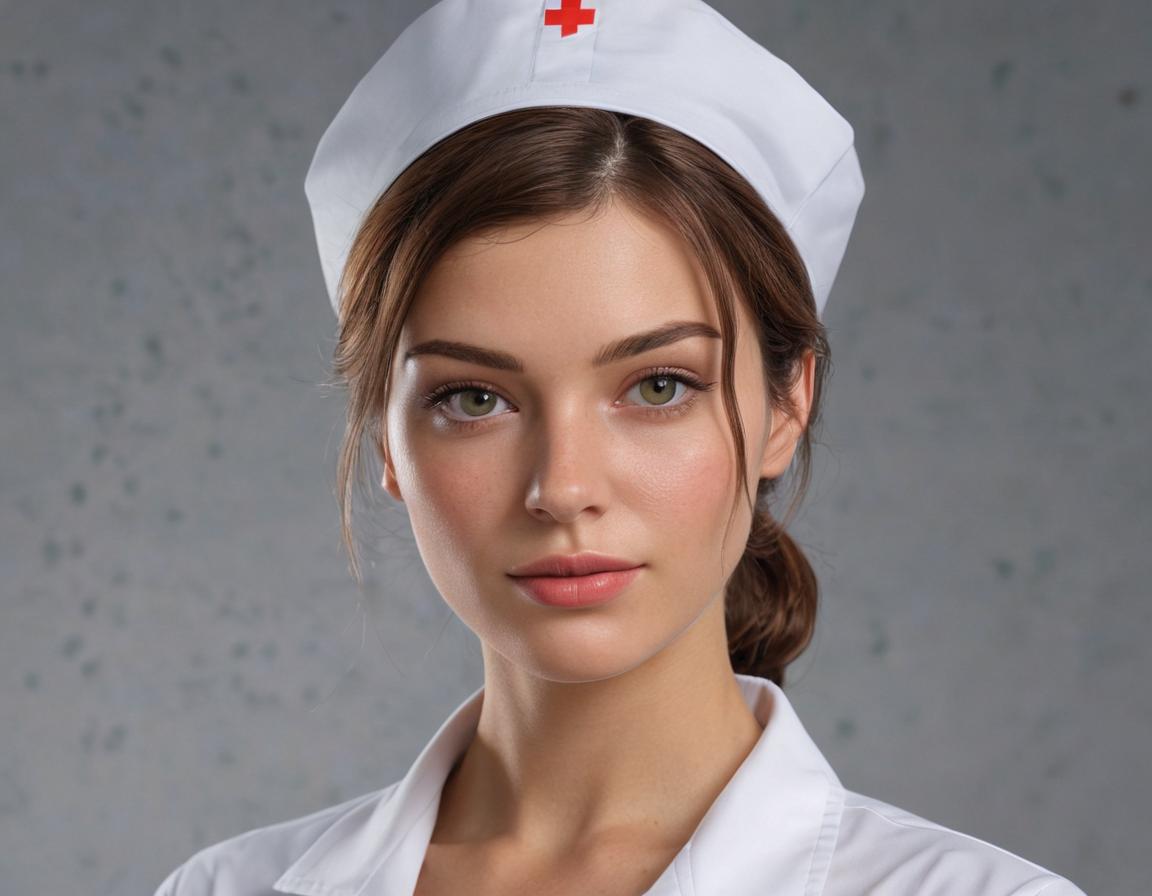
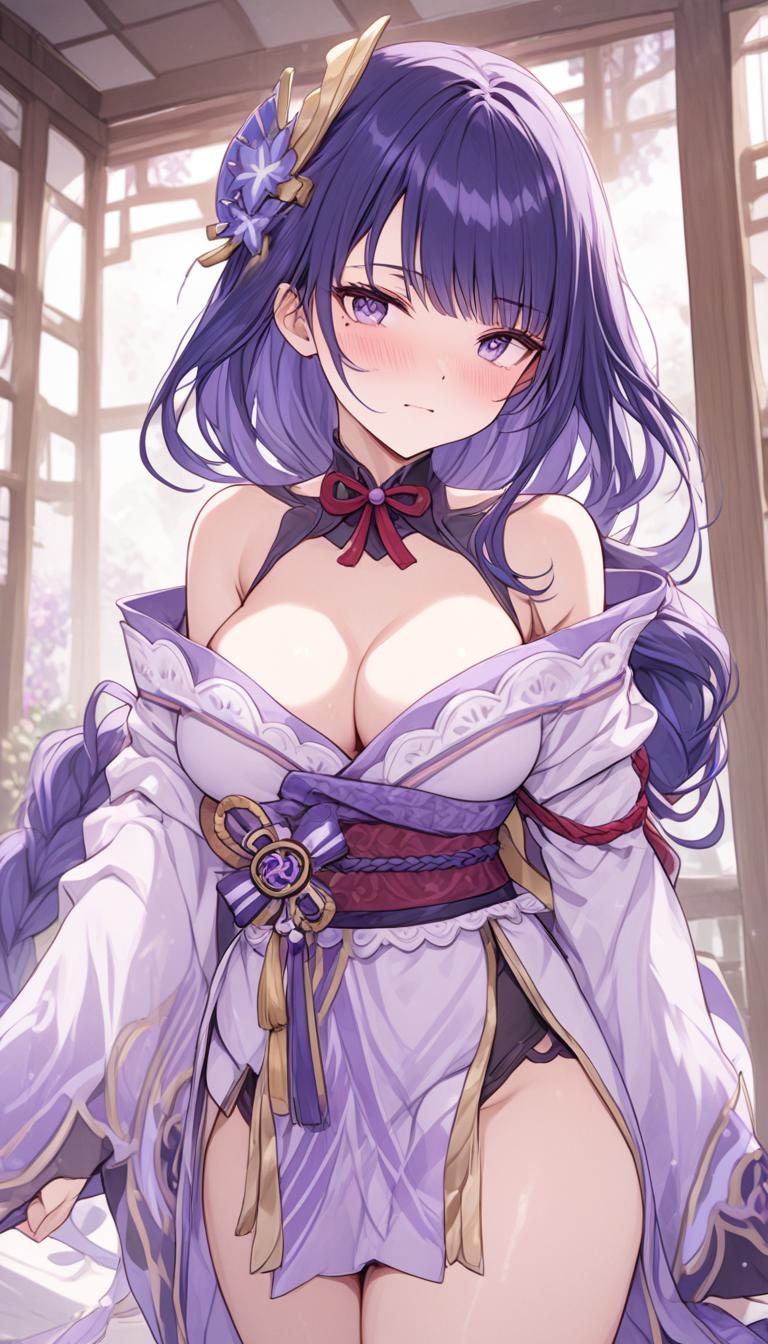
Explore a wide spectrum of art styles—from soft sensual lighting to bold fashion-editorial vibes—allowing you to create sexy art that matches any fantasy, aesthetic, or mood.


Anime-Inspired Glamour Portrait

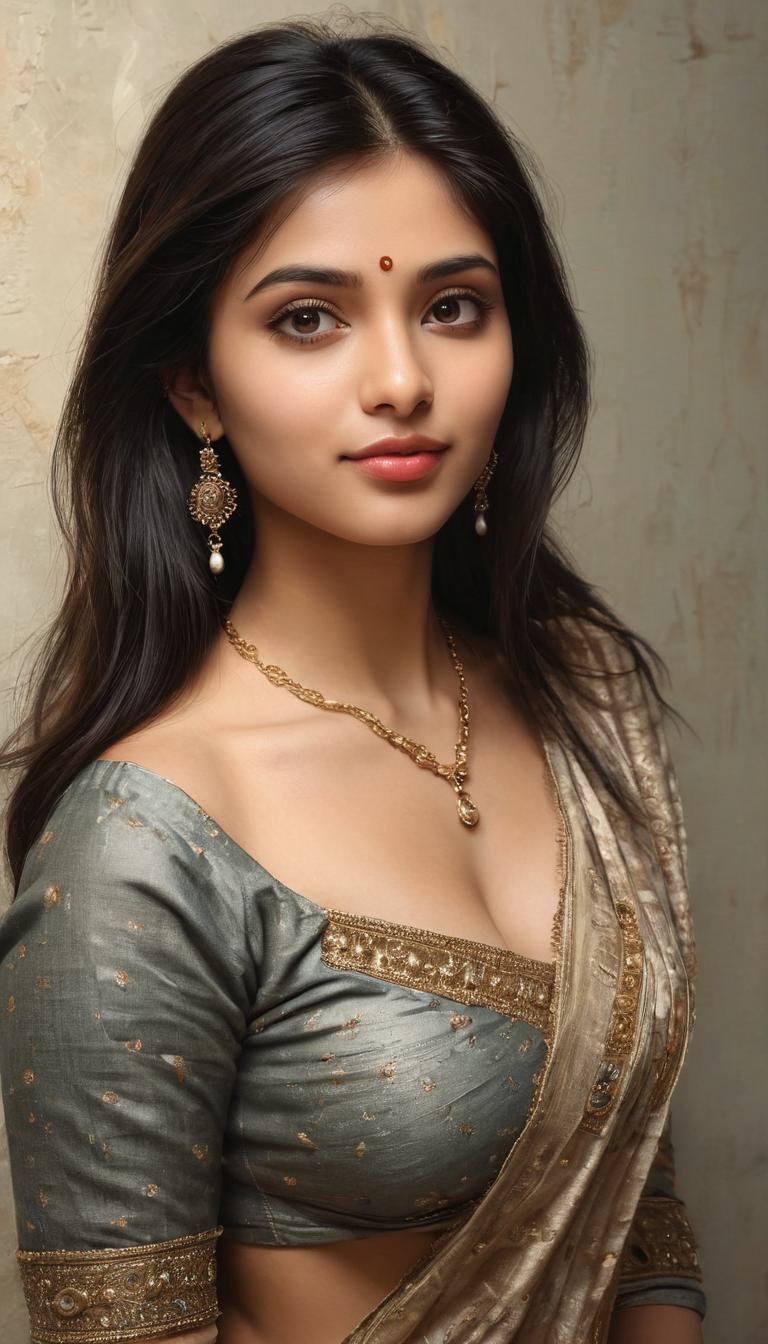
Saree Editorial Portrait

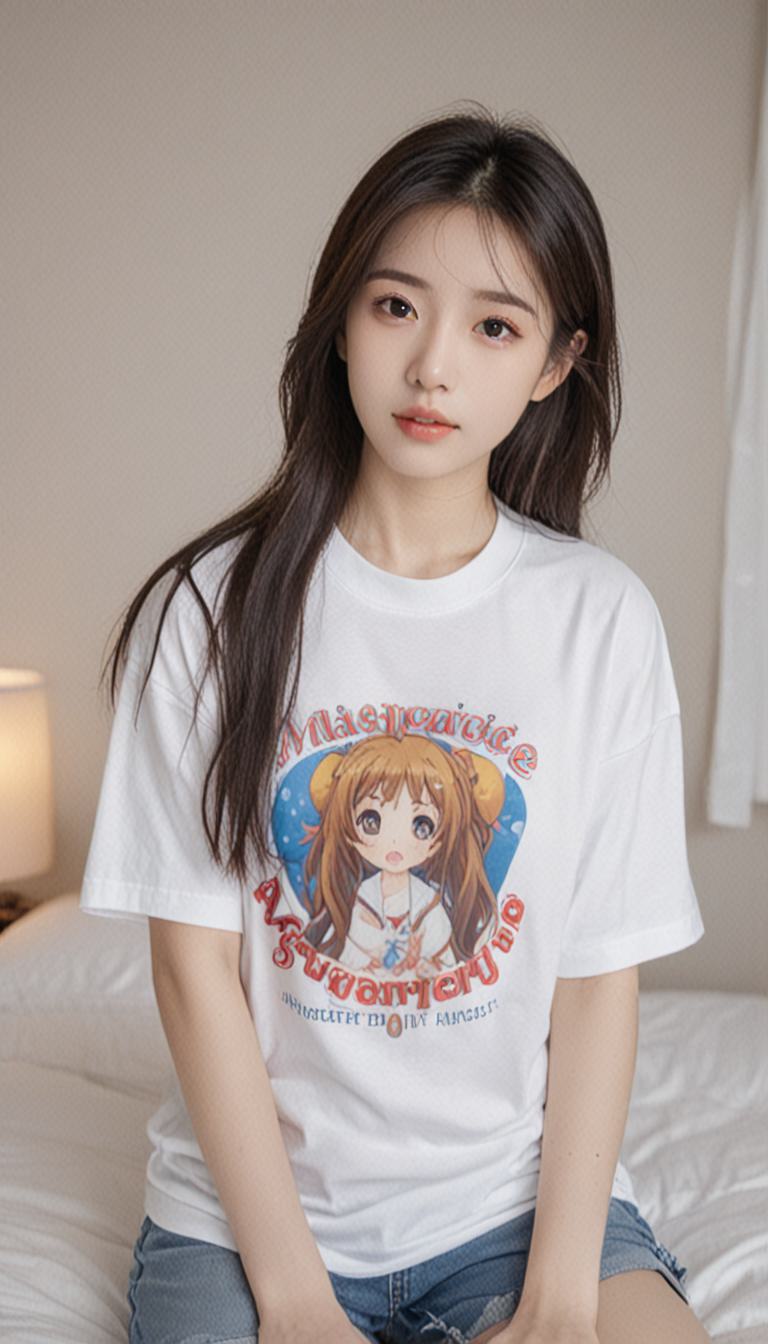
Soft Natural-Light Casual Portrait

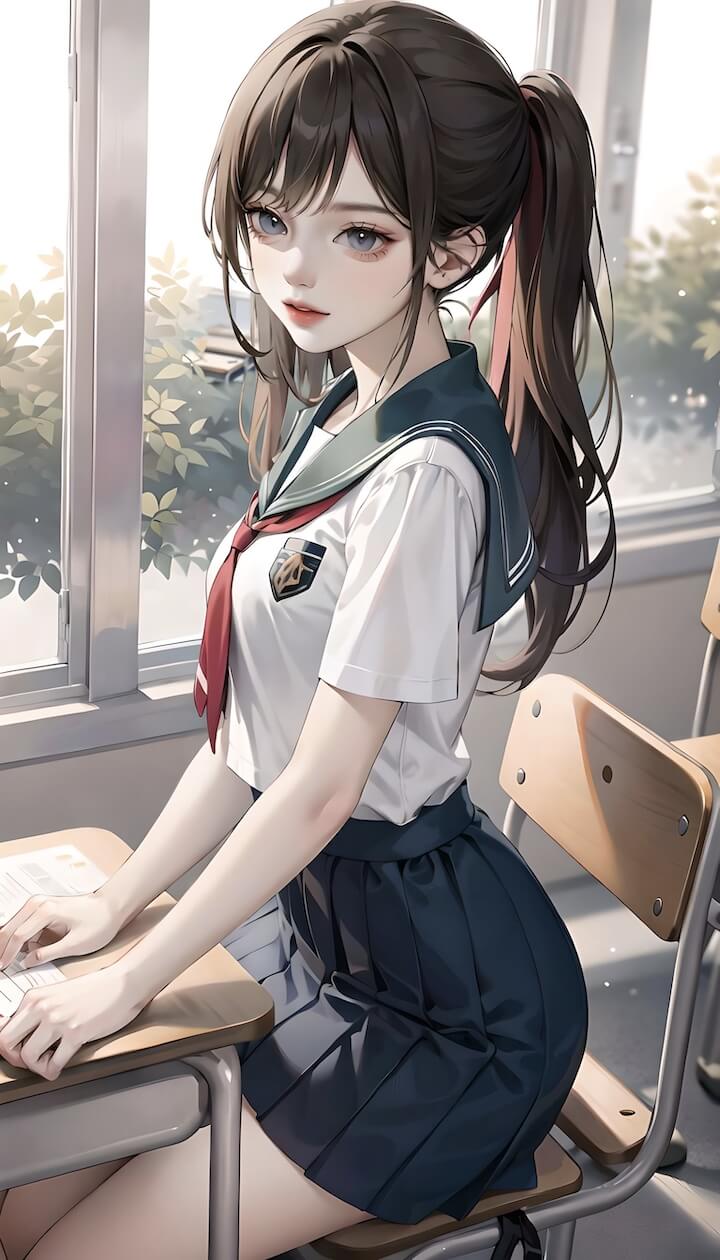
Anime Illustration — Uniform-Inspired Look

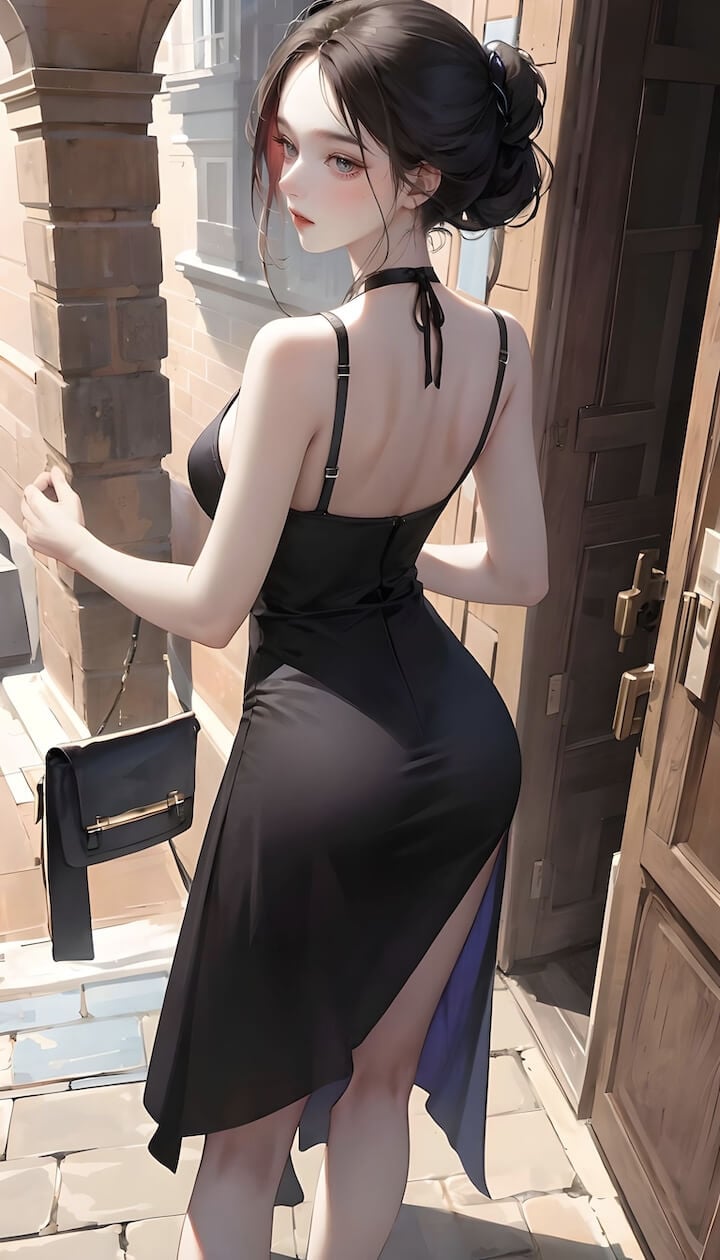
Black Dress Street Editorial

Realistic AI Art
My most reliable prompts read like a mini photography brief: subject → styling/materials → setting → lighting → lens/depth → composition. Example: “fashion editorial portrait, satin texture top, clean indoor backdrop, softbox key light + subtle rim light, 85mm lens, shallow depth of field, sharp facial detail.” This order helps lock the reading flow and reduces random background drift.
A mistake I made early on was stacking too many style words (cinematic + oil painting + anime + hyperreal). They often fight each other and you get a ‘mixed filter’ look. What works better: pick 2–3 anchors and keep them consistent across runs—e.g., “fashion editorial,” “studio portrait,” “soft glam.” If the output drifts, I don’t rewrite everything—I remove conflicting adjectives and reinforce the anchors.
A workflow that consistently gets me to a deliverable result: generate 2–4 variations → pick the closest baseline → change only one variable per run (lighting OR wardrobe material OR camera distance OR background). When you change five things at once, you can’t tell what fixed the issue, and the process becomes trial-and-error instead of controlled improvement.
I keep a reusable ‘QC list’ of negatives to remove common failures: low-res, blurry, noise, over-smoothed skin, plastic skin, warped face, uneven eyes, bad hands, extra fingers, text, watermark, logo. For editorial portraits, I also add “overexposed highlights” or “harsh shadows” depending on what I’m seeing—fixing fundamentals first makes the style look instantly more premium.
If your goal is a glamour/editorial portrait generator, steer the prompt with professional aesthetic language: “fashion photography,” “editorial,” “tasteful,” “clean composition.” Avoid high-risk terms that can be misread (e.g., “girl/teen/school”), and describe styling in fashion terms like “editorial styling,” “mature look,” or “lookbook portrait.” One practical rule I follow: if a real person is identifiable, make sure you have the rights/consent—especially for commercial use.
Explore other powerful tools from GoEnhance to enhance your creative projects.