Gender Face Swap Online

Explore a different masculine, feminine, or androgynous presentation with GoEnhance AI. This face gender swap app applies a source identity to your target video while retaining the scene, motion, and styling you want to keep. Generate the result, then review difficult frames before downloading or sharing.
Explore a New Look

Gender Face Swap Examples

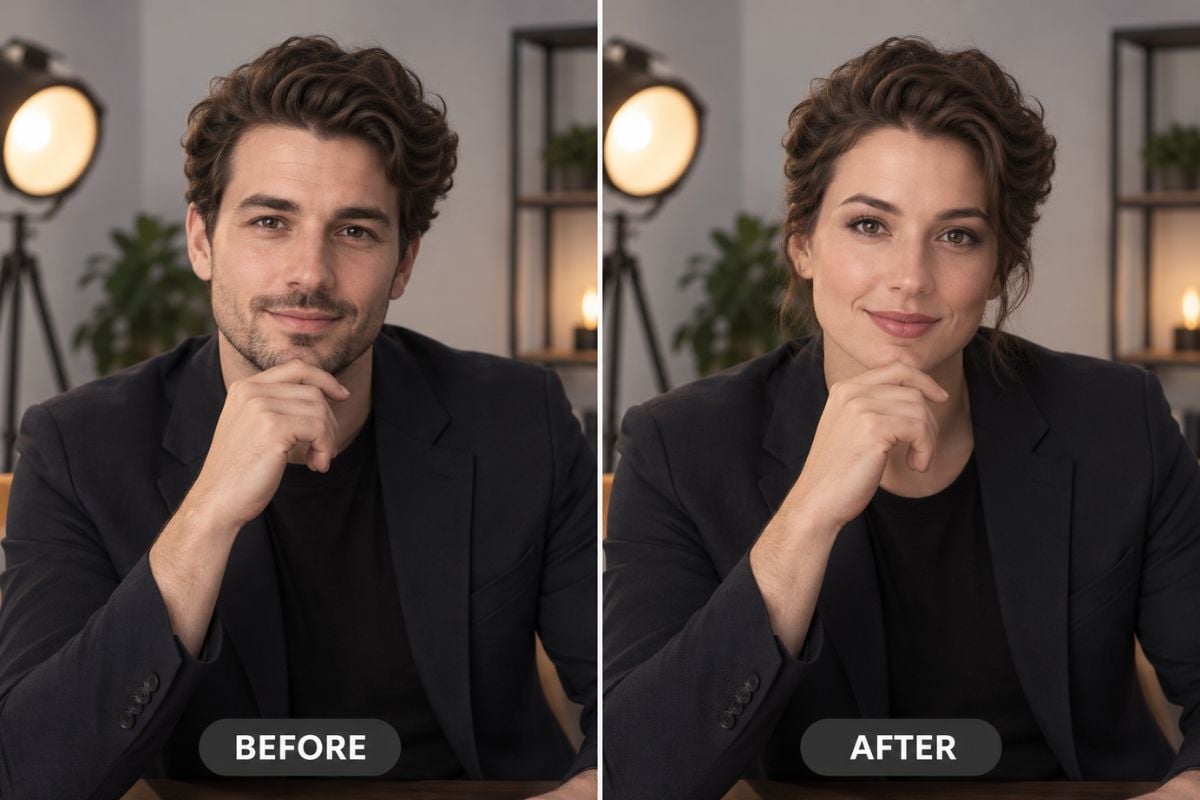
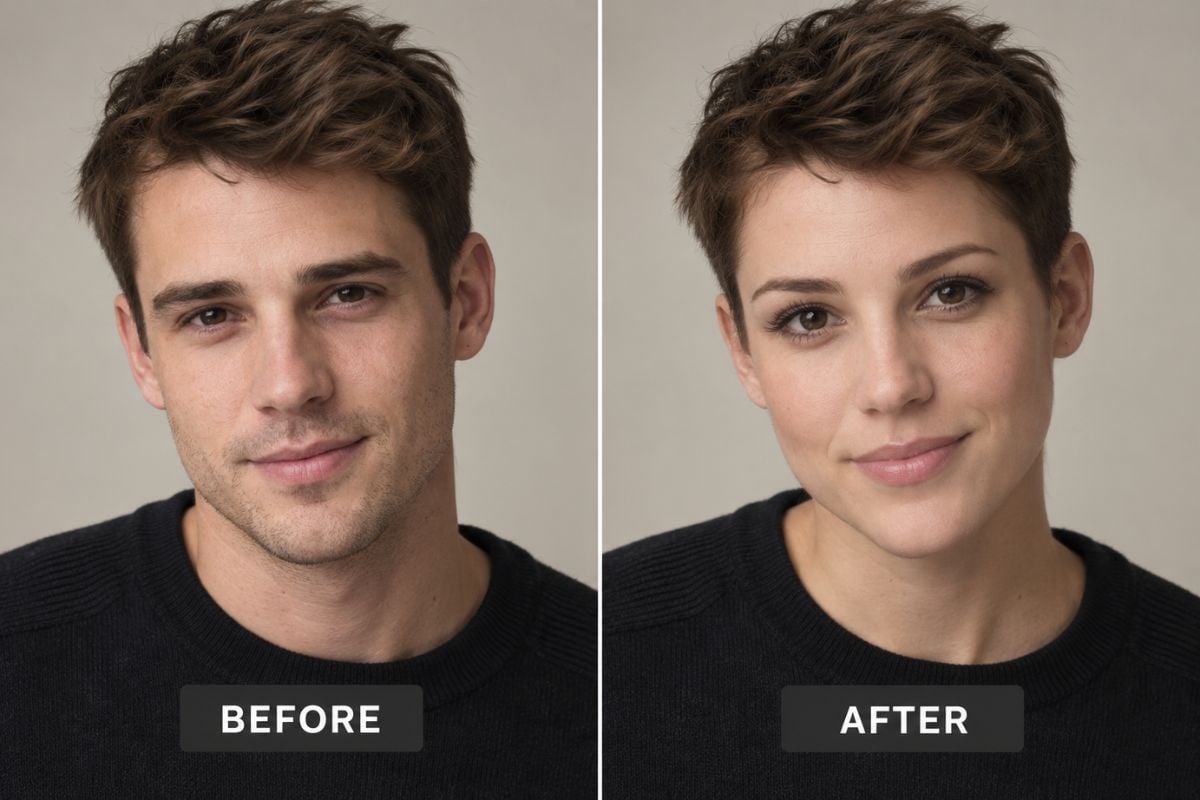
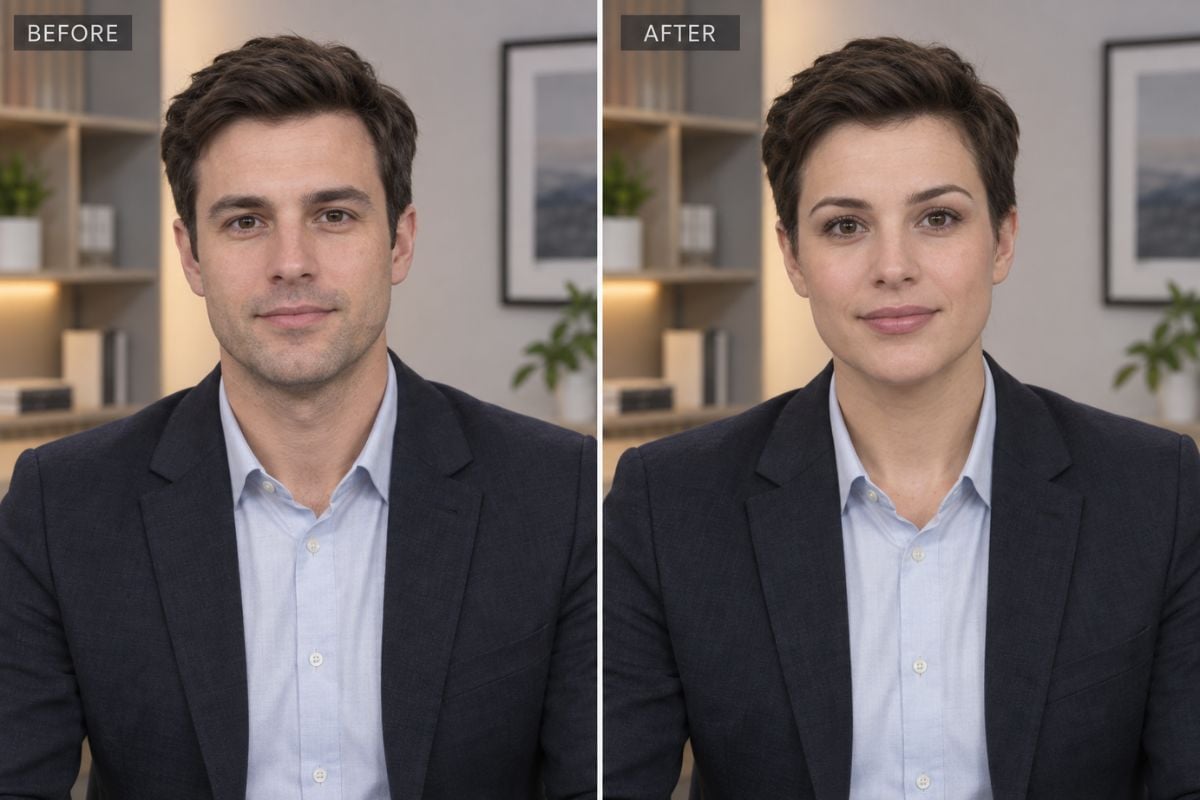
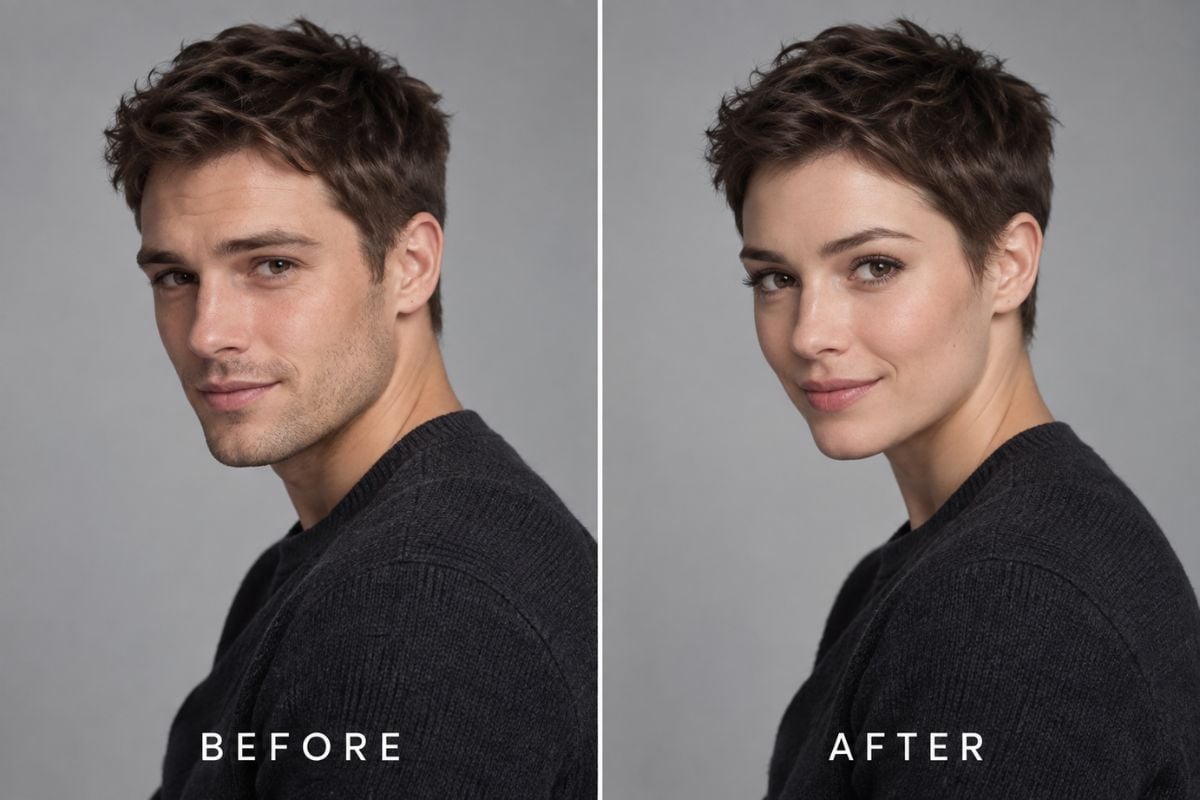
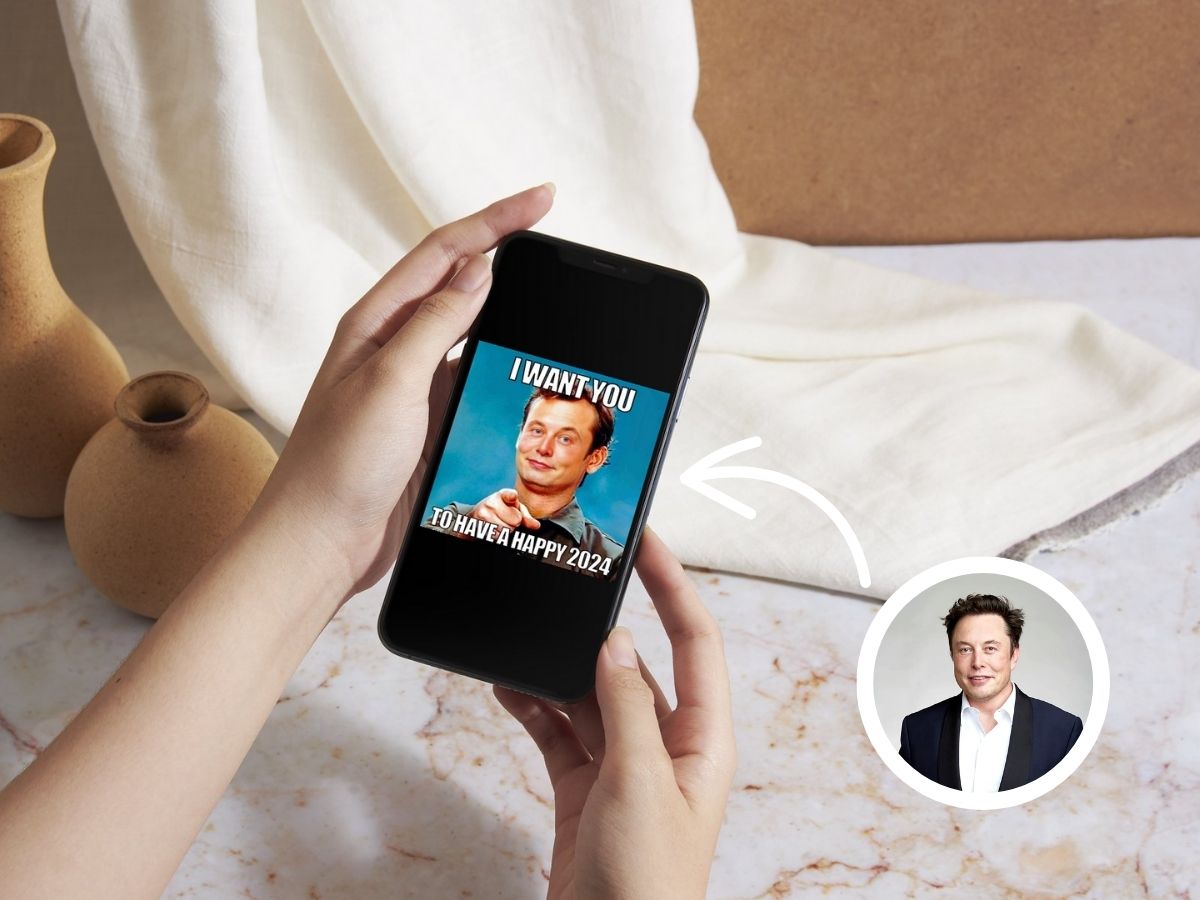
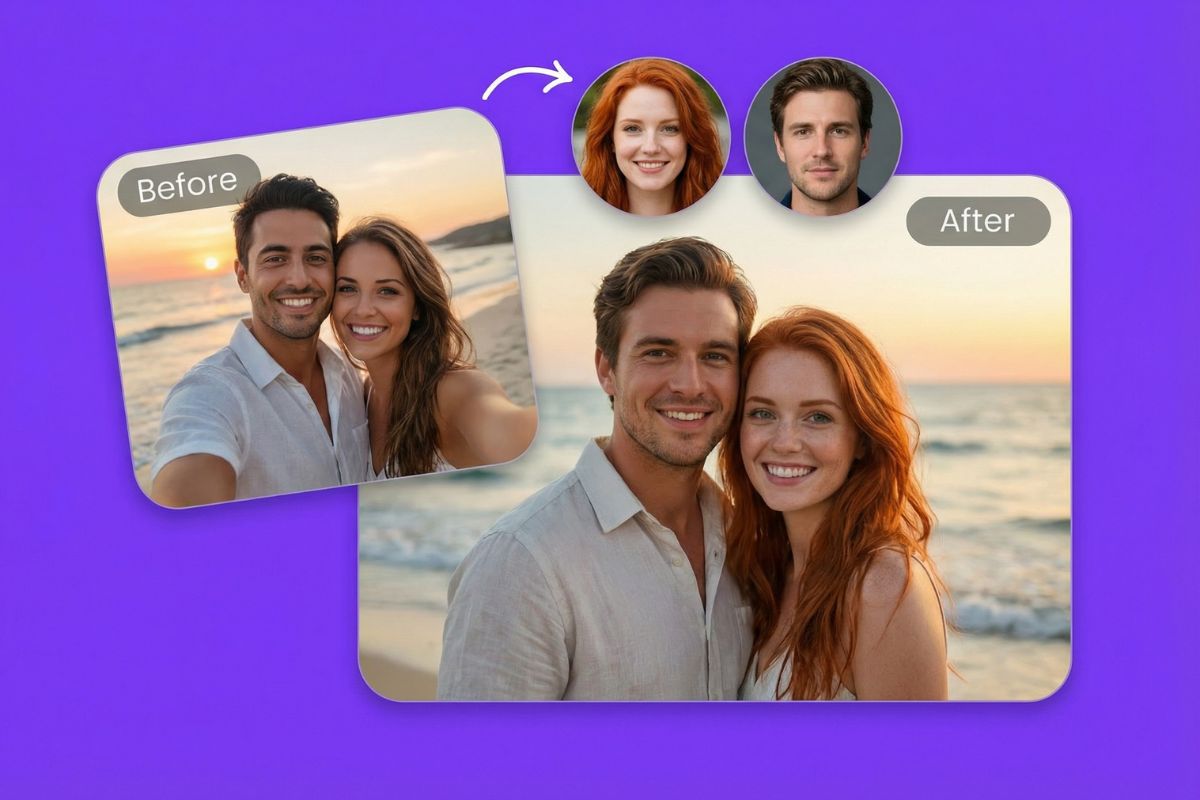
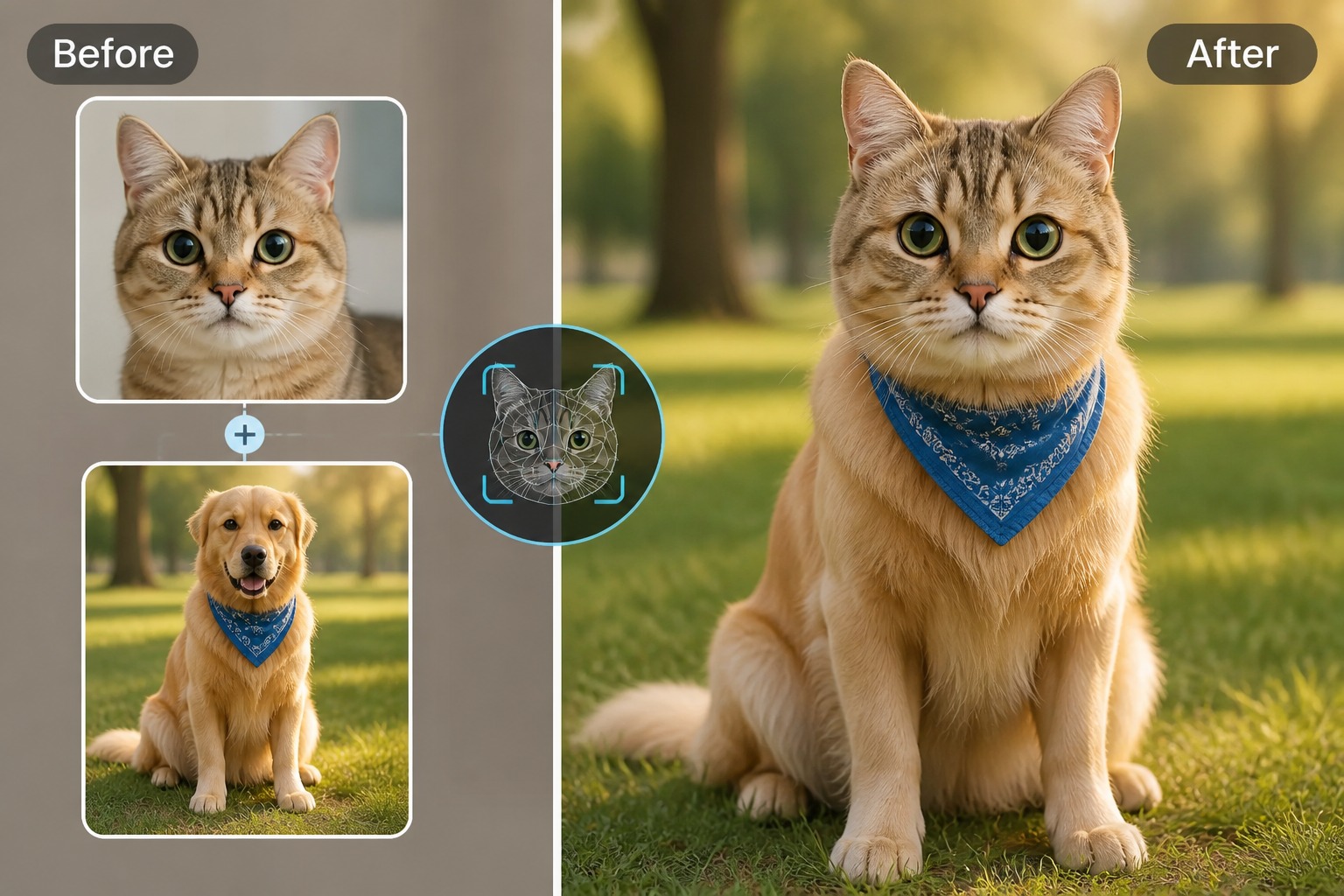
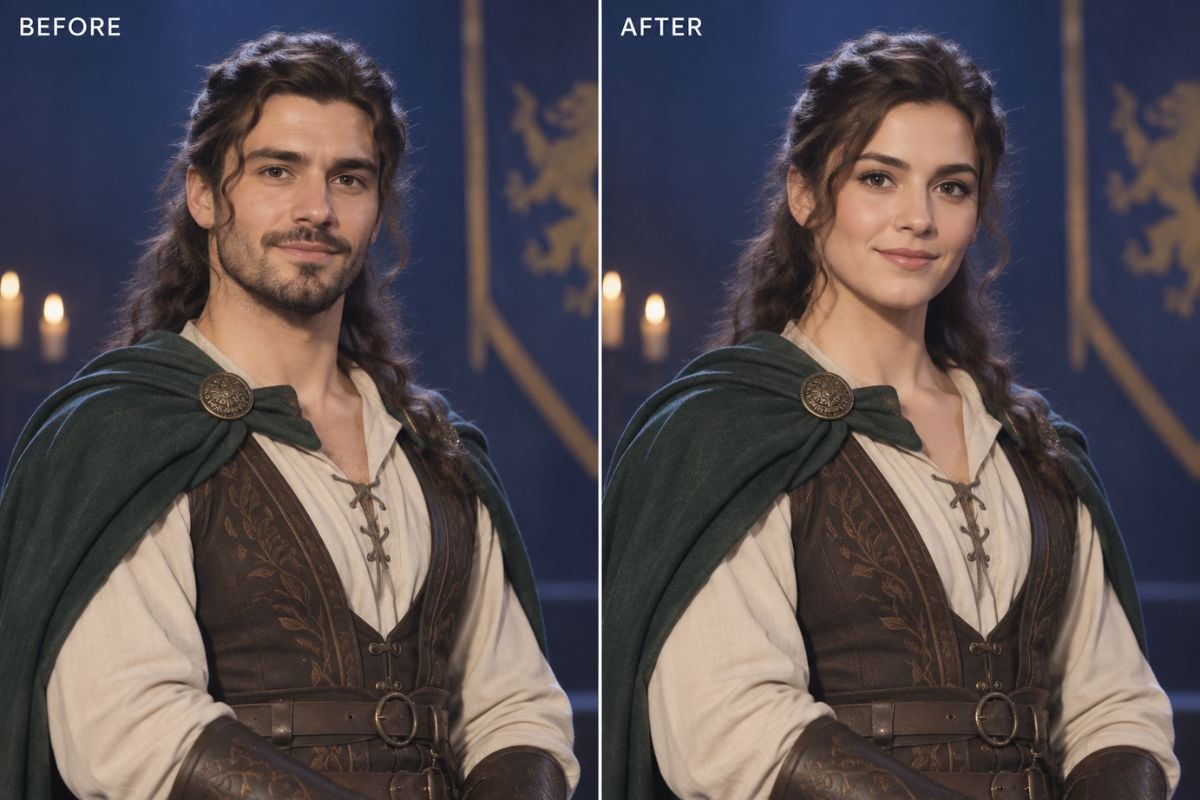
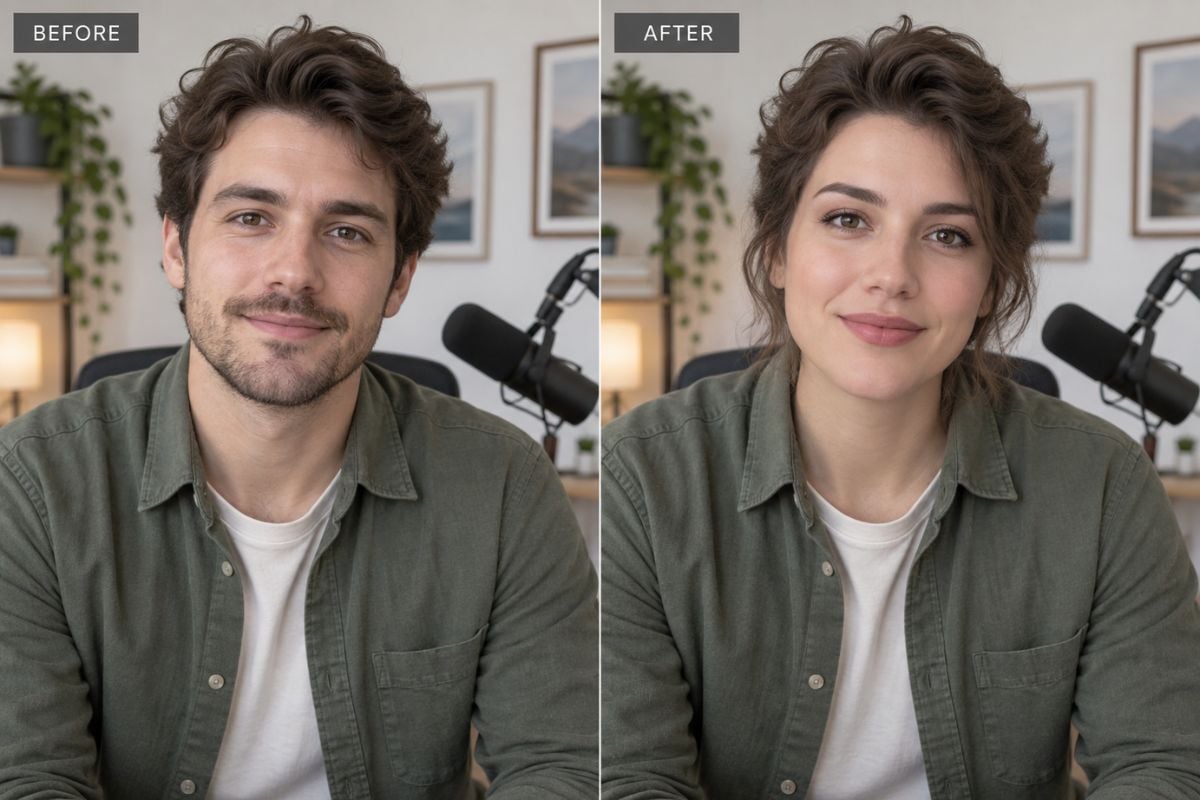
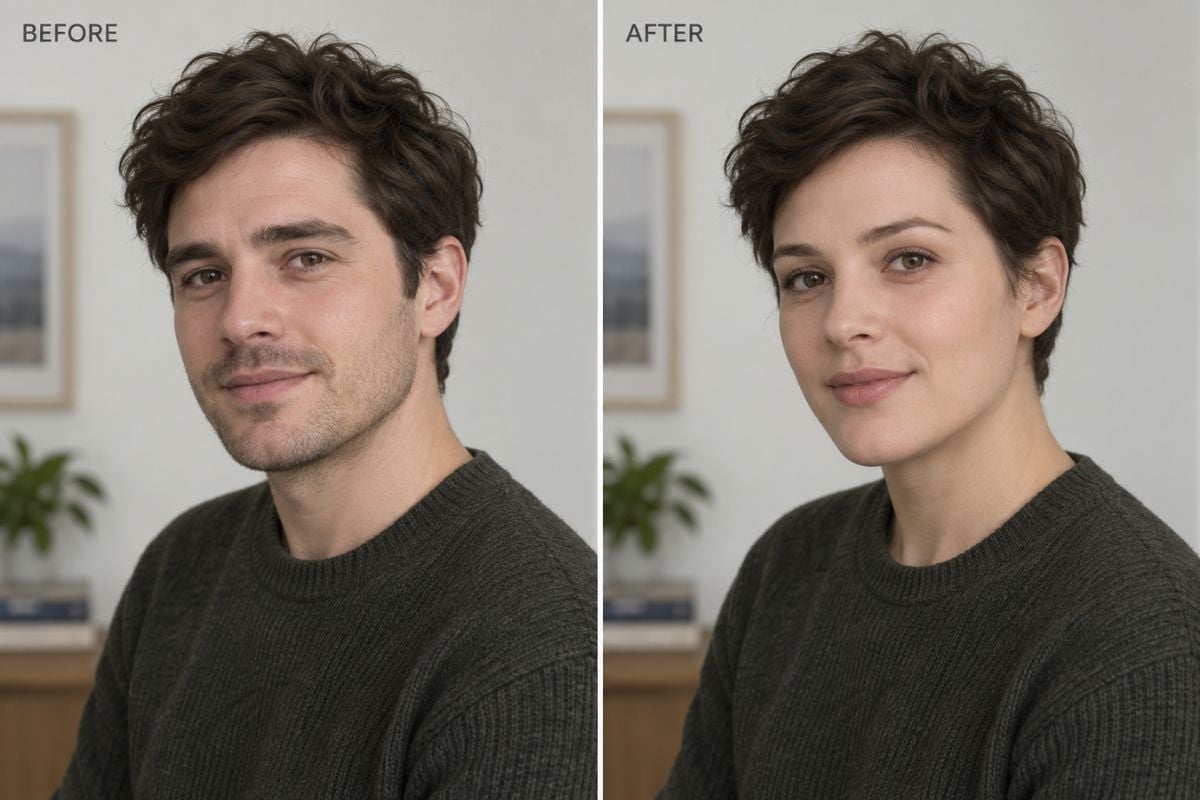
See how a gender face swap can work across masculine, feminine, and androgynous presentations while retaining the target hairstyle, outfit, pose, and setting.

Feminine-Presentation Face Swap

Short-Hair Portrait Face Swap

Cosplay and Character Concept Swap

Create and Review a Gender Face Swap

Keep Identity Consistent Across a Full Video

Apply one clear source face throughout a target clip. The AI face swap workflow follows expressions and head movement while retaining the target video's timing, body, wardrobe, hairstyle, and setting.
Match Lighting, Skin Tone, and Expression

A natural result depends on more than facial shape. Review whether the swapped identity follows the target expression and whether highlights, shadows, color temperature, and skin texture fit each frame.

Preserve or Intentionally Change the Styling

Decide whether the target hairstyle, makeup, facial hair, clothing, and accessories should remain part of the scene. Clear choices help the result reflect your creative direction instead of relying on narrow gender stereotypes.

Review Profiles, Hairlines, Hands, and Motion

Pause on profile turns, speech, blinks, motion blur, glasses, hats, hair crossing the face, and hands near the cheeks. These frames are most likely to reveal edge mismatch, flicker, or identity drift.

How to Create a Gender Face Swap

01

Upload a Clear Source Face

Choose a sharp, well-lit portrait with the full face visible. A neutral expression and an angle close to the target video usually make identity matching easier.

02

Choose a Target Look or Video

Add the clip you want to transform and select the face to replace. Consider which hairstyle, wardrobe, makeup, facial hair, and scene details you want the result to preserve.

03

Generate, Review, and Export

Create the gender face swap, inspect speech and profile turns, then download the result. Only use faces and footage you have permission to edit.

Frequently Asked Questions

You May Want to Know

What is a gender face swap?

A gender face swap is a creative AI effect that places a source facial identity into a target photo or video with a different presentation. Depending on the target, the result may retain or explore different hair, makeup, facial hair, clothing, and styling.

How does a face gender swap app work?

Upload a clear source portrait, add a target video, select the face to replace, and generate the result. The system maps the source identity to the target while following its pose, expression, lighting, and movement.

Can I create gender face swaps for both photos and videos?

This page is designed around video face swapping. You can use a still portrait as the source identity and a video as the target, then review the generated clip frame by frame.

What input works best for a gender face swap?

Use a sharp, front-facing or three-quarter source portrait and target footage where the face is large, visible, and evenly lit. Heavy compression, fast turns, and frequent occlusion can reduce consistency.

Can I keep the target hairstyle and clothing unchanged?

That is the intended workflow: the source supplies the facial identity, while the target supplies the hairstyle, body, wardrobe, pose, lighting, and scene. Always review the result because generative processing may still alter small details.

Is the result an accurate prediction of gender identity or medical transition?

No. A gender face swap is a synthetic creative preview, not a medical tool or a reliable prediction of how a person will look after transition, hormone therapy, aging, or other real-world changes.

Can I share or use a gender face swap commercially?

Usage depends on your current plan and the rights attached to every source asset. Obtain consent from anyone whose likeness appears, review the current privacy and upload terms, and disclose synthetic media when required. Do not use face swaps for impersonation, fraud, harassment, or non-consensual content.

Explore a New Presentation Without Losing the Original Scene

Upload a clear source face and a suitable target video, create your gender face swap, and review the frames that matter before you share it.

Create Your Gender-Swap Video