
Photogenic Filter: Your Most Camera-Ready Photo, Still Naturally You
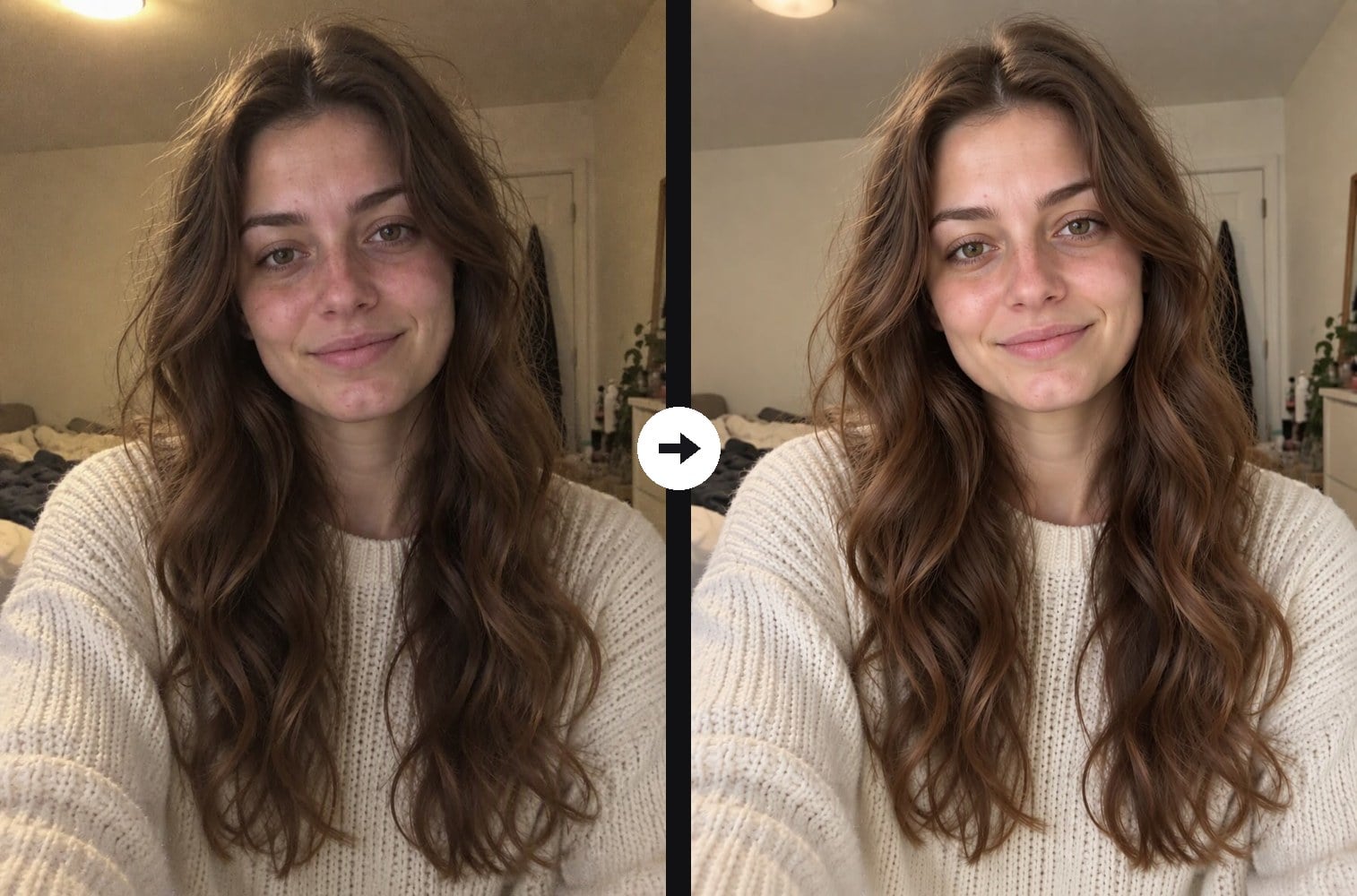
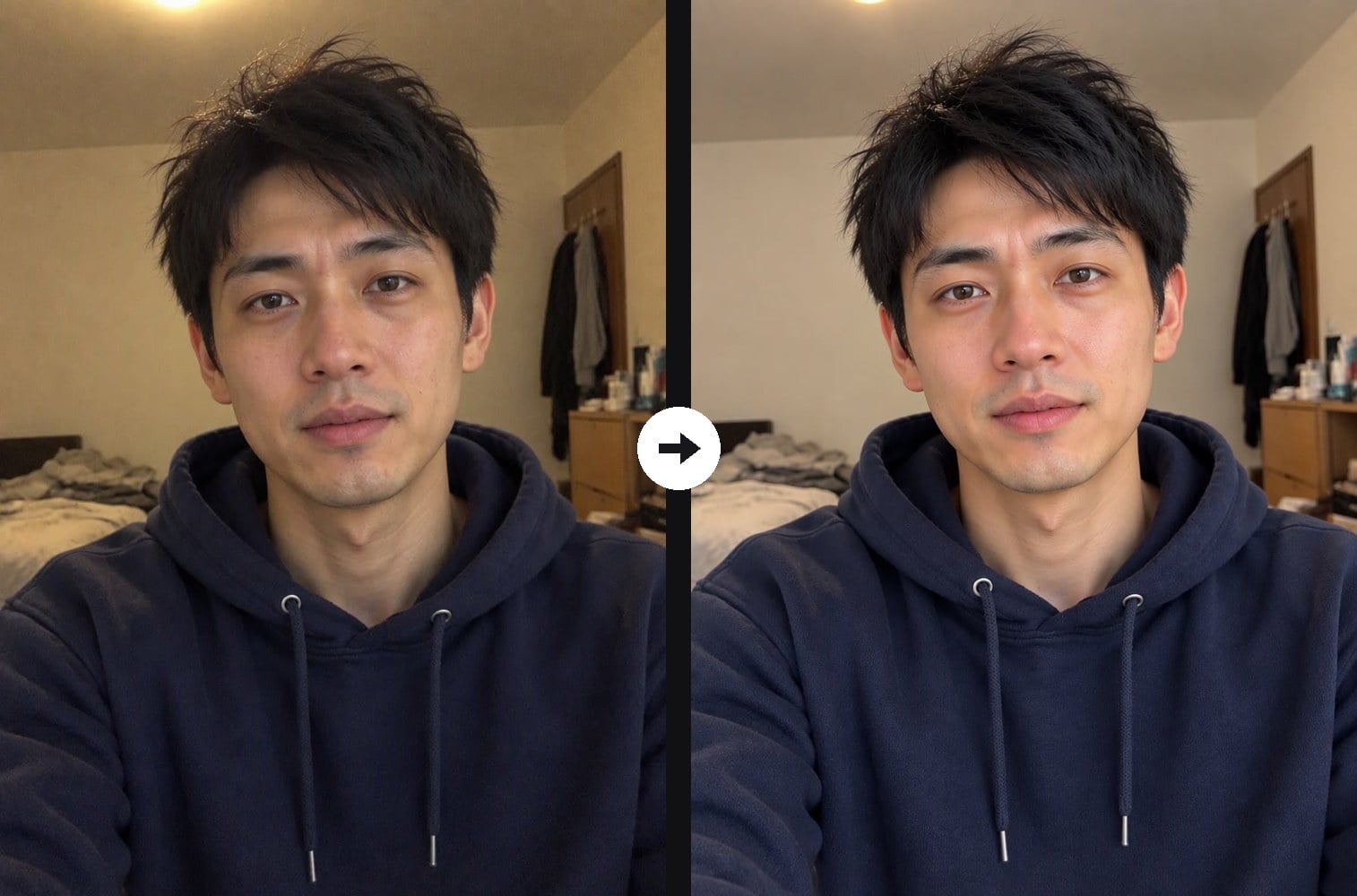
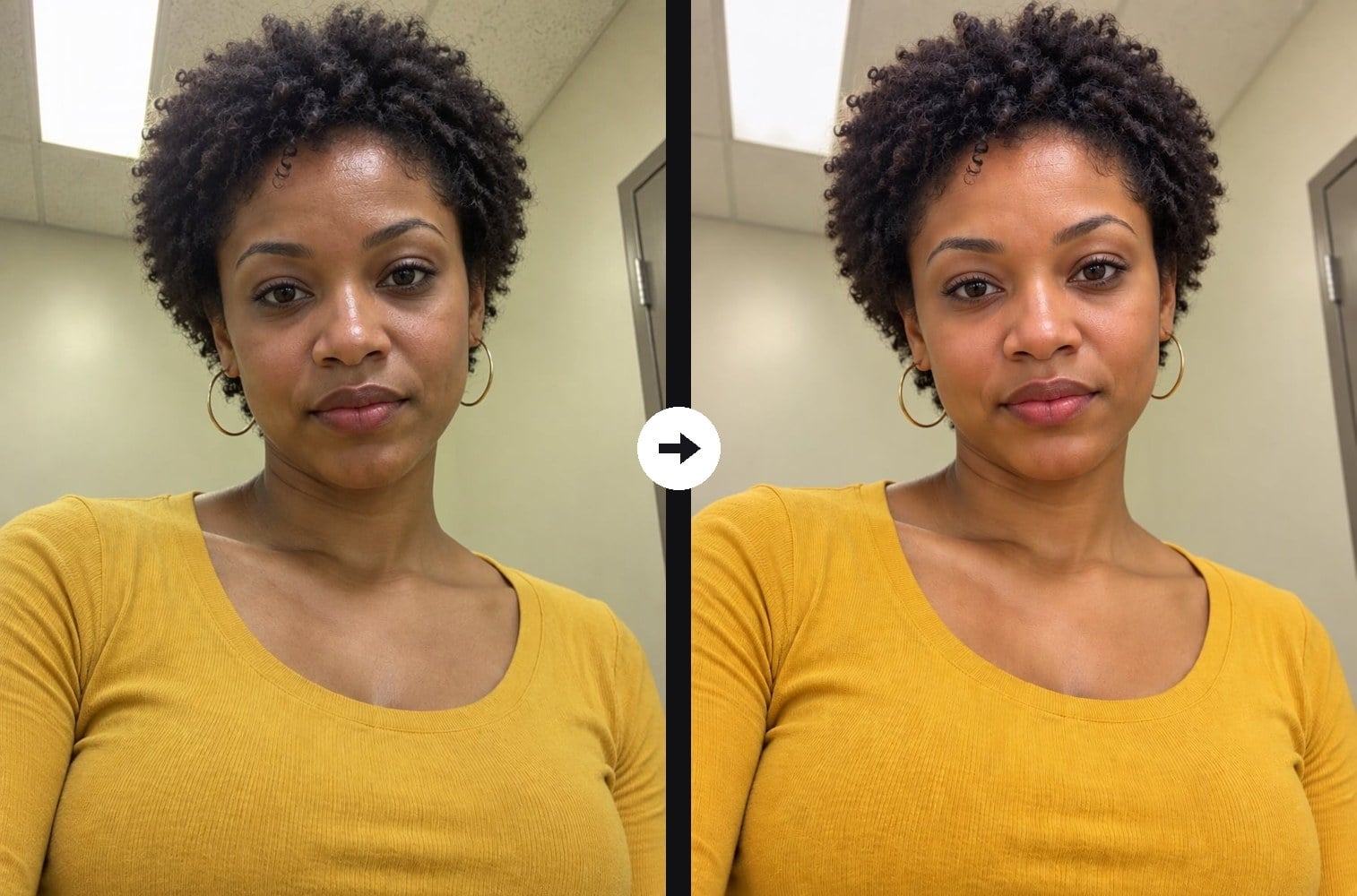
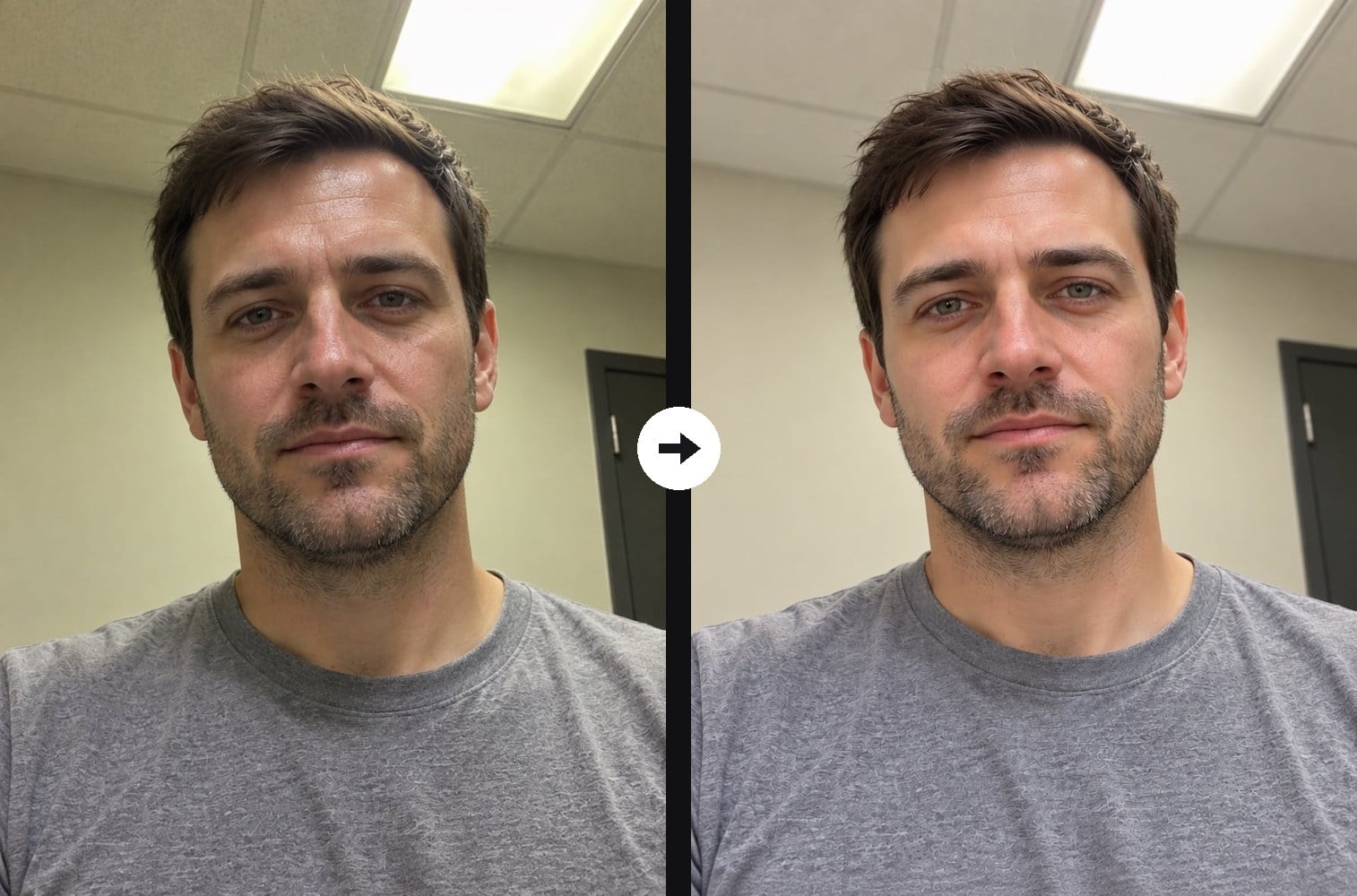
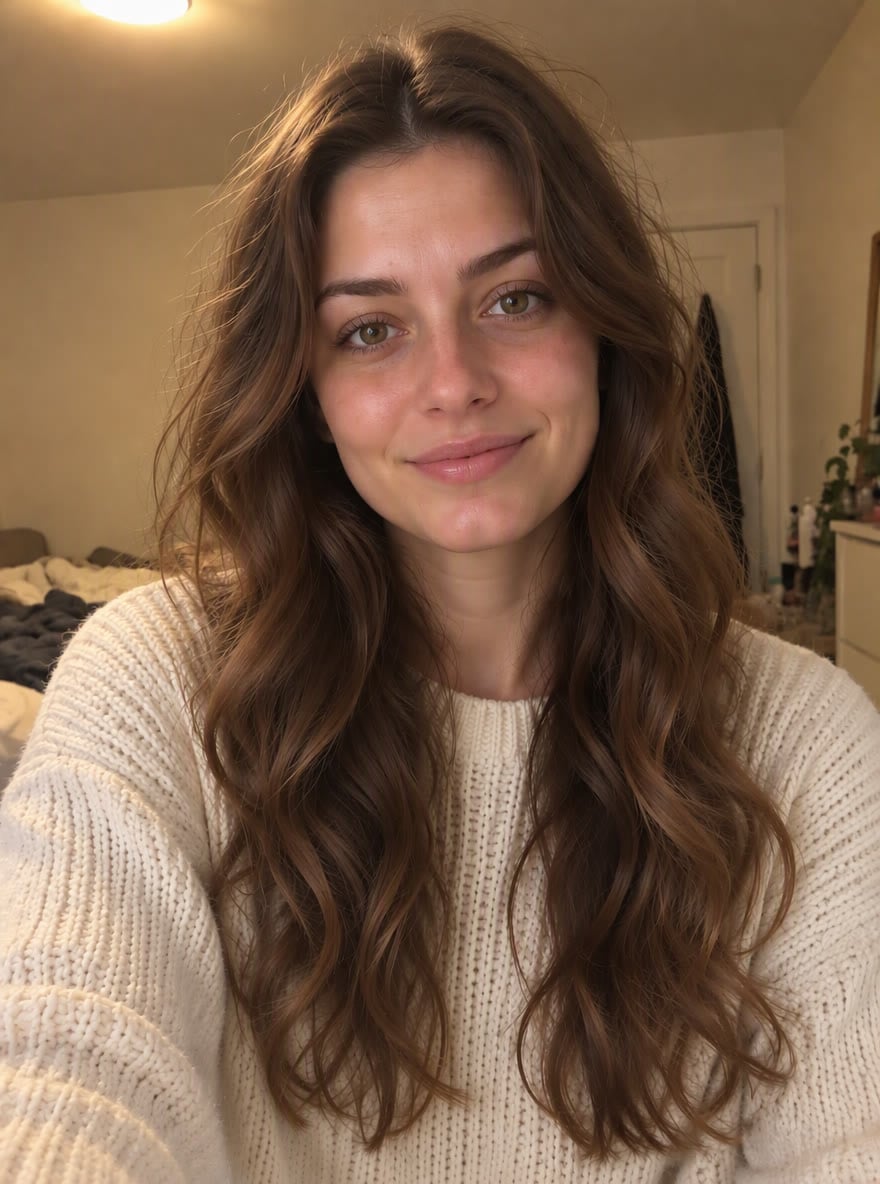
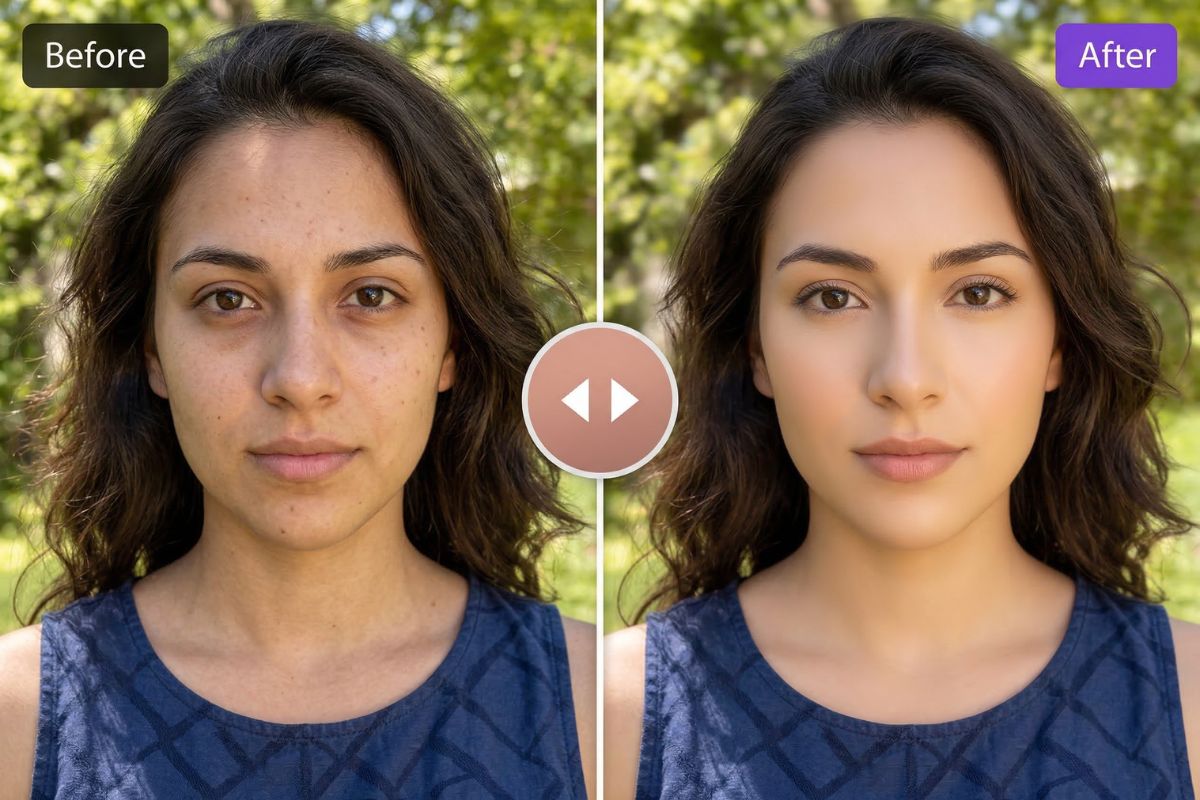
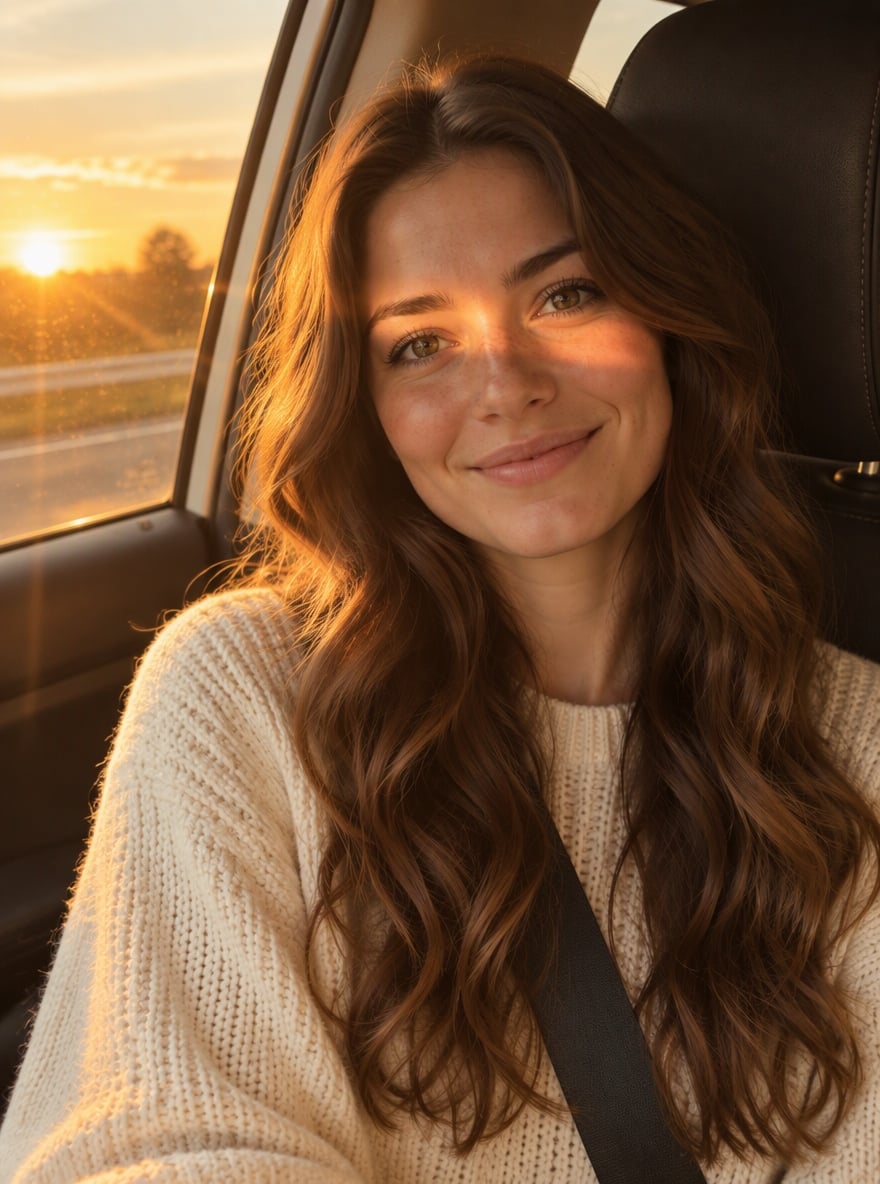
The photogenic filter trend on TikTok is about looking good on camera without looking edited. Upload a selfie taken under harsh ceiling lights or in a dim room, and the AI relights it with soft, even front light, adds natural catchlights to your eyes, cleans up color casts, and tones down shine, redness and dark under-eye shadows while keeping your skin texture. Your face shape, eyes, nose, jawline, skin tone and hair stay exactly as they are: nothing is slimmed, enlarged or whitened. That is the difference from our AI glow up filter, which shows a dramatic before-and-after transformation, and the AI beauty filter, which applies classic smoothing and makeup-style retouching. The photogenic filter just makes the photo do you justice. The console below runs on GPT Image 2.5.
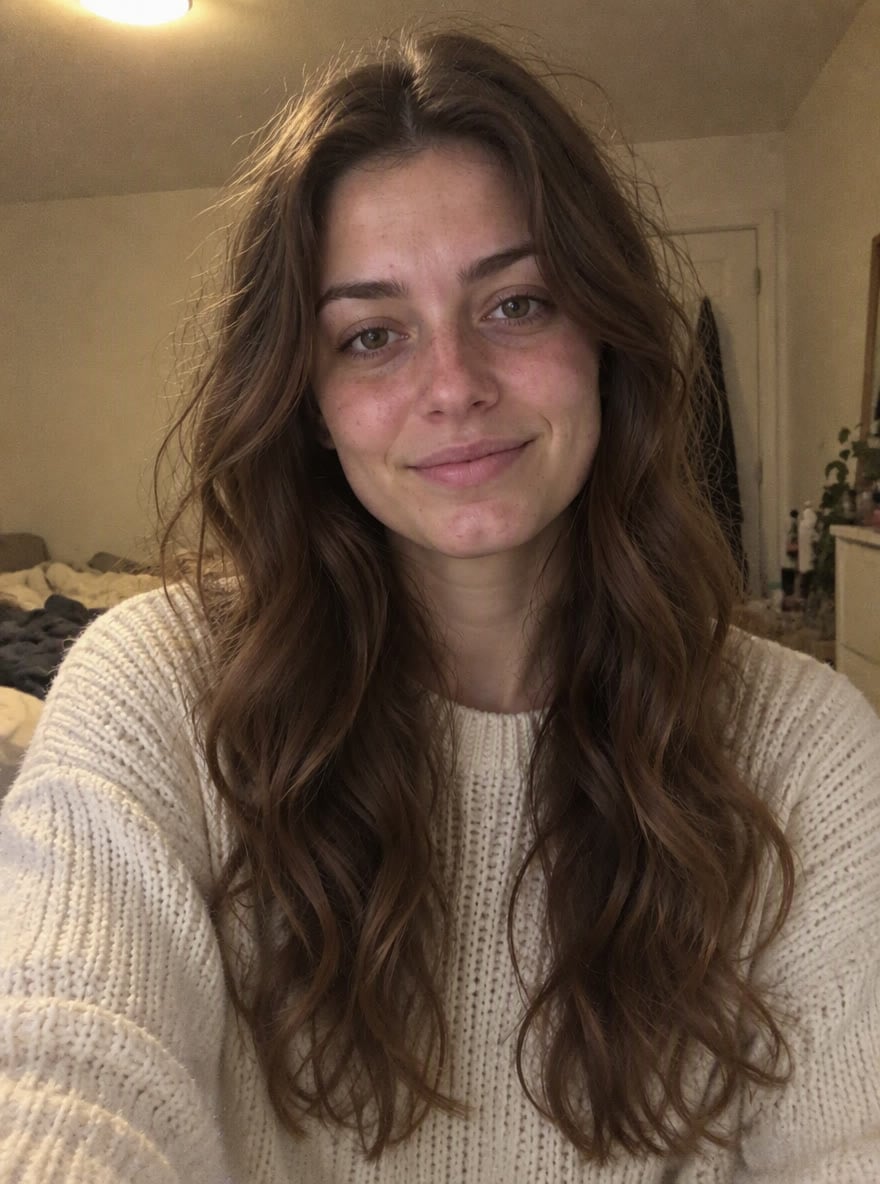
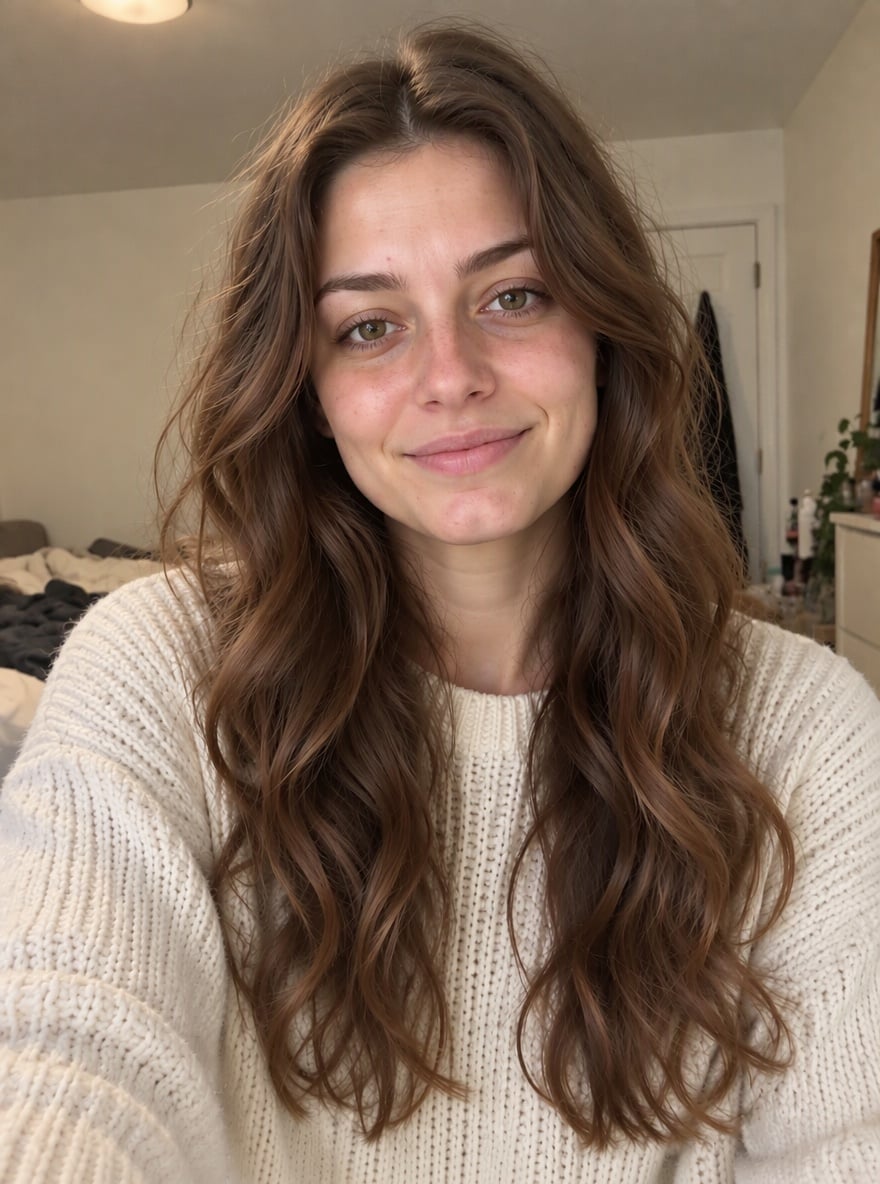
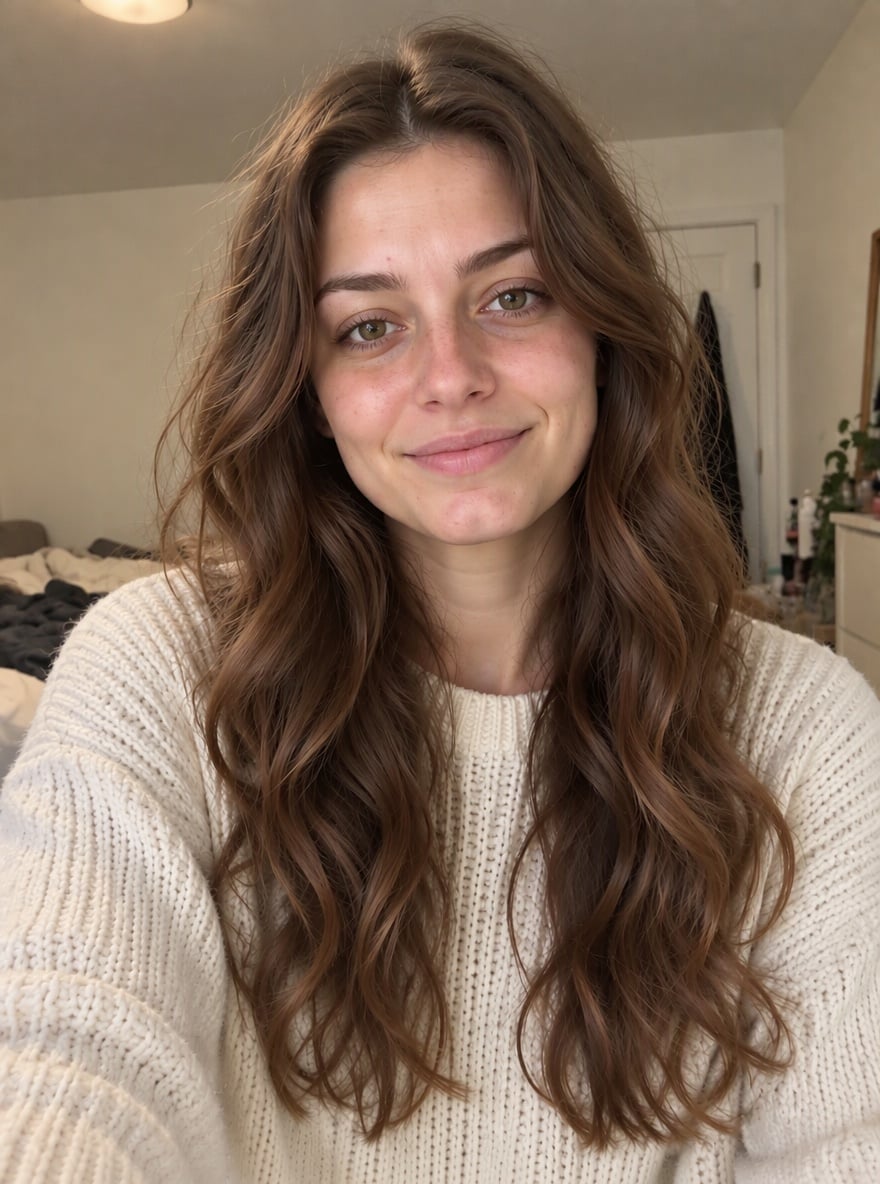
Dim Bedroom Selfie

Late-Night Selfie
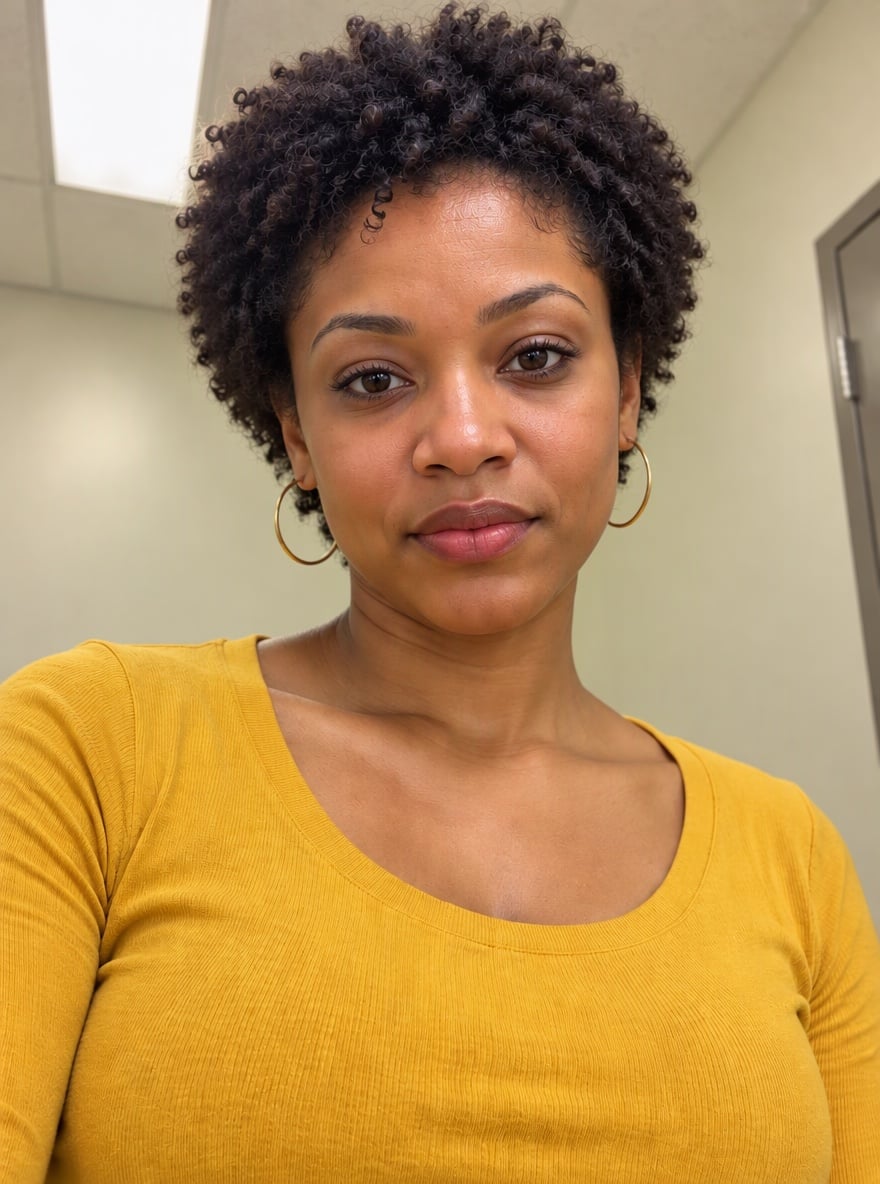
Office Light Fix

Fluorescent Light Rescue
Upload files
Upload a selfie or portrait to make it photogenic
Effect prompt
By uploading a file, you agree to GoEnhance's Terms of Use and Privacy Policy
Photogenic Filter Results from the Console
Each pair is one upload with the prompt above. The person, outfit and background are the same; only the light, color and skin finish change.
Dim Bedroom Selfie
Late-Night Selfie
Office Light Fix
Fluorescent Light Rescue
How to Use the Photogenic Filter
01
Upload a photo
Any selfie or portrait works, especially ones taken in bad light or a messy room.
02
Generate
The photogenic prompt is already filled in. Press the button and the AI relights and cleans up the photo.
03
Post it
Use it as a profile picture, a dating app photo, a LinkedIn headshot or your next TikTok post.
Why This Photogenic Filter Looks Natural
More Beauty and Portrait Filters

Photogenic Filter FAQ
What is the photogenic filter?
Will it change my face?
How is it different from a beauty filter?
What photos benefit the most?
What if I want a bigger transformation?
Look as Good as You Really Do
Upload a selfie and get a naturally photogenic version in under a minute.
Try the Photogenic Filter