
Negative Image Effect: Photo to Vintage Film Negative
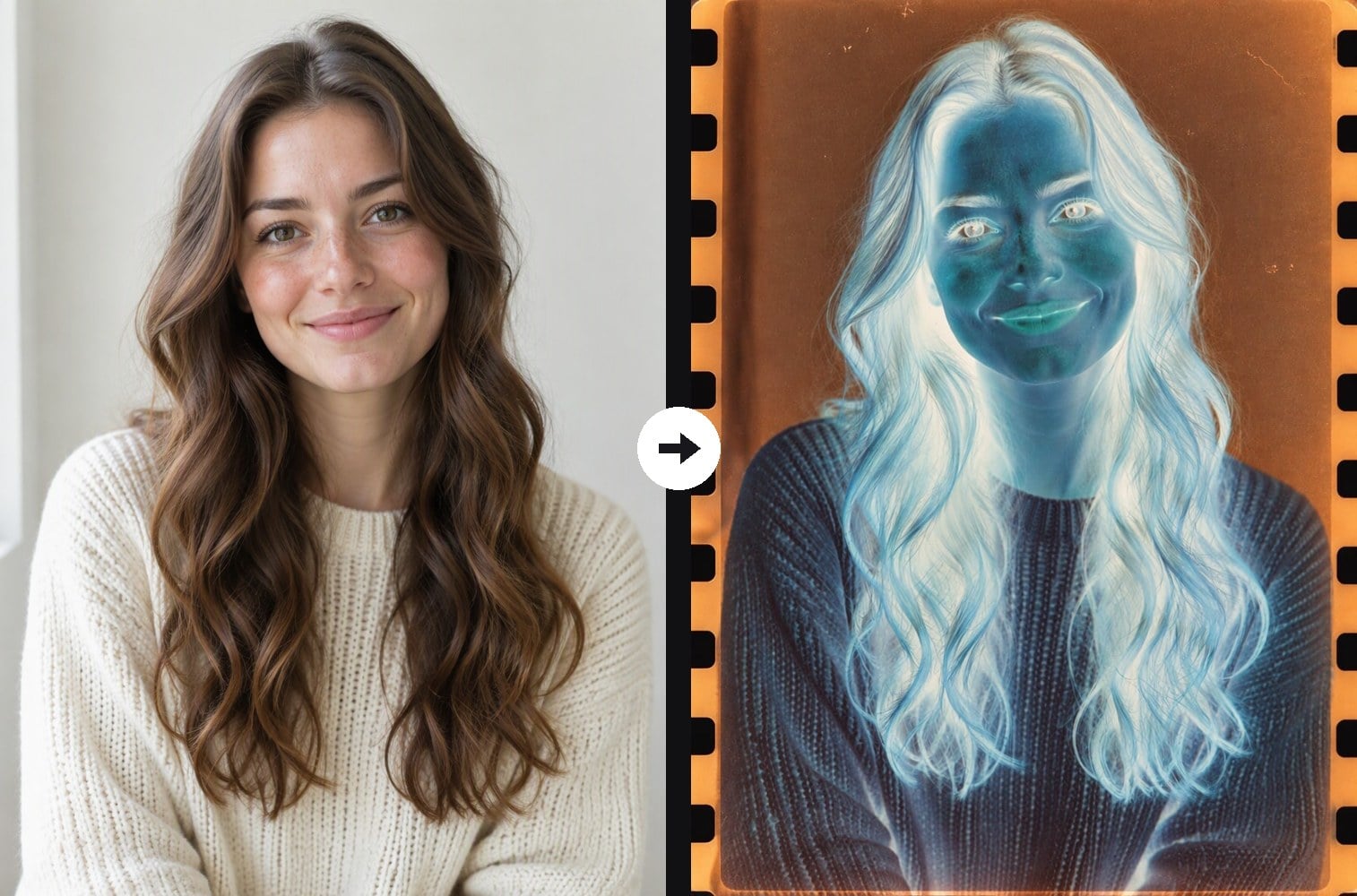
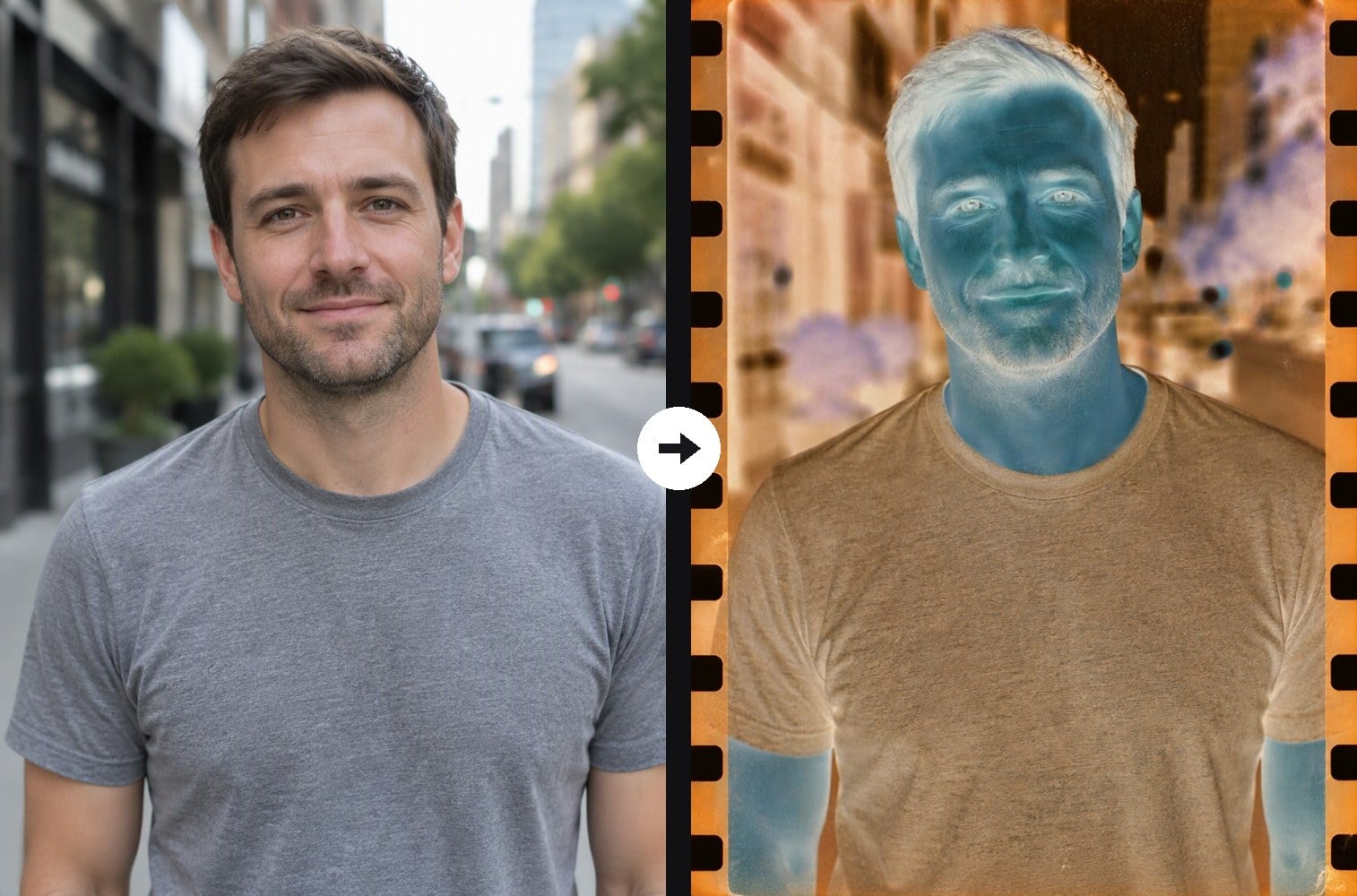
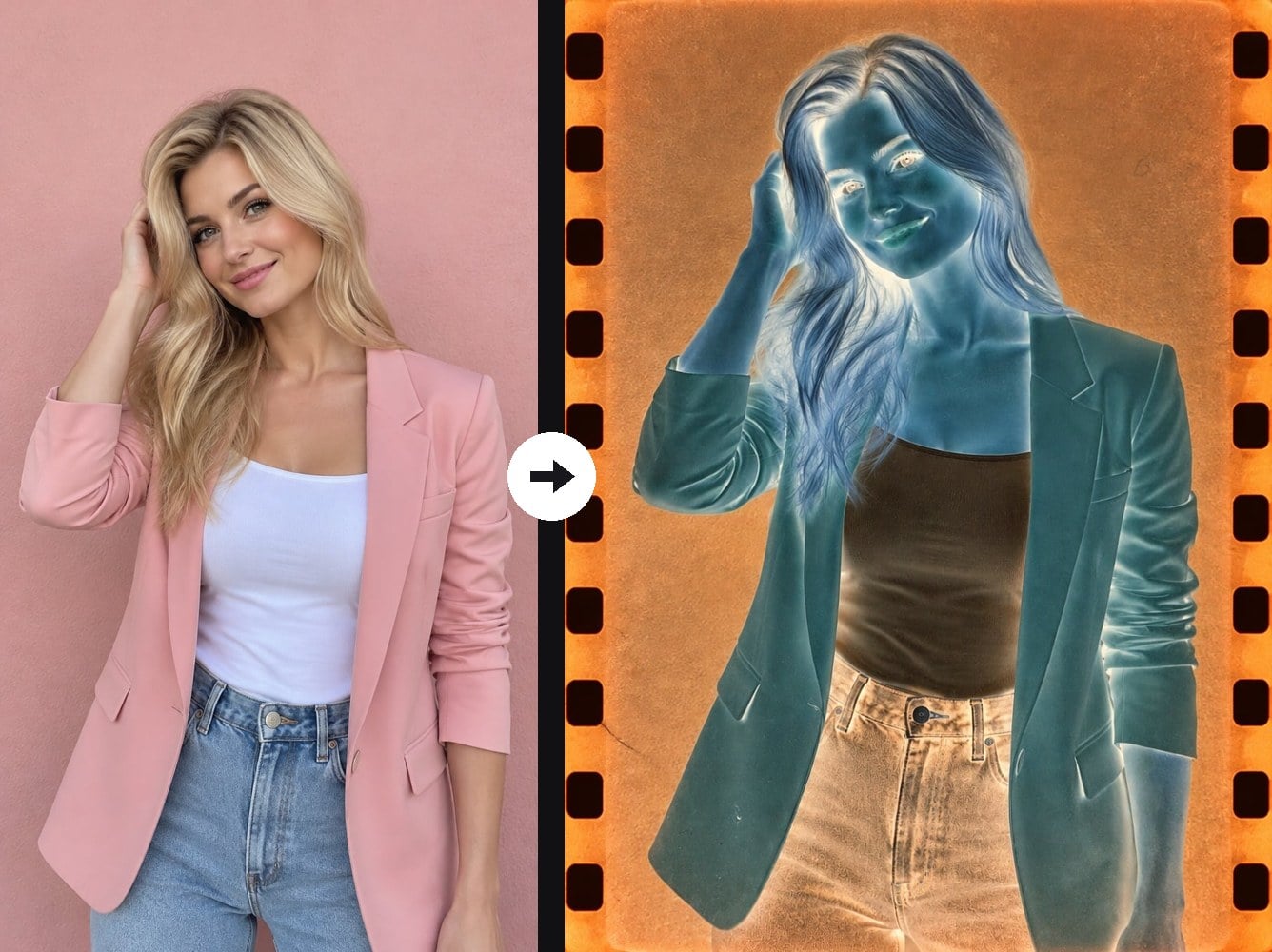
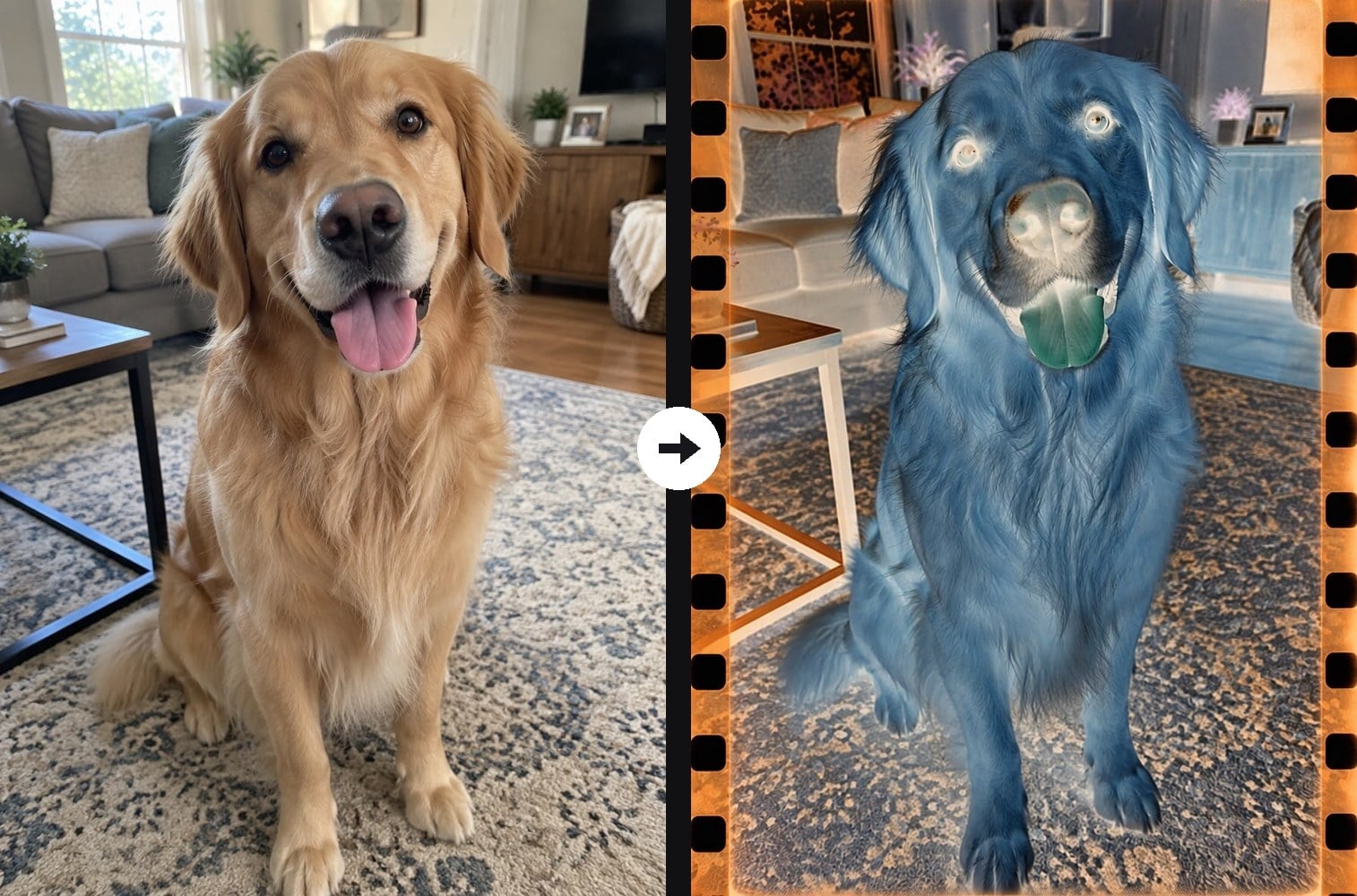
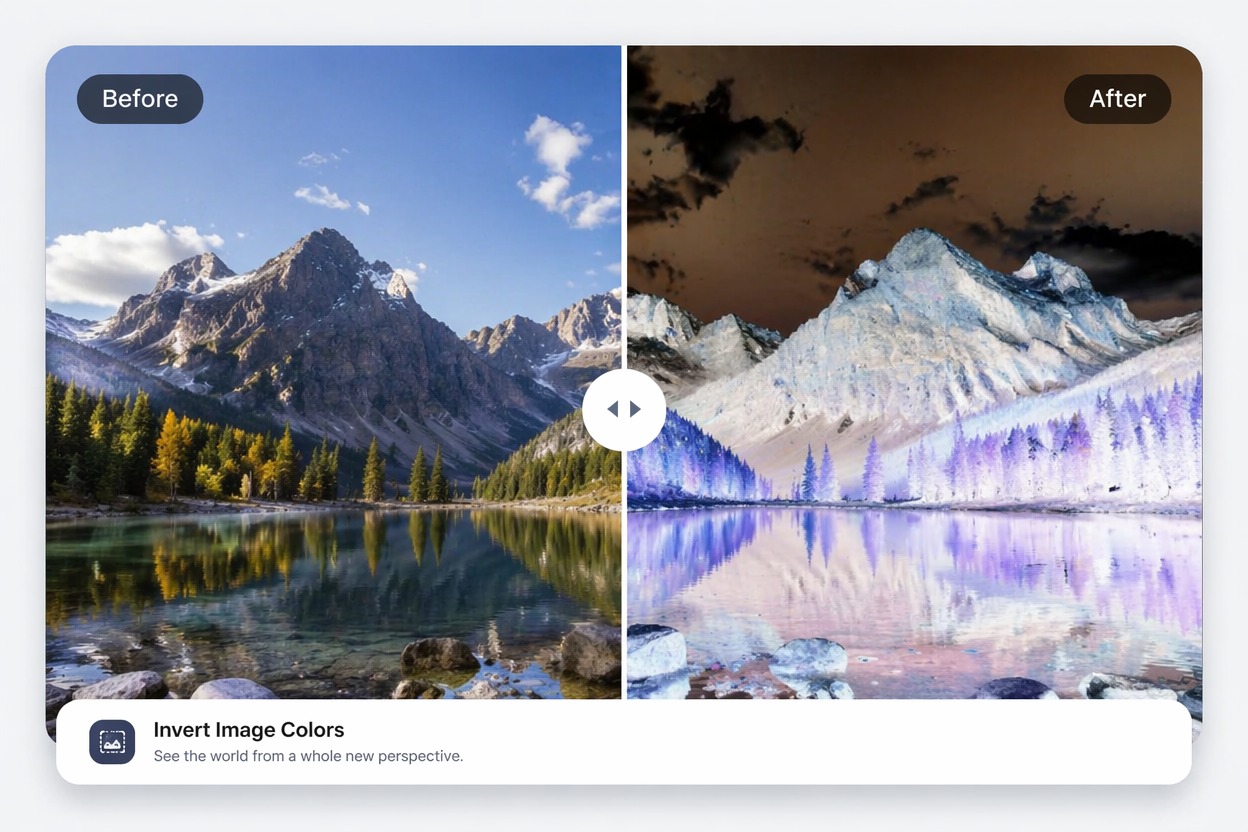
Make your photo look like a real strip of developed color film. Upload any photo and the AI turns it into a film negative: lights and darks flipped, skin and colors shifted to cyan, teal and blue, the amber-orange cast of a film base, fine grain, dust specks and a film border with sprocket holes. Unlike a plain color inversion, it adds the analog film look around the image. If you only need an exact pixel inversion, use the invert image color tool. The console below runs on GPT Image 2.5.

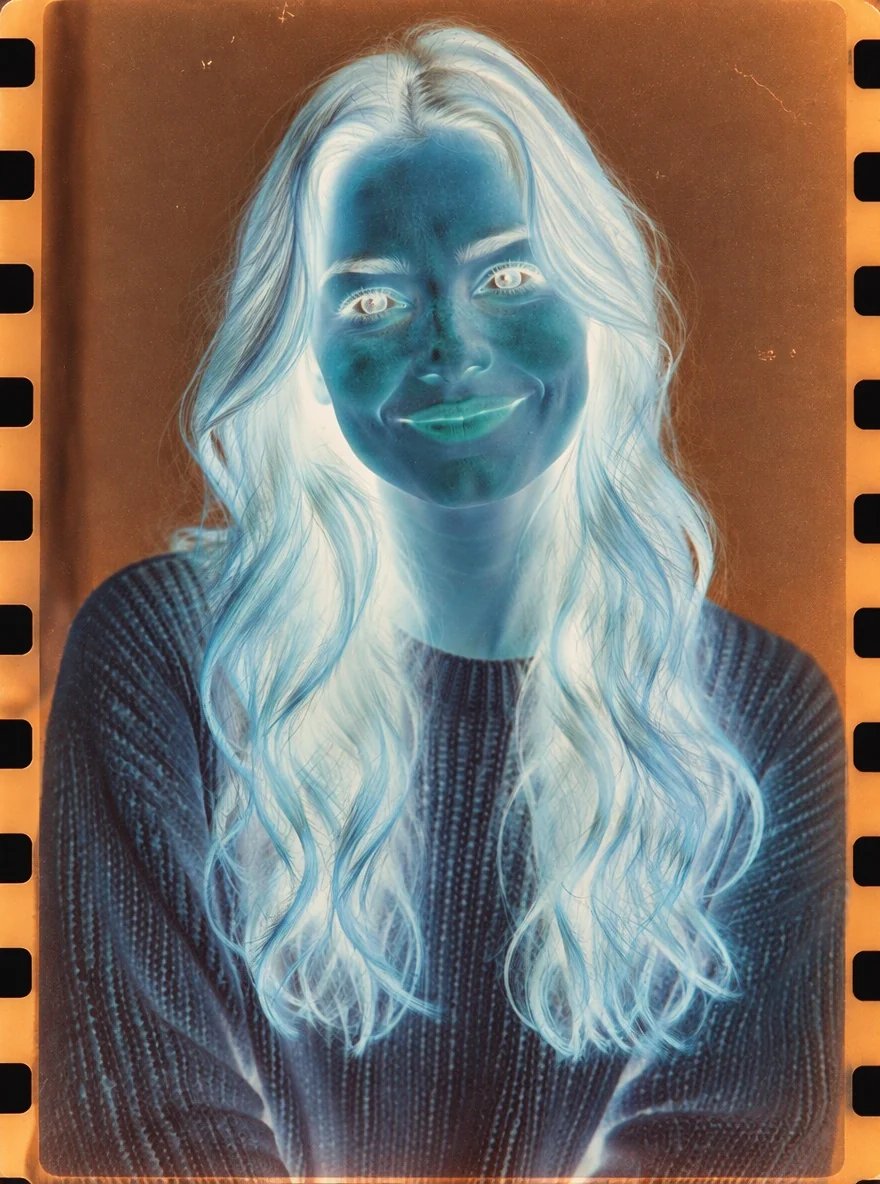
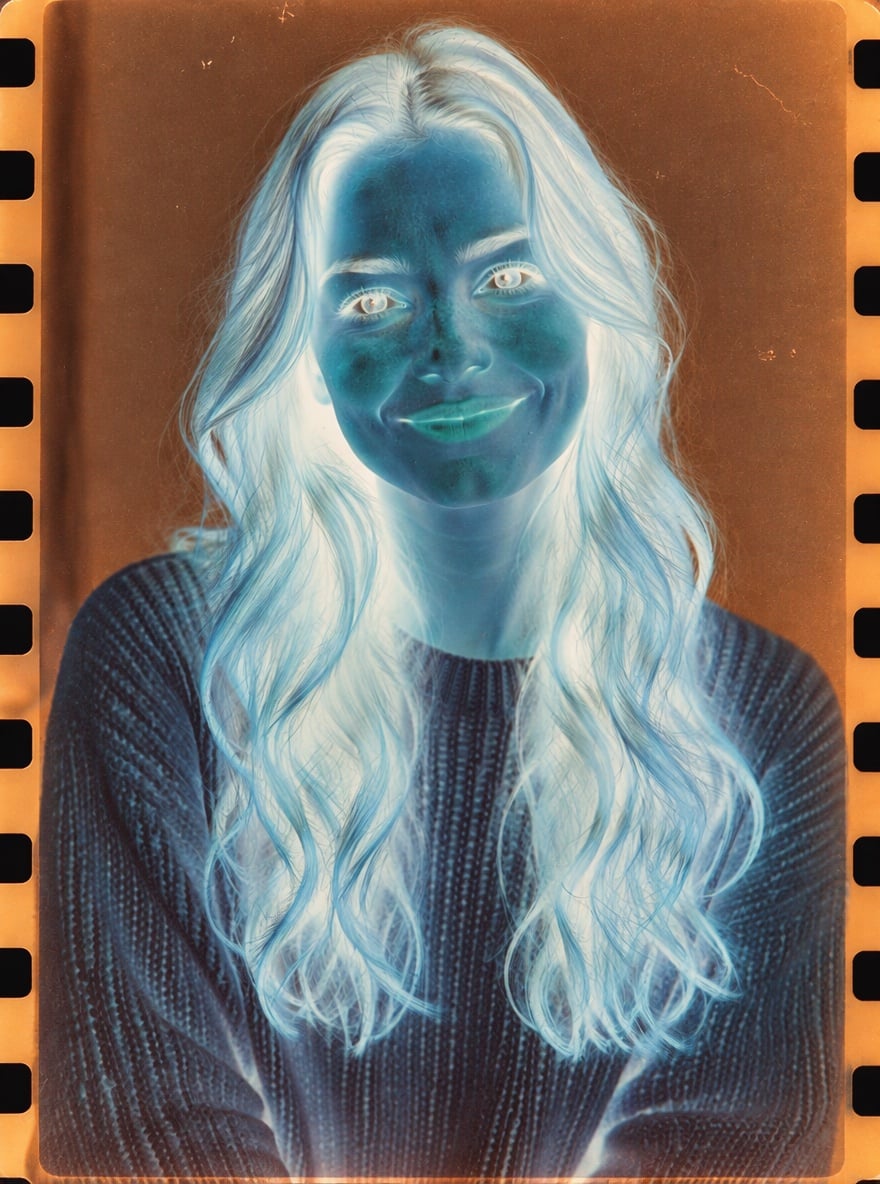
Portrait Negative
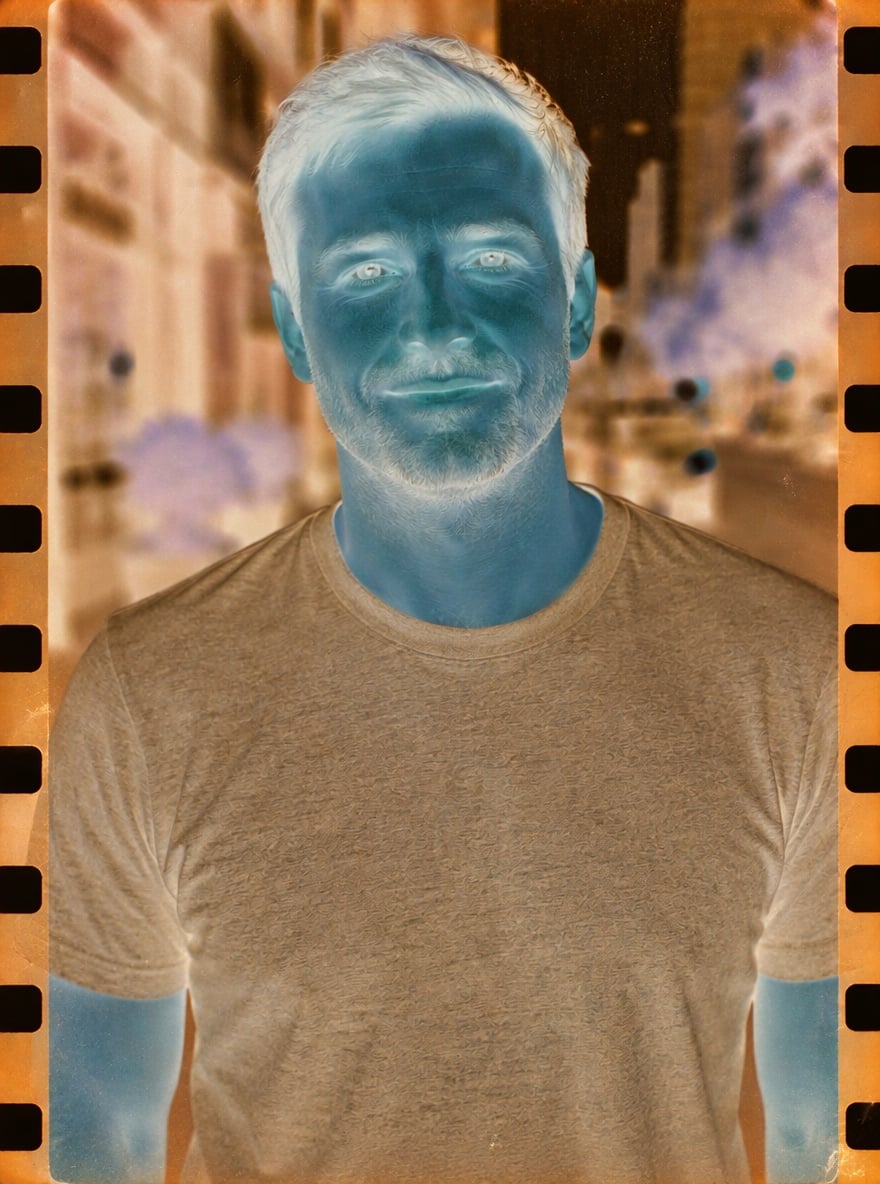
Street Negative
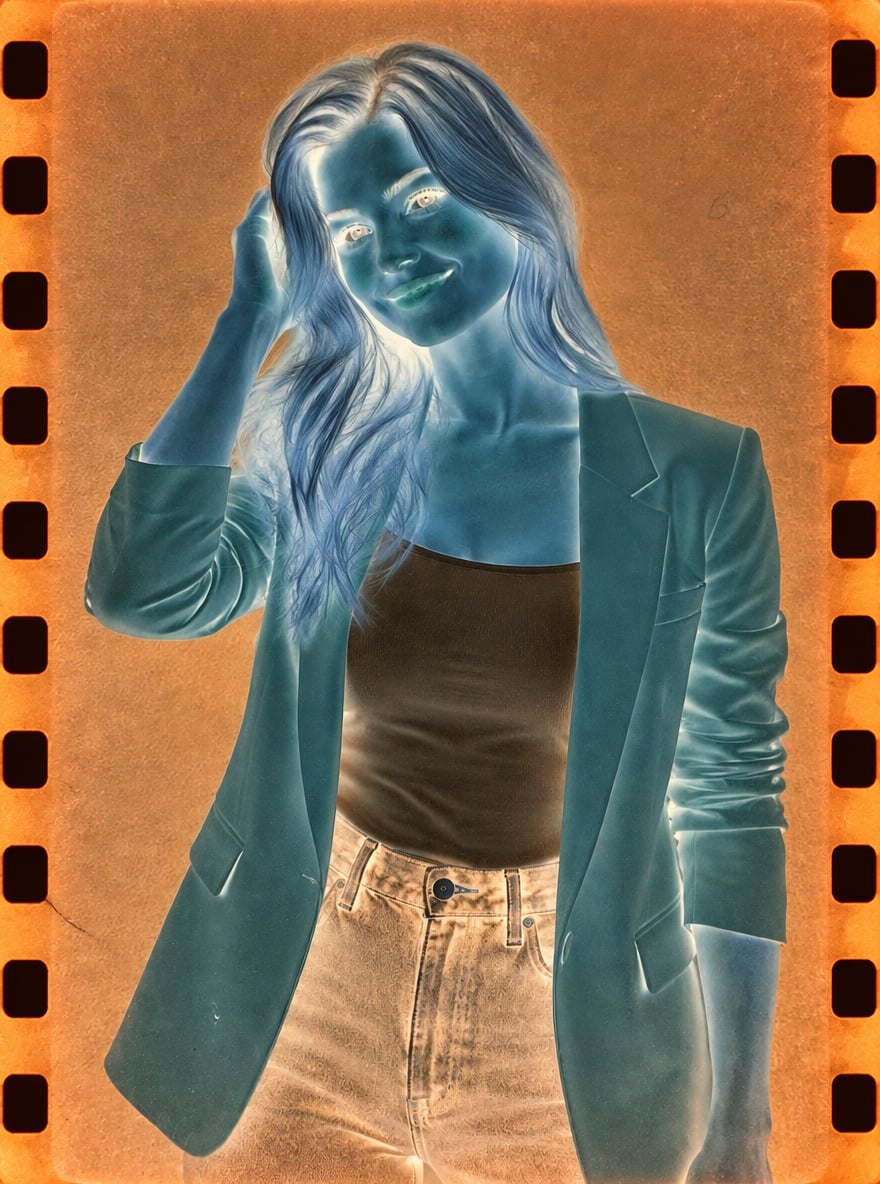
Pink Blazer Negative
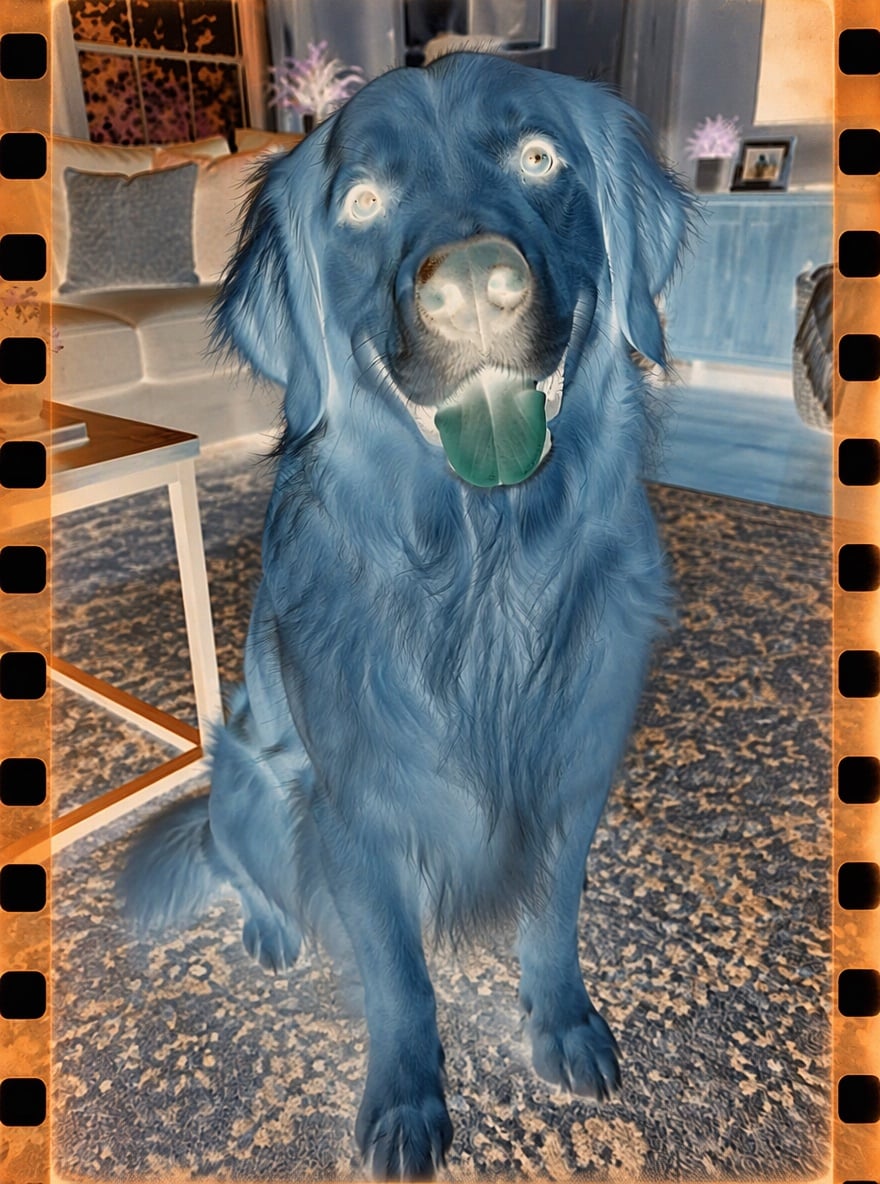
Dog on Film
Upload files
Upload a photo to make a negative
Effect prompt
By uploading a file, you agree to GoEnhance's Terms of Use and Privacy Policy
Negative Images Made in the Console
Each negative is one upload with the prompt above. Subject and framing come from the original photo.
Portrait Negative
Street Negative
Pink Blazer Negative
Dog on Film
How to Make a Negative Image
01
Upload a photo
Portraits, pets, street and landscape photos all work.
02
Generate
The film negative prompt is already filled in. Press the button to develop your negative.
03
Use it creatively
Post it as an art piece, an album cover, a poster or a spooky edit.
Why Use This Negative Image Effect
Negative Image FAQ
What is a negative image?
Is this the same as inverting colors?
Can I remove the film border?
Can I get a black and white negative?
Does it work on pets and landscapes?
Develop Your Photo as a Negative
Upload a photo and get your film negative in under a minute.
Make My Negative