
Bend Ordinary Photos Into Bold Fisheye Perspectives
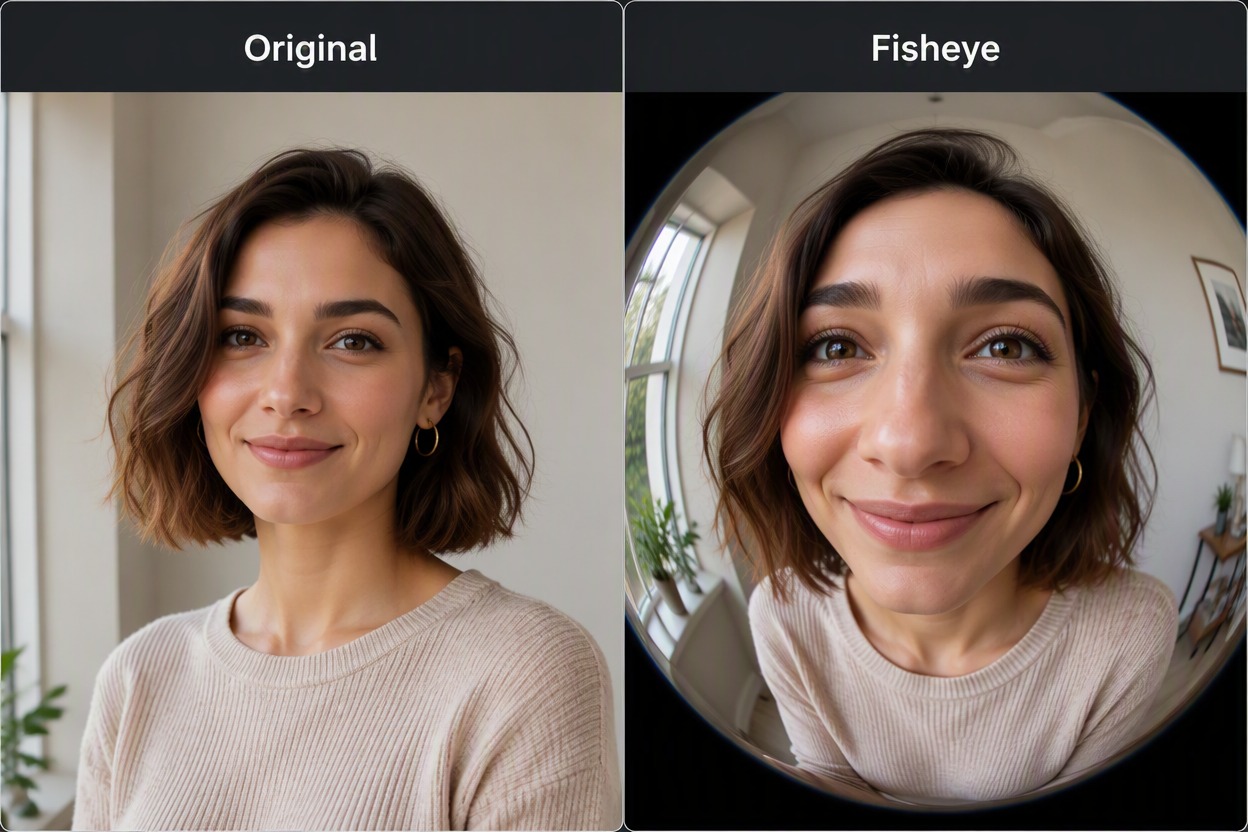
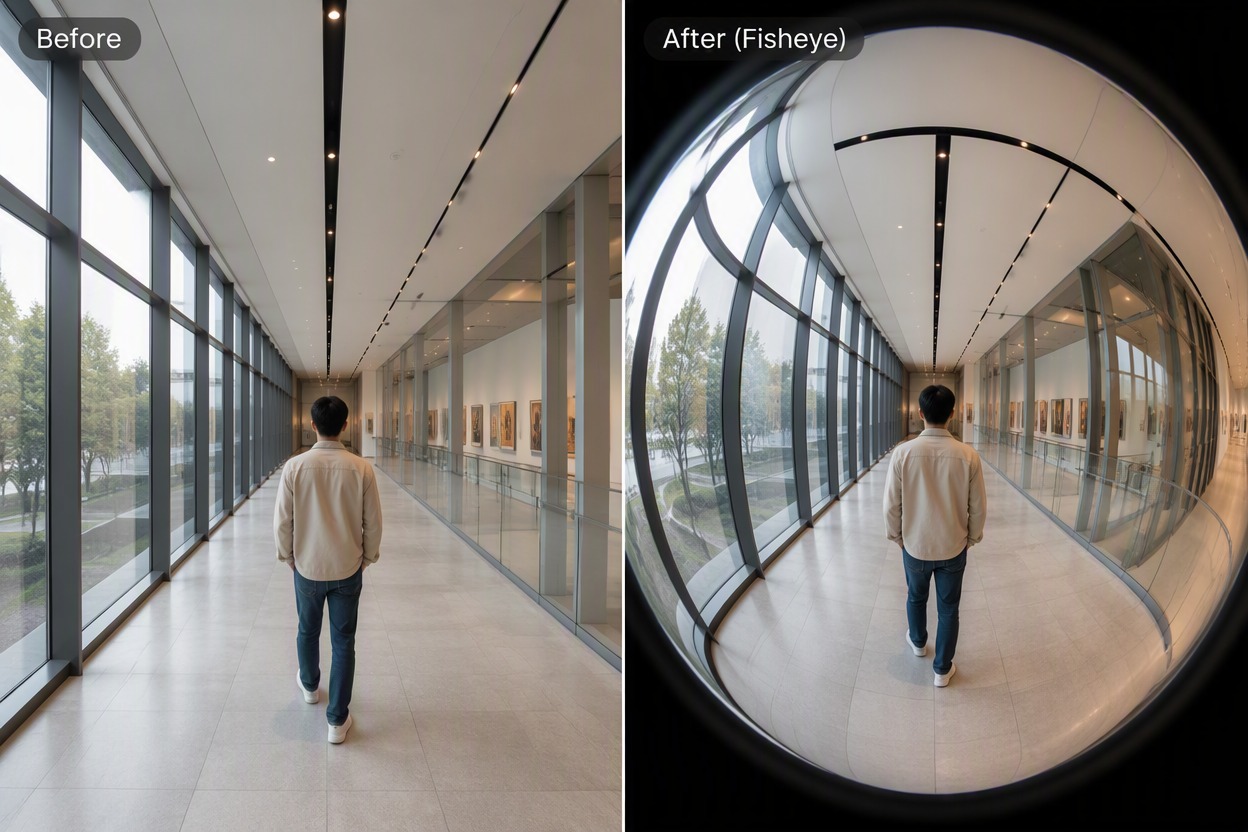
Upload a portrait, street scene, interior, or action photo and apply a curved wide-angle look. Preview how the center expands and the edges bend, compare it with the original, then download the fisheye result you prefer.

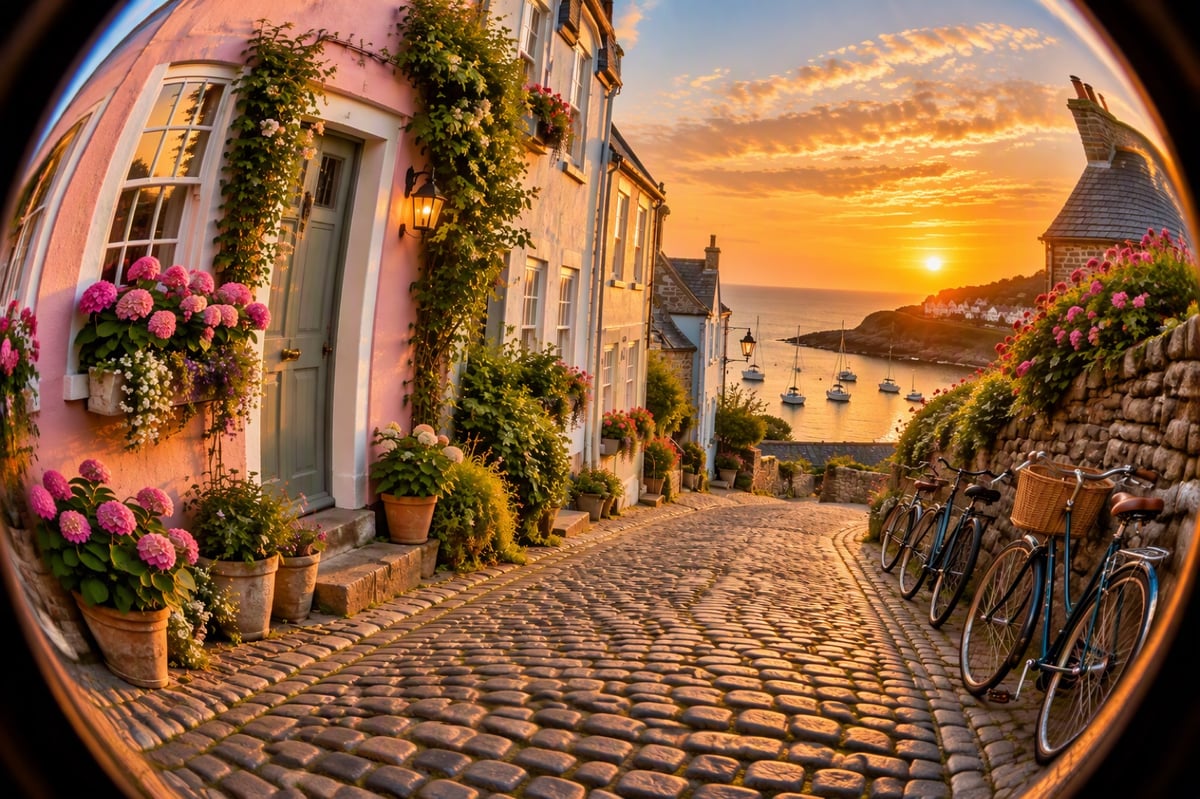
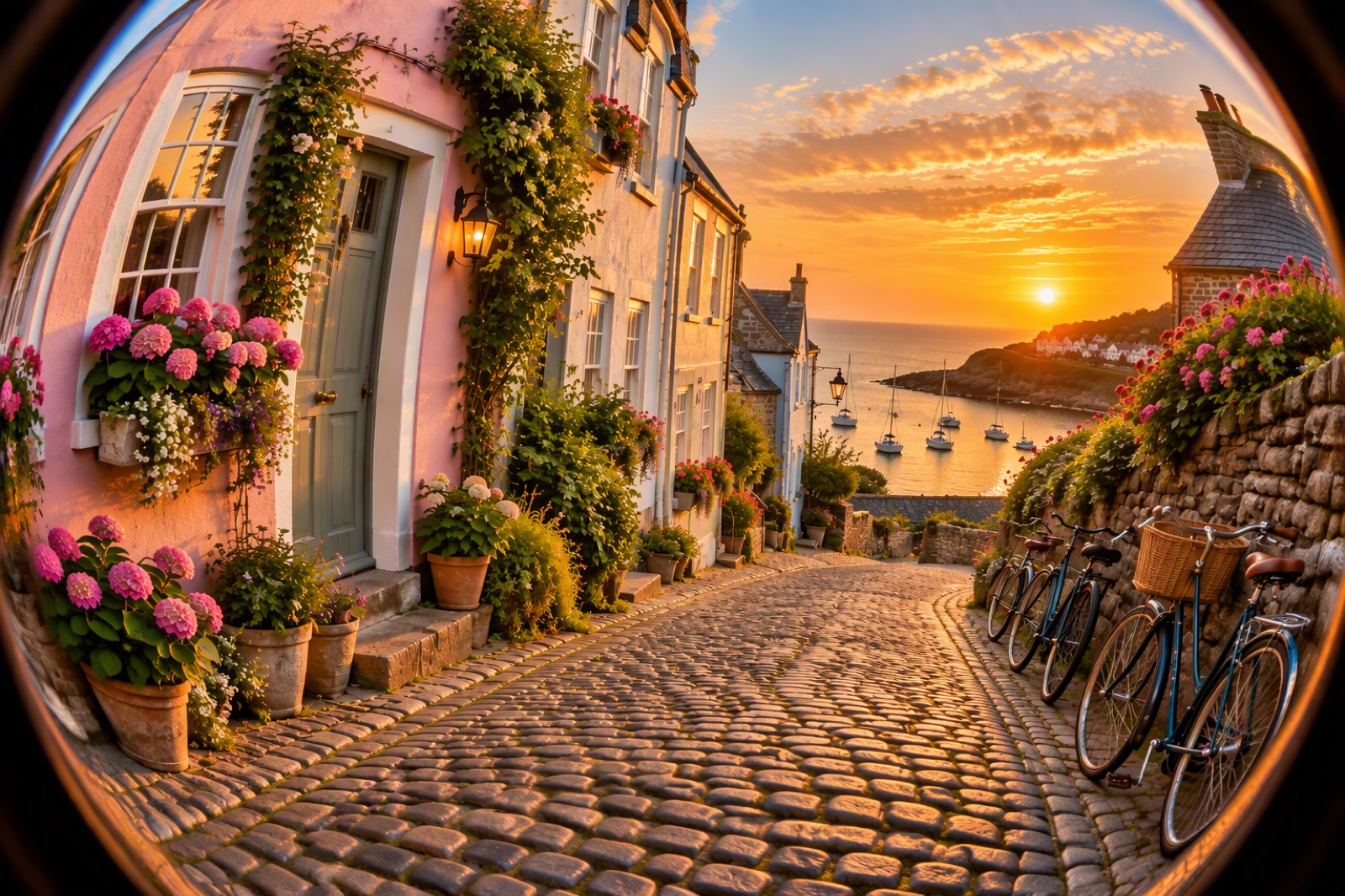
Scene
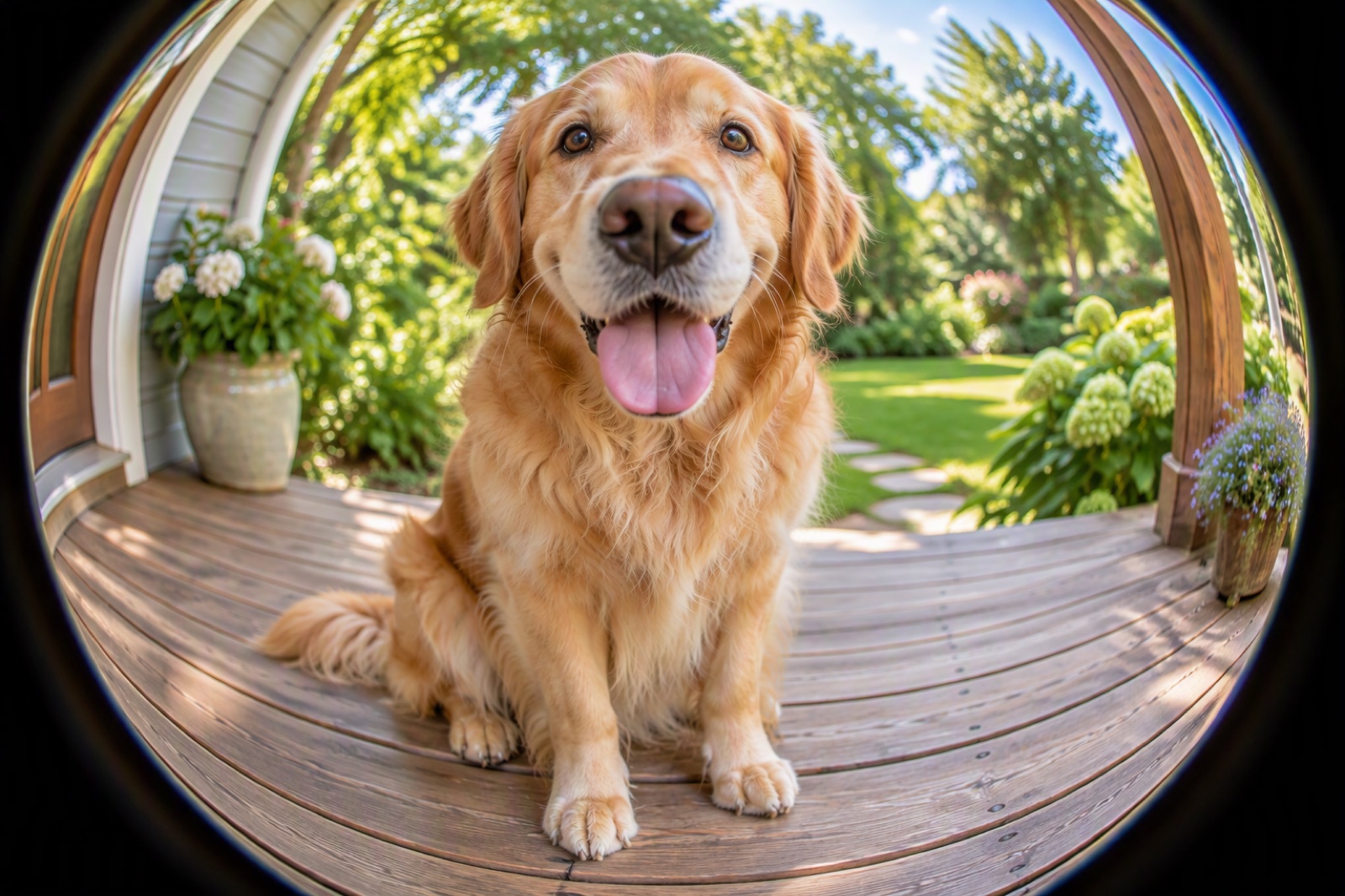
Dog
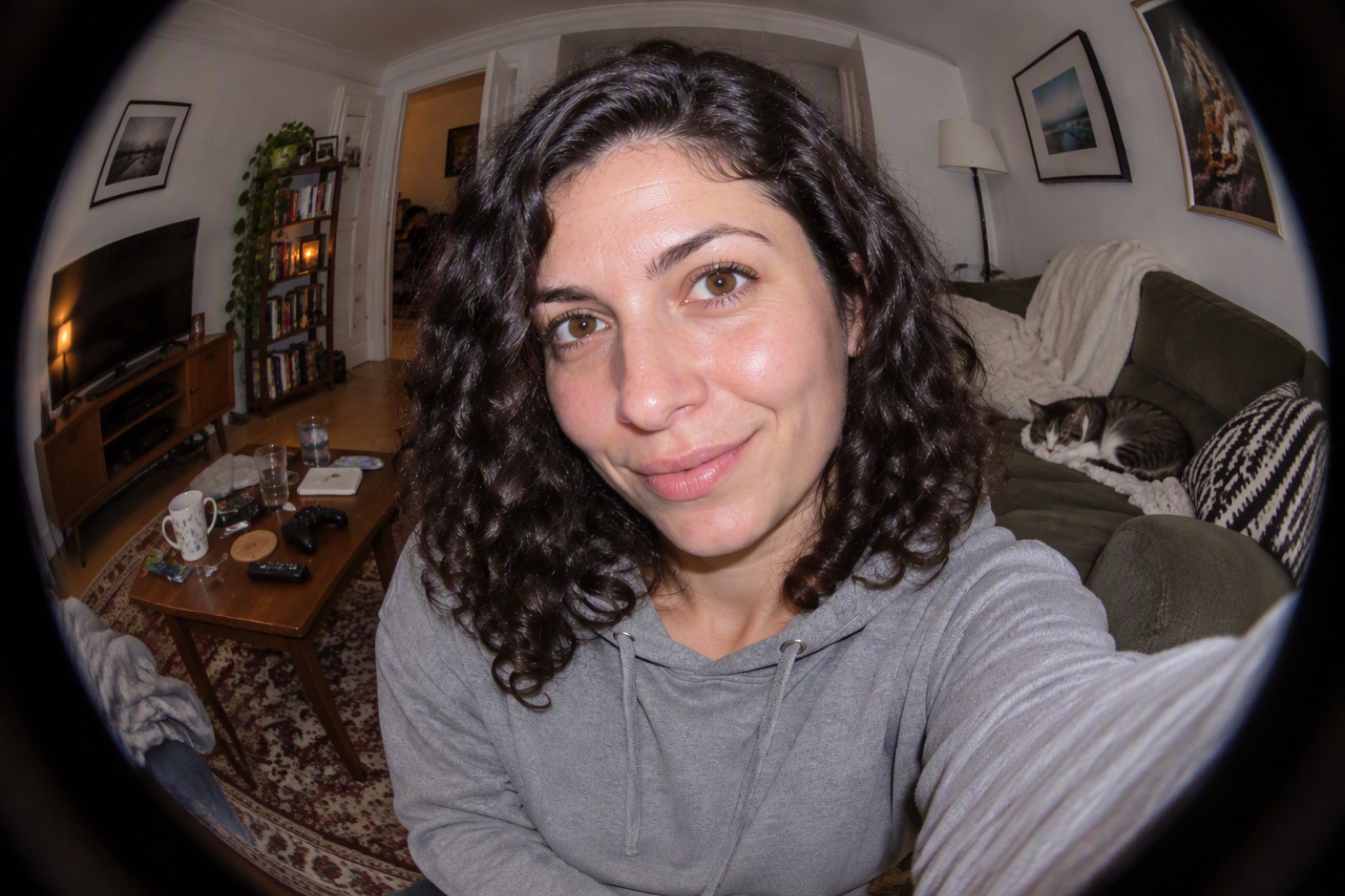
Selfie
Upload files
Upload a photo to apply this effect
By uploading a file, you agree to GoEnhance's Terms of Use and Privacy Policy
How to Use Fisheye Lens Filter
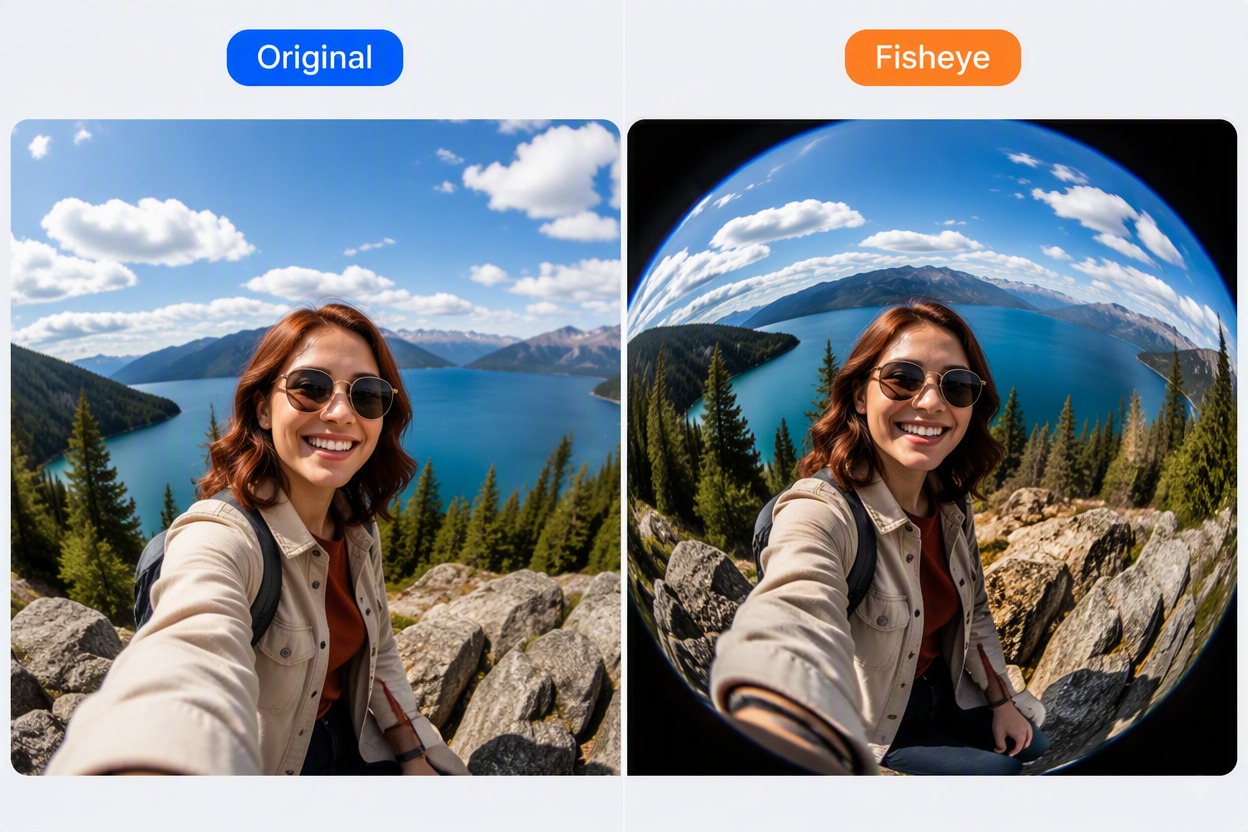
Step 1
Upload a Clear Source Photo
Choose a sharp portrait, street, room, product, pet, or action image. Photos with obvious straight lines make the fisheye curvature especially easy to judge.
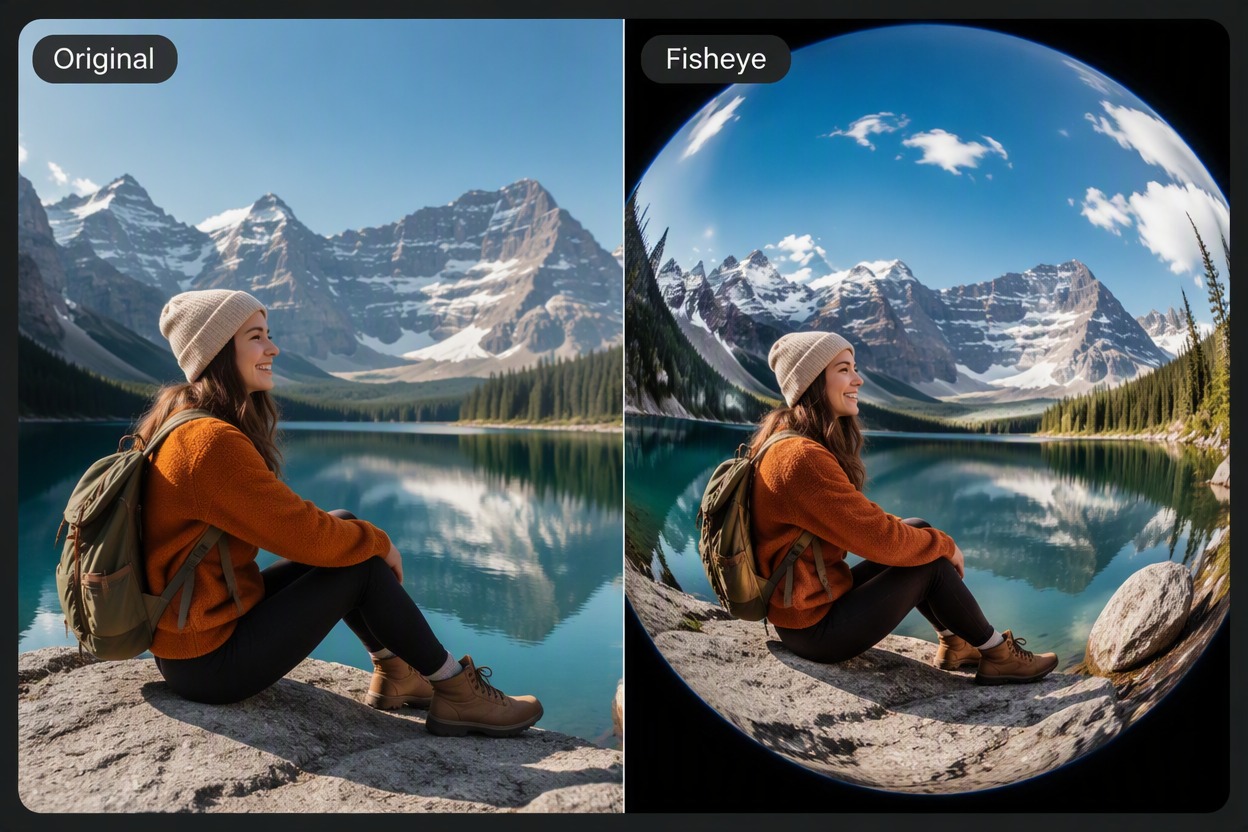
Step 2
Apply the Fish Eye Filter
Generate the curved wide-angle effect and preview the enlarged center and bent edges. Keep the important subject away from corners when you want its shape to stay recognizable.
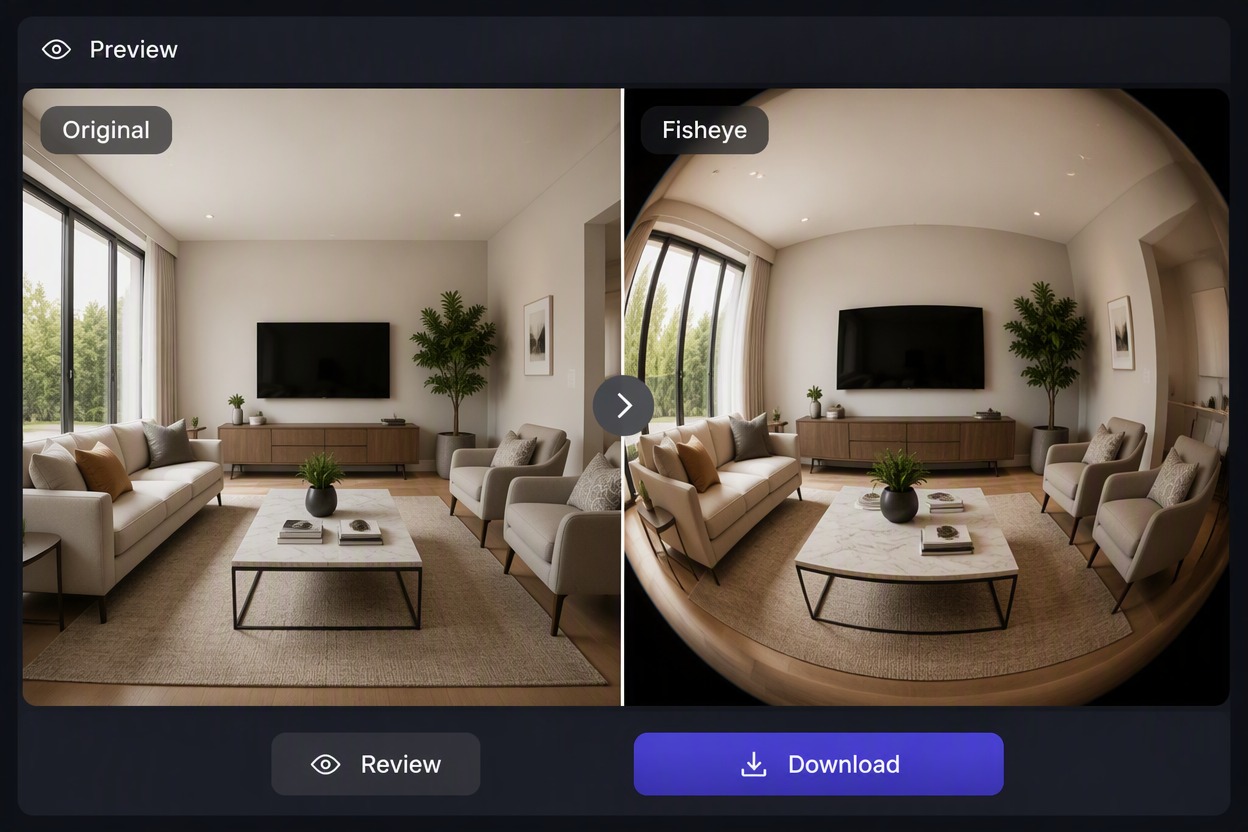
Step 3
Compare and Download
Review the original beside the result. Check faces, limbs, text, borders, architecture, and background lines, then download the version with the most useful distortion.
Bend Ordinary Photos Into Bold Fisheye Perspectives
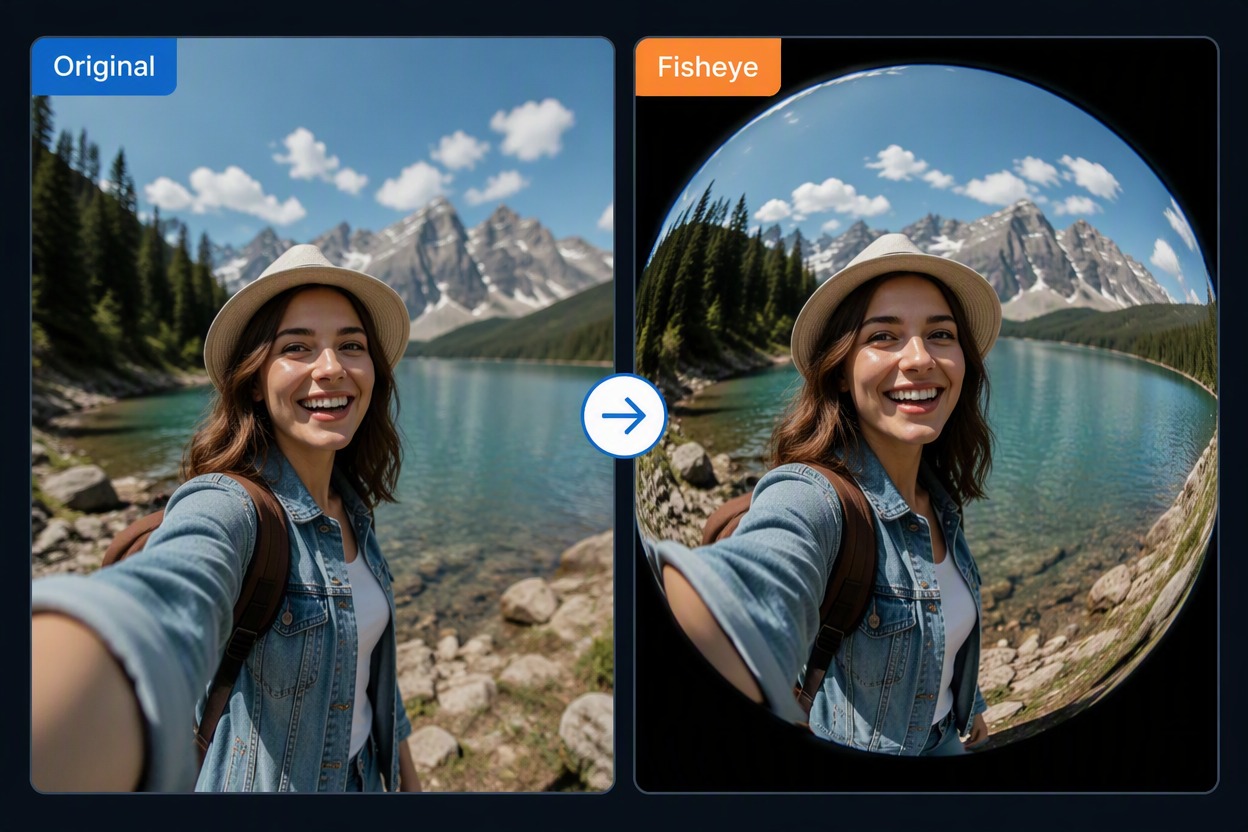
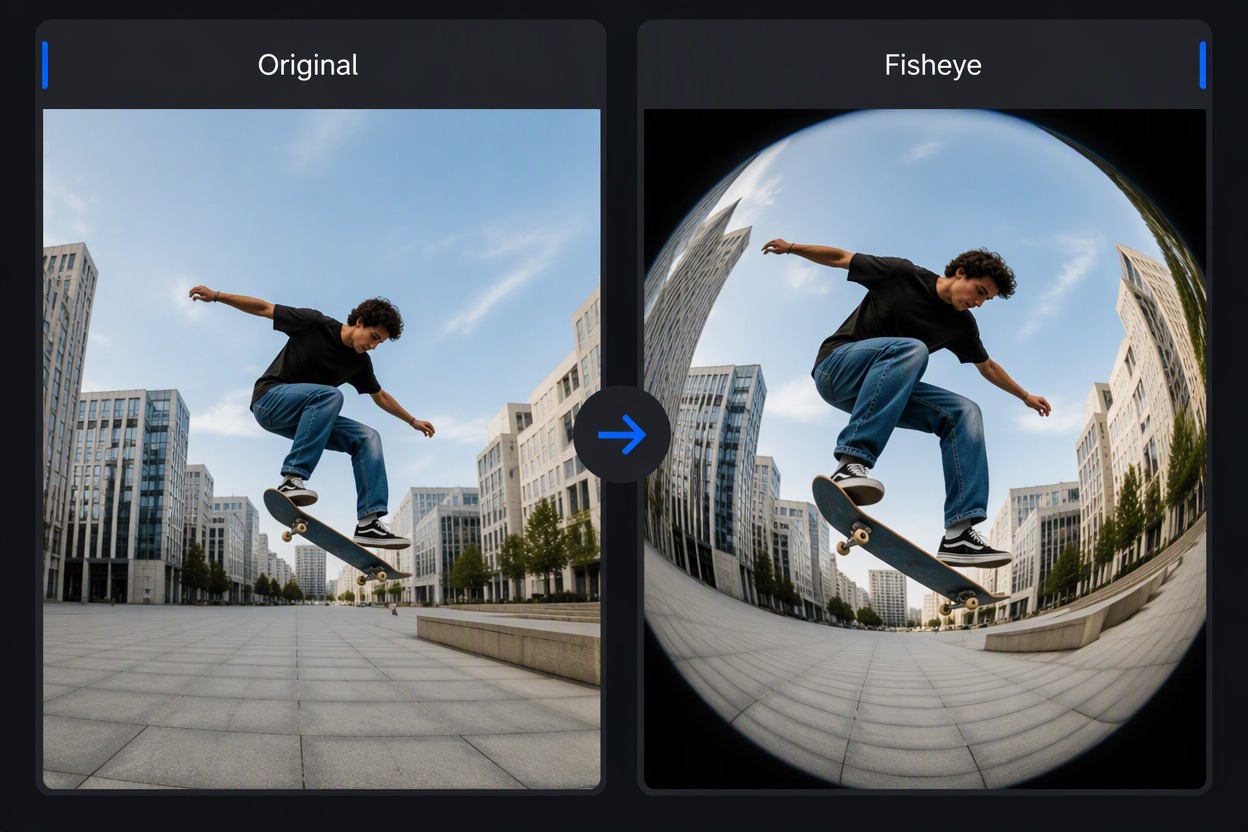
Create a Dramatic Center Bulge
Place the main subject near the middle to exaggerate scale while the outer scene bends away. Use the image to image tool for skate, product, pet, and close-up compositions that need an energetic wide-angle look.
What You Can Do With Fisheye Lens Filter
Photo Upload Workflow
Begin with an existing JPG or PNG rather than rebuilding the scene from a prompt.
Visible Wide-Angle Curvature
Create the bowed edge lines and enlarged center associated with a filter for fisheye lens styling.
Portrait and Scene Effects
Use the effect for adult portraits, pets, products, interiors, architecture, street photography, and action shots.
Original-to-Result Comparison
Compare the source and fish eye filter output so distortion remains intentional around faces, limbs, products, and straight lines.
Creative Framing Options
Center the subject for maximum bulge or place it slightly off-center for a more dynamic warped perspective.
Downloadable Photo Result
Save the selected effect for social posts, posters, thumbnails, mood boards, or a later editing workflow.
Fisheye Lens Filter FAQ
What does a fisheye lens filter do?
Is this a filter for fisheye lens photography only?
What is the best photo for a fish eye filter?
Can I apply the effect to portraits?
Why do the edges look stretched?
Can I use the effect for social posts?
Is the fisheye filter free to try?
Bend Ordinary Photos Into Bold Fisheye Perspectives
Apply a curved fish eye effect to portraits, streets, interiors, and action photos. Preview the distortion, compare the source, and download your result.
Apply a Fisheye Effect