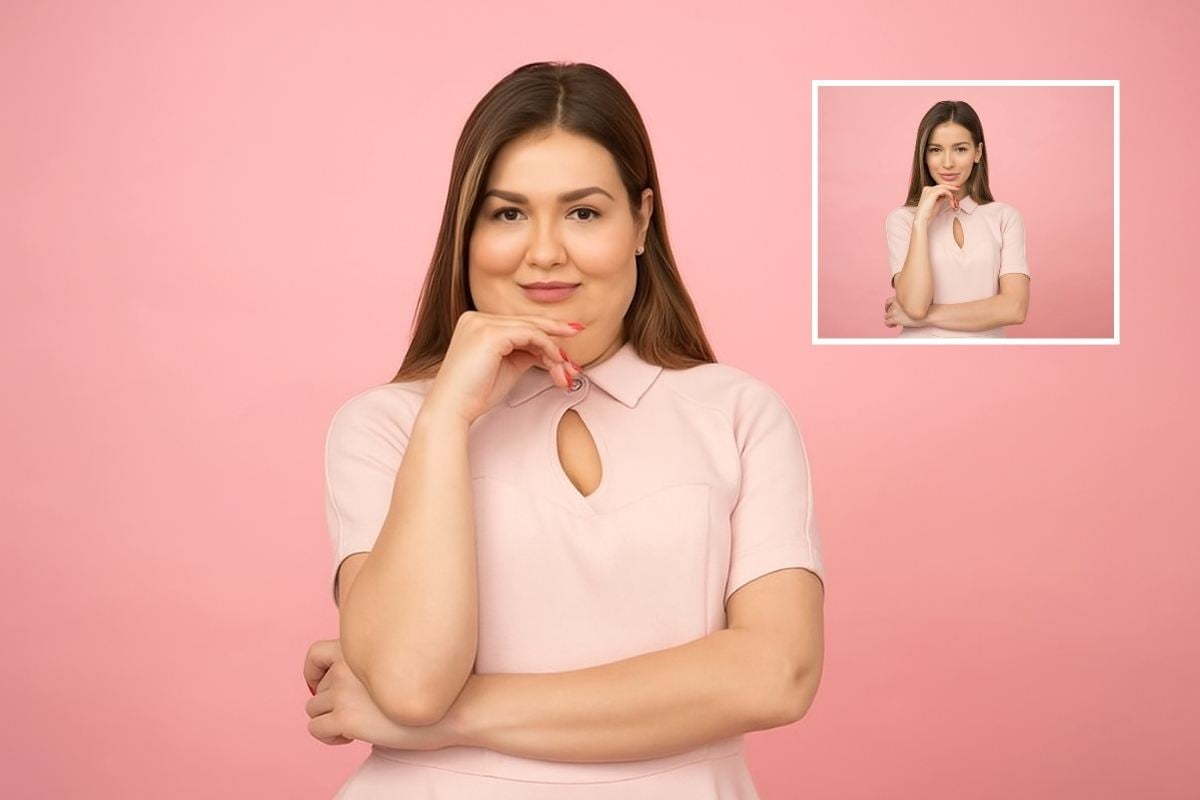
AI Ugly Filter: Turn Your Photo into a Funny Ugly Version

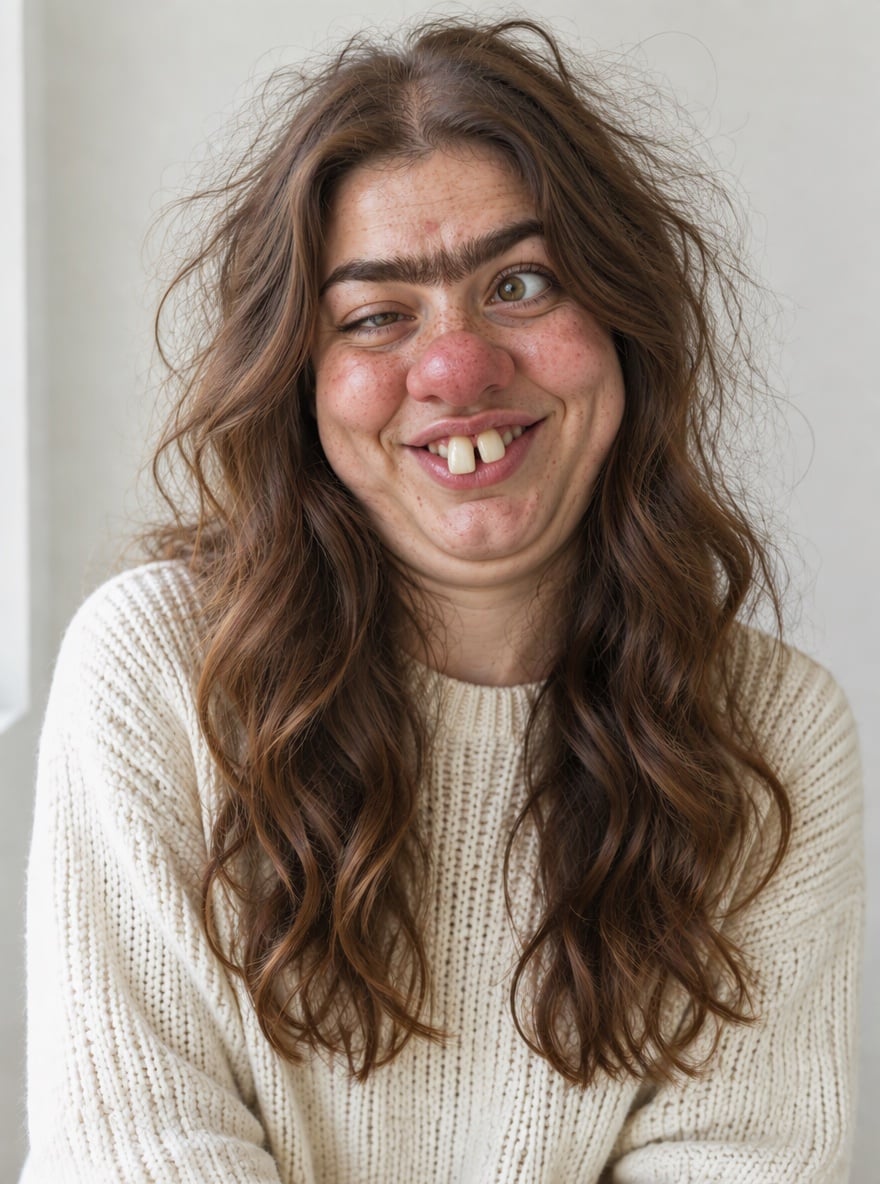
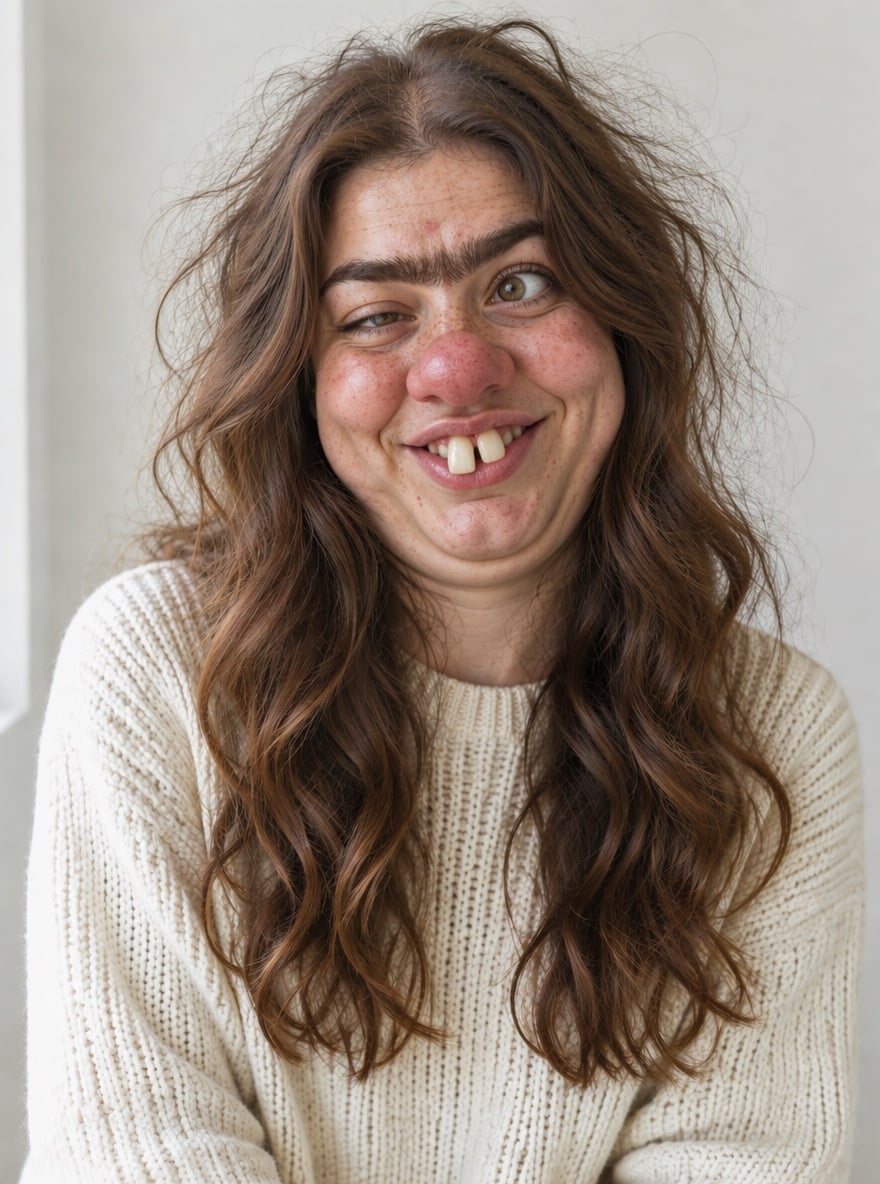
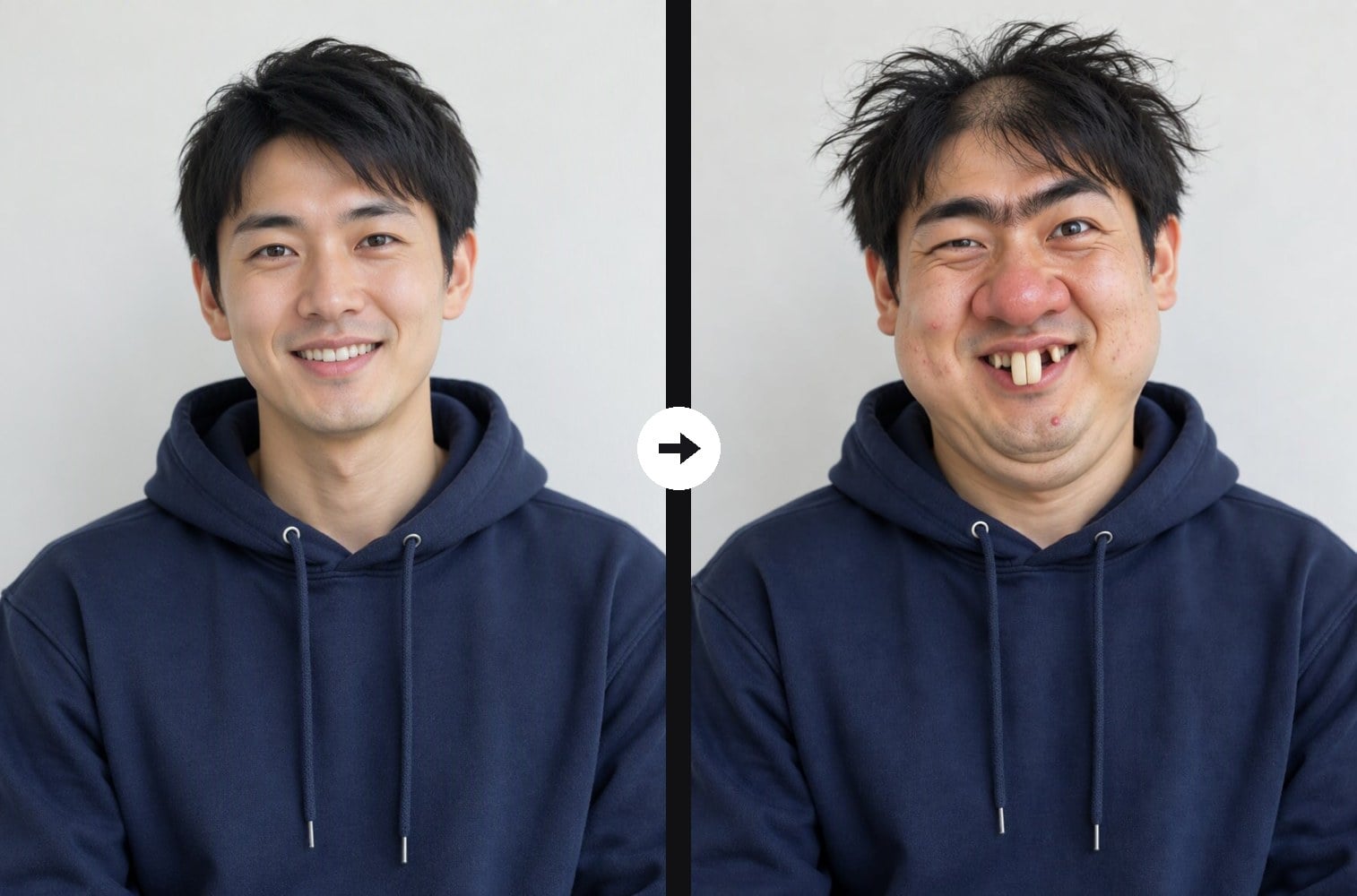
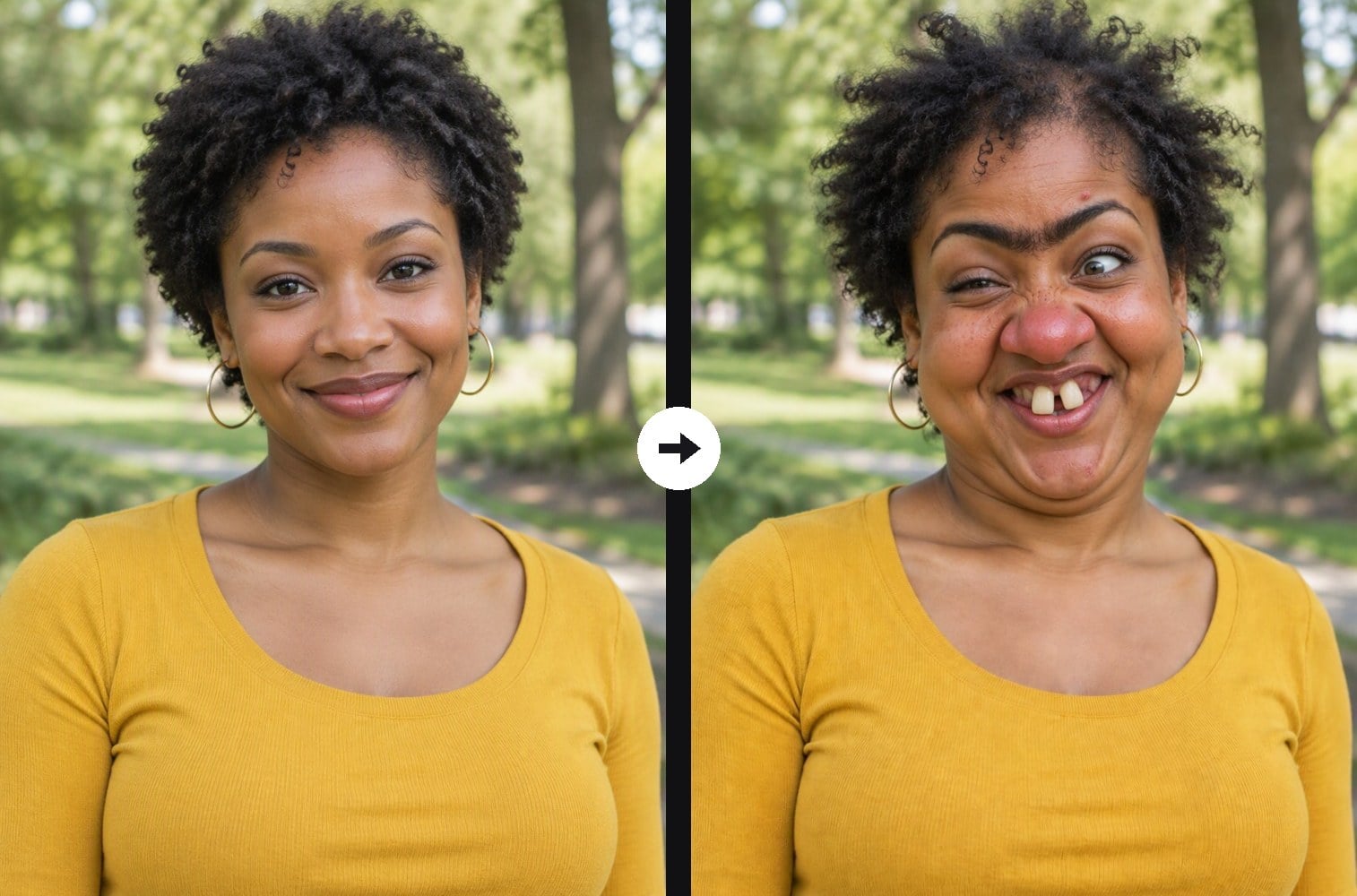
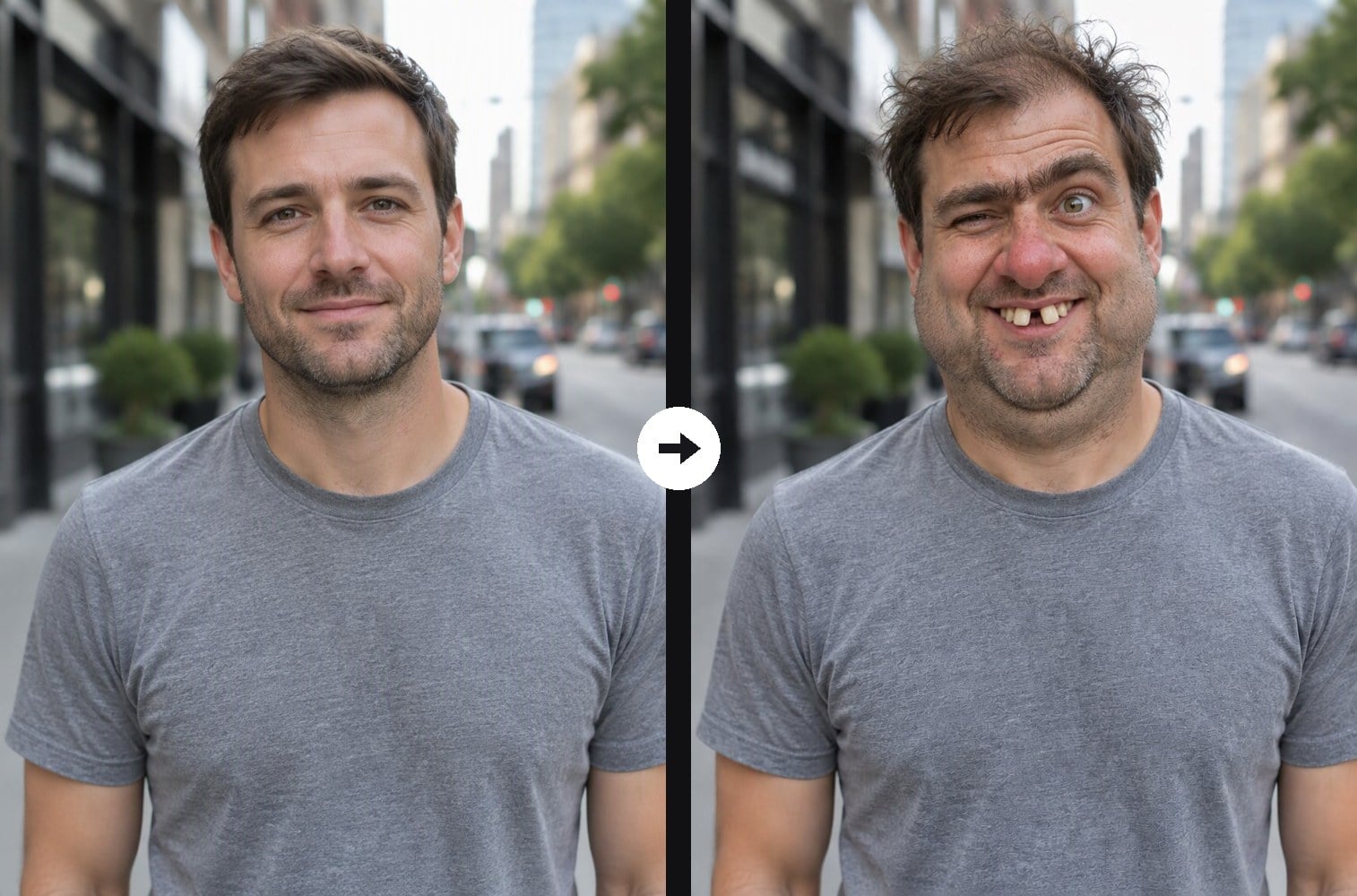
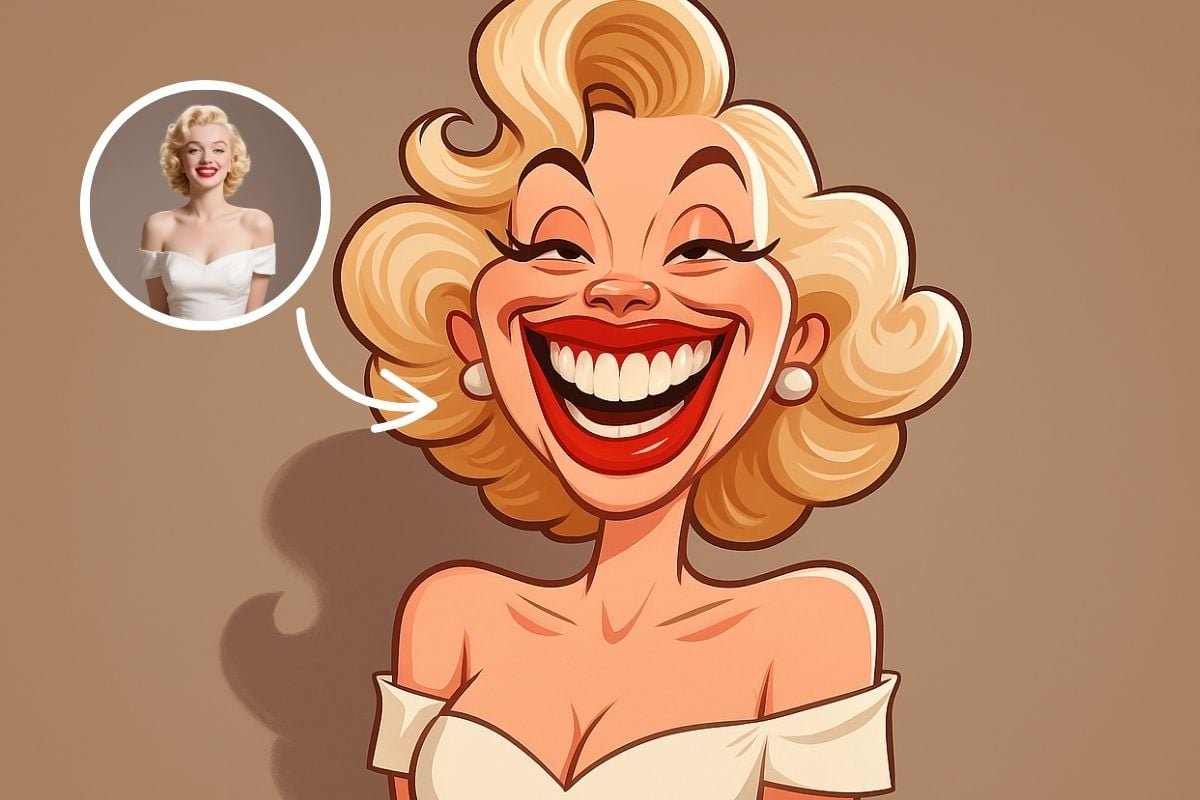
Upload a selfie or portrait and the AI ugly filter gives it a comedy glow-down: a big bulbous red nose, crooked buck teeth, small squinting eyes, a bushy unibrow, puffy cheeks with a double chin and messy hair. The clothes, pose, background and light stay the same, and the face is still clearly the same person, so friends get the joke instantly. Unlike the funny face filter, which uses cartoon-style warps, or the caricature generator, which turns you into a drawing, the result here still looks like a real (very unflattering) photo. The console below runs on GPT Image 2.5.
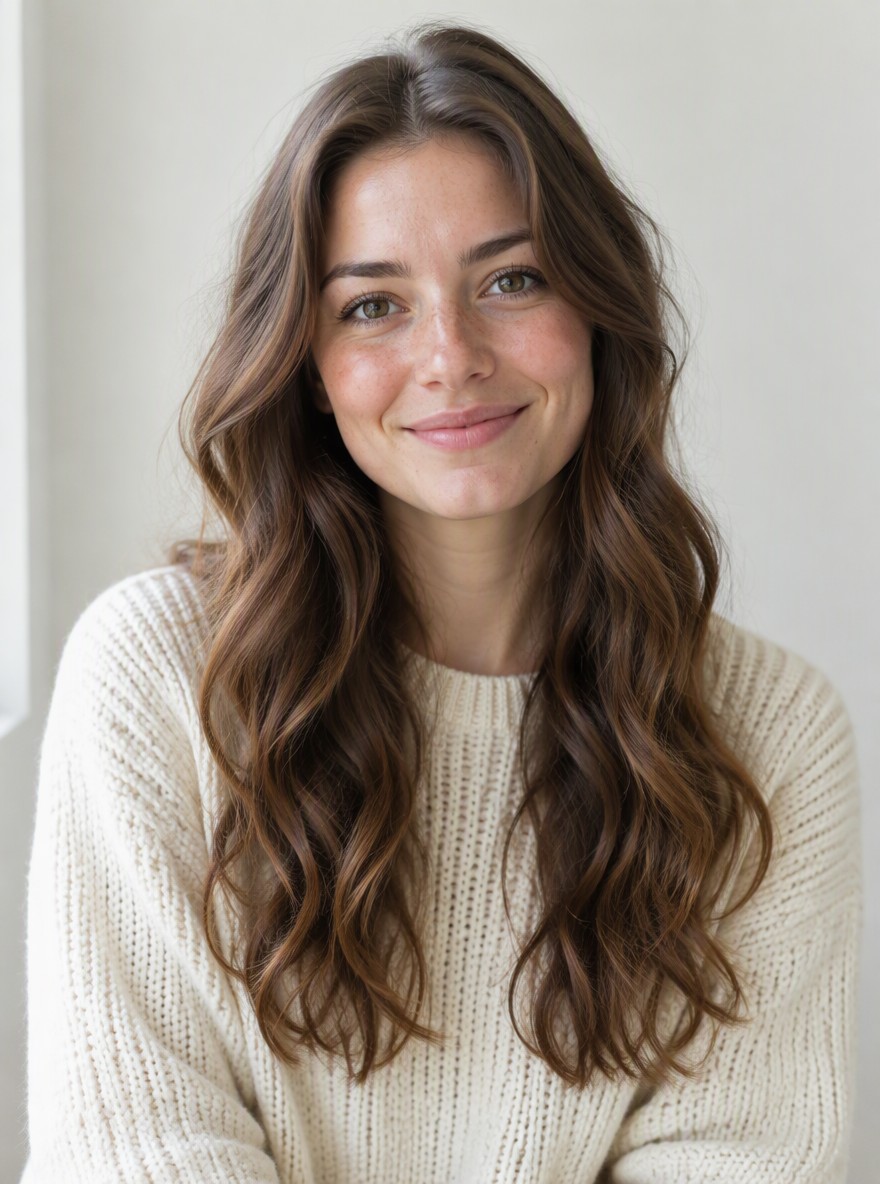
Unibrow and Buck Teeth
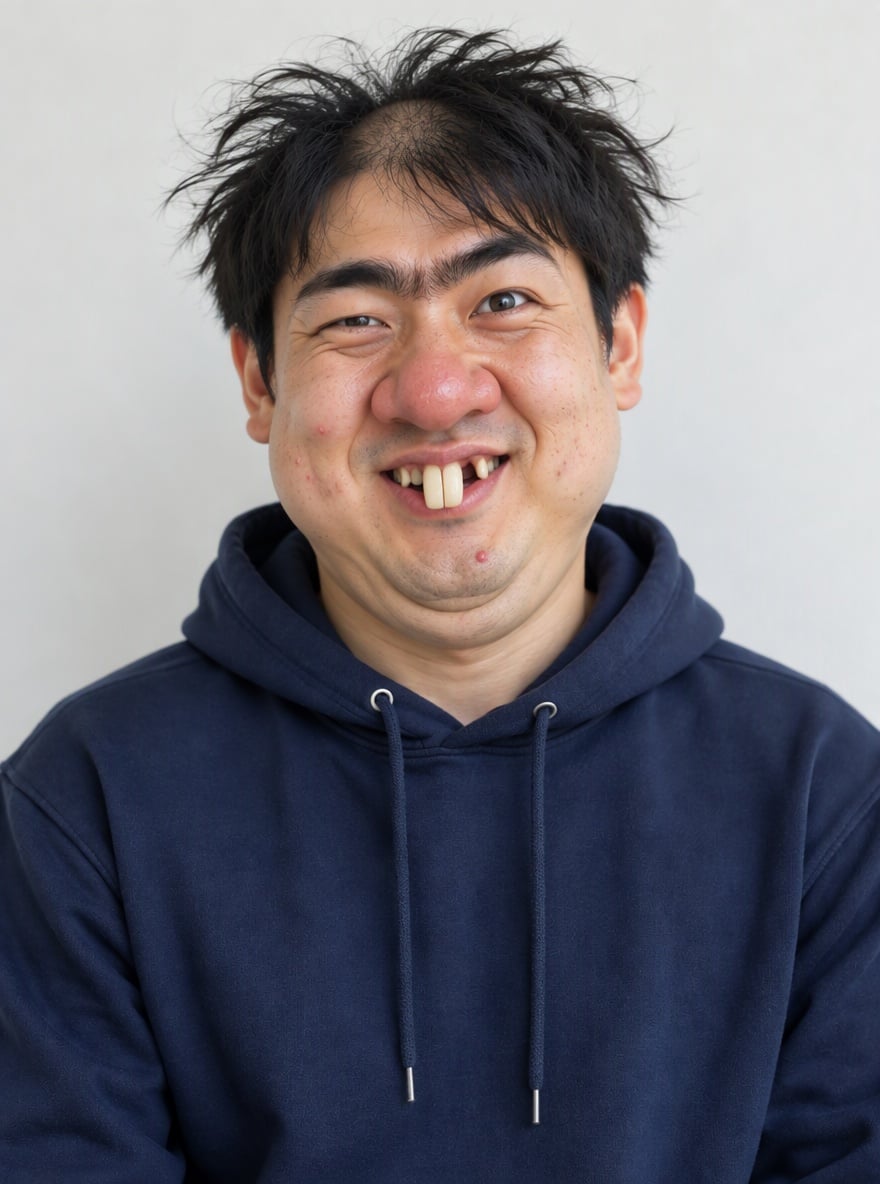
Goofy Grin Glow-Down
Big Red Nose Makeover
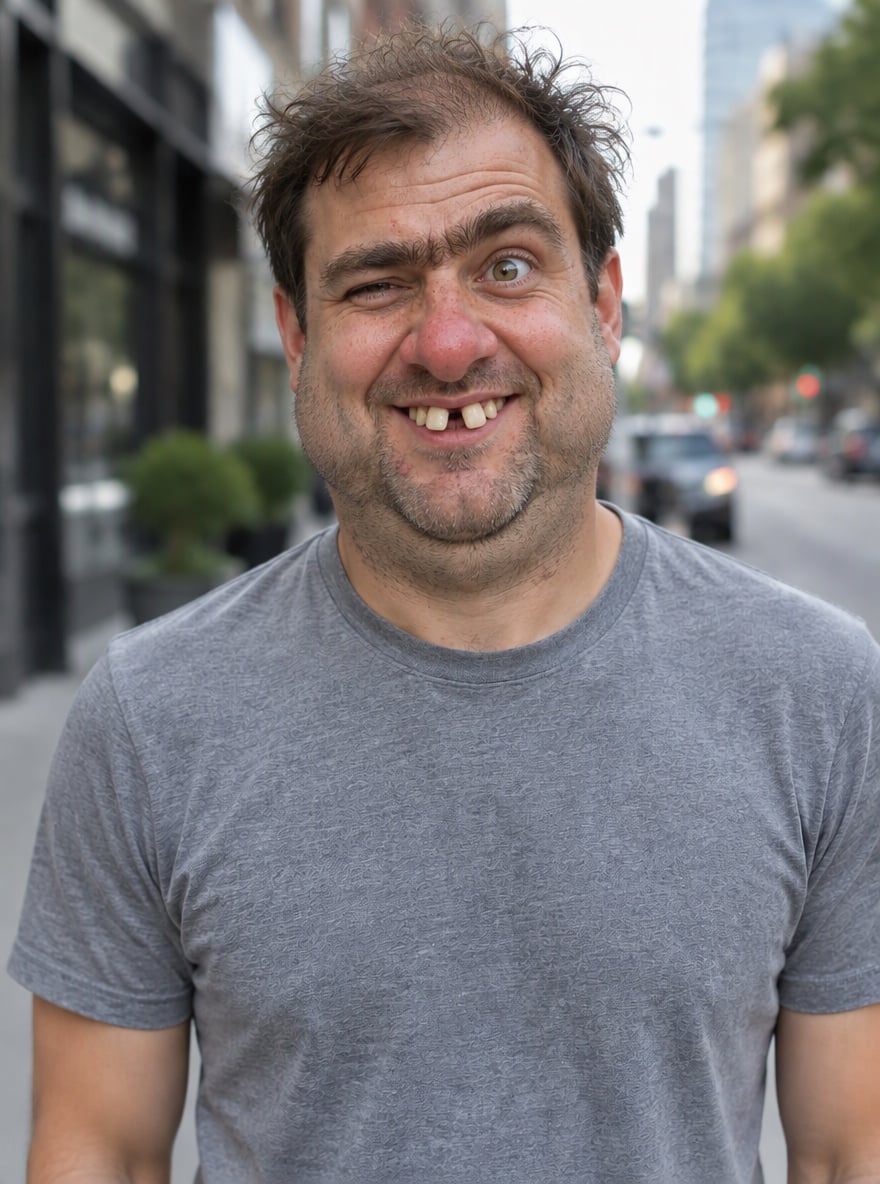
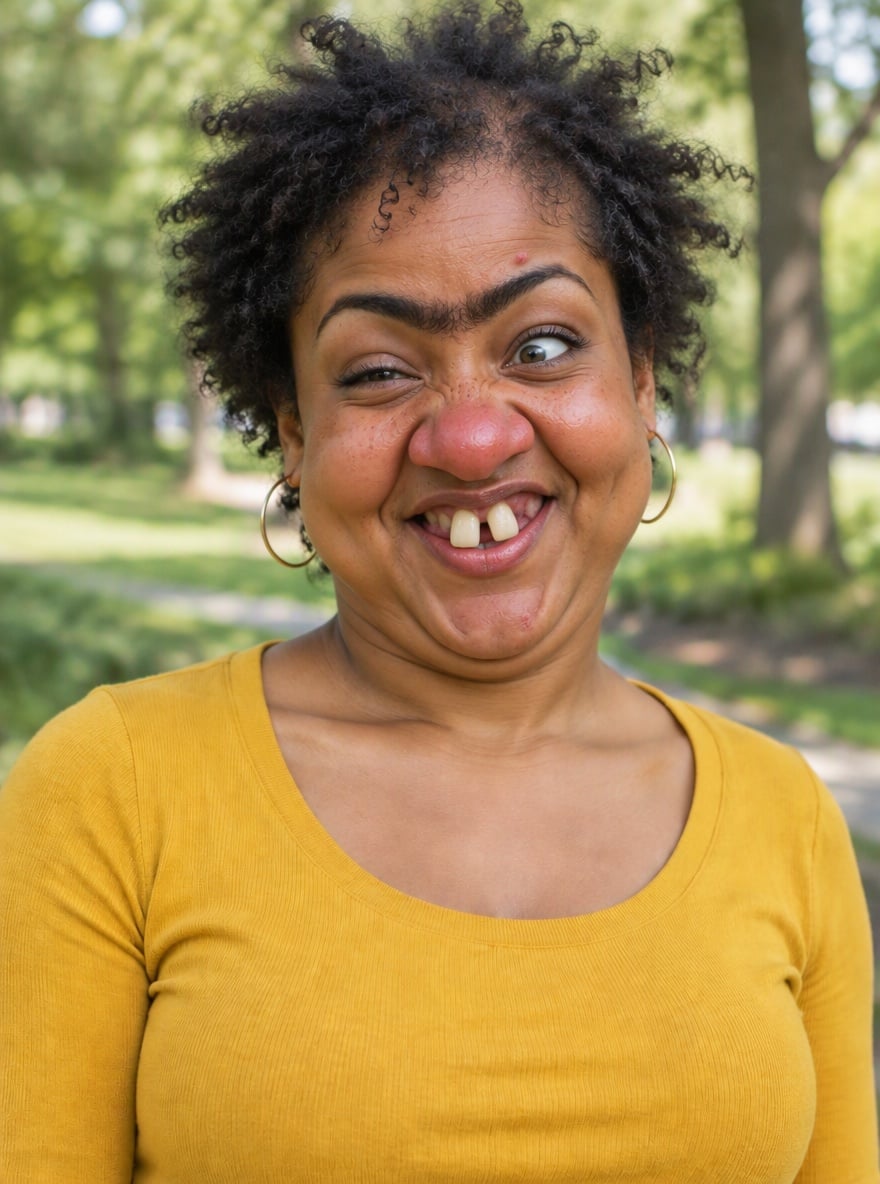
Gap-Tooth Street Snap
Upload a clear photo with a visible face
Effect prompt
By uploading a file, you agree to GoEnhance's Terms of Use and Privacy Policy

AI Ugly Filter Results from the Console

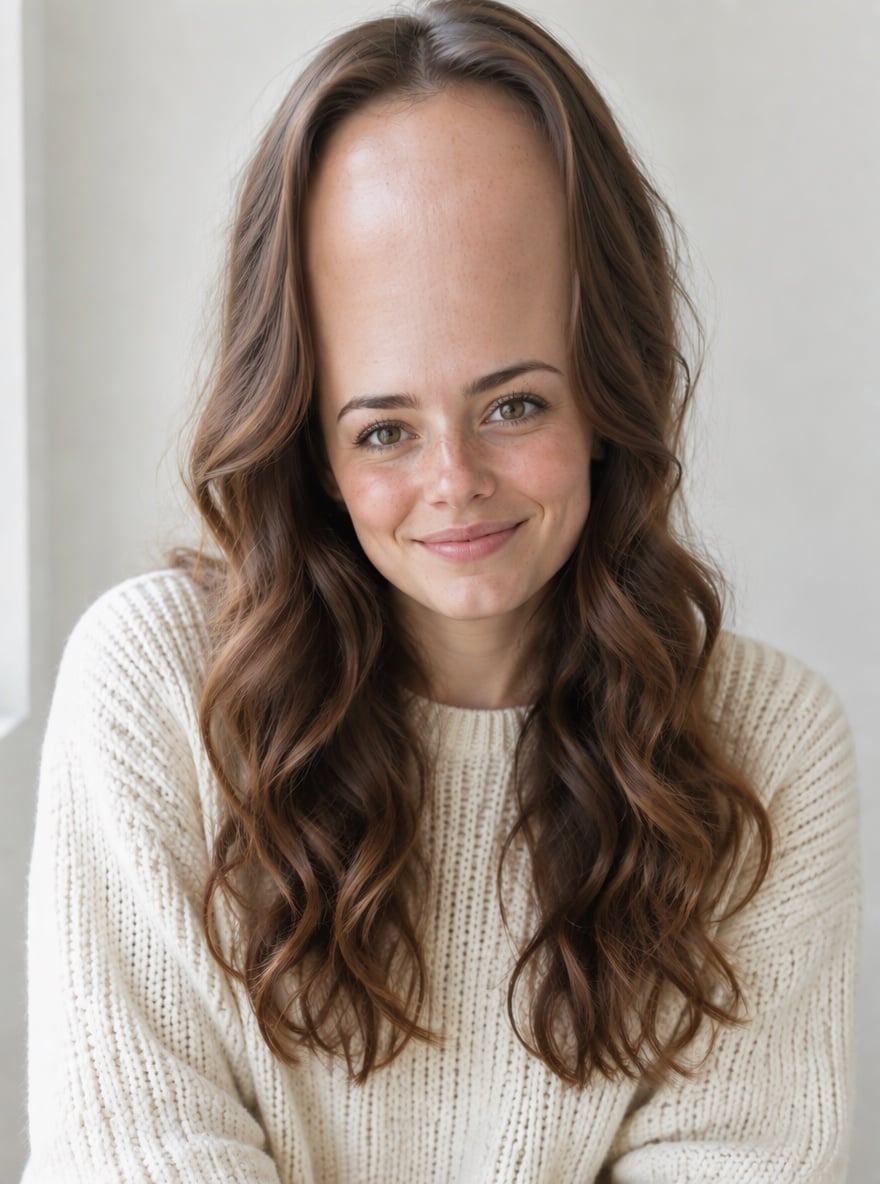
Each result is one upload with the prompt above. Clothes, background and light come from the original photo; only the face and hair are exaggerated.
Unibrow and Buck Teeth - AI Ugly Filter

Unibrow and Buck Teeth

Goofy Grin Glow-Down - AI Ugly Filter

Goofy Grin Glow-Down

Big Red Nose Makeover - AI Ugly Filter

Big Red Nose Makeover

Gap-Tooth Street Snap - AI Ugly Filter

Gap-Tooth Street Snap

How to Use the AI Ugly Filter

01

Upload a photo

A clear selfie or portrait where the face is well lit and facing the camera works best.

02

Generate

The ugly filter prompt is already filled in. Press the button, or add the features you want to exaggerate.

03

Download and share

Save the funny ugly photo for TikTok, reels, group chats, memes or a reaction picture.

Why Use This AI Ugly Filter
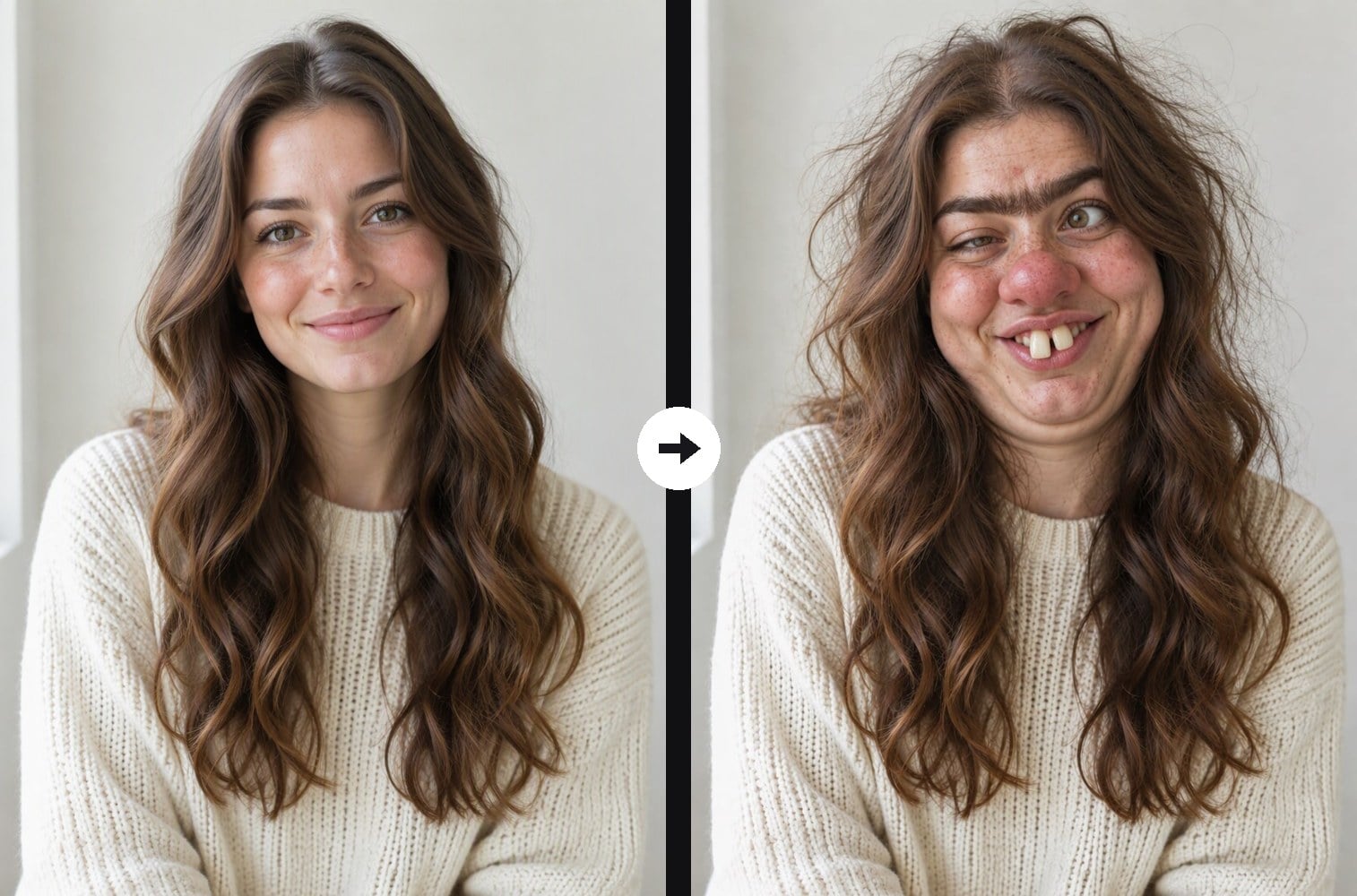
Still clearly you

Identity, skin tone, clothes, pose and background stay the same, so the joke lands immediately.

Still clearly you - AI Ugly Filter

Realistic, not cartoon

Natural skin texture and lighting make it look like a real photo that went very wrong.

Realistic, not cartoon - AI Ugly Filter

Funny, not scary

Exaggerated nose, teeth, brows and cheeks for laughs, with no gore, wounds or horror.

Funny, not scary - AI Ugly Filter

Free to try

New accounts get free credits, so your first ugly filter photo costs nothing.

Free to try - AI Ugly Filter

AI Ugly Filter FAQ

What is an AI ugly filter?

It is a photo effect that exaggerates facial features in a funny, unflattering way, such as a bigger nose, buck teeth, a unibrow and chubby cheeks, while keeping the photo realistic.

Will it still look like me?

Yes. The prompt keeps your identity, skin tone, clothes, pose and background, so people can still tell it is you, just a much sillier version.

Can I choose which features get exaggerated?

Yes. Edit the prompt, for example add "giant ears and a long pointy chin" or "huge glasses and a missing front tooth", or remove the parts you do not want.

What photo works best?

A clear, front-facing photo with good light and one person. Close-up selfies and half-body portraits give the most visible changes.

Can I use it on my friends' photos?

Only with their permission, and keep it playful. Do not use the result to bully, harass or embarrass anyone.

What if I want a cartoon-style warp instead?

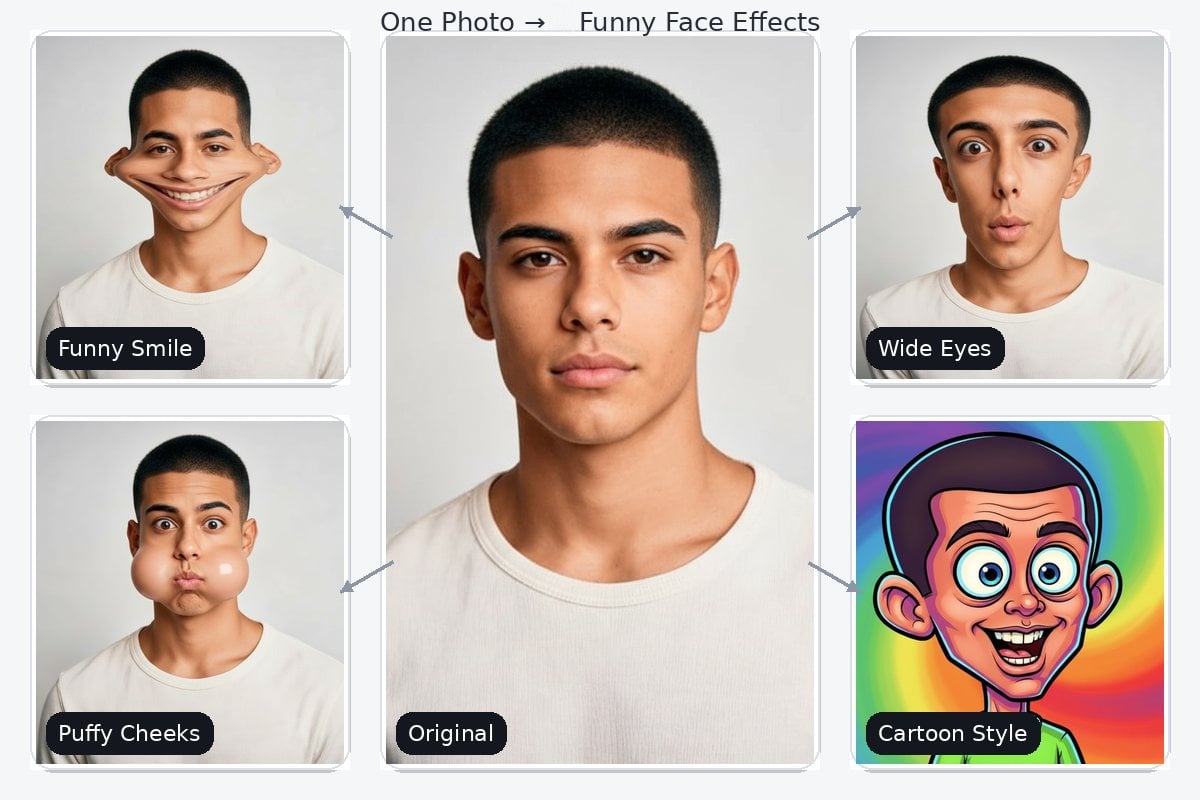
For giant eyes, squished cheeks and other cartoon warps, try the funny face filter.

Ready to Get Ugly?

Upload a photo and get a hilarious ugly version in under a minute.

Make It Ugly