
Free Pixel Art Video Maker
Upload a video, select the Pixel Art style, and let GoEnhance AI restyle your footage in a few clicks. Keep the motion and scene from your source video while giving it a bold retro pixel look.
Restyle Your VideoHow to Make Pixel Art Videos?
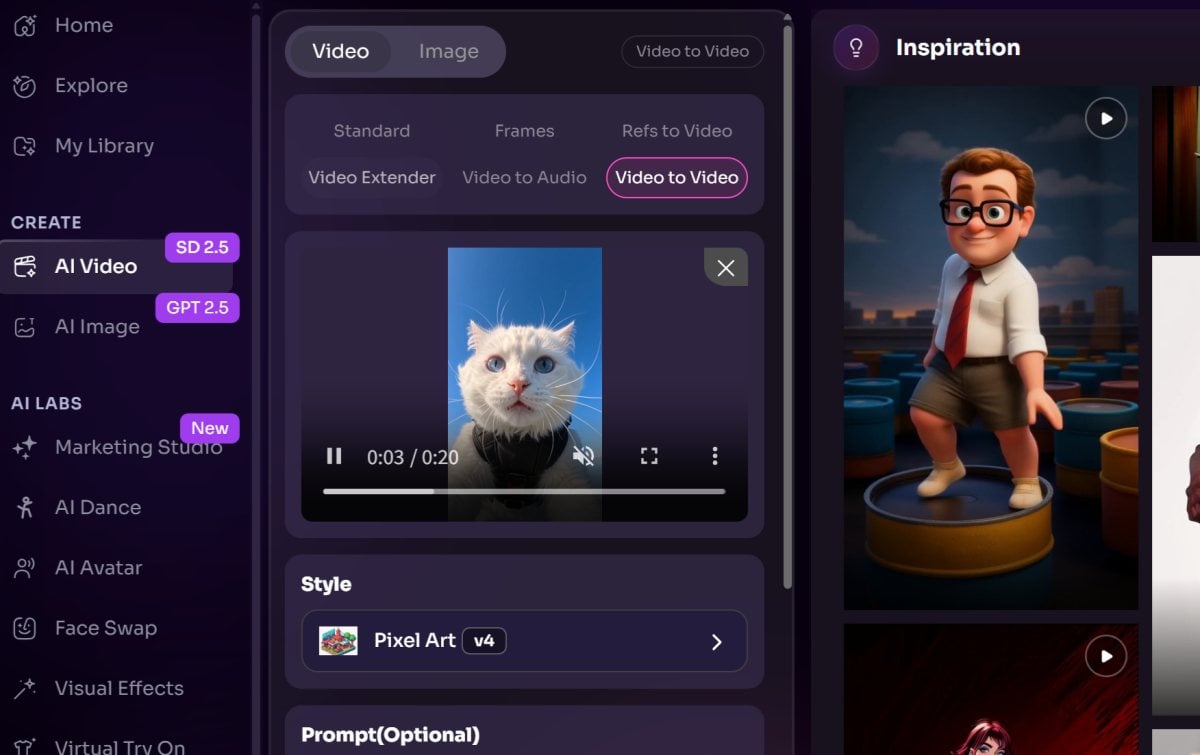
Upload Your Video
Choose a clear, steady video with a visible subject and readable movement. The source clip will guide the scene and action in the stylized result.
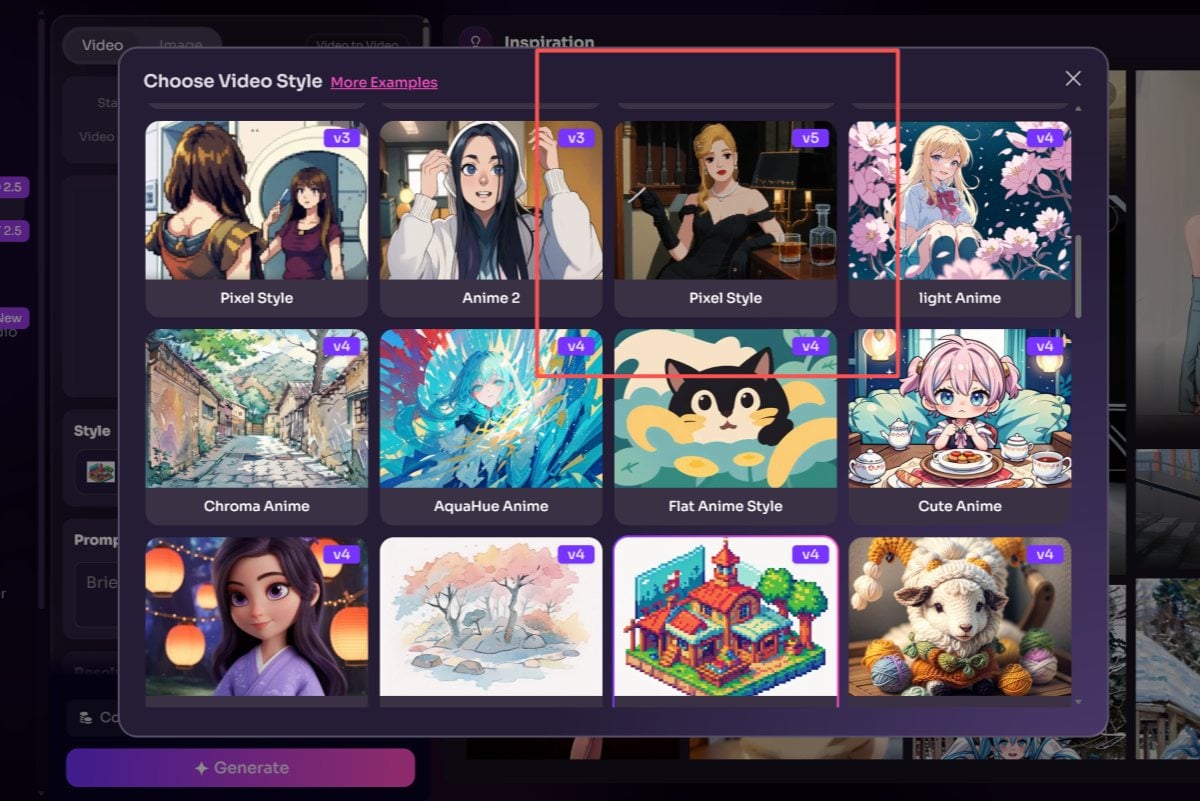
Choose Pixel Art
Select Pixel Art from the available video styles. No image prompt is needed for this preset-based style transformation.
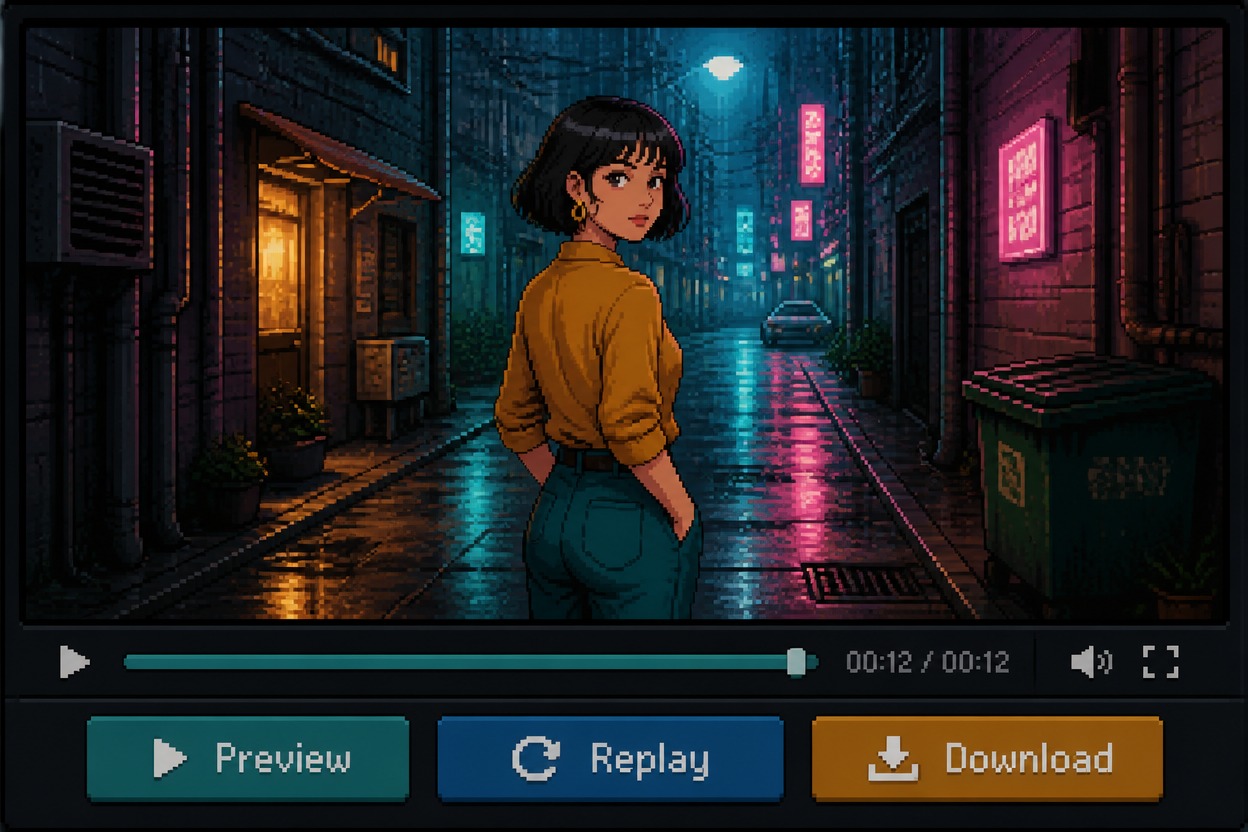
Generate and Preview
Start the transformation, preview the result, and download the video when it looks right.
Key Features of Pixel Art Video Creator
Restyle a Complete Scene
Apply a retro pixel art look to footage you already have with the video to animation converter. Upload your clip, choose Pixel Art, and transform the scene while keeping its original action as the foundation.
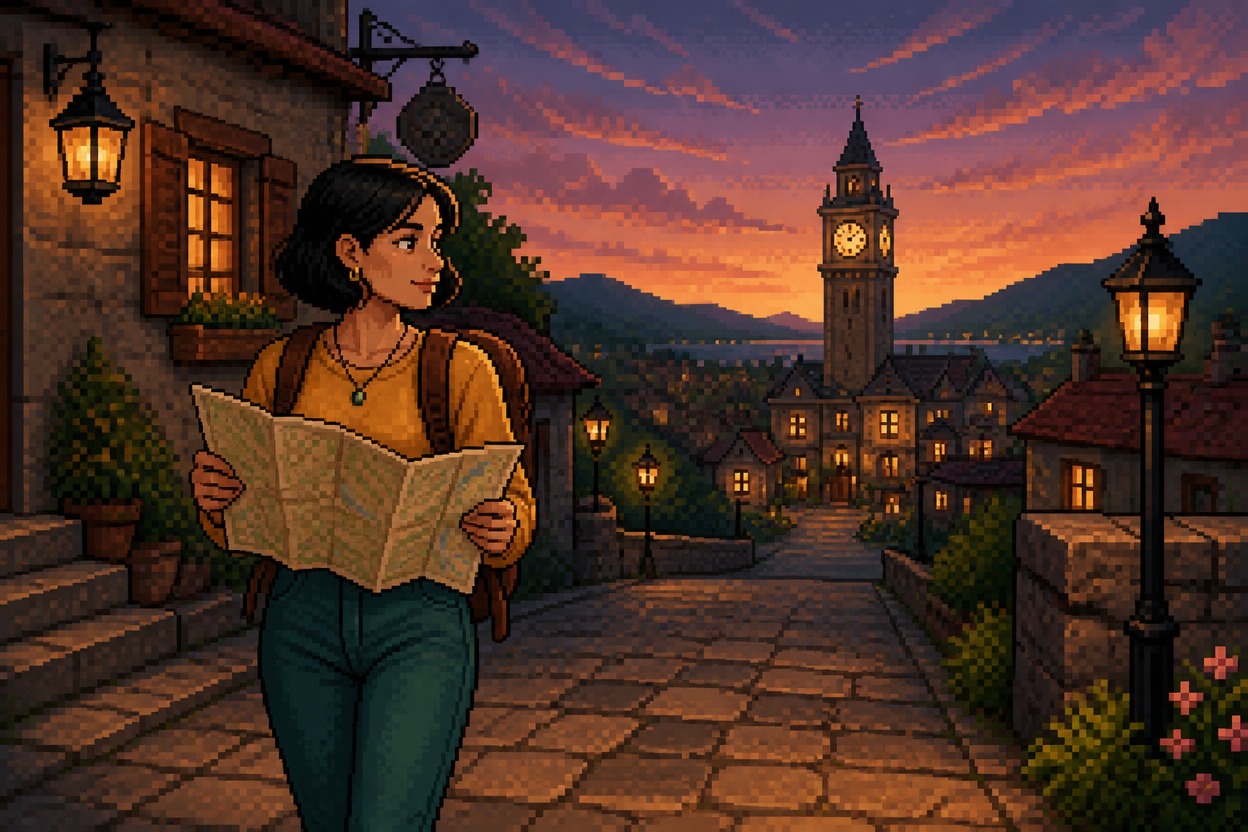
Turn Action Into a Retro Game Moment
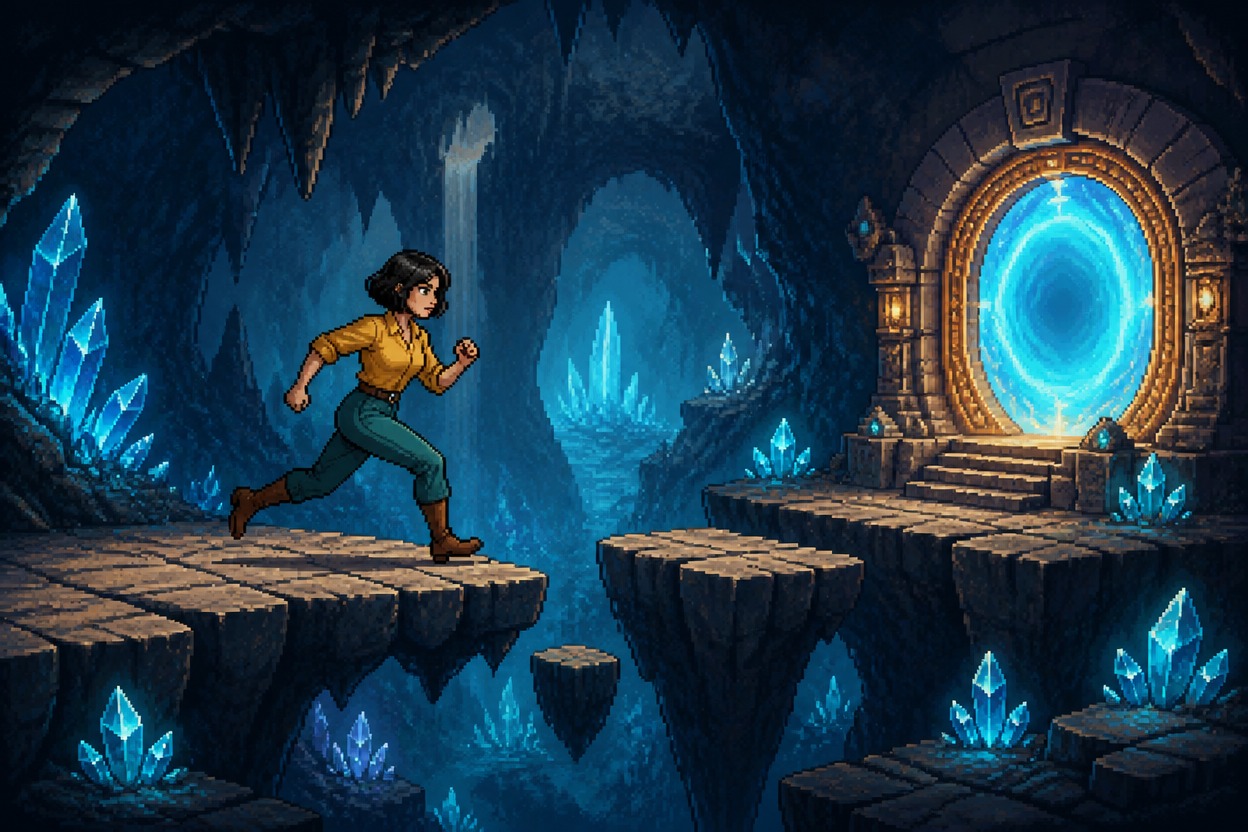
Use the AI video generator to bring dance, sports, or character footage into a game-inspired visual style. The source video guides the movement while Pixel Art changes the look of the scene.
Why Use a Pixel Art Video Maker?
Restyle Existing Video
Start with a video you have already recorded and give it a pixel art look, without building the scene from a still image.
Quick Style Selection
Upload your clip, choose the Pixel Art style, and generate a stylized version in a straightforward workflow.
Original Motion as a Starting Point
The uploaded footage provides the scene and movement for the transformation, making it useful for dance, action, pet, and character clips.
Retro Visual Treatment
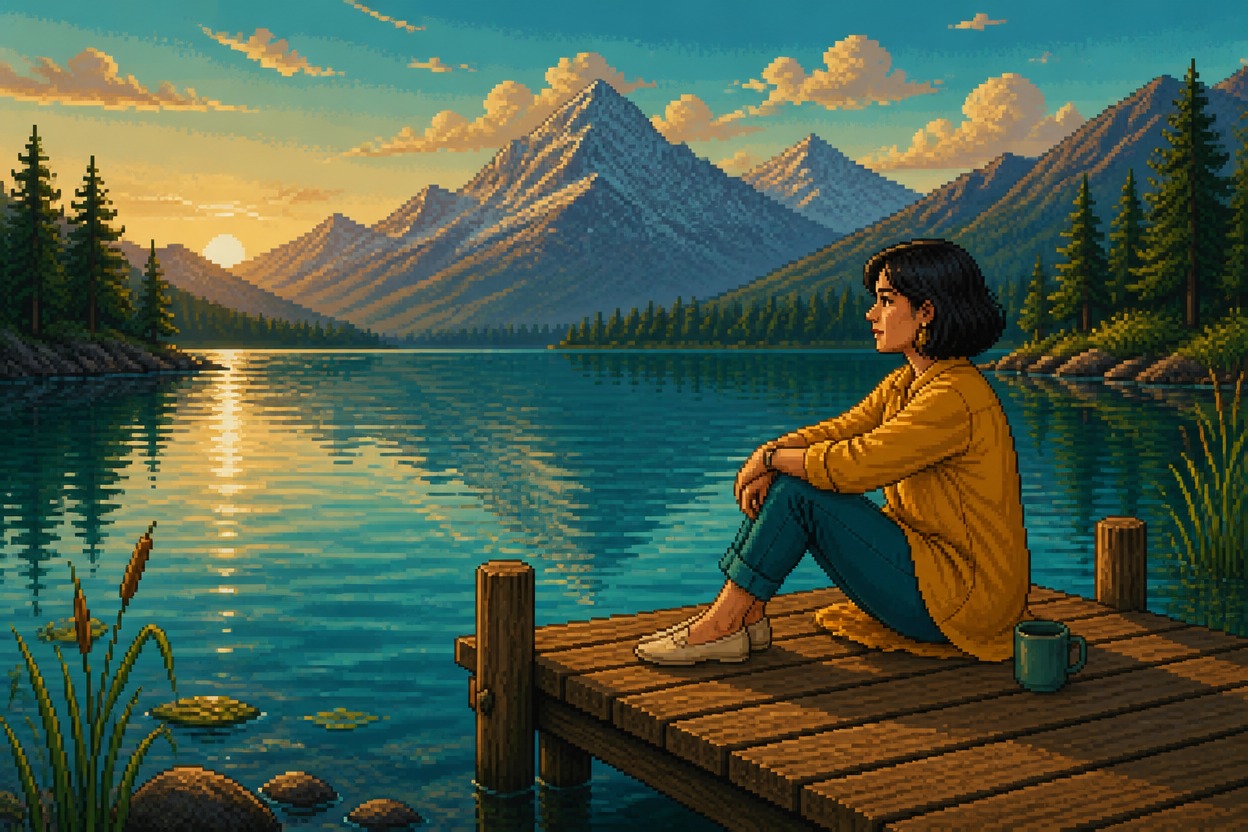
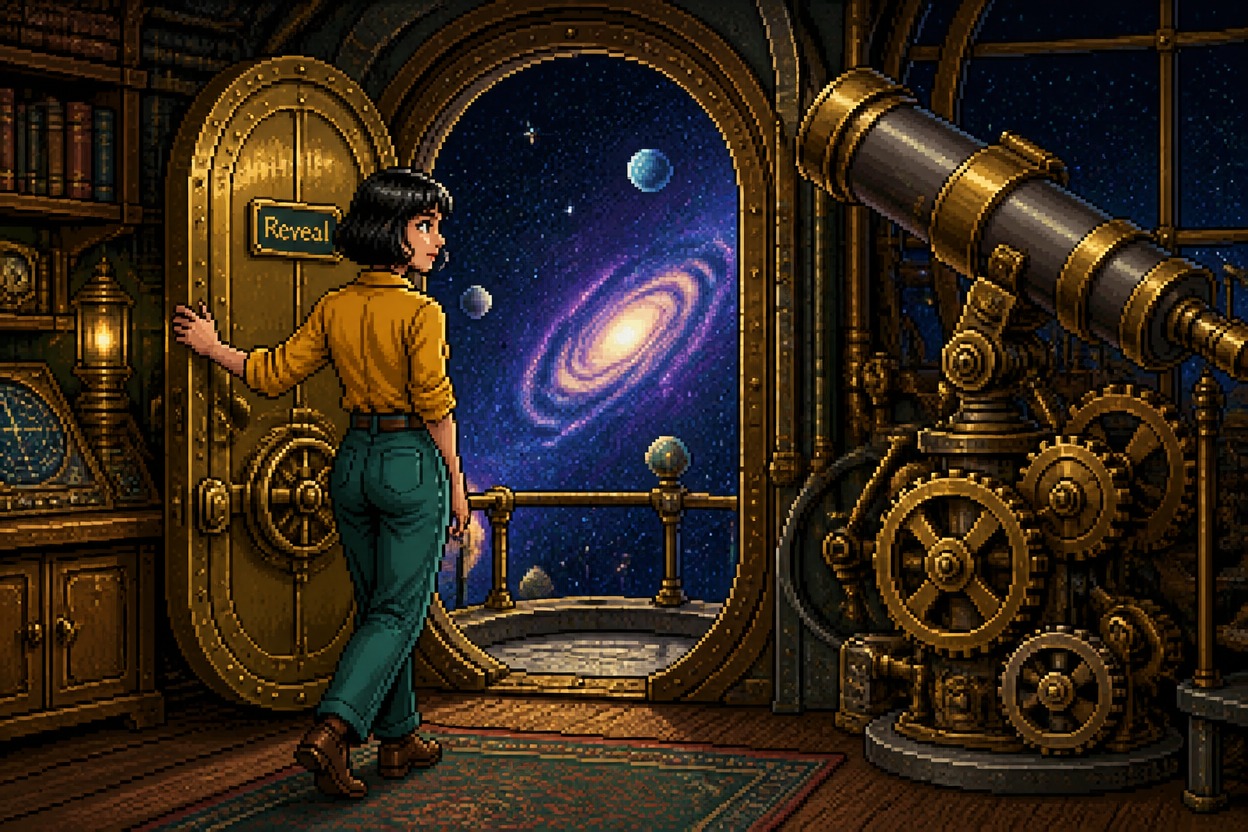
Give footage a game-inspired appearance with blocky pixel details and a distinctive retro palette.
Preview Before Download
Review the generated video to check the look, motion, and scene before saving the version you want to use.
Useful for Creative Clips
Make stylized videos for social posts, creative experiments, character concepts, or personal projects.
Pixel Art Video Maker FAQs
What is a Pixel Art video maker?
How do I turn a video into Pixel Art?
Do I need to upload an image?
What kind of source video should I use?
Can I use Pixel Art for dance or action videos?
Will the original video motion remain?
Can I use the generated video commercially?
Turn Your Video Into Pixel Art
Upload a clip, choose the Pixel Art style, and give your existing footage a retro game-inspired look in a few clicks.
Try Pixel Art Video