Create a Family or Club Logo with AI
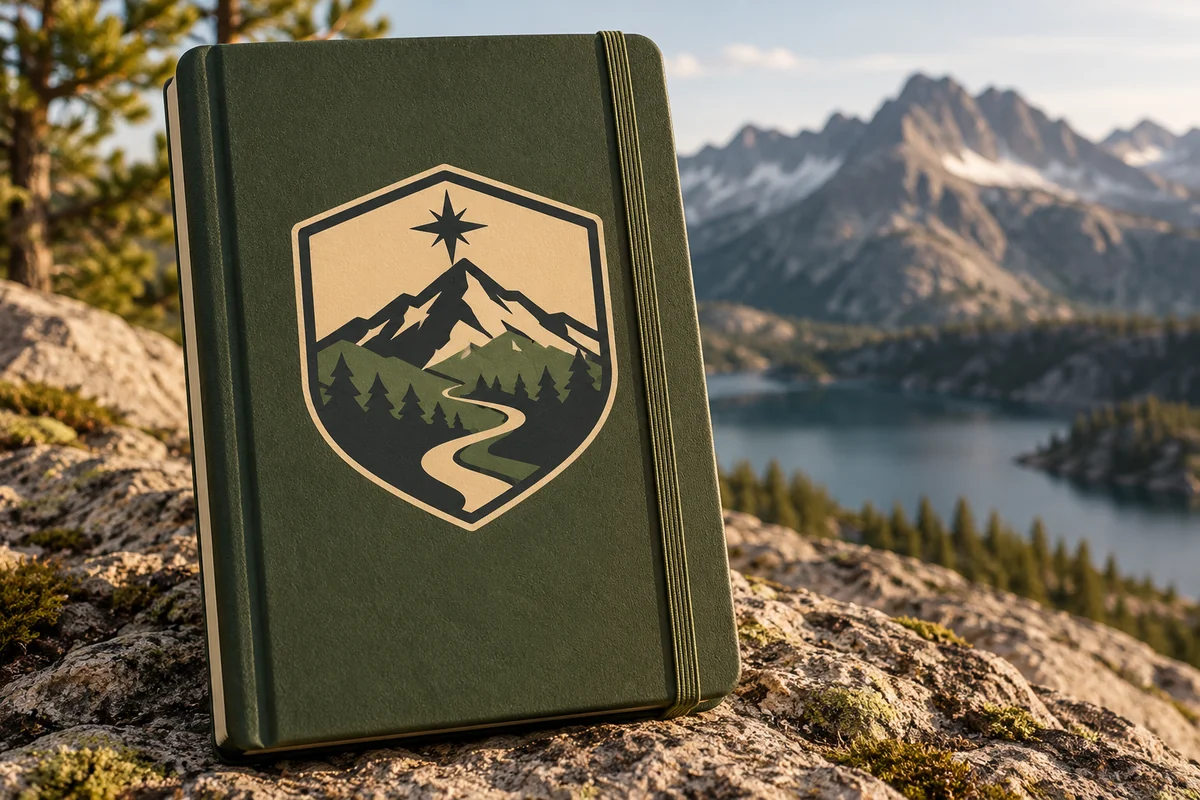
Family and Club Logo Ideas
Reunion Badge
Outdoor Club Emblem
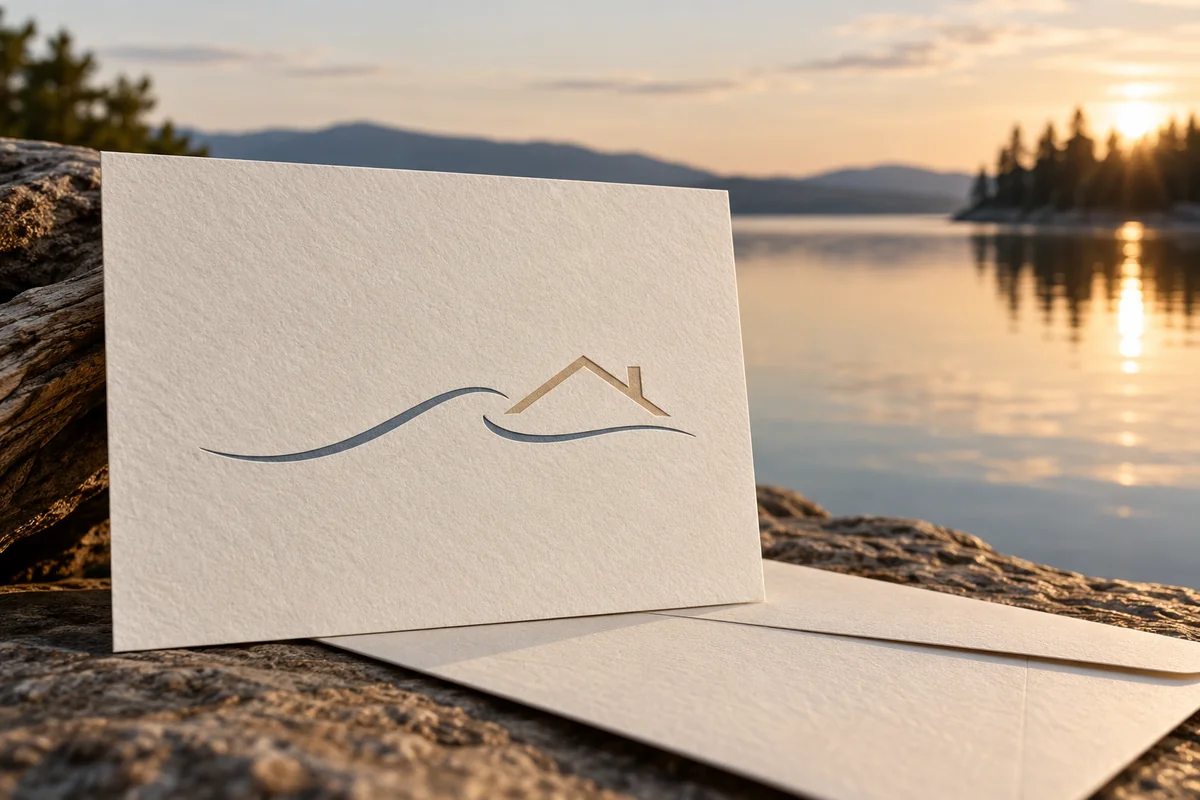
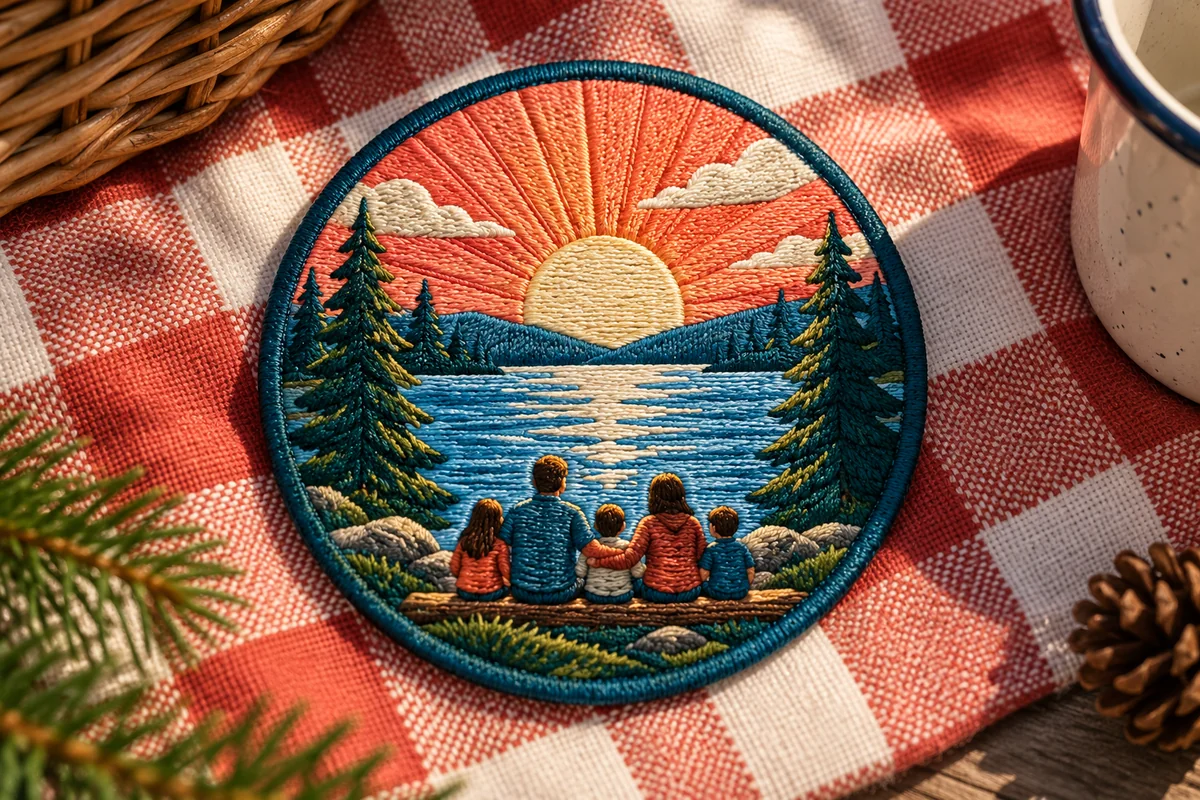
Lake House Family Mark
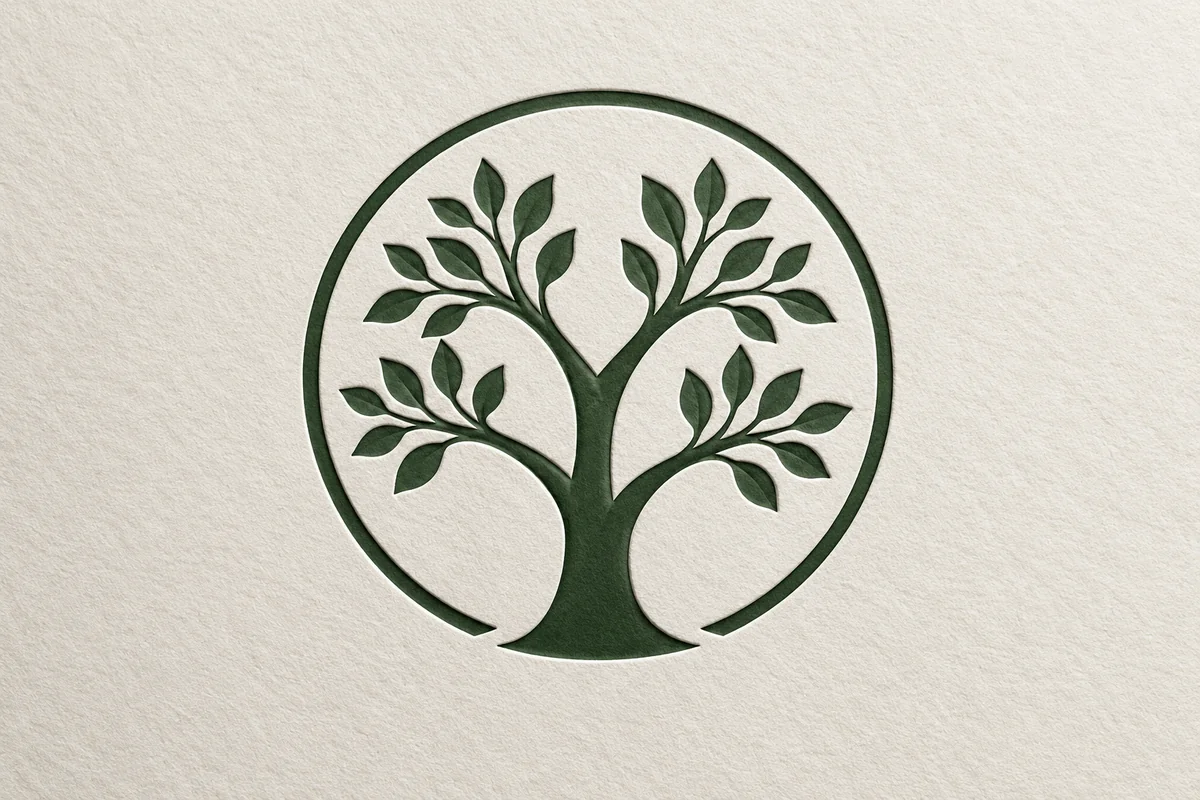
Generational Tree Symbol
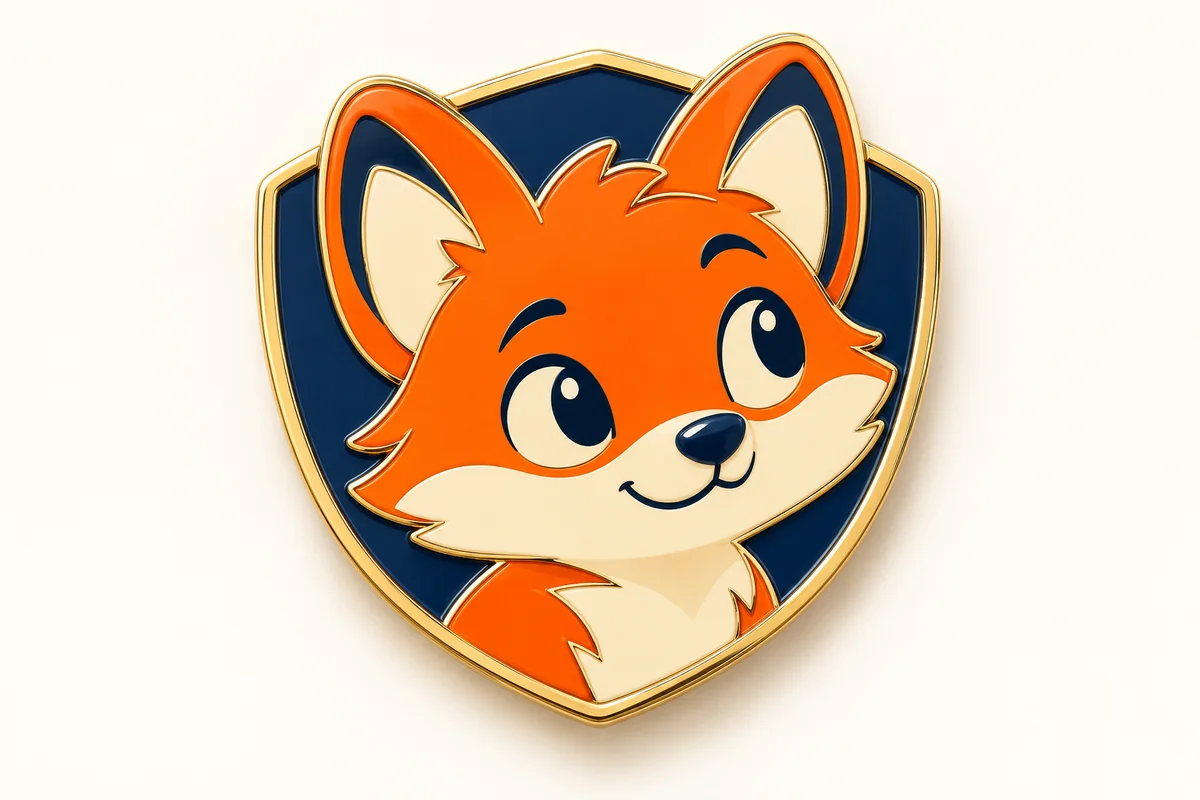
Kids Club Mascot Badge
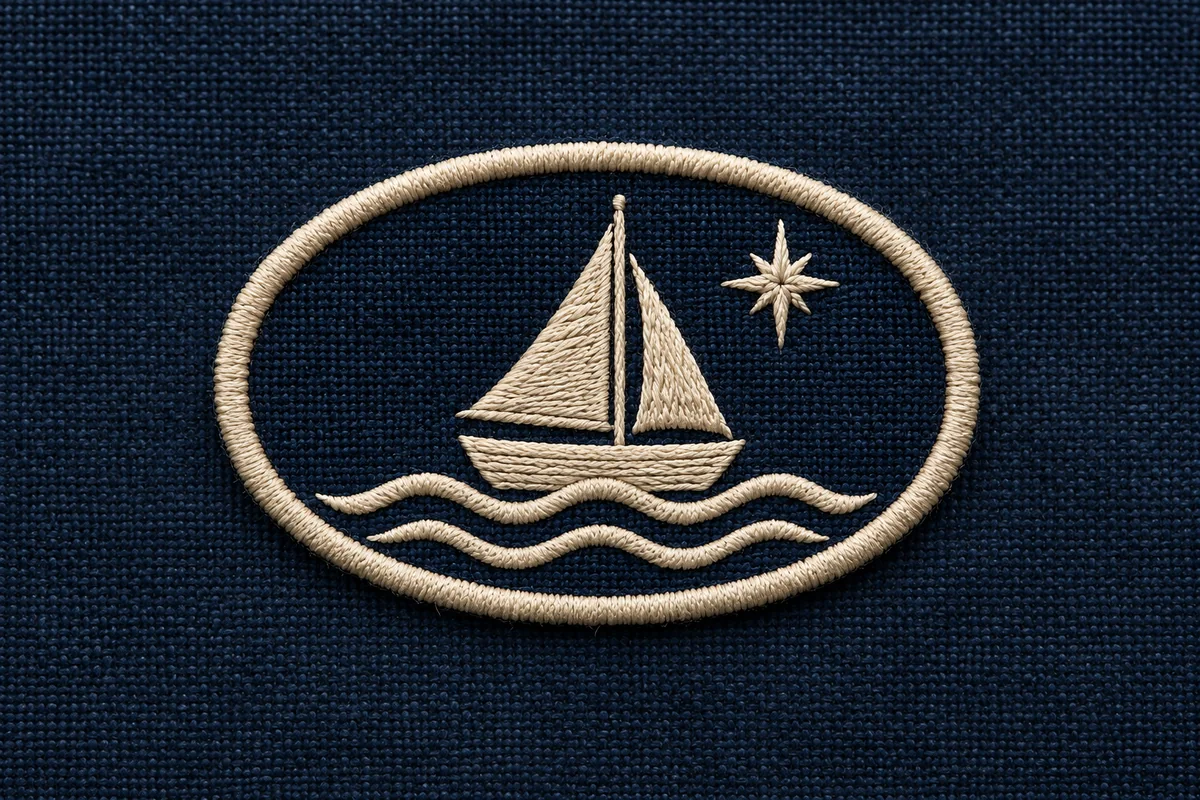
Vintage Family Patch
Shape a Mark Around Your Shared Identity
Start with the Name or Group
Use the family surname, club name, or initials. Put exact wording in quotation marks if you want the model to attempt specific lettering.
Choose Symbols and a Mood
Mention meaningful motifs, colors, and a style such as heritage crest, outdoors badge, modern monogram, or playful mascot.
Generate and Compare Directions
Review silhouette, symbol balance, and contrast. Adjust the prompt to explore a simpler badge or another group theme.
Explore Family and Club Identity Concepts
Crests That Carry a Story
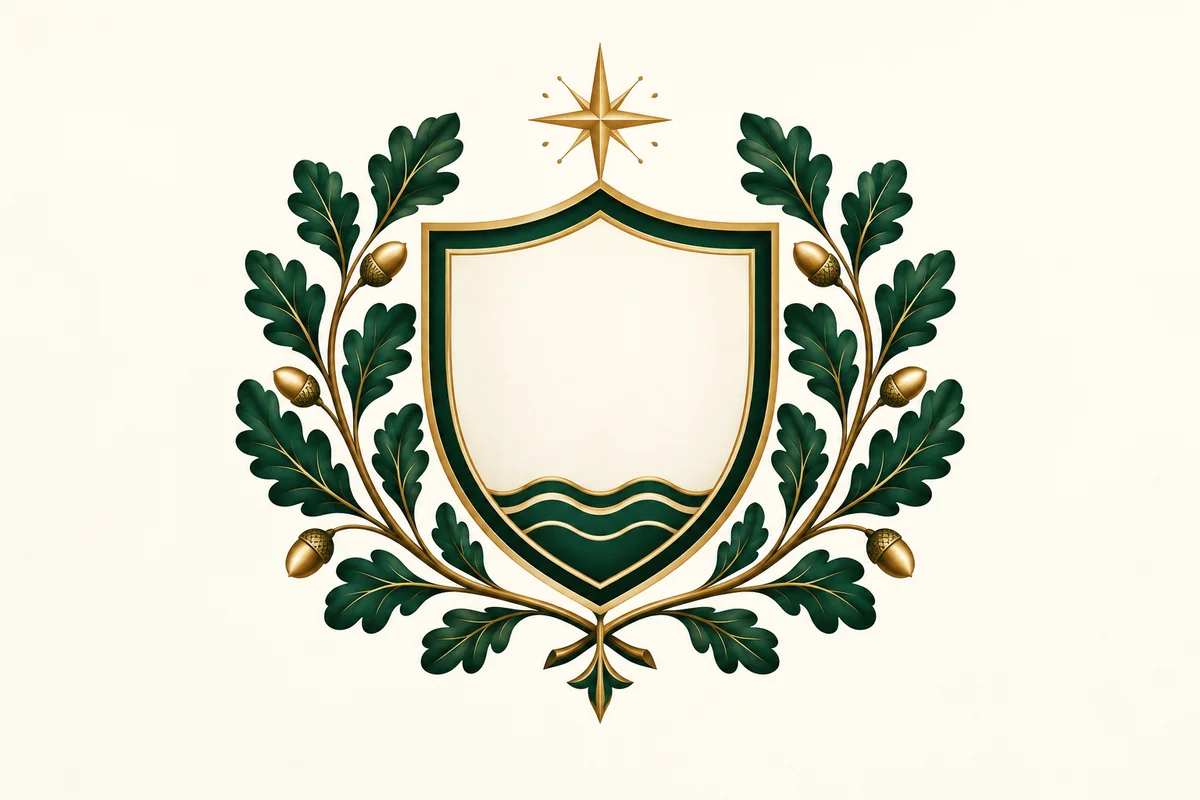
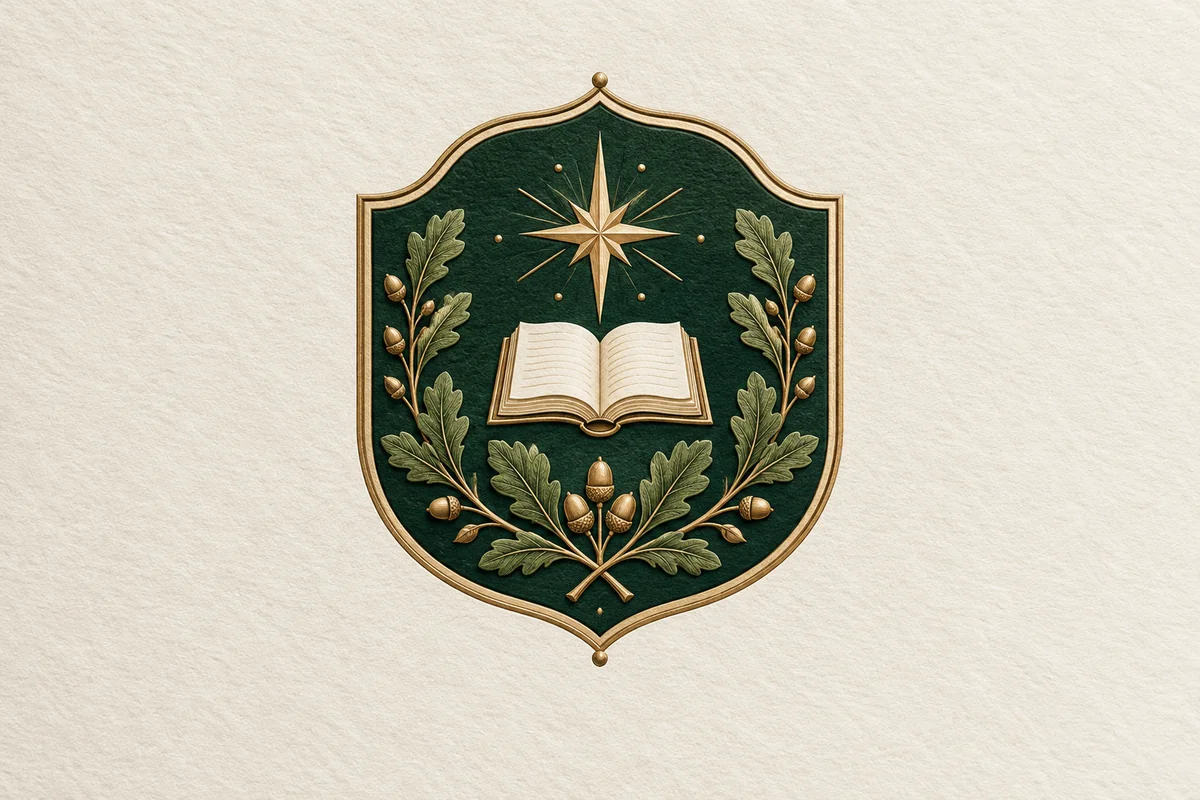
Create a family crest concept that brings a surname, meaningful place, or shared tradition into one visual identity. GoEnhance's prompt-based image generation can combine a shield, oak leaves, stars, animals, or a restrained palette into a coherent emblem direction, making it easier to explore a family mark before choosing final artwork. For broader concept work, the AI Image Generator hub connects this page to related image tools. Use the result as a starting point for reunion pages, invitations, or club materials, and review generated lettering carefully.
Monograms for Compact Badges
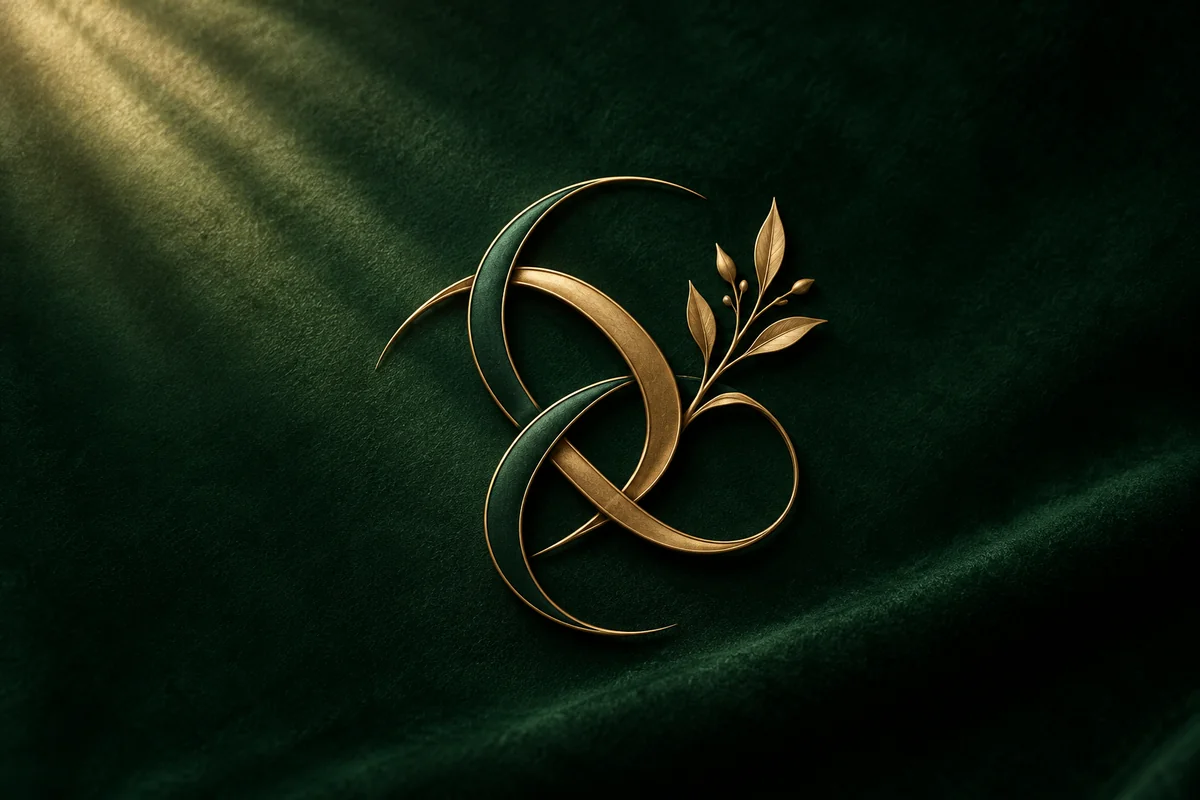
Create monogram-led badges that give family initials or club letters a compact focal point. A prompt can pair initials with branches, a simple frame, or a small symbol, helping the generated concept feel tied to the group's story rather than a generic seal. The AI Font Generator offers a related way to explore type treatments when the lettering itself needs more attention. These images are useful for comparing visual direction across profile graphics and event materials, but inspect all names and initials because image text may not render exactly.
Distinct Marks for Different Groups
Create distinct emblem directions for groups with different audiences instead of relying on one generic badge. A hiking club can use a mountain, compass, and outdoor palette, while a reunion mark might center on a location or shared memory; a children's group may need a more playful mascot and brighter contrast. Prompt-based generation helps bring those themes into separate visual concepts, making it easier to compare tone and symbolism. The result is useful for choosing an art direction for club pages or event materials, not a guarantee of finished or editable crest artwork.
Why Explore Family Club Logo Generator Concepts with GoEnhance AI
Family and Club Themes
Flexible Symbol Directions
Reference-Guided Exploration
Explore More Band Lettering and Logo Styles
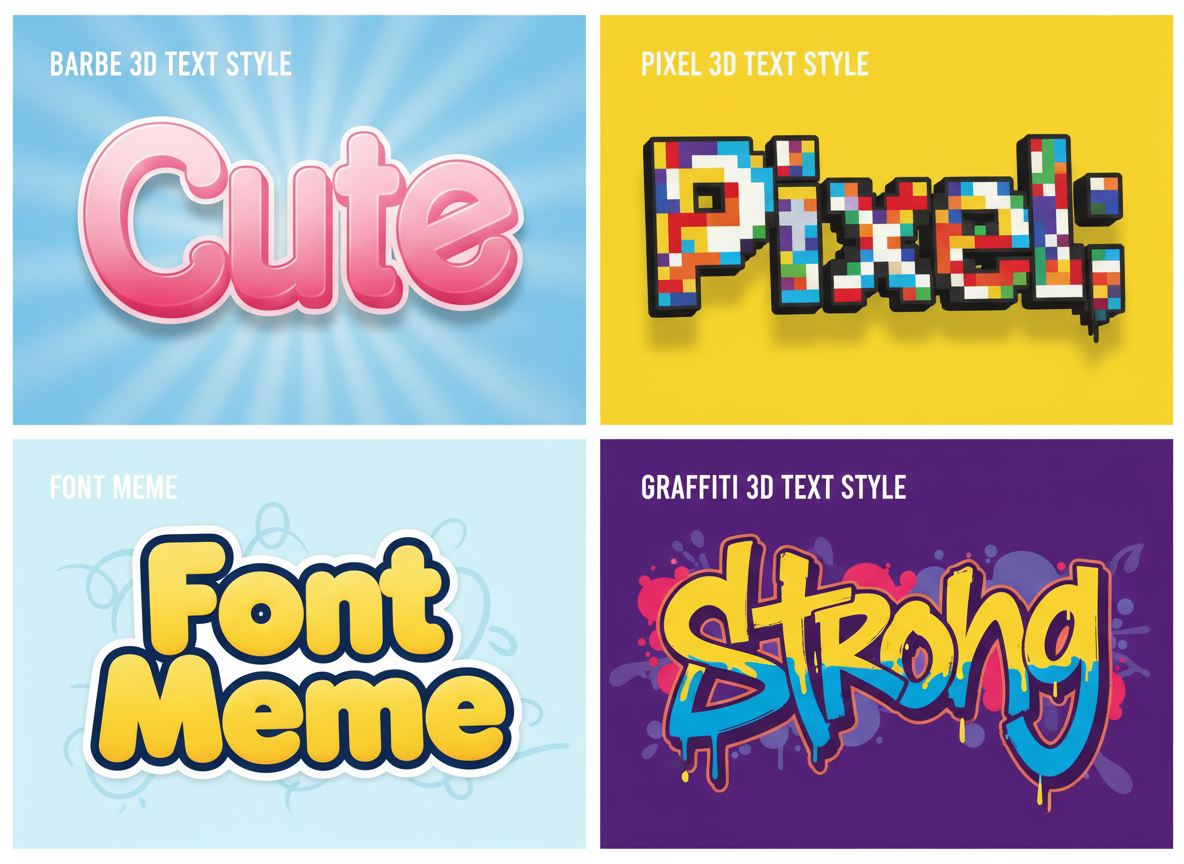
Free 3D Text Generator
Give a band name dimensional lettering for a release announcement or promotional graphic.
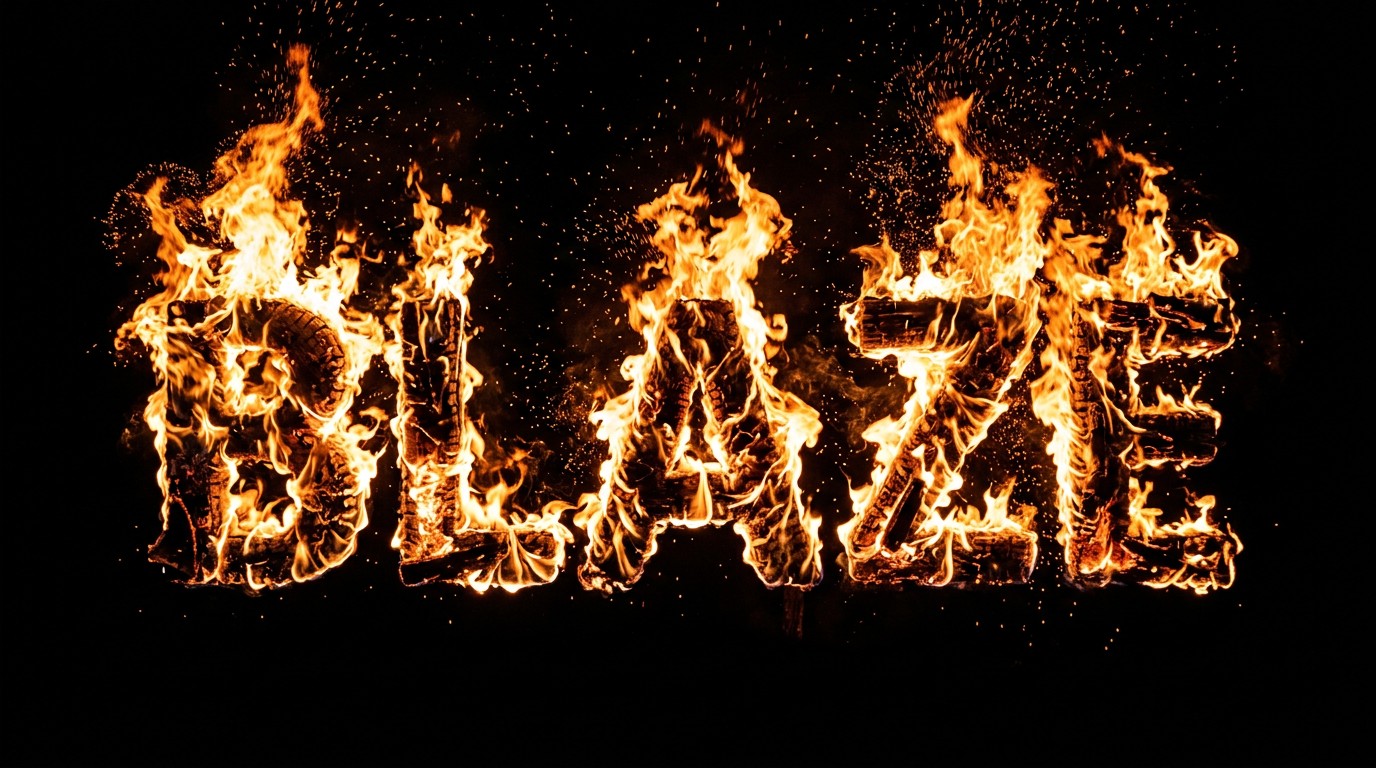
Fire Text Generator
Explore flame-style text for a heavy rock campaign or dramatic show poster.
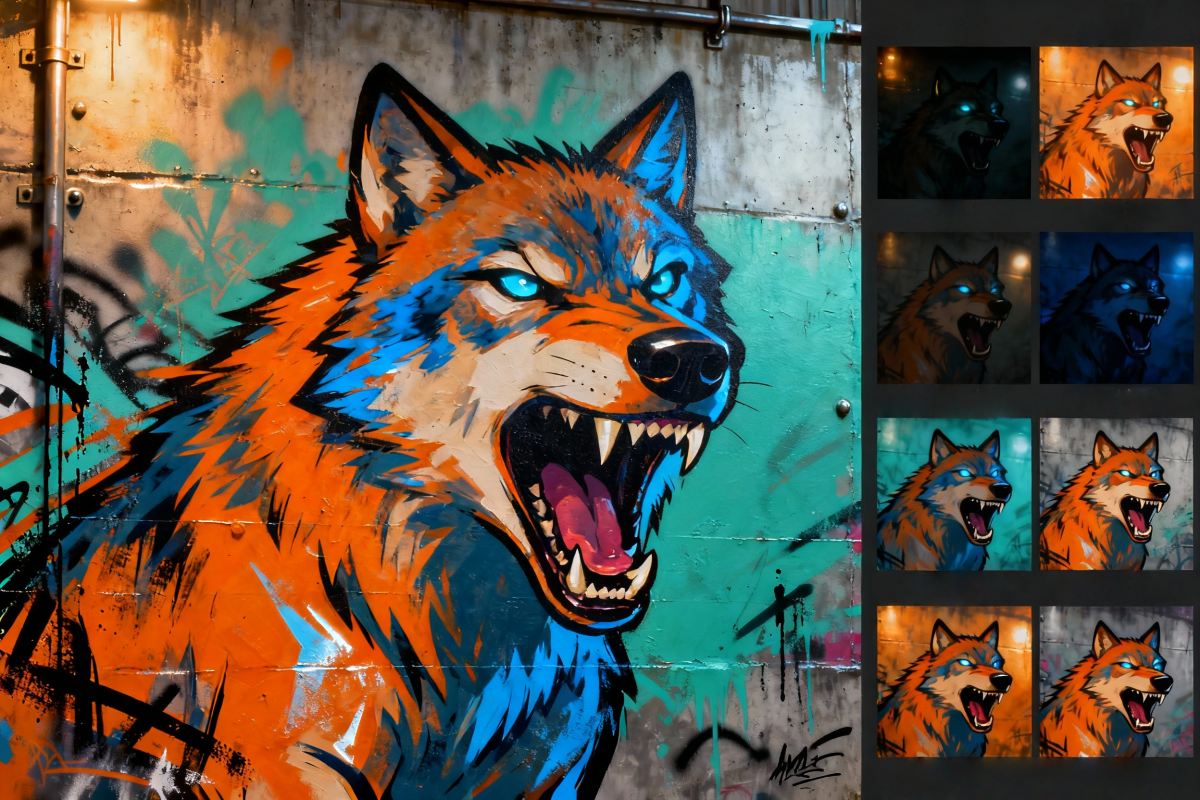
Online Graffiti Generator
Explore expressive graffiti lettering for punk, hip-hop, and crossover music projects.

3D Logo Generator
Explore chrome, glass, and sculpted logo images for a dimensional version of your band identity.
Frequently Asked Questions
What is a family logo generator?
Can I use it as a club logo generator?
Can I include a family name or initials?
What symbols work well for a family crest?
Can I make a family reunion logo?
Can I upload a sketch or reference image?
Can I generate different family logo styles?
Will the result be a print-ready vector logo?
Create a Mark for Your Family or Club
Start with your band name, genre, and one visual idea. Explore a logo direction that fits your next release, show, or music project.
Generate for Free Now