
goenhance logo

Free AI Pet Portrait Generator

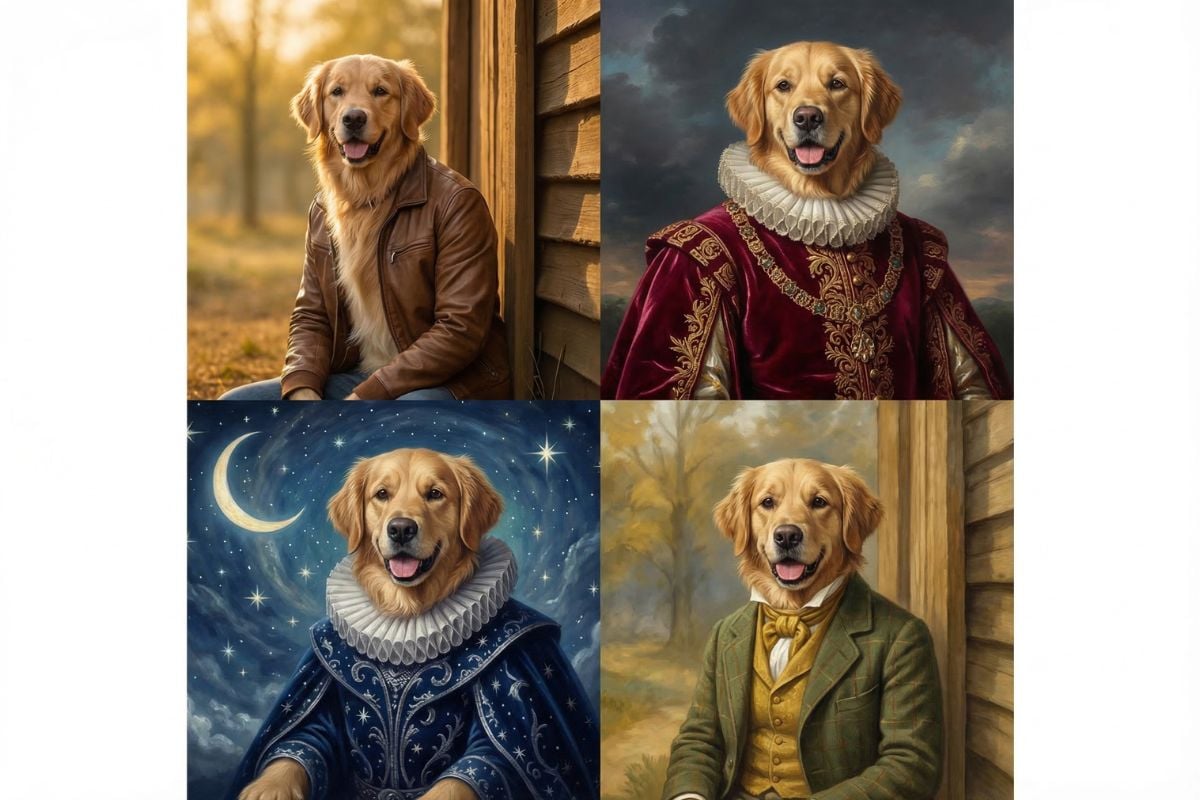
Upload one pet photo and turn it into a styled portrait in minutes. This AI pet portrait generator lets you use a default look for quick results or type your own idea for a more personal finish. From funny styles to a royal pet portrait generator look, it is an easy way to make keepsake images from everyday photos.
Try It Free Now
Text to Image
Image to Image
Select Model
Image

Use Cases

Explore Pet Portrait Features
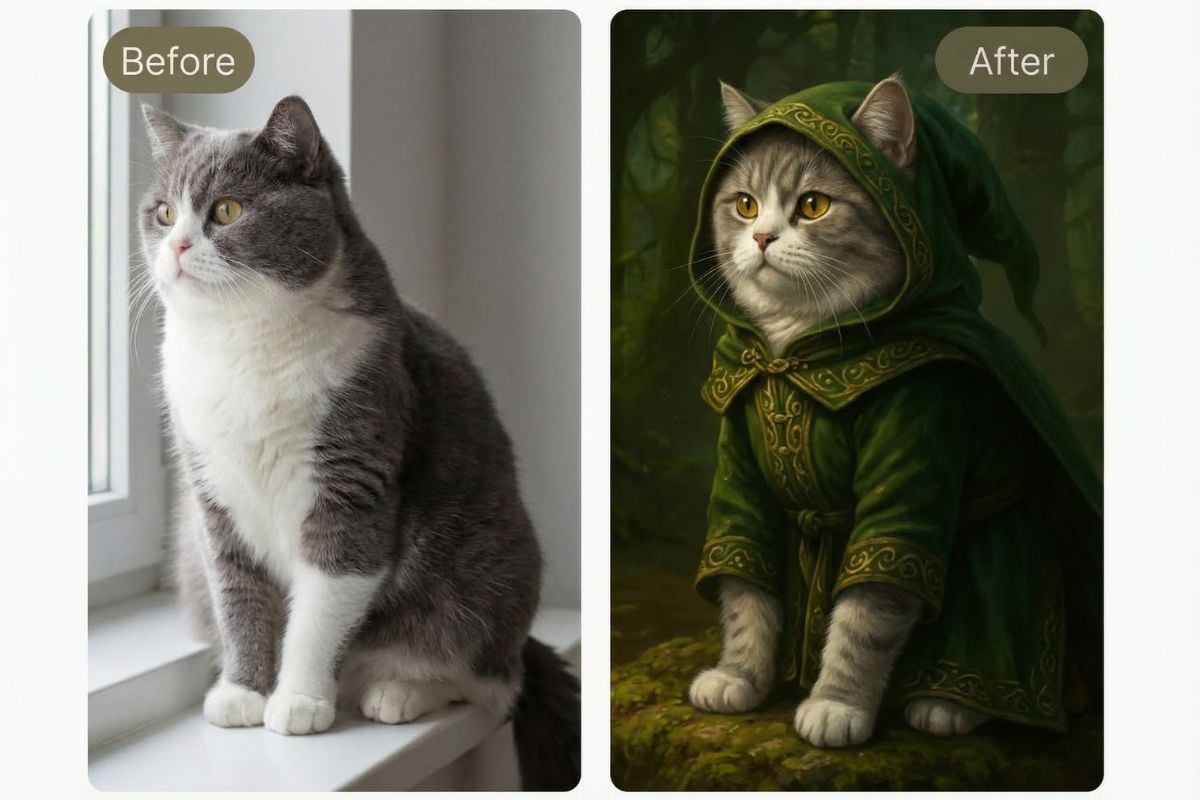
Start with One Simple Pet Photo

You only need one clear image to get started. Upload a dog, cat, or other pet photo, and the tool builds a polished portrait while keeping the face, fur pattern, and overall personality recognizable. It works well for casual snapshots you already have on your phone.

Create Unique Pet Portraits Online in Seconds from Text

Create pet artwork from a favorite photo online without downloading or installing anything. That makes it useful for people searching for an AI pet portrait generator free tool, a free AI pet portrait generator for quick experiments, or something more custom through image to image and our broader AI image generator workflow.
What Our Users Say?

Frequently Asked Questions

You May Want to Know

Is there an AI pet portrait generator free option?

Many users look for an AI pet portrait generator free experience to test styles before committing to a full workflow. Availability can depend on the platform, credits, or plan details, so it is best to check the current access rules on the generation page before starting a bigger batch of portraits.

What does this AI pet portrait generator do?

It turns a pet photo into a stylized portrait. You upload an image, choose a default effect or type your own style idea, and the system generates a new portrait based on that input. In practice, the best results usually come from clear photos where the pet’s face is visible and the lighting is decent.

Can I turn pet photo into art without writing a prompt?

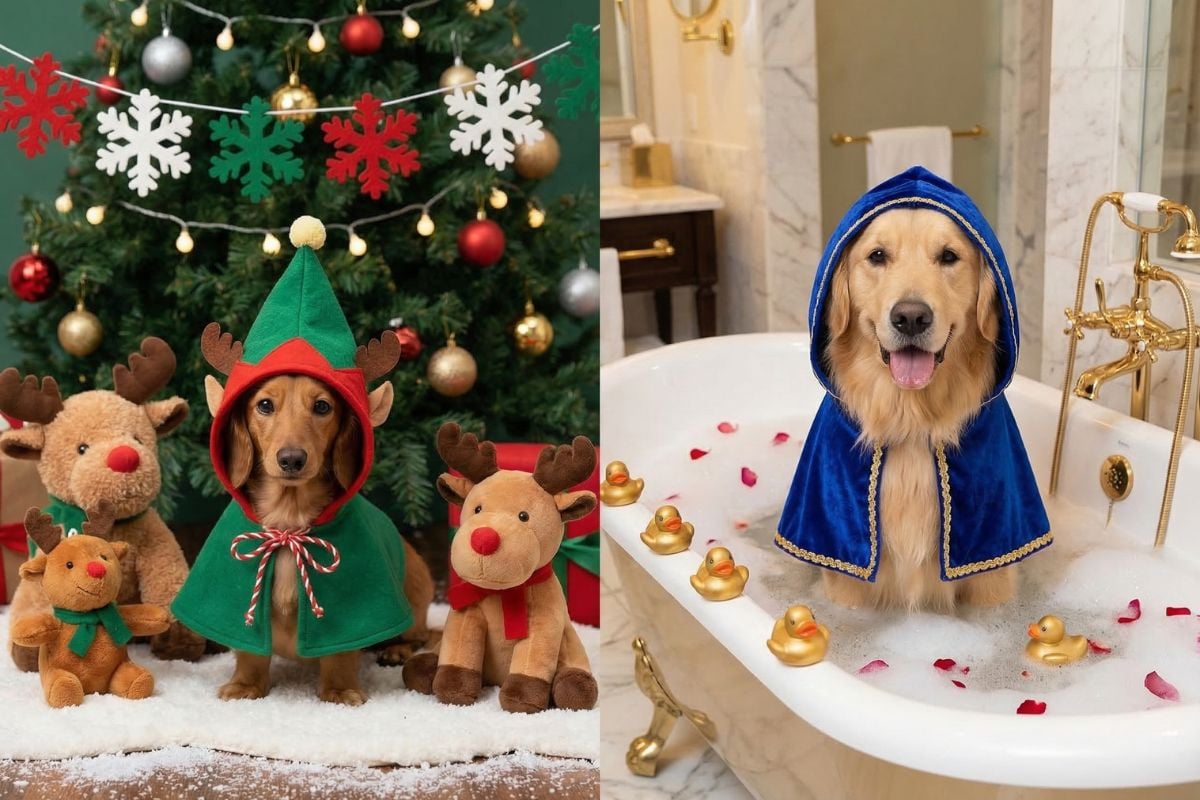
Yes. You can use a built-in look if you want a faster workflow. That is helpful for people who just want a polished result without spending time on prompting. If you want something more specific, like a painterly look, fantasy costume, or seasonal theme, adding your own prompt usually gives you more control.

Does this free AI pet portrait generator work for dogs too?

Yes. It works well for dogs, and you can also use it for cats and many other pets. For the best result, upload a clear dog photo with a visible face, natural fur detail, and a simple background. Blurry images or heavy shadows can make the final portrait less accurate.

Can I make a royal pet portrait with this tool?

Yes. You can choose a preset style if one matches the look you want, or write your own prompt with details like royal clothing, classic painting texture, elegant posture, or a rich background. It is a simple way to create a royal-style pet portrait without any manual drawing.

What kind of pet photo works best?

A sharp, well-lit photo usually gives the best result, especially when your pet is the clear focus of the image. Try to avoid blurry shots, blocked faces, or very dark lighting. Front-facing or slightly angled portraits are often easier for the model to read than distant full-body photos.

Will the portrait still look like my pet?

Usually, yes, but the final result depends on both the source photo and the style you choose. A lighter style often keeps more of your pet’s original look, while a stronger artistic prompt can make the portrait feel more stylized or imaginative. It is normal to generate a few versions before choosing the one that feels most accurate.

Can I use the generated pet portraits for gifts or business use?

That depends on the usage rights included in your plan and the platform’s current terms. For personal gifts, keepsakes, and social posts, these portraits are commonly used without issue. For resale, client work, or product listings, it is best to review the latest commercial-use policy first.

What should I do if the first result does not look right?

Start small. Try a clearer source photo, a simpler prompt, or a different preset style instead of changing everything at once. In most cases, small adjustments make it easier to see what is actually improving the result.

Ready to Make a Pet Portrait You’ll Want to Keep?

Upload a favorite pet photo, try a ready-made effect, or describe your own style and see where it goes. Whether you want a soft painting, a playful character look, or a more formal portrait, this tool gives you a quick way to turn everyday pet images into something worth saving.

Create Your Pet Portrait