Turn Jewelry Ideas Into Detailed Visual Concepts

Describe the piece type, silhouette, metal, stone, setting, finish, proportions, and presentation. Generate concepts for rings, necklaces, earrings, bracelets, or pendants, compare variations, and download references for design discussion.
Generate Jewelry Concepts
AI Jewelry Generator product workflow

What You Can Create With AI Jewelry Generator
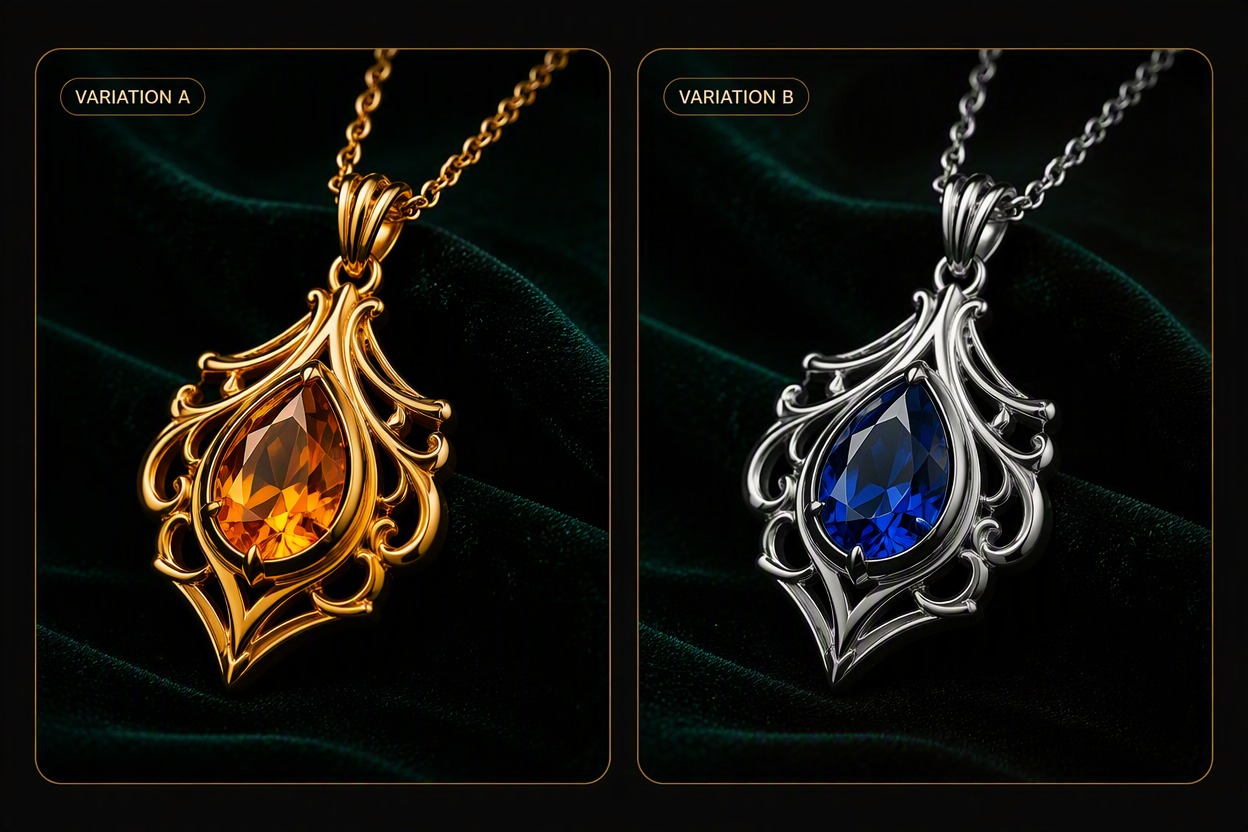
Design Rings Around a Stone and Setting

Describe the band profile, stone shape, setting style, metal tone, surface finish, and side-view proportions to create a focused ring concept.

AI Jewelry Generator: design rings around a stone and setting

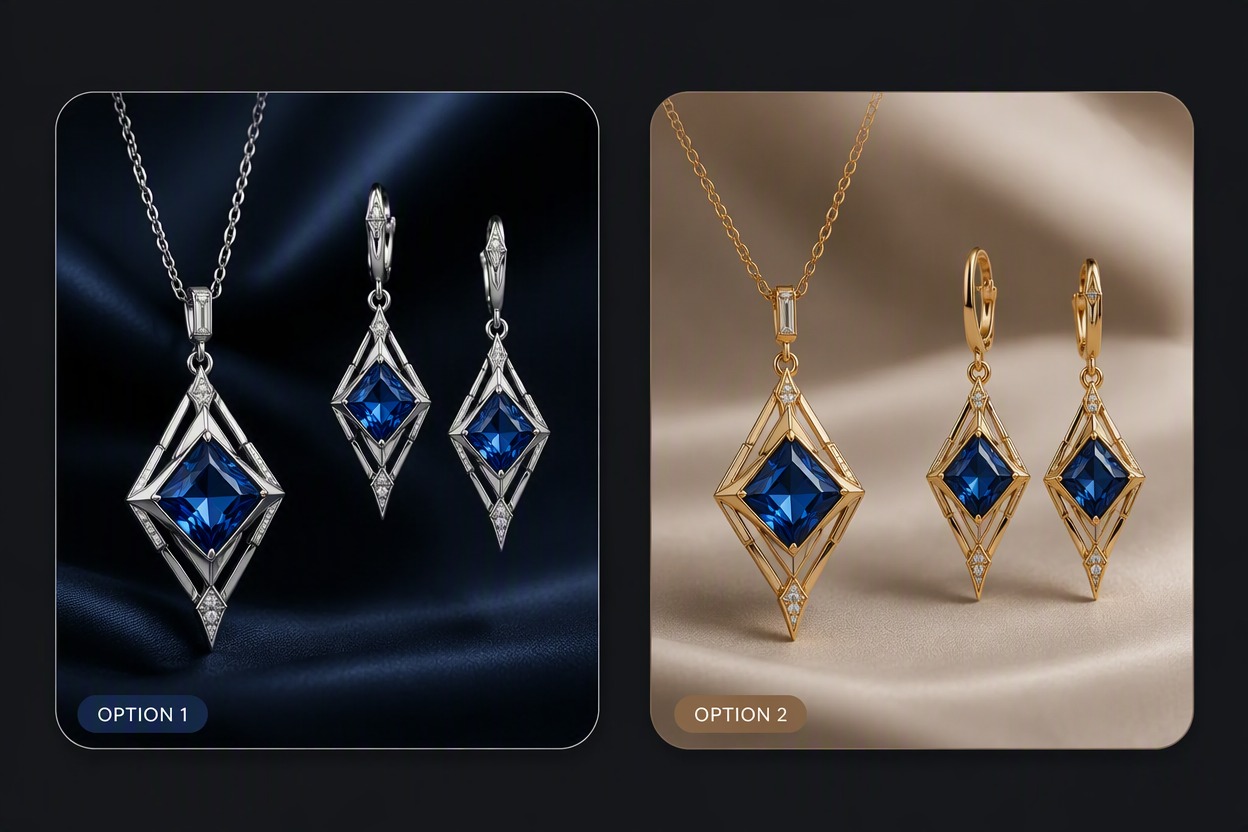
Explore Necklaces, Pendants, and Earrings

Define chain weight, pendant silhouette, earring structure, symmetry, stone placement, and scale for a coordinated concept family.

AI Jewelry Generator: explore necklaces, pendants, and earrings

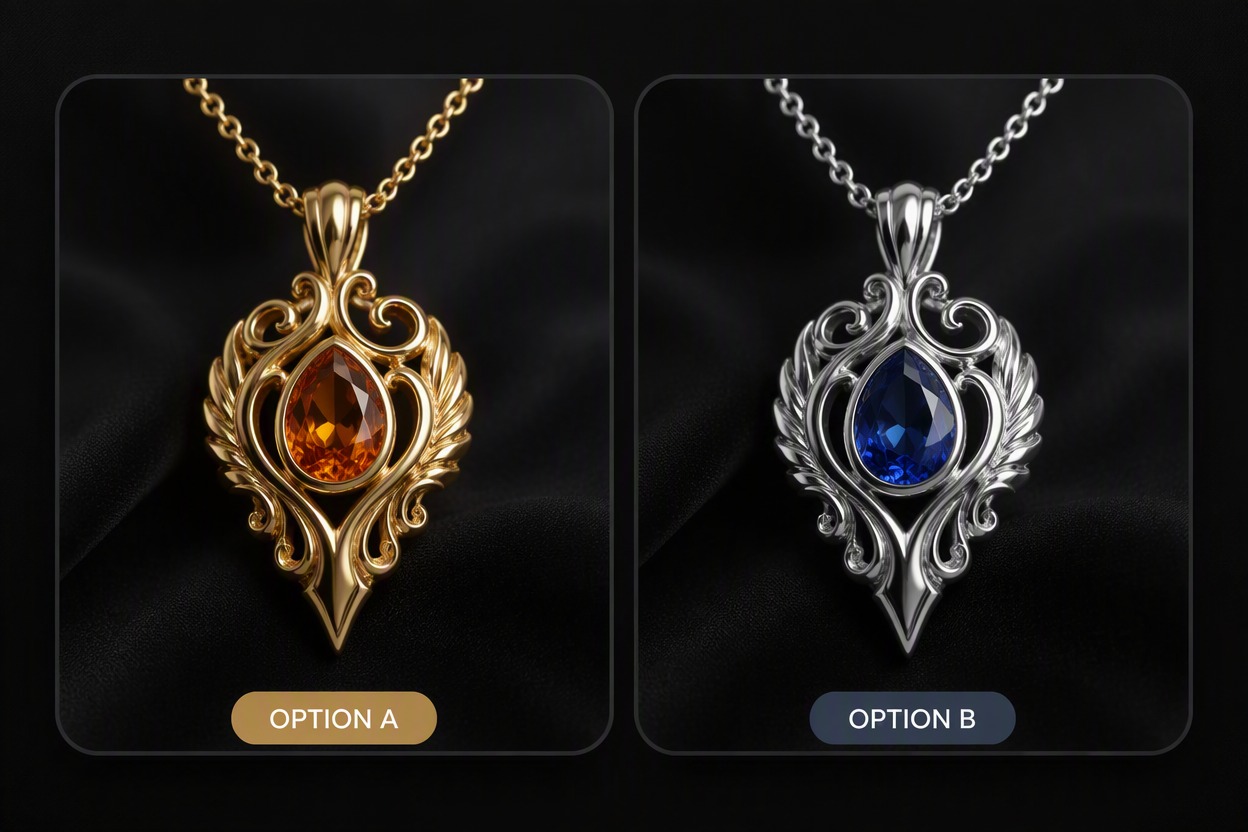
Build Product-Style Jewelry Visuals

Place the generated piece on a clean background, display stand, or tasteful adult model for mood boards, catalog drafts, presentations, or campaign planning.

AI Jewelry Generator: build product-style jewelry visuals

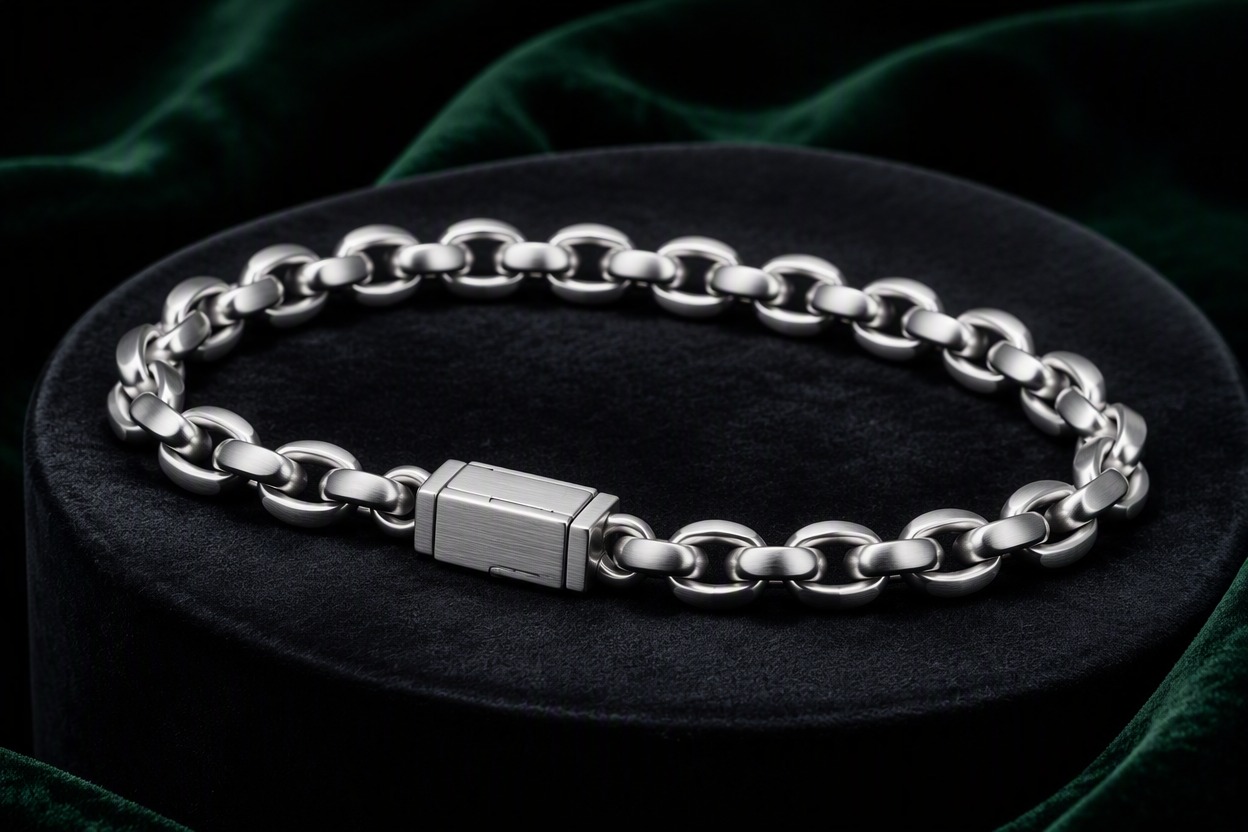
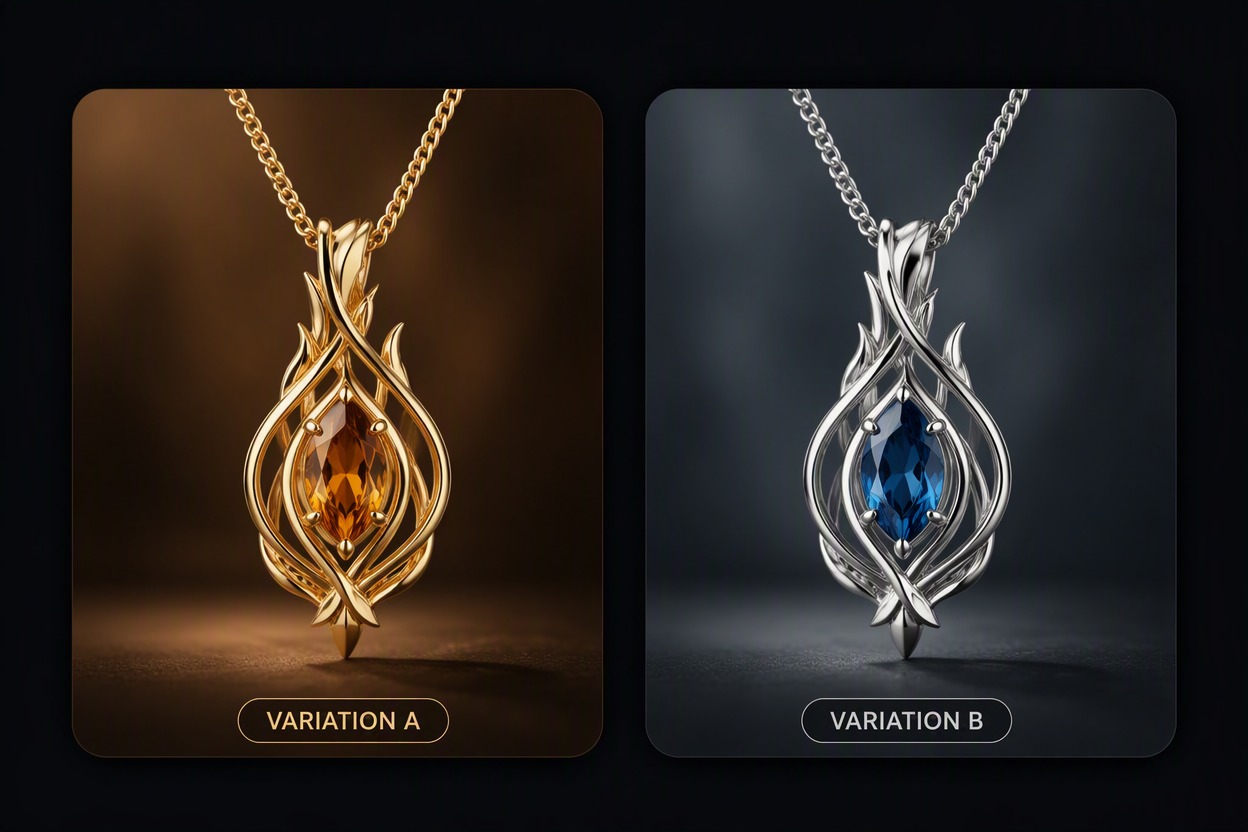
Compare Materials and Silhouettes

Test yellow, white, or rose metal tones, polished or brushed finishes, stone colors, and structural directions before choosing concepts for professional review.

AI Jewelry Generator: compare materials and silhouettes

AI Jewelry Generator Workflow Highlights

Detailed Jewelry Briefs

Specify type, silhouette, metal, stones, setting, finish, scale, and presentation.

Rings and Stone Settings

Explore bands, prongs, bezels, halos, profiles, and stone arrangements as visual concepts.

Necklace and Earring Concepts

Develop pendant, chain, drop, hoop, stud, and coordinated set directions.

Material and Color Variations

Compare metal tones, gemstone palettes, enamel, texture, and surface finish.

Product Presentation Images

Create clean isolated views, display scenes, and tasteful adult editorial presentations.

Design Handoff References

Download selected concepts for discussion with a qualified jewelry designer, gem specialist, or manufacturer.

How to Use AI Jewelry Generator
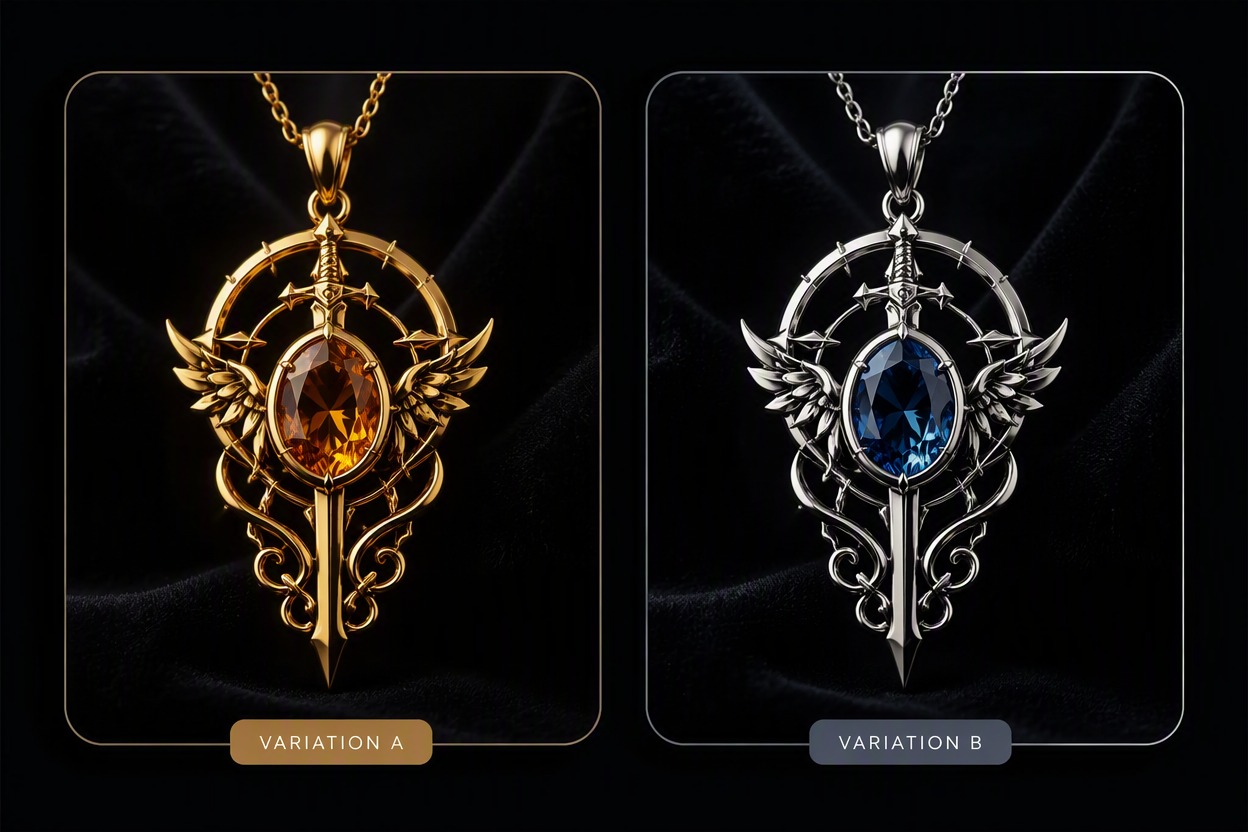
Step 1 1

Describe the Jewelry Piece

Name the jewelry type, silhouette, metal tone, stone shape and color, setting, finish, scale, and preferred presentation.
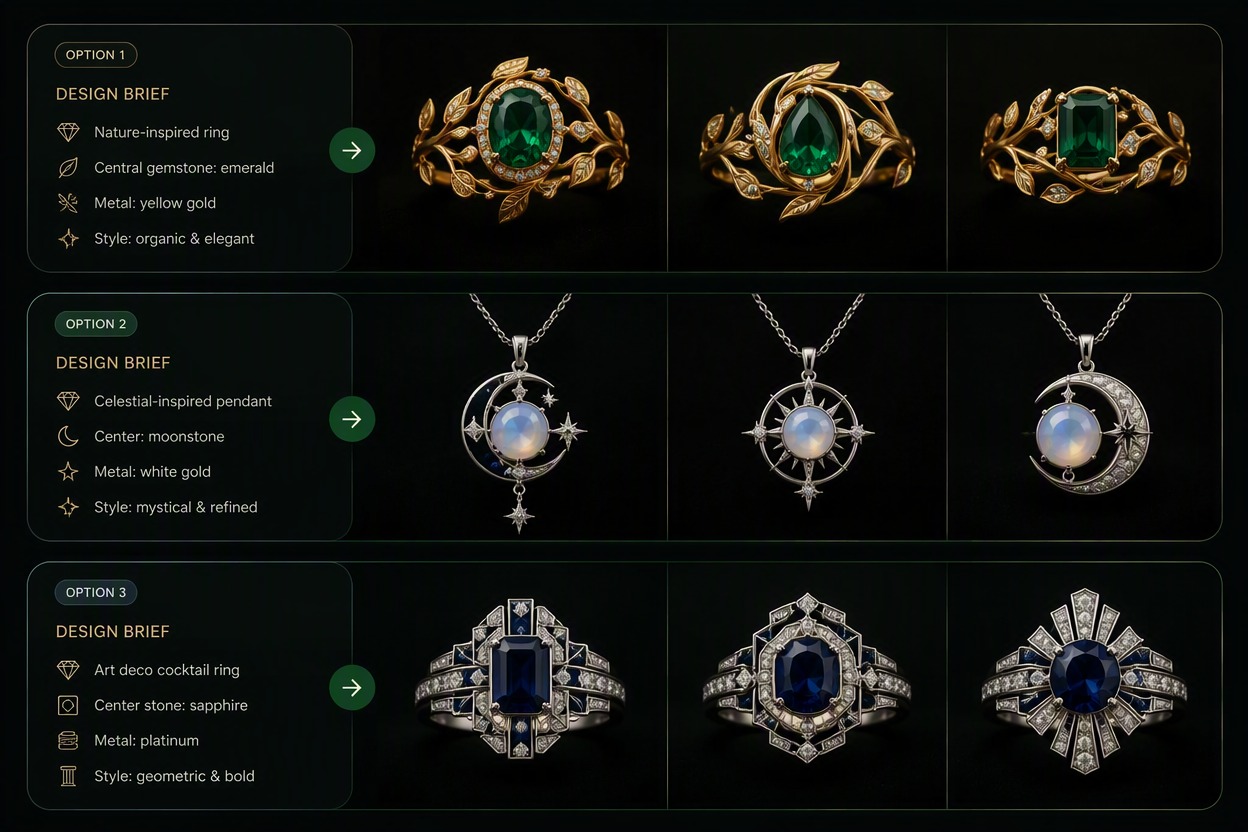
Step 2 2

Generate and Compare Concepts

Create several focused variations and compare front, side, clasp, stone placement, symmetry, and overall proportion.
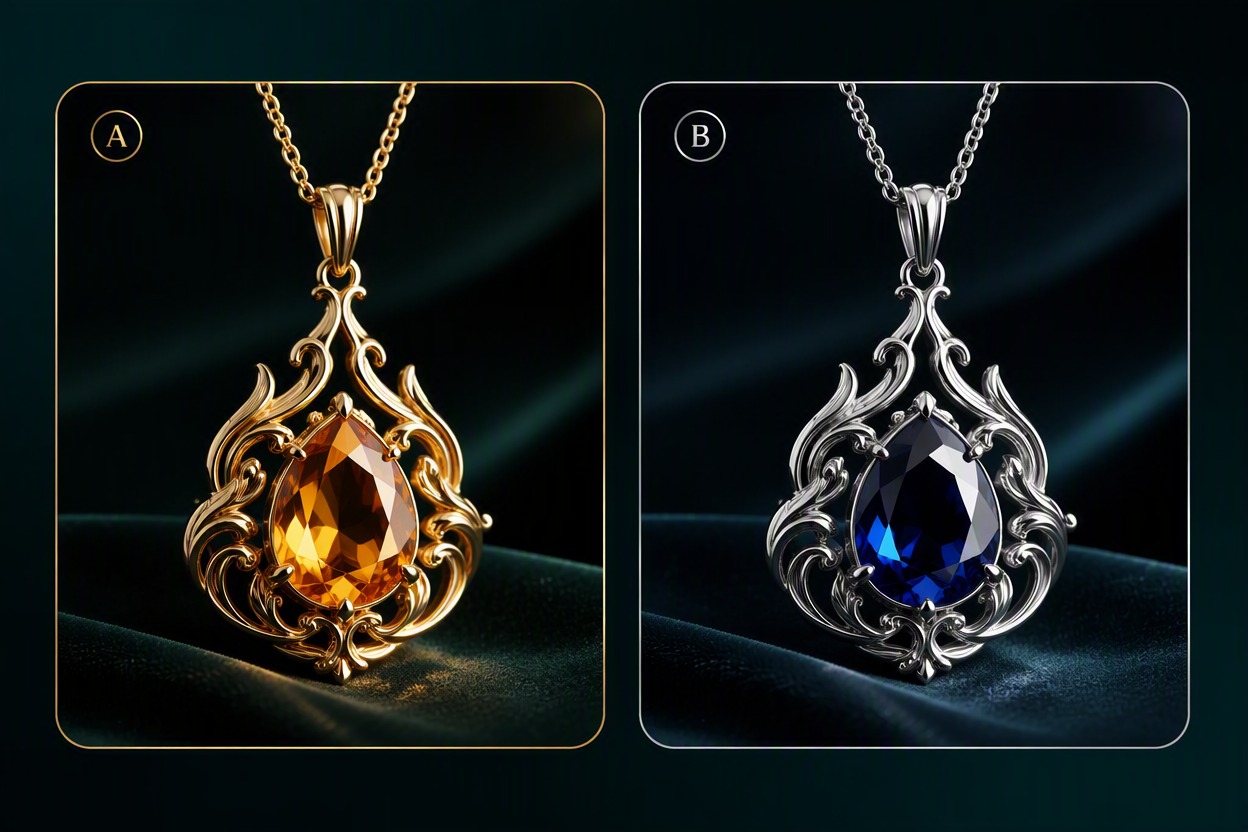
Step 3 3

Download a Reference for Professional Review

Choose the strongest concept and ask a qualified professional to verify construction, durability, stone security, dimensions, material, cost, and manufacturing feasibility.

AI Jewelry Generator FAQ

What can an AI jewelry generator create?

It can visualize concept images for rings, necklaces, pendants, earrings, bracelets, brooches, and coordinated sets from a detailed design brief.

How does an AI image generator for jewelry work?

Describe the piece, metal, stones, setting, silhouette, finish, proportions, and presentation. Generate variations, compare visible structure, and download selected concepts.

Is AI generated jewelry ready to manufacture?

No. Generated images can contain impossible prongs, floating stones, weak clasps, inconsistent symmetry, or hidden construction problems. A qualified professional must create and verify production drawings.

Can I use the free AI jewelry design generator?

GoEnhance AI provides free credits for trying image workflows. Available credits, queues, account requirements, output options, and continued-use limits can change.

How do I get more consistent jewelry concepts?

Focus each prompt on one piece, one view, one material family, one stone arrangement, and one presentation. Avoid combining several unrelated design directions.

Can I generate jewelry on a model?

Yes, for a presentation concept. Use fictional adult models, describe scale and placement clearly, and inspect hands, ears, neck, clasps, chains, reflections, and skin contact.

Can I sell a generated design?

Check originality, trademarks, source rights, platform terms, material feasibility, and local requirements. Do not copy a protected signature design or market a concept image as a finished manufactured item.

Create Jewelry Concepts With GoEnhance AI

Describe the piece, materials, stones, setting, finish, and presentation, then generate visual concepts for professional design review.

Generate Jewelry Concepts