
AI Hourglass Body Generator
Create polished hourglass body images with GoEnhance AI. Turn simple prompts or reference photos into stylish portraits, fashion concepts, character looks, and social-ready visuals with natural body proportions.
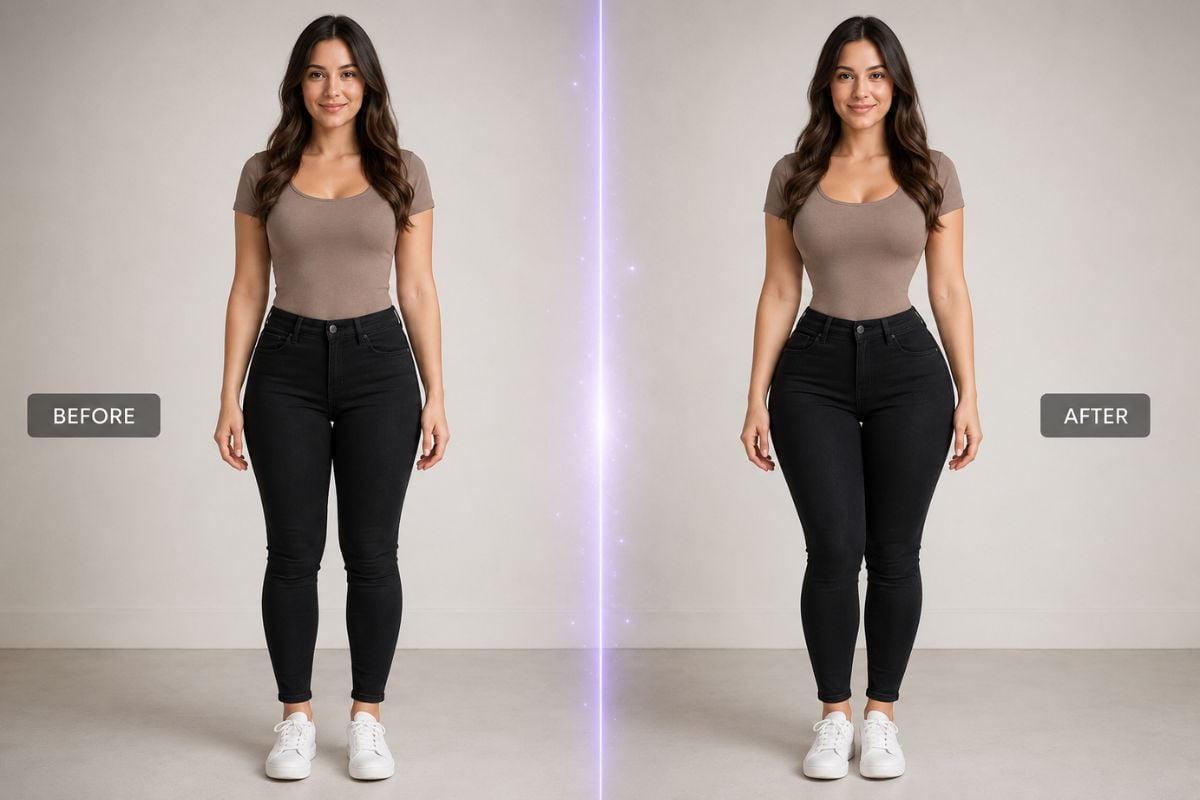
AI Hourglass Body Image Gallery
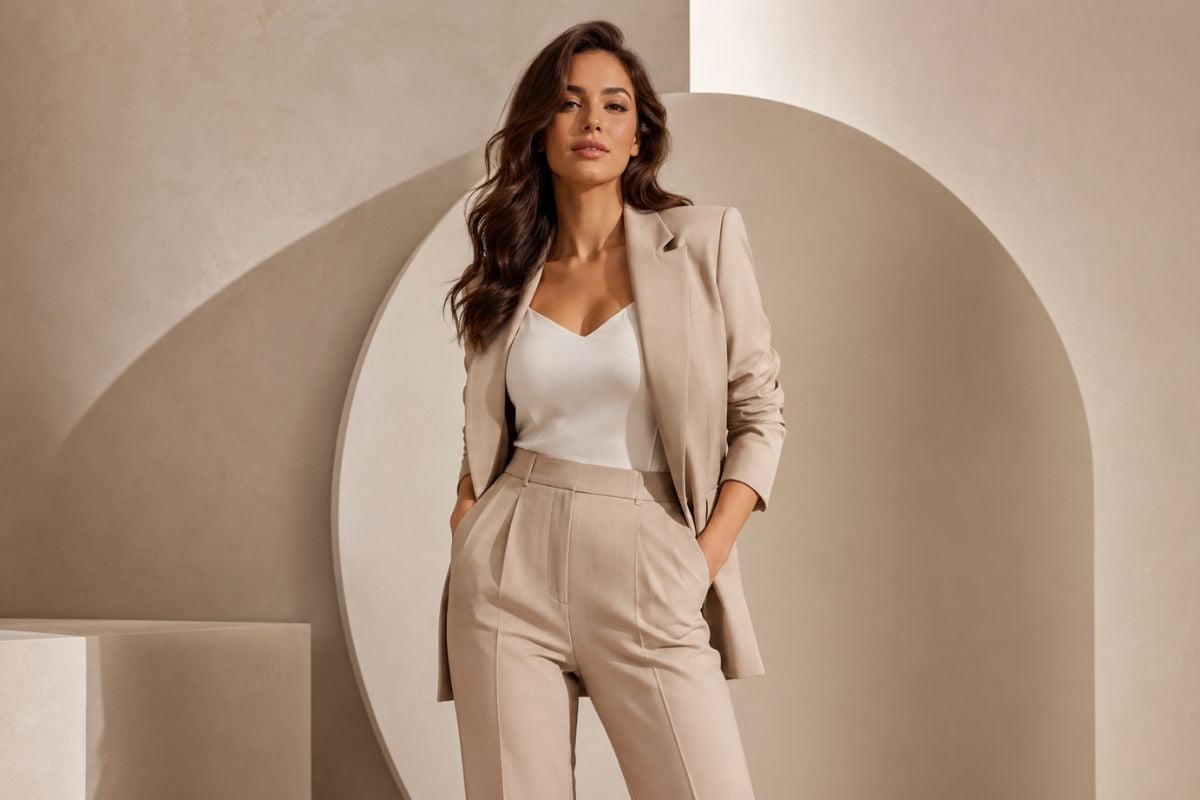
Elegant Hourglass Body Portrait
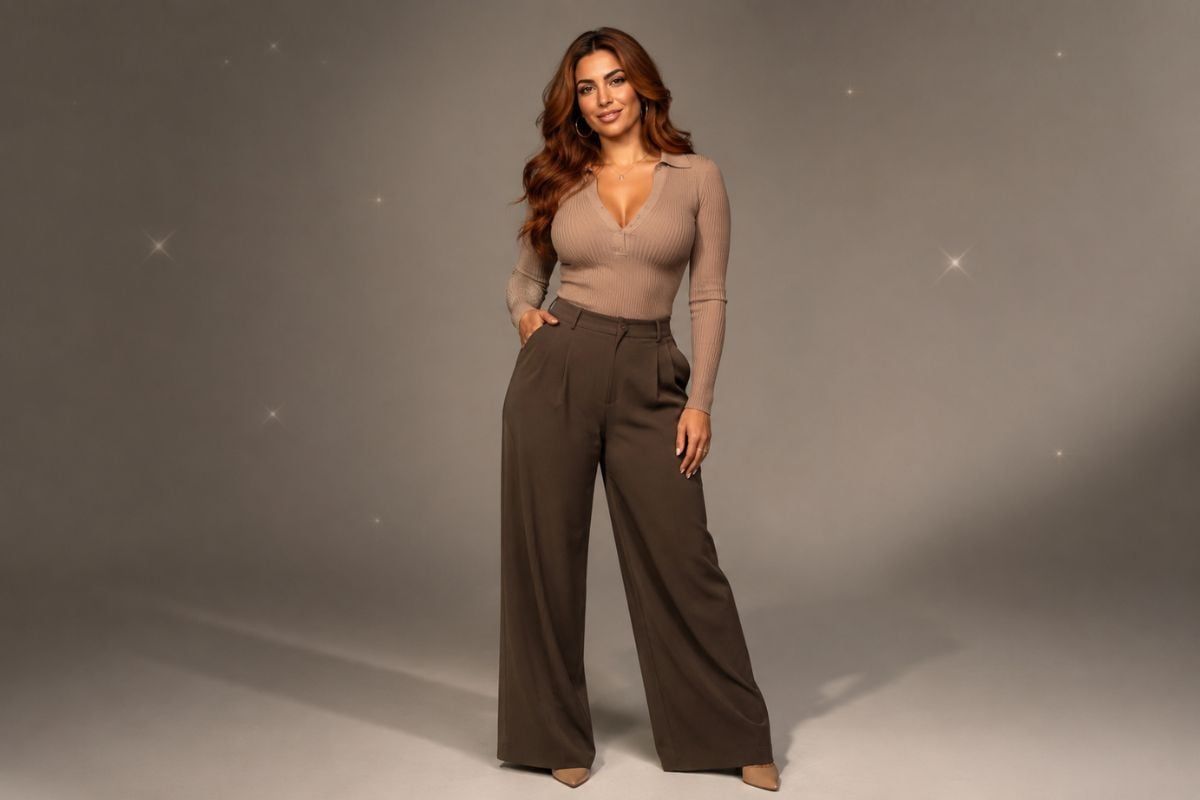
Fashion Style Hourglass Body Look
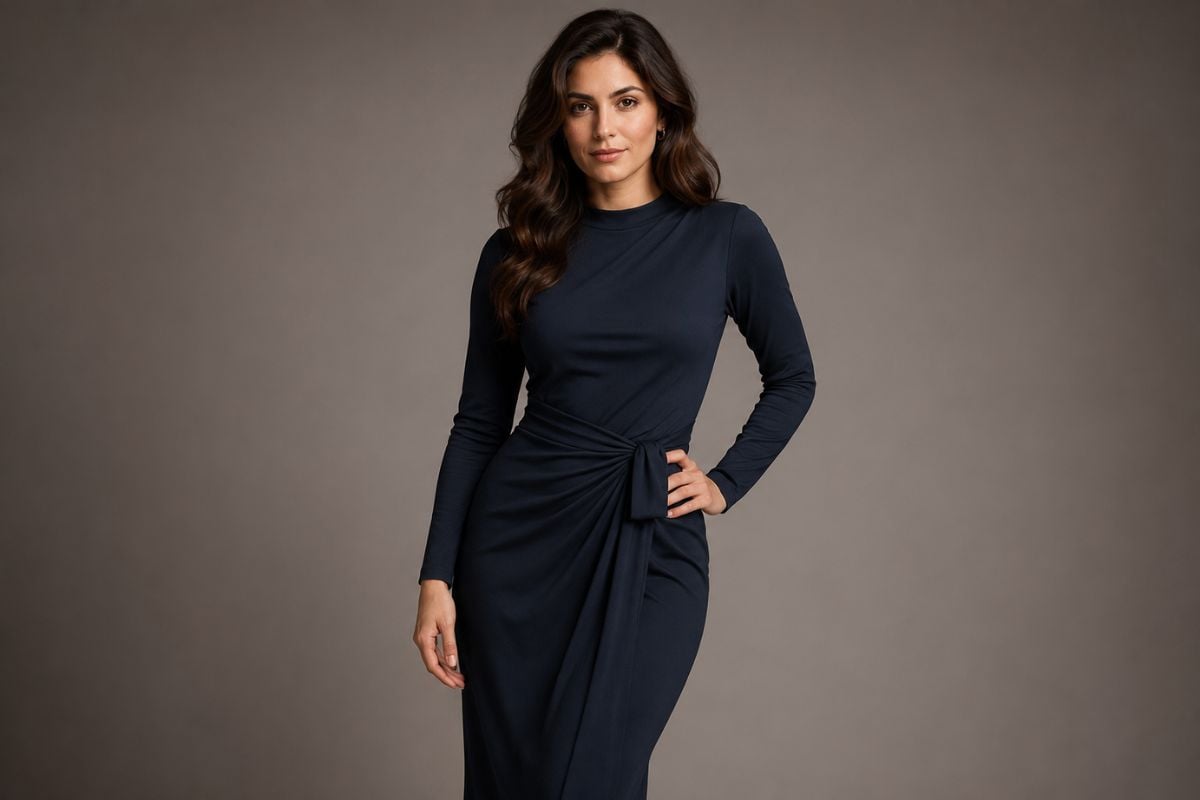
Realistic AI Hourglass Body Edit
How To Use GoEnhance AI Hourglass Body Generator?
Enter Your Prompt Or Upload An Image
Describe the hourglass body style you want, including pose, outfit, background, lighting, and image mood. You can also upload a reference image for a more guided result.
Customize The Body Shape Style
Adjust the prompt to control whether the result feels realistic, fashion-focused, fitness-inspired, anime-style, cinematic, or studio-shot.
Generate And Refine
Create your image, review the body proportions, pose, clothing details, and overall composition, then refine the prompt until the result matches your idea.
Create Better Hourglass Body Images With AI
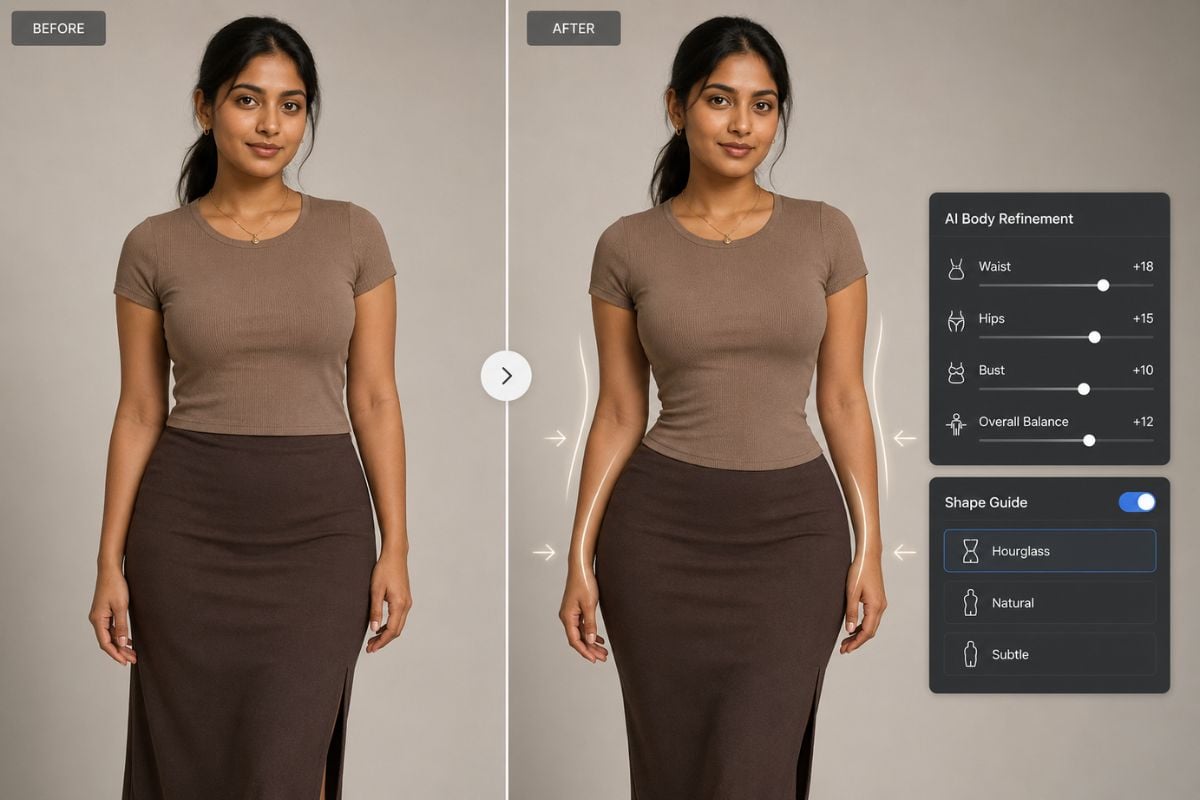
Image Editing For Body Shape Concepts
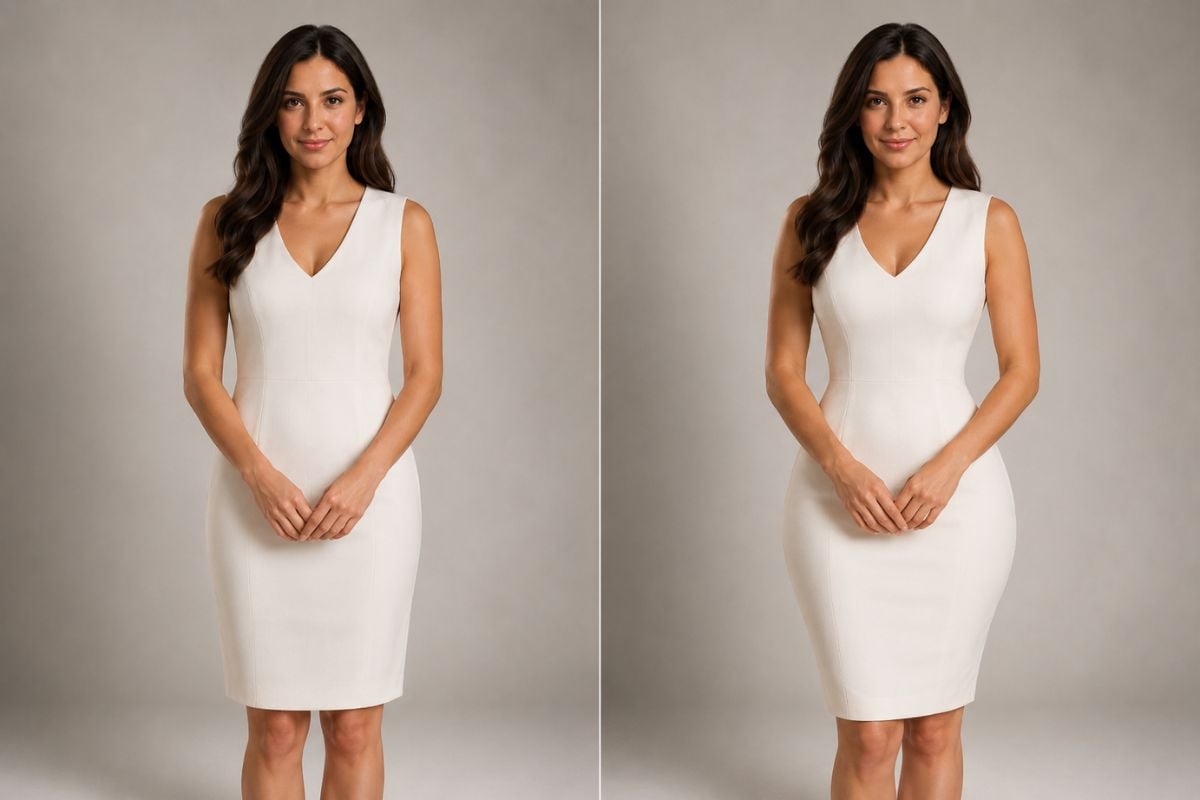
Upload a reference image and use image-to-image AI editing to explore a more balanced hourglass body silhouette while keeping the visual style, clothing, lighting, and composition consistent.
You may want to know
What is an AI hourglass body generator?
Can I upload a photo to create an hourglass body image?
Can I generate realistic hourglass body images?
Can I use this for fashion or character design?
How do I write a good AI hourglass body prompt?
Will the AI keep the original clothing and background?
What image formats are supported?
Ready To Create Your AI Hourglass Body Image?
Use GoEnhance AI to generate stylish hourglass body portraits, fashion concepts, and character visuals from text prompts or uploaded images. Create a clean result, refine the details, and make your image ready for creative use.
Start Creating Now