goenhance logo

Vidnoz AI Video Generator

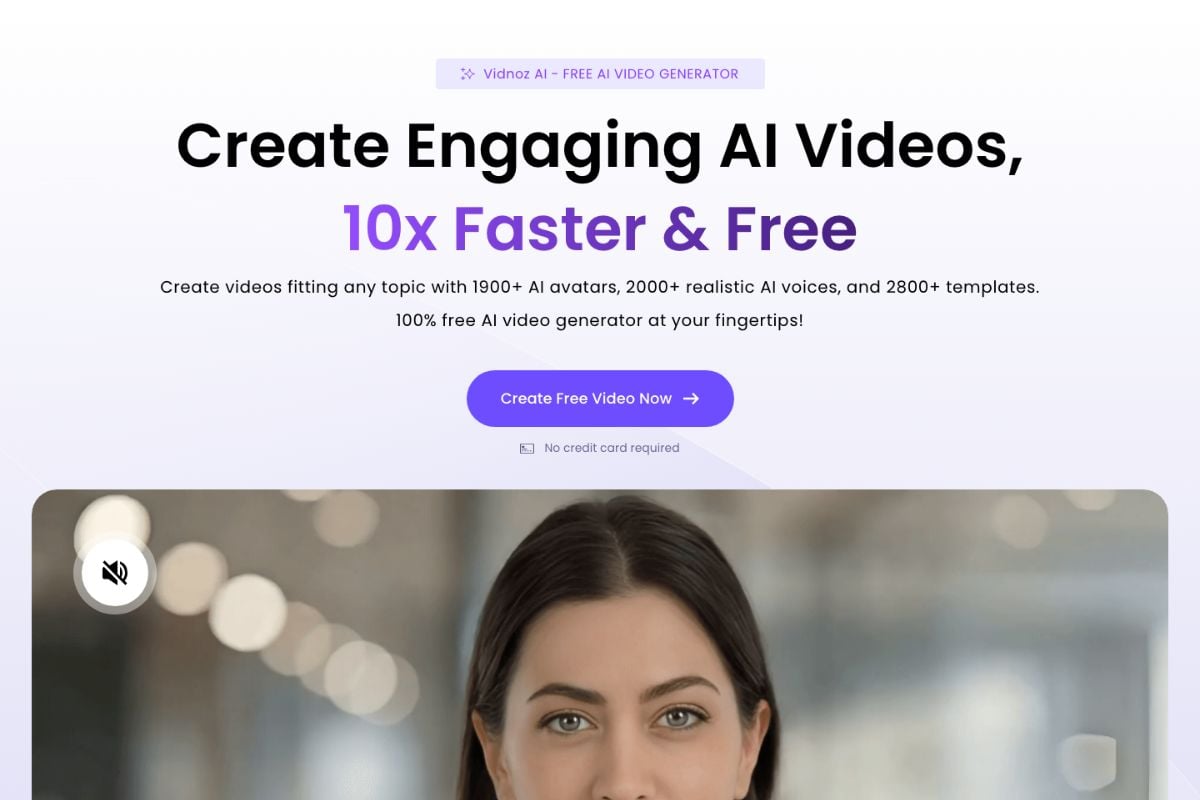
Vidnoz AI works best for fast avatar videos, Vidnoz AI face swap tests, and Vidnoz AI image to video prompts when you need speed first and fine control second.

Where Vidnoz AI Face Swap and Video Tools Help Most

Fast Face Swap Variations

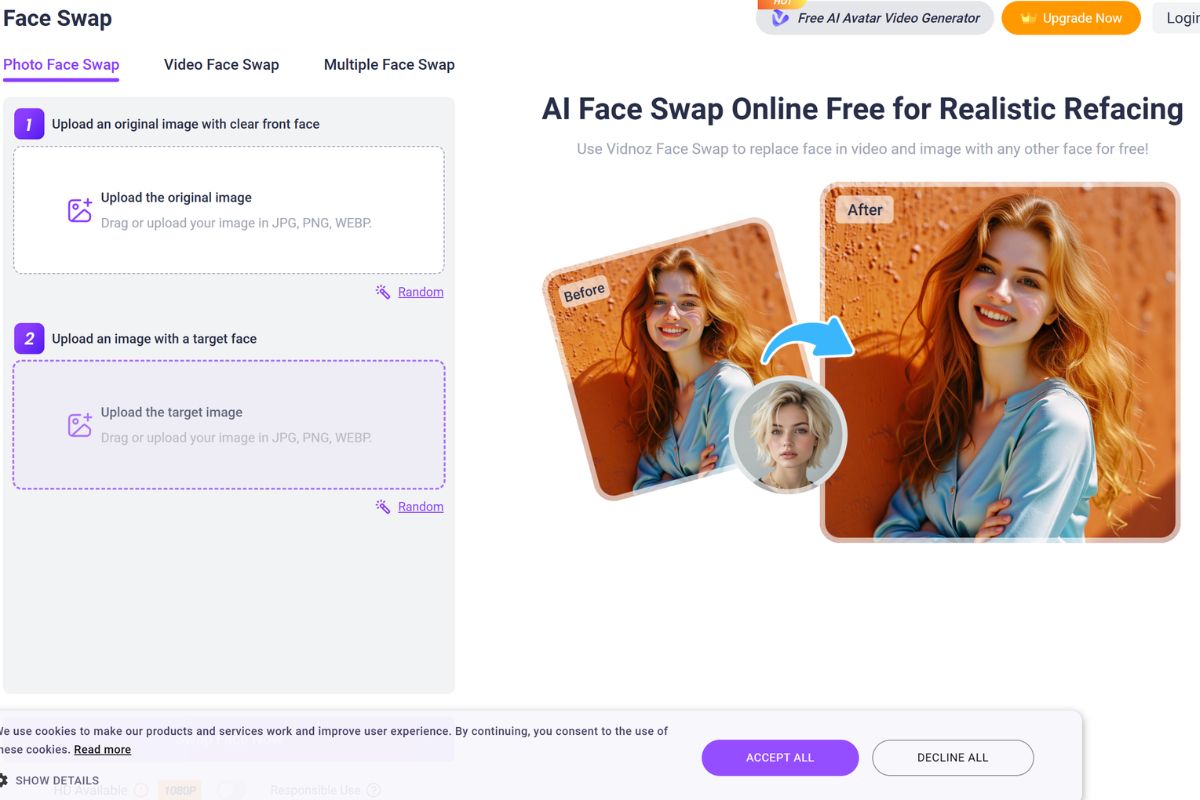
Vidnoz AI face swap is strongest when the job is social, playful, or promo-driven rather than invisible VFX. The official page openly frames it around batch swaps, memes, role play, and casual multi-format refacing, so the win is low-friction output speed, not perfect compositing under hard motion.
Short social video showing a quick browser-based face swap result across a few sample clips

Prompt-Led Photo Motion

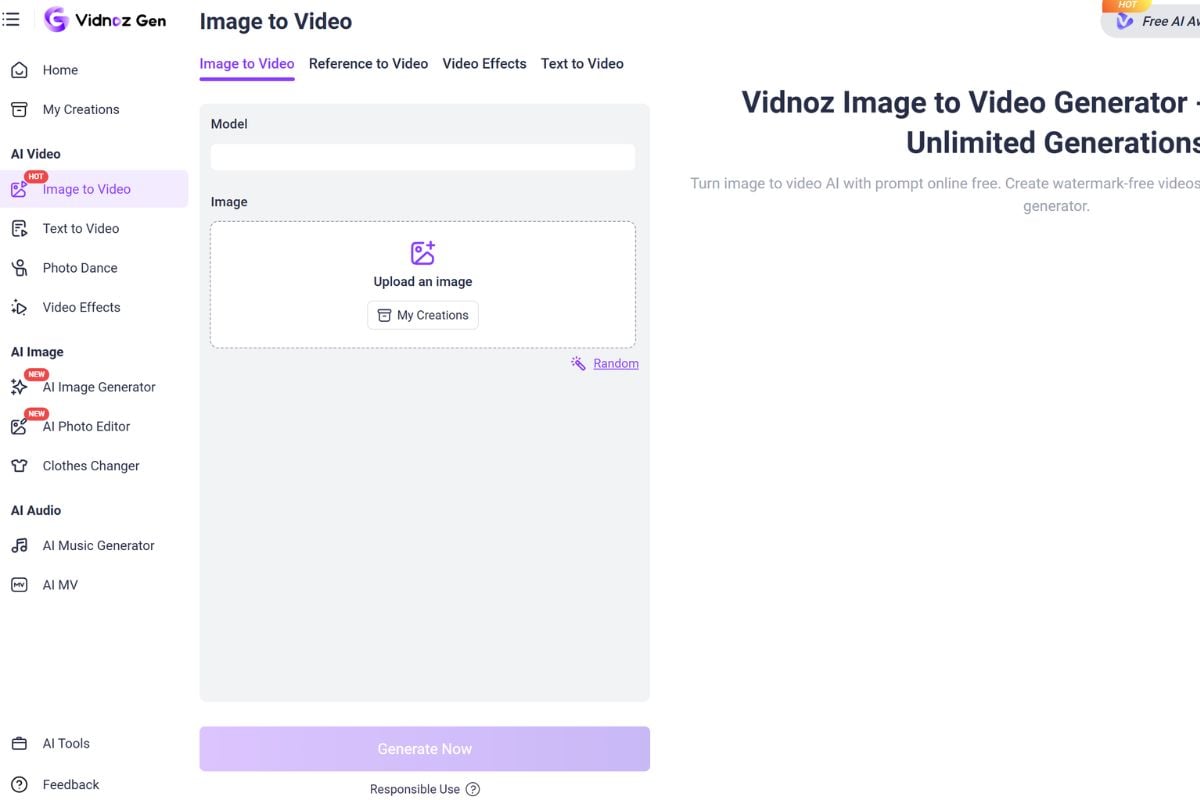
Vidnoz AI image to video works well for quick motion ideas from one still, especially when you only need a short proof clip. The official product page emphasizes no-sign-up access, prompt guidance, and viral-style outputs, which makes it useful for testing movement fast before you commit to a more demanding workflow.
Single still photo turning into a short animated video with simple motion cues and social-friendly framing

All-In-One Creator Access

Vidnoz keeps earning attention because users can move between avatars, talking-photo content, face swap, and video generation inside one account. That breadth is a real workflow advantage when you are still discovering the right format, because it reduces setup friction and makes rough comparison faster than juggling separate tools.
Creator dashboard with multiple adjacent tabs for avatars, face swap, and image-to-video experiments

Convenience Before Control

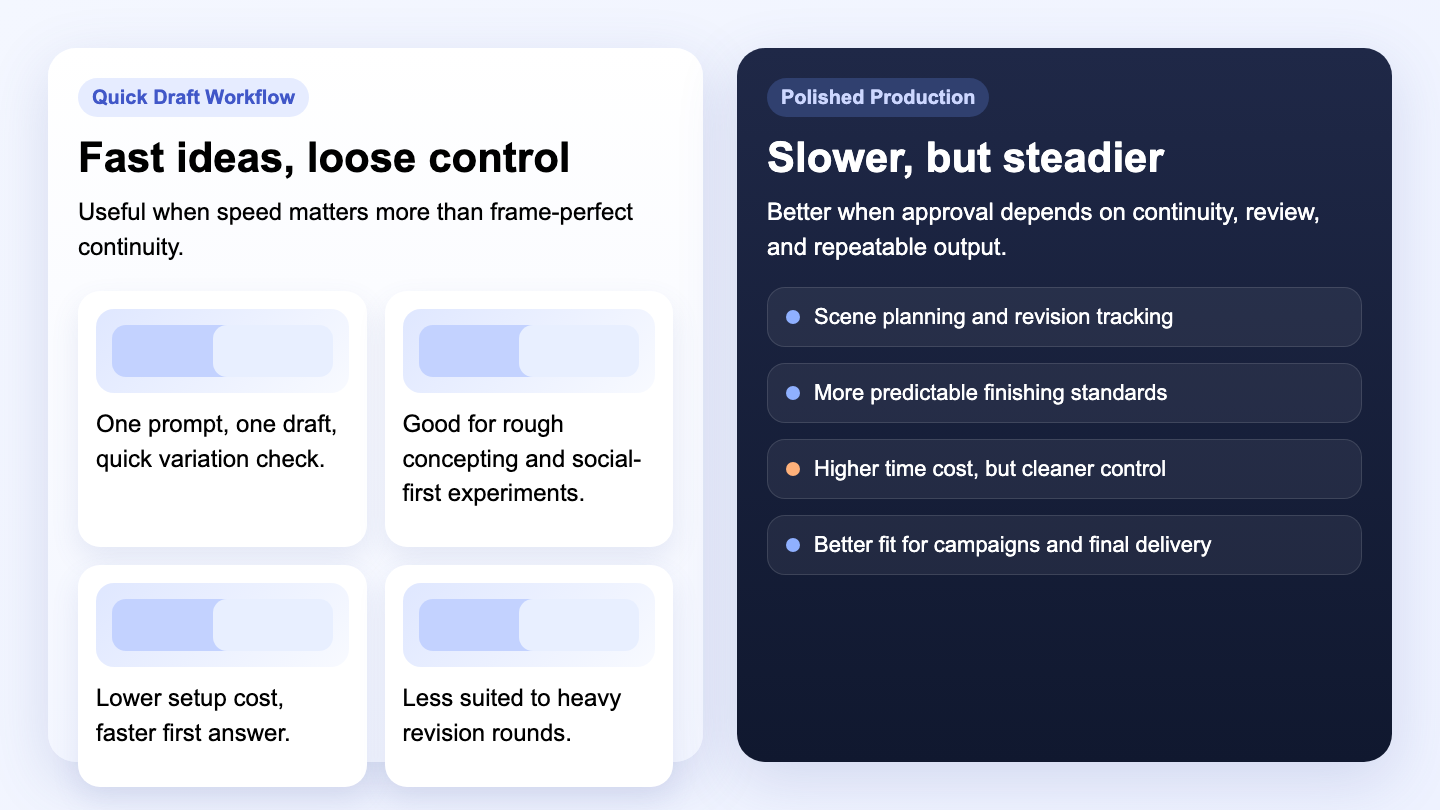
The trade-off appears when the brief needs exact continuity, stricter art direction, or heavy revision rounds. Vidnoz is a better operational fit for quick drafts and concepting than for polished campaign finishing, because broad access does not automatically create the deeper control that production workflows eventually demand.
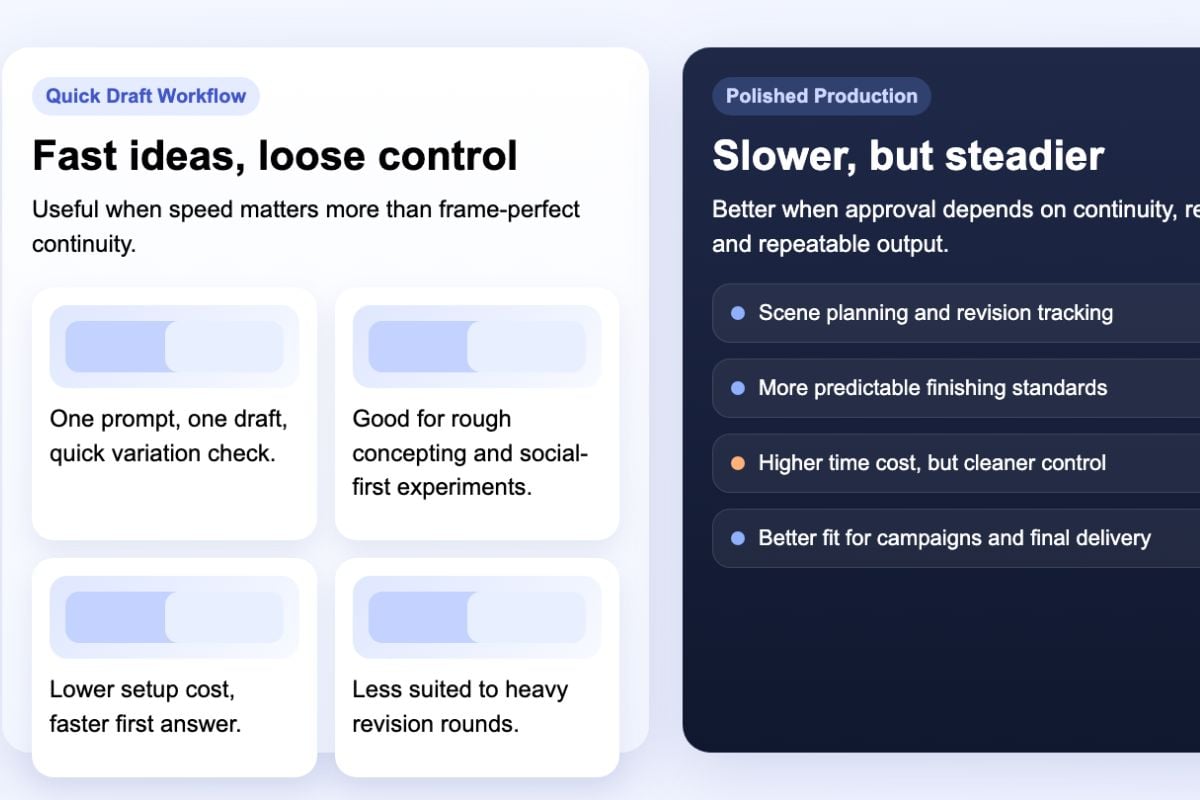
Creative team comparing a quick draft tool against a more controlled production workflow on a planning board
Use it for speed, not perfection

When Vidnoz AI Video Generator Makes Sense

Quick Avatar Drafts

Useful when you need a talking-head style video fast without building a full production stack.

First-Pass Concepting

Good for testing whether an idea deserves a higher-effort workflow before you invest more time.

Light Social Variations

Strongest when short-form promos, memes, or playful variants matter more than exact realism.

Prompt Motion Tests

Helpful for checking whether one still image can carry believable movement in a short clip.

Single Credit Pool

The shared tool bundle is practical when you want to sample several creation paths under one account.

Weaker Final Polish

Less suitable when your approval process depends on precise revisions, continuity, and tighter finishing control.

How to Use Vidnoz AI Video Generator Wisely

Step 1

Pick One Job

Decide whether this run is for an avatar clip, Vidnoz AI face swap, or Vidnoz AI image to video. Narrowing the job first keeps the product breadth from turning into random credit burn.
Step 2

Run A Cheap Proof

Use the free or limited path to test identity, motion, or lip-sync behavior on the simplest version of the shot. The right early question is what breaks first, not what looks impressive once.
Step 3

Scale Or Stop

Only push the prompt, duration, or polish further after the proof already reads correctly. If round two still needs rescue, switch workflows instead of throwing more credits at the same problem.
Try Vidnoz AI First

Vidnoz AI Video Generator Tutorials

Reddit Discussions About Vidnoz AI

Before you build a workflow around it

Common Questions About Vidnoz AI

Is Vidnoz AI face swap good enough for real client work?

It can be good enough for light social promos, internal mockups, and fast creator content, especially when the clip is short and the face angle is easy. I would be more cautious for paid client work that depends on invisible swaps, demanding motion, or multiple revision rounds. Vidnoz AI face swap is strongest when speed and novelty matter more than pixel-perfect realism.

How does Vidnoz AI image to video behave with a single photo and prompt?

The workflow looks intentionally simple: upload one still, add a short prompt if needed, and test motion quickly. That is useful for fast concepting and social-style animation. The catch is that simple access does not guarantee deep control. Vidnoz AI image to video is worth using for proof clips and directional tests, but I would still evaluate motion logic carefully before calling it final.

Is Vidnoz AI video generator actually free?

Free is better read as “freemium with limited access.” Vidnoz openly lists limited use for multiple tools on the free tier, including image to video and text to video. The paid logic is credit-based, which is normal for this kind of creator platform. That means the real question is not whether it is free forever, but whether the free path tells you enough before you start spending credits.

What does Vidnoz AI do best compared with more focused tools?

Its main advantage is breadth. Vidnoz gives users avatars, templates, face swap, talking-photo style outputs, and image-to-video features in one place. That makes it easy to explore several directions quickly. A more focused tool may beat it on one specialist task, but Vidnoz often wins the first round simply because setup friction is lower and the product family is broad.

Does Vidnoz AI have decent pricing for occasional creators?

For occasional creators, the pricing makes the most sense when you genuinely use more than one tool inside the same credit system. If you only need one specialist function, a narrower product may be easier to justify. Vidnoz becomes more attractive when you value the shared bundle and perks like no watermark, broader storage, and access to multiple creation paths from one account.

What kind of inputs usually work best inside Vidnoz?

Clean inputs help a lot. For face swap, simpler lighting, clearer faces, and shorter clips usually expose the tool in its best light. For image to video, one strong still plus a prompt asking for only one or two clear motions tends to be safer than asking for a dense cinematic sequence immediately. Vidnoz rewards starting with a clean brief more than starting with an ambitious one.

Where does Vidnoz AI feel weakest in practice?

The weak point is control depth. When your workflow depends on exact continuity, heavier revisions, or a polished final look across several outputs, the convenience layer starts to feel thin. That is not a bug so much as a product choice. Vidnoz optimizes for broad access and quick generation, which is different from optimizing for a reliable production finish.

When should I choose GoEnhance AI instead of Vidnoz AI?

Choose GoEnhance AI when your real goal is a steadier route from prompt to polished output rather than a broad menu of experiments. Vidnoz is strong for quick tries, casual creator workflows, and toolkit variety. GoEnhance AI is the better operational fit when you want fewer detours, cleaner output expectations, and a more focused production-minded workflow.

Try GoEnhance AI when you want a steadier path from prompt to polished video.

Try Vidnoz AI on GoEnhance AI Free Now