goenhance logo

SoulGen AI Video Generator

SoulGen AI focuses on character-first creation, helping users generate realistic or anime-style characters, turn character images into short videos, keep a recognizable character identity across content, and edit images with simple text prompts.

Core SoulGen AI Workflows
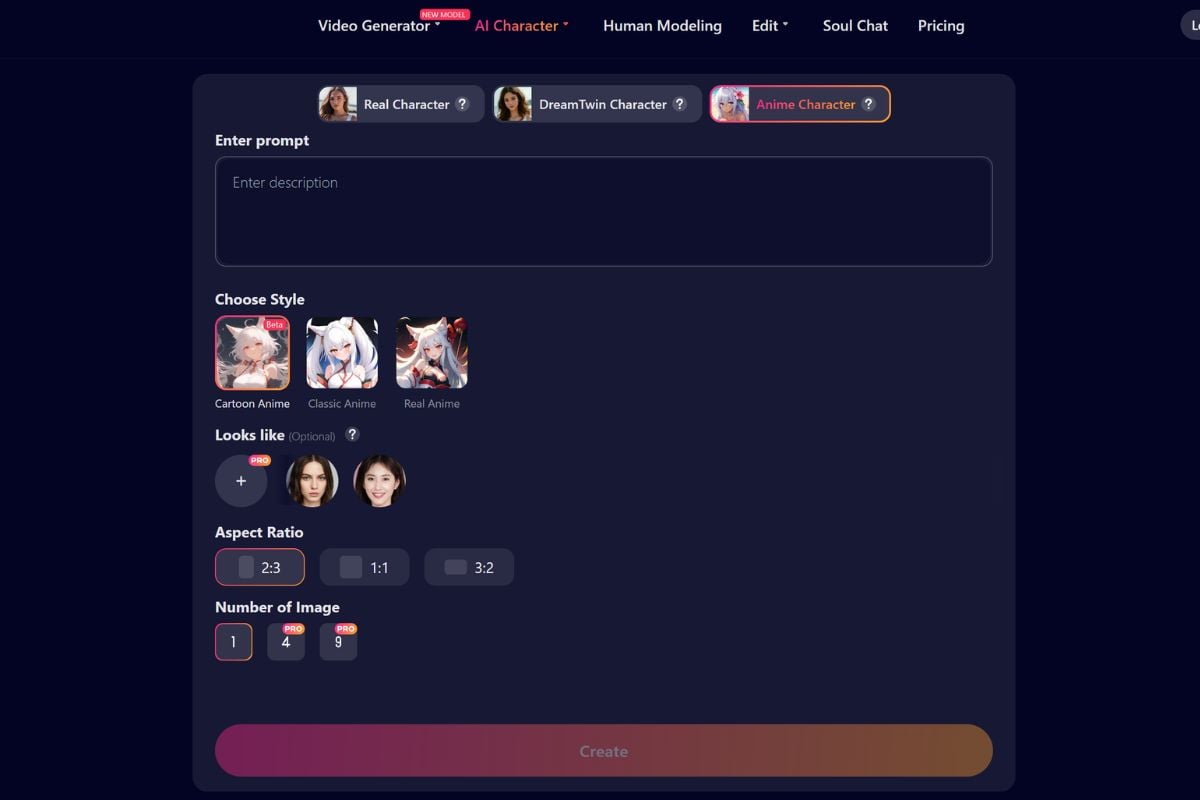
Create Realistic and Anime AI Characters

Generate real-style or anime-style characters from simple prompts, with control over appearance, mood, outfit, pose, and visual style. SoulGen is especially useful when the creative idea starts with a character identity rather than a generic scene.

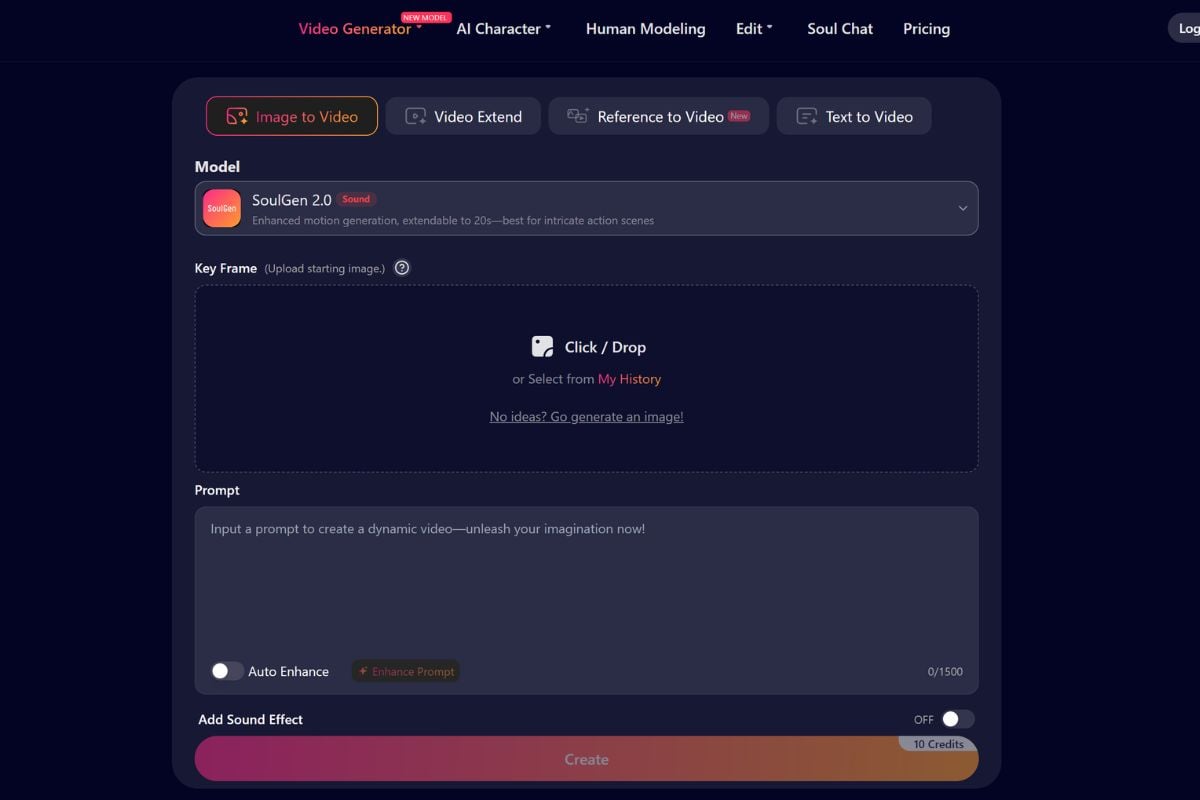
Turn Character Images Into Videos

Bring static portraits or character images to life with motion, talking scenes, lip-sync, sound effects, and short HD video generation. This workflow fits creators who want character images to move, speak, or become part of a short visual story.

Keep One Character Across Content

Build a recognizable character identity that can appear across different images, scenes, poses, and video ideas instead of starting from scratch every time. This is helpful for recurring avatars, visual personas, roleplay characters, story concepts, and social content series.
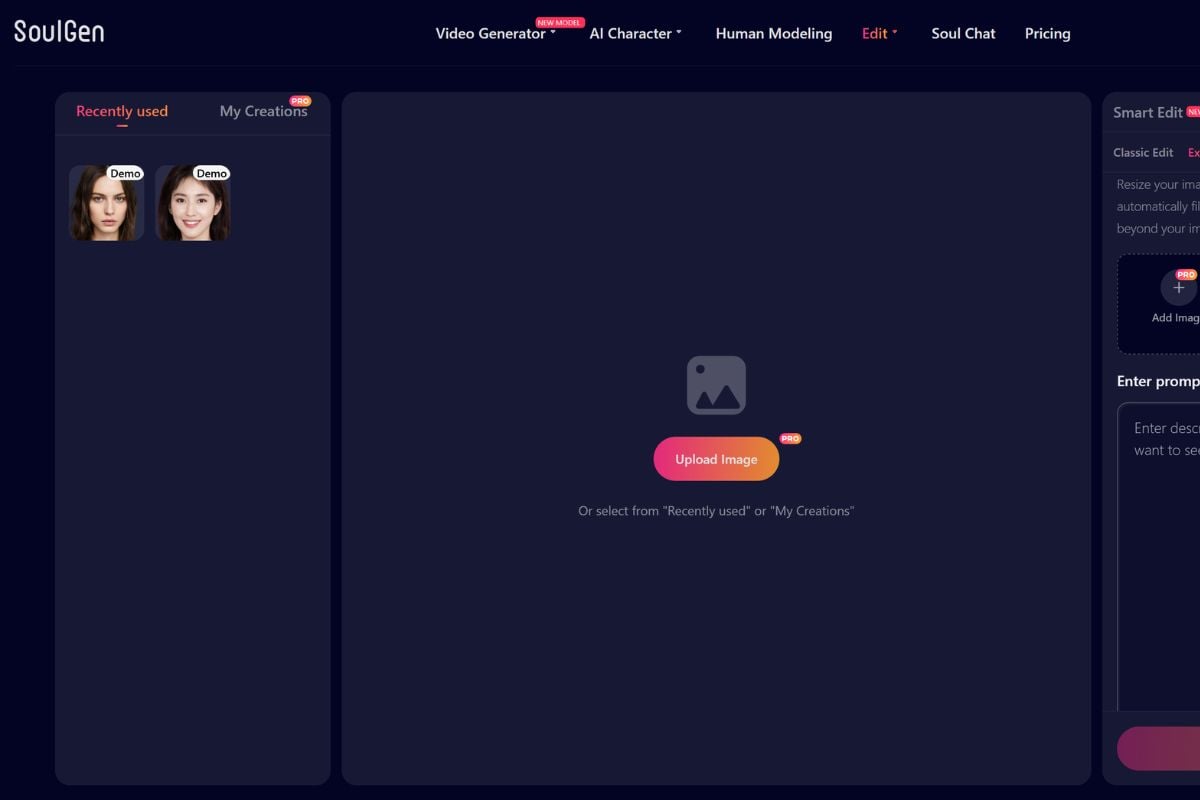
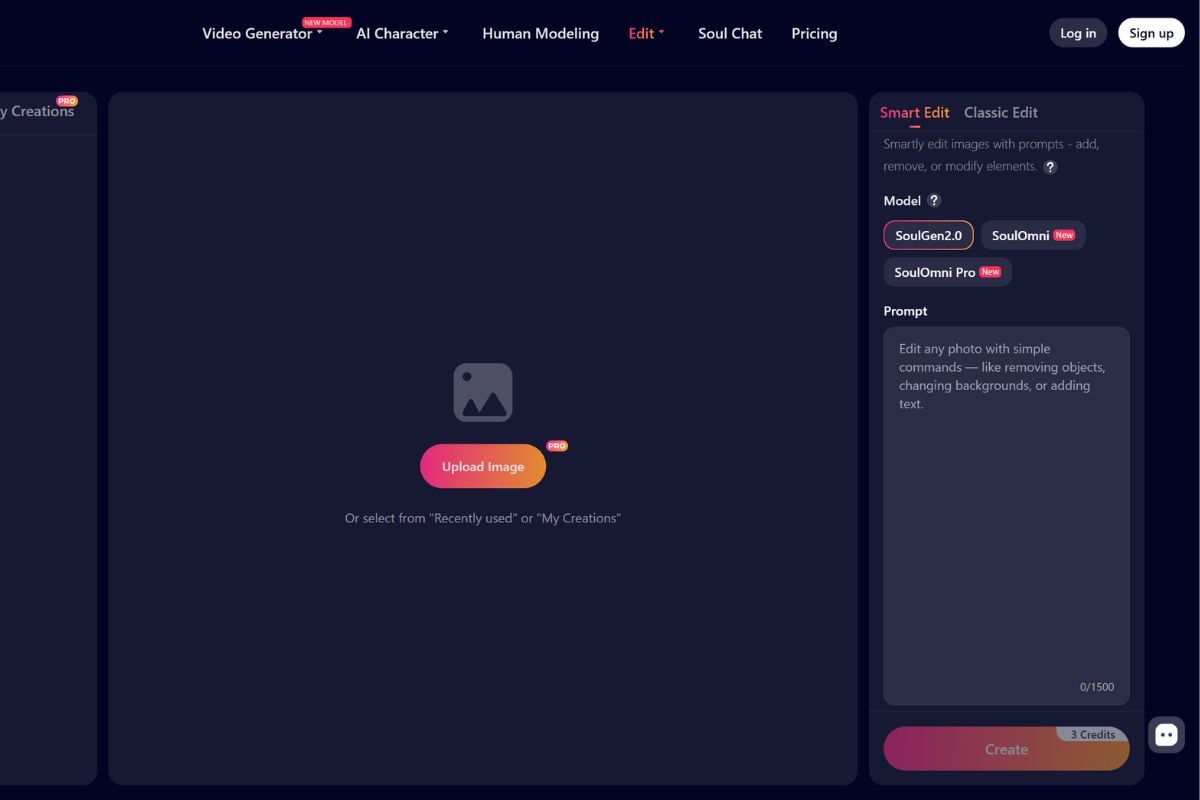
Edit Images With Simple Text Prompts

Add new details, extend the frame, remove unwanted elements, or adjust visual parts of an image through natural language instructions. This makes SoulGen useful not only for first-generation character images, but also for polishing, expanding, and revising existing visuals.
SoulGen AI Workflow Overview

FeatureSoulGen AIBest ForWhat to Check
Character CreationCreates realistic, fantasy, and anime-inspired AI characters from text prompts or visual directionAvatars, roleplay profiles, story characters, social personas, and visual conceptsCheck face consistency, outfit details, style accuracy, and whether the result matches the intended character identity
Image to VideoTurns character images or portraits into short videos with motion, expression, talking scenes, and optional sound directionAnimated portraits, short character clips, talking videos, and social media draftsCheck motion quality, lip-sync, facial stability, and whether the video still looks like the same character
Anime Character GeneratorCreates stylized anime characters from prompts, references, or character ideasAnime avatars, fantasy characters, visual storytelling, roleplay, and profile imagesCheck pose, hands, clothing details, expression, and whether the style feels consistent
Talking Video and Lip SyncSupports talking-character style video generation where a portrait or character can appear to speakPresenter-style clips, character messages, short explainers, and digital human conceptsCheck voice permissions, likeness rights, script accuracy, and whether the final video could mislead viewers
AI Image EditingAdds, removes, replaces, expands, or adjusts image content through prompt-based editingFixing generated images, expanding portraits, changing backgrounds, and adding visual detailsCheck edited edges, object blending, background logic, and whether any added details create rights or brand issues
Character-first image and video creation tools

SoulGen AI Feature Highlights

Text to Image Character Creation

Describe the character you want and generate polished AI portraits in realistic, fantasy, or anime-inspired styles.

Anime Character Generator

Create stylized anime characters for avatars, roleplay profiles, fantasy concepts, and visual storytelling.

Realistic Character Generator

Generate lifelike AI characters with detailed faces, outfits, lighting, and portrait-style composition.

Image to Video Generator

Upload a character image and turn it into a short animated video with motion, expression, and scene direction.

AI Talking Video and Lip Sync

Create talking character videos with synchronized mouth movement, voice-style presentation, and more immersive digital human effects.

AI Image Editing Tools

Expand images, replace objects, remove unwanted areas, or add new visual details without needing manual editing software.

How To Use SoulGen on GoEnhance

01

Start With a Character Idea

Describe the character's appearance, mood, outfit, art style, background, and intended use. For better consistency, keep the same character traits across prompts.

02

Upload or Generate a Character Image

Use a portrait, anime character, product persona, or visual reference as the starting point. A clear base image helps guide identity, expression, and scene direction.

03

Describe the Video Motion

Write how the character should move, speak, react, or appear in the scene. Include camera direction, emotion, pacing, sound, or lip-sync needs when relevant.

SoulGen Discussions on X

SoulGen and Character AI Discussions on Reddit

Frequently Asked Questions

SoulGen AI FAQs

What is SoulGen AI?

SoulGen AI is an AI image and video creation platform focused on character-first workflows. It can generate realistic or anime-style characters, turn images into videos, support talking character clips, and provide prompt-based image editing tools.

Is SoulGen mainly an AI image generator or AI video generator?

SoulGen started with character image generation, but its current positioning also includes AI video generation. It supports workflows such as image-to-video, text-to-video, talking videos, video extension, character creation, and image editing.

What can I create with SoulGen AI?

You can create realistic character portraits, anime-style characters, fantasy visuals, recurring character concepts, short character videos, talking videos, edited images, expanded backgrounds, and visual ideas for stories or social content.

Can SoulGen create anime characters?

Yes. SoulGen includes anime character generation, making it useful for anime avatars, roleplay profiles, fantasy characters, visual storytelling, and stylized character concepts.

Can SoulGen create realistic characters?

Yes. SoulGen can generate realistic character portraits with lifelike faces, outfits, lighting, and portrait-style composition. Users should still review outputs carefully when a character could resemble a real person.

Does SoulGen support image-to-video?

Yes. SoulGen supports image-to-video workflows that can animate character images or portraits into short videos with motion, expression, and scene direction.

Does SoulGen support talking videos and lip-sync?

SoulGen's video generator is positioned around talking-character style video creation with motion, sound, and realistic lip-sync. Before publishing, review the result for voice rights, likeness permission, script accuracy, and whether the video could mislead viewers.

Can SoulGen keep one character consistent across content?

SoulGen is commonly used for recurring character creation, where the same visual identity can appear across multiple images, scenes, poses, or video ideas. Consistency still depends on the prompt, references, model behavior, and manual review.

Can SoulGen edit images with text prompts?

Yes. SoulGen includes image editing workflows that can add, extend, remove, or adjust parts of an image using natural language instructions. This is useful when a generated character image is close but still needs refinement.

Can SoulGen-style content be used commercially?

SoulGen-style images and videos may be useful for character concepts, social content, storytelling, avatar ideas, and marketing drafts. Before commercial use, review source permissions, likeness rights, voice or music rights, product accuracy, copyright issues, and the platform's current terms.

Create Character Videos With GoEnhance AI

Start with a prompt, image, character concept, or product visual and turn it into a video draft for social content, storytelling, ads, and visual experiments.

Start Creating