SJinn AI Video Generator and Creative Agent

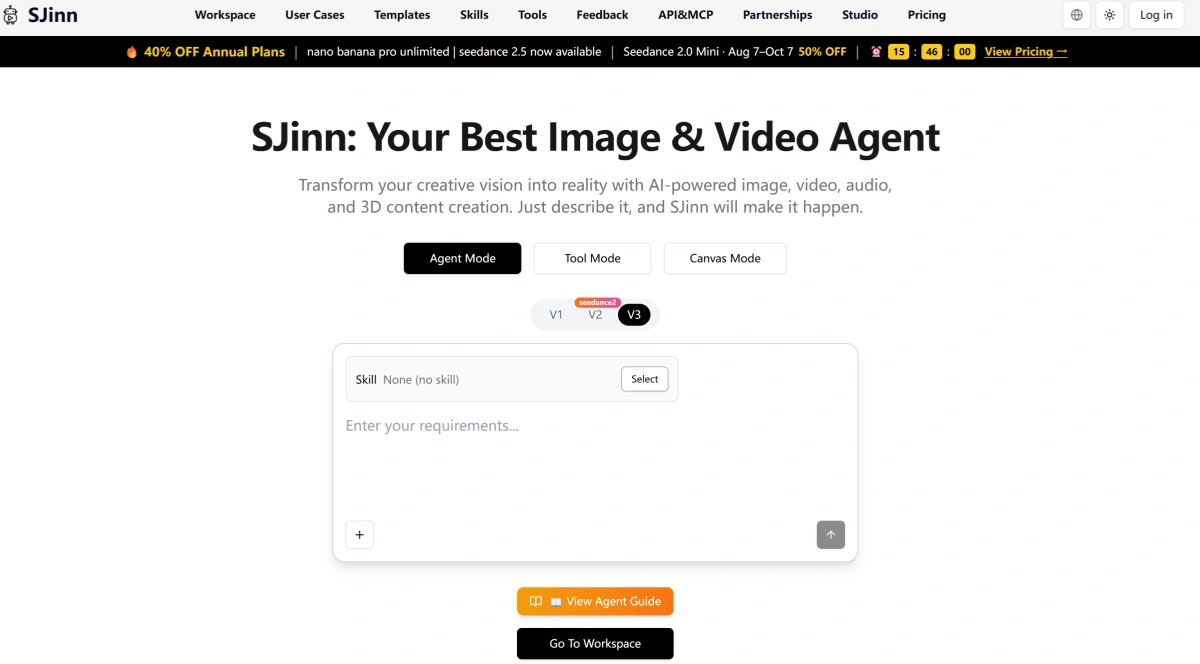
SJinn AI is a multi-model creative platform for generating images, videos, audio, and 3D content. It gives creators several ways to work: describe a goal to an AI agent, open a specific generation tool directly, or connect multiple steps inside a visual Canvas workflow.

What Can You Create With SJinn AI?

SJinn works across quick social videos, character-driven content, product visuals, and more advanced productions that combine several reference assets and AI models.
Product Ads

Product Ads

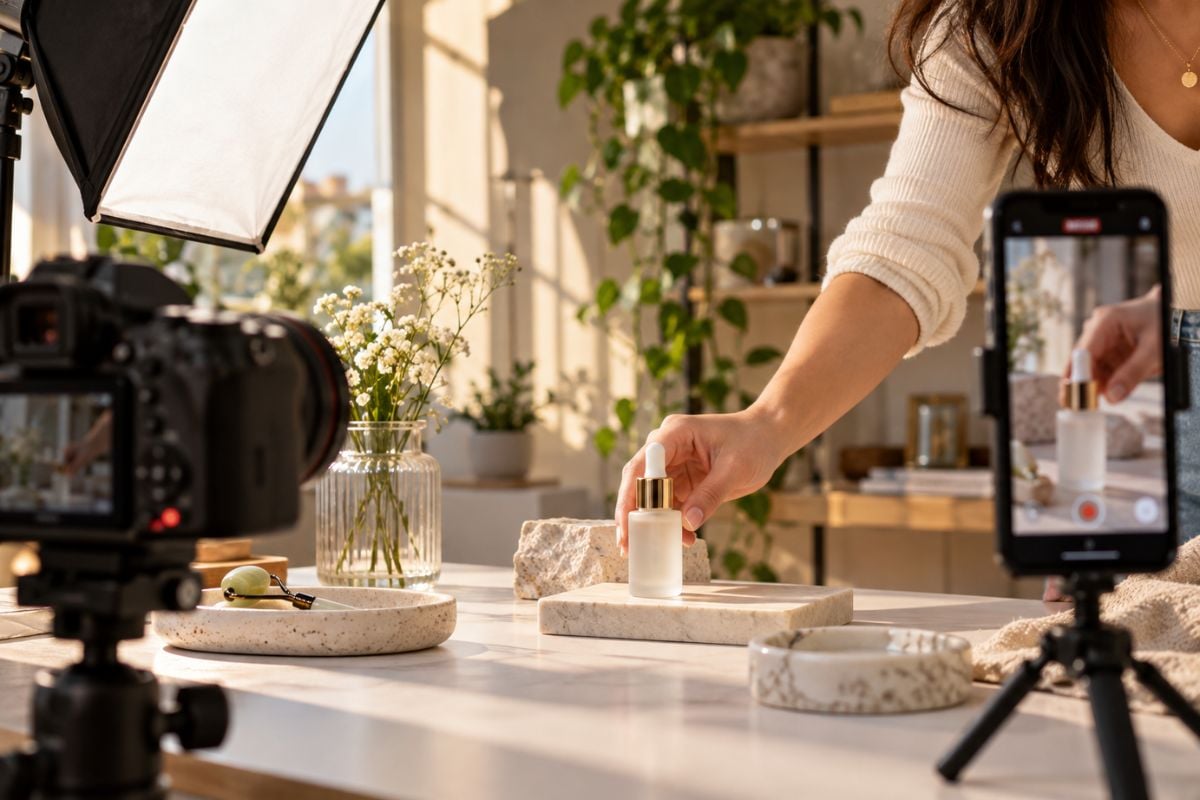
Create product visuals, UGC-style clips, campaign concepts, vertical videos, and social content from text, images, or reference media. Different models and aspect ratios make it easier to adapt the same idea for ads, feeds, Reels, Shorts, and TikTok.
Turn Your Visual Into Motion

Key Features of SJinn AI

Turn a Creative Brief Into a Video With an AI Agent

SJinn Agent can take a high-level request and help organize the generation process without requiring the user to open every tool manually. It can select suitable video workflows, combine supporting tools, and guide the project from the initial idea toward a finished result.

SJinn AI Agent turning a creative brief into a complete AI video workflow

Switch Between Leading Video Models for Different Results

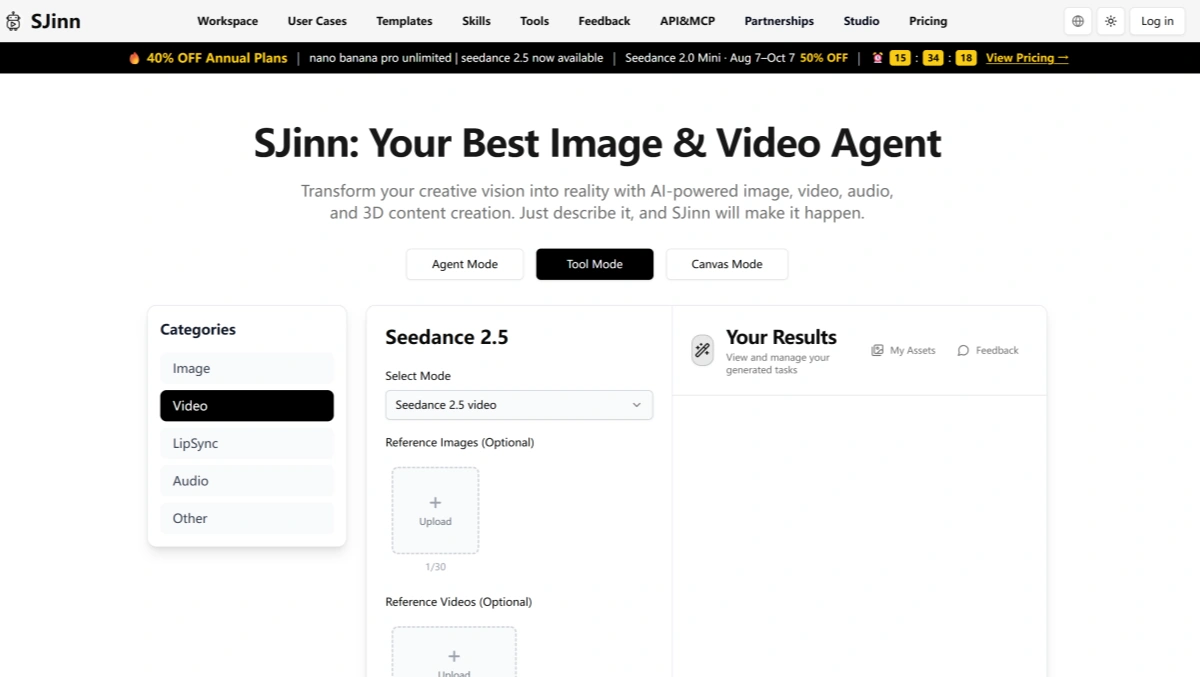
SJinn gives creators access to multiple video model families including Seedance, Sora, Kling, Veo, Wan, Grok, MiniMax, and Gemini-based video tools. Different models support different strengths such as multi-shot generation, references, native audio, longer clips, higher resolution, or first-and-last-frame control.

SJinn AI video model library with Seedance, Sora, Kling, Veo, Wan, Grok, and MiniMax

Make Characters Speak From an Image or Existing Video

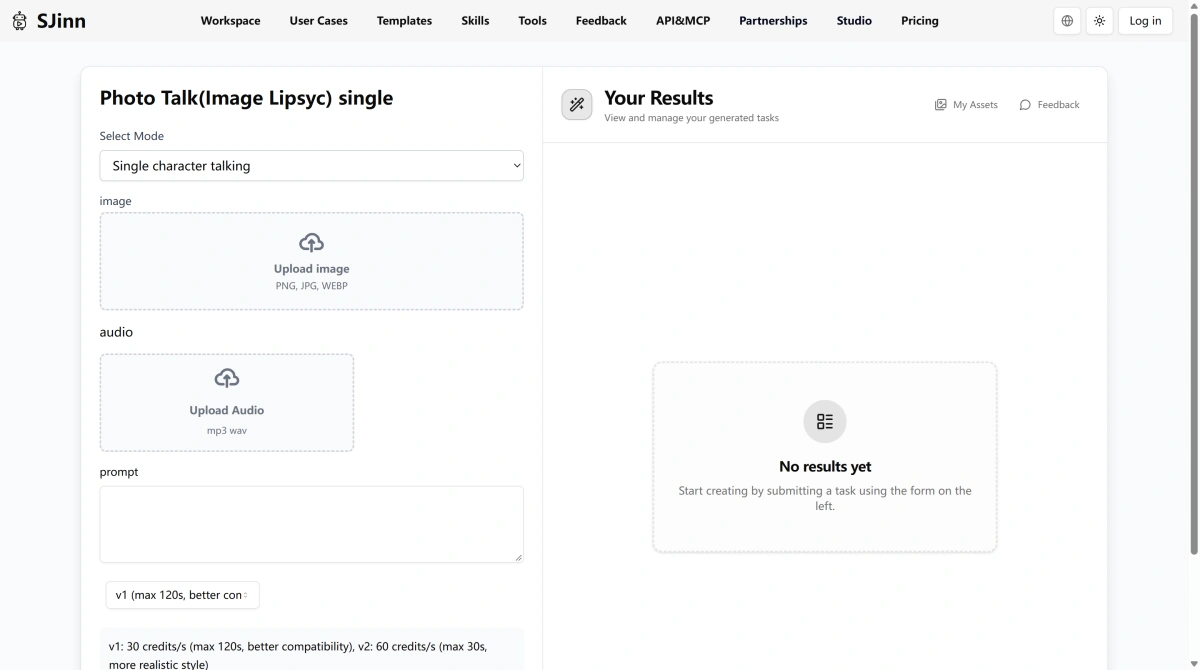
SJinn includes both image and video lip-sync workflows. A portrait can be paired with audio to create a talking character, while existing footage can be synchronized to a new audio track with video to video. This is useful for talking-head content, character dialogue, explainers, and localized video.

SJinn AI lip sync workflow animating a portrait and synchronizing speech with uploaded audio

Remix Existing Videos Instead of Starting Over

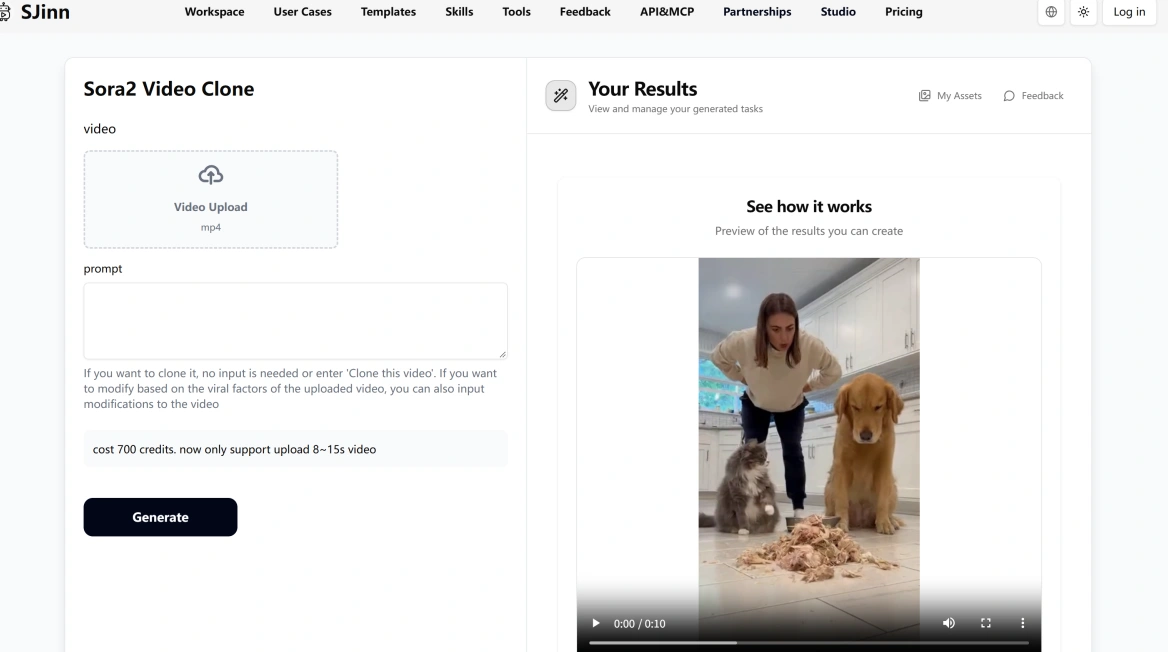
SJinn includes tools for cloning, modifying, and reworking short videos. Its Sora2 Video Clone workflow can use an uploaded clip as the creative starting point, while other tools can replace characters, edit scenes, extend footage, or continue an existing visual idea.

SJinn AI remixing an existing short video with video cloning, character replacement, and editing tools

Clean Up and Refine Video After Generation

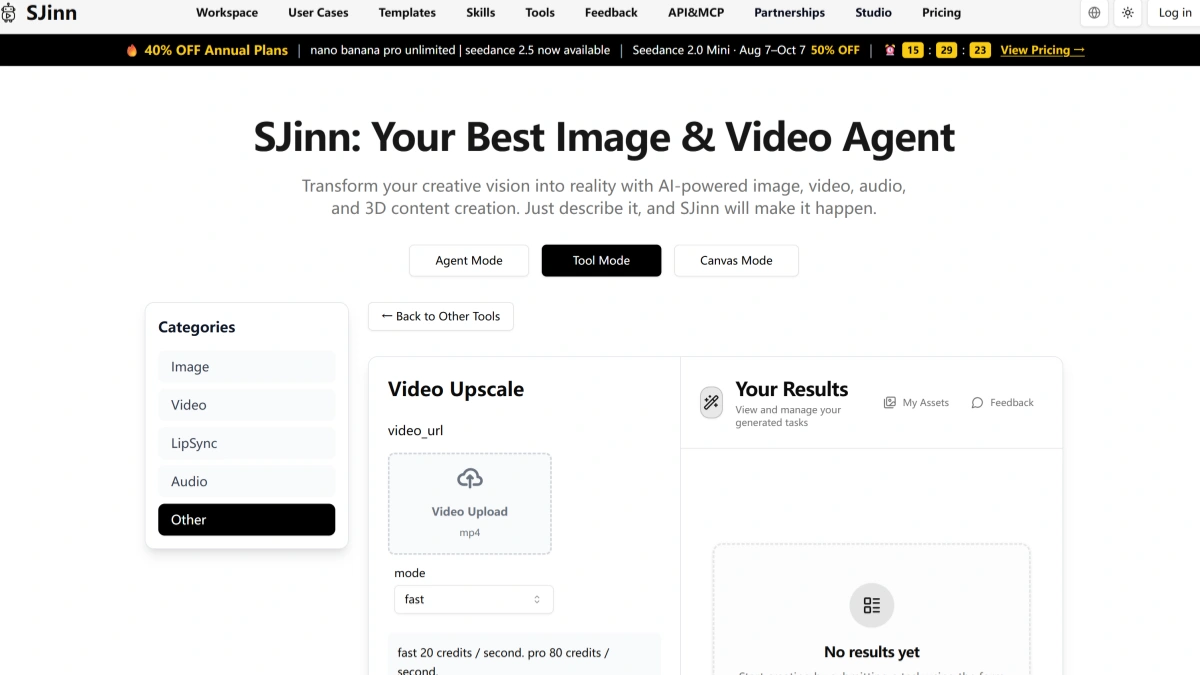
SJinn does not stop at generation. Its post-production toolkit includes video upscaling, trimming, frame extraction, subtitles, composition tools, watermark removal, and advanced video editing workflows. This helps creators prepare generated or uploaded footage for final delivery without immediately moving into another editor.

SJinn AI post-production tools for video upscaling, trimming, subtitles, watermark removal, and editing

How to Use SJinn AI?

01

Choose Agent, Tool, or Canvas Mode

Use Agent Mode when you want AI to handle more of the workflow, Tool Mode when you already know which generator you need, or Canvas Mode when you want to connect several generation steps yourself.

02

Add Your Prompt and References

Describe the result you want and upload supported images, videos, or audio when the selected model accepts them. Then choose settings such as model, aspect ratio, duration, resolution, quality, or multi-shot mode.

03

Generate and Refine the Result

Review the output, adjust the prompt or references, switch models when needed, or continue the asset through another SJinn tool such as character animation, editing, upscaling, or a connected Canvas workflow.

SJinn AI vs GoEnhance AI vs Pollo AI vs Runway

PlatformCore StrengthCreative RangeBest Fit
SJinn AIMulti-model creative platform with Agent, Tool, Canvas, API, and multi-reference workflowsImage, video, audio, 3D, motion control, character animation, upscaling, references, Canvas pipelines, and API accessCreators and technical users who want many models and several ways to build complex generation workflows
GoEnhance AIVisual-first creation focused on image-to-video, animation, video transformation, and practical creator workflowsText-to-image, image-to-image, text-to-video, image-to-video, video transformation, animation, enhancement, and creative effectsCreators who want to move quickly from a visual idea into polished image and video content
Pollo AIBroad multi-model image and video generation with many ready-made creative effectsText-to-video, image-to-video, video-to-video, image generation, avatars, effects, and multi-model workflowsUsers who want many visual models and viral-style effects in one interface
RunwayGenerative filmmaking with strong shot creation, editing, and production controlsText-to-video, image-to-video, generative editing, visual effects, transformation, and filmmaking toolsFilmmakers and creative teams that want production-oriented generative video tools
SJinn is powerful when you want agents, APIs, many models, node graphs, and detailed generation controls. GoEnhance AI can be a better fit when the main goal is simply to create, animate, or transform strong visuals without building a more technical pipeline.

Why GoEnhance AI Can Be Better for a Simpler Visual Workflow

Spend Less Time Choosing How to Work

SJinn offers Agent, Tool, Canvas, and API workflows, which gives advanced users a lot of flexibility. GoEnhance is more direct when you already know the visual task and want to start creating without deciding which workflow architecture to use first.

Move From Image to Video With Fewer Steps

When you already have the image you want, GoEnhance keeps the next step focused on motion. Upload the visual, choose the video direction, and animate it without building a node graph or configuring a larger multi-stage pipeline.

Make Video Transformation a Core Creative Tool

GoEnhance places strong emphasis on transforming footage that already exists. This makes it useful when the creative challenge is changing the style or visual identity of a video rather than generating every scene from scratch.

Keep Character and Creative Workflows Easier to Follow

Characters, illustrations, product visuals, and campaign assets can move from still images into animation and video without requiring the creator to manage a more technical node-based production system.

Focus More on the Result Than Model Configuration

SJinn exposes detailed model choices, reference limits, resolution options, credit rates, and specialized modes. That control is useful for advanced users, while GoEnhance can feel easier when the priority is reaching a strong visual result quickly.

Keep the Workflow Centered on Visual Creation

SJinn extends into audio, 3D, APIs, agents, and custom pipelines. GoEnhance stays more tightly focused on image and video creation, making it easier to keep the project centered on the visual asset itself.
Frequently Asked Questions

SJinn AI FAQ

What is SJinn AI?

SJinn AI is a multi-model creative platform for generating images, videos, audio, and 3D content. Its current website provides Agent Mode, Tool Mode, and Canvas Mode, along with direct access to many image and video models and a developer API.

What is sjinn.ai?

sjinn.ai is the official web platform for SJinn. It provides access to its creative workspace, individual AI tools, Canvas workflows, model pages, pricing, documentation, API features, and account management.

Is SJinn AI free?

SJinn is not presented as a fully free platform on its current main pricing page. Its Terms state that new users receive complimentary credits for initial generations, while continued use of many tools requires credits or a paid membership. Some models also offer Unlimited modes for eligible paid members.

What is the SJinn AI video generator?

SJinn AI video generation includes text-to-video, image-to-video, multi-reference video, Motion Control, character animation, multi-shot generation, video editing, and upscaling. Rather than using one proprietary video model, SJinn provides access to several model families through one platform.

What video models does SJinn support?

SJinn currently documents video tools from model families including Seedance, Kling, Veo, Sora, Wan, Grok, and MiniMax. Availability, model versions, resolution, duration, reference limits, and credit costs vary by tool and can change over time.

What is SJinn Agent Mode?

Agent Mode is the more automated SJinn workflow. Instead of opening a specific generation tool first, users describe the creative result they want and let the agent help choose and organize the generation process.

What is SJinn Tool Mode?

Tool Mode gives direct access to individual AI models and utilities. It is useful when you already know which model or task you need and want to control settings such as prompt, references, aspect ratio, duration, resolution, or generation mode yourself.

What is SJinn Canvas Mode?

Canvas Mode is SJinn's node-based visual workflow editor. Users can connect text, image, audio, and video input nodes with image, video, and text-generation nodes to build reusable pipelines such as text-to-image-to-video or image-plus-text-to-video workflows.

Can SJinn AI use image, video, and audio references?

Yes, supported models can accept several types of references. For example, SJinn's current Seedance 2.5 interface supports reference images, videos, and audio, while other tools may support start frames, end frames, multiple image references, or model-specific reference limits.

Does SJinn AI support Motion Control?

Yes. SJinn's current Tool API and generation library include Kling Motion Control workflows. Other video models also provide controls such as multi-shot generation, first and last frames, video references, and multimodal inputs.

How much does SJinn AI cost?

SJinn uses both memberships and credits. Its current pricing page displays Standard, Pro, Ultra, and Enterprise memberships, with annual-plan discounts shown on the page. Individual tools consume different amounts of credits, and some Pro-level or higher memberships include Unlimited modes for selected models. Check the live pricing page because model costs and promotions can change.

Is SJinn AI safe?

SJinn publishes a privacy policy describing the personal, technical, prompt, and uploaded-image data it may collect. The policy says it uses encryption and security measures, but also states that generated images may be used anonymously to improve its AI unless the user opts out. The published privacy page is older than many of SJinn's current video features, so users handling sensitive media should review the latest policy and account controls before uploading it.

Can I delete my SJinn AI data?

SJinn's privacy policy states that users can request deletion of personal data under certain conditions and can exercise privacy rights through account settings or by contacting support. Some data may still need to be retained when required for legal or operational reasons.

How is SJinn AI different from GoEnhance AI?

SJinn is broader and more technical, with Agent Mode, Tool Mode, Canvas workflows, APIs, audio, 3D, and many model-specific controls. GoEnhance AI is more tightly focused on visual creation and transformation, making it a simpler fit when the main task is generating, animating, or transforming images and videos.

Ready to Create Instead of Configure?

SJinn gives advanced creators agents, nodes, APIs, and detailed model controls. When you already know the visual you want, bring the idea or image into GoEnhance AI and focus directly on making it move, transform, and stand out.

Turn Your Best Idea Into Motion