
Magic Hour AI Video Generator
Magic Hour is a browser-based AI creation platform for generating, transforming, and editing video, image, and audio content. Its video tools cover text-to-video, image-to-video, video-to-video, face swap, lip sync, talking photos, character replacement, video extension, and other creator workflows.
Explore Magic Hour AI Video Workflows
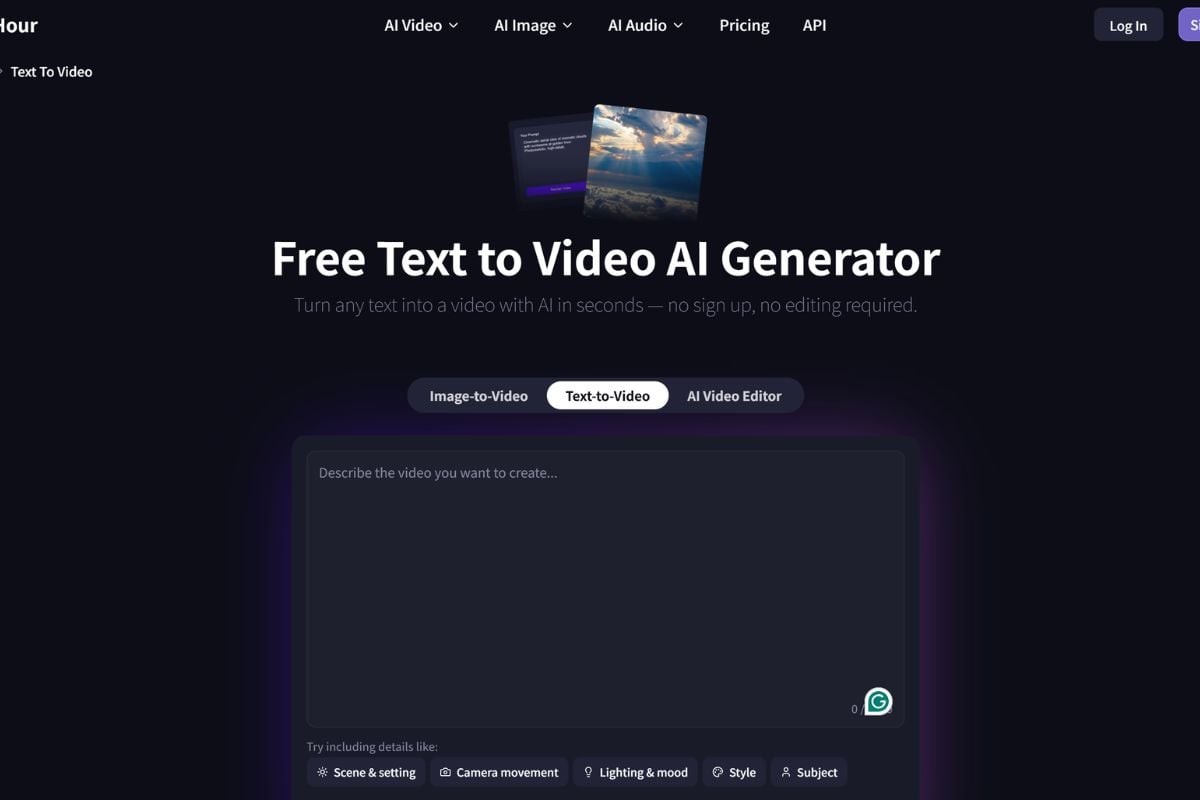
Generate Videos With Multiple AI Models
Magic Hour lets creators move from a text prompt or source image to short AI videos while choosing among different generation models for motion, realism, storytelling, or audio-enabled output. This makes it easier to test several creative directions without rebuilding the workflow each time. For broader model access and repeatable production, explore the GoEnhance AI AI video generator.
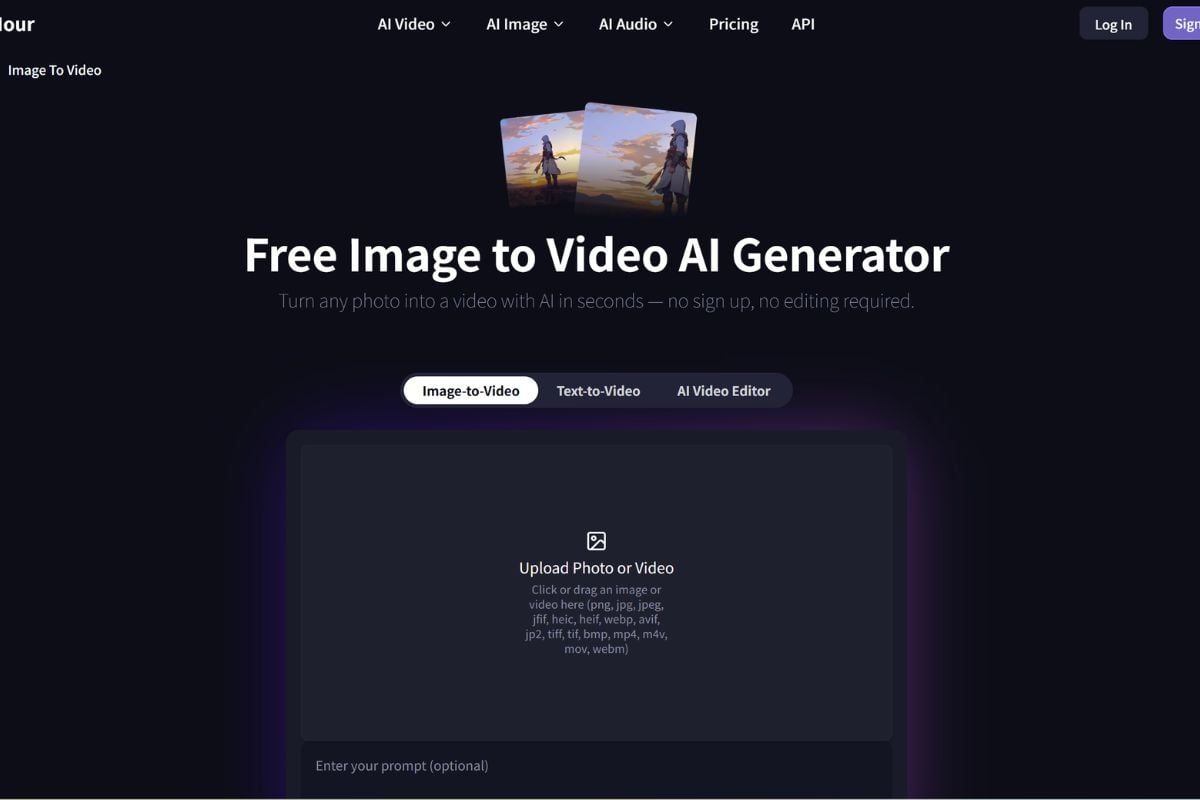
Turn Photos Into Motion in Minutes
Upload a portrait, product image, illustration, character, or campaign visual and animate it with prompt-guided movement. Magic Hour's image-to-video workflow is designed for social clips, ads, storytelling, and quick visual tests without a traditional timeline. GoEnhance AI also provides a dedicated image-to-video workflow for turning still visuals into motion.
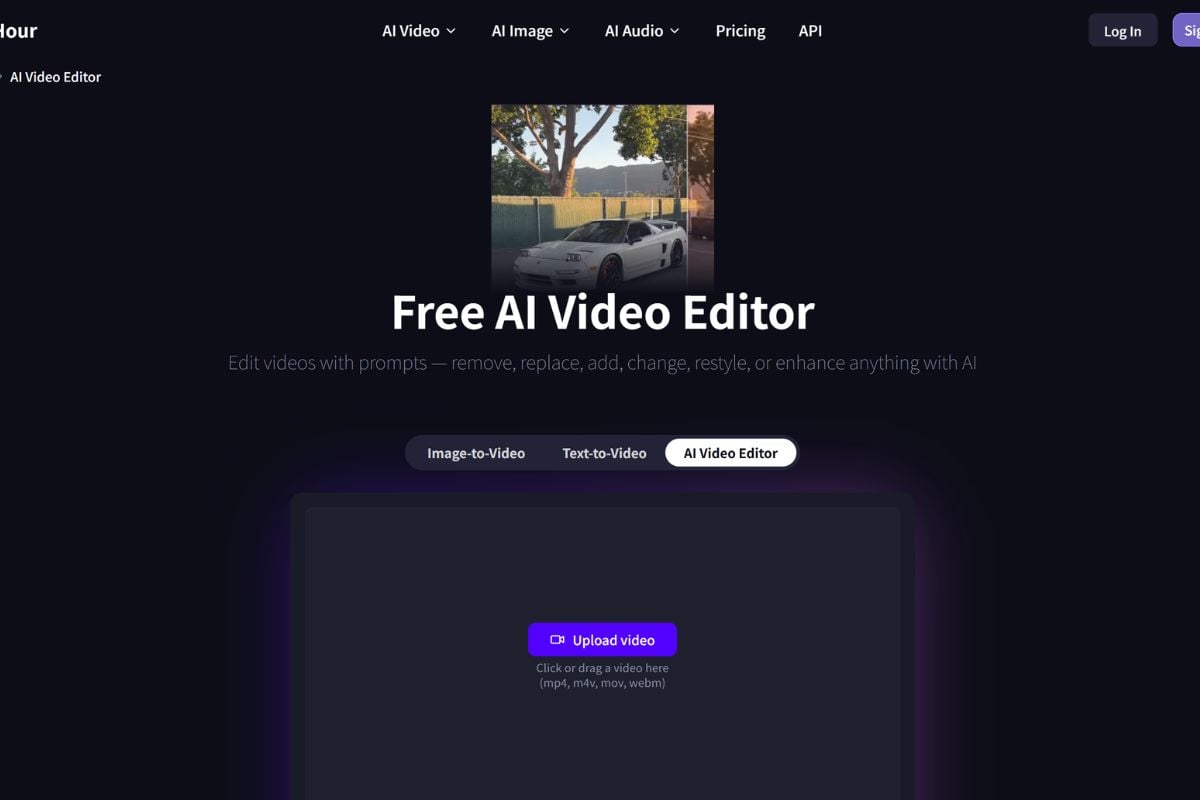
Transform Existing Footage Without Reshooting
Magic Hour goes beyond generation with video-to-video restyling, face swap, lip sync, talking photos, character replacement, and video extension. These tools are useful when the source footage already works but the style, identity, dialogue, or visual treatment needs to change for a new creative version.
How To Use Magic Hour on GoEnhance AI
Choose a Video Workflow
Start with text-to-video for a new scene, image-to-video for an existing visual, or a transformation tool when you already have footage to restyle, extend, lip sync, or personalize.
Add Your Prompt and Settings
Describe the subject, action, camera movement, lighting, mood, and style, then choose the available model, aspect ratio, duration, pacing, or other settings that fit the project.
Generate, Compare, and Export
Render the result, compare variations when useful, and review motion, identity, dialogue, source rights, and platform requirements before downloading or moving into further editing.
Magic Hour vs Other AI Video Platforms
Why Creators Explore Magic Hour
Start Creating Before Committing to a Paid Plan
Choose Models Based on the Shot
Animate Existing Visuals Instead of Starting Over
Reuse Good Footage in New Styles
Handle Face and Speech Edits in the Same Hub
Scale Beyond the Browser When Needed
Magic Hour AI Updates on X
Magic Hour AI Discussions on Reddit
Create AI Videos With GoEnhance AI
Turn prompts, images, characters, products, and existing footage into AI video drafts with flexible text-to-video, image-to-video, animation, and video transformation workflows.
Start Creating