goenhance logo

Krea AI Video Generator

Krea AI is a creative AI video generator built for fast text-to-video and image-to-video creation. For creators who want a smoother video workflow, more model options, and faster production, GoEnhance AI offers a more flexible way to turn ideas into high-quality AI videos.

Where Krea AI Video Generator Helps Most

Compare Models Faster

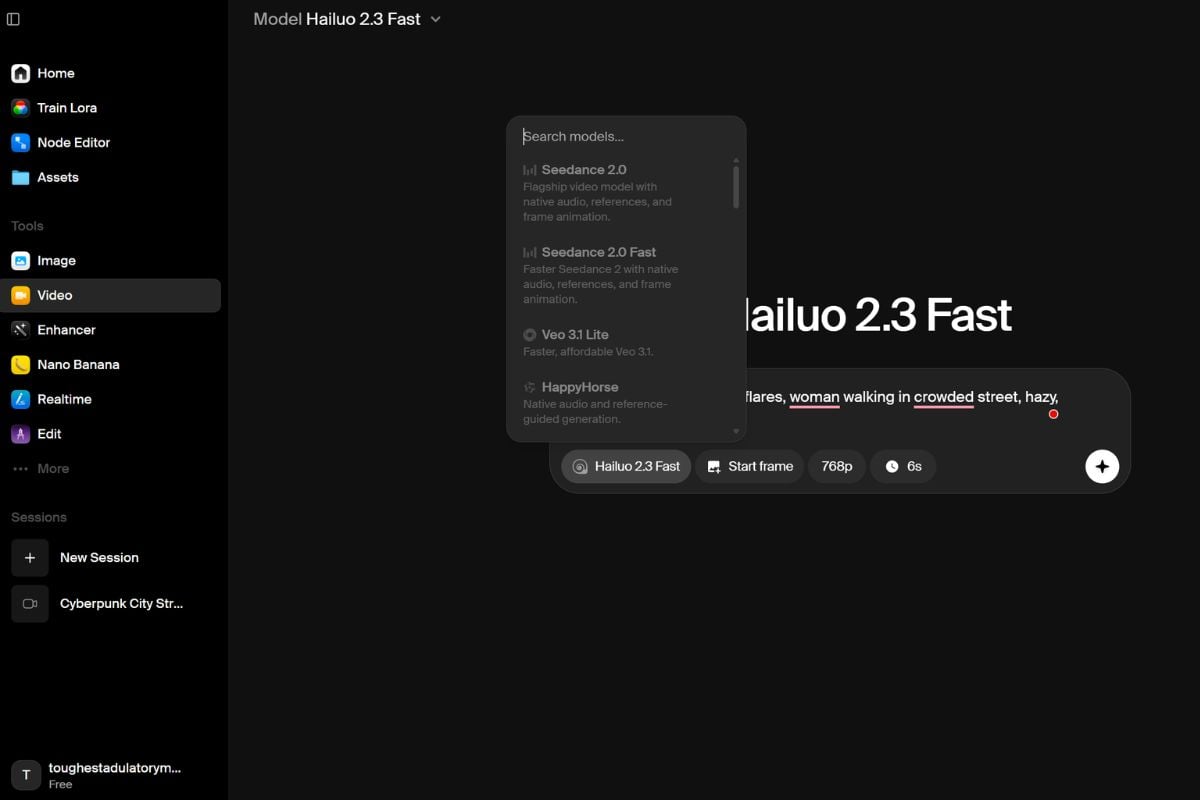
Krea earns its keep when you want to hold the task steady and swap the engine. The platform's real advantage is letting you run the same brief across providers such as Hailuo, Runway, Kling, Veo, or Wan without rebuilding the workflow each time. That makes fit-testing faster and far less guessy.
Start With The Failure

Official docs already point users toward Hailuo for character retention and Runway for dynamic camera movement. That is the right mindset for any AI video generator workflow: pick the first model based on what usually breaks in your scene, especially when using an image to video tool, not on which launch tweet sounded the loudest that week.
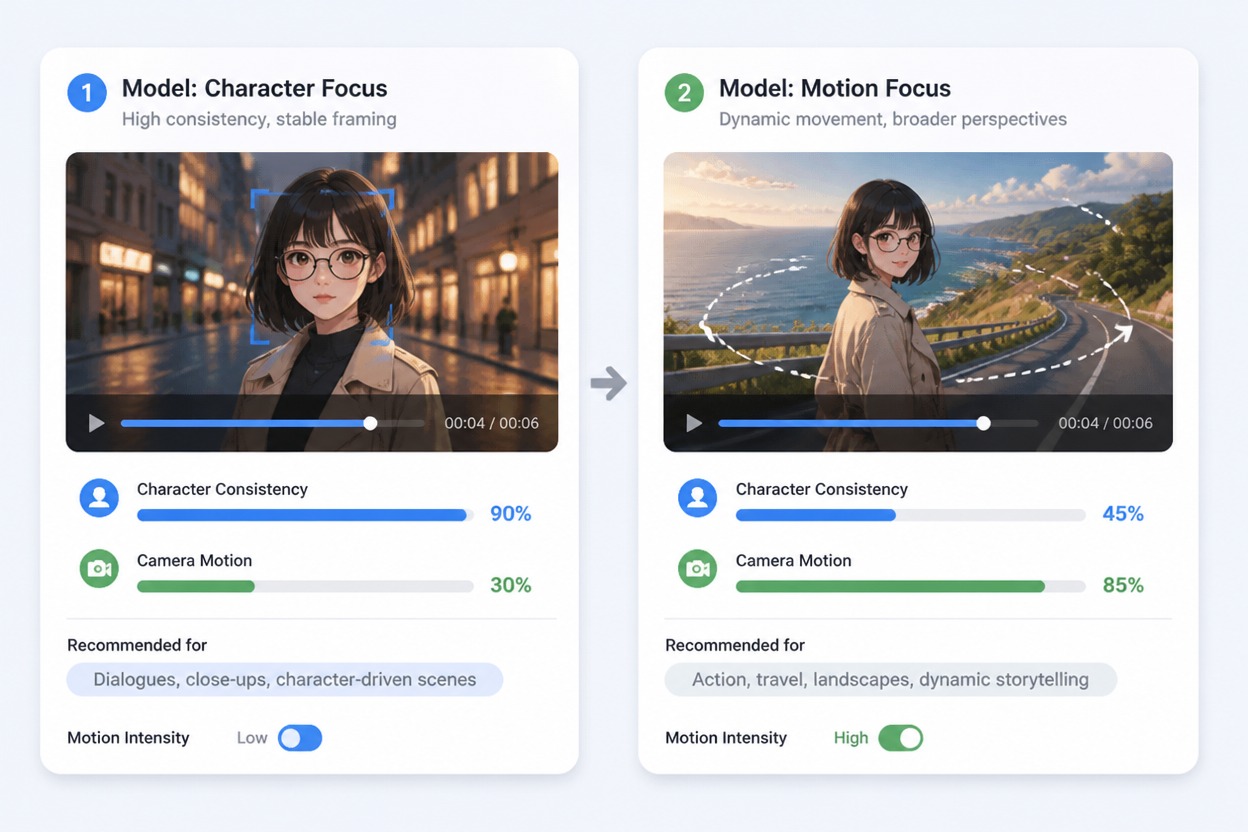
Storyboard showing different model choices for character retention versus camera motion

Extend Before Rebuilding

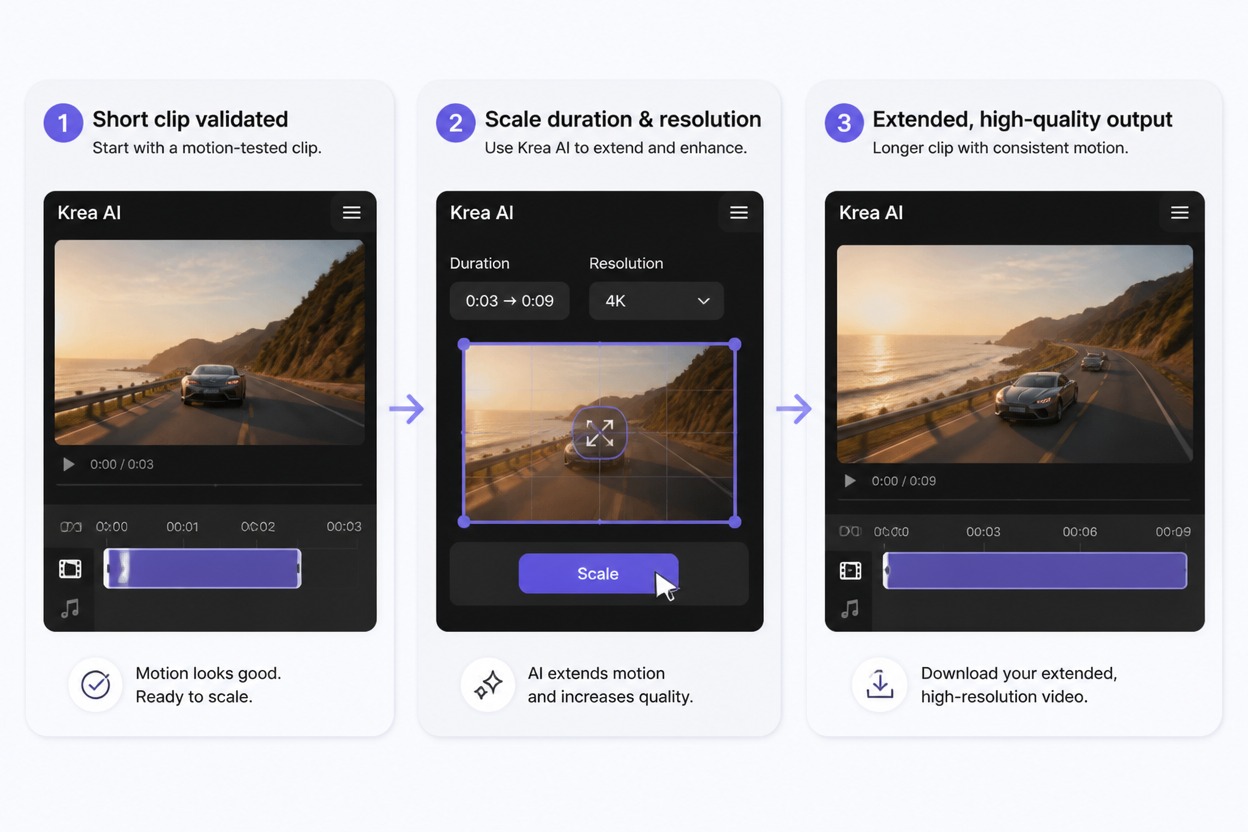
Krea's extension flow is useful when the first 6 to 12 seconds are close but not long enough. Instead of restarting from zero, you can carry the ending frame and recent context forward. That makes it a better operational fit for short sequences than for long-form assembly with editorial precision.
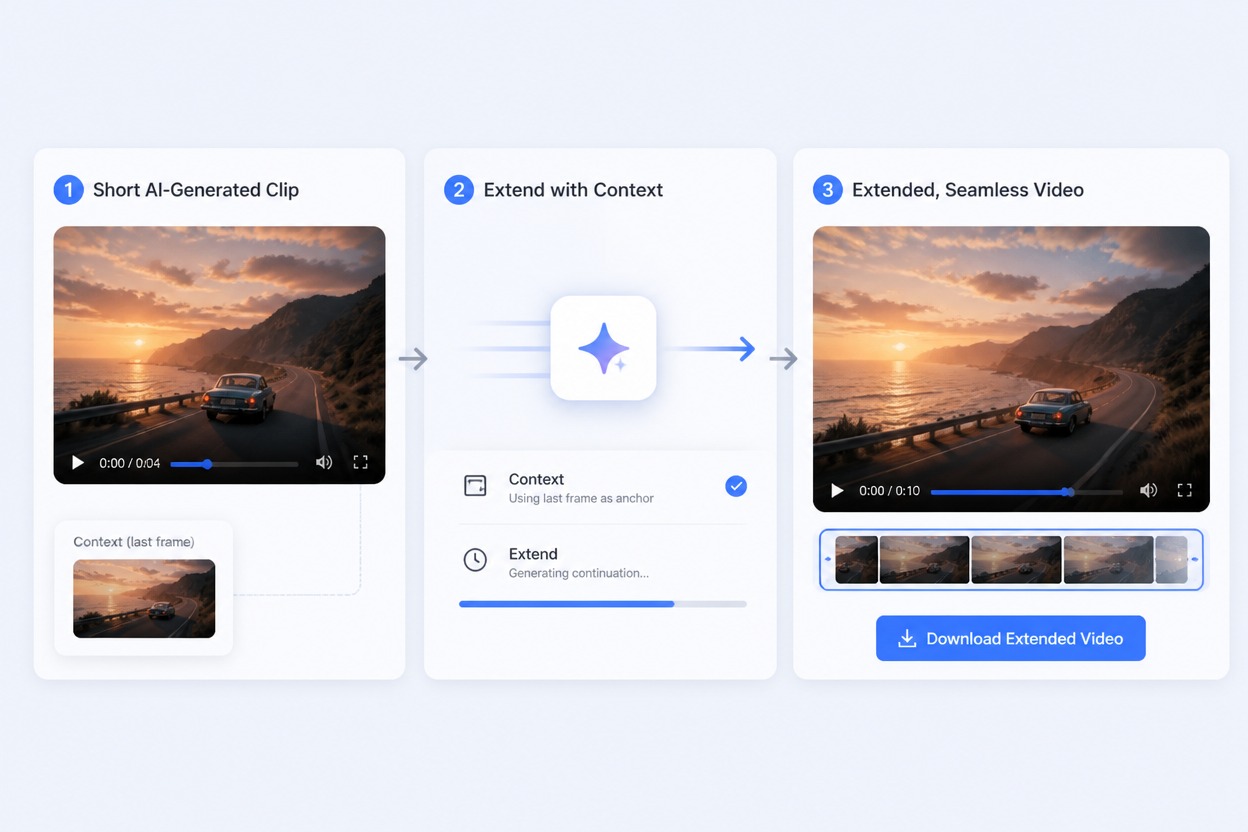
Short AI clip being extended into a longer scene using the last frame as context

Router, Not Editor

The weaker side of Krea appears when approval depends on frame-accurate control, dense revisions, or timeline-style cleanup. Third-party reviews flag credit burn and limited production control for exactly that reason. Treat Krea as a routing and testing layer first, not your final finishing room.
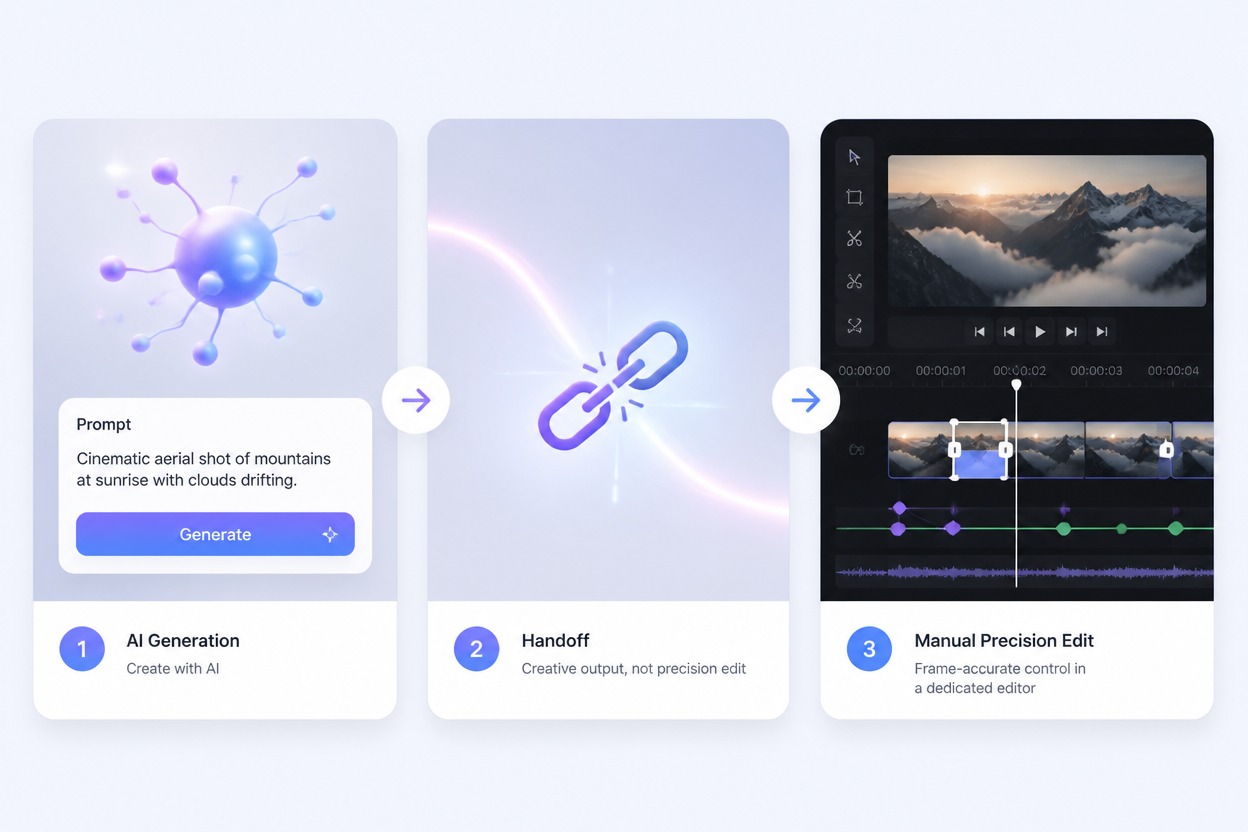
Use it for selection, not blind faith

When Krea AI Is the Right Fit

Fast Model Triage

Best when one prompt needs honest A/B testing across several video engines before you scale spend.

Short Clip Validation

Strong for 5 to 10 second proof clips that expose motion errors before you commit to longer runs.

Reference-Led Motion

Works better when a start frame or image anchor carries identity, styling, and composition.

Credit-Aware Iteration

Useful if you change one variable at a time and keep expensive generations for later passes.

Multi-Provider Access

Good fit when you want major video providers inside one workspace instead of separate tools.

Weaker Final Edit

Less suitable when approval depends on timeline control, exact pacing, or frame-by-frame cleanup.

How to Use Krea AI Without Wasting Credits
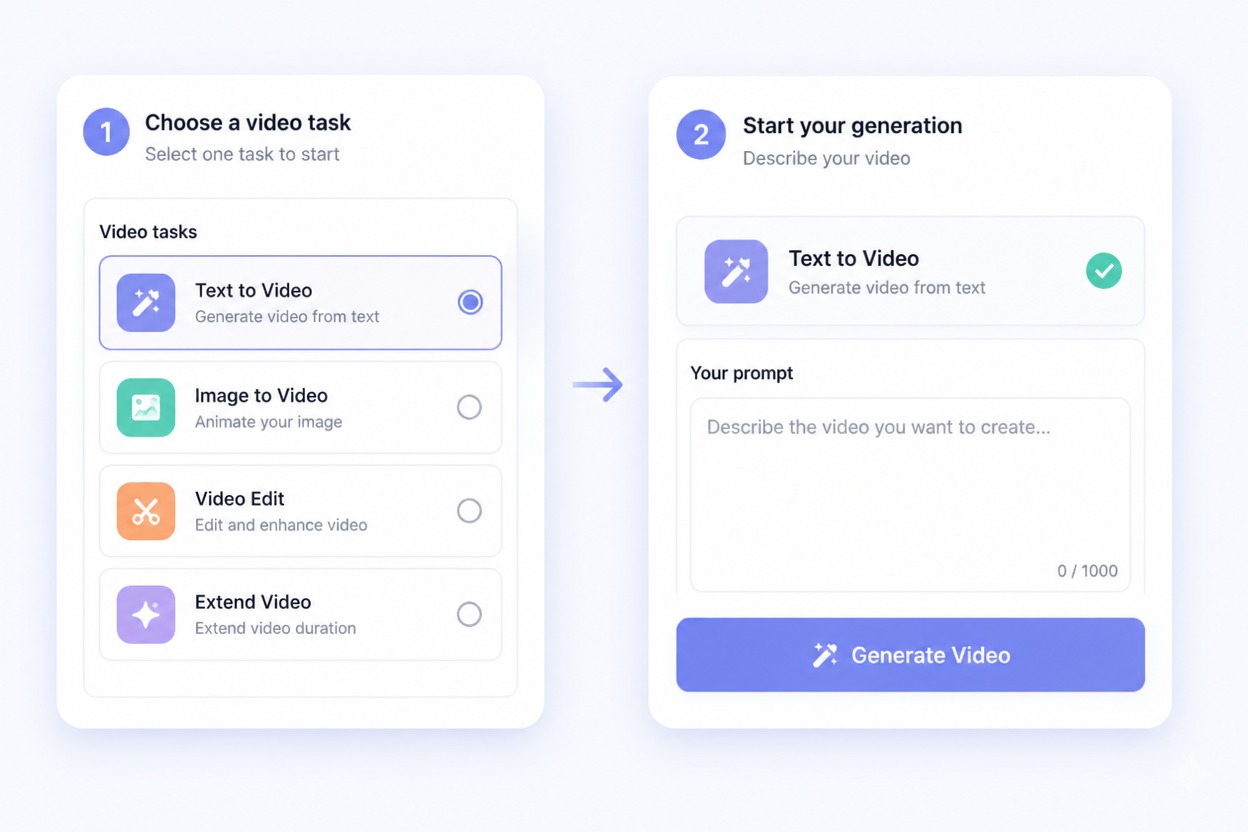
Step 1

Pick One Job First

Decide whether you are testing character animation, a product shot, a talking-head motion pass, or a camera move. Then pick one model family that matches that failure mode instead of chasing the newest logo blindly.
Step 2

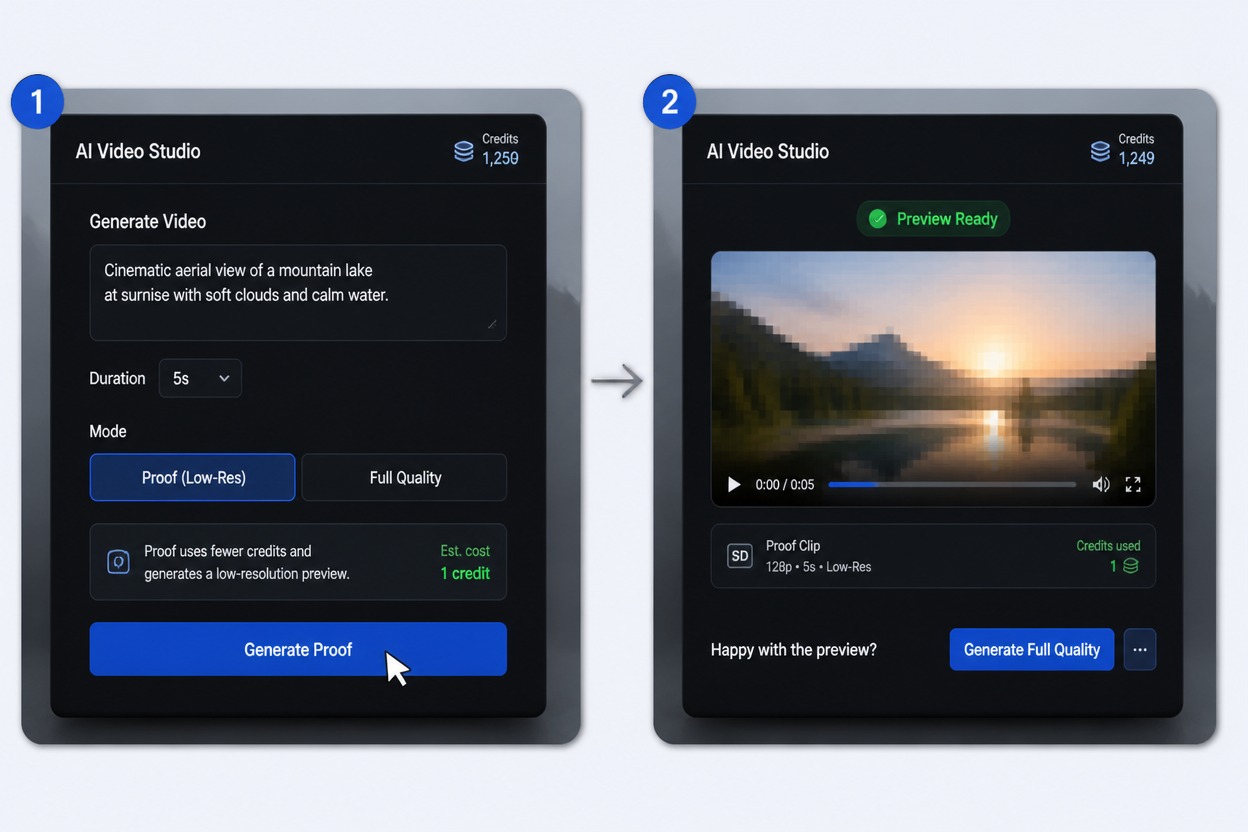
Run A Cheap Proof Clip

Start with a short lower-resolution generation to check subject drift, motion logic, and camera behavior. Krea's own docs note that shorter lower-resolution clips cost less, so this is where you learn before you spend.
Step 3

Scale Only After Motion Works

If the first clip already reads correctly, then extend the scene, raise the duration, or move to a more expensive model. Controlled iteration teaches you what actually improved instead of hiding the cause inside a bigger rerun.
Try For Free

X Posts about Krea AI

Krea AI Video Generator Tutorials

Reddit Discussions About Krea AI

Before you spend more credits

Common Questions About Krea AI

Is Krea AI good for text to video?

Yes, if your goal is fast testing across several models. Krea is strongest when you want to compare how different engines interpret the same prompt, not when you expect one native model to dominate every text-to-video workflow.

Can Krea AI turn images into video?

Yes. Krea's official docs describe image-to-video through start images, optional end images, and extension flows. That makes it especially useful when a reference frame should carry identity, styling, or composition into the motion test.

How much do Krea AI video generations cost?

Video generations are materially more expensive than image generations, and Krea's docs note that short lower-resolution clips use fewer credits. The safest workflow is to validate motion with cheap proof clips before you scale duration or resolution.

Is Krea AI a video model or a model hub?

Mostly a model hub and workspace, which is why it is useful. Krea does have native research such as Krea Realtime, but the daily product value comes from routing jobs across multiple video providers inside one interface.

Which Krea AI video model should I test first?

Start with the failure mode. Krea's docs recommend Hailuo for stronger character retention and Runway for dynamic camera movement. The best first test depends on what usually breaks in your scene, not on which model had the loudest launch week.

Can Krea AI make long videos?

It can help you build longer scenes by extending short clips, but it still starts from short generations. That makes Krea stronger for sequence building and experimentation than for full long-form assembly with editorial precision.

Does Krea AI keep characters consistent?

It can improve consistency when you use strong start frames, tight prompts, and the right model, especially for stylized character jobs. You should still review face drift, hands, and continuity across cuts because consistency is improved, not guaranteed.

When should I use GoEnhance AI instead of Krea AI?

Use GoEnhance AI when you want a cleaner path from idea to finished result instead of an open comparison workspace. Krea is great for testing and model selection; GoEnhance AI is often the better operational fit when you want a steadier production path.

Try Krea AI on GoEnhance AI Right Now for Free!

Try Krea AI Free