
Hedra AI
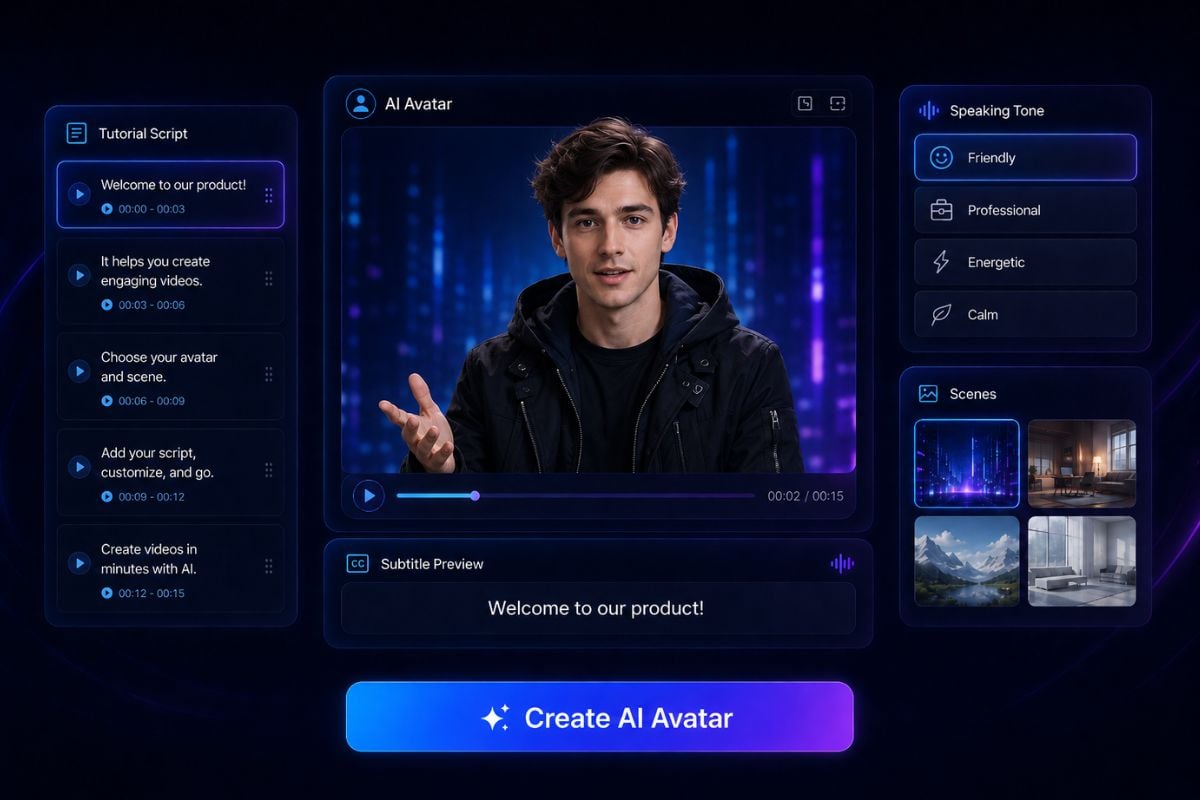
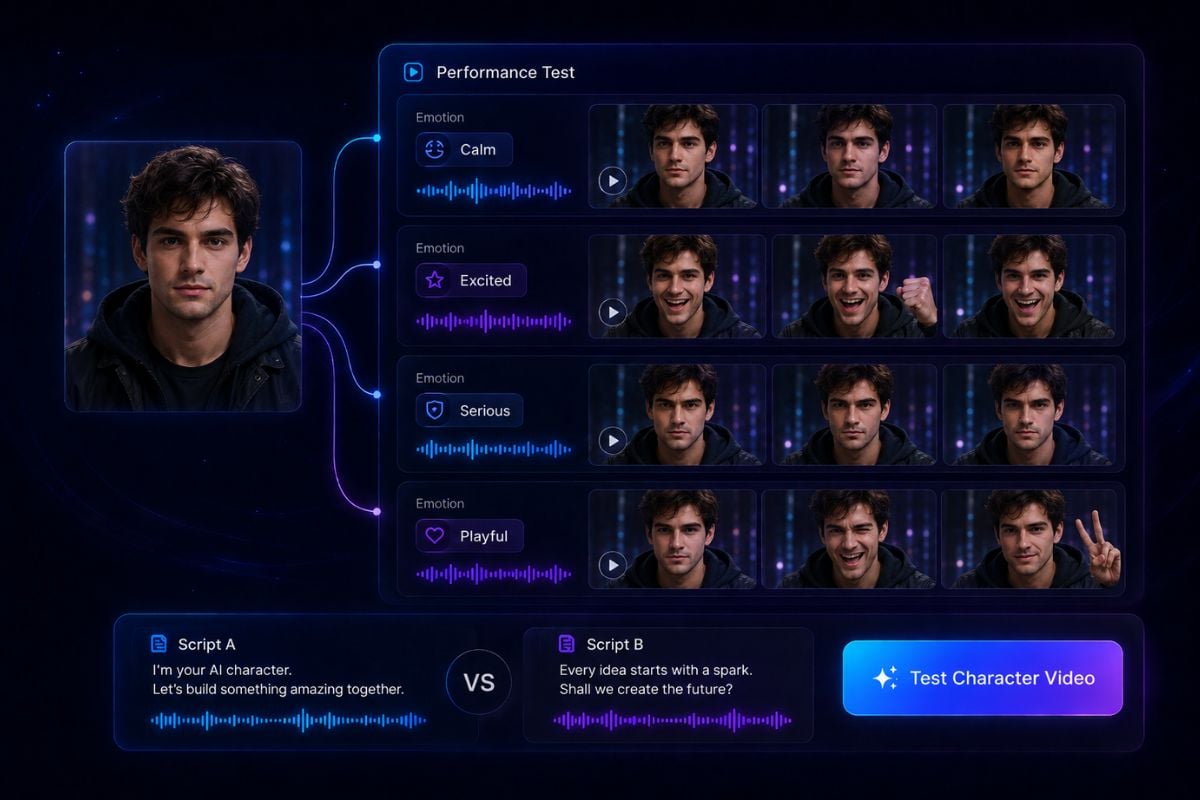
Hedra AI is an AI character video platform for turning images, scripts, and audio into talking character videos. It is useful for AI avatars, virtual presenters, brand mascots, product explainers, social clips, and character-driven creative content.
Why Creators Use Hedra AI
Built for Talking Characters
Good for AI Avatar Videos
Useful for Image and Audio Workflows
Helpful for Brand Mascots
Strong Fit for Social Content
Simple Enough for Creative Testing
Turn Still Characters Into Talking Videos
Create Talking Characters From Images
Start with a portrait, mascot, or character image and turn it into a speaking video. If you need a stronger source visual first, an AI image generator can help create the character image, while an AI video generator can help bring the performance into motion.

How To Use Hedra AI on GoEnhance AI?
Start With a Character Image
Upload a clear portrait, avatar, mascot, or illustrated character that matches the video idea. A front-facing image with readable facial details usually works better for talking character videos.
Add the Script or Speaking Direction
Write what the character should say, then describe the tone, expression, mood, and scene. Keep the message short and clear if you want the lip sync and performance to feel more natural.
Generate and Review the Performance
Create the video, preview the character movement, and adjust the script or source image if needed. Small changes to wording, emotion, or image quality can make the final talking video feel more polished.
Hedra AI Discussions on Reddit
Hedra AI FAQs
What is Hedra AI?
What can I create with Hedra AI?
Is Hedra AI good for talking avatars?
Can Hedra AI turn an image into a talking video?
Who should use Hedra AI?
Is Hedra AI safe to use?
How do I get better results with Hedra AI?
Can I use Hedra-style videos for marketing?
Do I need video editing experience?
Try Hedra AI on GoEnhance AI Free
Start with a character image, script, or audio idea and turn it into a short AI video draft. Use GoEnhance AI to test talking avatars, mascot clips, presenter videos, and character-driven content faster.
Try AI Character Video