
goenhance logo

Dreamina AI

Dreamina is an AI creative platform built for turning text prompts, images, and visual ideas into AI images, short videos, posters, avatars, logos, and social-ready creative drafts.

Turn Prompts, Images, and Ideas Into Ready-to-Use Visuals
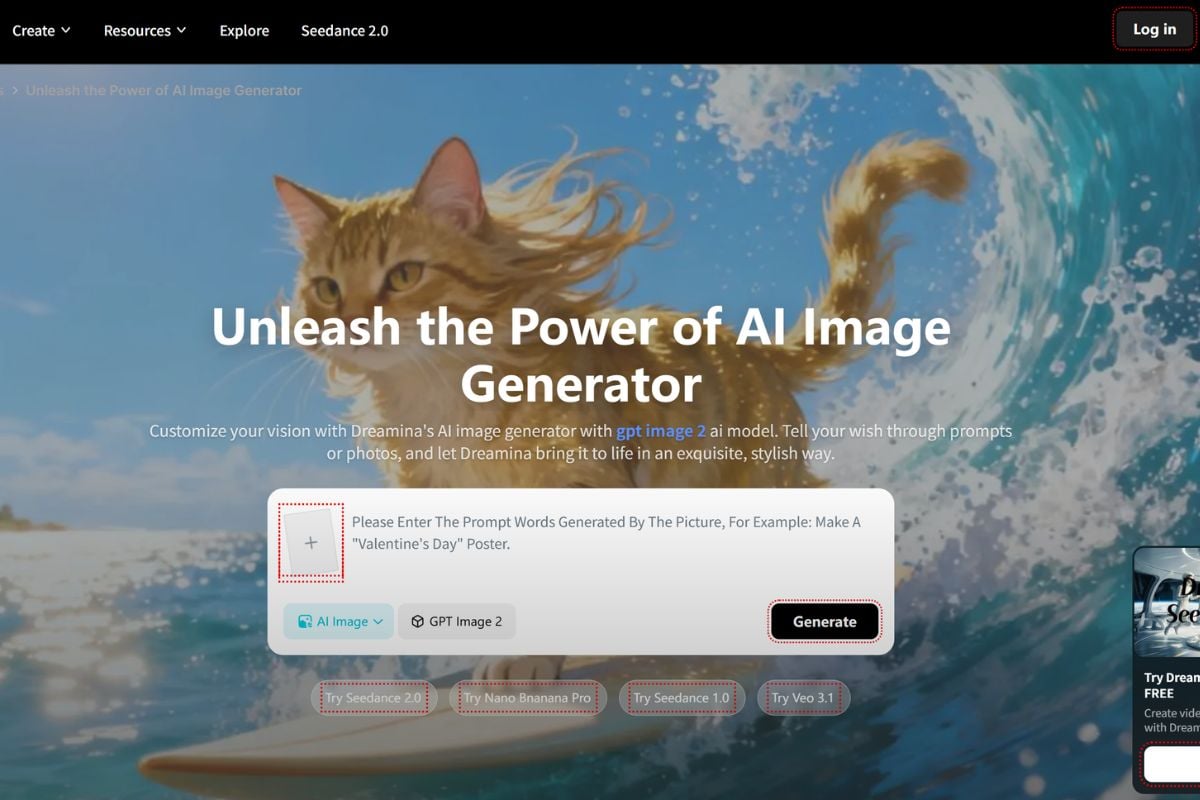
Turn Prompts Into AI Image Concepts

Dreamina can turn text prompts into visual concepts for posters, characters, avatars, product ideas, and social media assets. This is useful when creators want to explore a direction quickly before designing the final version.

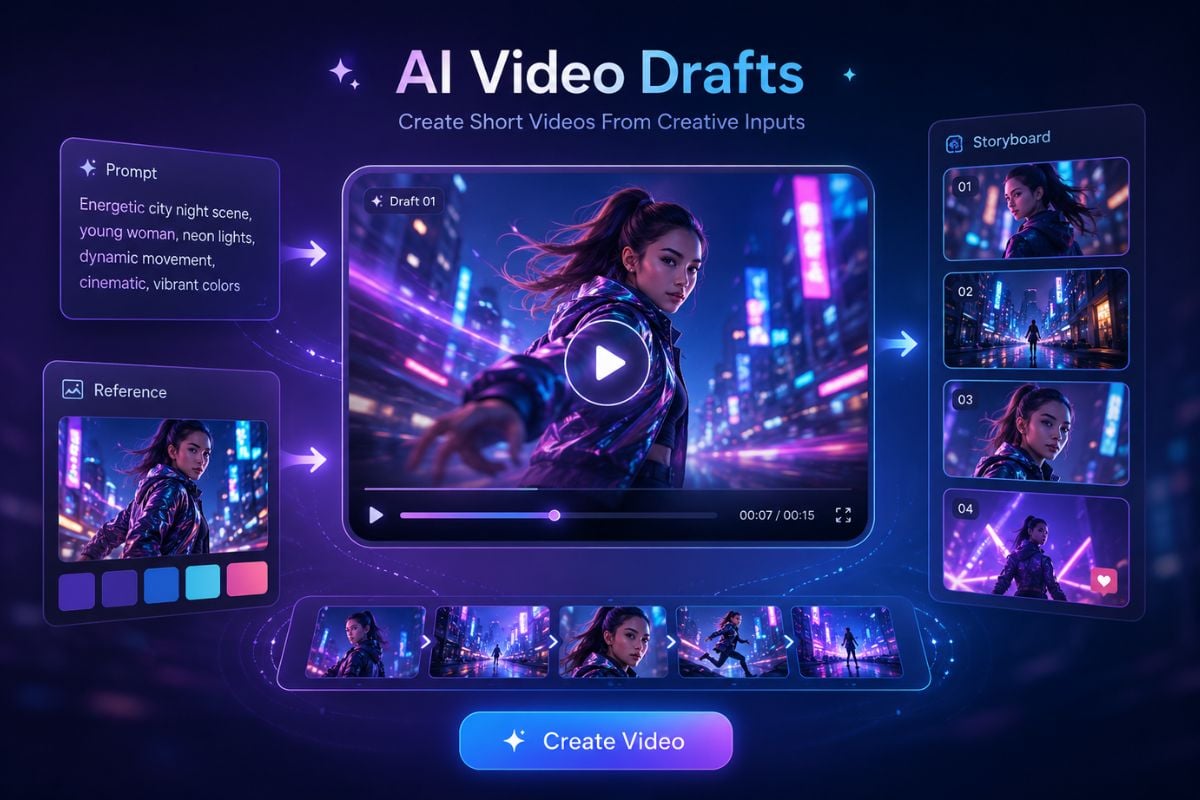
Create Short Videos From Creative Inputs

Dreamina's AI video workflow helps users turn prompts or visual ideas into short video drafts for story moments, campaign testing, mood clips, and social content. If you need to prepare stronger source visuals first, an AI image generator can help shape the image before moving the idea into video.
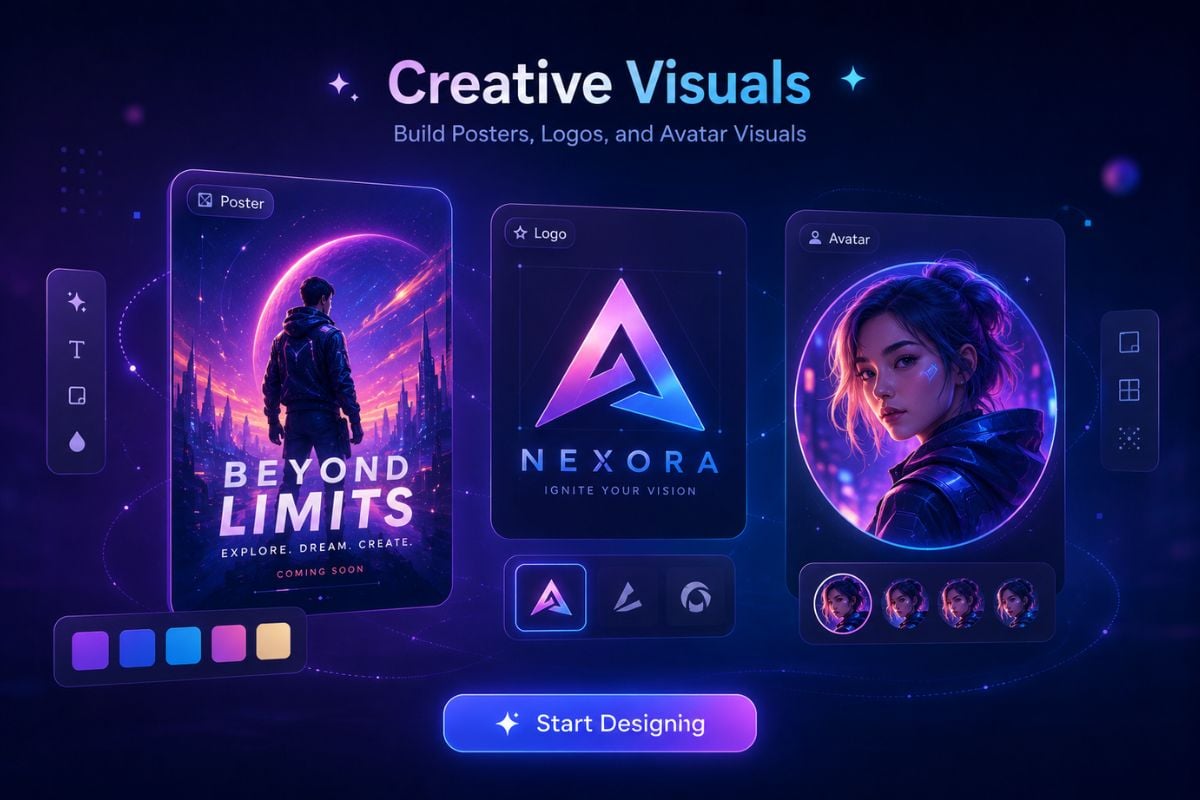
Build Posters, Logos, and Avatar Visuals

Dreamina is useful for practical visual tasks such as poster drafts, logo ideas, avatar concepts, and creator profile images. It helps users explore usable design directions without starting from a blank canvas.

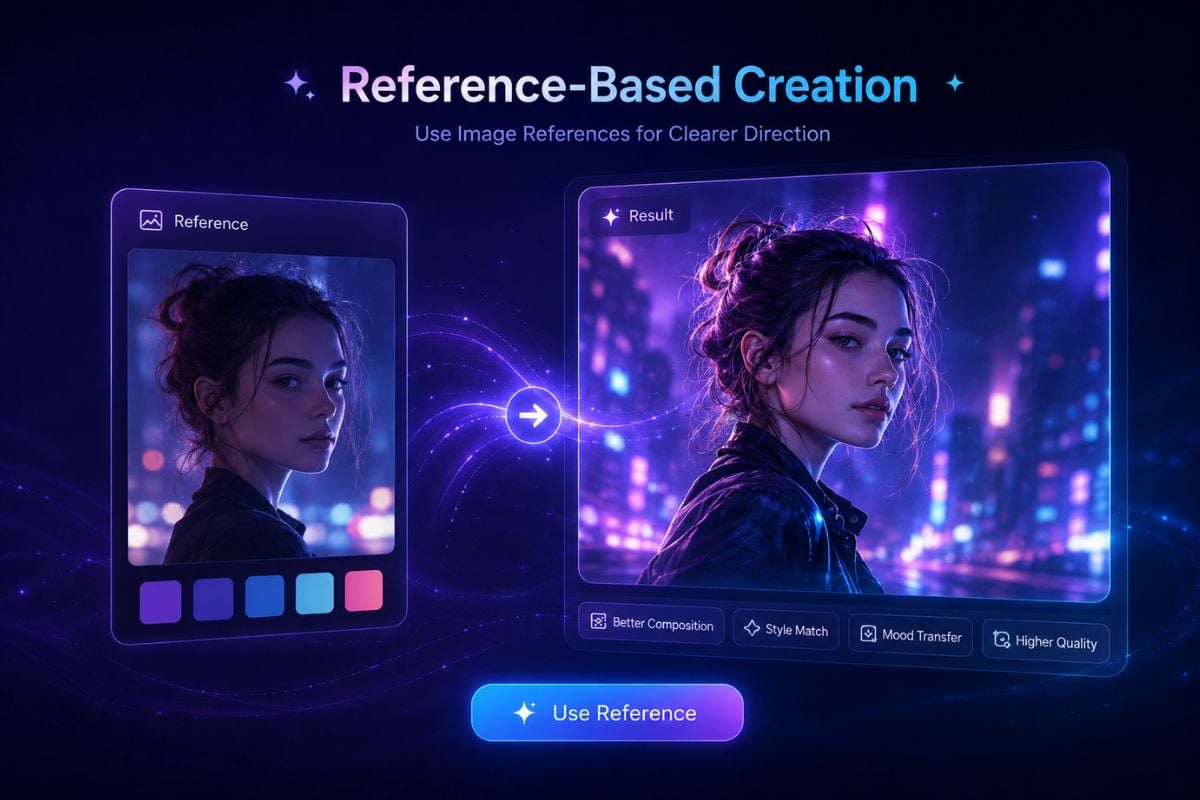
Use Image References for Clearer Direction

When a text prompt is not enough, image-based input can help guide style, composition, character direction, or visual mood. This makes Dreamina useful for creators who already have a reference and want a more controlled visual result, while an AI video generator can help turn those visuals into motion-ready creative drafts.
How To Use Dreamina on GoEnhance AI?

01

Add a Prompt or Visual Idea

Start with a text prompt, a visual concept, or an image-based idea depending on the type of Dreamina creation you want to make.

02

Describe the Creative Direction

Explain the scene, subject, style, mood, character, product idea, or content goal so Dreamina can better understand the result you want.

03

Generate and Review the Result

Preview the generated image or video, check whether it matches your idea, then adjust your input or prompt before using the final output.

A flexible creative workspace for image and video ideas

Why Creators Use Dreamina

Fast Visual Drafting From Simple Ideas

Dreamina helps creators move from a rough idea to a visual draft quickly, making it useful for testing posters, scenes, avatars, short clips, and campaign concepts before full production.

Image and Video Creation in One Workflow

Instead of focusing on only one format, Dreamina supports both AI image generation and AI video creation, which makes it easier to explore connected visual ideas for social media, design, and storytelling.

Useful for Social and Marketing Content

Dreamina fits short-form visual production because users can create posters, avatars, product-style images, logo concepts, and short video ideas for online campaigns and creator content.

Flexible Prompt and Image-Based Creation

Users can start from written prompts or image references, which helps when the creative direction is difficult to explain with text alone or when a visual style needs clearer guidance.

Broad Style Exploration

Dreamina can support many visual directions, from anime-inspired images and portraits to posters, product visuals, and cinematic-looking scenes, giving creators more room to test different looks.

Accessible for Non-Designers

The workflow is built around prompts and simple creative inputs, so users do not need advanced design, editing, or production experience to start creating useful visual drafts.

Dreamina Discussions on Reddit

Dreamina Discussions on X

Dreamina vs Media.io vs GoEnhance AI

Comparison PointDreaminaMedia.ioGoEnhance AI
Main FocusAI image and video creation for posters, avatars, visual drafts, and short creative clipsOnline media editing platform with AI tools for video, audio, image, and file-based workflowsAI creative workflow platform for image generation, image-to-video, video transformation, face swap, and creator-friendly visual content
Best ForCreators who want to explore prompt-based images, short videos, posters, and social visualsUsers who need practical online media tools such as video editing, conversion, enhancement, audio cleanup, or image utilitiesCreators and marketers who want to create AI visuals, animate images, transform videos, and build social-ready AI content in one workflow
Input TypesText prompts, visual ideas, and image-based references depending on the selected workflowVideos, images, audio files, and other media assets depending on the selected toolText prompts, images, source videos, portraits, and creative references depending on the selected AI workflow
Output TypesAI images, short AI videos, posters, avatars, logo concepts, and visual draftsEdited media files, enhanced videos/images, converted files, audio outputs, and AI-assisted creative assetsAI images, animated image videos, transformed videos, face swap outputs, character-style clips, and social media visuals
Creative StrengthStrong for fast visual ideation, image/video concepting, and prompt-based creative explorationStrong for utility-style editing and practical media processing across many file typesStrong for connected AI visual workflows where users move from image generation to animation and video transformation
Workflow StylePrompt-first creative generation with image and video creation optionsToolbox-style online editor with many separate media utilitiesAI creation suite focused on visual generation, video effects, and creator-facing content production
User Skill LevelBeginner-friendly for users who can describe the visual result they wantBeginner-friendly for users who need simple online editing and media processing toolsBeginner-friendly for creators who want AI image, video, and transformation workflows without complex editing software
Commercial Use NotesReview Dreamina's terms and check rights for uploaded images, likenesses, brands, and generated outputs before commercial useReview Media.io's licensing, uploaded asset rights, and tool-specific terms before using outputs commerciallyReview GoEnhance AI's terms and make sure source materials, faces, characters, and final outputs are cleared before public or commercial use
Frequently Asked Questions About Dreamina

You May Want To Know

What is Dreamina?

Dreamina is an AI creative platform for generating images and videos from prompts, images, and visual ideas. It is designed for creators who need fast visual drafts for social content, design concepts, posters, avatars, and short videos.

What can I create with Dreamina?

You can use Dreamina to create AI images, short AI videos, posters, avatars, logo concepts, character visuals, product-style images, and other creative drafts depending on the workflow you choose.

Is Dreamina mainly an image tool or a video tool?

Dreamina works across both image and video creation. Its image tools are useful for posters, avatars, logos, and visual concepts, while its video tools help turn prompts or visual ideas into short video drafts.

Is Dreamina AI free?

Dreamina may offer free access, free credits, or limited trial options depending on the region, account status, and current product policy. Free availability can change, so users should check Dreamina's official pricing or credit page before starting a larger project.

Who should use Dreamina?

Dreamina is useful for content creators, marketers, designers, small teams, social media editors, students, and anyone who wants to test visual ideas without building everything manually from scratch.

Do I need design or video editing experience to use Dreamina?

No advanced design or editing experience is required to start. Dreamina is built around prompts and simple creative inputs, although better prompts and clearer references can usually help produce stronger results.

How can I get better results with Dreamina?

Use clear prompts that describe the subject, scene, mood, style, format, and intended use. For image-based workflows, start with a clean reference image and review the result carefully before using it publicly.

Can I use Dreamina for marketing or commercial work?

Dreamina can be useful for marketing drafts, product visuals, social posts, and campaign ideas. Before using any output commercially, review Dreamina's terms, check rights for uploaded materials, and make sure the final result does not include unauthorized brands, likenesses, or copyrighted assets.

Is Dreamina safe to use?

Dreamina can be safe when used responsibly. Use source materials you own or have permission to use, review the platform's terms, and check each output before public or commercial use. Avoid misleading identity edits, unauthorized likeness use, copyrighted assets, and content that could confuse viewers.

What should I avoid when using Dreamina?

Avoid uploading private or unauthorized materials, copying protected characters or brand assets too closely, using someone's likeness without permission, or publishing AI-generated visuals that could mislead viewers.

Create AI Video and Image Ideas With GoEnhance AI

Start with a prompt or image and create visual content with GoEnhance AI. Try AI image generation, image-to-video creation, and video transformation in one simple creative workflow.

Start Creating