
Akool AI
Akool AI is a visual AI and video platform focused on avatar-led videos, face swap, talking photos, video translation, image generation, and marketing content workflows. It is especially useful when creators or teams want to build human-led videos from faces, scripts, images, or localized campaign assets.
Key Akool AI Video Workflows
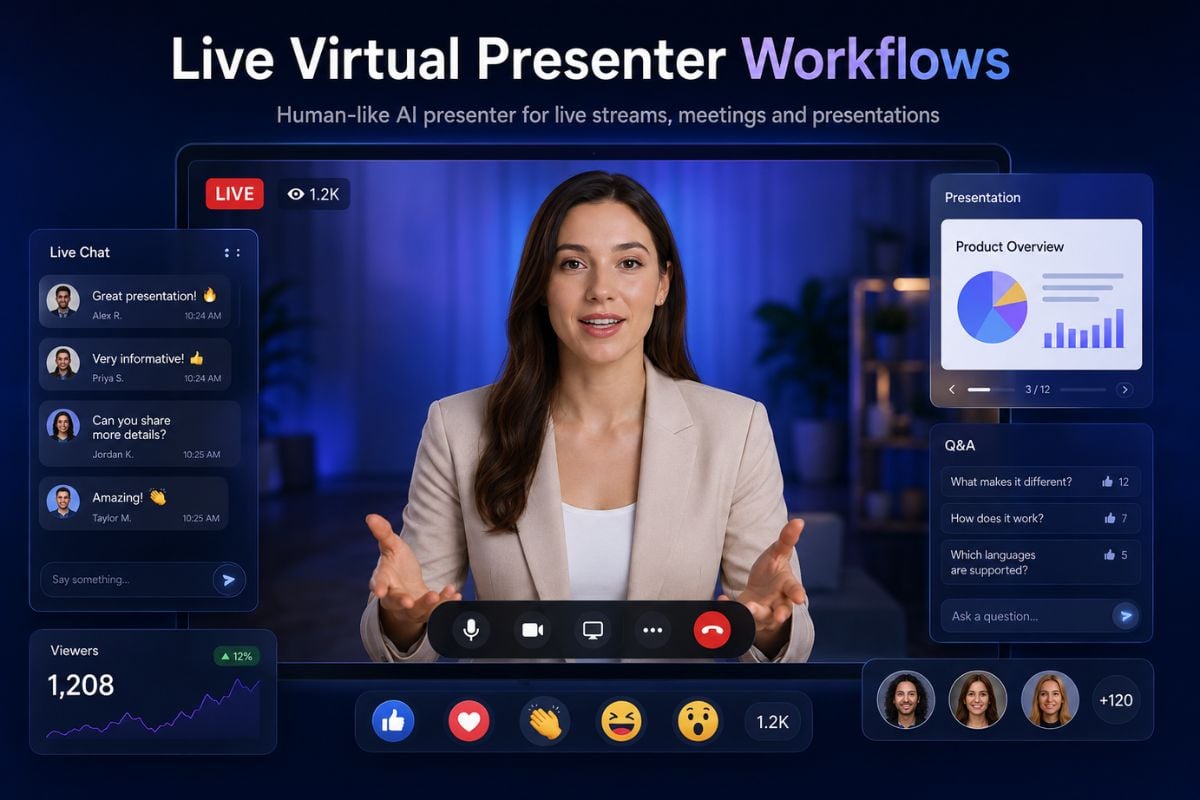
Live Virtual Presenter Workflows
Akool stands out when users want a human-like presence in live or presentation-style video, not just a finished clip generated after a prompt. It can support face-based virtual appearances, avatar-style presentation, online meetings, livestream content, and interactive business communication. For creators who mainly need ready-to-post video drafts, GoEnhance offers a simpler AI video generator workflow for turning prompts, images, or creative ideas into short videos.
AI Spokesperson and Avatar Content
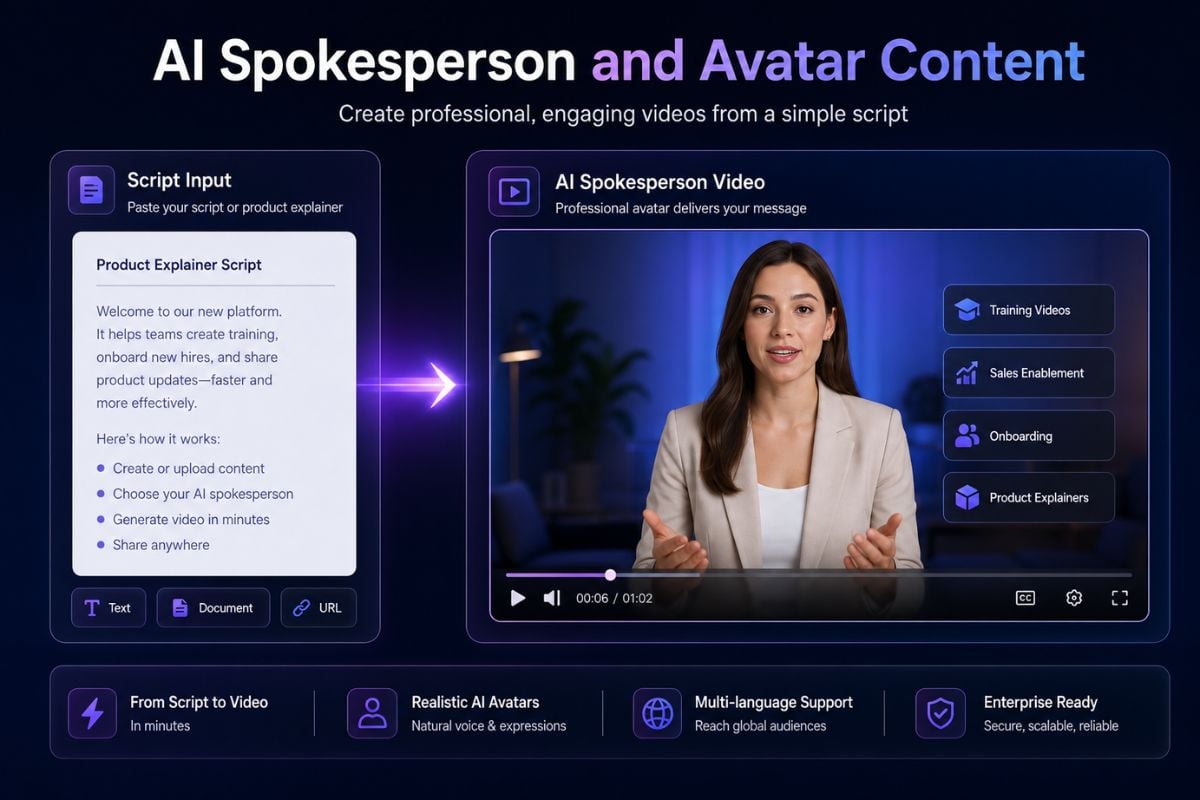
Akool is a strong fit for videos where the main value comes from a digital presenter, talking avatar, or face-led message delivery. This makes it useful for product explainers, course videos, sales outreach, internal training, onboarding clips, and brand communication where a presenter-style format feels more direct than a cinematic AI scene.
Localized Video Versions for Global Audiences
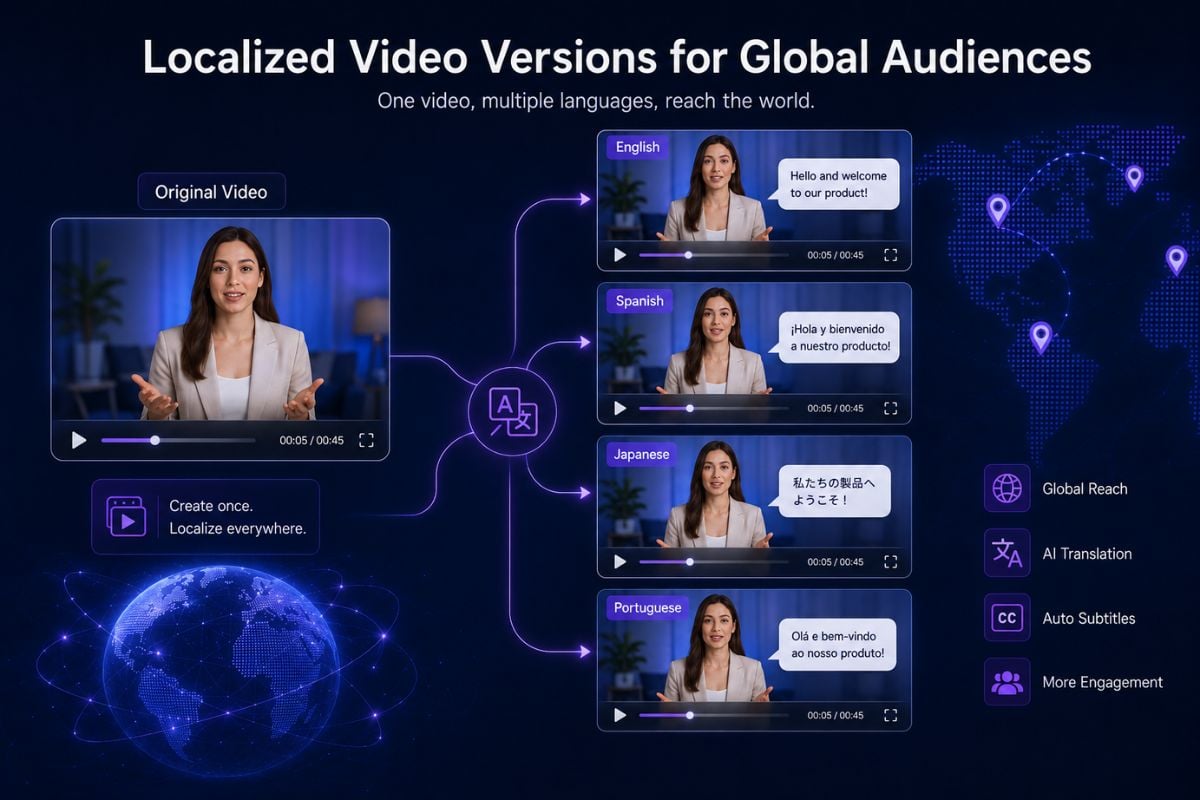
Akool is also useful when a team needs to adapt one video for different languages, markets, or audience groups. Instead of recreating every asset from zero, users can work toward translated or localized video versions for education, ecommerce, customer support, ads, and international campaigns. For visual-first campaigns, GoEnhance can help turn product images or campaign concepts into localized image-to-video drafts.
Identity-Based Video Personalization
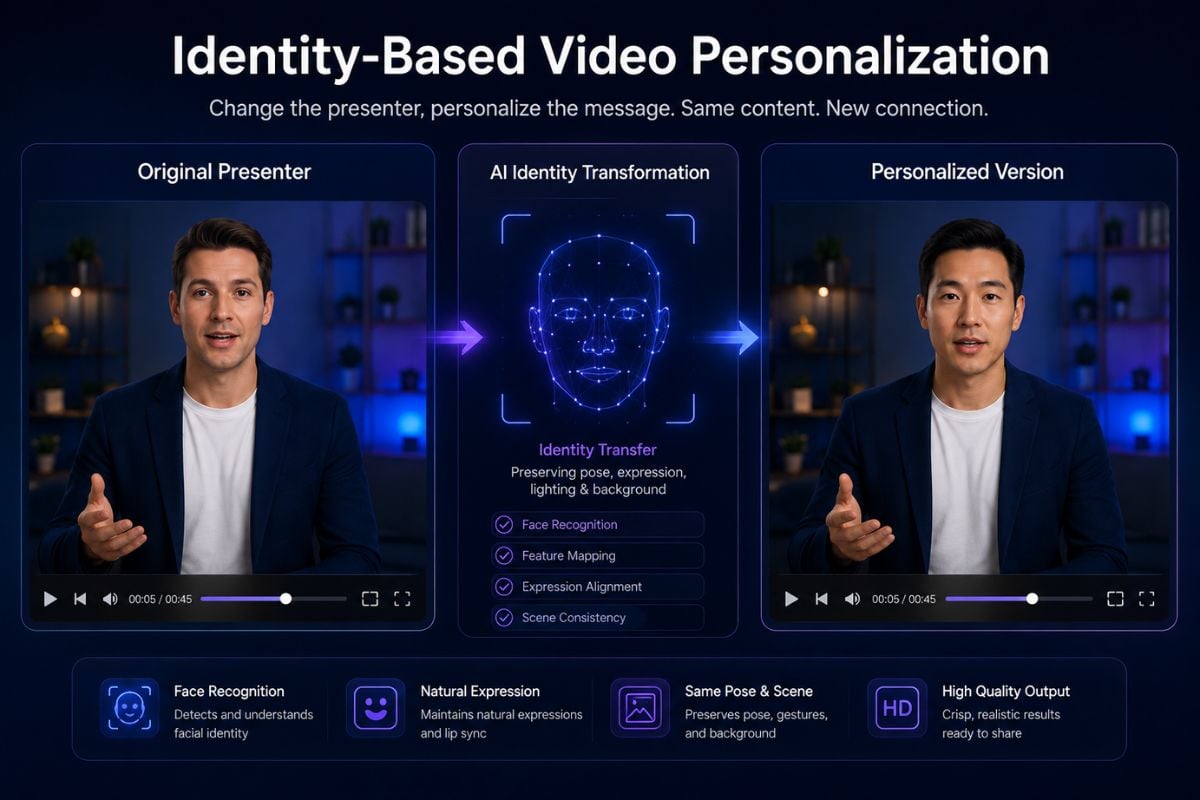
Akool's face and character-driven workflows are useful when the creative idea depends on changing the presenter, testing different identities, personalizing a message, or rebuilding a human-led video with a new look. This is different from general text-to-video generation because the core asset is the person, expression, and delivery. For broader scene creation, GoEnhance's text-to-video workflow is better suited for building new visual ideas from scratch.
Akool Vs Pollo Vs GoEnhance
Why Creators Use Akool AI
Human-Led Video Creation
Realistic Face and Avatar Workflows
Localized Video for Global Audiences
Useful for Business Communication
Efficient Content Repurposing
Better for Presenter-Based Personalization
How To Use Akool on GoEnhance
Choose Your Starting Point
Upload an image when you already have a subject, product, avatar, or character. Use a text prompt when you want to build the video idea from scratch.
Describe the Video Direction
Write the scene, subject movement, camera angle, mood, background, pacing, and intended platform. For marketing videos, include the product benefit and audience.
Generate and Review
Create the first version, then check motion, identity consistency, facial details, text accuracy, brand safety, rights, and whether the result feels suitable for publishing.
Akool AI FAQs
What is Akool AI?
Is Akool an AI video model?
What is Akool best used for?
How does Akool compare with Pollo AI?
Can I use Akool for image-to-video?
Can I use Akool for text-to-video?
Where can I verify Akool AI information?
Can Akool-style videos be used for commercial content?
What should I check before publishing AI videos?
Try Akool AI Now
Start with a prompt, image, product visual, or creative idea and turn it into a video draft for social media, ads, storytelling, and visual experiments.
Start Creating