PopVid AI for Live Video Roleplay and Creative Twists

PopVid AI centers on live video interaction with AI characters and prompt-led visual creation. Explore character stories, customize an AI persona, or use Twist AI to reinterpret a scene. Its developer documentation also covers streaming video generation.

What Can You Create With PopVid AI?

Explore character conversations, alternate story directions, and visual reinterpretations.
Interactive Character Adventures

Interactive Character Adventures

Choose a character and guide the conversation. Live video roleplay makes the exchange part of an evolving character experience.

Animate a Reference in GoEnhance

Key Features of PopVid AI

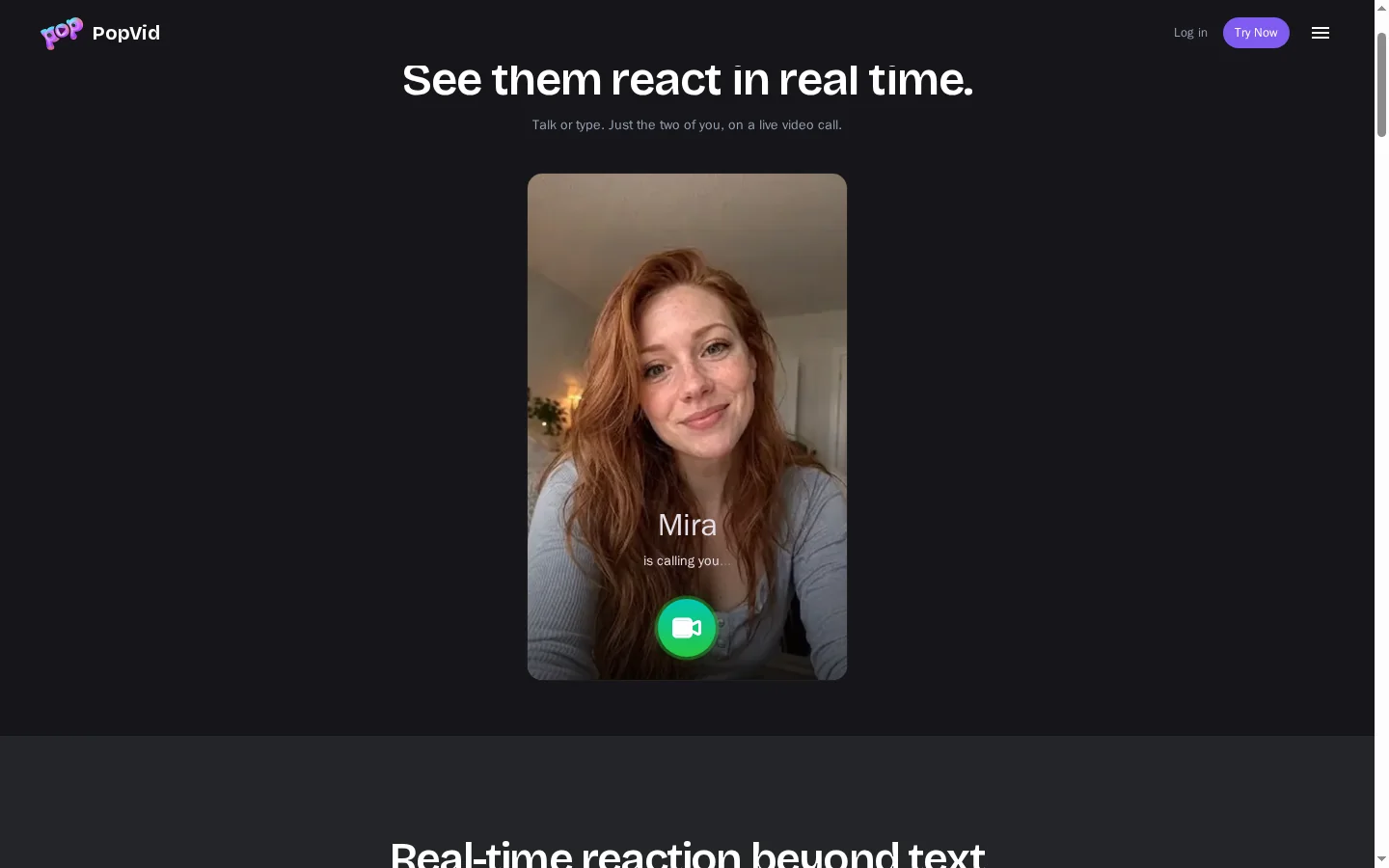
Interact Through Live Video Roleplay

PopVid presents live roleplay as a video interaction with an AI character, where the exchange develops through conversation instead of following only a fixed clip. For creators exploring a separate still-image workflow, image to video connects a supplied character image with described motion. This format suits exploratory stories and character chats that benefit from a responsive back-and-forth. Review the actual experience in the account to understand which controls and characters are available.
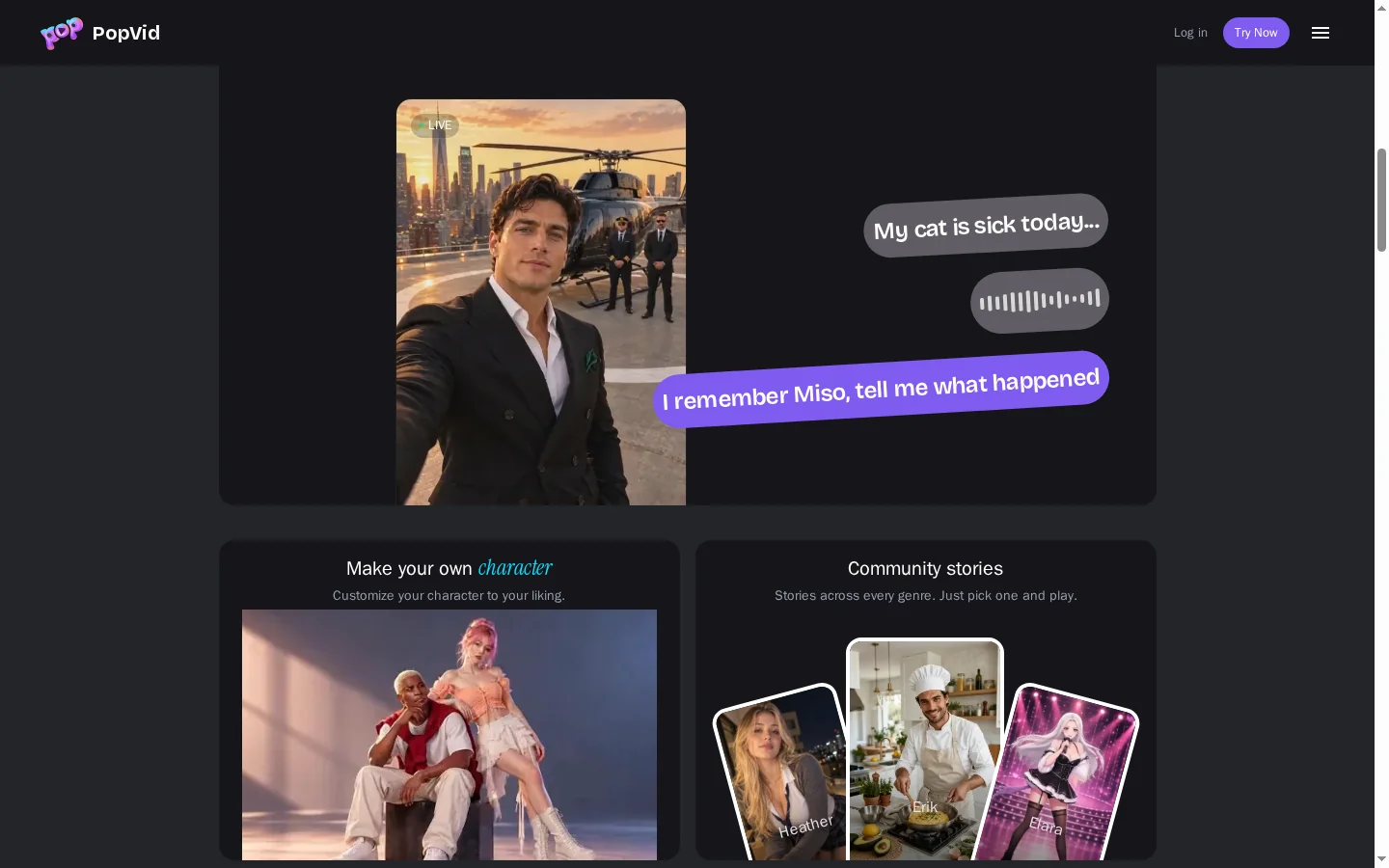
PopVid AI live video roleplay connecting messages with character interaction

Create a Custom AI Character

PopVid's character creation gives users a way to define a persona for interactive content before starting a roleplay. A clear concept can describe the character's identity, tone, and relationship to the story, helping set expectations for the conversation. When a character reference also needs visual revision, an image to image AI workflow is a related option. Check the creation screen for the fields currently offered and review the resulting profile before using it.
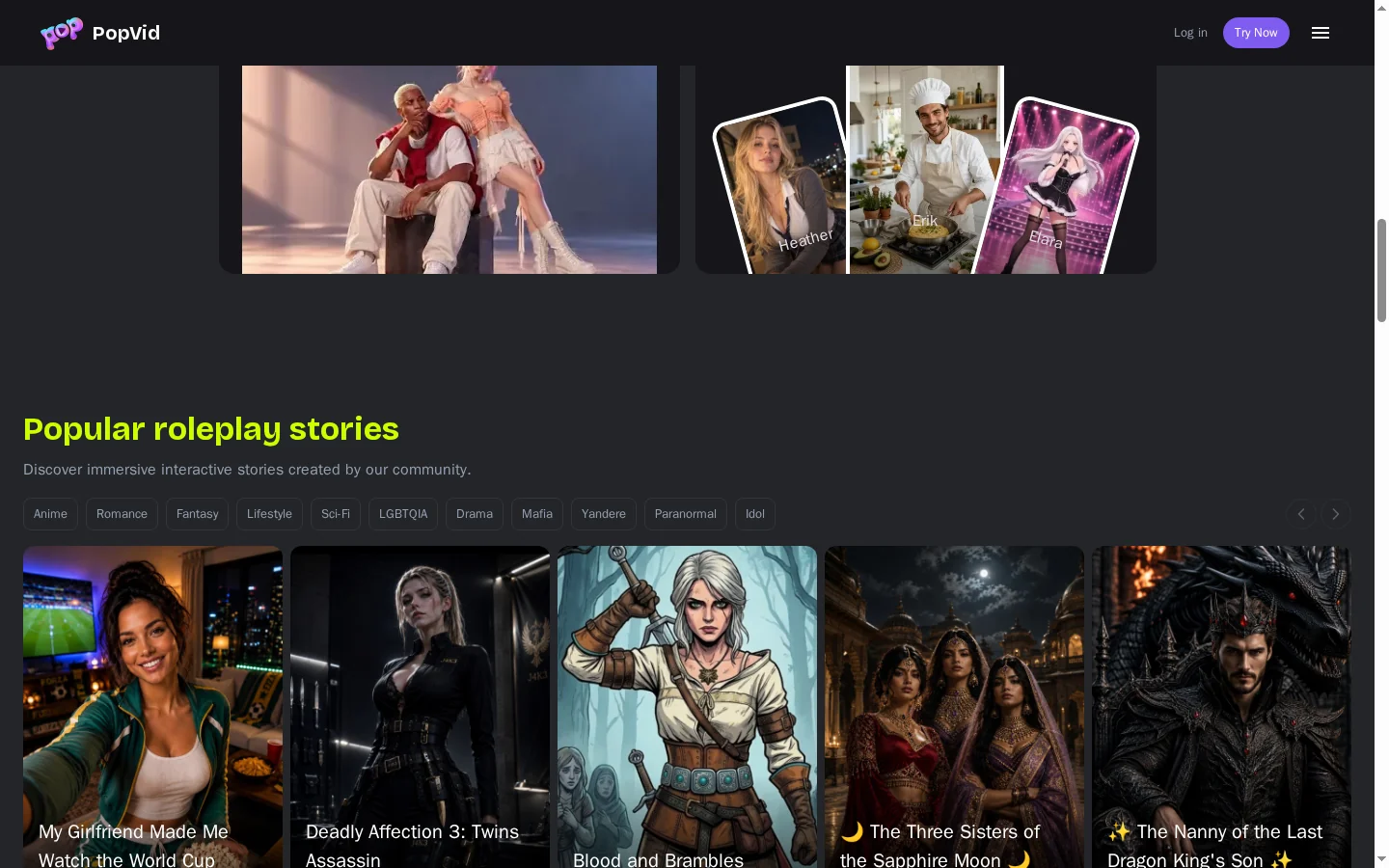
PopVid AI custom character creation for interactive content

Explore Prompt-Led Twists

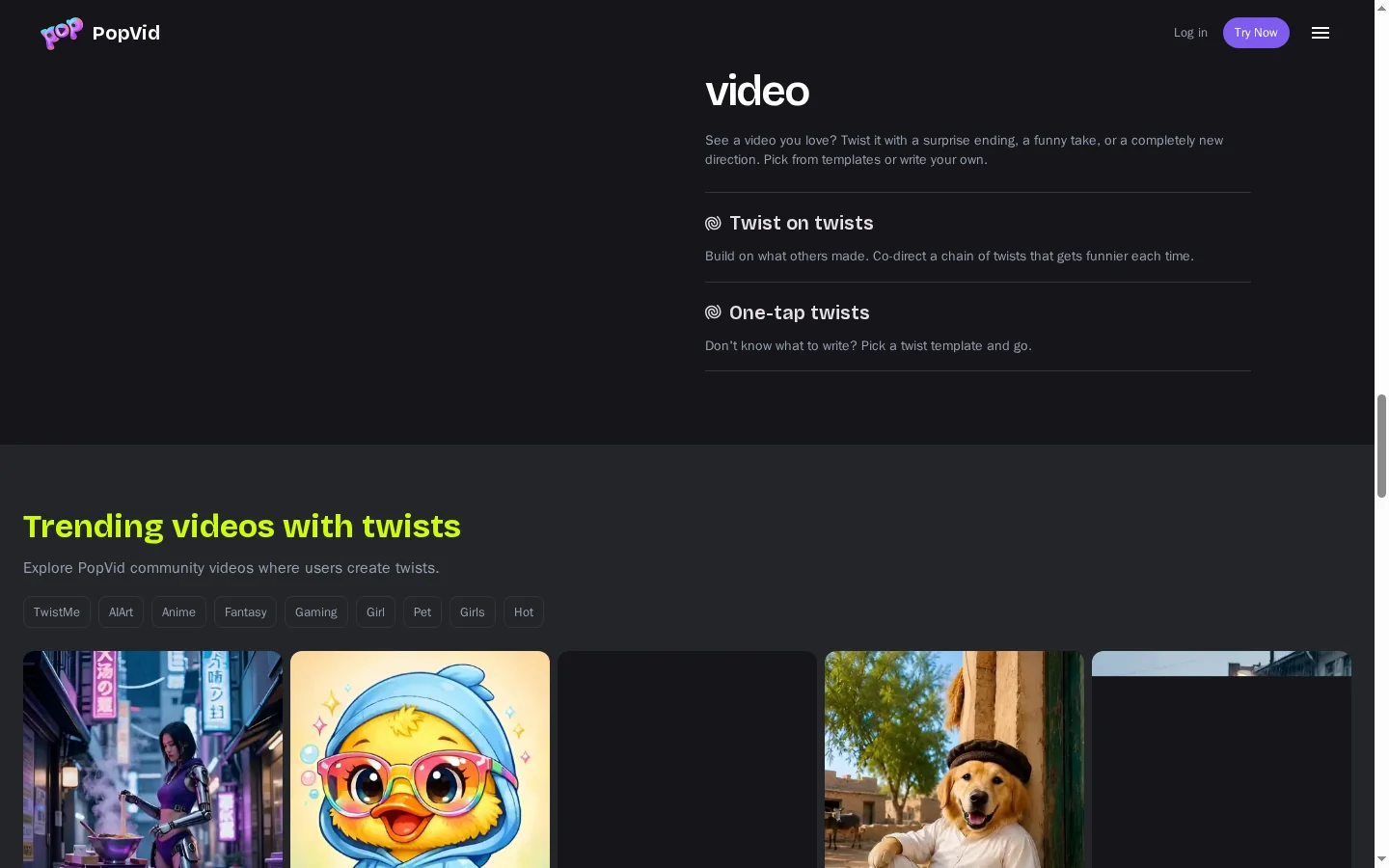
Twist AI offers a prompt-led way to reinterpret a scene or piece of content by asking for a specific change in direction. A concrete instruction, such as changing the mood or introducing a story turn, gives the transformation a clearer goal than a vague request to improve the clip. If the source footage itself needs a visual restyle, a video to video workflow is a relevant comparison. Review the result for continuity with the source and whether the new idea reads clearly.
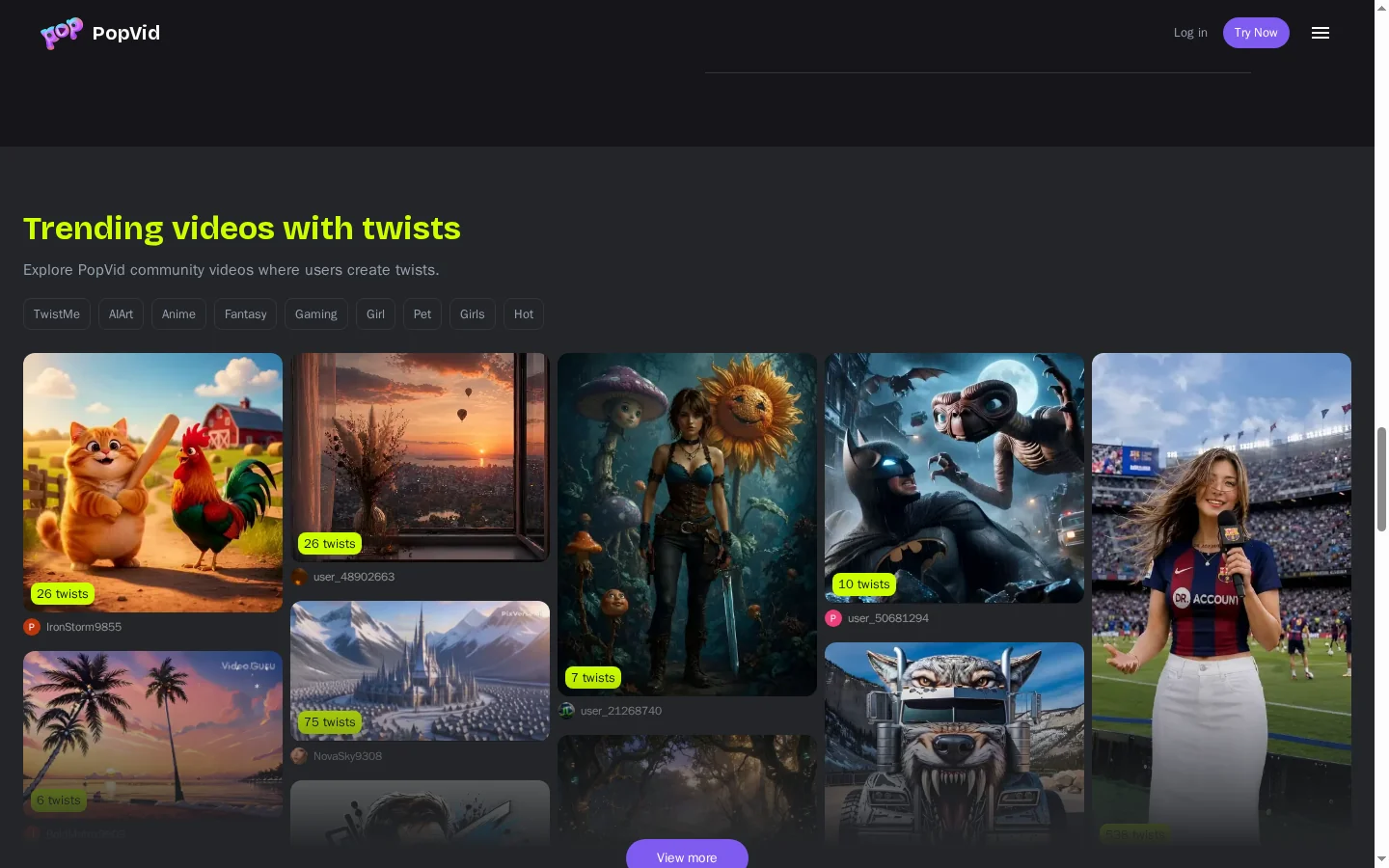
PopVid AI Twist AI prompt describing a new visual direction

Build With a Streaming Video API

PopVid's developer documentation describes a streaming video API for applications that need to start generation, send input updates, and handle the resulting stream. This path is aimed at developers building interactive experiences, so review authentication, request lifecycle, and response handling before connecting it to a live product. It serves a different purpose from selecting a character in the consumer interface.

PopVid AI streaming API documentation for interactive video generation

How to Use PopVid AI

01

Choose a Character or Creation Tool

Start with a roleplay character, create a custom persona, or select the Twist AI experience.

02

Set the Direction

Start the conversation or provide the inputs requested by the creation tool. Describe the action or change you want clearly.

03

Review and Continue

Inspect the interaction or generated result. Refine your direction and continue with another message or variation where supported.

PopVid AI vs GoEnhance AI and Alternatives

PlatformCore StrengthCreative RangeBest Fit
PopVid AILive video roleplay and prompt-led twistsCharacter interactions, custom personas, visual creation, and streaming APIsUsers exploring interactive characters and developers building live experiences
GoEnhance AIPlanned generation and transformation of visual shotsImage animation, generated video, character animation, and restylingCreators preparing specific character shots and visual assets
PikaCreative video transformations and effectsImage-to-video, video modifications, and effects toolsCreators making short effects and experimental clips
RunwayGenerative video production and interactive charactersVideo generation, editing workflows, and conversational character APIsCreative teams and developers building video experiences
PopVid AI emphasizes live interaction and visual twists. Consider GoEnhance AI when you want to prepare a reference, direct a standalone shot, or develop an artistic treatment.

Why Use GoEnhance AI for Planned Character Videos?

Start From Your Own Character Art

Upload a chosen reference to image-to-video and describe the movement needed for a particular scene.

Plan a Scene With a Written Prompt

Describe the setting and action in text-to-video when you need a standalone storyboard shot.

Prepare the Character Reference

Edit your source artwork before animation so the next generation starts with the design you selected.

Animate a Character Performance

Explore character animation when the job is to move an existing character design.

Restyle Your Existing Clip

Use video-to-video to develop another artistic treatment for footage you already have.

Prepare a Larger Still Asset

Upscale a selected character image for a presentation, thumbnail layout, or supporting visual.

PopVid AI Discussions on Reddit

Frequently Asked Questions

PopVid AI FAQ

What is PopVid AI?

PopVid AI is a platform for interactive AI characters and visual creation. Its current site highlights live video roleplay, custom characters, and Twist AI.

Is Popvid the same as PopVid AI?

Popvid is a common capitalization of the product name. popvid.ai is the official website.

What is live video roleplay on PopVid?

It is an interactive character experience that combines conversation with video. Choose a character and guide the exchange through your messages.

Can I create my own AI character?

Yes. The site offers custom AI character creation. Define a persona that suits the interaction or story you want to explore.

What does PopVid Twist AI do?

Twist AI is a creation experience for reinterpreting content with a new direction. Check the selected template or tool for its supported input and output.

Is PopVid AI free?

The help page refers to free accounts, but free credits do not refresh daily. Check the account's available access and credits rather than assuming ongoing free generation.

How much does PopVid AI cost?

A complete public price table could not be verified. Check the current in-app offer for the price, included credits or access, billing period, and renewal conditions.

Does PopVid AI have an API?

Yes. Official documentation describes streaming video generation, including updating inputs and stopping a stream. Developers should review the authentication and lifecycle requirements.

Can I use PopVid AI as a storyboard editor?

The public site emphasizes character interactions and visual creation. It does not establish frame-accurate storyboard controls, so verify any required production controls before choosing the workflow.

How does PopVid AI compare with GoEnhance AI?

PopVid AI suits interactive character experiences and prompt-led twists. GoEnhance AI is an alternative for planned image-to-video shots, character animation, image editing, and video restyling.

Where can I verify PopVid AI information?

Check PopVid AI, the help page, the streaming API guide for current features, access limits, and terms.

Have a Character Reference? Give It a Scene.

Bring your artwork into GoEnhance AI and describe the movement you want for the next shot.

Animate My Character in GoEnhance