
Free AI Frozen Video Effect


How to Make an AI Frozen Video
Upload Your Photo
Choose a clear portrait or full-body shot. Good lighting helps frost textures look sharp and natural.
Apply the Frozen Effect
Add the AI frozen look: ice crystals, frost bloom, and a subtle cold fog—built to feel like a real freeze-over.
Download & Share
Export your clip for shorts, memes, and edits. Great for intros, transitions, and “freeze moment” highlights.
AI Frozen That Looks Like Ice, Not Filters
Make a clean AI frozen clip from one image. The freeze effect builds from the edges inward with frost bloom, crystal textures, and light cold mist—so the result reads like a real frozen moment, not a noisy overlay. It’s a simple way to create frozen AI scenes for reels, edits, and punchy transitions.
Frozen → Story Edit in Minutes
Turn the frozen moment into a full sequence: generate a base clip with our AI video generator, then layer this freeze-over as a transition beat. You can also mix styles with live 2D animation or use AI hug for a before/after contrast in the same storyline.
Why Choose GoEnhance?
Cinematic Ice Textures
Clean Subject Preservation
Fast, Simple Workflow
Great for Shorts & Memes
Stylized Options
Easy Export
Frequently Asked Questions
What is AI frozen?
What kind of photos work best?
Is it free to use?
Can it look like an AI sculpture?
How is my data handled?
Can I use the results commercially?
Apply More Video Tools
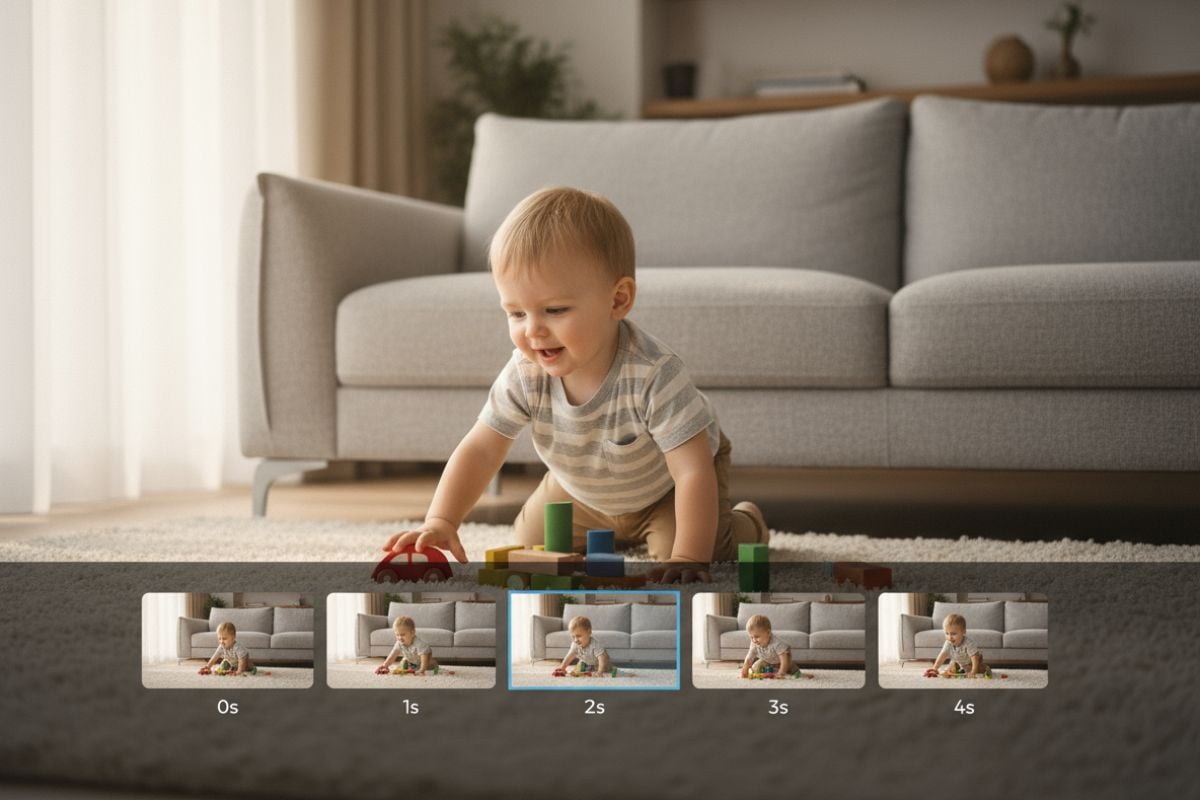
Freeze a Photo into a Video
Upload a photo and turn it into an ice-frozen video effect—fast, clean, and ready to post.
Try AI Frozen Free