goenhance logo

Free AI Pet Podcast Generator

Upload one pet photo, add your audio or generate a voice track, and turn your pet into a talking on-screen host. This AI pet podcast generator makes it easy to create playful clips for cats, dogs, and other pets without complicated editing.

Make AI Pet Podcast Videos

How To Make AI Pet Podcast Videos?

01

Upload a Pet Photo

Start with a clear photo of your pet. A front-facing image usually works best because the mouth and facial details are easier to animate naturally.

02

Upload or Generate Audio

Add your own voice clip, podcast-style audio, or generate a new line directly in the tool. This is where your AI pet podcast idea starts to come alive.

03

Generate and Share

Click generate and let the tool create a talking pet video with synced mouth movement. In a few moments, you have a fun AI pet video generator result ready to post.

Explore AI Pet Podcast Features
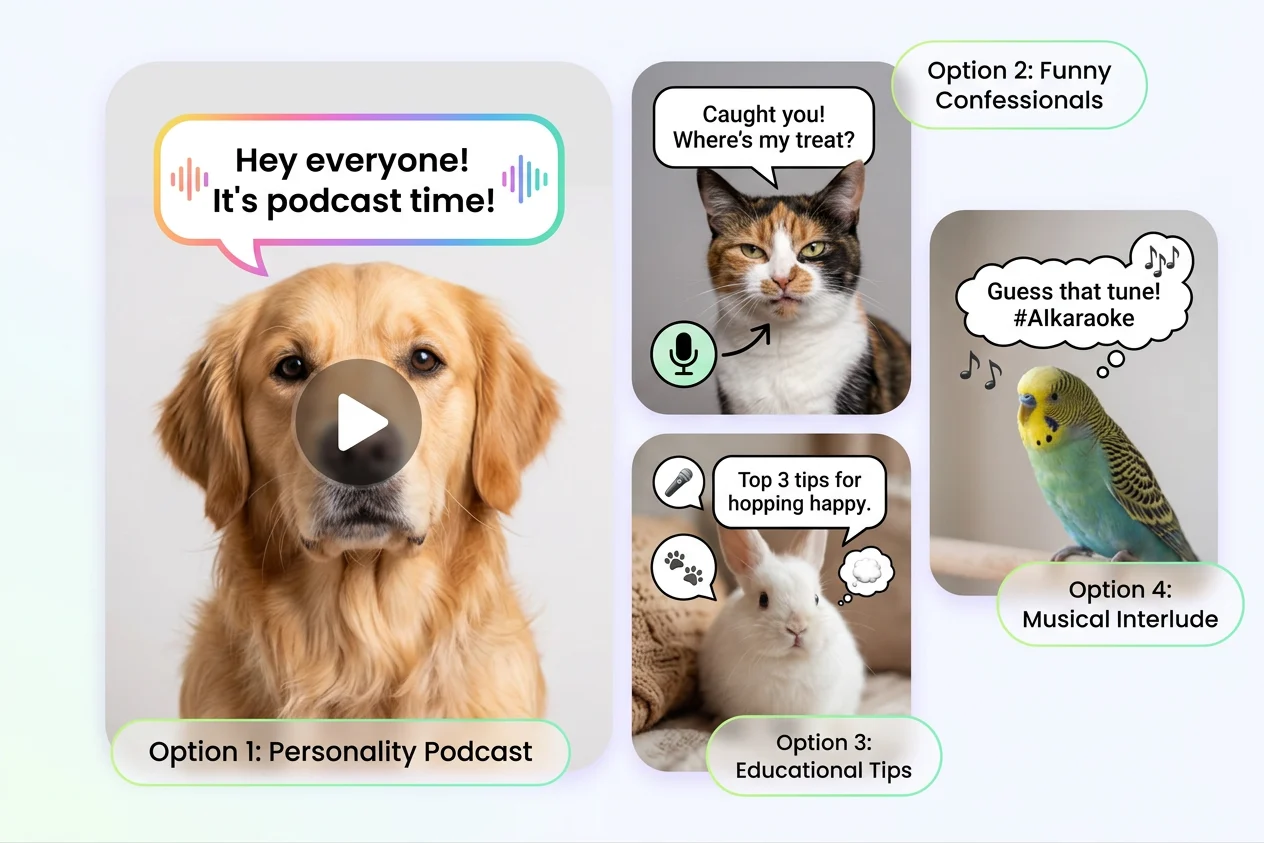
Turn Any Pet Photo into a Talking Clip

Make a simple pet image feel lively and full of personality. Upload a cat, dog, rabbit, or other pet photo, pair it with speech, and create an AI pet podcast video that feels casual, funny, and easy to share.

make funny talking pet podcast

Add Your Own Audio or Generate a Voice

You can upload a ready-made voice clip, record a short line, or generate audio for a fast dog pet podcase or cat-host style video. It is a simple workflow for anyone who wants a lightweight AI pet video generator without learning editing software.

AI talking dog podcast

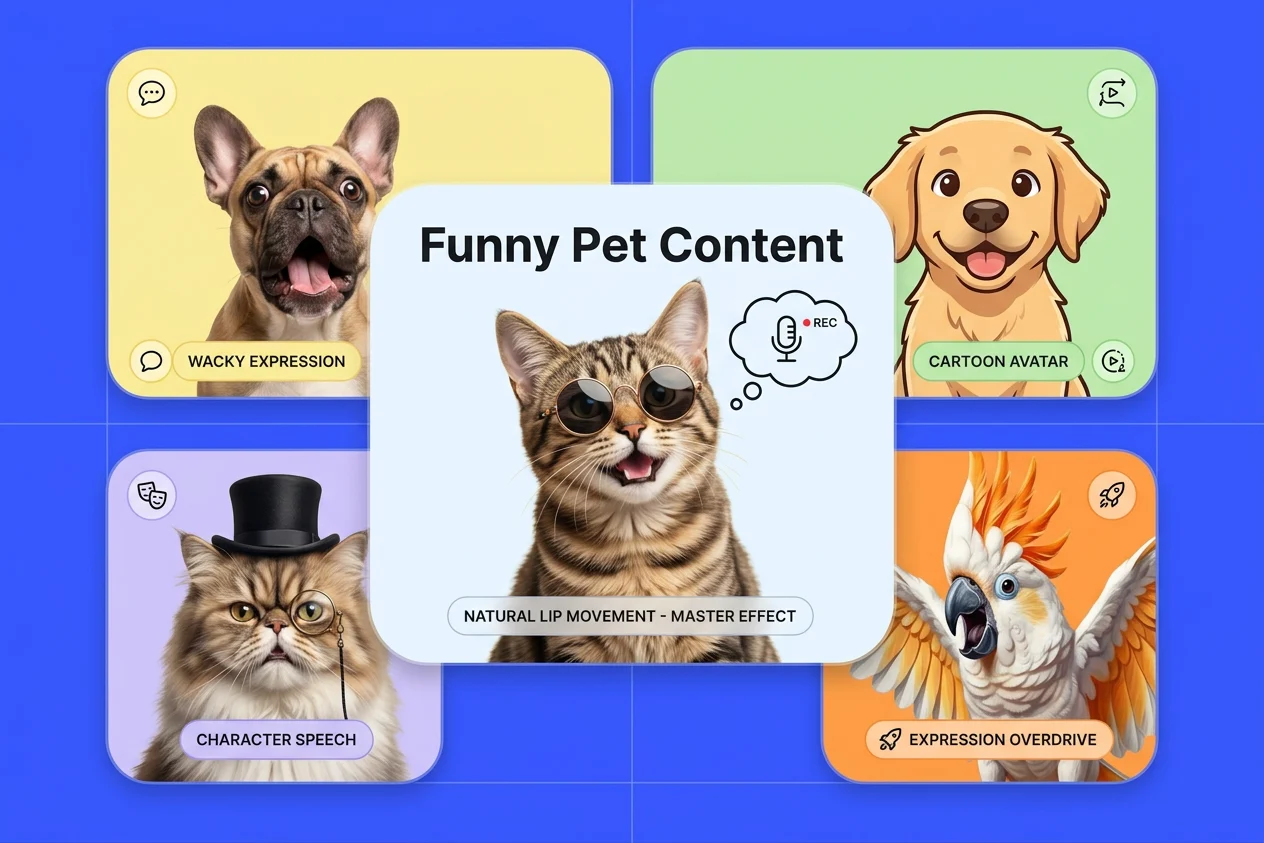
Natural Lip Movement for Funny Pet Content

The result is especially useful for short-form content where expression matters. You can also explore related tools like talking avatar, talking cat video, lip sync, and talking dog video when you want more character-based speaking effects.
add your voice to pet podcast
Frequently Asked Questions

You May Want to Know

What is an AI pet podcast generator?

An AI pet podcast generator is a tool that turns a still pet photo into a talking video. You upload an image, add or generate audio, and the system creates mouth movement and facial animation that match the sound.

How do I make an AI pet podcast video?

The basic workflow is simple: upload one clear pet photo, upload a voice clip or generate audio, then click generate. For best results, use a sharp image with the pet facing forward and keep the audio clean and easy to understand.

Can I use this for dogs, cats, and other pets?

Yes. Most people start with cats and dogs, but you can also try other pets as long as the face is visible enough for animation. A clearer face usually leads to more believable lip movement.

What kind of audio works best?

Short, clean audio usually works best. You can upload a voiceover, a joke, a mock interview, or a podcast-style monologue. If your goal is a funny dog pet podcase clip, natural speech pacing tends to look better than audio that is too fast or too noisy.

Is this the same as a full talking avatar tool?

Not exactly. A pet-focused tool is built for animal photos and casual social content, while a general avatar product may offer broader character controls. The core idea is still similar: combine an image with audio to create a speaking character.

Can I use AI pet podcast videos for social media content?

Yes, many creators use them for short entertainment posts, reaction clips, and light brand content. Before posting commercially, it is smart to review platform rules, usage rights for your uploaded audio, and whether your final content includes any third-party material.

What should I do if the result looks unnatural?

Try a more front-facing pet photo, reduce background clutter, and use clearer audio with natural pauses. Small adjustments to source materials usually improve the final video more than rewriting everything from scratch.

Can I add my own voice or script to the pet podcast video?

Yes. Many users upload their own voice clips, write a short script, or generate audio with text-to-speech before creating the final video. This gives you more control over the tone, timing, and personality of the pet character.

How long should an AI pet podcast clip be?

Short clips usually perform better, especially for social content. A brief line, reaction, or podcast-style joke is often easier to animate well than a long monologue. Starting with a shorter clip also makes it easier to test different voices and delivery styles.

Can I create content with more than one pet in the same image?

That depends on the tool and the image. Single-pet photos are usually easier for the system to animate consistently. When multiple animals appear in one frame, the model may have a harder time deciding which face should speak.

Is any editing needed before I upload a pet photo?

Usually only light preparation helps. Cropping the image so the pet’s face is more prominent, keeping the background simple, and avoiding overly dark or low-resolution photos can improve the result without requiring advanced editing skills.

Are there any copyright or privacy issues to consider?

Yes. You should make sure you have the right to use the photo, voice, music, and any other media included in the final video. If you are creating branded, sponsored, or commercial content, it is also a good idea to review the platform’s current usage terms and local advertising or disclosure requirements.

Ready to Make Your Pet Talk?

With GoEnhance AI, you can turn a single pet photo and a short audio clip into a fun talking video in just a few steps. It is an easy way to make memorable pet content that feels light, expressive, and shareable.

Explore All Video Tools