
Funny Talking Dog Video Maker
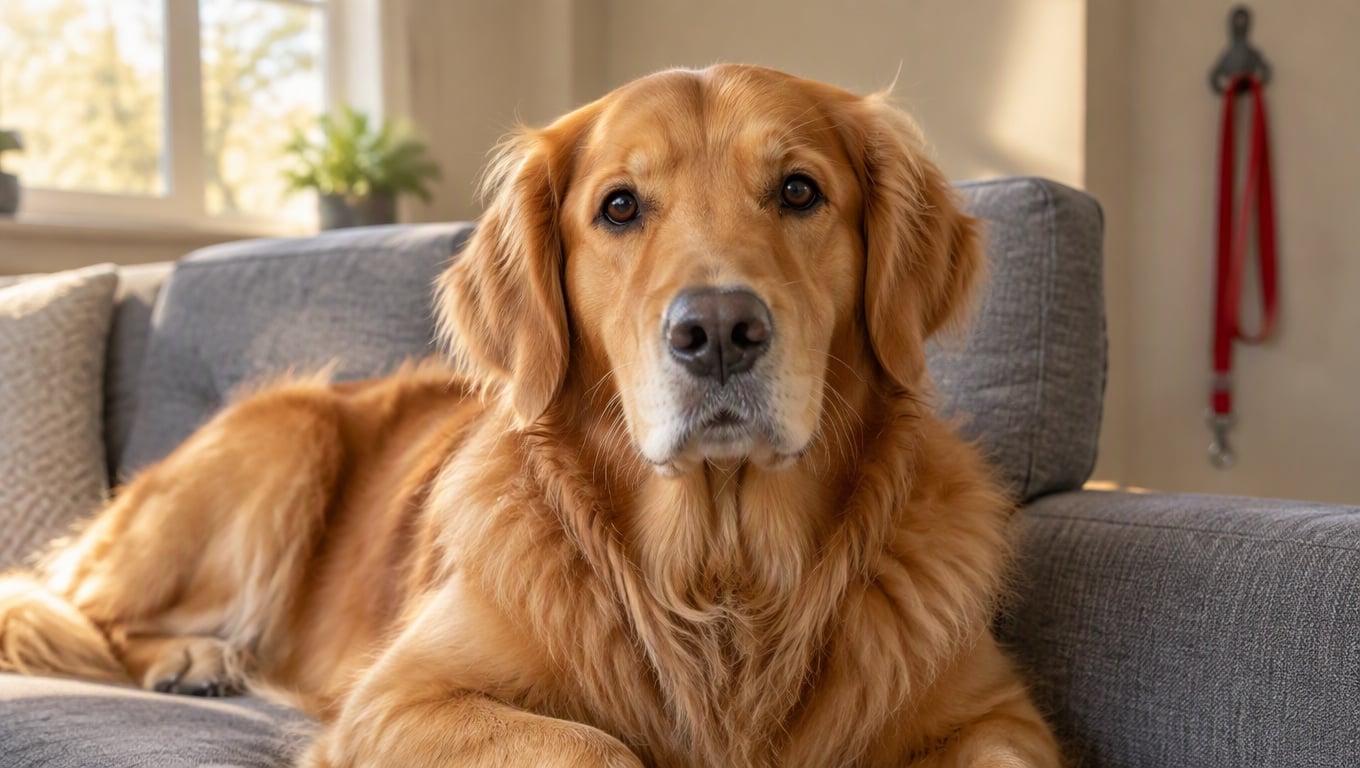
How to Make a Talking Dog Video?
Upload a Clear Dog Photo
Start with a sharp dog image where the face is easy to read—front-facing works best.
Choose a Voice Style
Pick a voice that matches the dog’s “personality”—calm narrator, excited buddy, grumpy critic, or dramatic storyteller.
Type a Prompt and Generate
This workflow is simple: upload a dog photo → choose a voice → enter a prompt → generate. For better results, vary only one thing at a time (line length, emotion, or camera distance) when iterating your talk dog video.
Talking Dog Videos That Feel Like Real “Delivery”
Talking Dog Video with Natural Timing
The most believable talking dog video is controlled, not chaotic: steady framing, short lines, and micro-expressions (blink, tiny chin lift, small head turn). Use the best image to video tool to generate a stable baseline, then refine the prompt to lock in pacing and tone. Keep the background simple so the face stays clean and readable.
Hilarious Dog Talking Videos for Shorts and Reels
For hilarious dog talking videos, treat it like a mini sketch: one setup line, one pause, one payoff. Keep camera motion subtle, avoid busy backgrounds, and let the voice do the heavy lifting. If you’re building pet-style character clips, keep the format connected—share a dog video one day, then follow it up with a talking cat video the next so your “pet commentator” series feels consistent. For a clean, character-led setup, start from talking avatar.
More Ways to Build Pet Character Clips
You may want to know
What is a talking dog video?
How does a talk dog video generator work?
How do I make AI talking dog results look natural?
Can I make funny talking dog videos for social posts?
What makes hilarious dog talking videos stand out?
Do I need editing skills for a talking dog video?
Can I use the results commercially?
Make a Talking Dog Video in Minutes
Upload a dog photo, choose a voice, and type a simple prompt to generate a talking dog video that’s ready for shorts and reels. It’s a fast way to create talk dog video variations without a complicated editing timeline.
Try Talking Dog Video