
Free AI Talking Pet Video Generator
How to Make Talking Pet AI Videos?
Upload a Clear Pet Photo
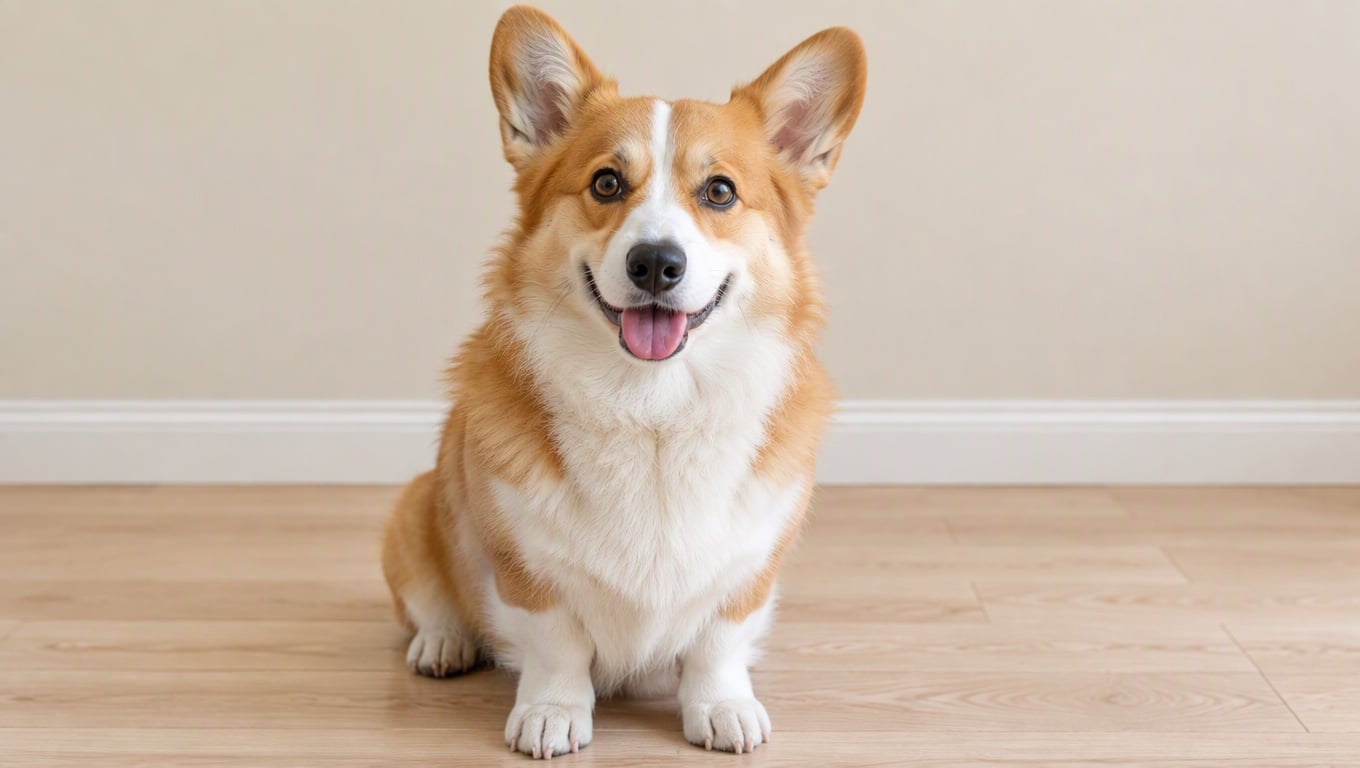
Start with a sharp photo where the face is easy to read—front-facing or slight angle works best. Good lighting and a clean background help the mouth area stay crisp.
Pick a Voice and Write the Lines
Choose a voice style (cute, calm, sarcastic, dramatic) and type the exact lines you want. Short sentences usually sound more natural and land better in short-form.
Generate and Export
Upload a photo → choose a voice → paste your script → generate. Then export and share. For consistent results, change one thing at a time (tone, line length, or emotion) when iterating your talking pet AI clips.
Talking Animals Clips That Feel Clean, Fast, and Shareable
Make Your Pet Talk With Natural Micro-Expressions
And when you’re ready to expand beyond talking pets, you can also use AI image generator to create fresh characters and visuals, then take them further with image to video for even more creative scenes and formats.
Talking Pets AI for Shorts, Reels, and Meme Series
For talking pets AI that performs, think “mini sketch”: one setup line, one beat, one payoff. Keep the first sentence short, let the voice carry the joke, and avoid busy scenes. Build a repeatable format by alternating characters—post an AI talking dog reaction one day, then follow with an AI talking cat reply the next so your talking animals series feels like a cast, not one-off clips.
More Pet-Friendly Video Ideas
You may want to know
What is talking pet AI?
Can I make your pet talk with just one photo?
What’s the difference between talking animals and AI talking animals?
How do I get natural AI talking dogs results?
How do I make AI talking cats look less fake?
Can I create talking pets AI videos for social posts?
Do I need any editing skills?
Can I use the results commercially?
Make Talking Pet AI Clips in Minutes
Upload a pet photo, choose a voice, and paste your lines to generate a talking pet AI video that’s ready for shorts and reels. Fast, clean, and built for repeatable talking animals content.
Try Talking Pet AI