
Humorous Big Eye Memes: How to Make Your Own
- 1. Why Big Eye Memes Work
- 2. Popular Big Eye Meme Styles
- 3. How to Create an Original Big Eye Meme
- 4. Best Tools for Making Big Eye Memes
- 5. Where to Find Inspiration Without Copying
- 6. Common Mistakes to Avoid
- 7. FAQ About Big Eye Memes
Humorous big eye memes usually make one facial feature do all the work. Enlarged eyes can turn an ordinary portrait into surprise, panic, suspicion, pleading, or deliberately strange humor. The joke lands quickly because viewers recognize the expression before they read a caption.
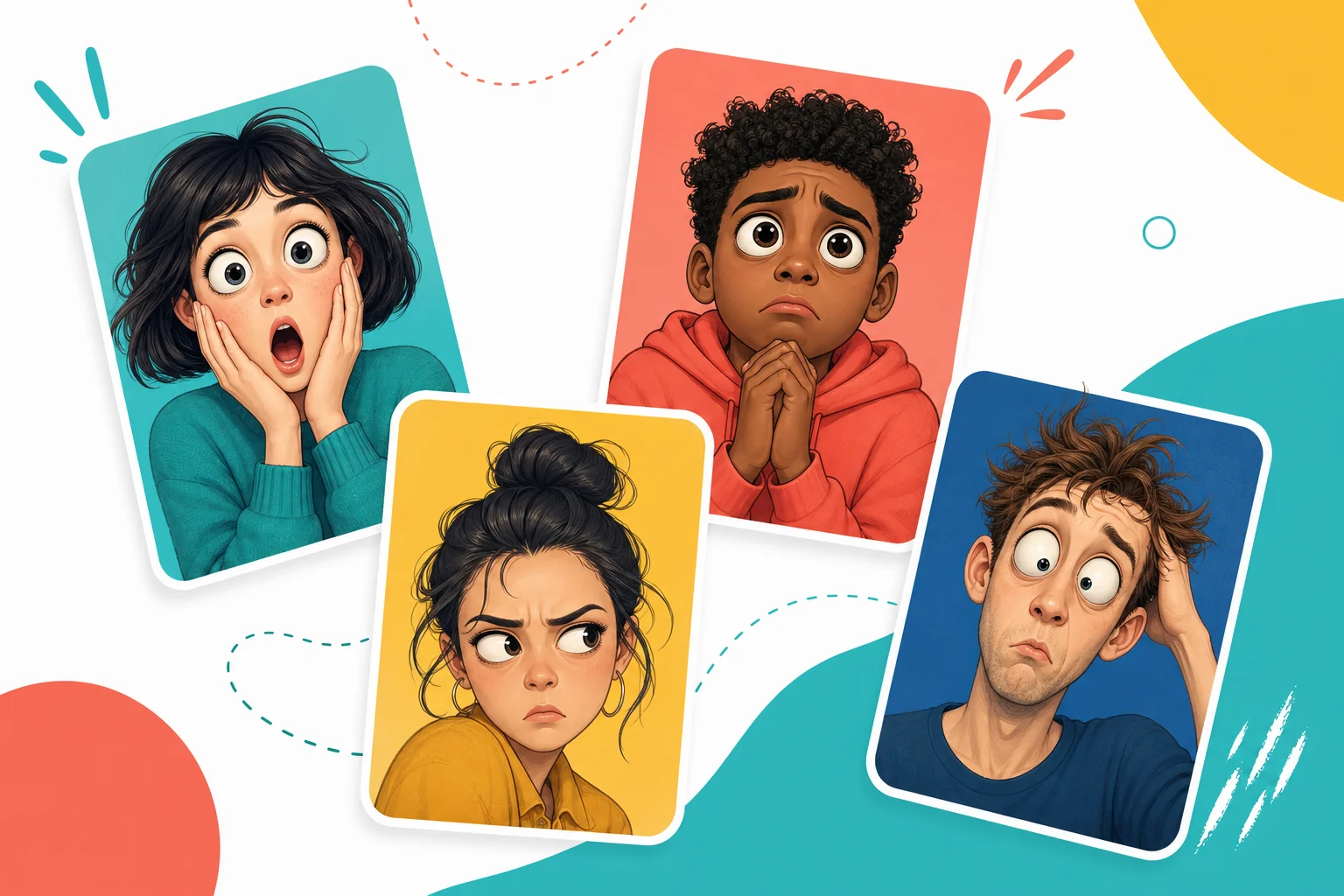
The format works in static images, reaction GIFs, and short videos. You can start with an original character, use a permission-safe portrait, or create a fictional face with an AI image generator. The important part is not making the eyes as large as possible. It is choosing an eye treatment that matches the emotion.
1. Why Big Eye Memes Work
Eyes communicate emotion faster than most other facial features. Making them unusually large amplifies whatever the face already suggests. A small look of concern becomes panic. A soft expression becomes a pleading reaction. A neutral close-up becomes absurd when lens distortion pushes the eyes toward the camera.
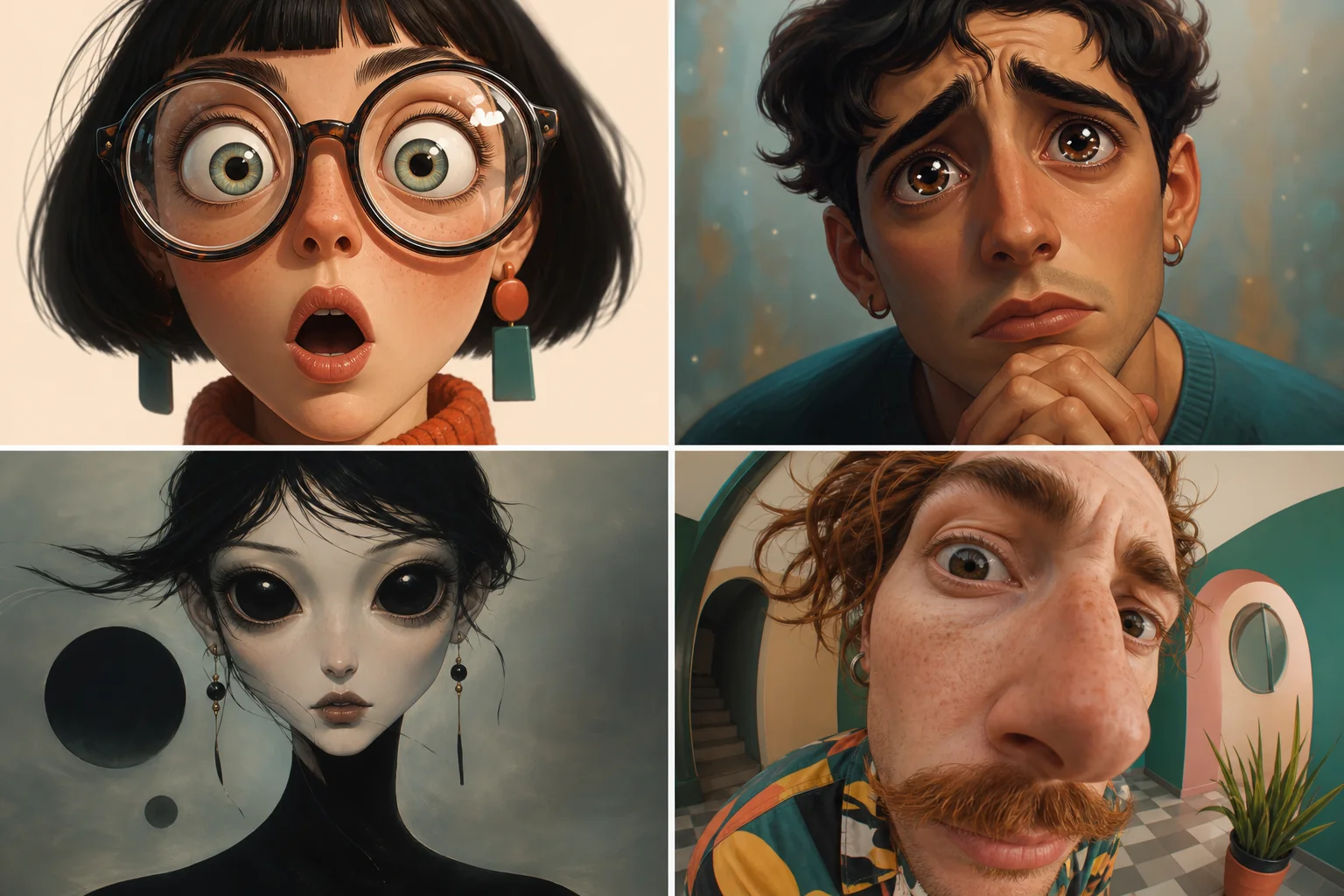
Four visual approaches appear often:
- Lens magnification: thick glasses visually enlarge the eyes and make confusion or disbelief more obvious.
- Glossy pleading eyes: oversized pupils and bright reflections create a cute, emotional, "please say yes" reaction.
- Surreal dark eyes: eyes become unnaturally large and dark, shifting the joke from cute to strange.
- Extreme close-up distortion: a wide-angle view enlarges the center of the face and creates intentionally awkward proportions.
The best choice depends on the intended reaction. Cute and pleading works for requests. Wide and alert works for shock. Dark and oversized works for surreal humor. Distortion works for chaotic reactions.
2. Popular Big Eye Meme Styles
Big eye memes are not one visual style. They range from believable photo edits to highly stylized characters.
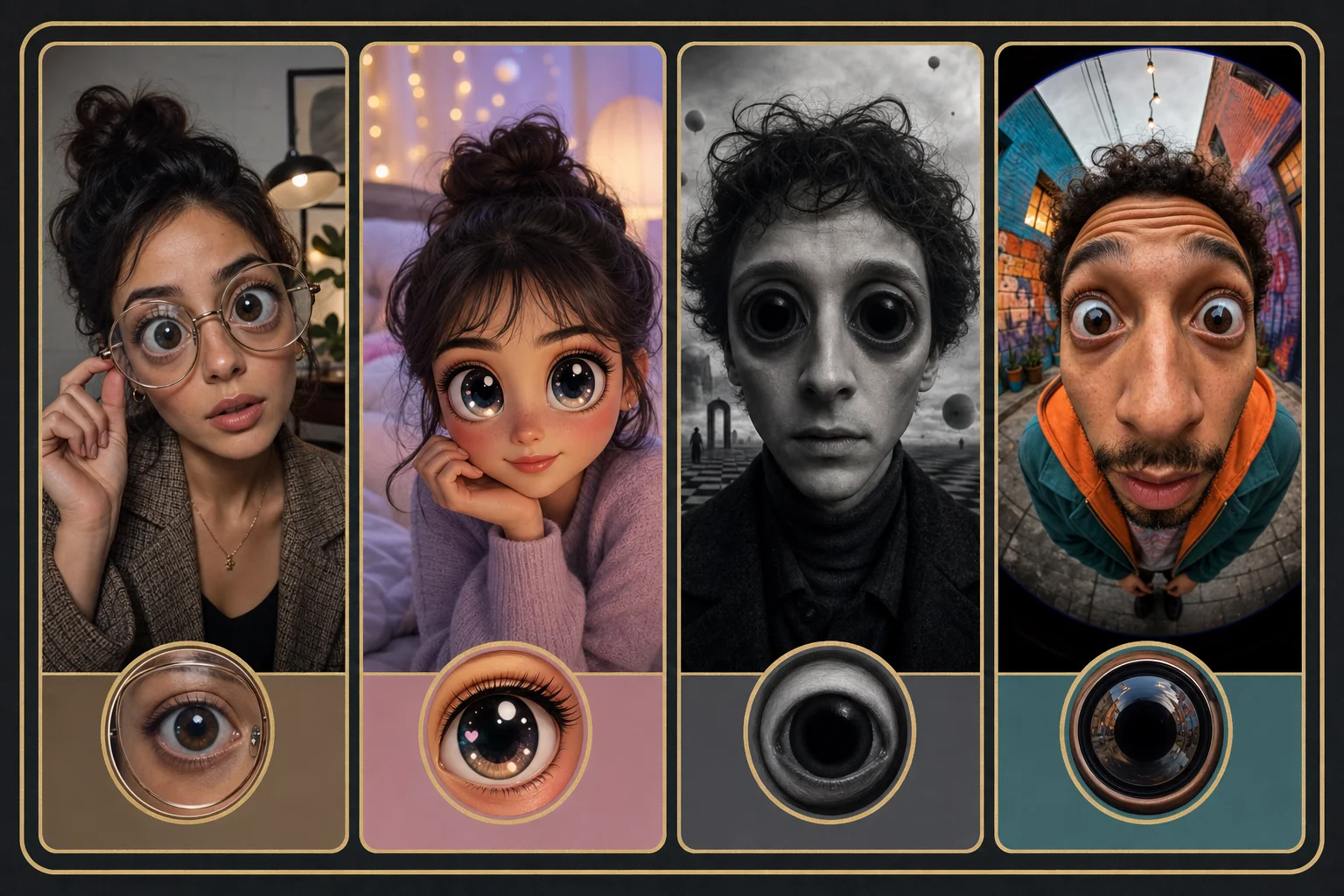
The magnifying-glasses reaction uses oversized lenses and a puzzled face. It works well for captions about reading surprising news, checking a price, or noticing an unexpected detail.
The pleading-eyes reaction uses glossy pupils, raised brows, and a small mouth. It fits requests, apologies, and exaggerated disappointment.
The uncanny reaction uses very dark or unusually round eyes. It works for awkward silence, late-night thoughts, or intentionally unsettling humor.
The distorted selfie reaction uses a close camera angle and exaggerated perspective. It fits chaotic captions and self-aware jokes.
Avoid copying a famous meme face exactly. Build a new fictional subject or use your own permission-safe image, then recreate only the broad emotional idea.
3. How to Create an Original Big Eye Meme
Start by deciding the emotion before choosing the tool. "Make the eyes bigger" is not enough direction. Decide whether the result should feel cute, shocked, confused, uncanny, or chaotic.
- Choose one clear face. Front-facing or three-quarter portraits are easier to edit than distant group photos.
- Pick one eye treatment. Use magnification, glossy pupils, dark surreal eyes, or close-up distortion rather than mixing every effect.
- Keep the rest of the face readable. If the mouth and brows disappear, the emotion may become unclear.
- Add a short caption only when it sharpens the joke. The image should still work without a paragraph of explanation.
- Export a static image for posts and comments, or use image to video for blinking, widening eyes, or a short reaction loop.
If you animate the meme, keep the motion simple. A slow eye enlargement, one blink, or a small head movement is usually clearer than several effects happening at once.
4. Best Tools for Making Big Eye Memes
These platforms support different parts of the workflow, from creating an original character to adding captions and motion.
1. GoEnhance AI
GoEnhance AI is the strongest first choice when you want to build an original big-eye meme, personalize a permission-safe meme, or animate the final reaction. There are three practical GoEnhance routes.
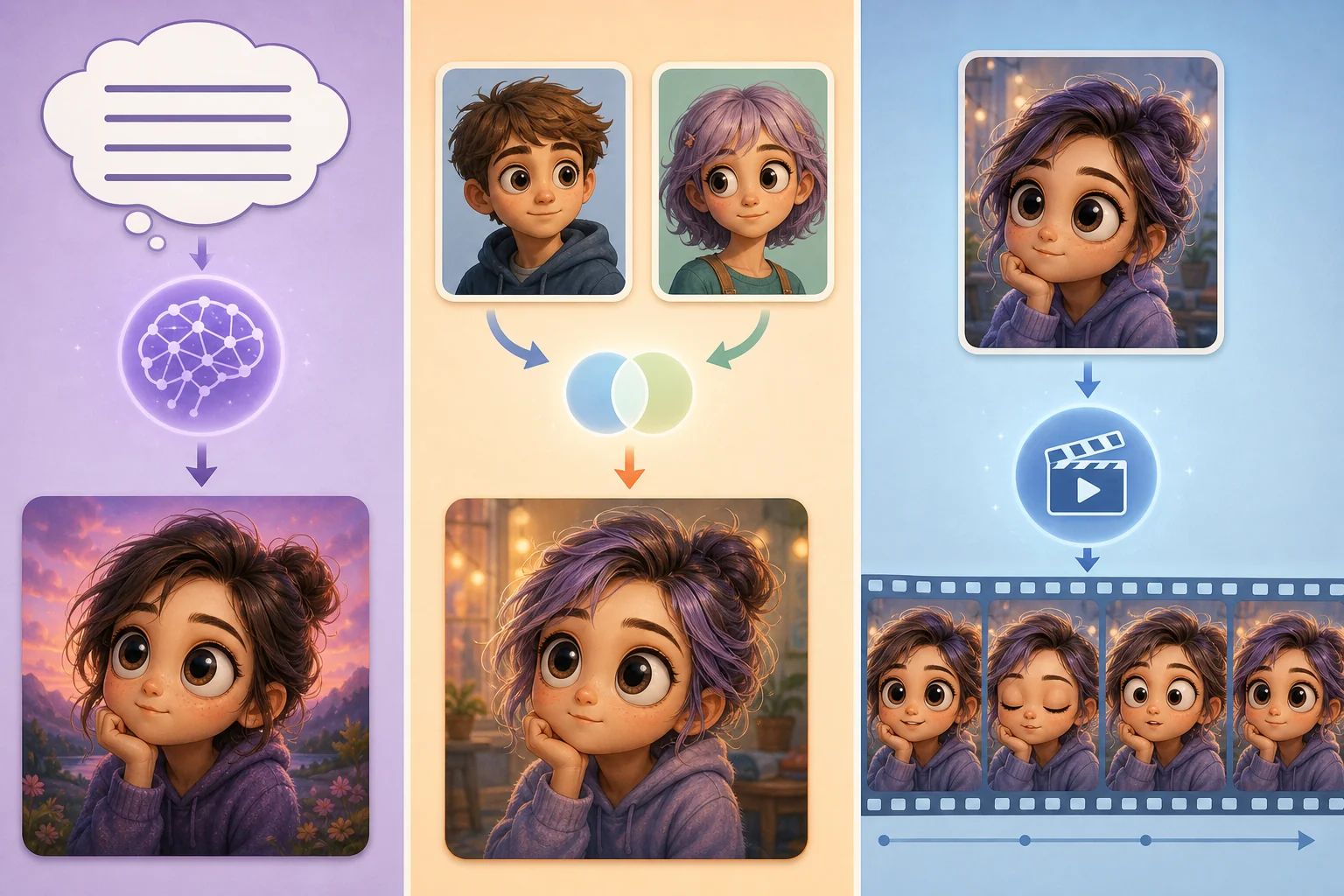
Method 1: Create an original big-eye character. Use AI Image Generator when you do not have a source portrait. Describe a fictional subject, the intended emotion, the eye treatment, and a simple background. Generate several versions, then choose the one with the clearest expression.
Method 2: Personalize a meme with a permission-safe face. Use Face Swap Meme Generator when you own or have permission to use both the target meme and the replacement face. Upload the meme image, add the approved face, generate, and review the eyes, skin tone, lighting, and expression before sharing.
Method 3: Animate the eye reaction. Use Image to Video when the static meme is ready. Upload it and ask for one clear action, such as a slow blink followed by widened eyes. Generate a few short variations and keep the version with the cleanest face consistency.
Best for: creators who want to move from an original image to a personalized meme or short animated reaction without building the effect manually.
Things to keep in mind: use fictional or permission-safe faces, keep prompts focused on one expression, and check that animated eyes remain consistent across frames.
2. Imgflip
Imgflip is useful when you already have an image and mainly need caption placement or a simple meme layout.
Best for: fast static meme captions and familiar top-and-bottom text layouts.
Things to keep in mind: templates may be widely reused, so upload an original image if you want the final meme to feel less generic.
3. Kapwing
Kapwing helps with resizing, captioning, trimming, and converting an animated reaction into social-ready formats.
Best for: preparing static and animated meme versions for several platforms.
Things to keep in mind: check current export limits and watermark behavior before building a larger batch.
4. Canva
Canva is practical for simple caption layouts, branded social posts, and combining a meme image with other design elements.
Best for: marketers who need a polished post around the meme rather than only the reaction image.
Things to keep in mind: it is a layout tool first; specialized eye edits may need to be created elsewhere.
5. Where to Find Inspiration Without Copying
Meme libraries and social platforms can help you understand which emotions and formats people recognize. Use them as trend research, not as a source of images to republish without permission.
Look for patterns:
- Which expression appears before the punchline?
- Does the image work without its caption?
- Is the humor cute, awkward, shocked, or surreal?
- Would a static image or a short loop communicate the idea better?
Then rebuild the concept with a new subject, a new composition, and your own caption. That produces a more useful asset for SEO and brand publishing than reposting a familiar image.
6. Common Mistakes to Avoid
Big-eye edits can become messy quickly. A few checks keep the final image readable and original.
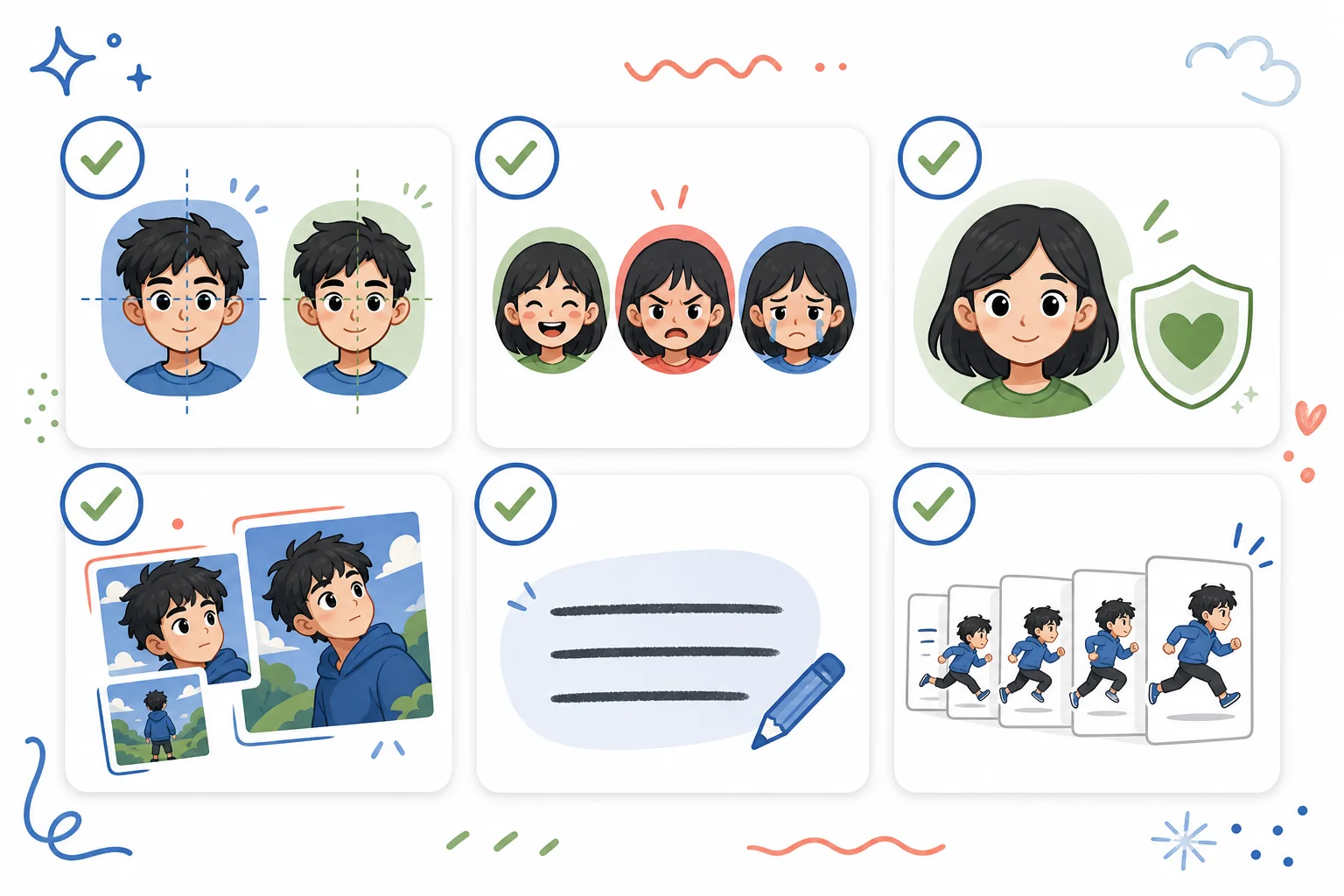
- Do not enlarge the eyes so much that they overlap the nose, hair, or glasses unnaturally.
- Do not combine glossy cute eyes with horror styling unless the contrast is intentional.
- Do not use a real person's face without permission.
- Do not copy a famous meme image, character, caption, or composition.
- Do not add long text that competes with the expression.
- For animation, check every frame for drifting pupils, changing eye color, or unstable facial features.
7. FAQ About Big Eye Memes
What is a big eye meme?
A big eye meme is a reaction image, GIF, or short video where enlarged or distorted eyes exaggerate an emotion such as surprise, pleading, confusion, or unease.
How can I make a big eye meme from my own photo?
Use a clear, permission-safe portrait, choose one eye style, edit or generate the effect, then add a short caption if needed. Review the result to make sure the face still looks intentional.
Can I animate a big eye meme?
Yes. Start with a finished static image, then animate one simple action such as blinking, widening eyes, or a slight camera push-in.
Are big eye memes copyrighted?
The general idea of enlarged eyes is not tied to one image, but individual photos, characters, GIFs, and compositions may be protected. Create an original subject or use media you have permission to edit.
What makes a big eye meme funny?
The humor usually comes from contrast: an ordinary situation paired with an expression that is far too intense for the moment.


