goenhance logo

Pretty Scale

Try Pretty Scale with GoEnhance AI to review your portrait appeal, photo quality, lighting, facial framing, and overall presentation. Use this prettiness scale as a simple photo feedback tool, not as a final judgment of your worth.
Start Pretty Scale Test

How To Use Pretty Scale?

01

Open the Rating Tool

Click the Pretty Scale button to open the GoEnhance AI attractiveness test tool and start your portrait review.

02

Upload Your Photo

Choose a clear portrait with good lighting, visible facial features, a natural expression, and minimal filters for more useful feedback.

03

Click to Get Results

Click to run the test and review the AI feedback on photo appeal, lighting, crop, angle, style, and overall presentation.

Explore Pretty Scale Features
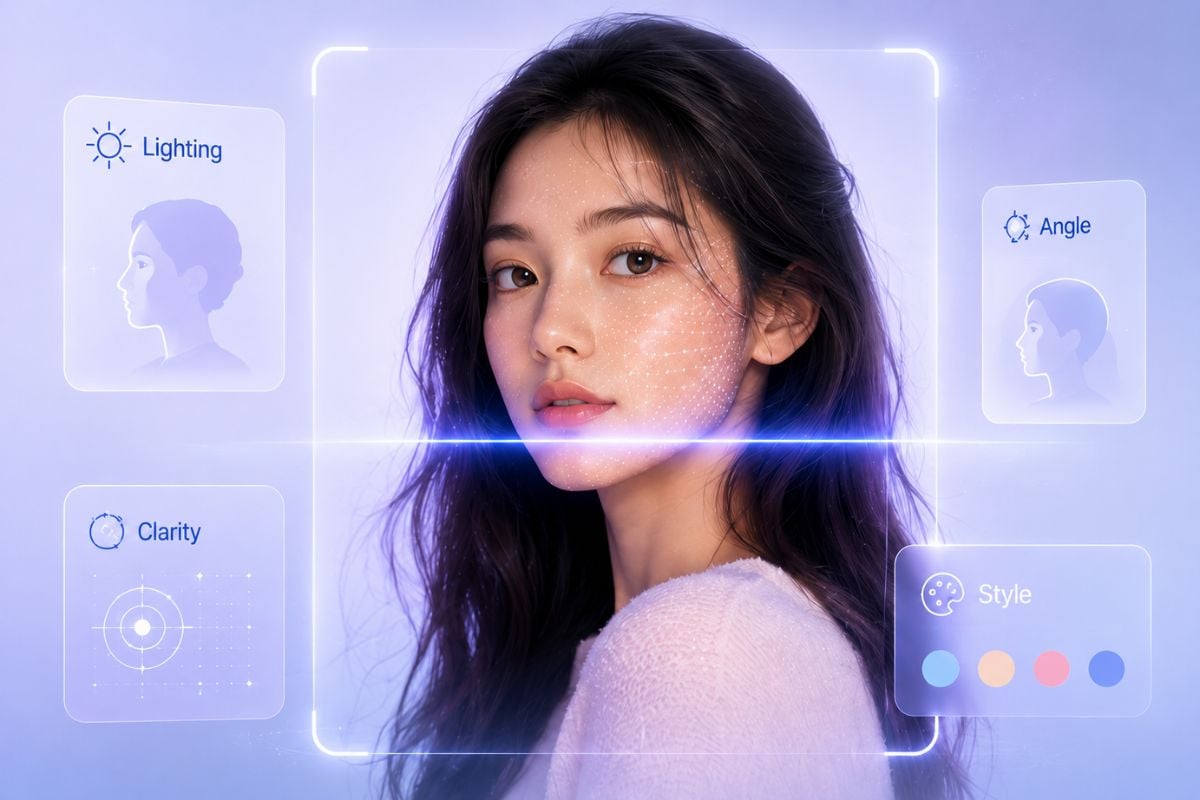
AI Portrait Appeal Review

Use the Pretty Scale test to get a quick review of how your portrait looks in terms of lighting, framing, expression, angle, and overall photo appeal.

Prettiness Scale for Photo Quality

A clear source photo makes the prettiness scale more useful. GoEnhance AI helps you understand whether your image feels sharp, natural, well-lit, and ready for profile use.

Improve Portraits After the Test

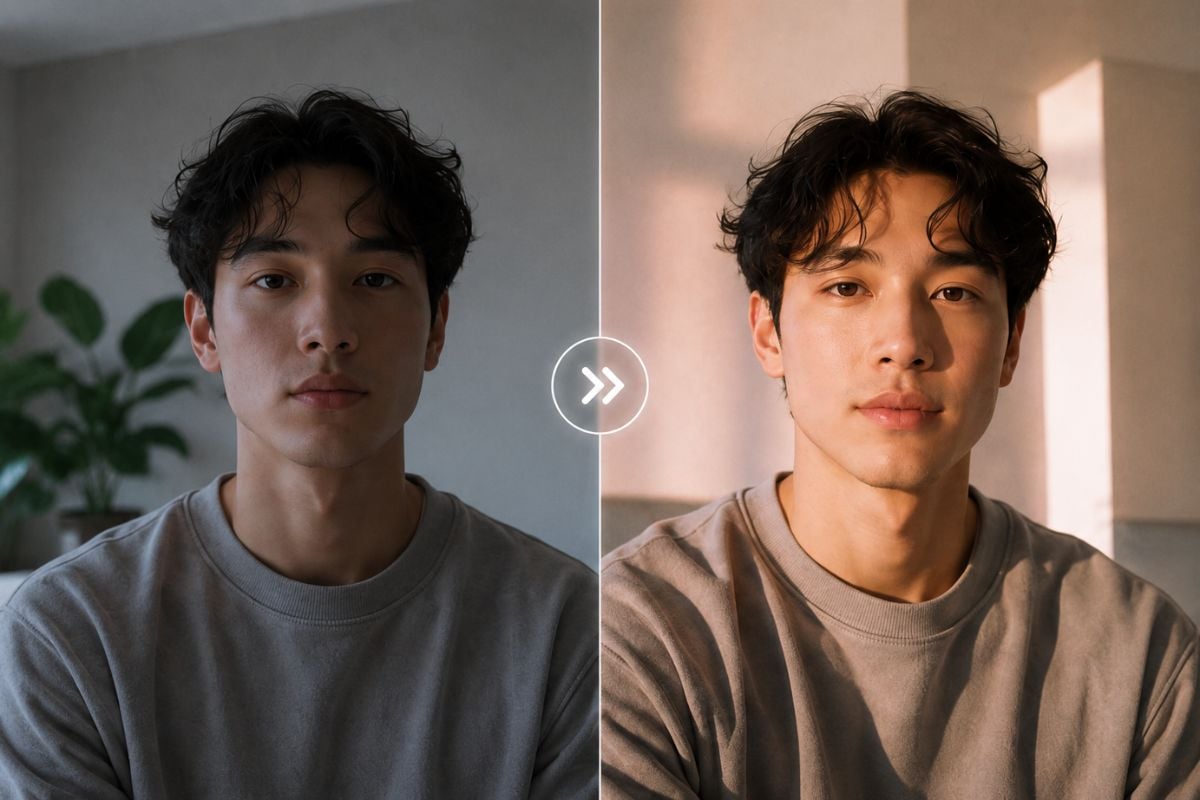
After getting your am I pretty scale result, use the feedback to improve lighting, crop, background, and styling. You can also continue refining your portrait with image to image AI for a more polished final look.
Frequently Asked Questions

You may want to know

What is Pretty Scale?

Pretty Scale is an AI portrait review tool that gives feedback on photo appeal, lighting, framing, styling, and overall presentation. It should be used as photo feedback, not as a final judgment of personal beauty.

How does the prettiness scale work?

The prettiness scale reviews visual factors in your portrait, such as clarity, lighting, face visibility, angle, crop, and expression, then gives feedback you can use to improve the image.

Can I use Pretty Scale to check if I am pretty?

Yes, you can use it as an am I pretty scale test, but the result should be treated lightly. It is more useful for improving photos than defining your real attractiveness or self-worth.

What photo should I upload for the Pretty Scale test?

Upload a clear portrait with soft lighting, visible facial features, a natural expression, and minimal filters. Blurry, dark, or heavily edited photos may lead to less useful feedback.

Can Pretty Scale help with profile pictures?

Yes. Pretty Scale can help you review a selfie or portrait before using it as a profile picture, dating photo, creator avatar, or personal branding image.

Is the Pretty Scale result always accurate?

No AI attractiveness test should be treated as completely accurate. The result can be affected by photo quality, lighting, culture, style, camera angle, and personal preference.

Can I improve my portrait after using Pretty Scale?

Yes. You can use the feedback to adjust lighting, background, crop, expression, hairstyle, makeup, or styling. You can also create new portrait ideas with GoEnhance AI tools.

Is it okay to upload someone else photo?

Only upload another person photo if you have permission and a respectful reason. Do not use Pretty Scale results to rank, embarrass, pressure, or bully anyone.

Ready to Try the Pretty Scale Test?

Upload a portrait to GoEnhance AI and get quick, confidence-focused feedback on photo appeal, lighting, framing, style, and overall presentation. For more creative portrait ideas, explore our AI tools after your review.

Start Pretty Scale Test