
Pink Photo Filter: Soft, Dreamy Pink Tones in One Click
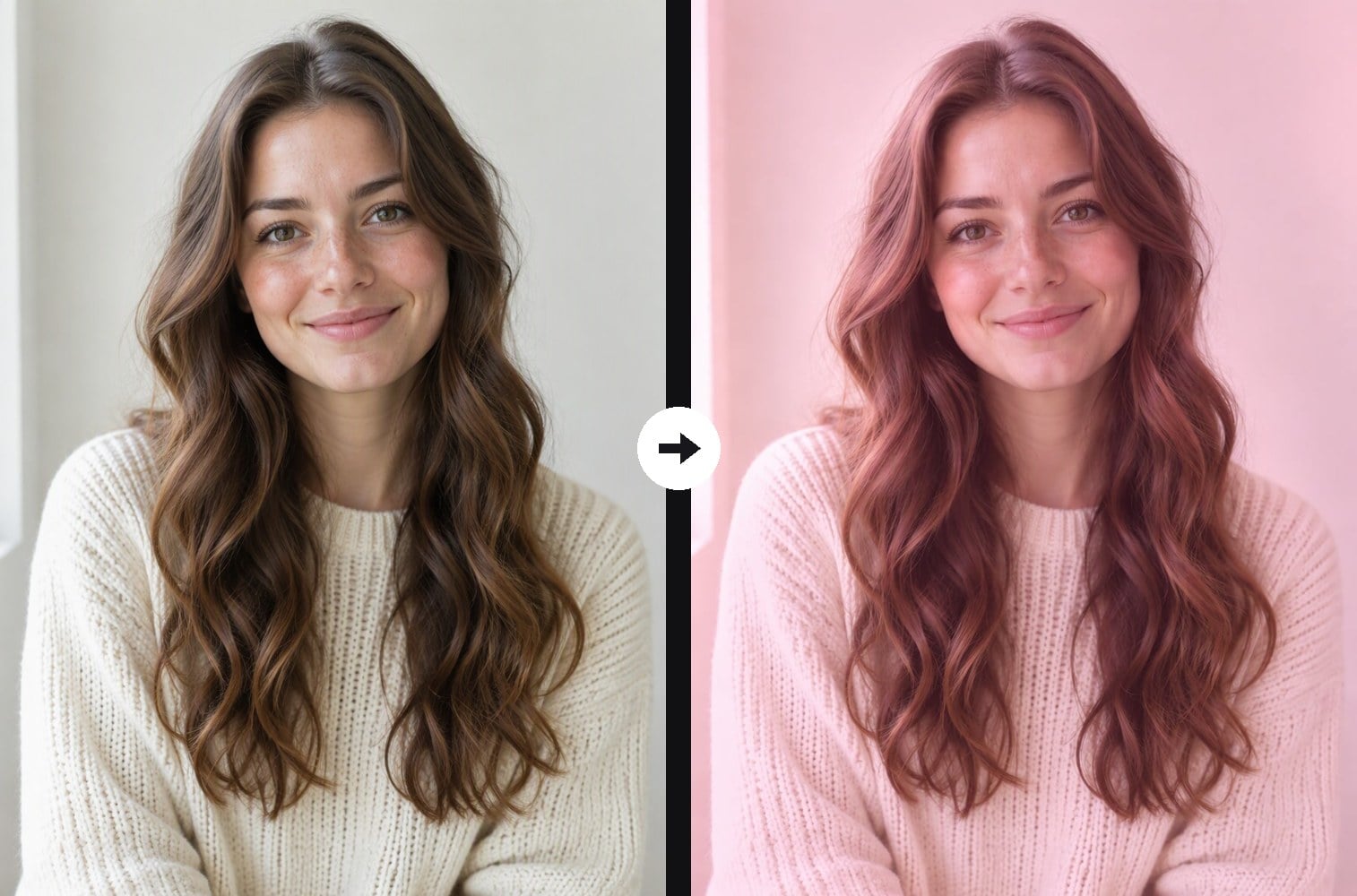
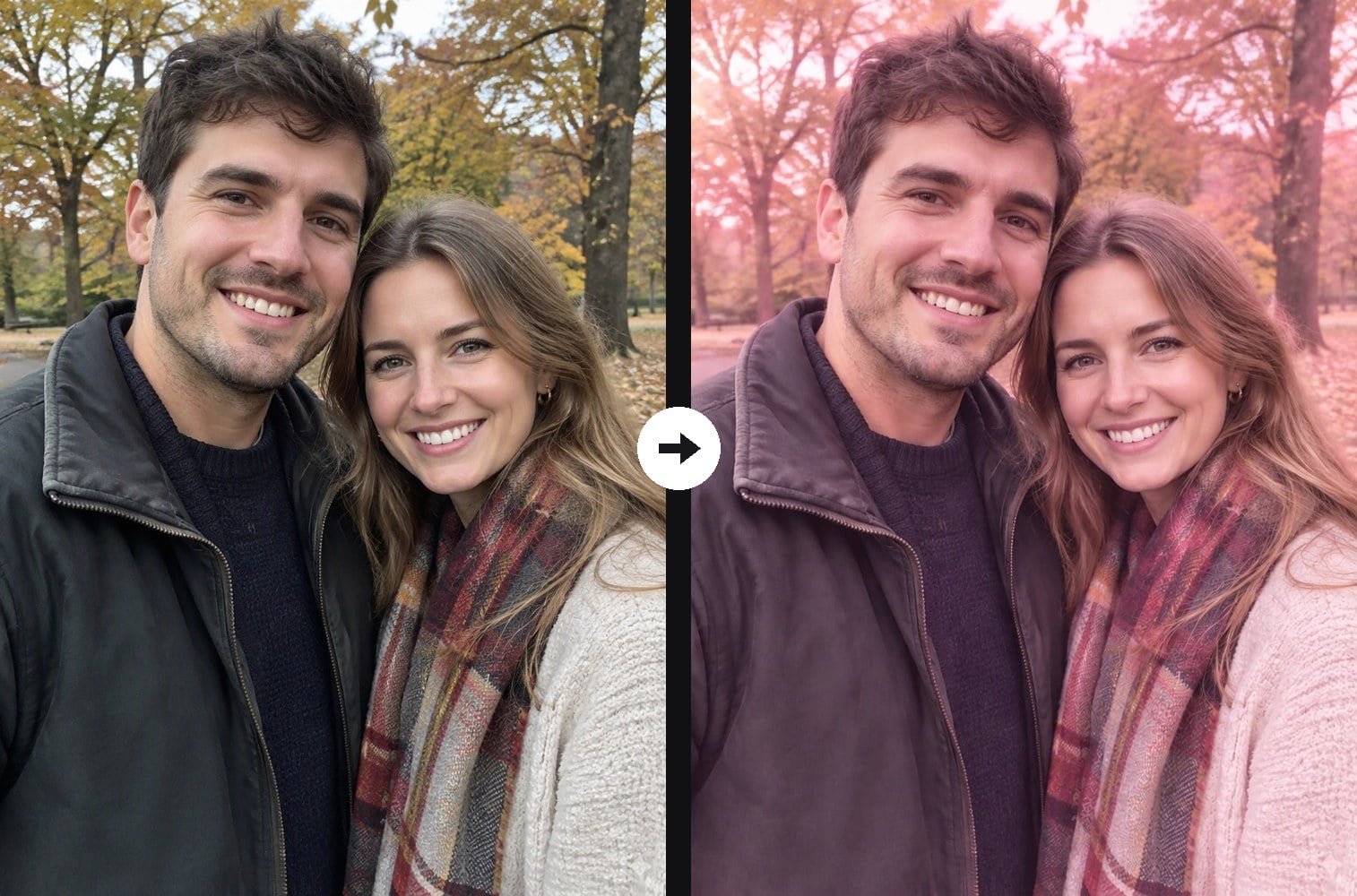
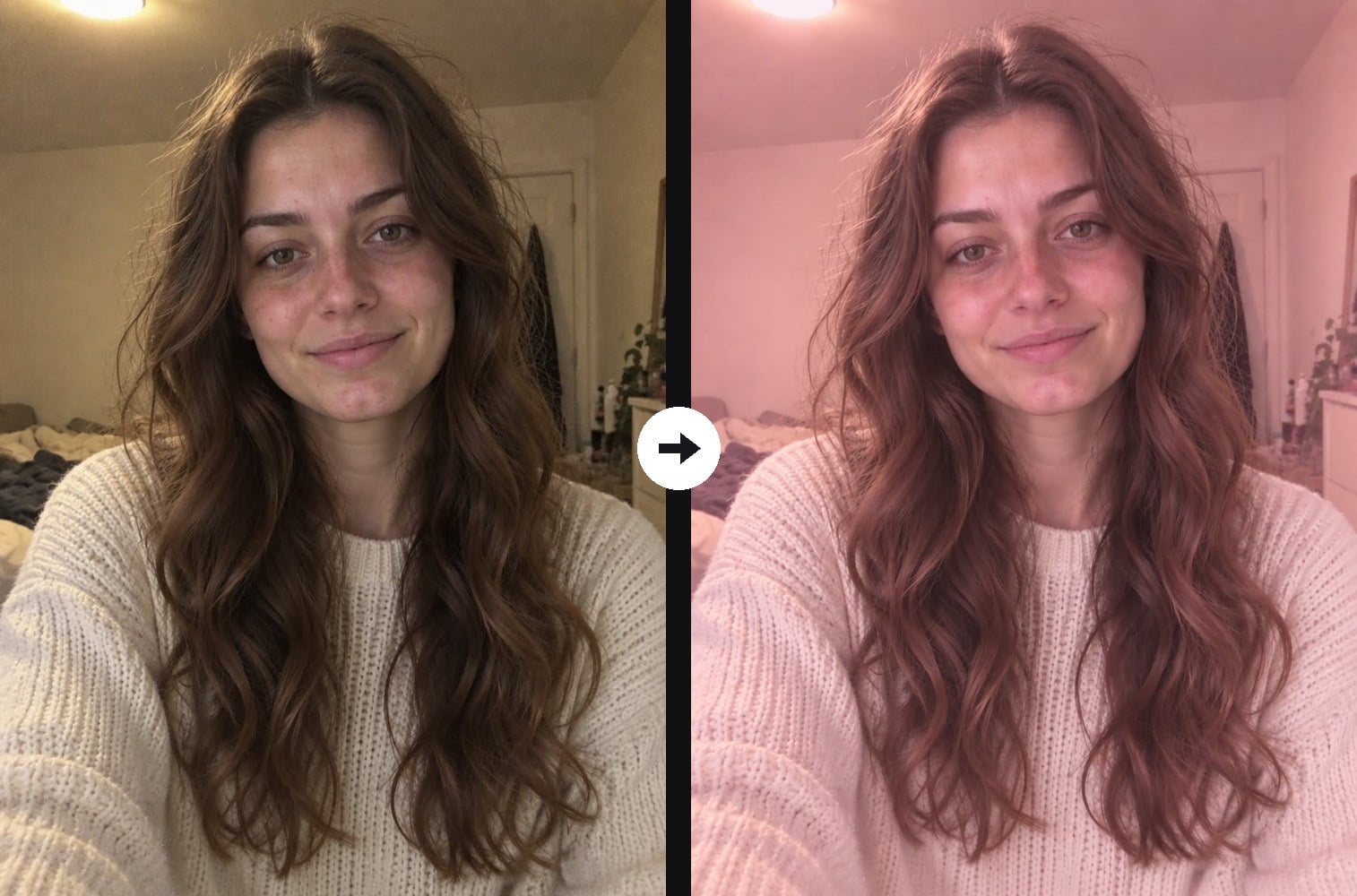
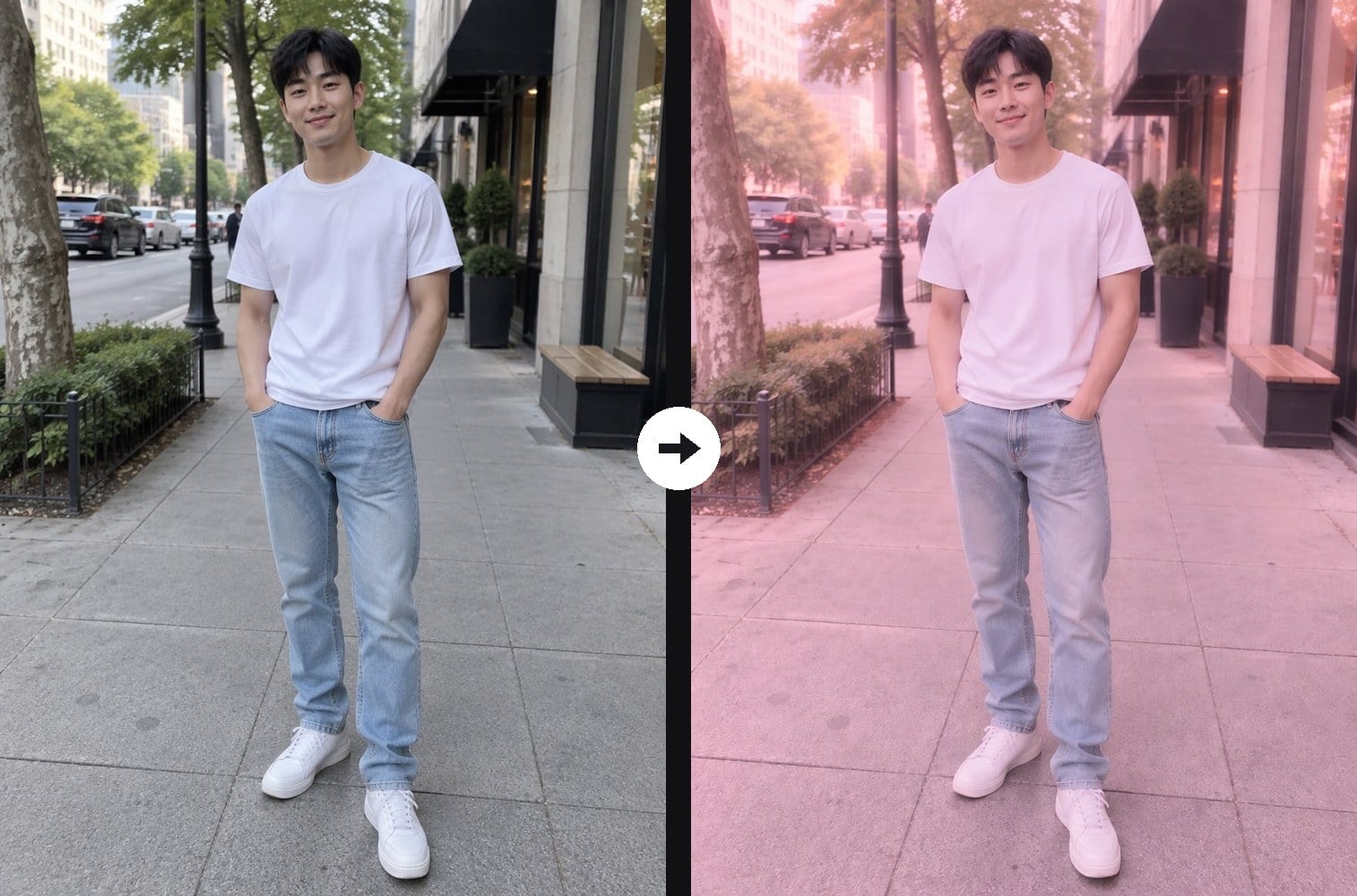
Give any photo a soft pink look. Upload a portrait, couple photo or street shot and the AI pink photo filter re-grades the whole image with a gentle, even pink tint: rosy highlights, pastel pink midtones, light pink-mauve shadows and a faint dreamy haze. It is a calm, tender pink rather than a neon purple glow or a full pastel film edit, and skin keeps a healthy rosy warmth instead of turning magenta. Your face, hair, outfit, pose and background stay exactly as they were, along with the texture of the original photo. The console below runs on GPT Image 2.5.



Blush Portrait

Rosy Autumn Couple
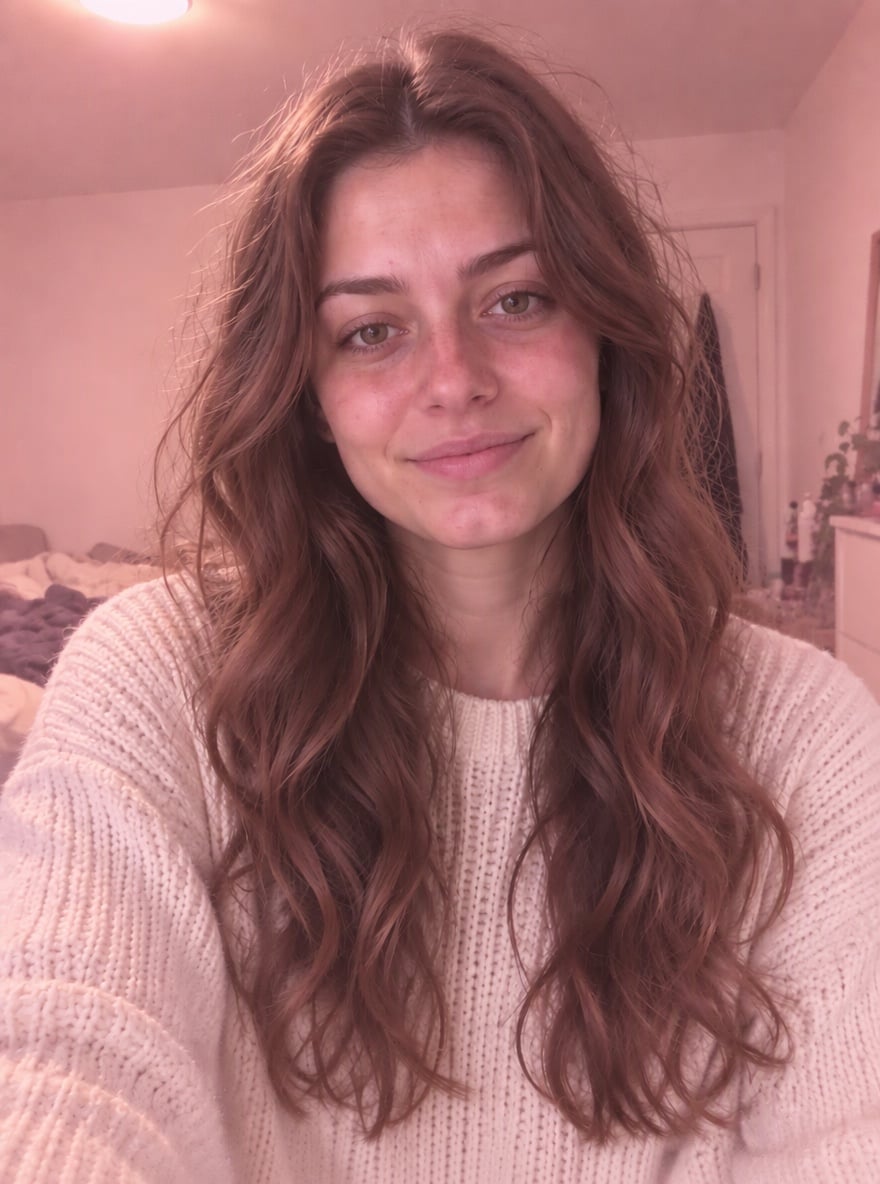
Pink Morning Selfie
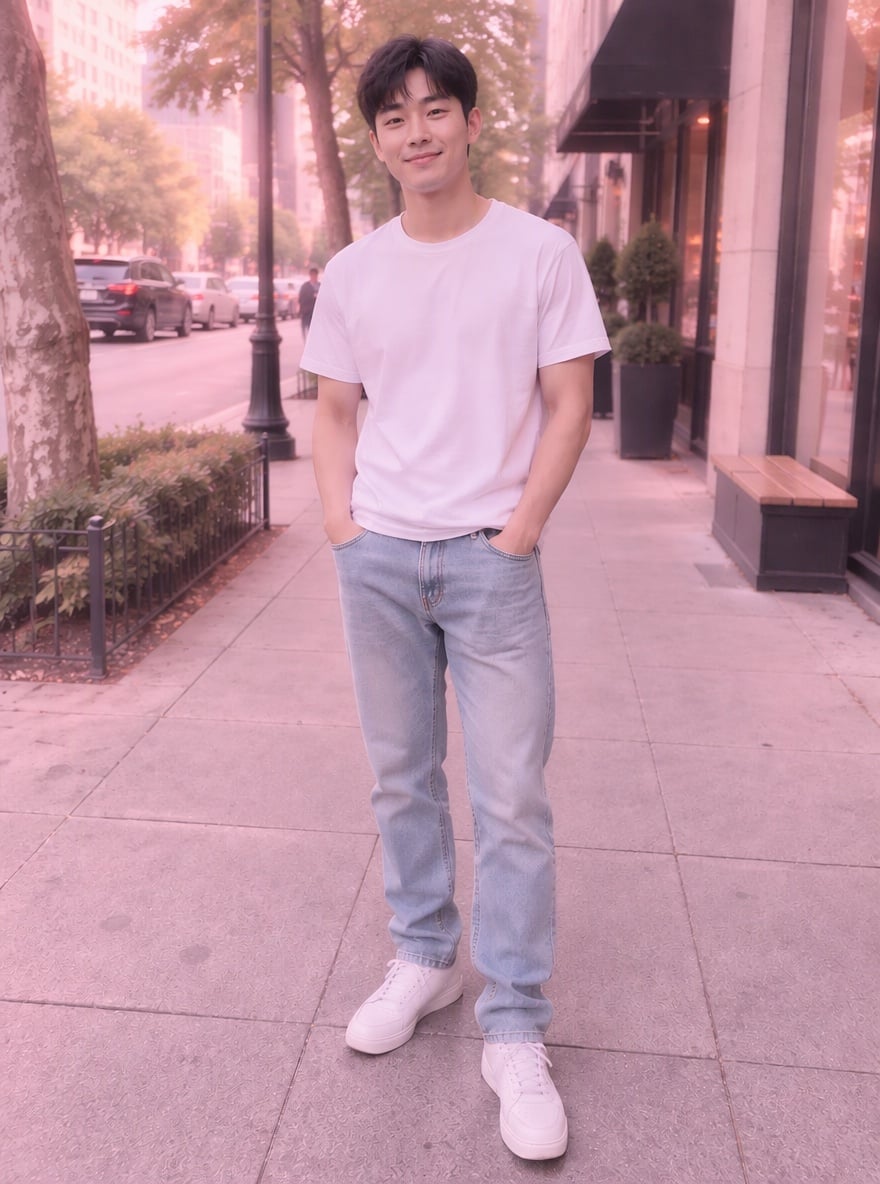
Pink Street Style
Upload files
Upload a photo for the pink filter
Effect prompt
By uploading a file, you agree to GoEnhance's Terms of Use and Privacy Policy
Pink Photo Filter Results from the Console
Each photo is one upload with the prompt above. Faces, pose, clothes and background come from the original; only the color tone and soft glow are added.
Blush Portrait
Rosy Autumn Couple
Pink Morning Selfie
Pink Street Style
How to Add a Pink Filter to a Photo
01
Upload a photo
Selfies, portraits, couple photos, outfit shots and street photos all work.
02
Generate
The pink filter prompt is already filled in. Press the button and the AI tints your photo pink.
03
Download and share
Use it for a profile picture, a soft pink feed, a story or a romantic post.
Why Use This Pink Photo Filter
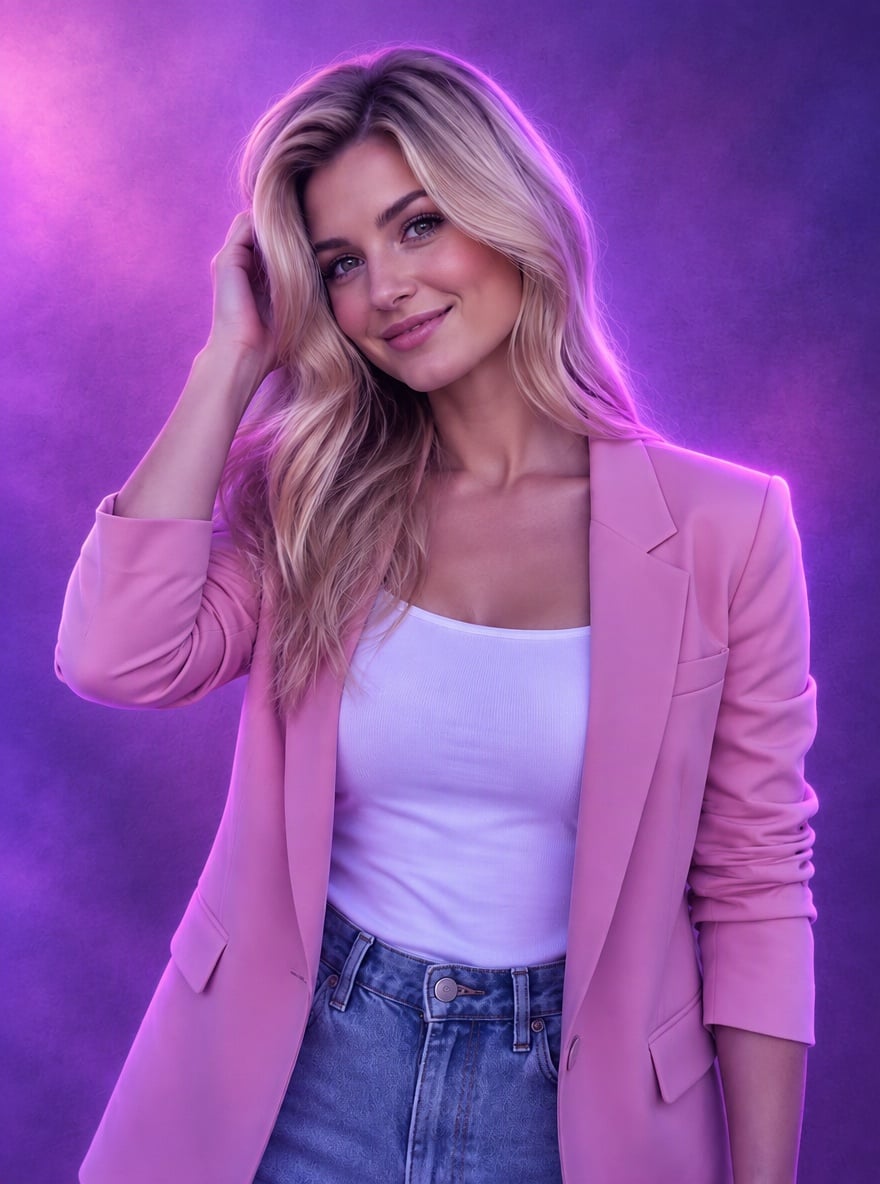
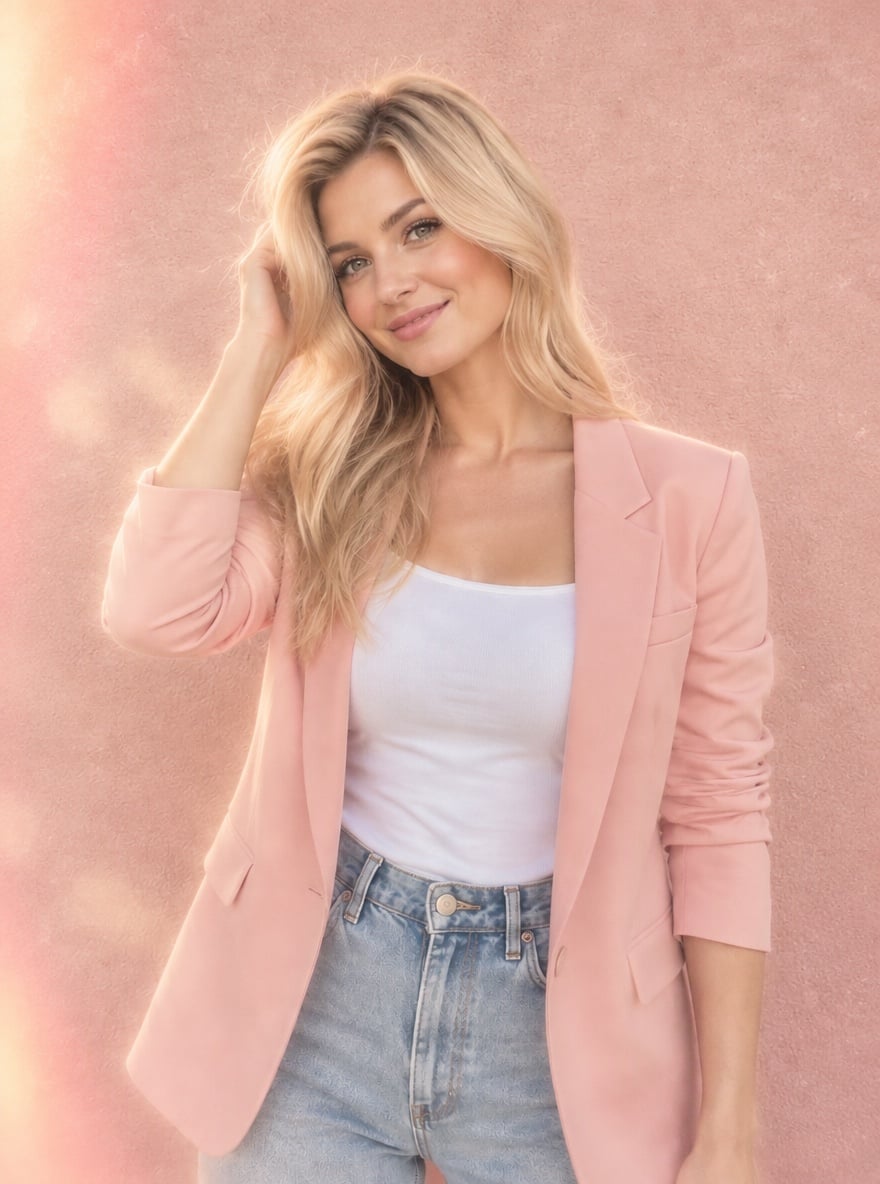
More Photo Filters

Pink Photo Filter FAQ
What does a pink photo filter do?
Will it change my face or outfit?
Can I make the pink stronger or lighter?
Does it work on landscapes and objects?
What if I want a purple look instead?
Make Your Photo Pink in One Click
Upload a photo and get your soft pink version in under a minute.
Try the Pink Photo Filter