
Prompt
Copy and customize
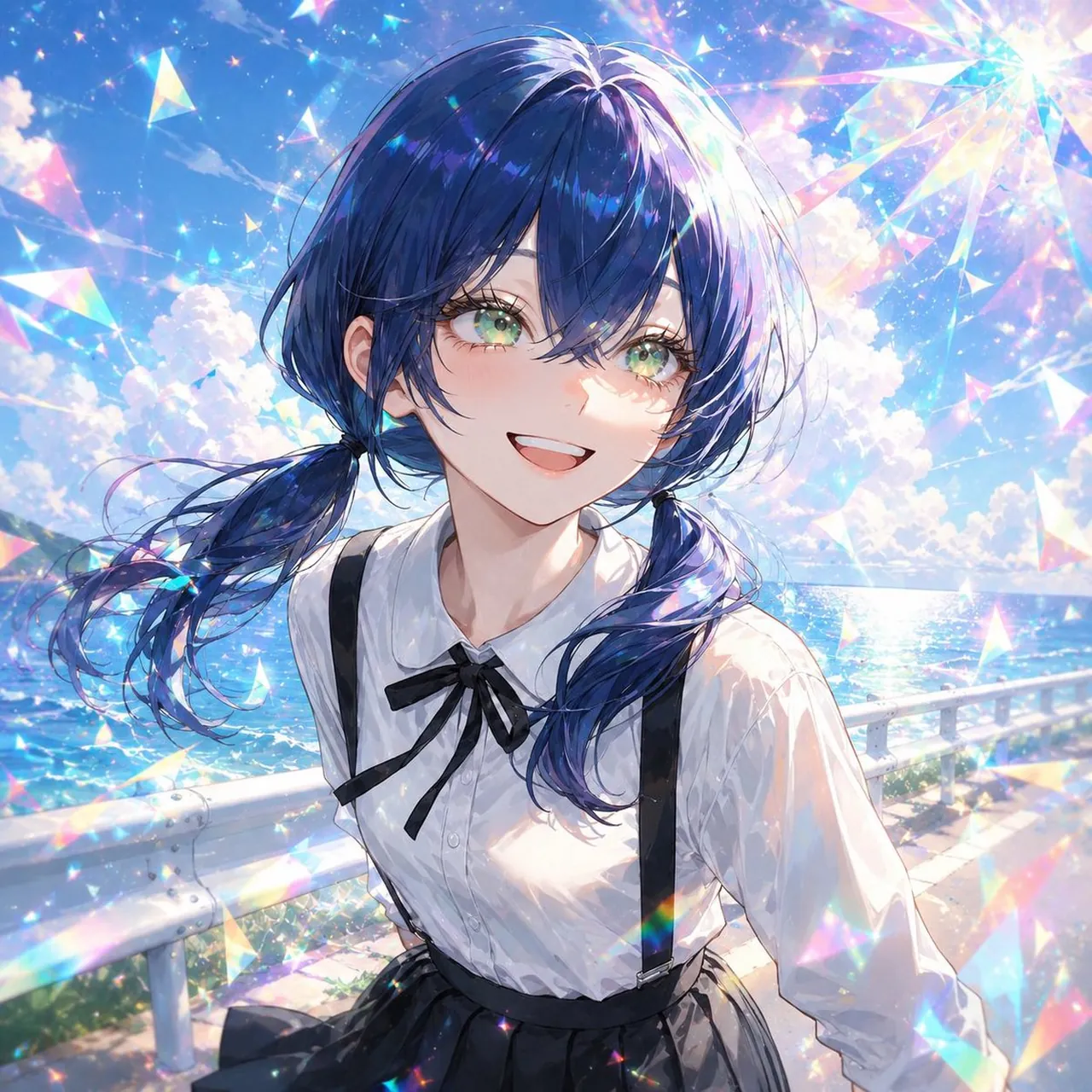
Create a square anime-style music cover illustration of Jemimi, a sparkling summer seaside portrait. The image shows one teenage anime girl from the waist up, centered, standing on a coastal walkway beside a white metal guardrail with a bright blue ocean and horizon behind her. She has long flowing deep navy blue hair in loose twin low side ponytails with windblown strands, glossy highlights, and translucent blue-purple sheen. Her face is intentionally covered by a centered opaque square censor/placeholder block in a muted gray-lavender gradient, hiding all facial features. She wears exactly four main outfit pieces: a crisp white long-sleeve blouse with a rounded collar, a small black ribbon bow at the neck, black suspenders, and a high-waisted black pleated skirt. The pose is gentle and slightly turned, with hair and blouse moving in the sea breeze. The background is a vivid sunny sky with fluffy white clouds, glittering ocean water, and strong iridescent prism effects. Add many sparkling triangular crystal shards, rainbow lens flares, star glints, and pastel holographic refractions across the whole image, especially around the top right and edges, giving a magical “kirakira” album-jacket feeling. Use highly polished Japanese anime illustration style, luminous painterly lighting, detailed hair strands, soft skin and fabric shading, bright cyan-blue color palette, dreamy summer atmosphere, high detail, no typography, no logo, no watermark, square 1:1 composition, album cover quality.
Best for
Tips
Keep the main subject focused so square anime-style music cover illustration of Jemimi remains recognizable after style or lighting changes.
Adjust camera angle and aspect ratio before generation when the composition needs a specific platform format.