
Prompt
Copy and customize
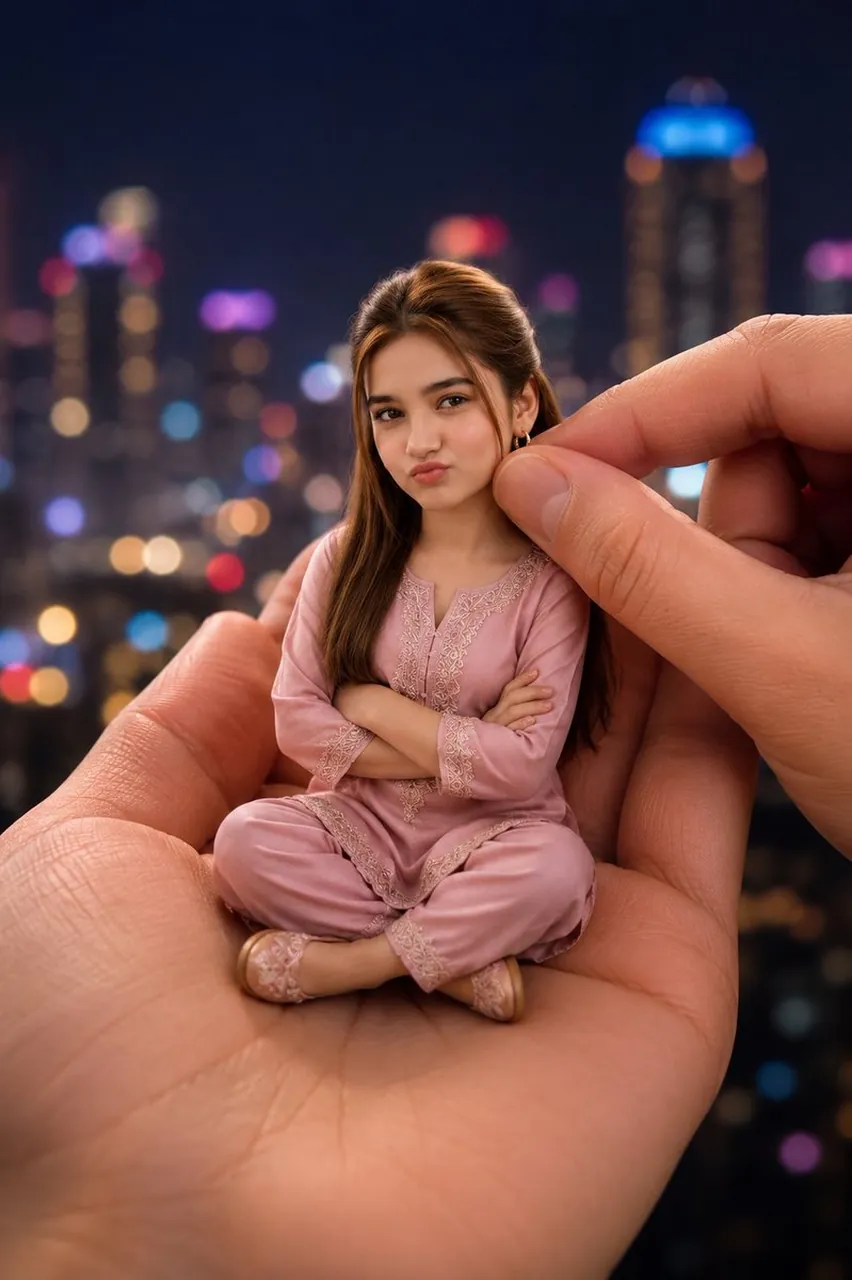
Create a hyper-realistic vertical portrait of a miniature tiny doll-like young woman sitting cross-legged in the open palm of a giant realistic human hand at night, with a second giant hand entering from the right and gently pinching near the doll’s hair/ear as if adjusting or holding her. The tiny figure has long brown hair parted near the center, small earrings, arms crossed, and wears a soft pastel dusty pink traditional pajama-style embroidered outfit with matching loose pants and small matching slippers. Place an opaque square censor block over the entire face in a medium warm brown skin-tone color, hiding all facial features. The scale should feel surreal but photorealistic: the hands are enormous with detailed skin texture, palm lines, nails, and warm natural lighting, while the miniature person has realistic fabric folds, lace embroidery, and lifelike proportions. Background: a dark nighttime city skyline with high-rise buildings, heavily blurred bokeh lights in blue, purple, red, gold, and white, creating a dreamy cinematic depth of field. Composition: centered doll seated on the palm, close-up framing, shallow depth of field, warm skin tones, soft rim light on hair, realistic shadows where the doll touches the hand, high-detail photography style, no text, no watermark.
Best for
Tips
Keep the main subject focused so hyper-realistic vertical portrait of a miniature tiny remains recognizable after style or lighting changes.
Adjust camera angle and aspect ratio before generation when the composition needs a specific platform format.