
AI Portrait Photography: A Studio Portrait Shoot from One Photo
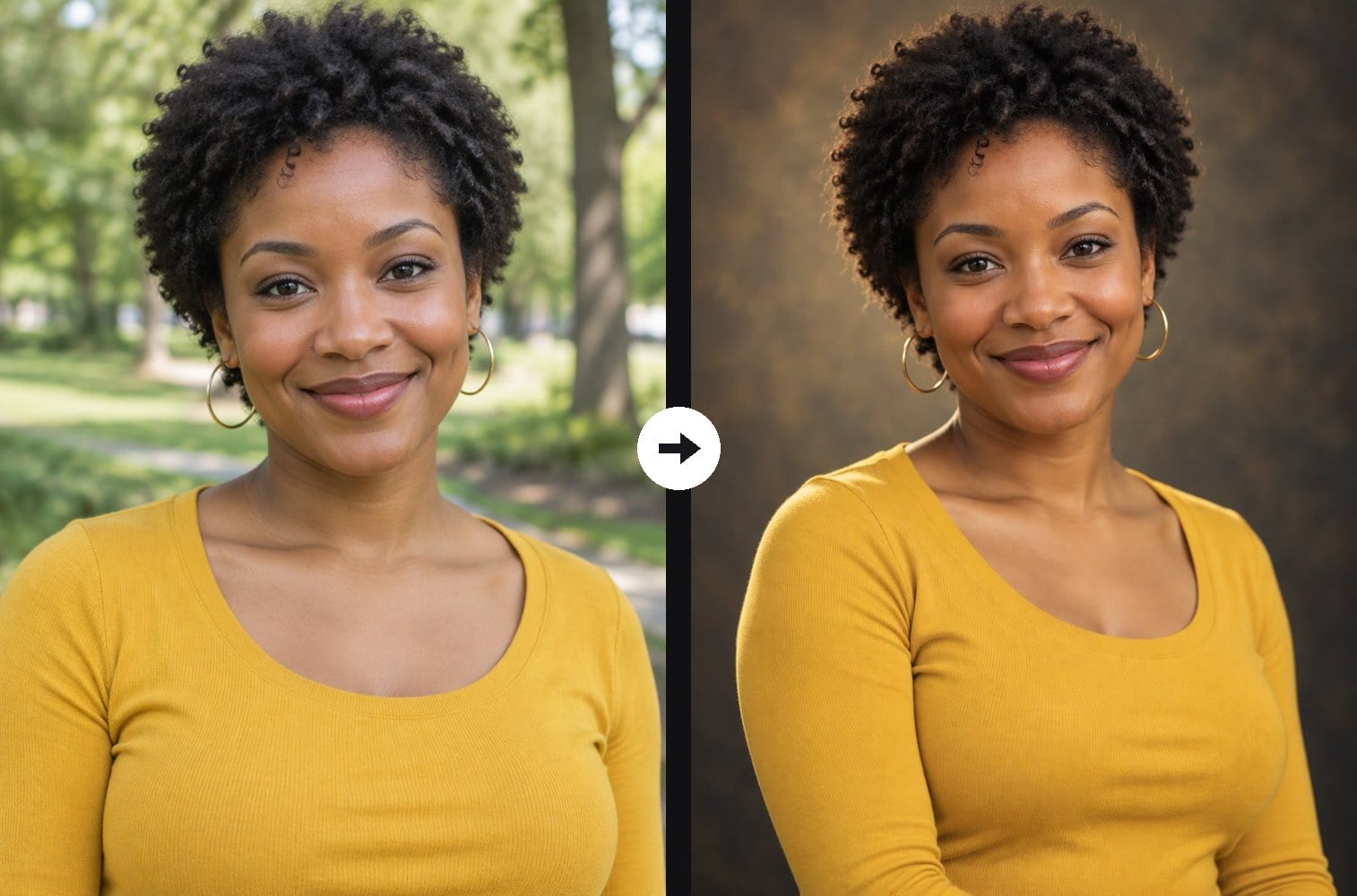
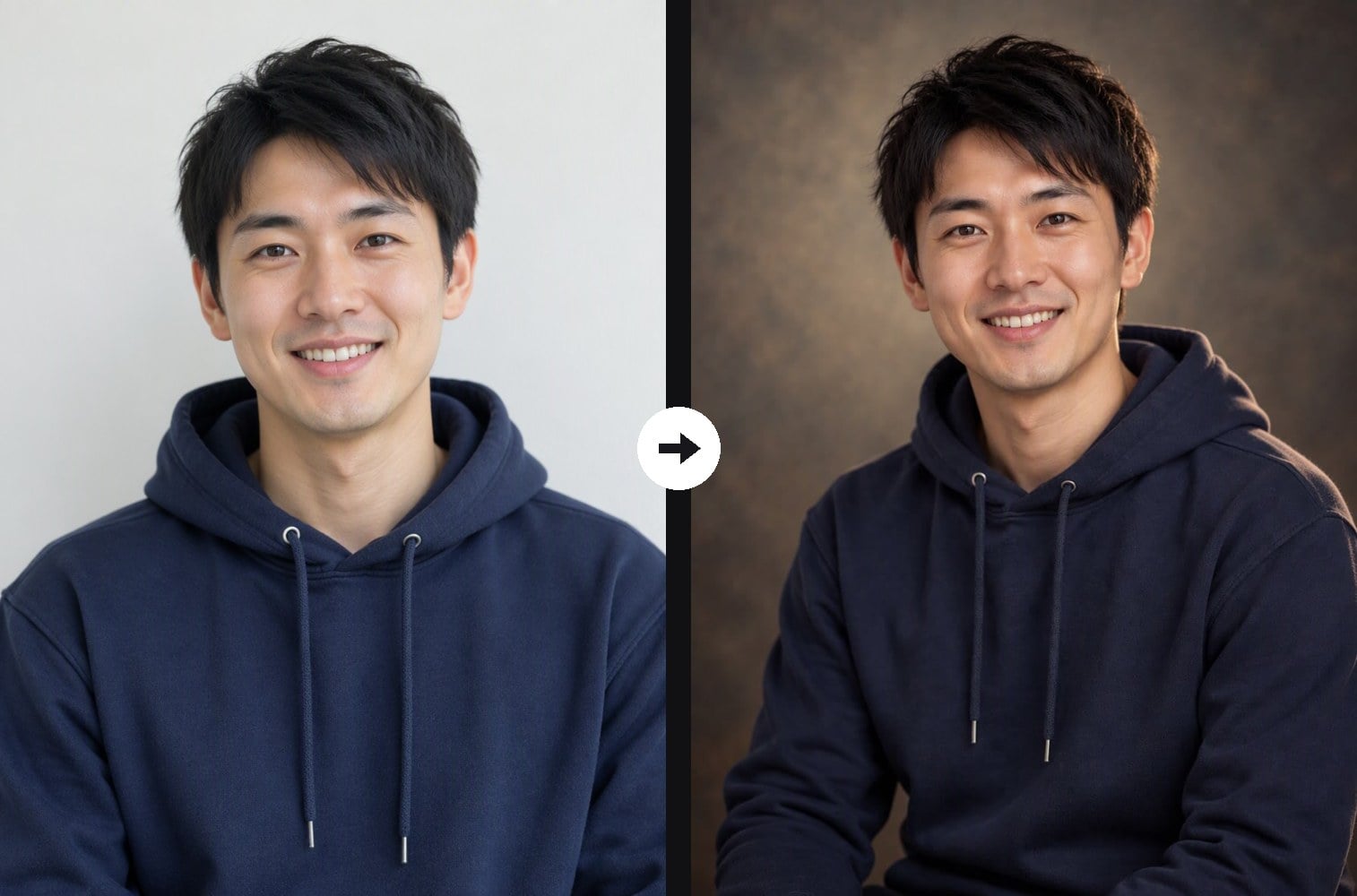
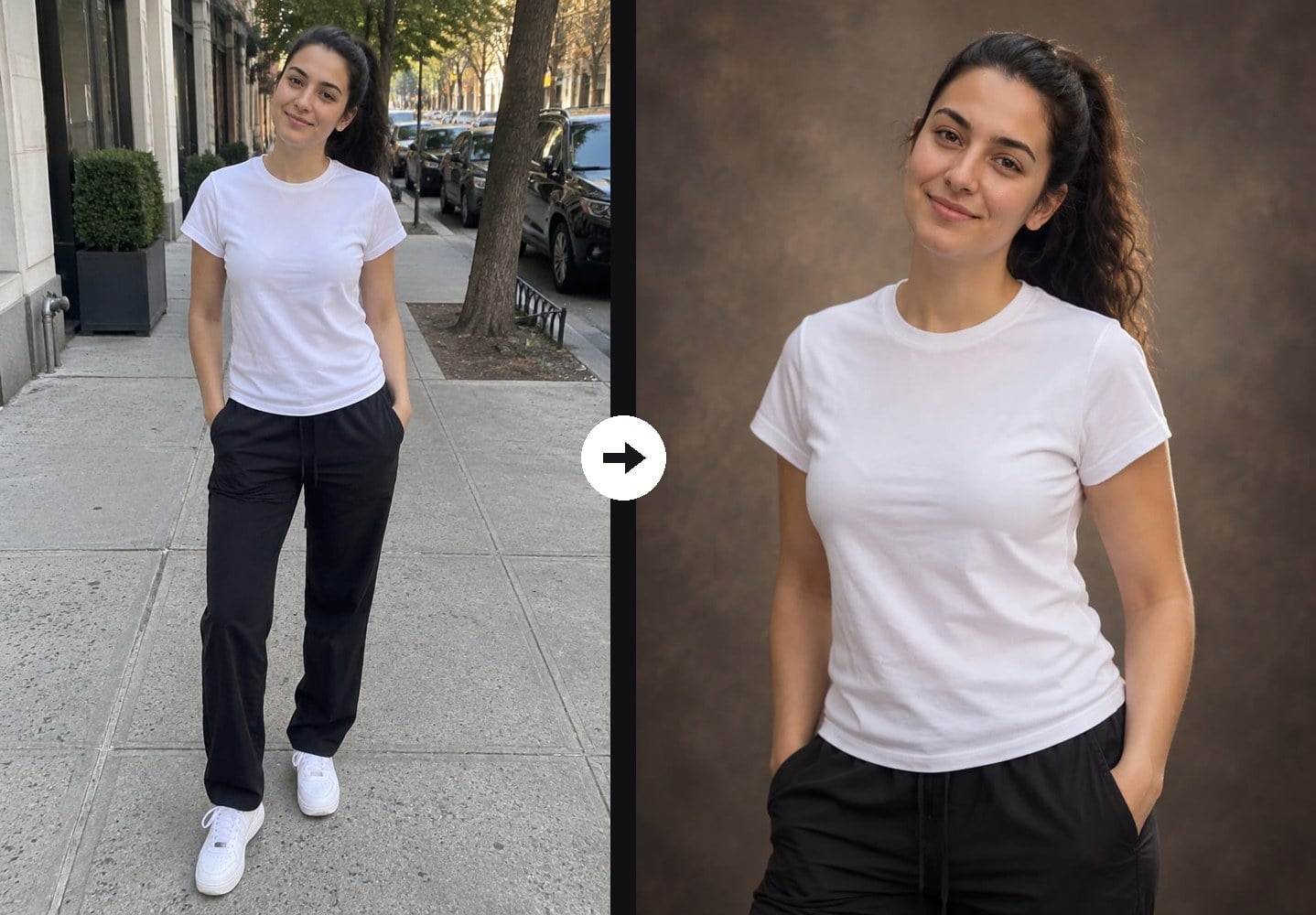
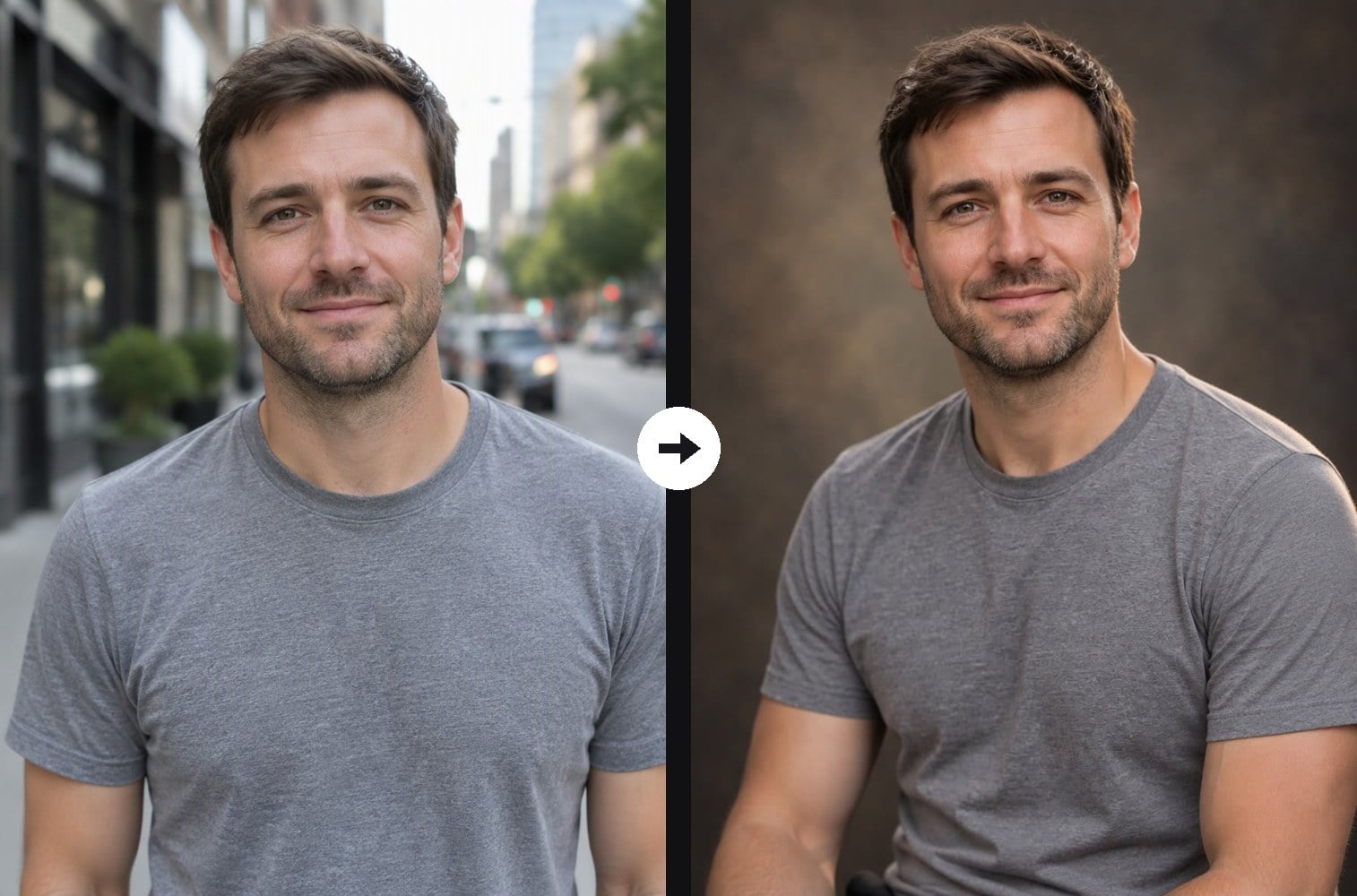
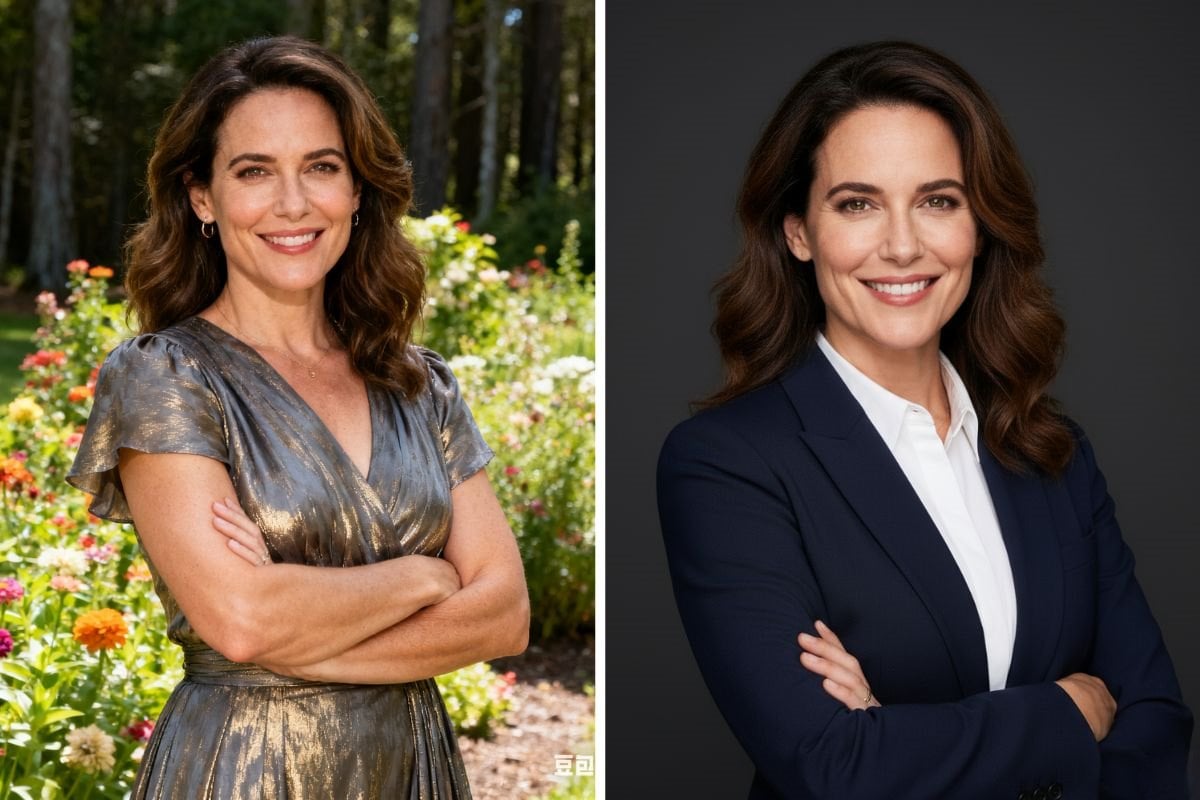
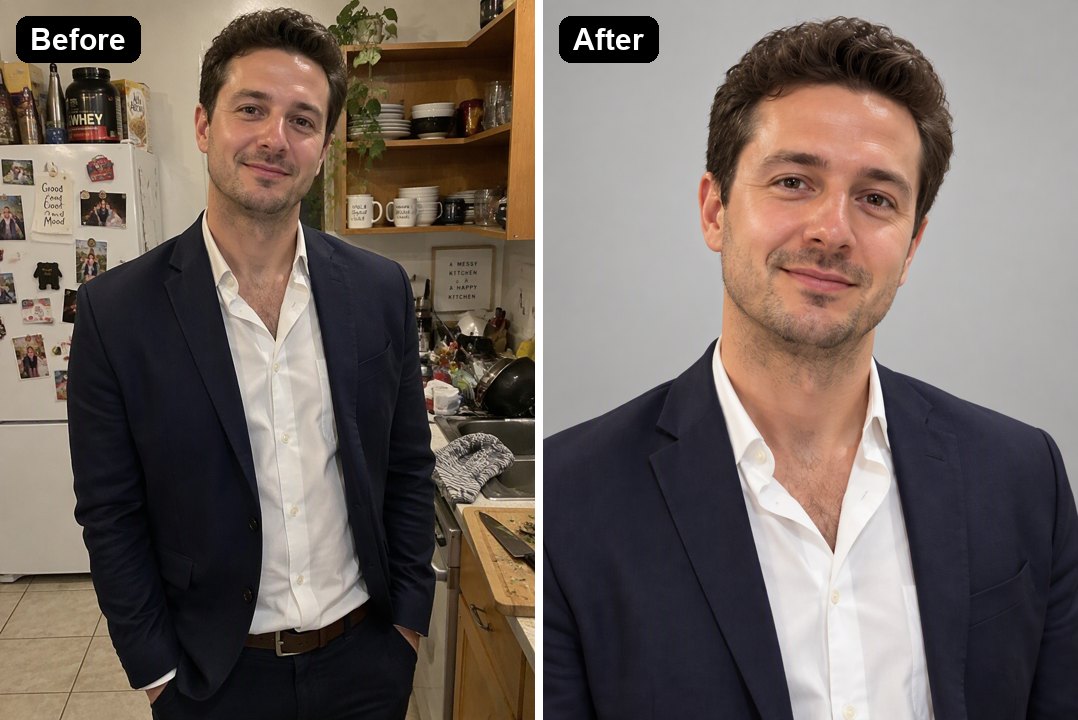
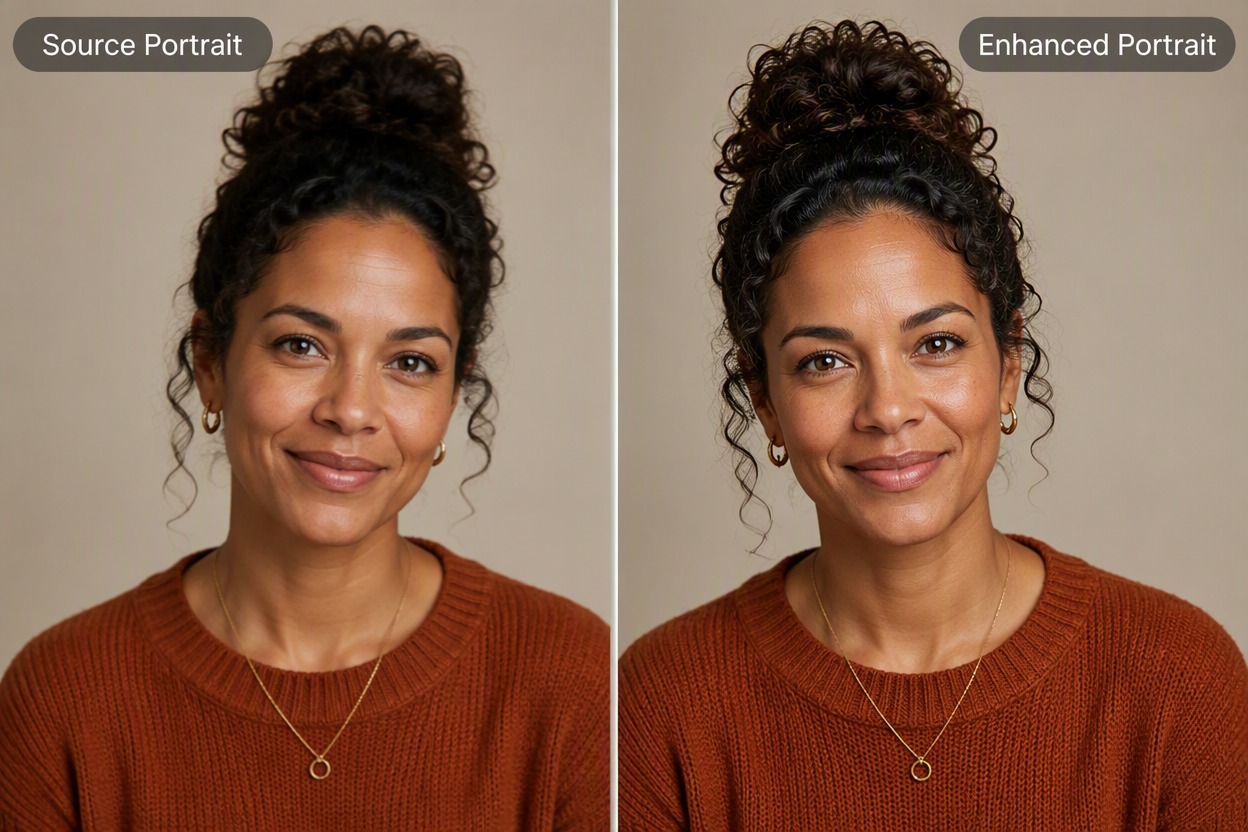
Upload a casual photo and the AI re-shoots it as a fine-art studio portrait: a hand-painted canvas backdrop, classic Rembrandt lighting with a soft rim light, a relaxed three-quarter pose, shallow depth of field and refined color grading. Your face, skin tone, hairstyle and age stay the same. The console below runs on GPT Image 2.5.
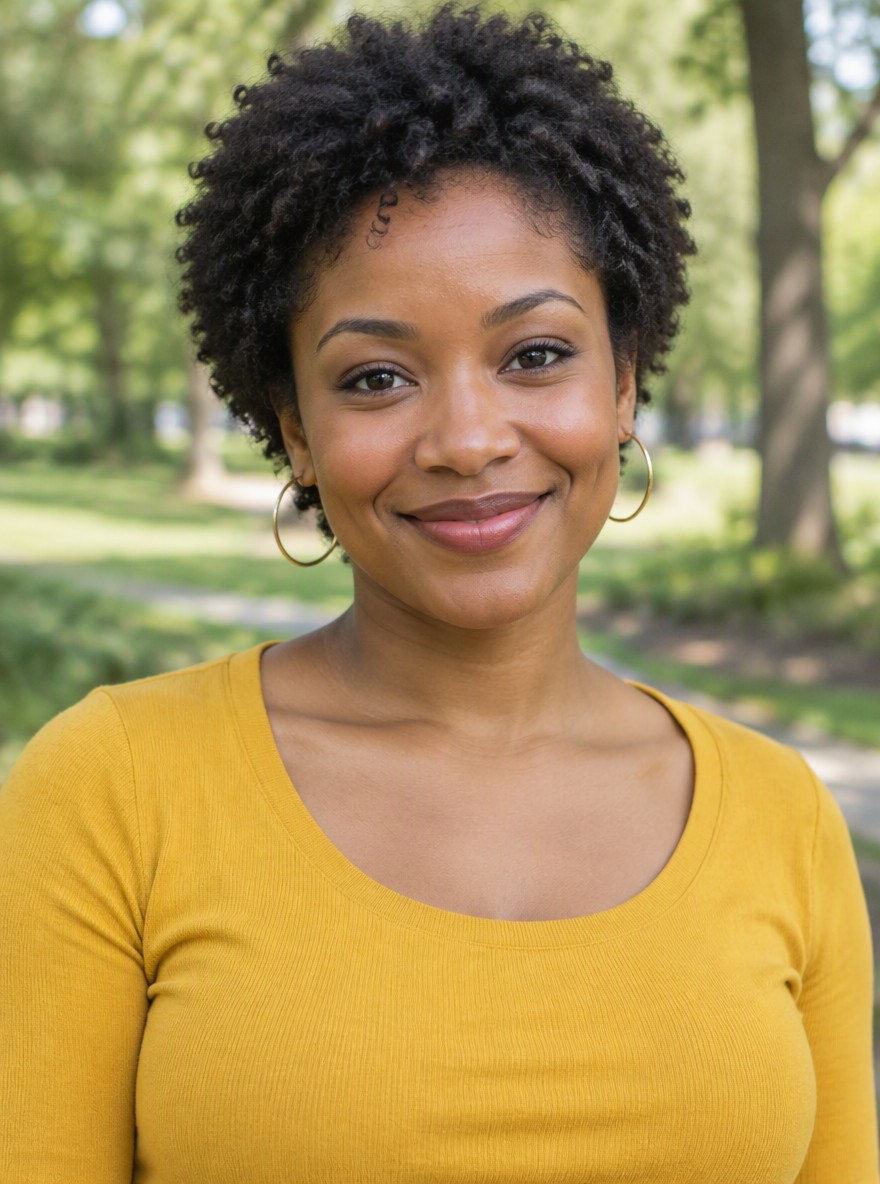
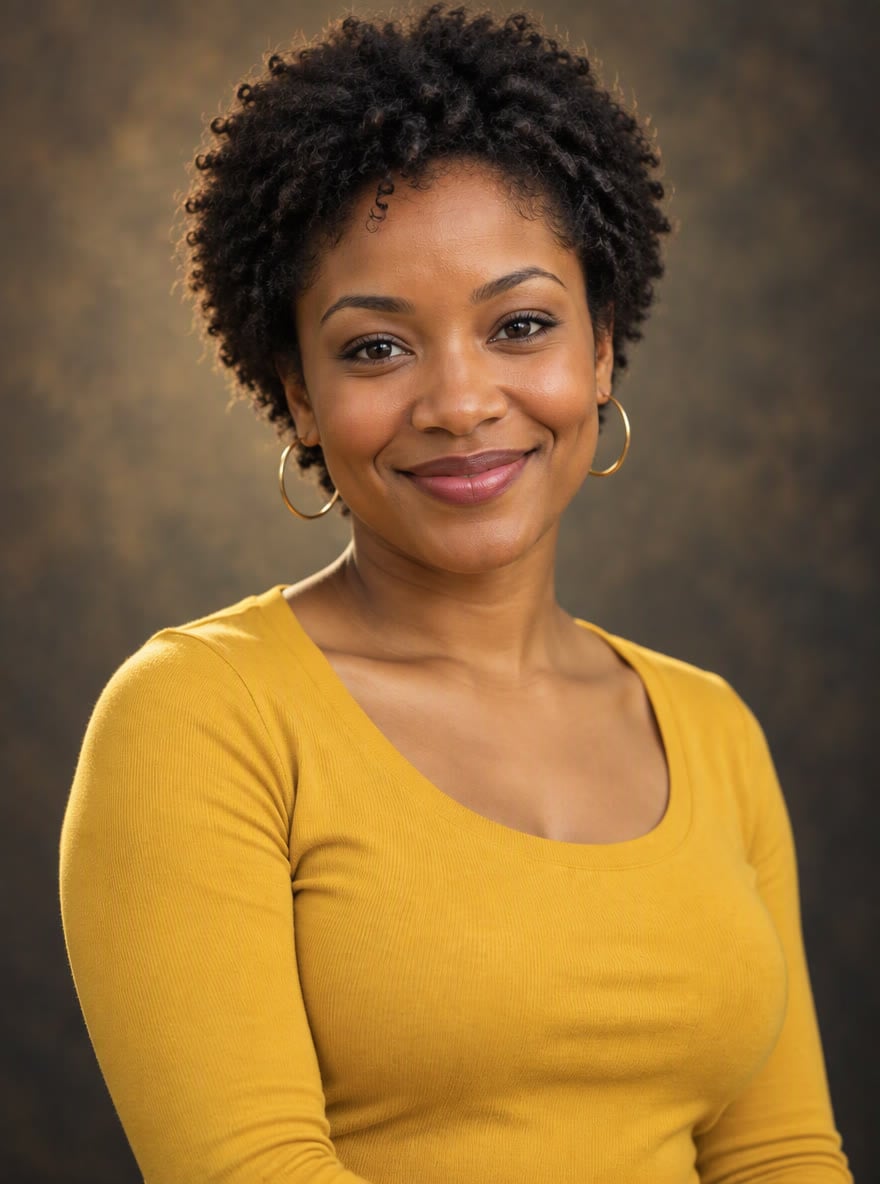
Warm Canvas Portrait
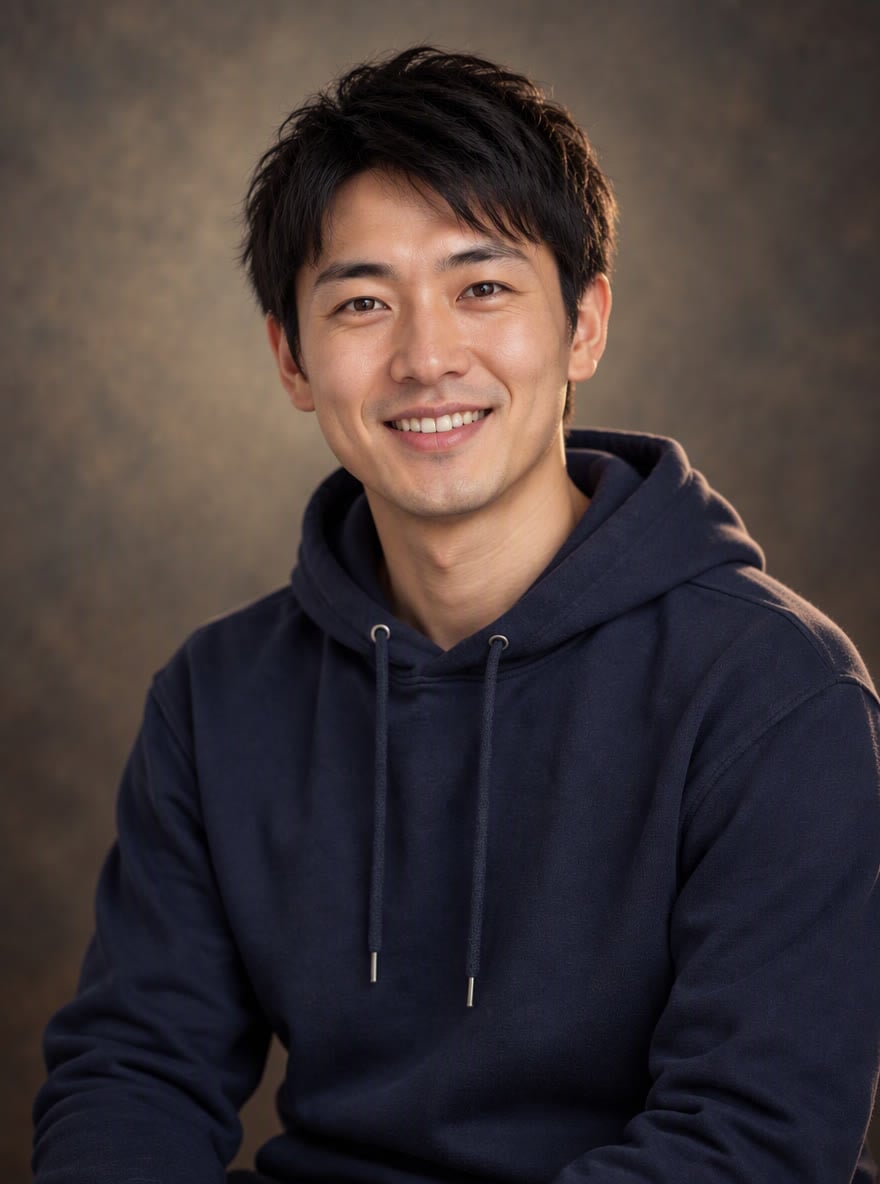
Classic Studio Look
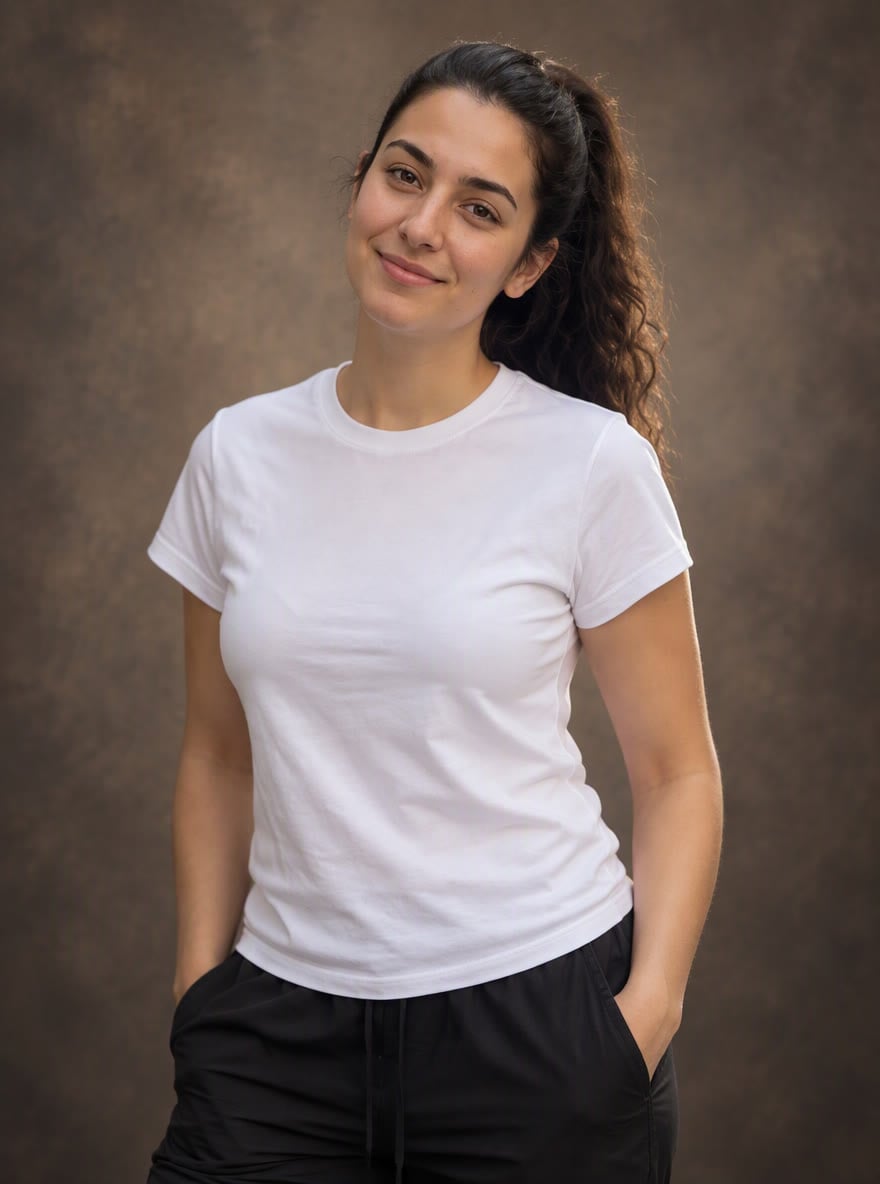
Full-Figure Portrait
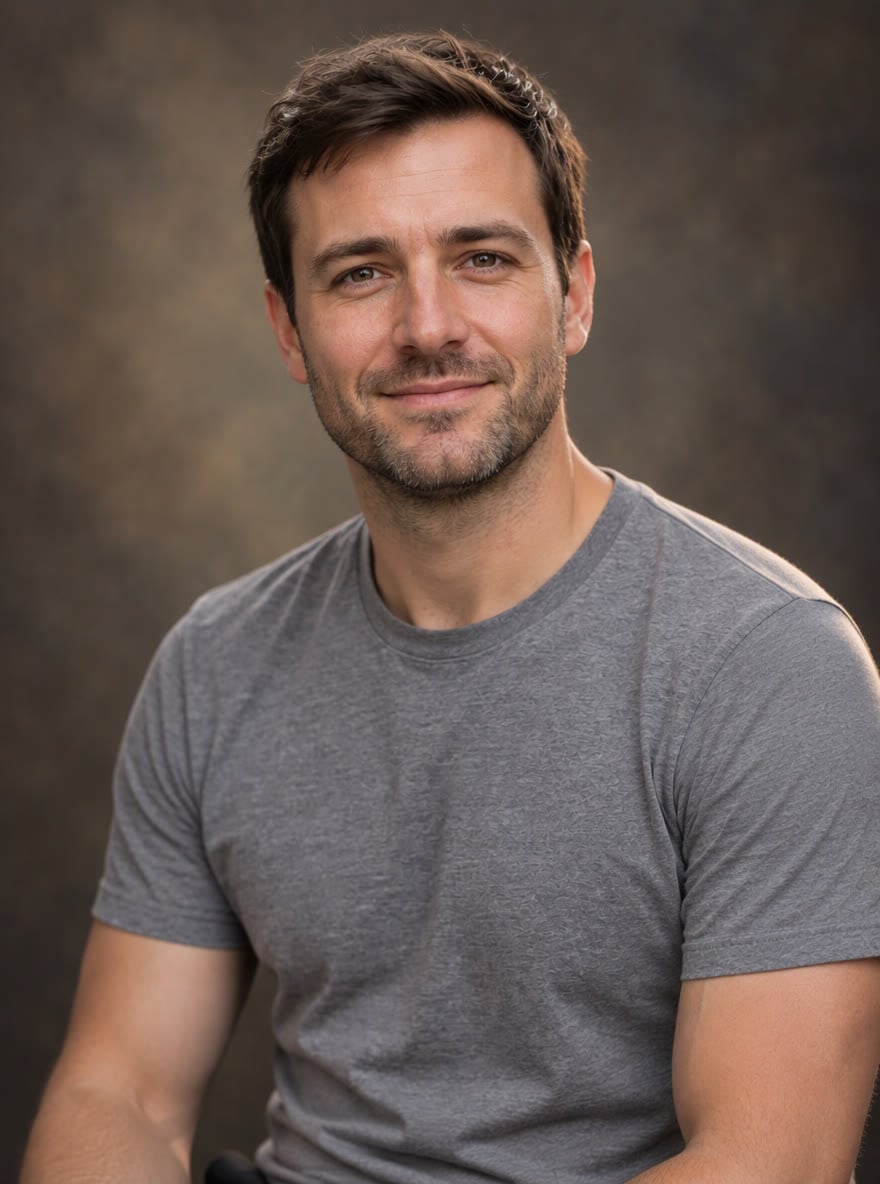
Rembrandt Light
Upload files
Upload a photo to turn into a studio portrait
Effect prompt
By uploading a file, you agree to GoEnhance's Terms of Use and Privacy Policy
Studio Portraits from the Console
Each portrait is one upload with the prompt above. The AI keeps the person's clothes and colors and only changes the light, backdrop and pose.
Warm Canvas Portrait
Classic Studio Look
Full-Figure Portrait
Rembrandt Light
How to Make a Studio Portrait
01
Upload a photo
A clear selfie, street photo or half-body shot works. The face should be visible and in focus.
02
Generate
The studio portrait prompt is already filled in. Press the button and the AI sets up the backdrop and lighting.
03
Download and use
Use it for your profile, website, portfolio, dating app or a framed print.
Why Use AI Portrait Photography
More Portrait Tools
AI Portrait Photography FAQ
What is AI portrait photography?
How is it different from a headshot?
Will it make me look older or younger?
Can I change the backdrop color or style?
What photo works best?
Need a clean business photo instead?
Ready for Your Studio Portrait?
Upload a photo and get a professional portrait in under a minute.
Make My Studio Portrait