goenhance logo

AI Product Video Generator

Turn Product assets, product photos, or a clear product prompt into short video drafts for demos, feature highlights, ecommerce listings, launch pages, and social product reviews.
Create Product Video

Create Product Videos That Show the Product Clearly

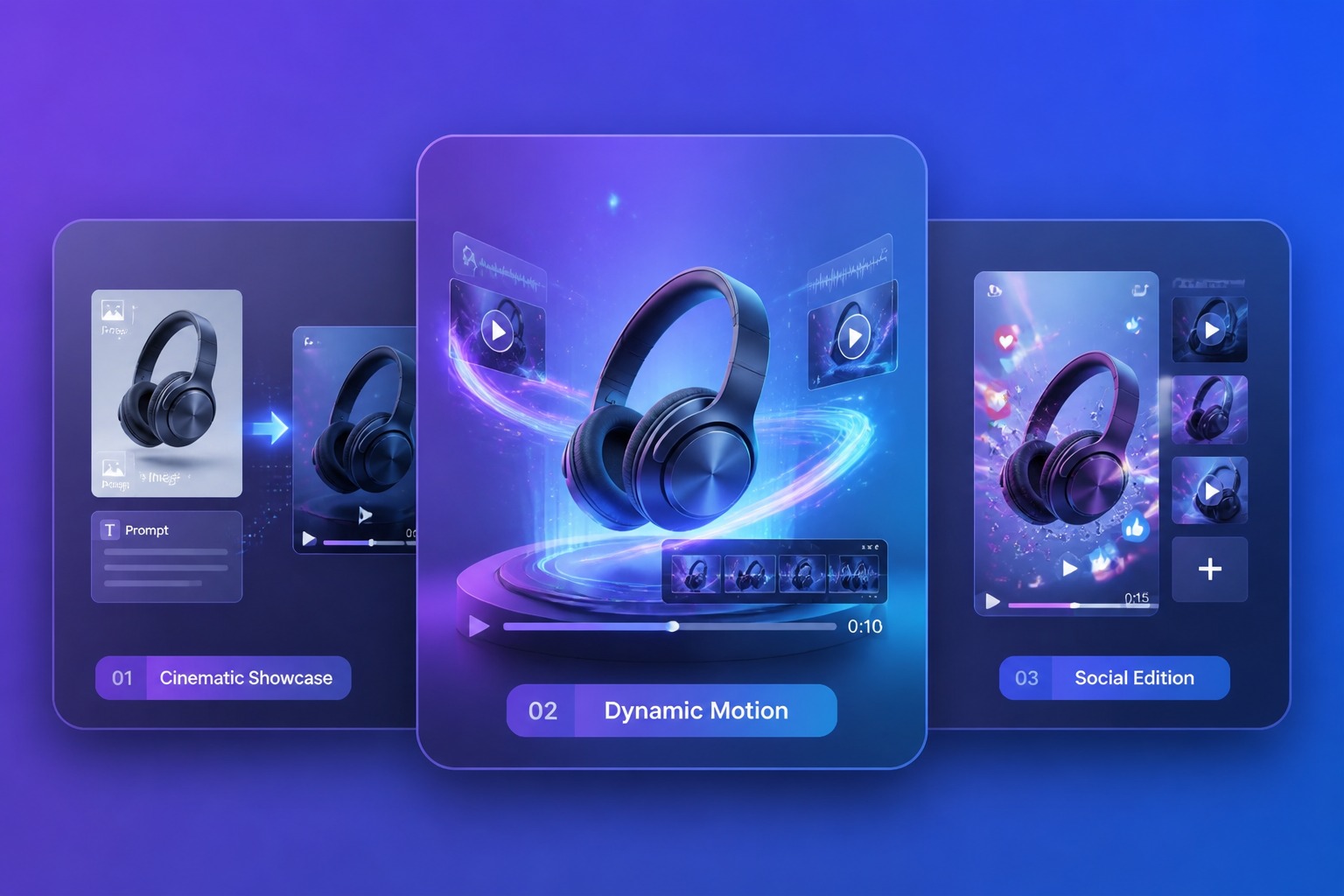
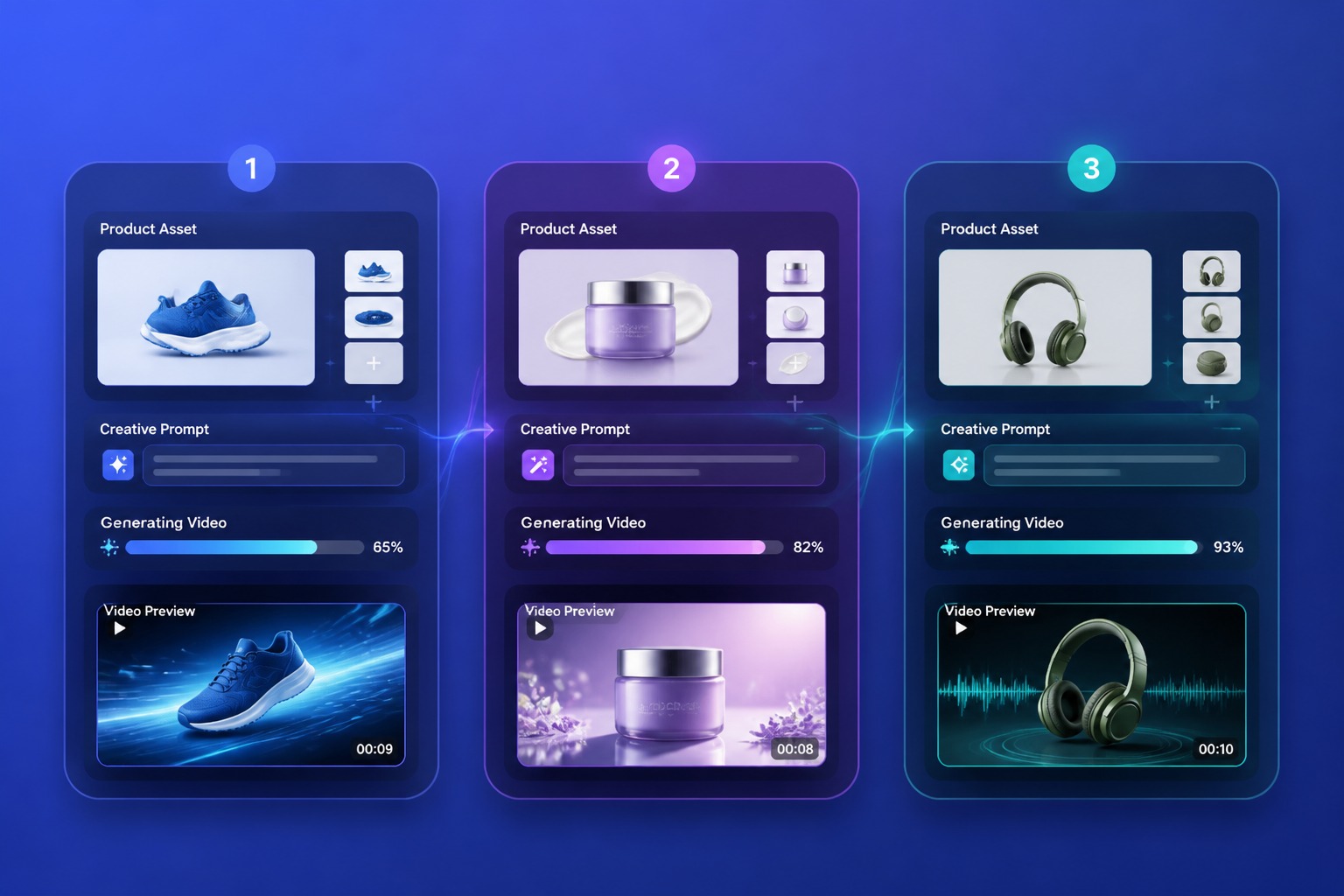
Product Photos to Motion

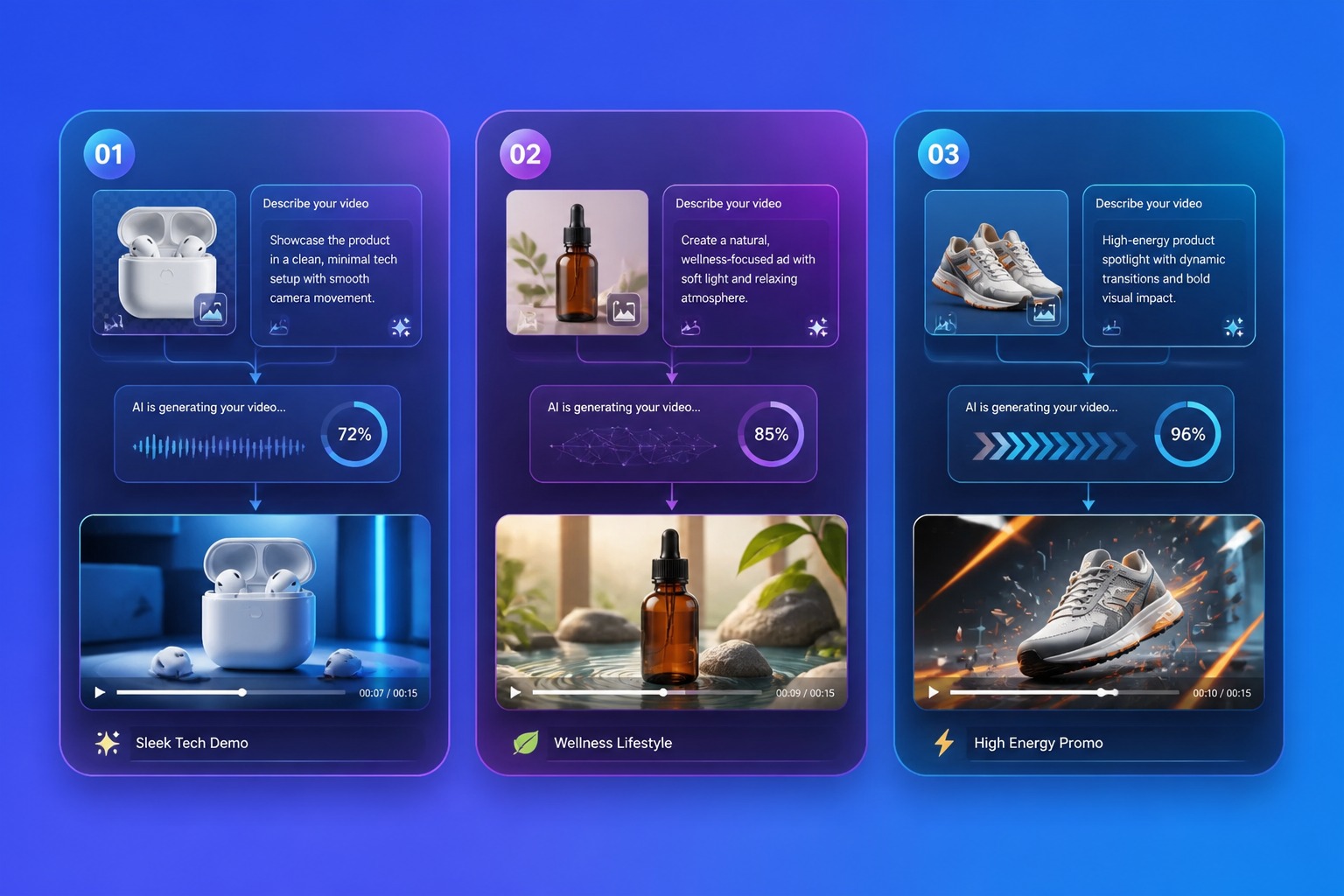
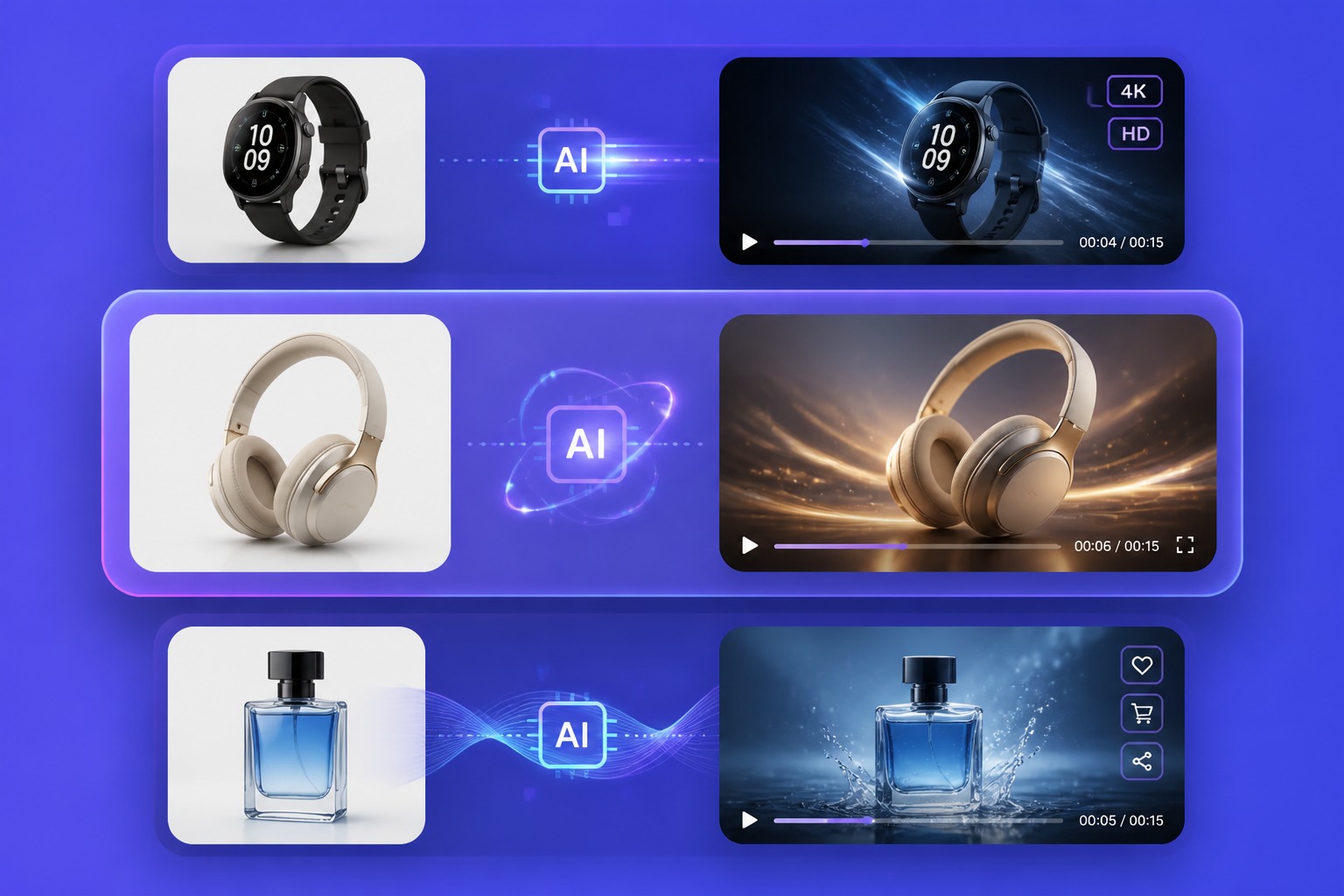
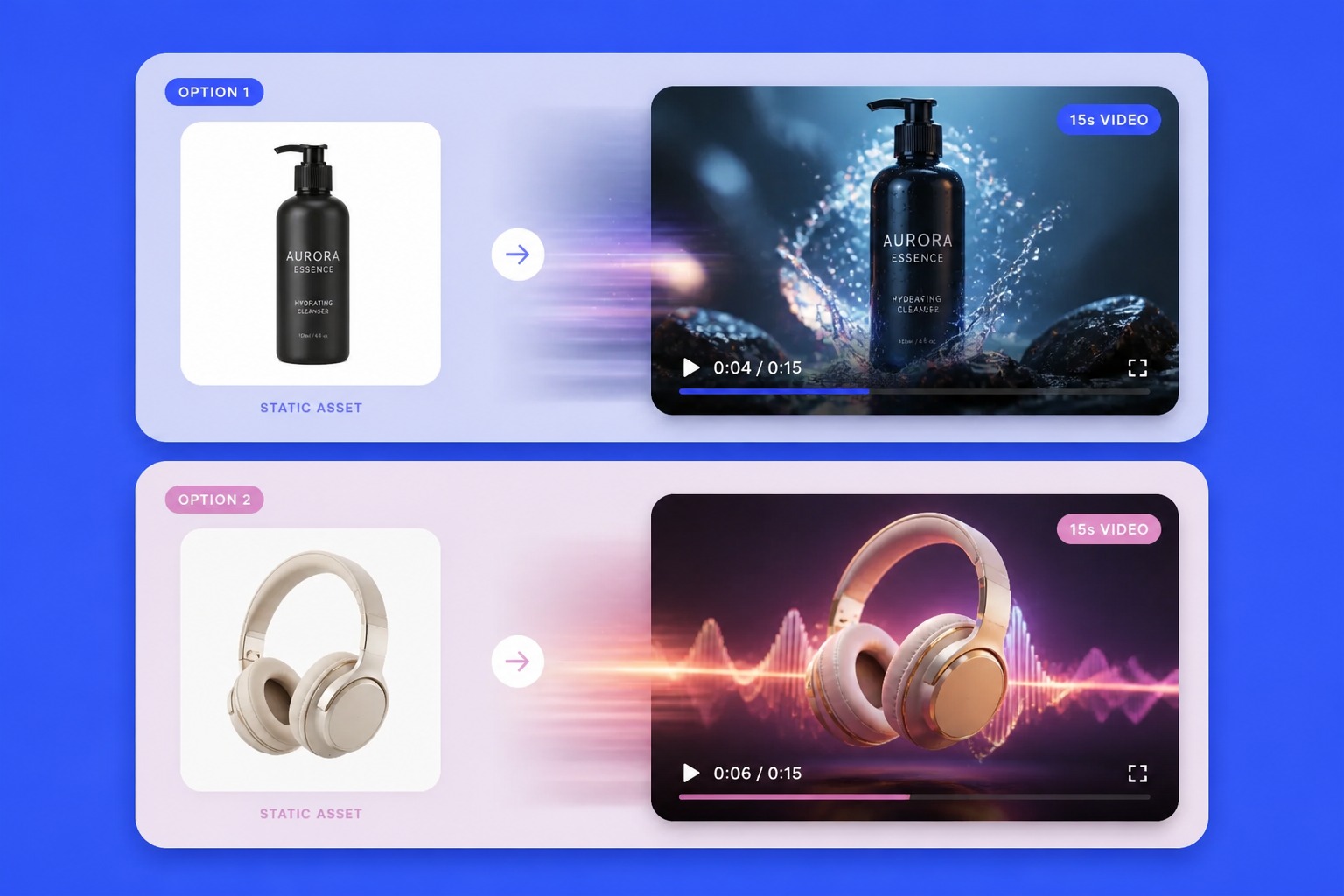
Start from a product image and shape a short video scene that shows the item in context. The strongest fit is product-first motion: simple demonstrations, lifestyle moments, and clear visual angles that help viewers understand what the product is before they read the details. With an image to video workflow, a single product photo can become a short, usable scene for ads, social posts, or product pages.

product photo becoming a short product video scene

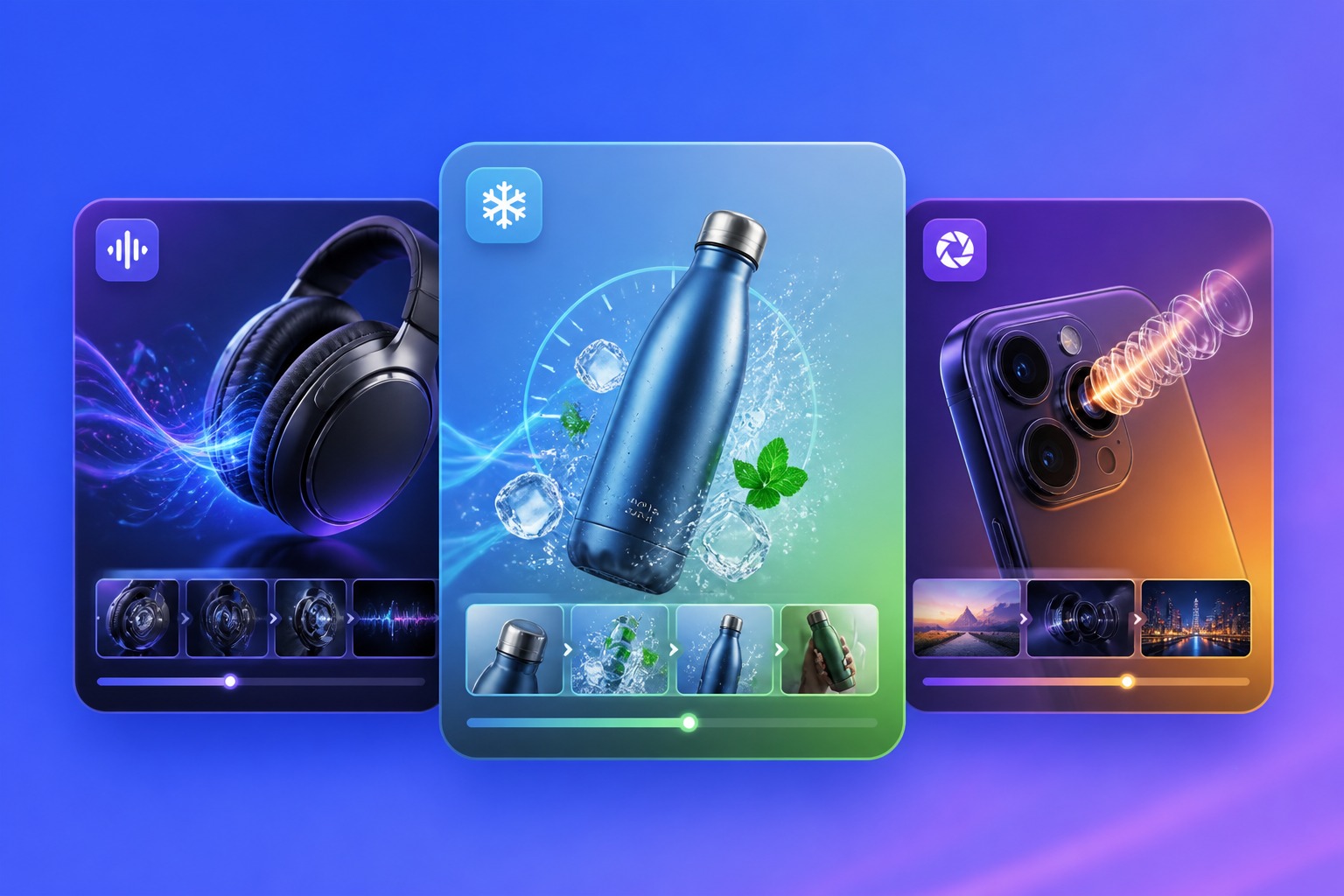
Feature Highlight Clips

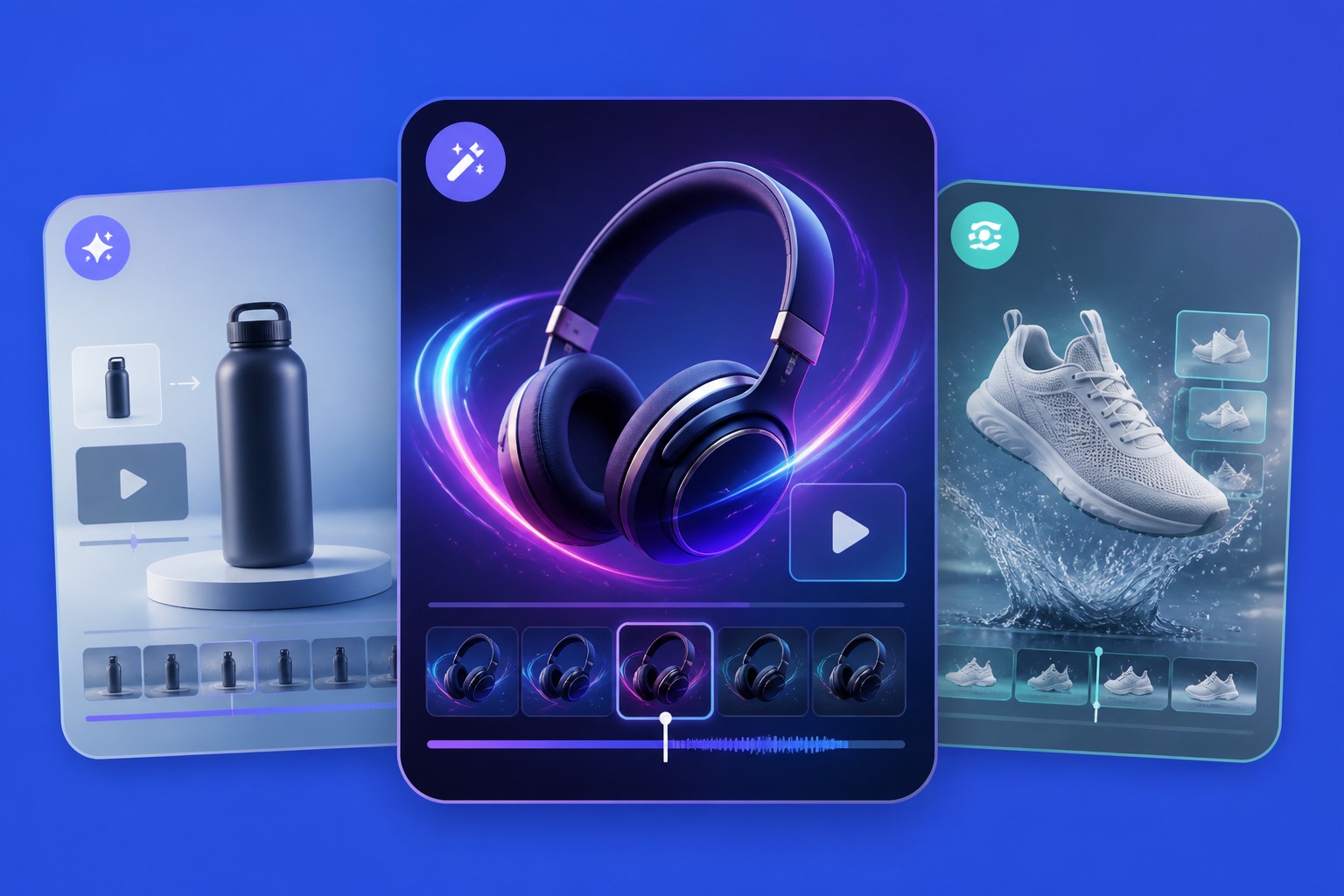
Turn one product benefit into a focused clip instead of trying to explain everything at once. Use it for launch teasers, feature callouts, ecommerce pages, or short social posts where the viewer needs to see the main value quickly.

product feature highlight video clip for ecommerce and launch use

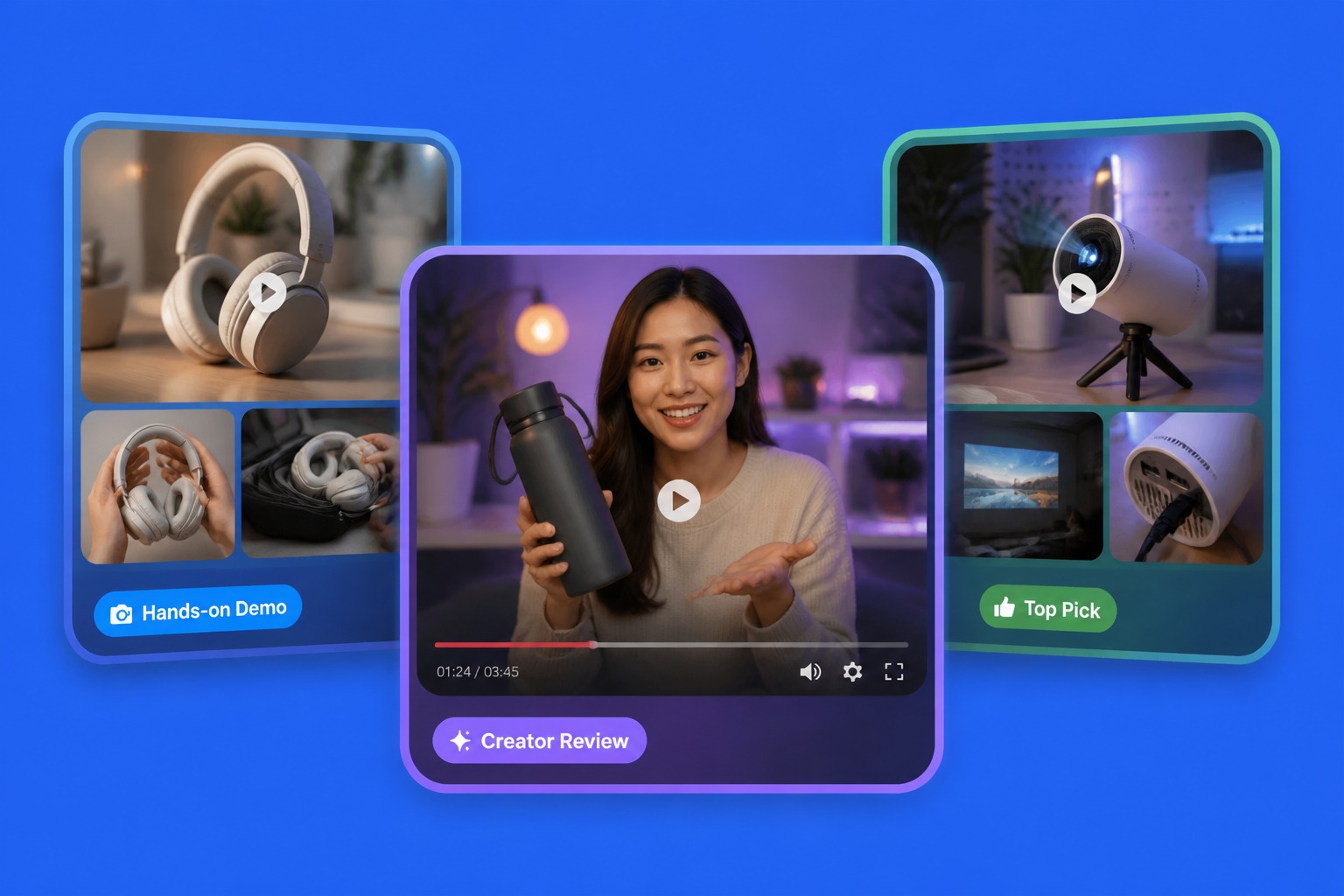
Review-Style Product Videos

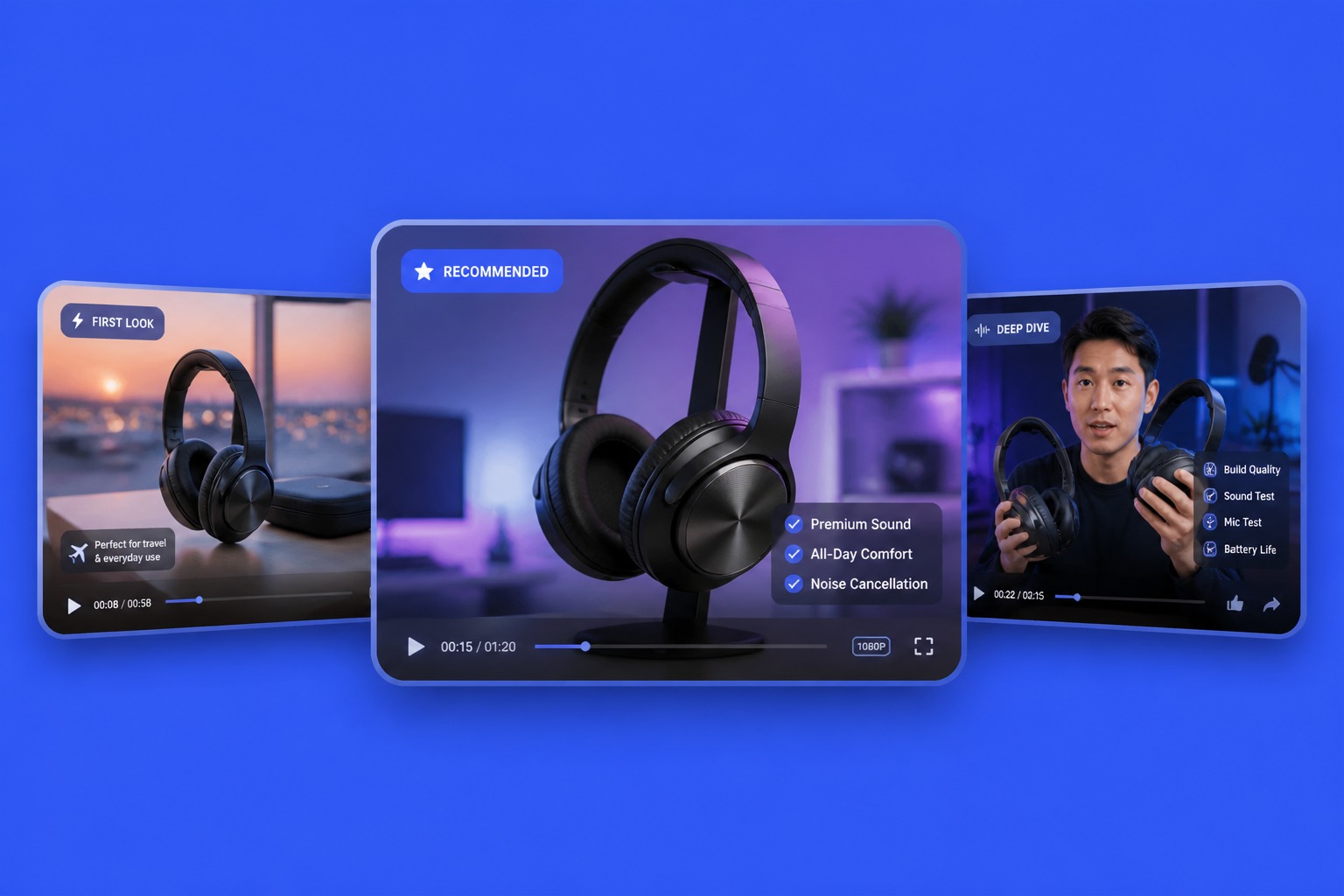
Draft product review video ideas that feel like a clear recommendation, demo, or first-look clip. This works best when the prompt includes the product use case, the customer problem, and the specific point a viewer should notice.

AI product review video concept with product demo and recommendation angle

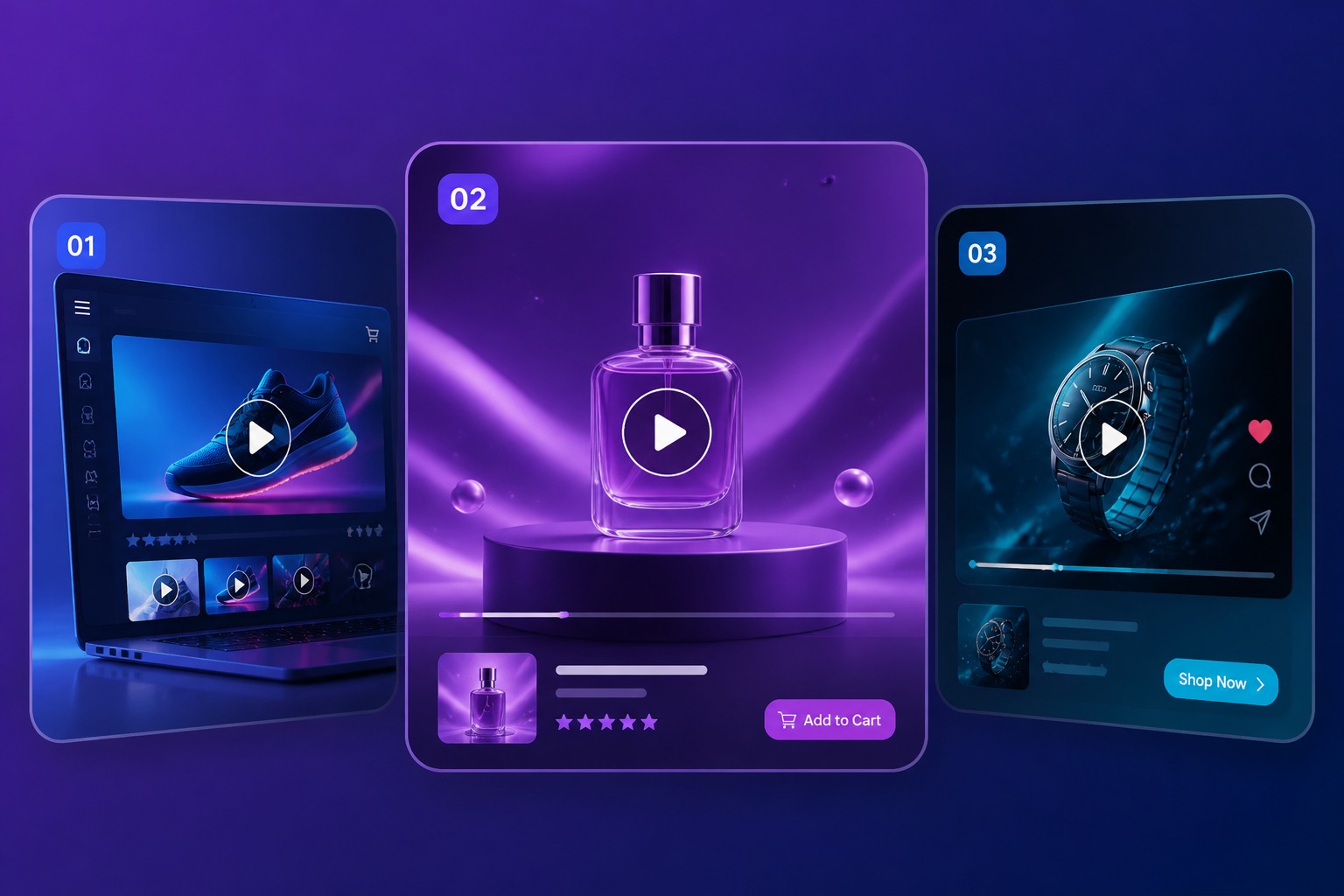
Launch and Storefront Assets

Create first-pass visuals for product launches, storefront sections, landing pages, and paid or organic social posts. For broader campaign videos, an AI ad video generator can support brand and promo storytelling beyond the product demo.

product launch and ecommerce storefront video assets
Product Workflow

Built for Product Video Drafts and Demos

Product-First Inputs

Start with a Product asset, product image, or prompt that keeps the item as the clear visual focus.

Demo-Friendly Scenes

Create short scenes for use cases, feature callouts, unboxing angles, launch pages, and ecommerce listings.

Review Video Angles

Shape first-look, recommendation, or product review concepts before recording or editing a full video.

Less Reshoot Time

Test product angles, environments, and message direction before committing to a full production setup.

Format-Aware Output

Use aspect ratio, duration, and resolution settings to fit storefronts, social posts, and campaign placements.

Accuracy Review

Check product shape, details, text, claims, and brand fit before treating any generated video as publish ready.

Product Video Types You Can Draft

Explore product-focused video directions for ecommerce, launches, social content, and product review workflows.
Product Demo

Product Demo

Show what the product is, how it appears in use, and which feature matters most. Works best when the input keeps the scene simple and avoids asking one clip to explain every benefit.

Explore Product Videos

How to Create AI Product Videos

Step 1

Choose the Product Asset

Select a Product asset, upload a product image, or use @ to insert the product reference that should appear in the video.
Step 2

Describe the Product Scene

Write what the video should show, including the product action, use case, main benefit, visual style, and where the clip will be used.
Step 3

Generate and Review

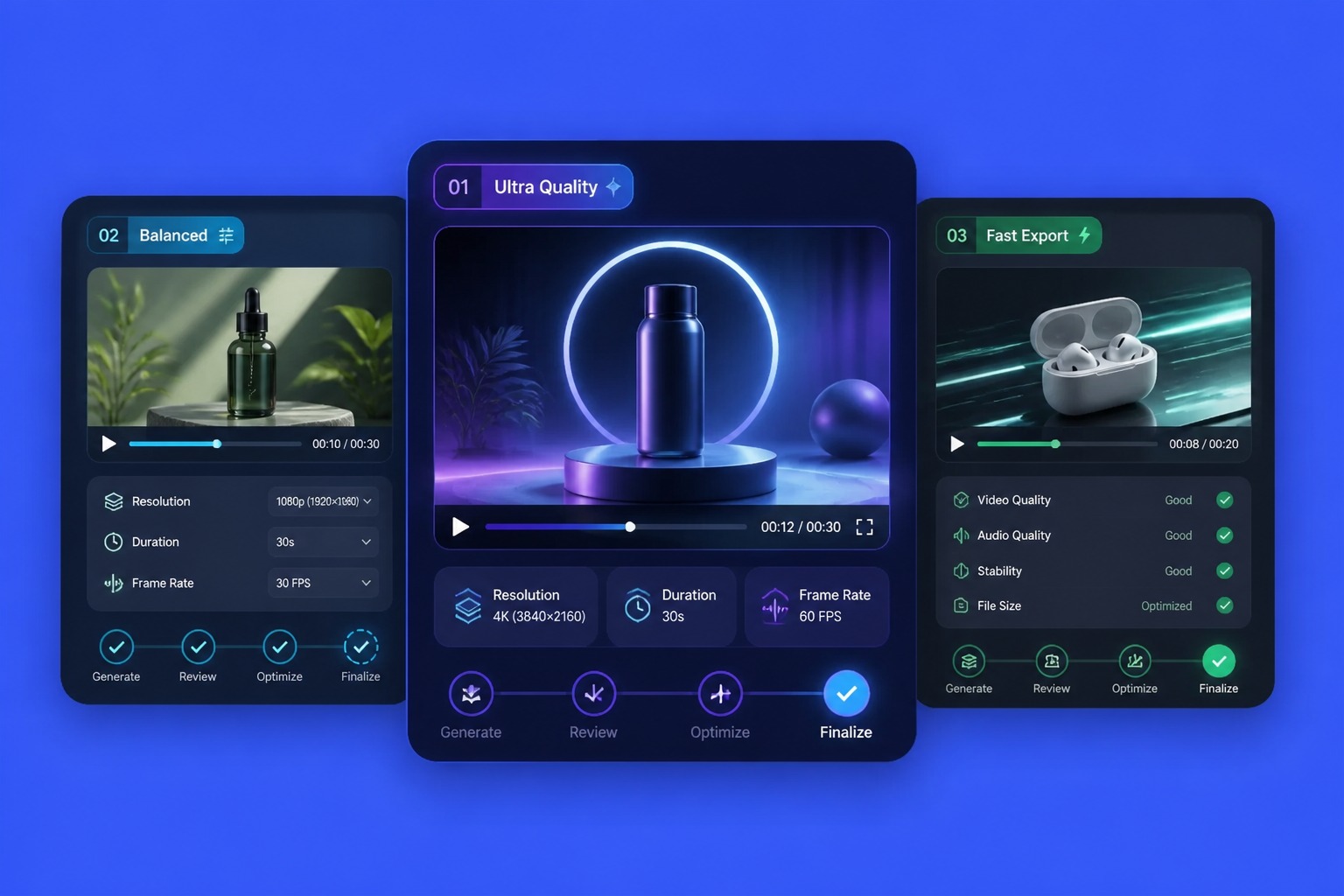
Choose aspect ratio, duration, and resolution, then generate. Review product accuracy, details, text, brand fit, and platform readiness.
Start Creating
FAQ

Frequently Asked Questions About AI Product Videos

What is an AI product video generator?

An AI product video generator helps turn product images, product assets, or prompts into short product-focused video drafts. It is strongest for demos, feature callouts, ecommerce visuals, launch teasers, and product review concepts where the product needs to stay clear on screen.

What inputs work best for product video generation?

Strong inputs include a clear product image or product asset, one main feature, the intended use case, target platform, scene direction, and CTA. Avoid asking one short clip to cover every product detail because that usually makes the result less focused.

Can I make AI product review videos?

Yes, you can draft review-style concepts such as first-look clips, recommendation scenes, product use moments, or short demo angles. Treat the generated result as a draft and review whether the product details, claims, and use context are accurate before publishing.

How is a product video different from a video ad?

A product video focuses on showing the item, feature, use case, and customer value clearly. A video ad usually adds stronger hooks, offers, conversion framing, and platform-specific CTA. Use this page when product understanding is the priority, then adapt the best draft into an ad if needed.

Can I use product videos for ecommerce or social media?

Yes. Product video drafts can support ecommerce listings, launch pages, paid social tests, organic posts, and storefront sections. Before publishing, check aspect ratio, readable text, product accuracy, claims, and whether the opening seconds make the product value clear.

Are AI generated product videos commercially ready?

Commercial use depends on GoEnhance AI terms, your source assets, product claims, brand marks, people or likenesses shown, music rights, and platform rules. Review each generated video like any other product asset before using it in paid campaigns or client work.

How does GoEnhance AI help with product videos?

GoEnhance AI lets creators work from Product assets, product images, avatars, and prompts, then generate short video drafts with chosen aspect ratio, duration, and resolution. It works best as a fast ideation layer before final editing, brand review, and publishing.

Ready to Create AI Product Videos with GoEnhance AI?

Start from a product image or Product asset, describe the scene, and generate product video drafts for demos, reviews, and launches.

Create Product Video