Create a Logo Around a Distinctive Symbol
Define the Idea Behind the Symbol
Name the Core Idea
Describe the brand or concept the icon should represent, such as a plant shop, community project, or software tool.
Choose a Symbol Structure
Specify a pictorial icon, abstract mark, monogram, or badge, then add a few shape and color details.
Check the Small-Size Read
Review whether the silhouette stays simple and distinctive. Refine the prompt to reduce clutter or adjust contrast.
Icon and Symbol Logo Concepts
Architectural Monogram Symbol
Friendly Animal Mark
Wave and Horizon Emblem

Shield Service Icon
Food Brand Pictogram
Abstract Finance Mark
Explore Clear, Compact Brand Symbols
One Idea, One Recognizable Mark
Create a distinctive pictorial symbol around one central object, nature motif, or brand idea. The prompt can describe silhouette, geometry, palette, and mood, helping the generated mark stay focused rather than combining unrelated subjects. This makes the page useful for exploring a first icon direction for a small business, app, community, or product before choosing a final identity. The AI Image Generator hub offers an important entry to related visual creation tools. Generated concepts are images, not automatically clean vector files, so inspect edges and details before production.
Flexible Icon Styles
Create icon concepts in differing visual structures, including geometric, pictorial, monogram-inspired, badge-like, or abstract directions, by describing the form and style in a text prompt. GoEnhance's text-to-image model translates those cues into visual options, making it easier to compare whether a brand should feel technical, organic, playful, or classic. When an icon needs a dimensional display treatment, the 3D Logo Generator can explore a related presentation. This helps clarify art direction before commissioning final artwork, without implying that every output is a precise, editable icon.
Simple Shapes for Small Placements
Create simple icon concepts with a clear silhouette for small placements such as an app tile, avatar, profile mark, or browser shortcut. Prompting for fewer details and stronger contrast can help the image generation focus on the main shape, which makes it easier to judge whether the idea remains recognizable when viewed at a reduced size. This is especially useful when a complicated subject needs to become a compact brand symbol. Check the generated image at its intended display size; a concept that looks clear at large scale may still need simplification before production.
Why Explore Icon Symbol Logo Generator Concepts with GoEnhance AI
Pictorial and Abstract Marks
Multiple Visual Structures
Focused Silhouette Concepts
Explore More Band Lettering and Logo Styles
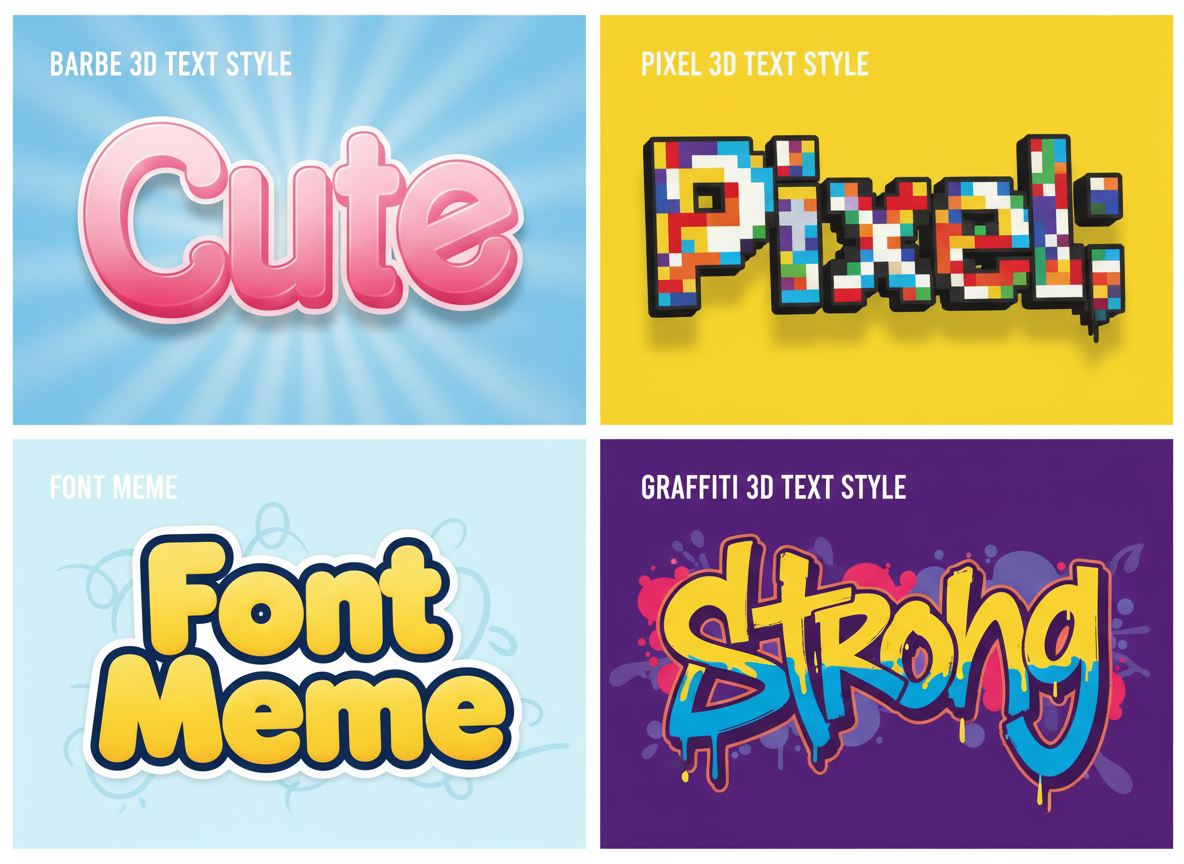
Free 3D Text Generator
Give a band name dimensional lettering for a release announcement or promotional graphic.
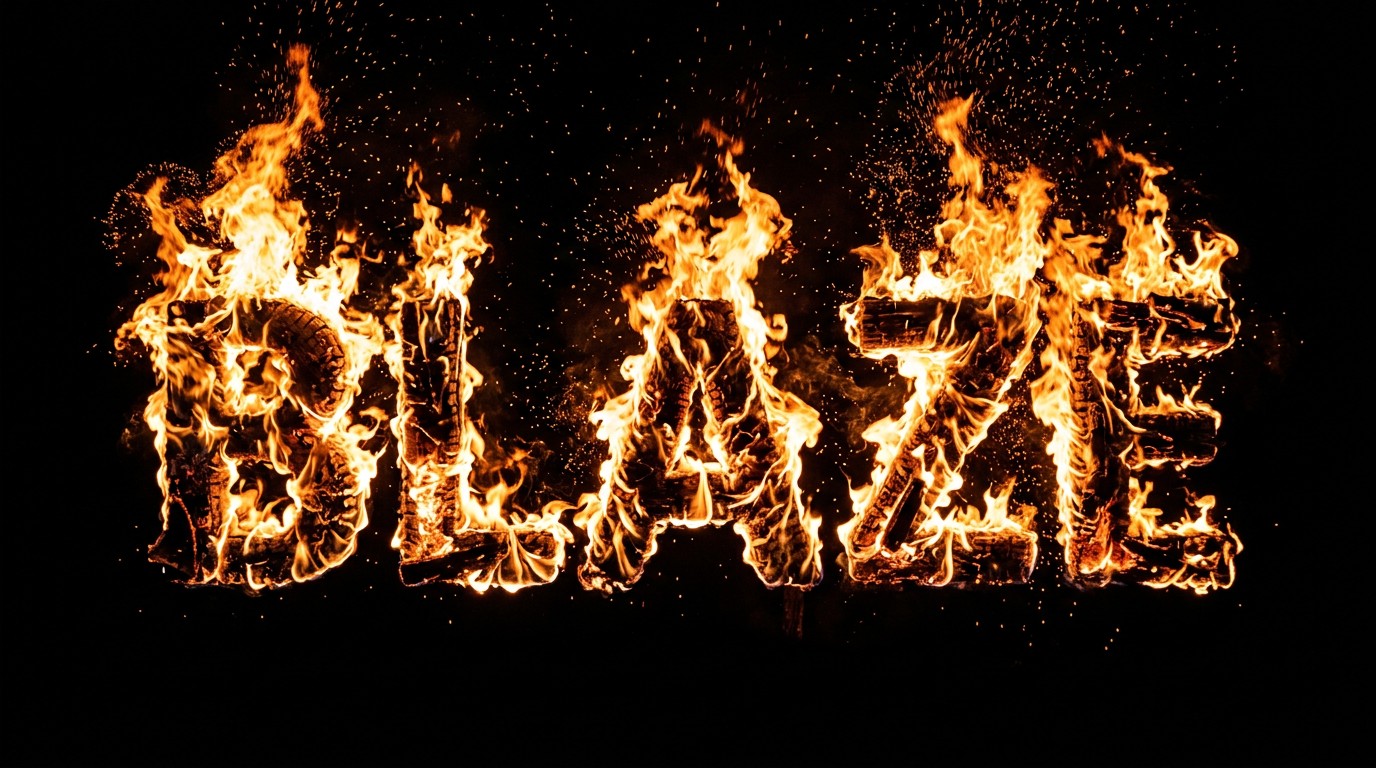
Fire Text Generator
Explore flame-style text for a heavy rock campaign or dramatic show poster.
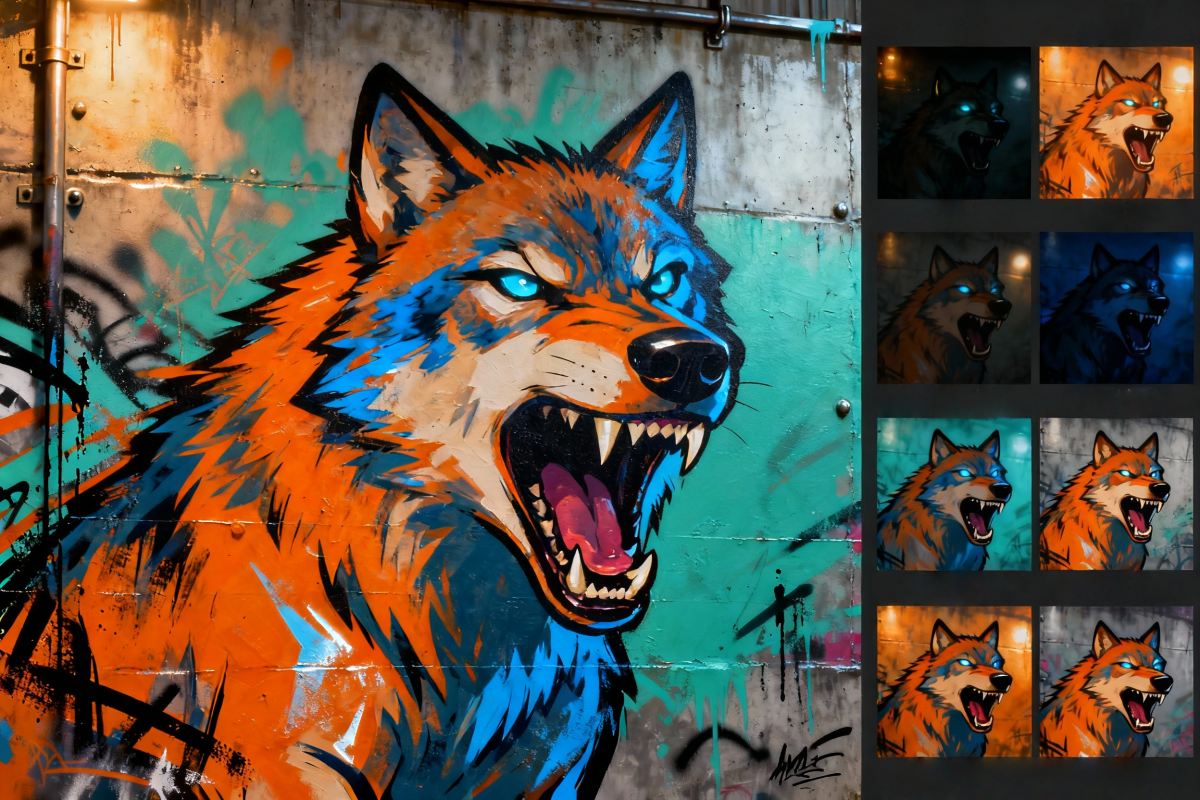
Online Graffiti Generator
Explore expressive graffiti lettering for punk, hip-hop, and crossover music projects.
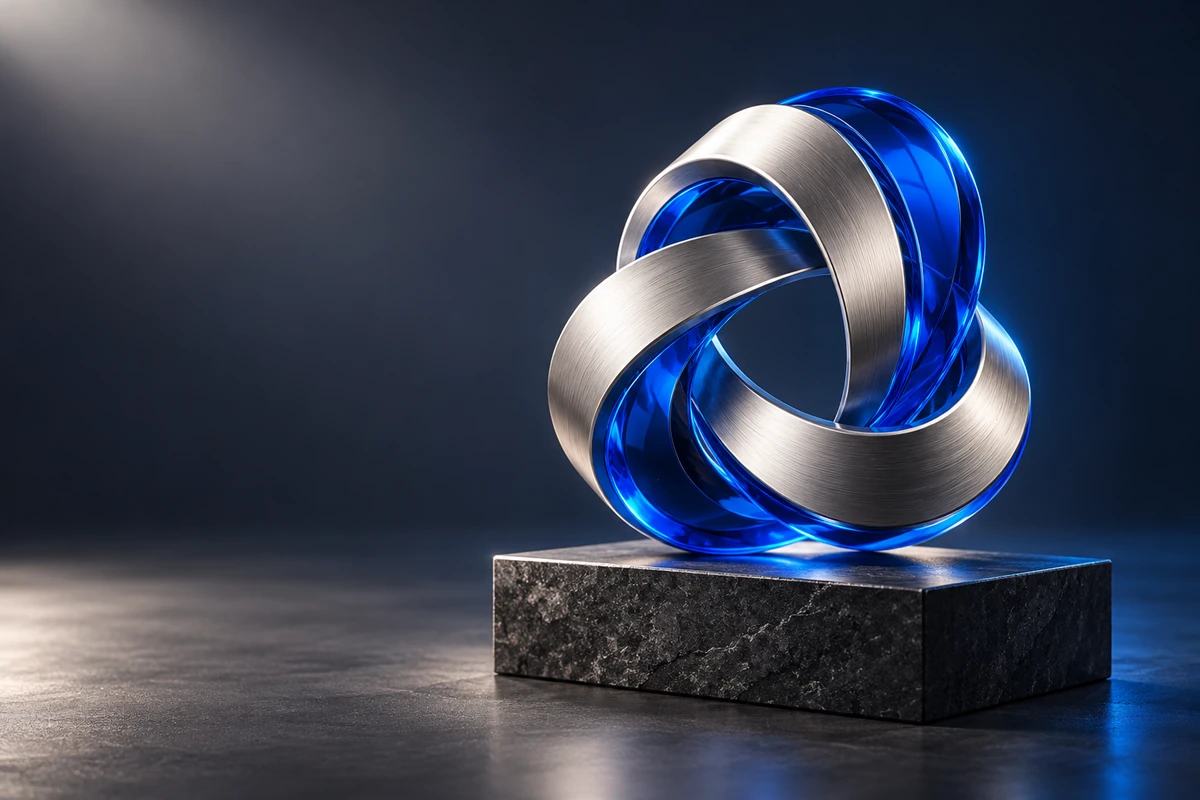
3D Logo Generator
Explore chrome, glass, and sculpted logo images for a dimensional version of your band identity.
Frequently Asked Questions
What is an icon logo generator?
What is the difference between an icon and a symbol logo?
What should I describe in an icon logo prompt?
Can I create a logo icon without text?
Can I generate a symbol based on a sketch?
Can the icon work as a small profile image?
Can I combine an icon with a company name?
Does it export SVG or editable vector icons?
Explore a Symbol for Your Brand
Start with your band name, genre, and one visual idea. Explore a logo direction that fits your next release, show, or music project.
Create a Brand Icon