
Explore Gemini AI Image Generator
Explore the Visual Possibilities
Prompt-Led Visual Creation
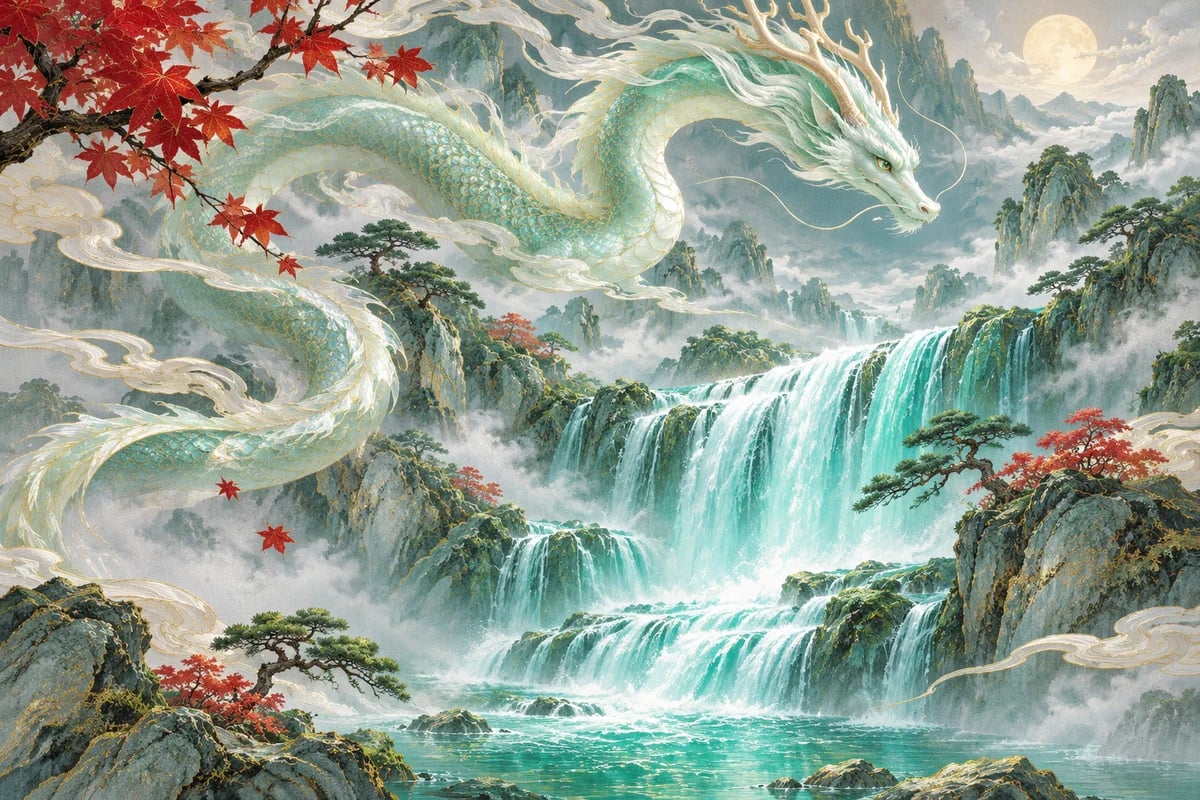
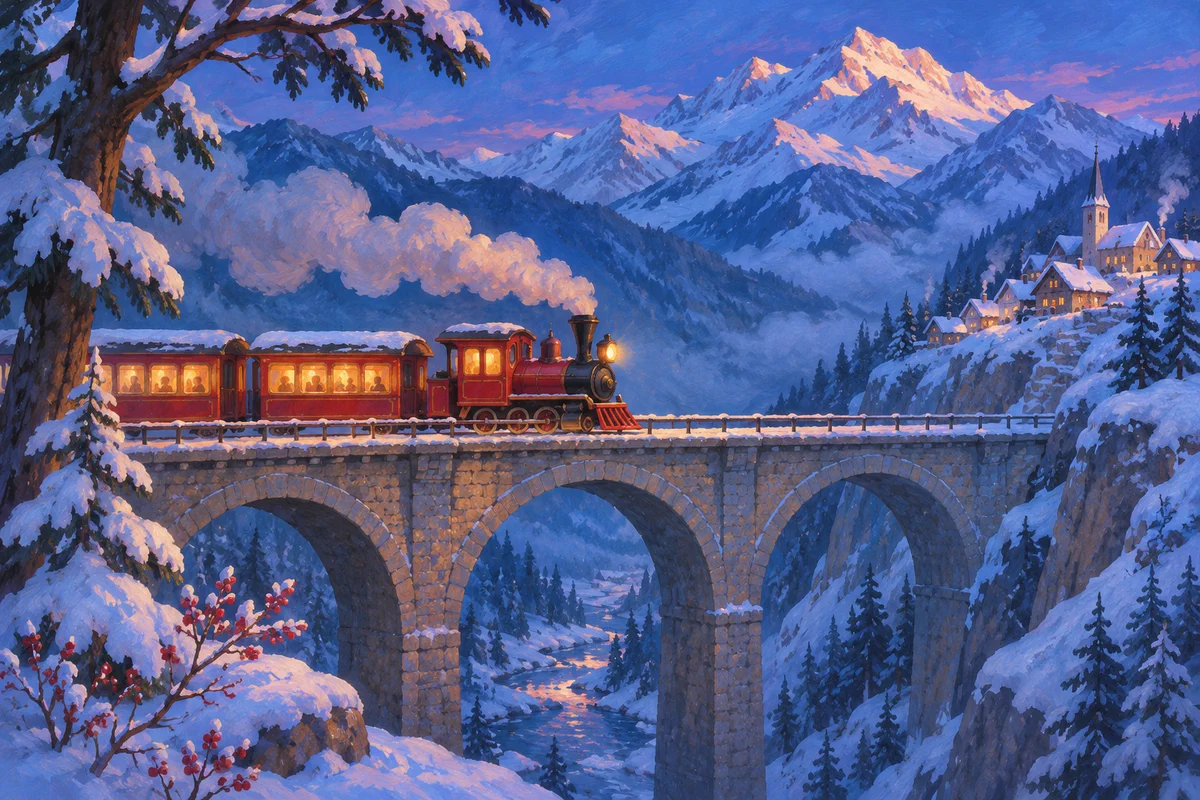
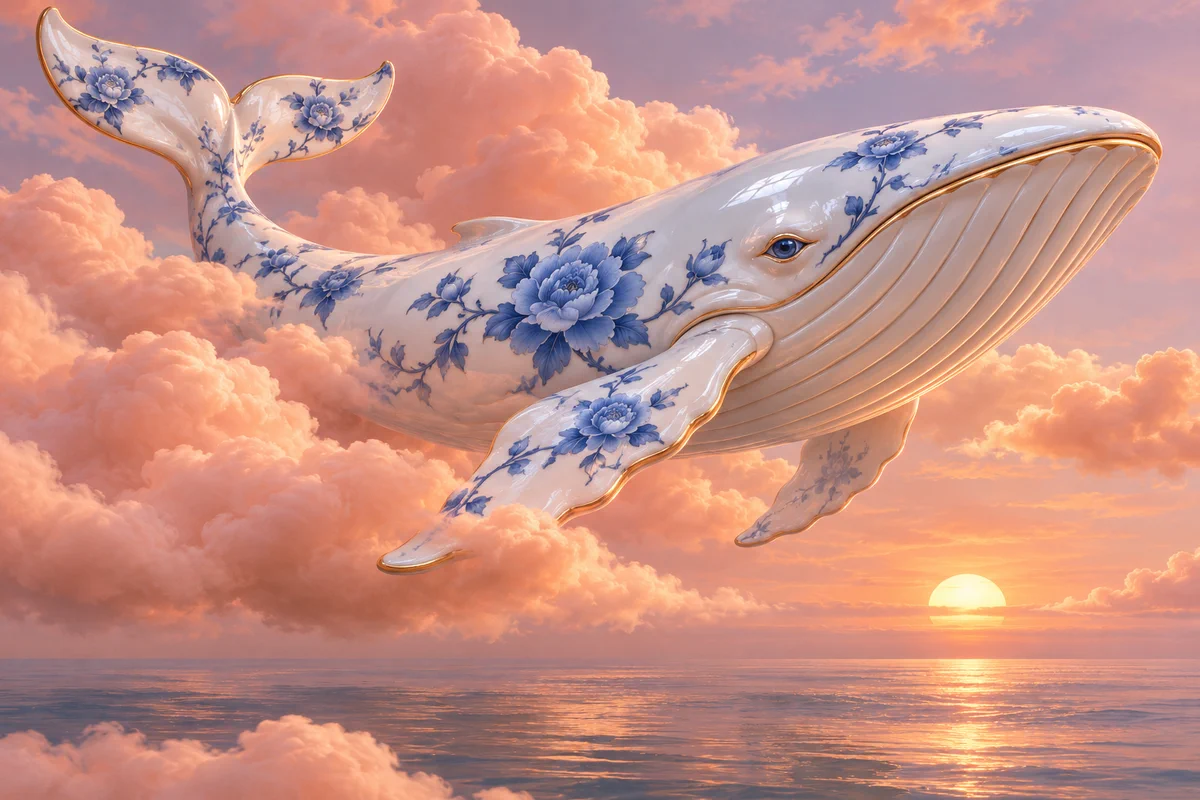
Turn a written idea into a visual starting point by describing the subject, style, setting, and mood. GoEnhance’s AI Image Generator works from text prompts and offers different model and style choices, giving creators room to explore a concept for a poster, social graphic, character scene, or illustration. Change the details in your prompt to explore different colors, lighting, compositions, and artistic directions, then choose the visual that best suits your project.
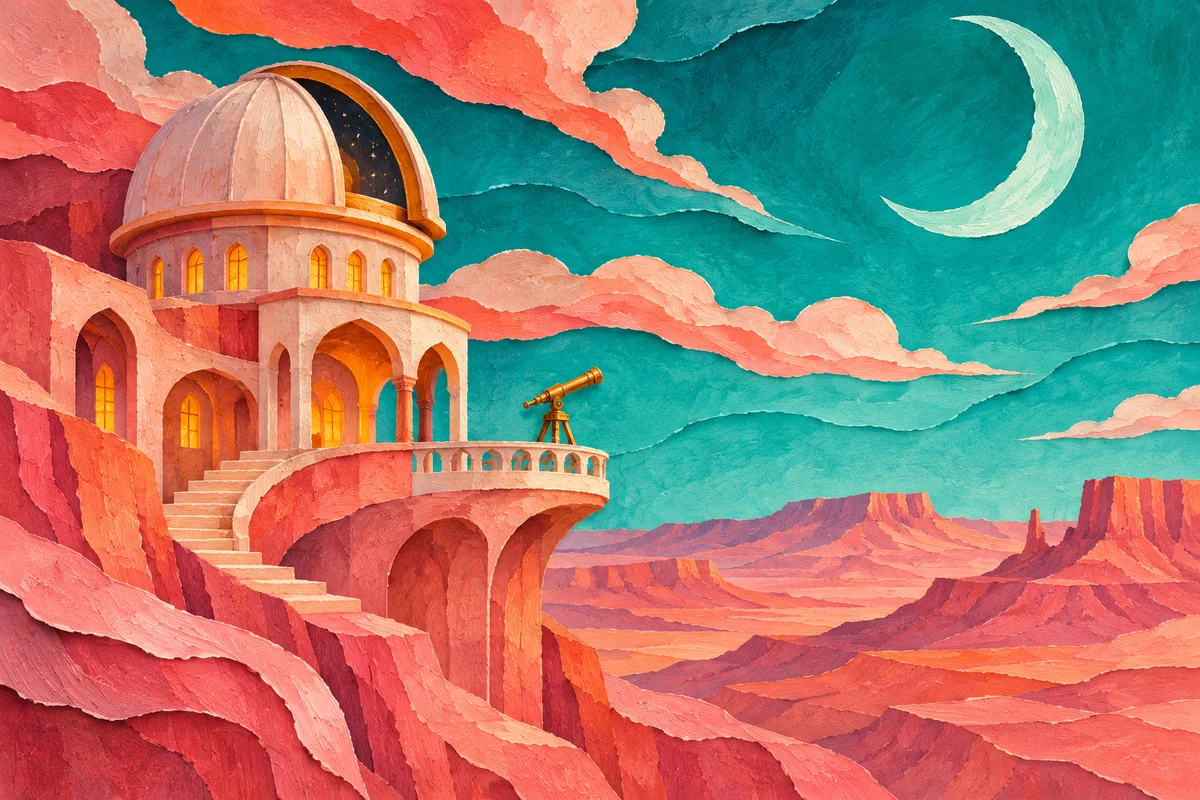
Explore Different Visual Styles
Explore multiple looks for the same idea by changing the visual style, mood, and details in your prompt. The AI Image Generator gives you a place to develop illustrations, imaginative scenes, and polished creative concepts from a written description. Whether you are preparing a campaign concept or experimenting with personal artwork, you can build a prompt around the subject and atmosphere you want and explore fresh directions as your idea takes shape.
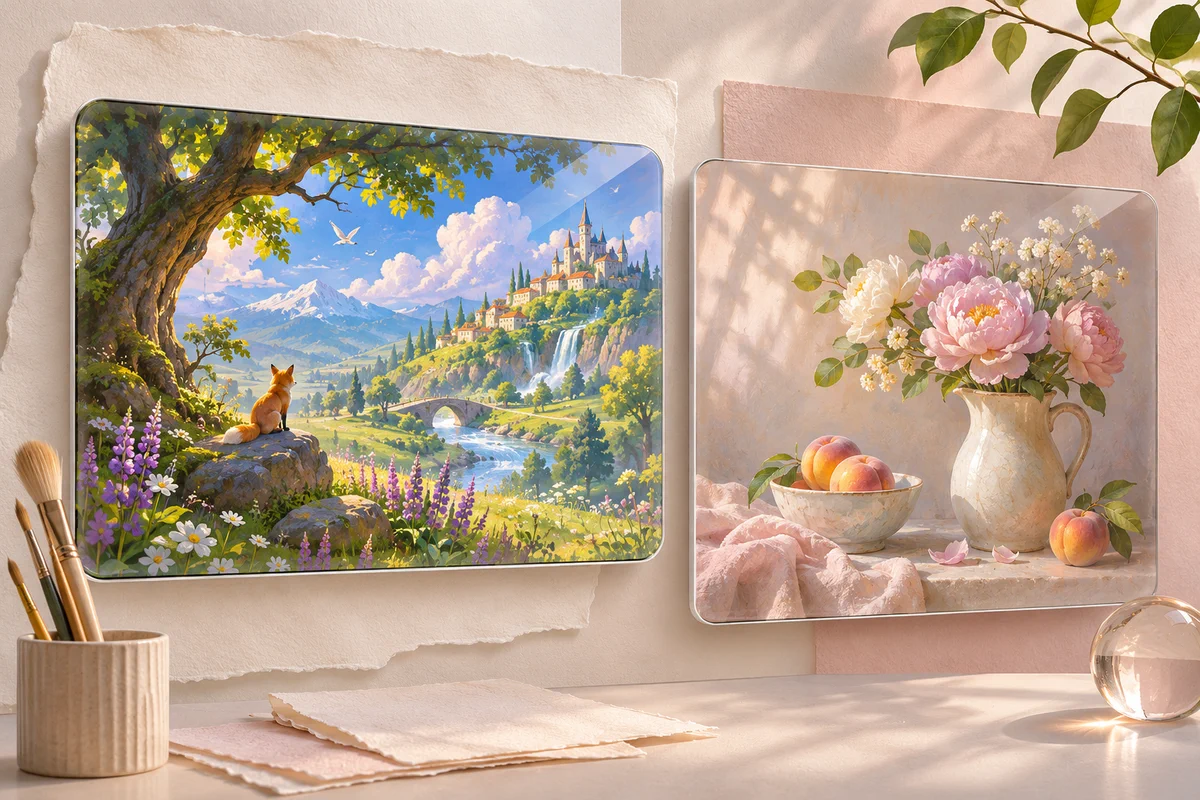
Room to Refine an Image Idea
A useful first image can be a starting point rather than a finished asset. GoEnhance's prompt-based image workflow lets you describe another direction—such as a different lighting mood, art style, or background—to explore alternatives. For an existing image that you want to restyle or adjust, the AI Image to Image workflow accepts an uploaded reference and a text instruction. Generated details can vary, so inspect important text, faces, and brand elements before sharing or publishing the result.
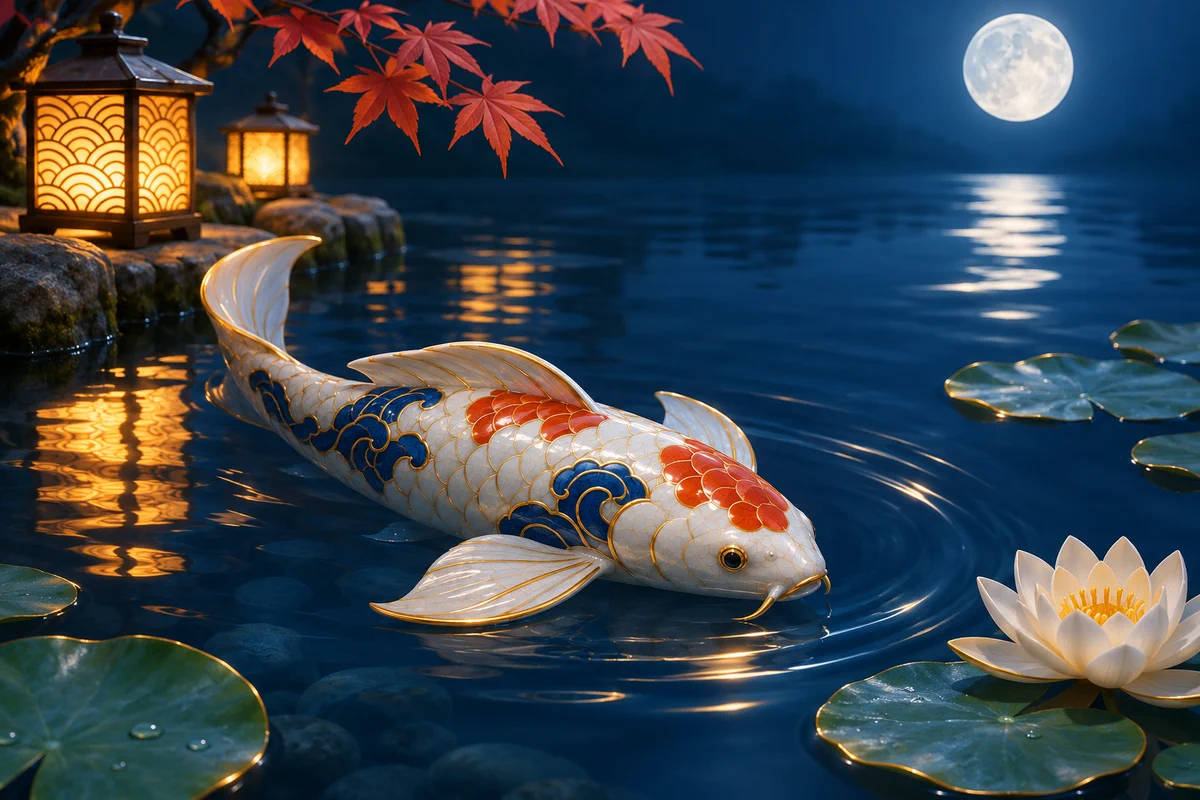
What You Can Explore
Clear Prompt-to-Image Workflow
Multiple Creative Directions
Image Creation and Editing Paths
Create an AI Image with GoEnhance
Describe the Image
Name the subject, setting, style, lighting, and the key details you want the picture to include.
Choose a Visual Direction
Select an available model or style that fits the kind of image you want to explore.
Review and Refine
Generate a result, check it closely, and adjust the prompt if important details need another pass.
Gemini AI Image Generator FAQs
What is the Gemini AI image generator?
How can I create an image with GoEnhance?
Can I use a reference photo?
Is the GoEnhance AI Image Generator free?
Can I use generated images commercially?
Can generated text or fine details be exact?
Make Your Next Image Concept
Start with a clear prompt and explore an original visual in GoEnhance AI.
Generate an Image