
AI MILF Generator
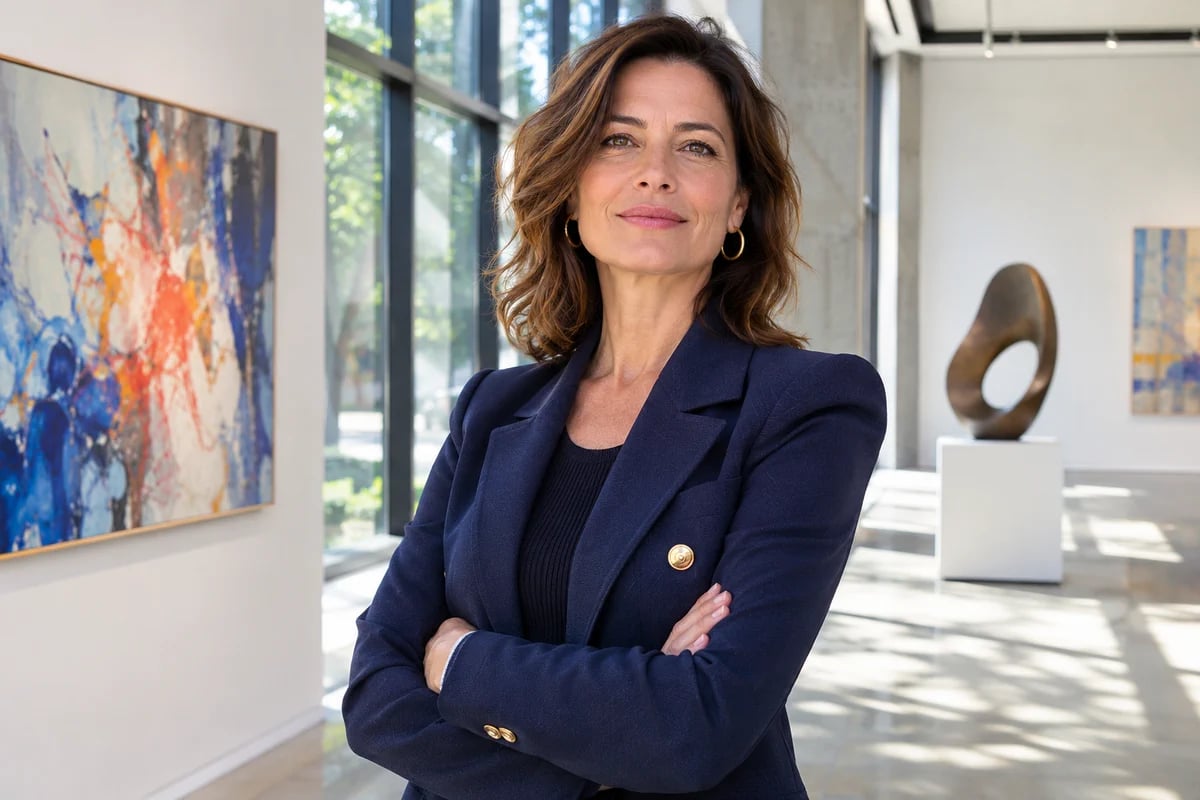
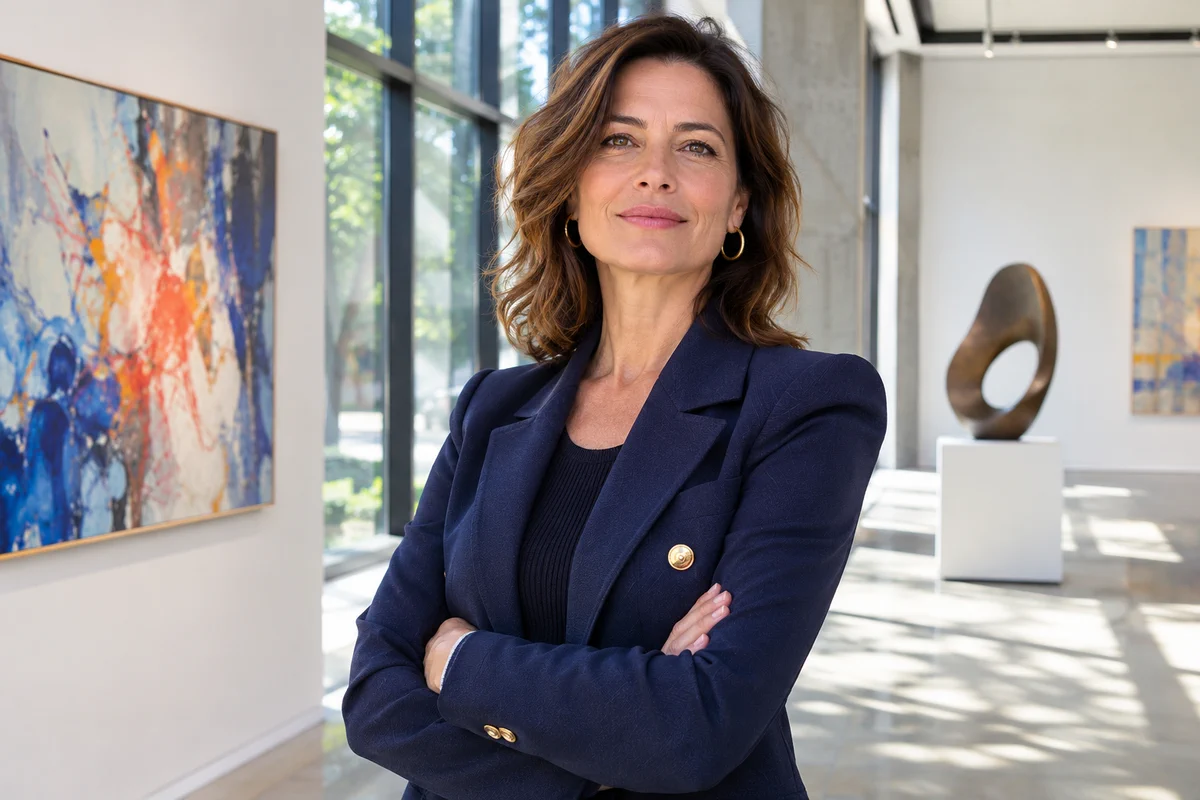
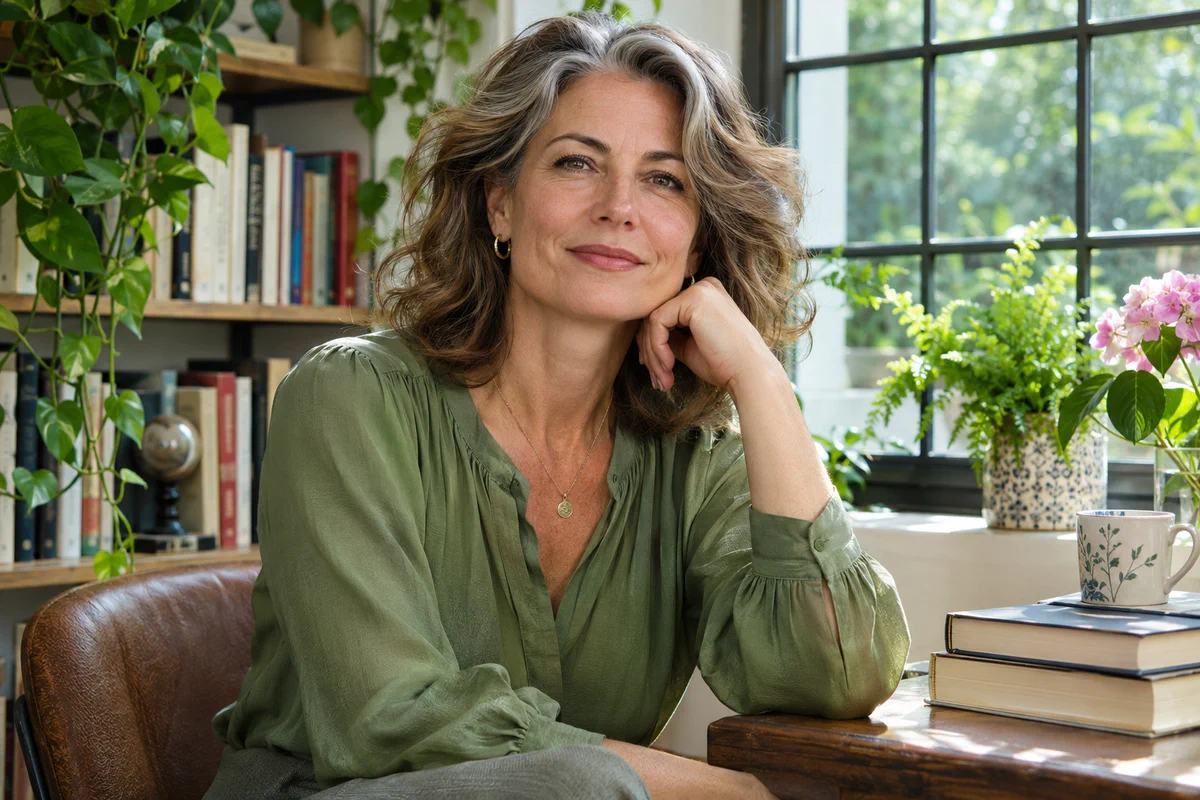
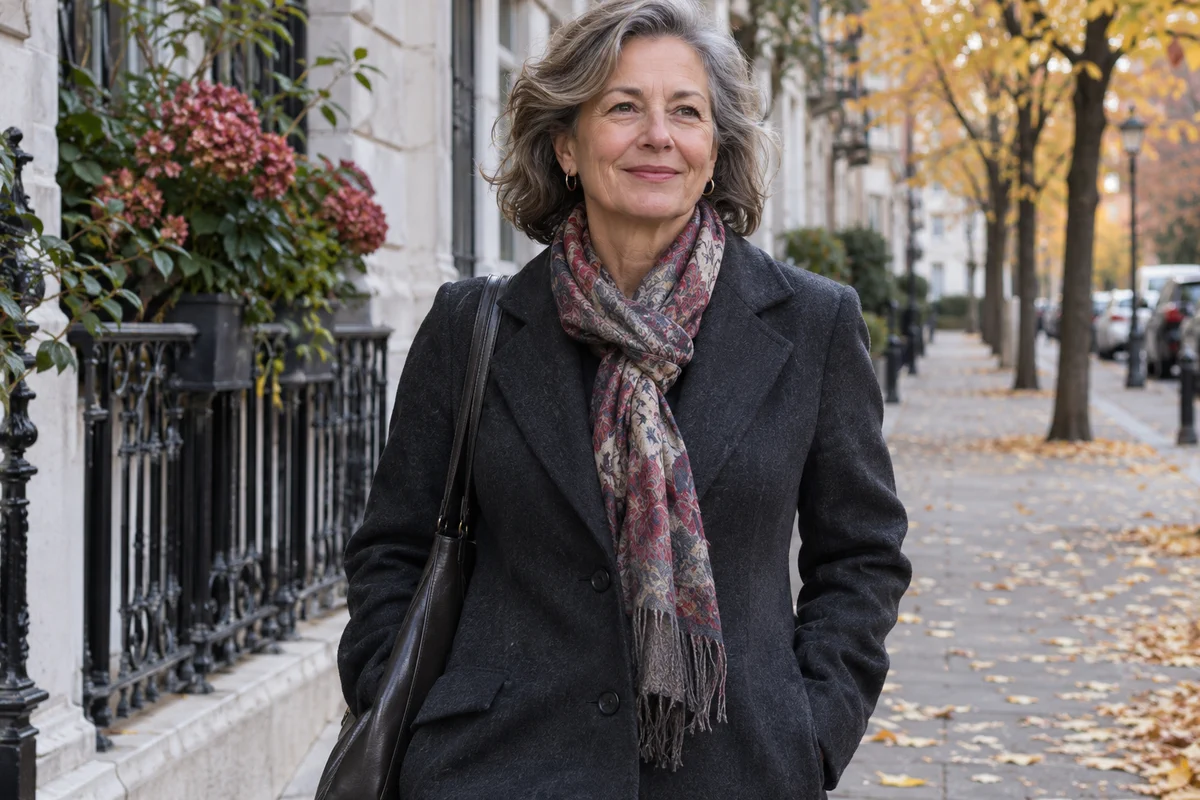
Explore the Visual Possibilities
Clearly Adult Character Concepts
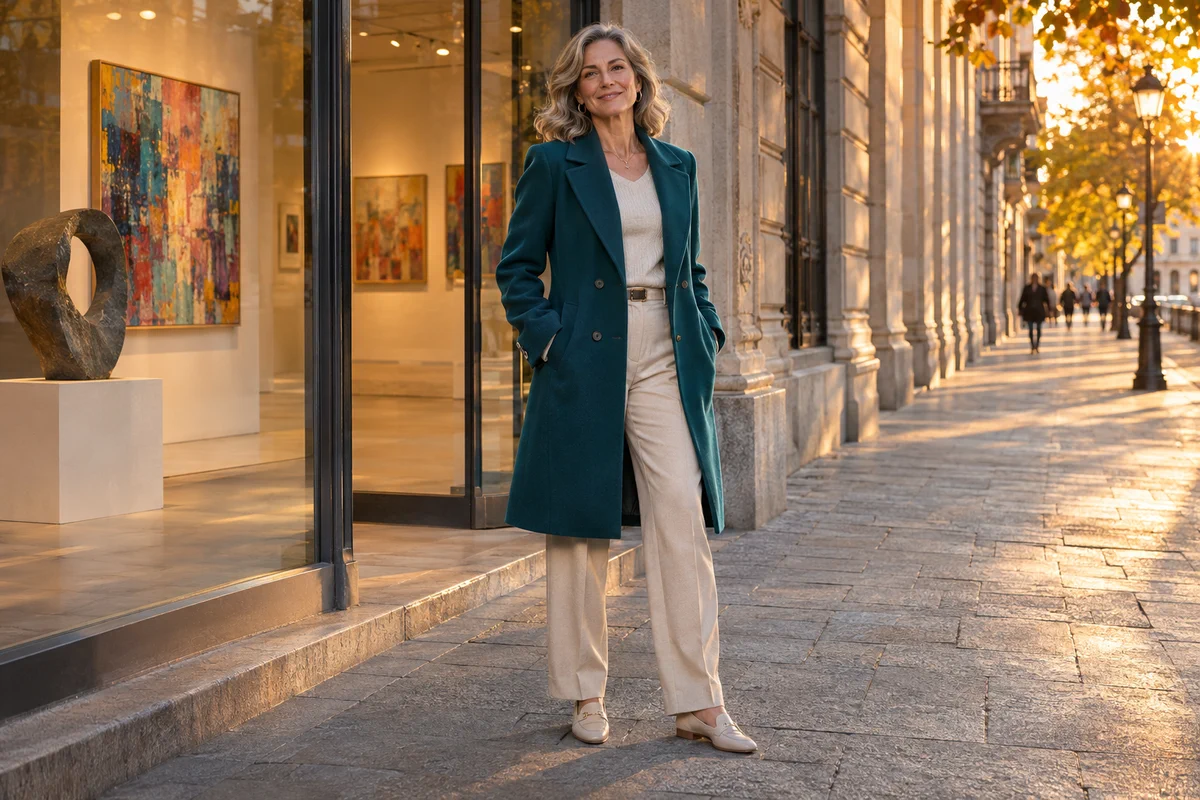
Create a mature character portrait by describing an adult subject, wardrobe, setting, and visual style. Prompt-based image generation can help turn a written idea into a character concept for a story, editorial layout, or creative mood board. Specify details such as the lighting, clothing colors, and environment to explore a range of portraits that fit the tone of your project. The resulting concept can support character development, visual planning, and other creative work.
Portraits for Editorial and Storytelling
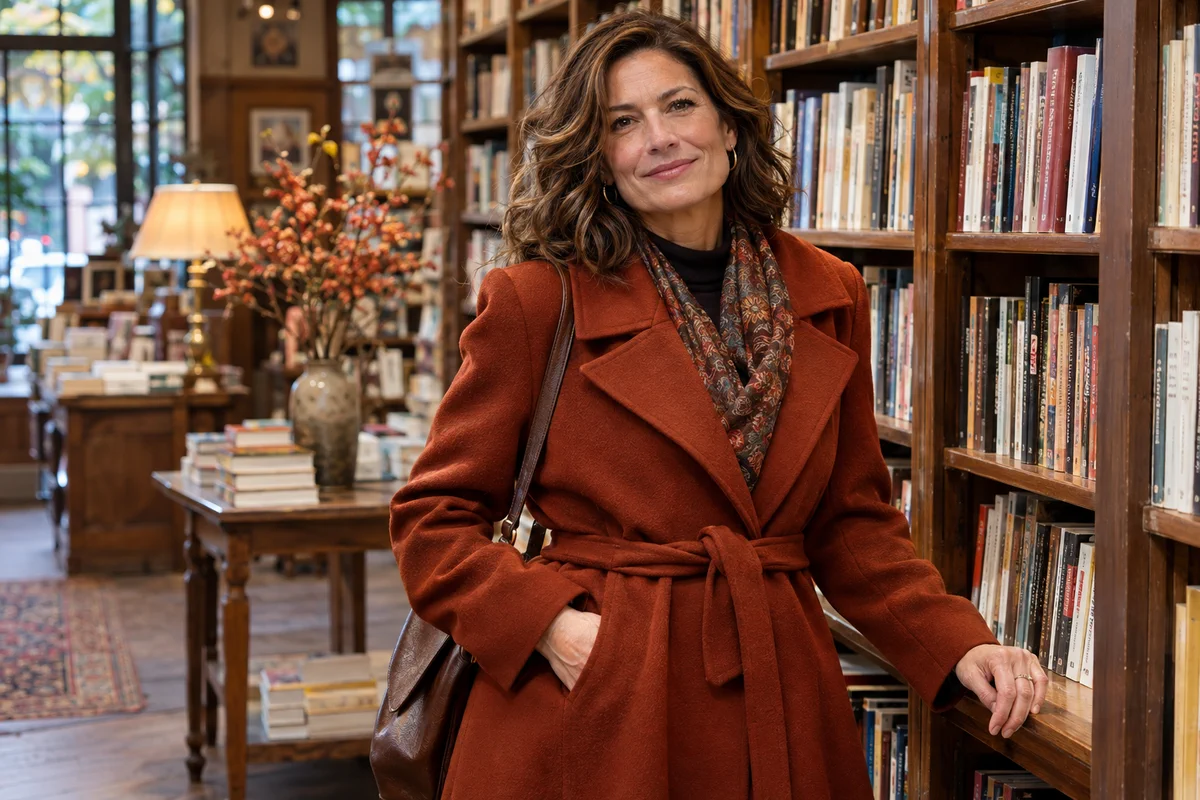
A mature character can appear in many everyday contexts: a creative professional at a studio, a traveler in a city, or a fictional heroine in a story. Prompt-led image creation helps explore visual directions through wardrobe, setting, and composition. The AI Image Generator lets you develop a written idea into an original portrait concept for an editorial or storytelling project. Different settings and compositions can help communicate the character’s personality and the mood of the scene.
Safe Style Variations
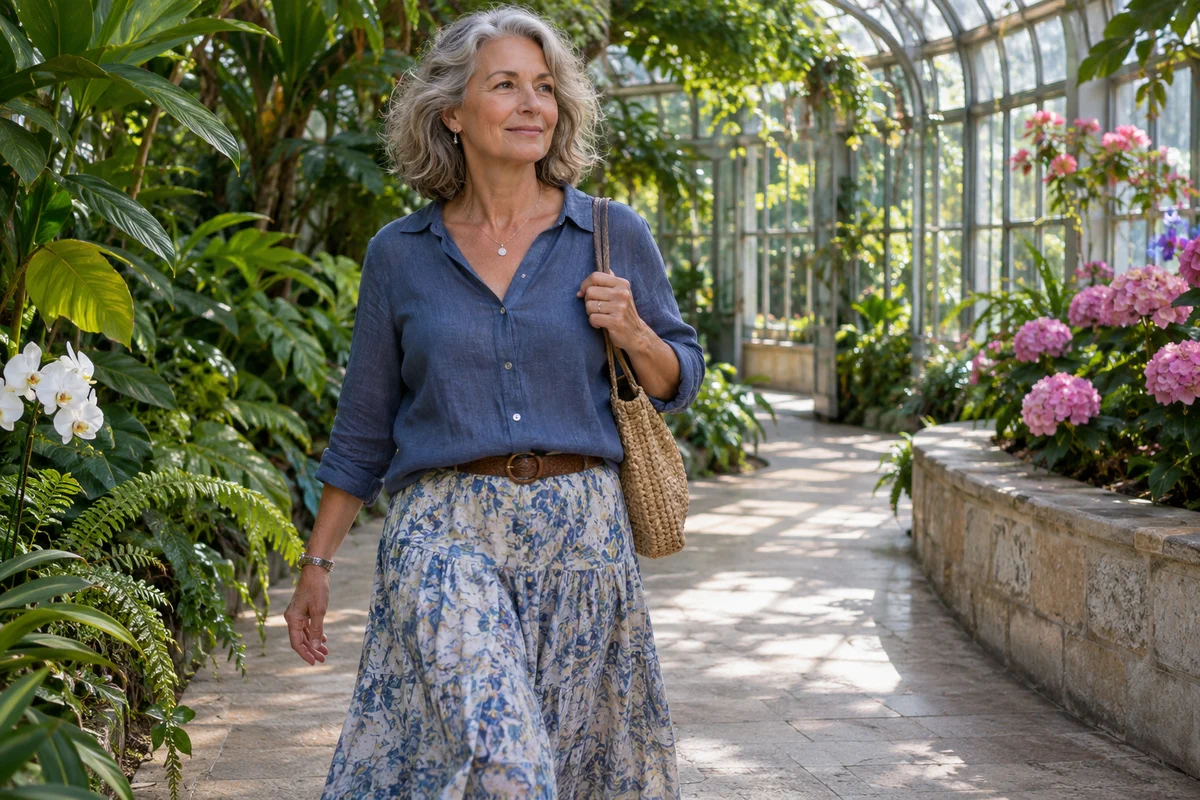
Explore changes in lighting, wardrobe color, camera distance, or environment to give an adult portrait a different look. A warm interior, an outdoor setting, or a studio backdrop can each create a distinct mood for the same character concept. When working with a reference, the AI Image to Image editor offers a way to explore a style edit using an uploaded image and a written instruction. These visual options can help shape a portrait that fits an editorial layout or character concept.
What You Can Explore
Non-Explicit Adult Portraits
Specific Visual Direction
Creative Portrait Variations
Create a Non-Explicit Adult Portrait
Set an Adult Character Brief
Describe a fictional adult woman and include ordinary, fully clothed wardrobe and a non-sexual setting.
Choose the Portrait Style
Add cues for lighting, camera distance, color palette, and mood rather than explicit or intimate content.
Review the Generated Image
Check age presentation, clothing, and context, and do not use the output to impersonate a real person.
AI MILF Generator FAQs
What does AI MILF generator mean?
Can GoEnhance generate explicit MILF images?
How do I create a mature adult portrait?
Can I use a real person's photo as a reference?
Is the AI portrait generator free?
Can I use these portraits commercially?
Can the image look like a specific celebrity?
Why might a prompt be blocked?
Create a Fictional Adult Portrait
Explore fully clothed, non-explicit character imagery in GoEnhance AI.
Create a Portrait