Portrait Perspective
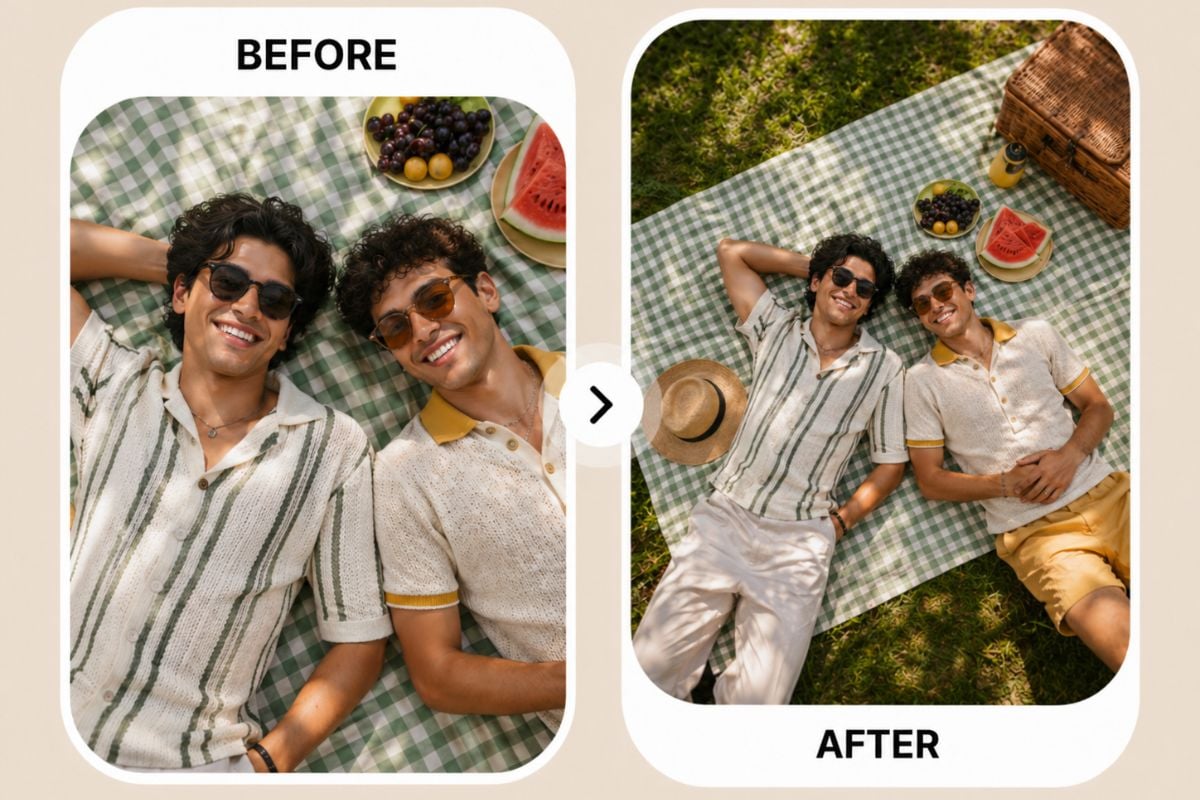
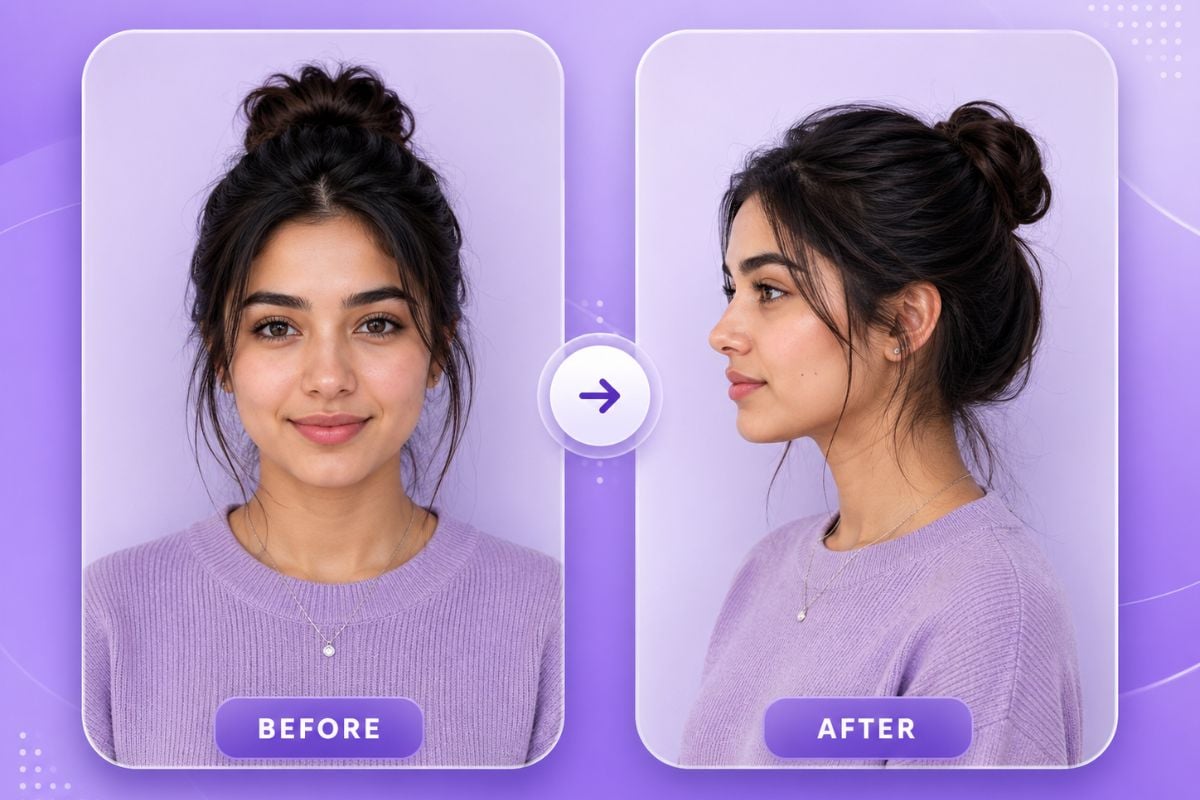
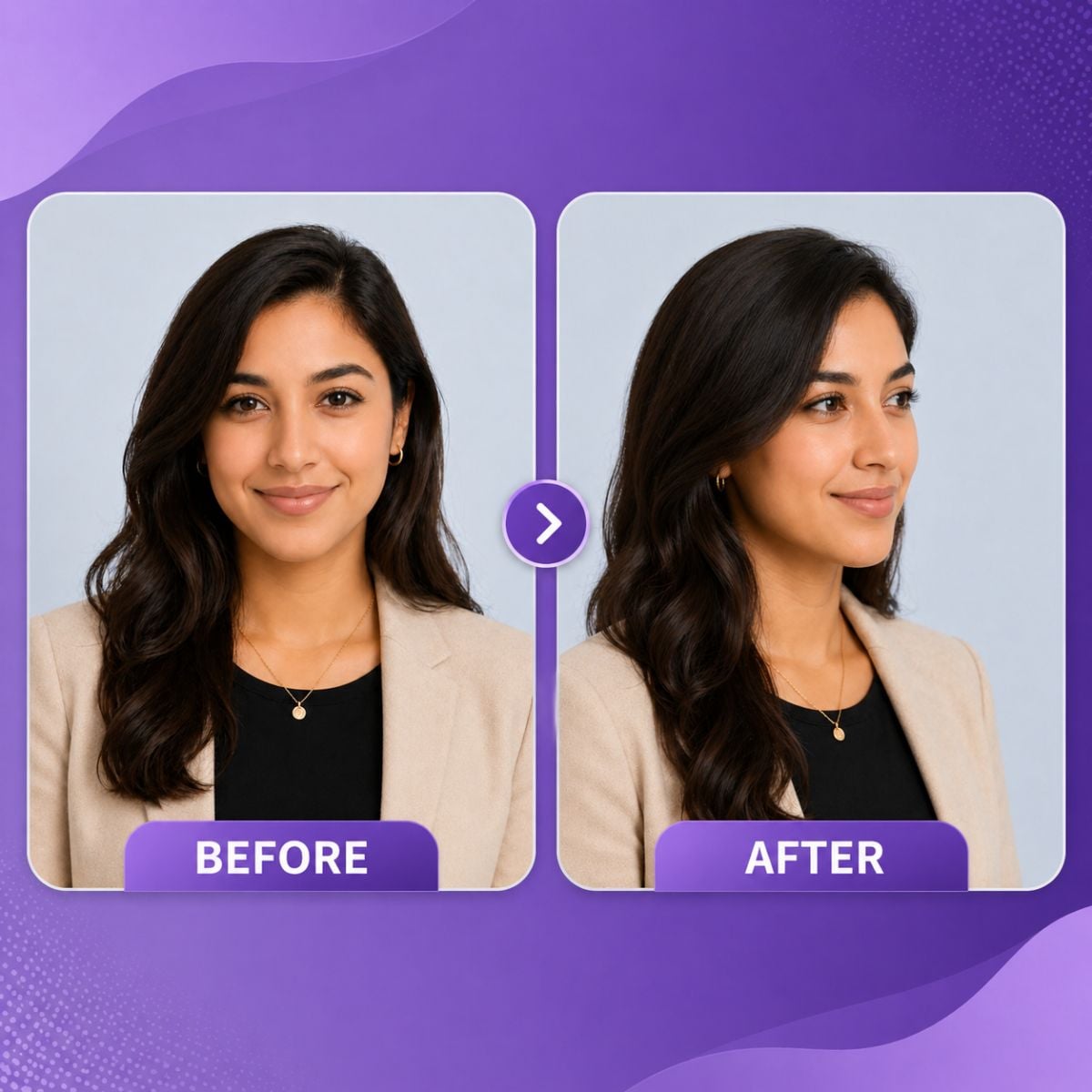
Create a new portrait view by changing tilt and rotation. Use it when a straight-on photo feels too flat and you want a more cinematic or editorial camera angle.

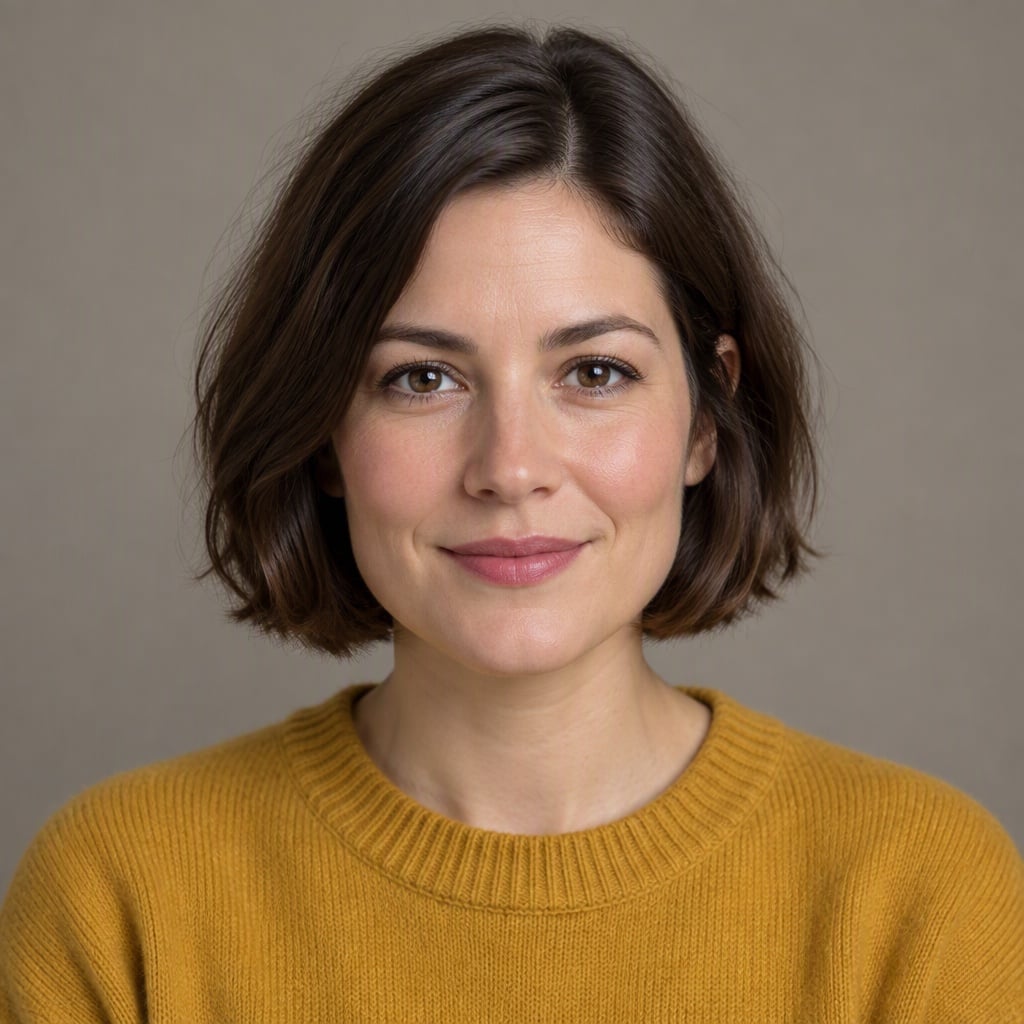
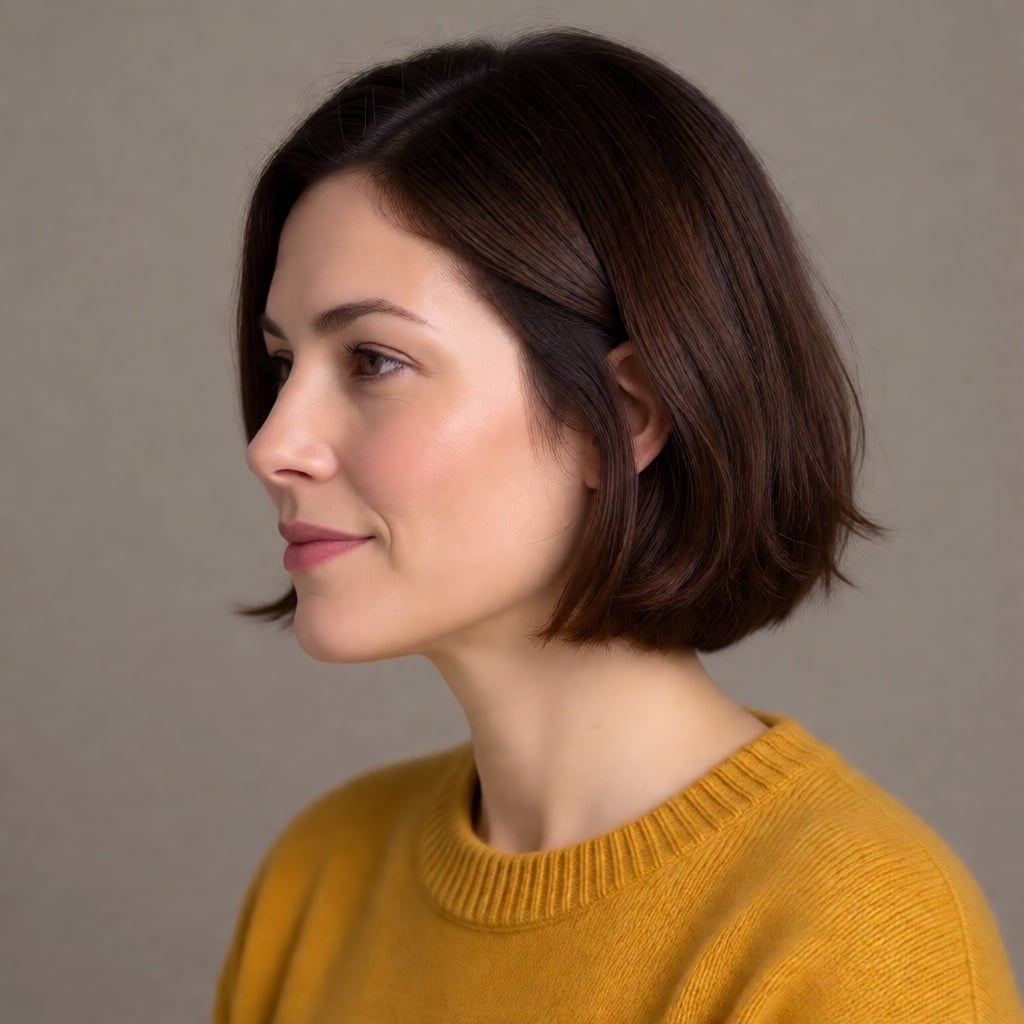
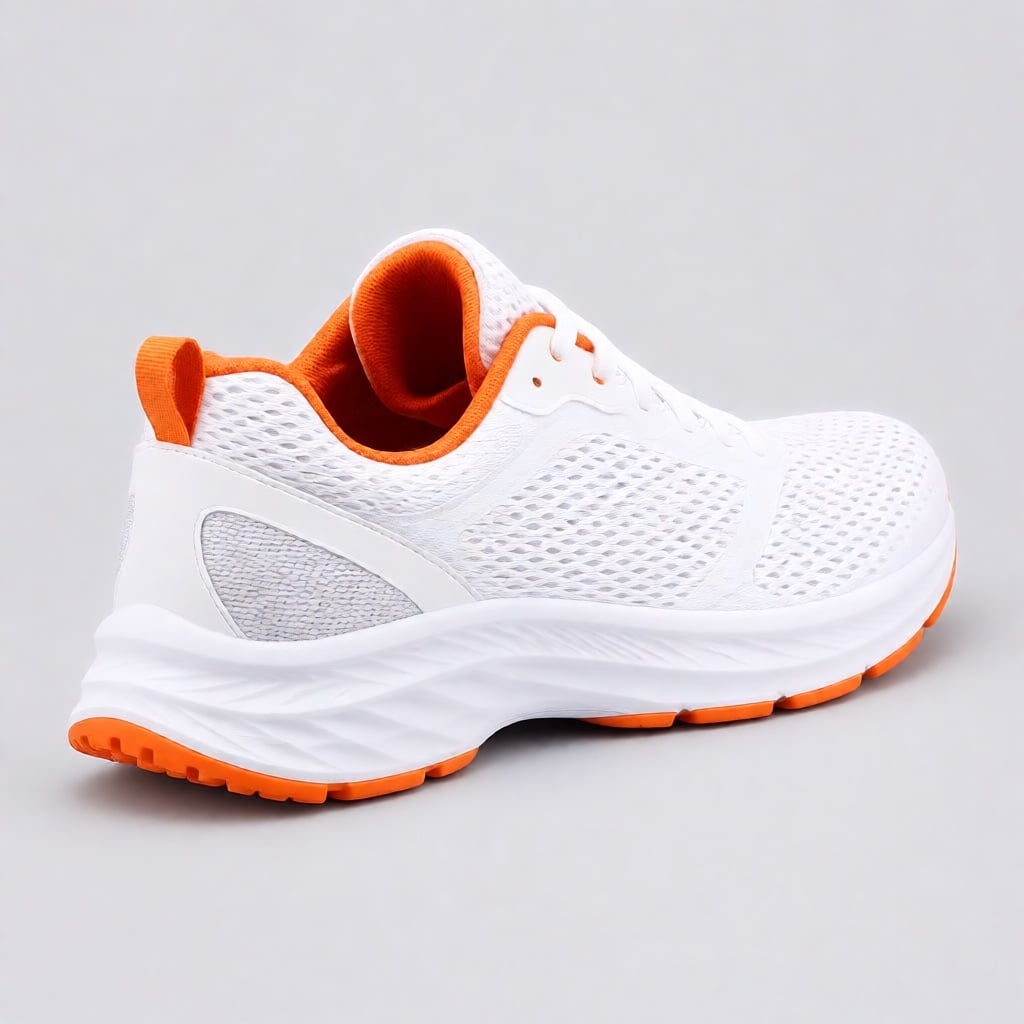
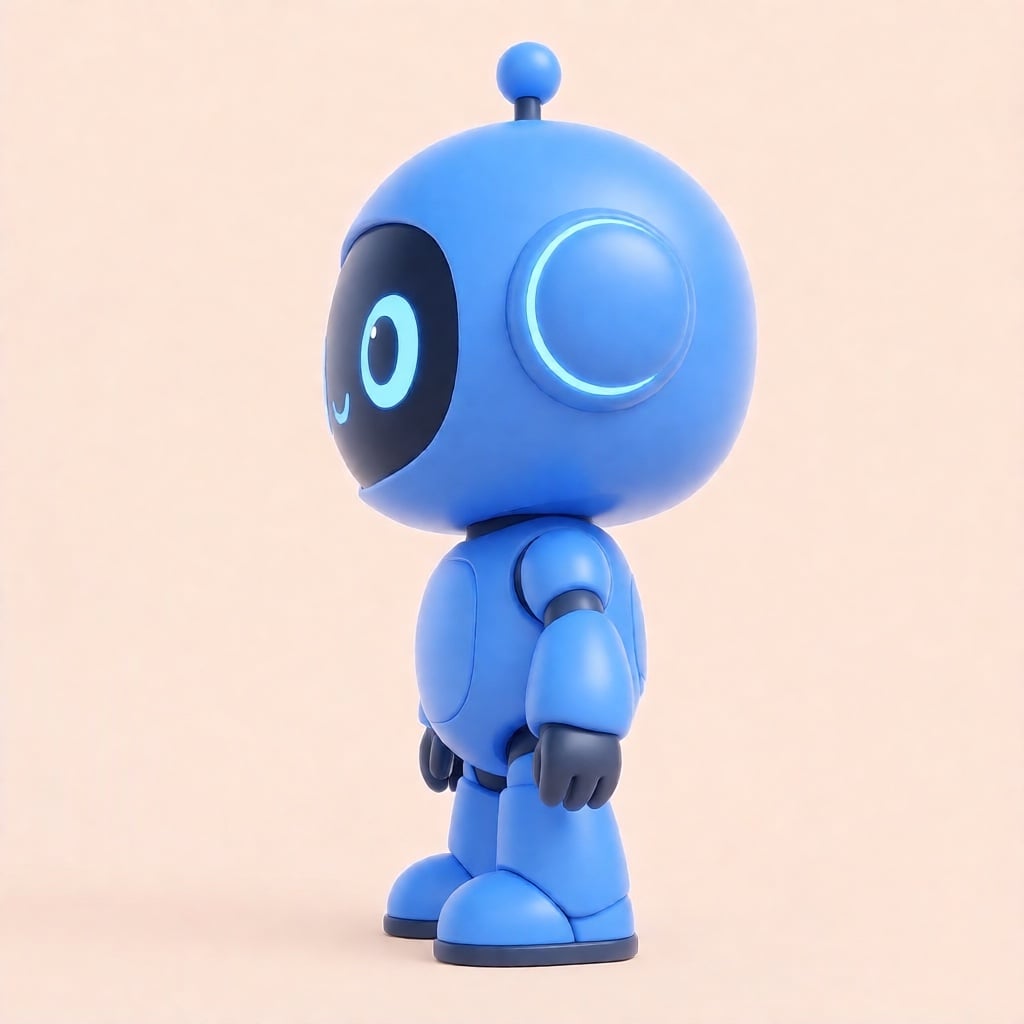
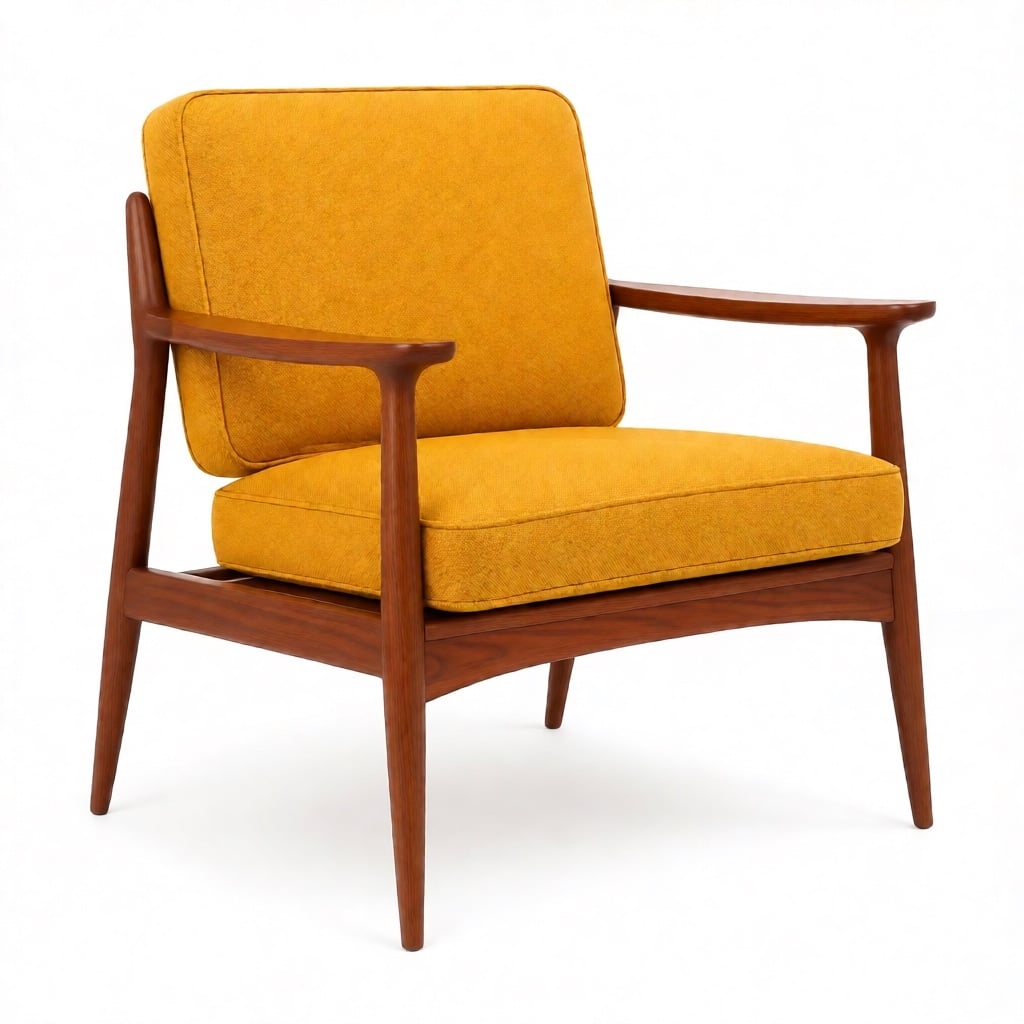
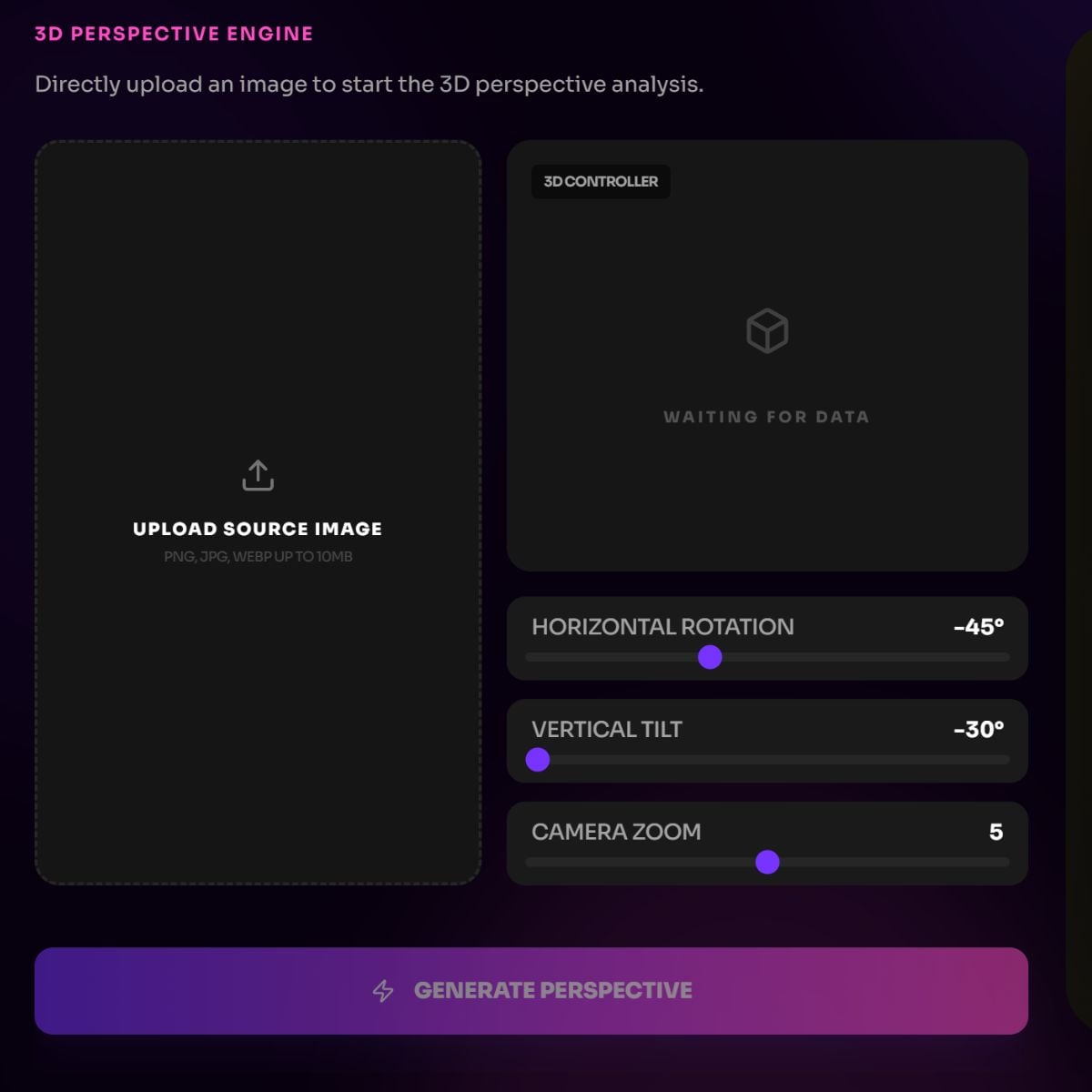
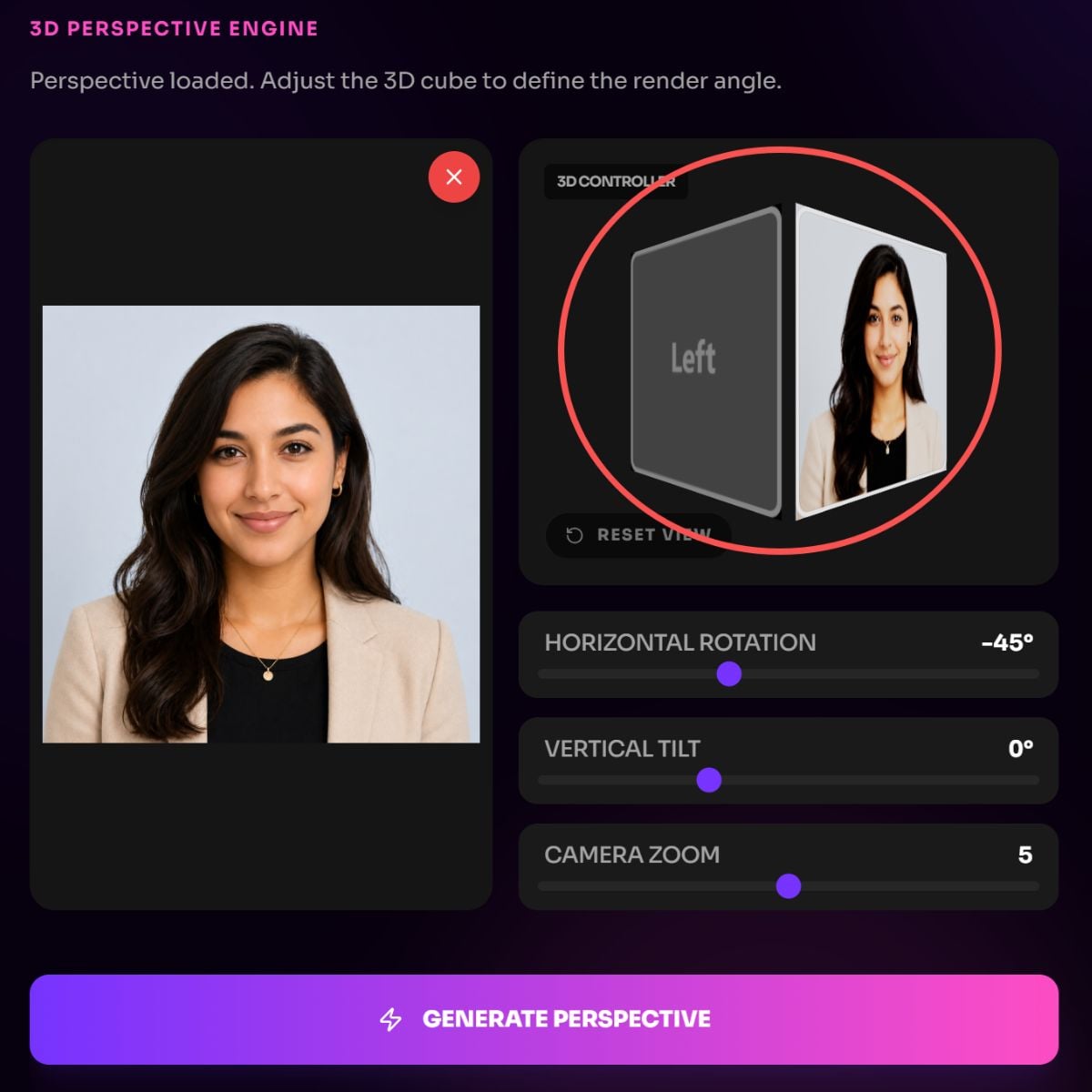
Turn a single image into a new viewpoint with an AI camera angle editor built for simple creative control. Instead of guessing prompts, you can guide the view with rotation, tilt, and zoom, then use the result as a cleaner starting point for an AI image generator workflow.
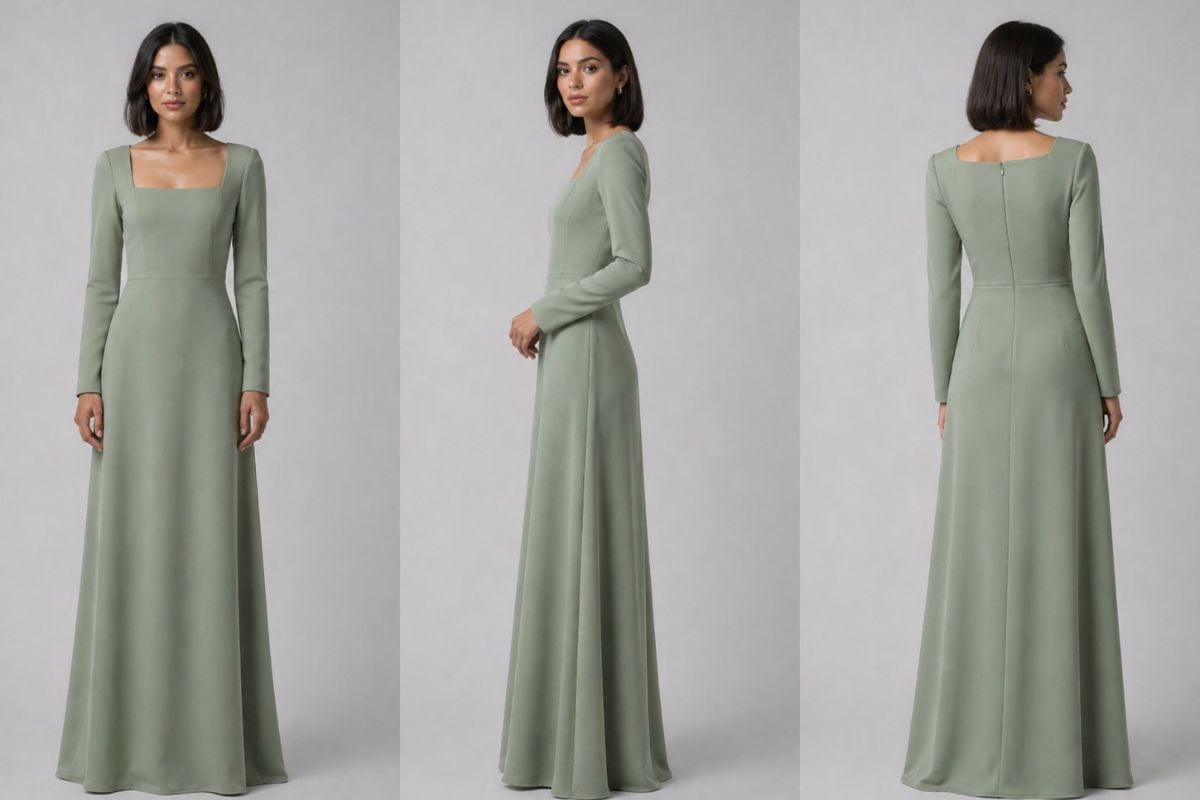
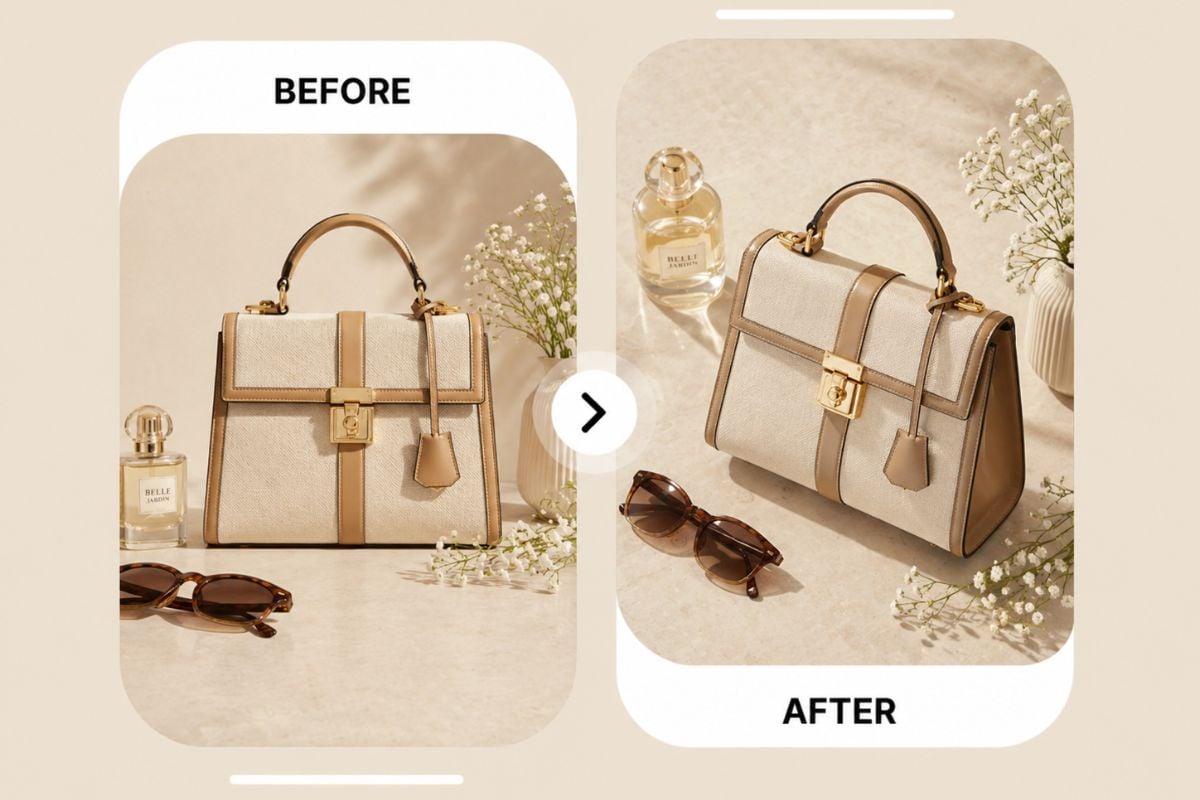
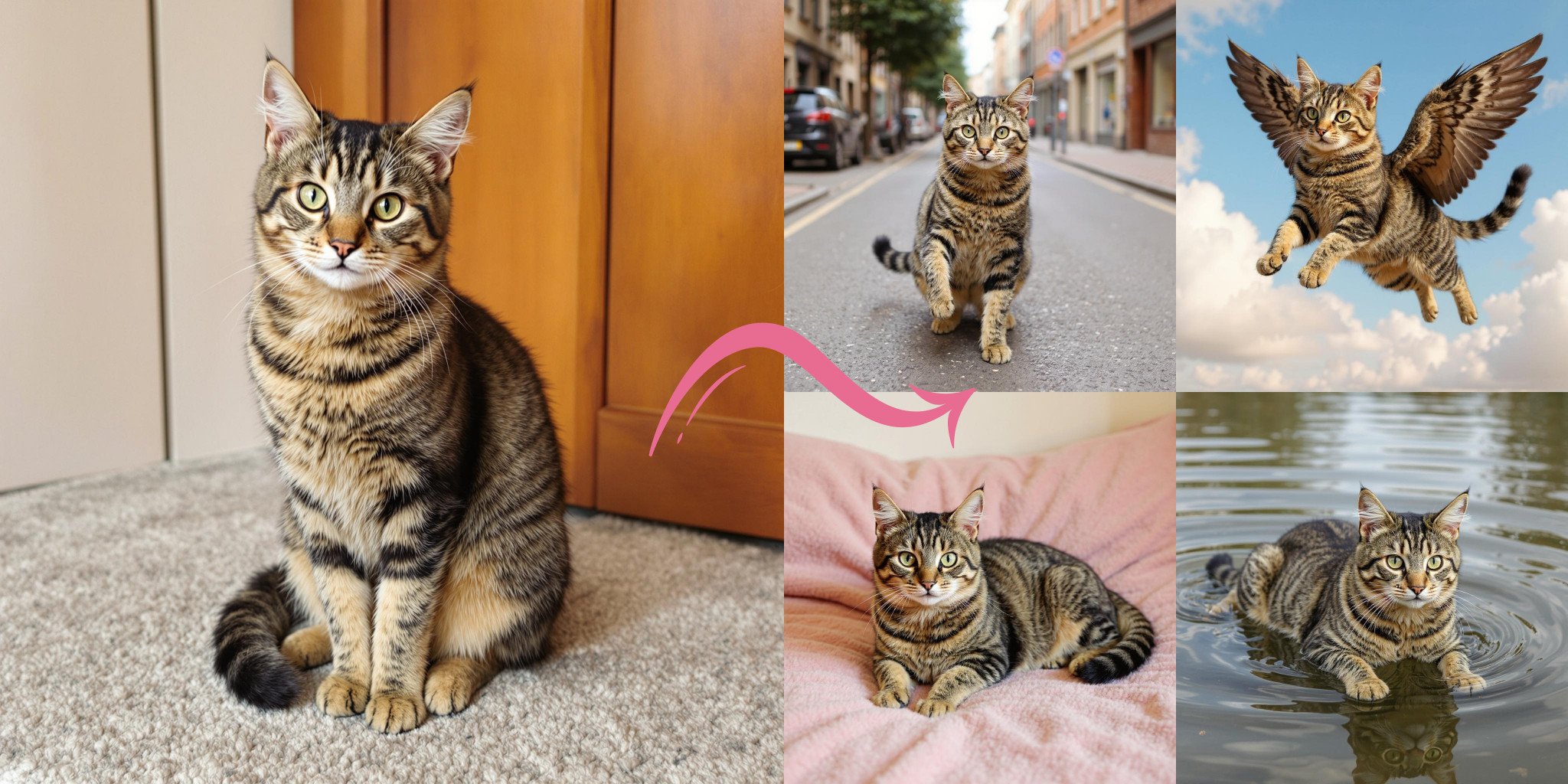
Generate multiple angles from the same source image to explore how a person, object, or character may look from another side. It is useful for visual planning, product mockups, reference boards, AI angles testing, and early storyboard ideas before making final images or videos.
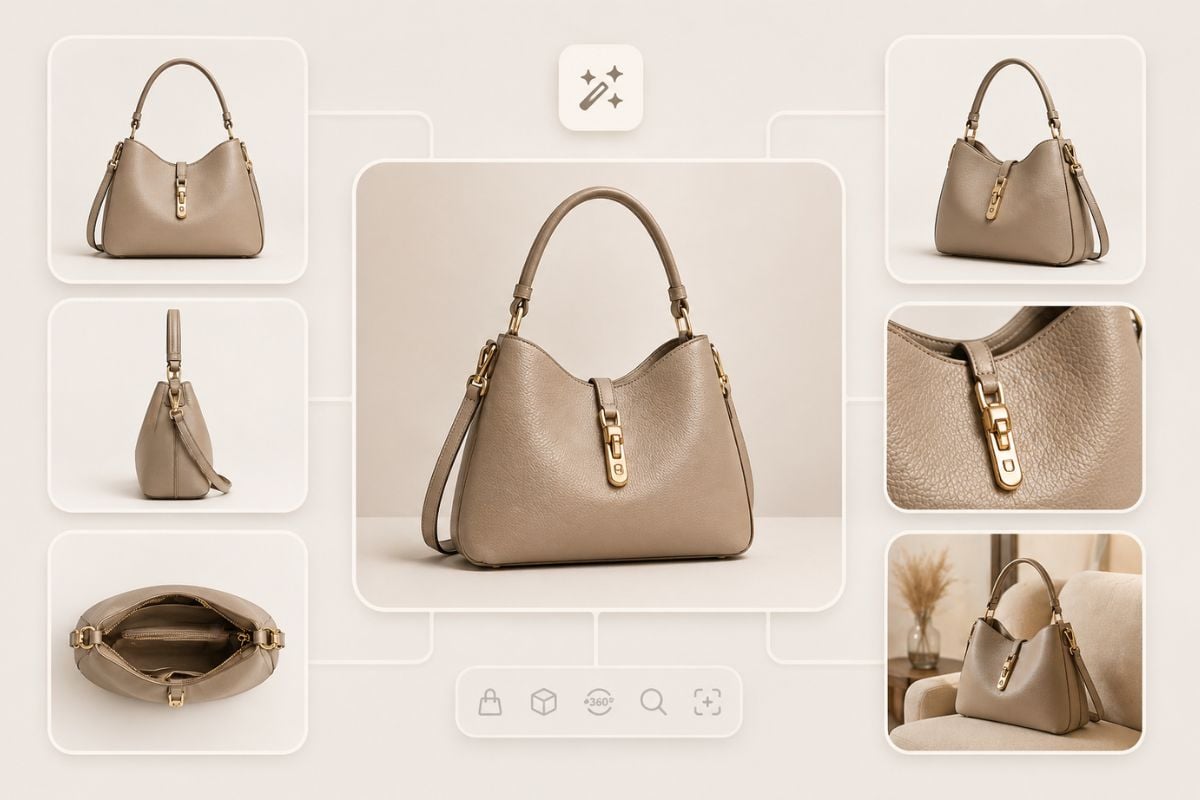
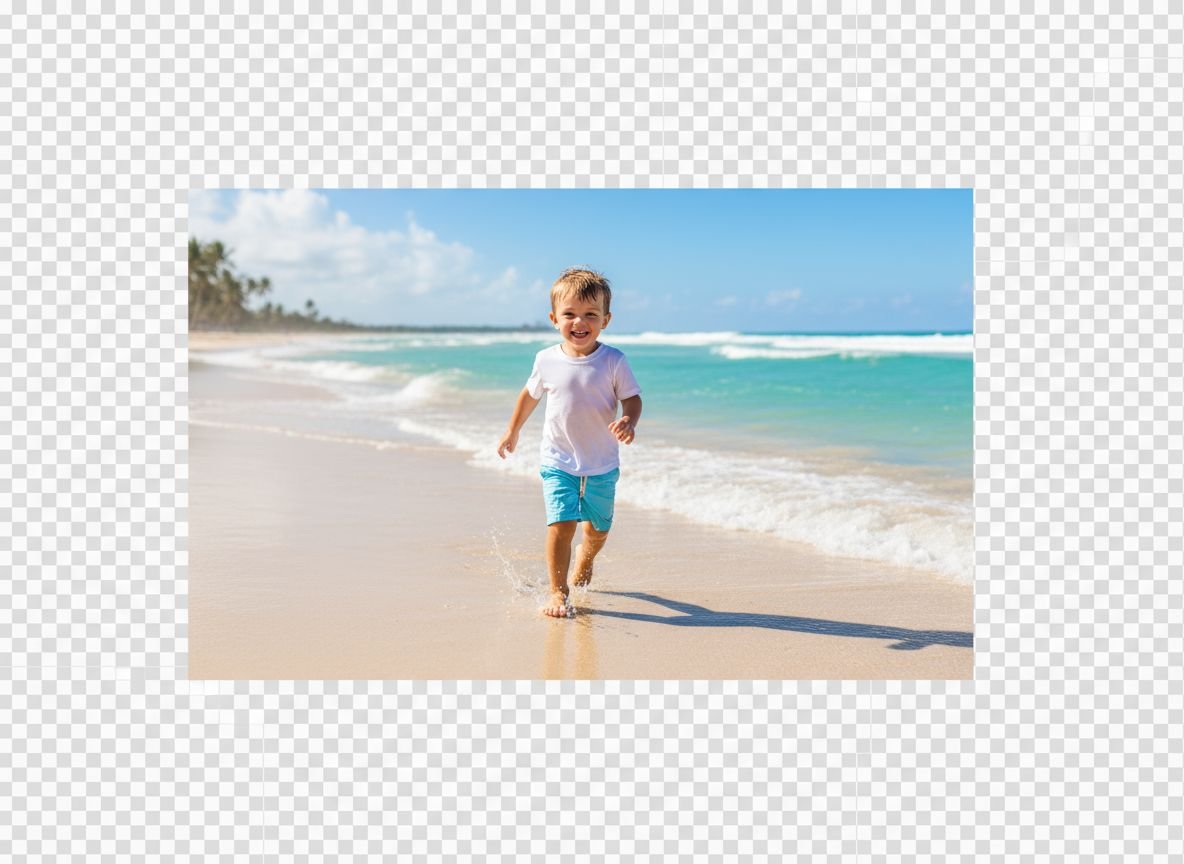
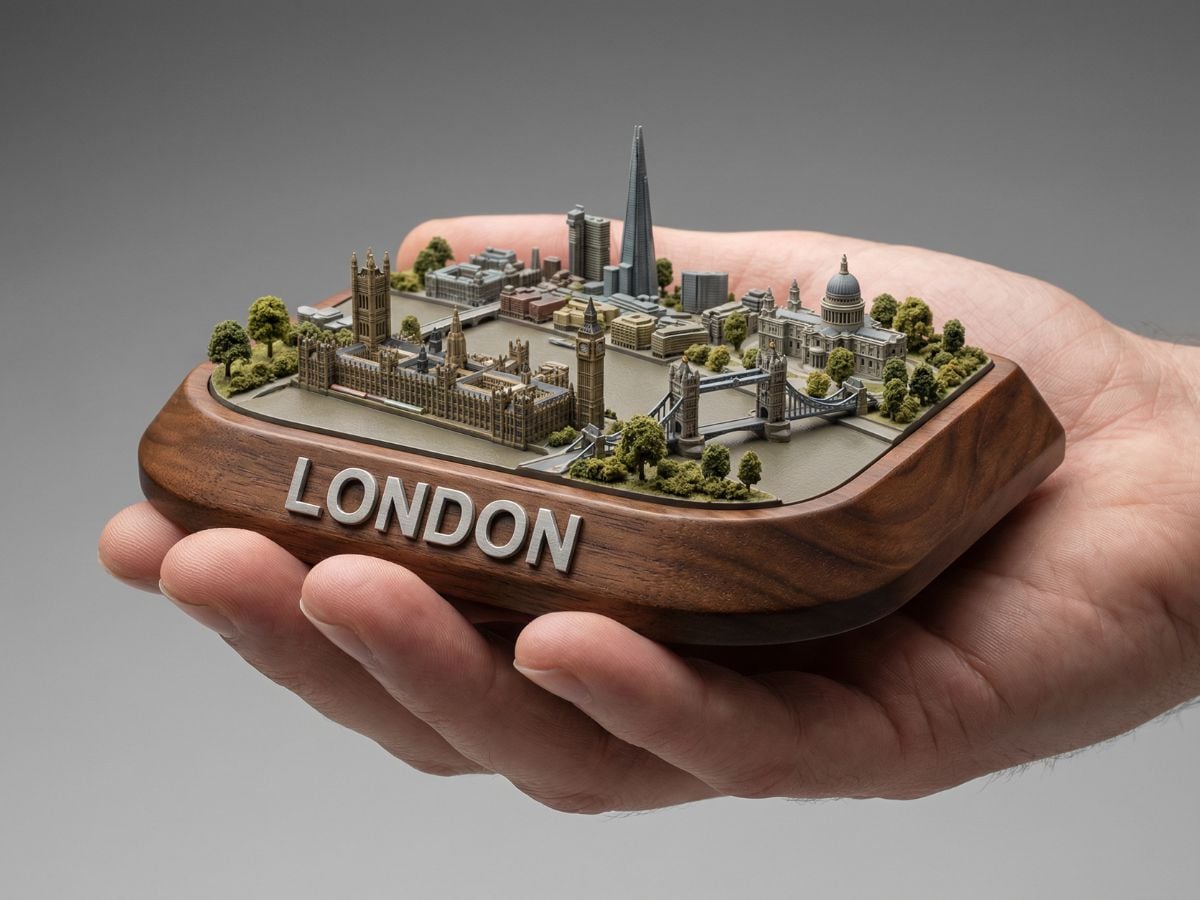
Use zoom and perspective settings to convert photo to wide angle style when a standard image feels too tight. It gives products, outfits, and character references more space in the frame, making them easier to use for catalogs, mockups, social posts, and visual concept boards.
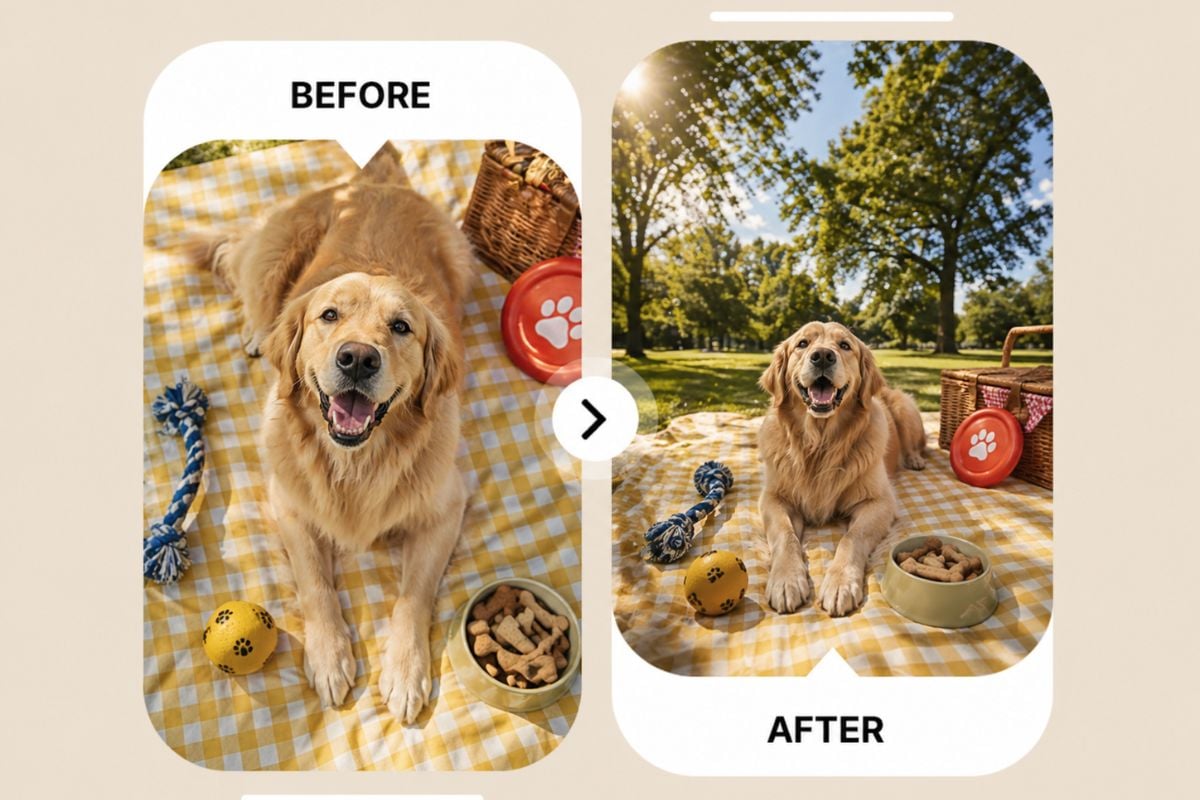
Create a new portrait view by changing tilt and rotation. Use it when a straight-on photo feels too flat and you want a more cinematic or editorial camera angle.
Use GoEnhance AI camera angle control to turn one image into a more flexible visual asset. Change the perspective, test new views, and build stronger creative materials for portraits, products, characters, storyboards, and AI content workflows.
Start With One Photo