Build a product ad from a link or photo
Use Marketing Studio to turn product information or a product image into a promotional video concept. This workflow is suited to small teams preparing product-led social content and campaign variations.

PixelDojo.ai is a creator workspace for AI image and video generation, one-click effects, and task-based studios. Start from a prompt, photo, character, or product link, then choose a workflow for film, marketing, character-focused content, or video editing. It suits creators who want several visual tasks organized in one platform.
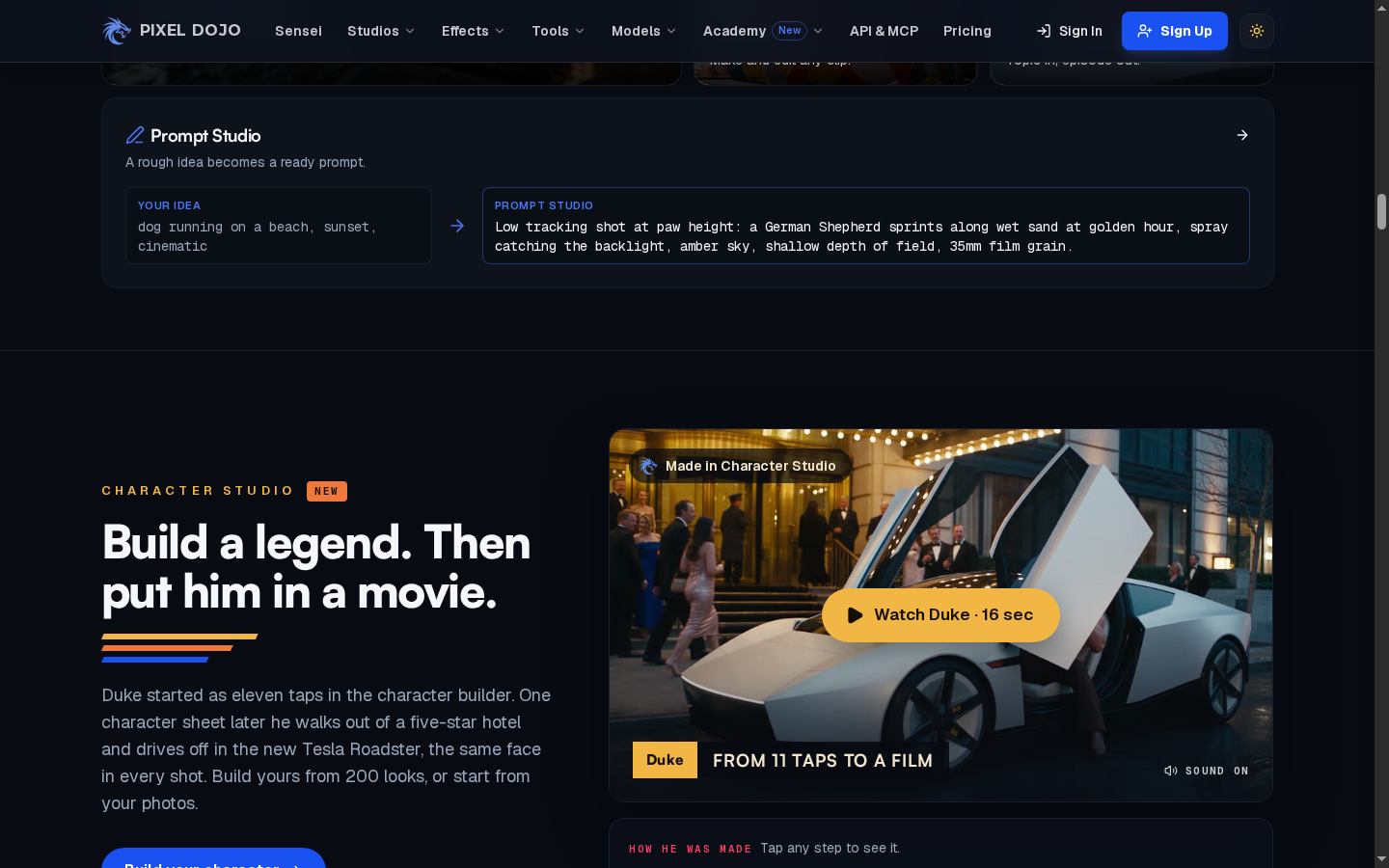
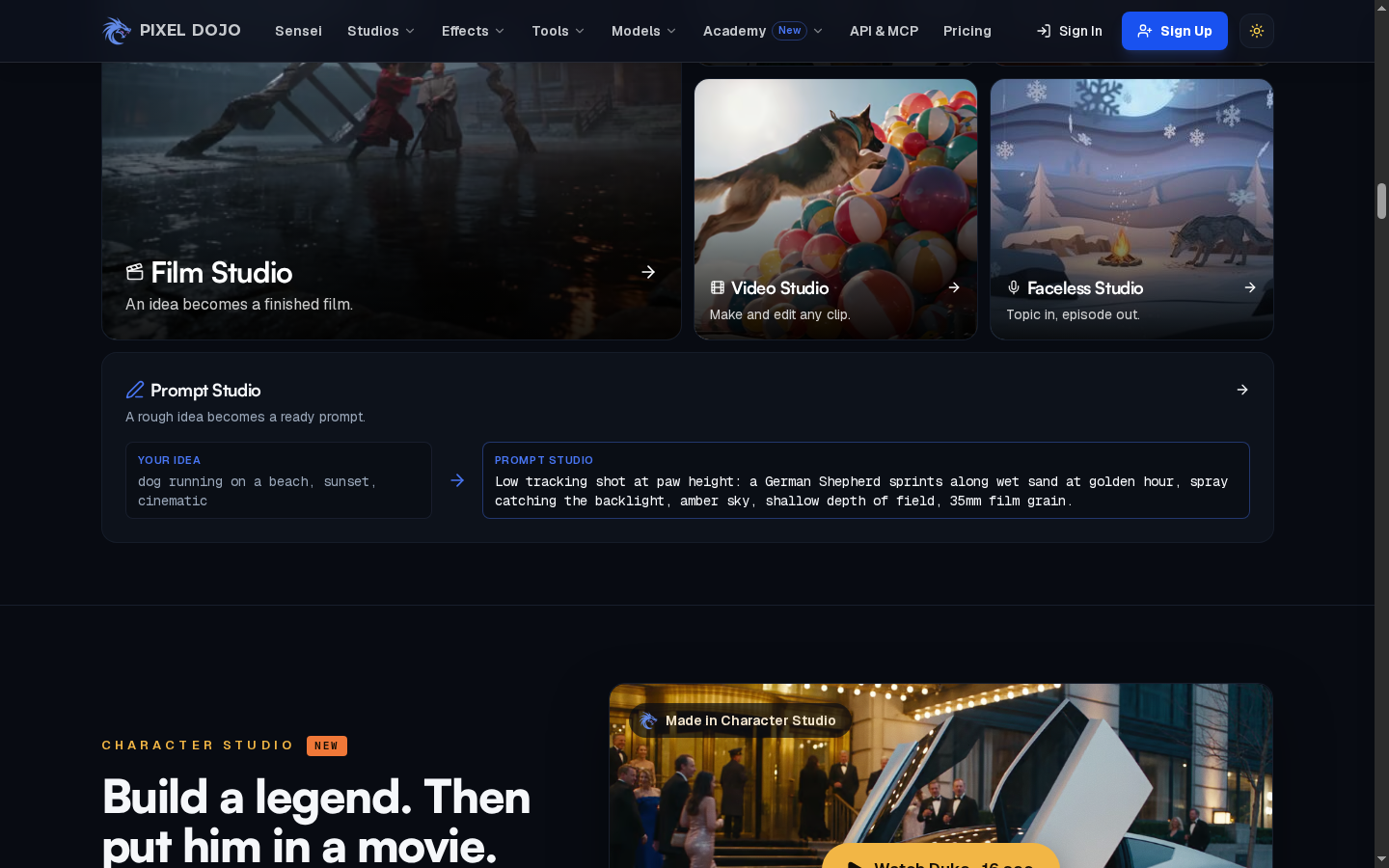
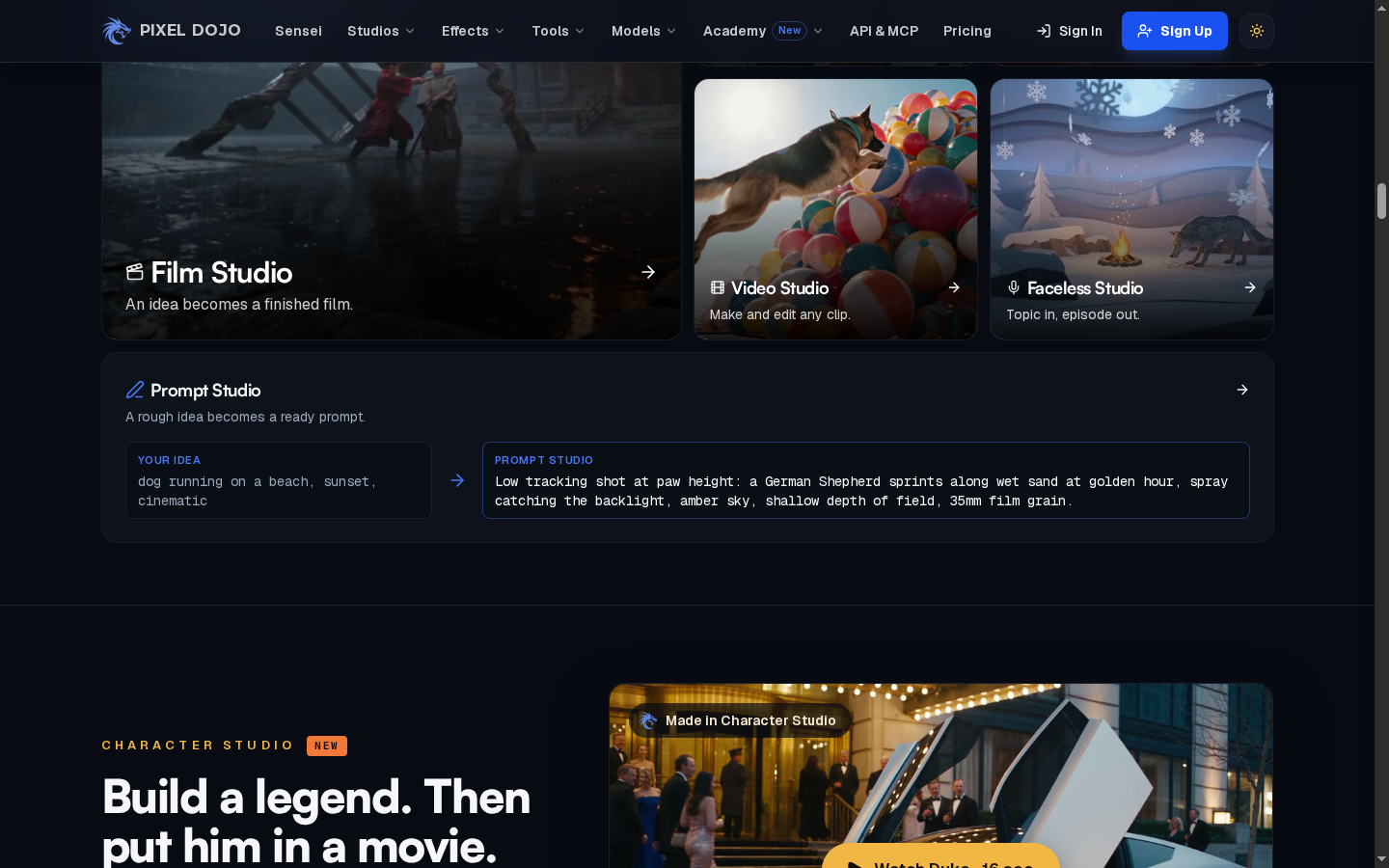
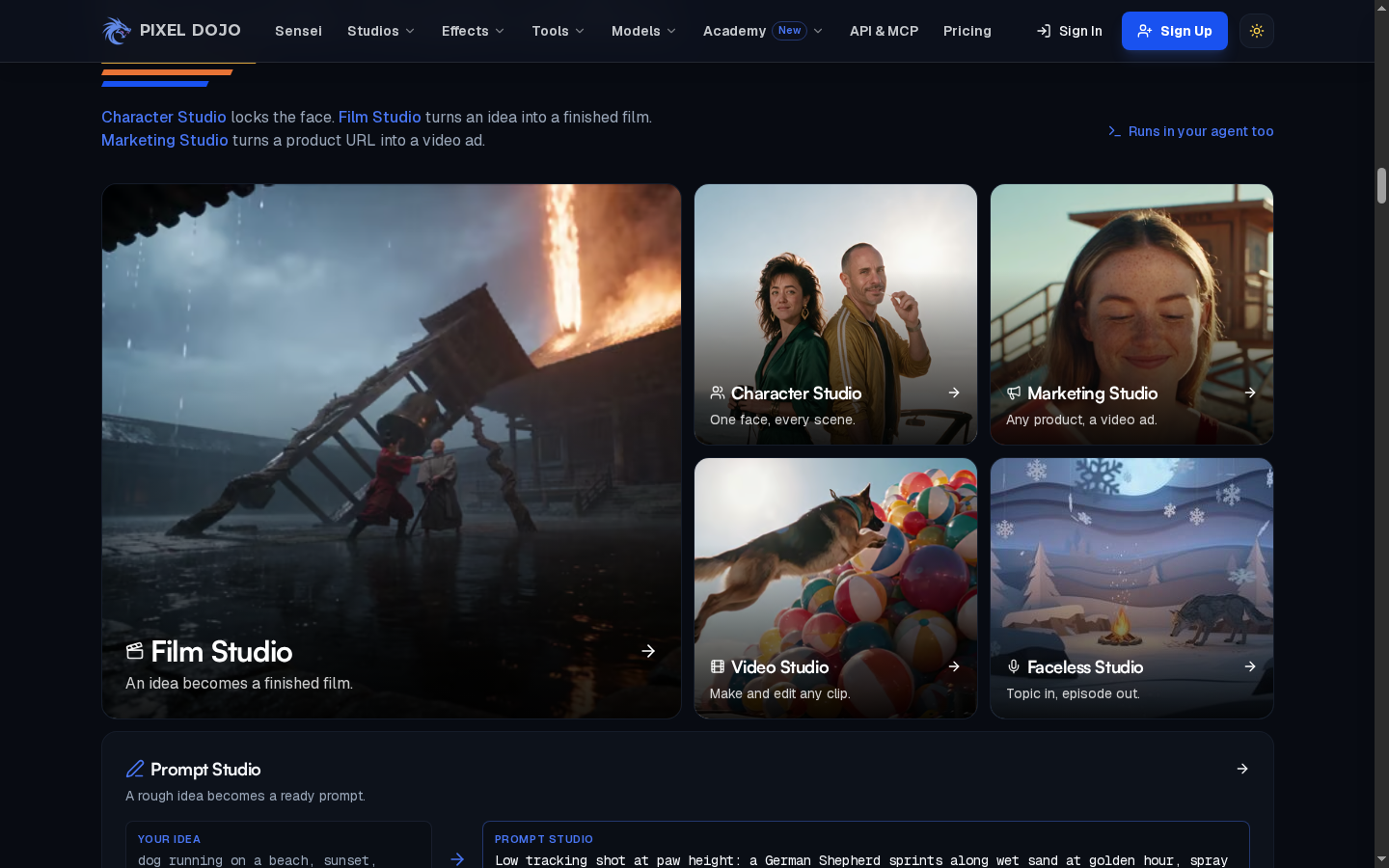
PixelDojo groups workflows into studios for film, marketing, characters, and video. A creator can begin with the kind of work they want to finish, such as a product ad or a short-film sequence, and then follow the studio's prompts and controls. This task-based organization helps users orient themselves before selecting a specific model or effect.
PixelDojo presents image and video creation through model-specific tools and studio entry points. Users can choose a task, provide a prompt or visual reference where supported, and work with the available generation controls. Model selection matters because input requirements and output options differ, so check each live tool before building a repeatable process.
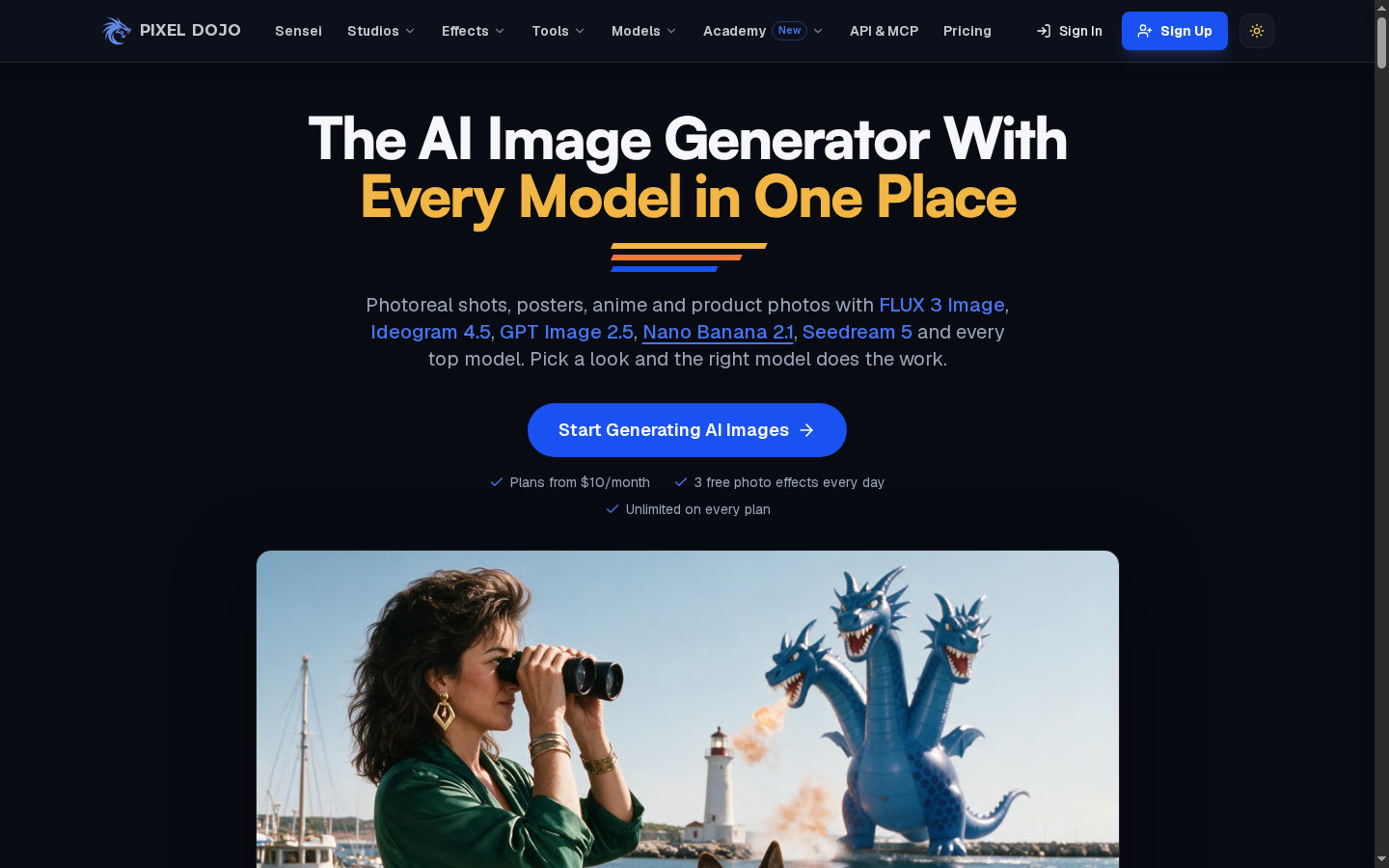
PixelDojo highlights one-click video effects that start with a single photo and produce a shareable motion result. This is a quick path for testing a visual effect without constructing a full scene from a prompt. Creators who want a separate source-image workflow can also compare the image to video page. The specific effects and daily access shown on the site can change, so confirm current availability before planning regular use.
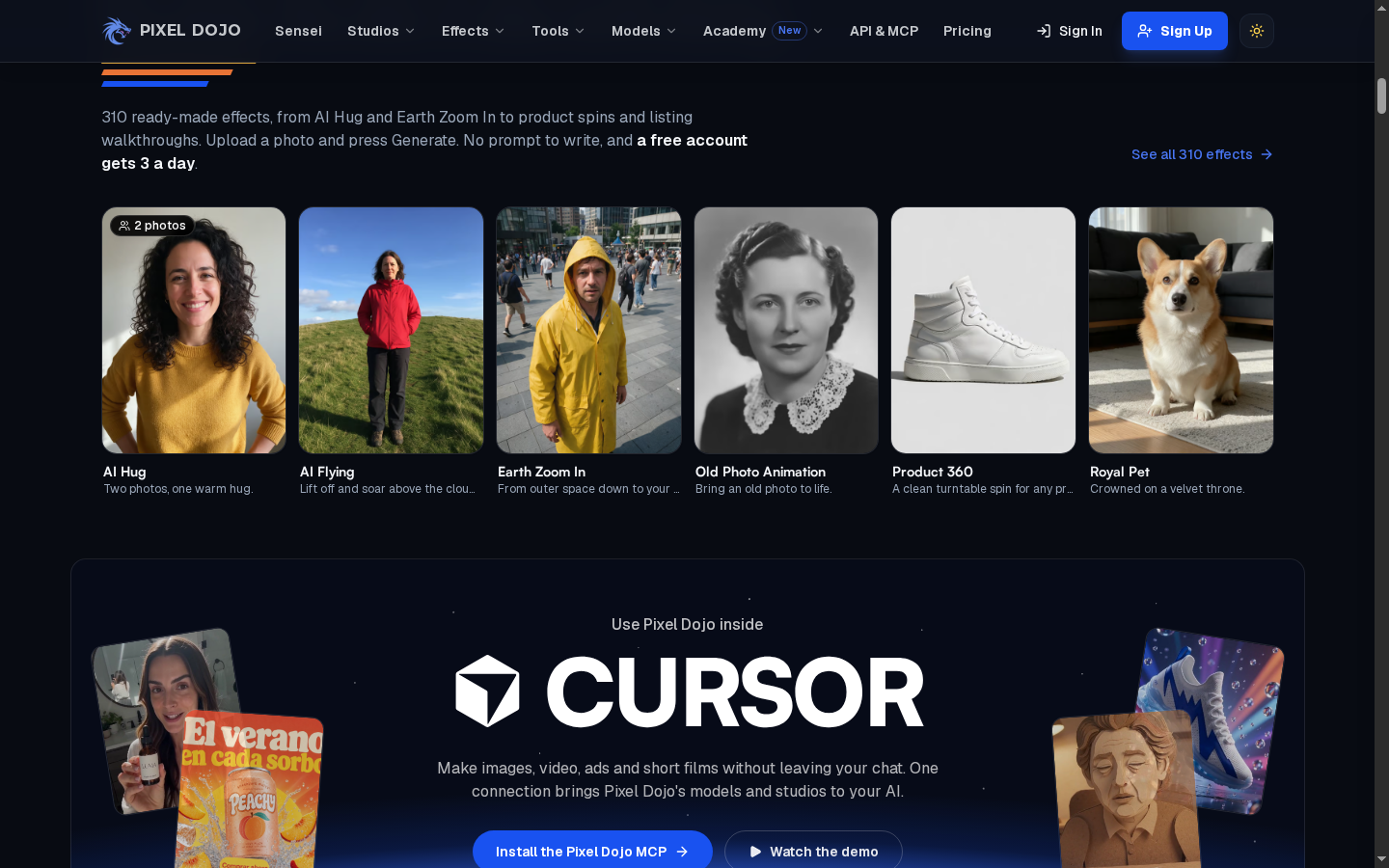
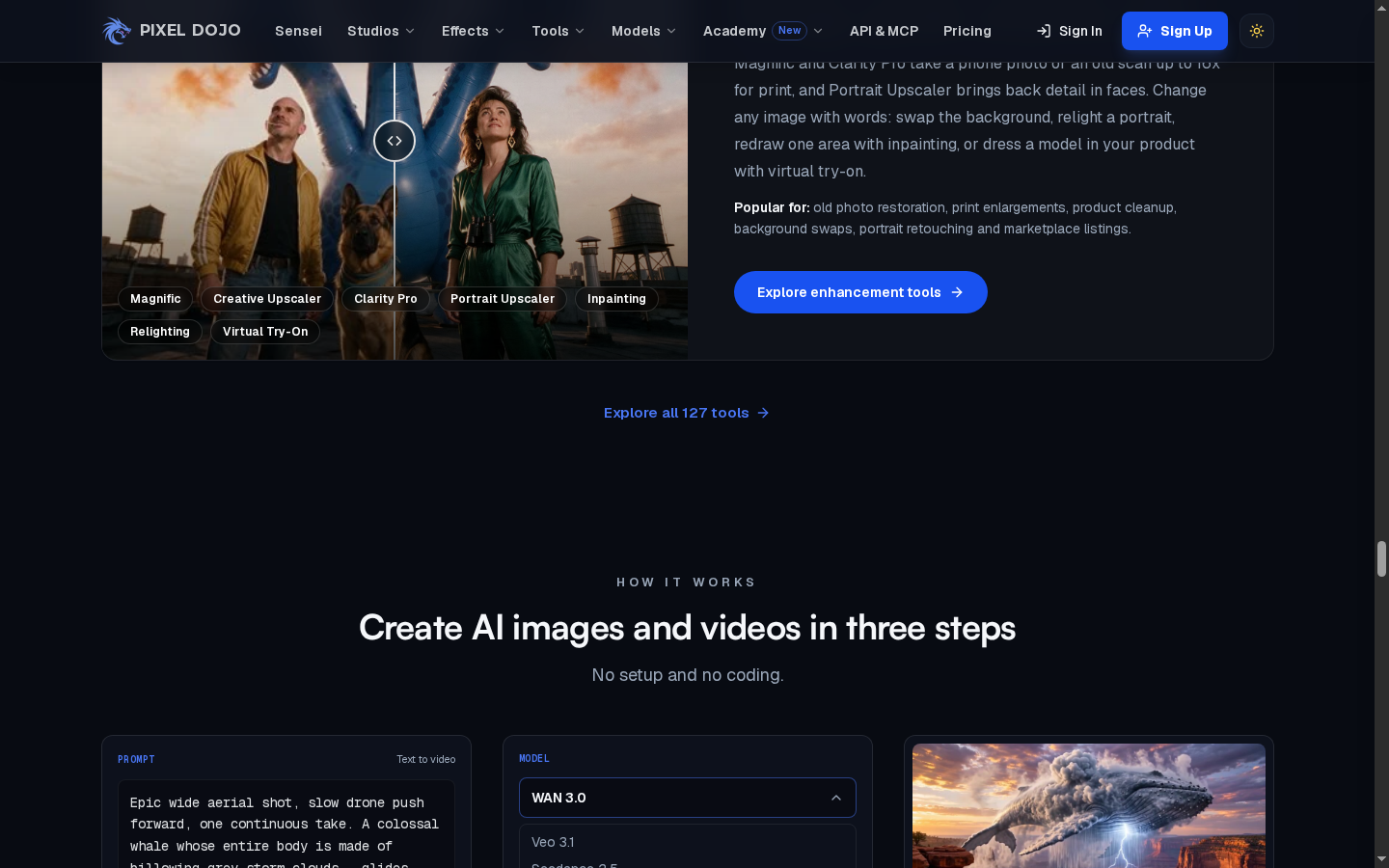
Beyond generation, PixelDojo lists editing and utility tools for image and video tasks, including effects, enhancement, and cleanup workflows. These tools can help creators prepare or revise assets around a generated clip. Because the tool collection and access rules can change, use the current tool pages to verify which operations are available for the input you have.
Use Marketing Studio to turn product information or a product image into a promotional video concept. This workflow is suited to small teams preparing product-led social content and campaign variations.
Select a workflow such as Film Studio, Marketing Studio, Character Studio, Video Studio, or a specific image or video effect.
Provide the story idea, product link, image, or character reference requested by the selected workflow, then review its model and generation options.
Create the first result, review it, and use the available editing, enhancement, or effect tools to prepare the asset for its intended placement.
PixelDojo gives creators several studios for image and video work. When the next task is specifically to animate an image or build a short clip, use a workflow centered on video creation.
Create a Video From an Image